Headcount Projection
A
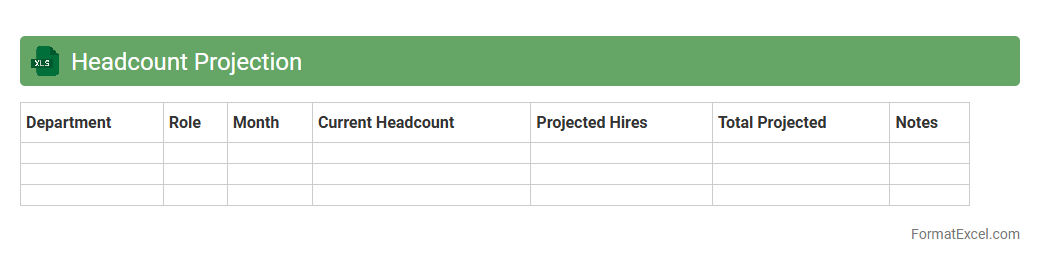
Headcount Projection Excel document is a spreadsheet tool designed to estimate future staffing needs based on variables such as business growth, turnover rates, and seasonal demands. It helps organizations plan workforce requirements, budget for recruitment, and align human resources with strategic goals. Using this document enhances decision-making by providing clear visibility into potential staffing gaps and cost implications.
Attrition Rate Analysis
Attrition Rate Analysis Excel document is a specialized spreadsheet designed to calculate and track employee turnover within an organization over a specific period. It helps identify patterns and trends in workforce reduction by analyzing departure data, enabling HR departments to address retention challenges effectively. Using this tool supports strategic decision-making by highlighting areas requiring improvement to maintain a stable and productive workforce.
New Hire Planning
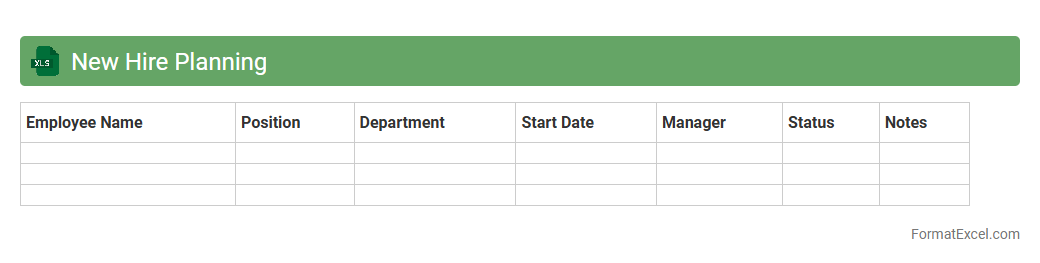
The
New Hire Planning Excel document is a structured tool designed to organize and forecast workforce hiring needs, track recruitment progress, and manage onboarding schedules efficiently. It enables HR teams and managers to allocate resources, set hiring priorities, and monitor new employee integration, ensuring alignment with organizational goals. By centralizing hiring data and timelines, this document optimizes recruitment strategies and streamlines the new hire process for improved workforce planning.
Transfer Movement Tracking
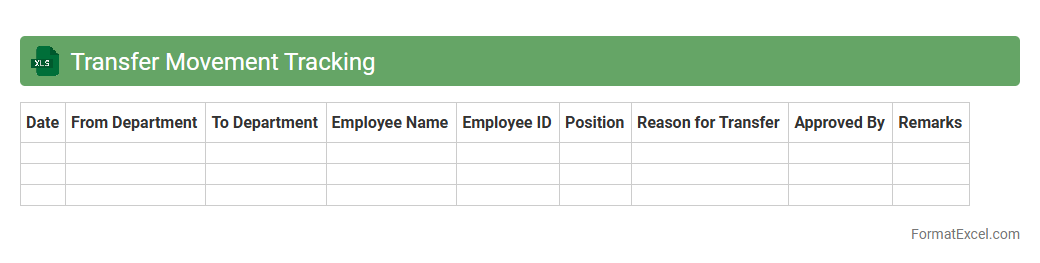
The
Transfer Movement Tracking Excel document is a powerful tool designed to monitor and record the transfer of assets, inventory, or personnel across various locations or departments. It helps maintain accurate, real-time data on movement history, ensuring accountability and reducing errors in tracking. This document enhances operational efficiency by providing clear visibility into transfer activities, enabling better decision-making and resource management.
Promotion Pipeline
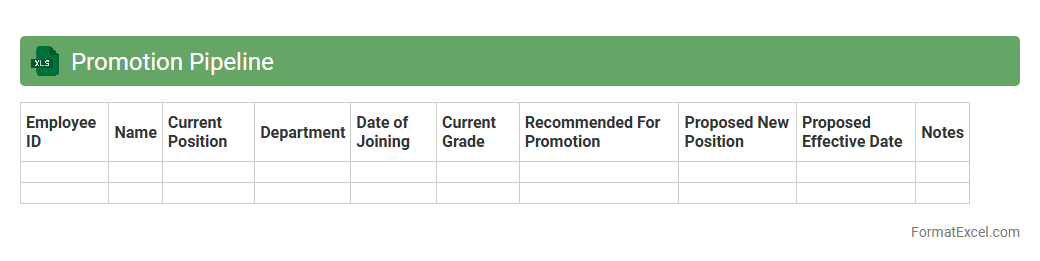
A
Promotion Pipeline Excel document is a structured tool designed to track and manage employee advancement processes within an organization. It helps HR teams and managers monitor candidate eligibility, track promotion stages, and ensure timely decision-making. By centralizing promotion data, this document improves transparency, streamlines workflow, and supports strategic talent development.
Succession Planning
A
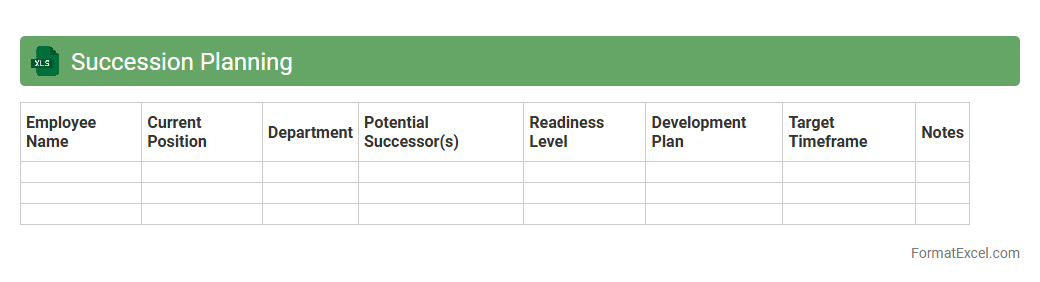
Succession Planning Excel document is a structured spreadsheet designed to identify and develop internal talent for key roles within an organization. It helps visualize potential candidates, track their readiness levels, and plan career development steps effectively. This tool optimizes workforce continuity, reduces leadership gaps, and supports strategic talent management decisions.
Overtime Forecasting
The
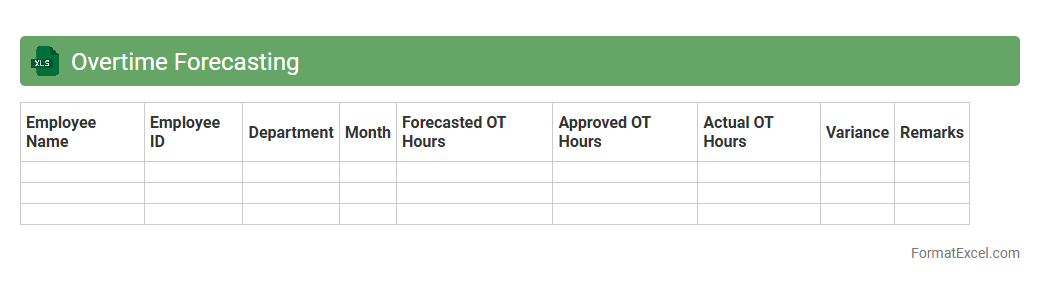
Overtime Forecasting Excel document is a tool designed to predict future overtime hours based on historical data and projected workloads, enabling businesses to manage labor costs effectively. It helps organizations allocate resources efficiently, prevent budget overruns, and maintain workforce productivity by identifying periods with high overtime risks. Utilizing this forecast supports strategic decision-making and fosters better planning for labor demands.
Leave of Absence Forecast
The
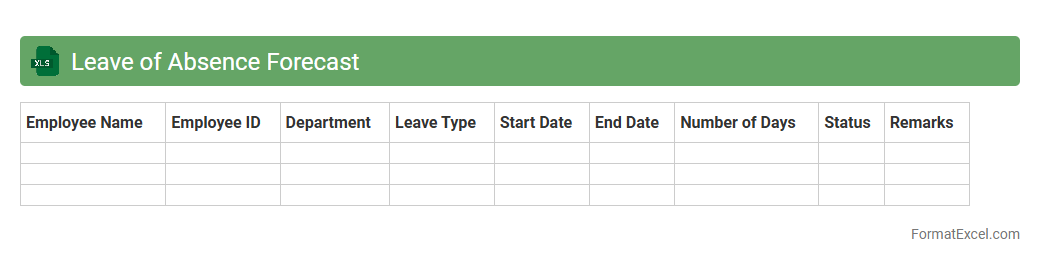
Leave of Absence Forecast Excel document is a vital tool for tracking and predicting employee absences over a specified period. It enables HR teams and managers to plan workforce allocation effectively, minimizing disruptions and maintaining productivity. By analyzing patterns in leave requests, the forecast helps in budgeting, scheduling, and ensuring adequate coverage during critical business times.
Seasonal Staffing Needs
The
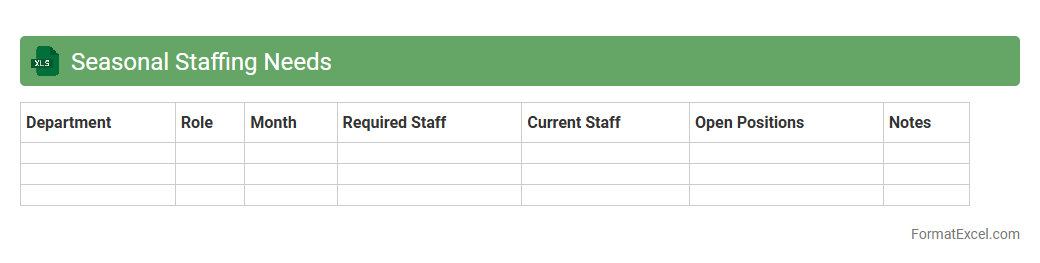
Seasonal Staffing Needs Excel document is a specialized tool designed to track and manage workforce requirements during peak and off-peak seasons. It helps businesses accurately forecast labor demands, optimize scheduling, and control labor costs by aligning staffing levels with fluctuating customer or production needs. This document enables efficient resource allocation, ensuring operational efficiency and reducing the risks of overstaffing or understaffing.
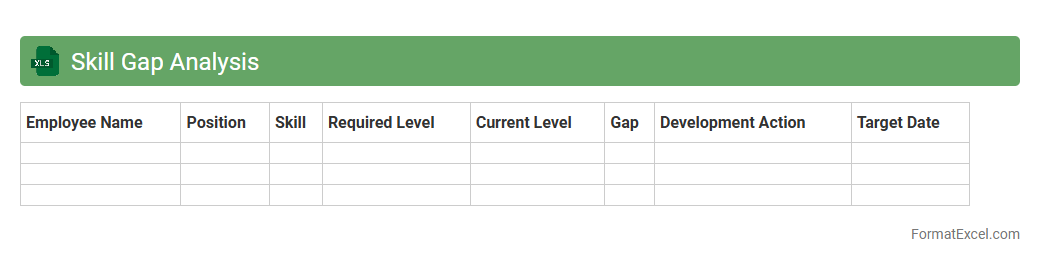
Skill Gap Analysis
A
Skill Gap Analysis Excel document is a structured tool that helps identify the discrepancies between current employee skills and the skills required for optimal job performance. It enables organizations to pinpoint specific areas for training and development, ensuring targeted skill enhancement and improved workforce productivity. By systematically tracking skill levels and gaps, businesses can make informed decisions on recruitment, training programs, and resource allocation.
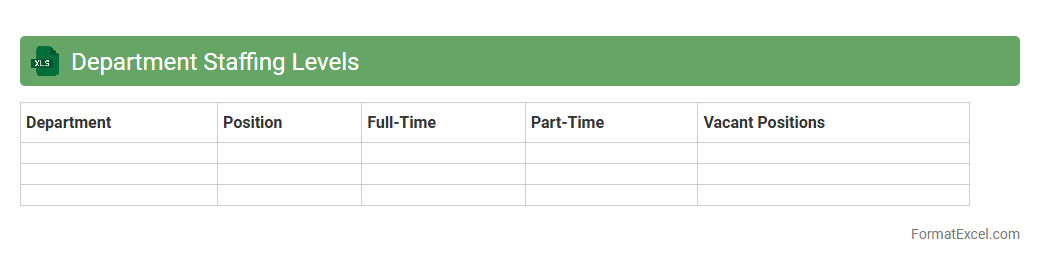
Department Staffing Levels
The
Department Staffing Levels Excel document provides a detailed overview of employee allocation across various departments, highlighting current staffing numbers, vacancies, and projected needs. This tool enables efficient workforce planning by identifying understaffed areas, optimizing resource distribution, and supporting strategic hiring decisions. Utilizing this document helps improve operational efficiency and ensures balanced team workloads for sustained organizational performance.
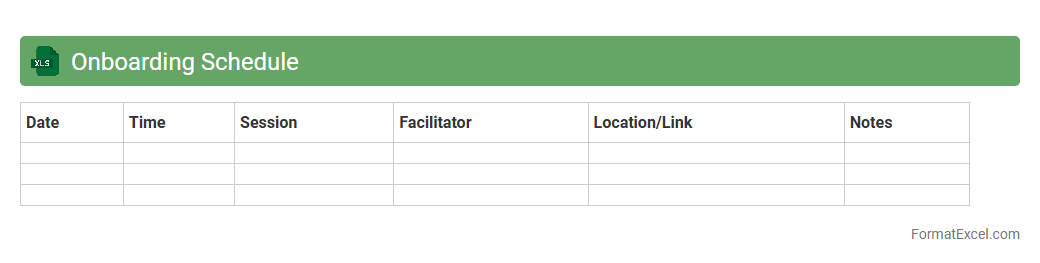
Onboarding Schedule
An
Onboarding Schedule Excel document is a structured spreadsheet that outlines the timeline, tasks, and responsible parties for effectively integrating new employees into an organization. This tool helps streamline the onboarding process by tracking training sessions, orientation activities, and key milestones, ensuring consistency and organization. By using this schedule, HR teams can improve employee engagement, reduce onboarding delays, and enhance overall productivity from day one.
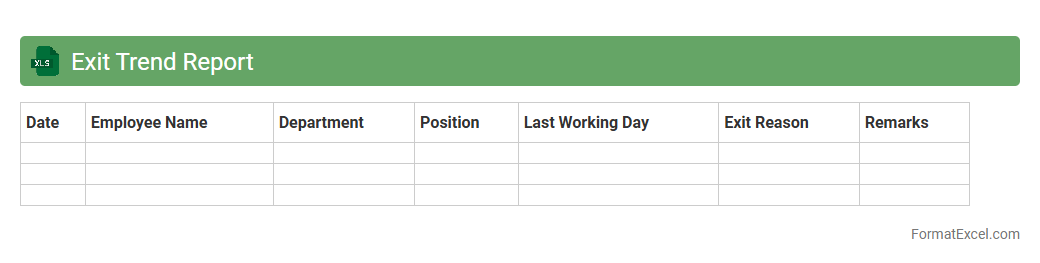
Exit Trend Report
The
Exit Trend Report Excel document provides a detailed analysis of employee turnover patterns within an organization, highlighting the reasons, timing, and frequency of exits. It helps HR teams identify key trends such as peak exit periods, departments with high attrition, and underlying causes, enabling data-driven decision-making to improve retention strategies. By leveraging this report, companies can proactively address workforce challenges and optimize their talent management processes.
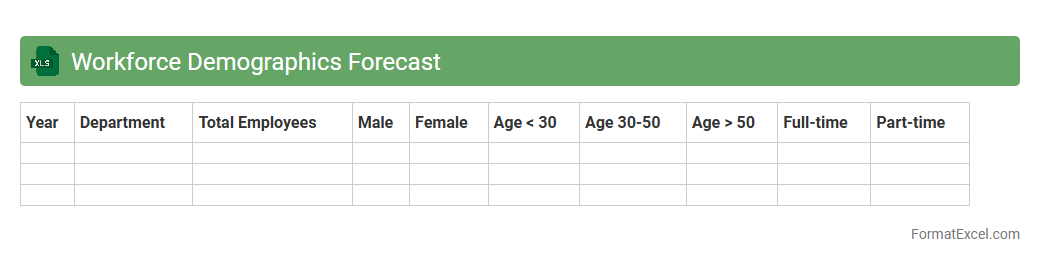
Workforce Demographics Forecast
The
Workforce Demographics Forecast Excel document provides a detailed analysis of the current and projected composition of an organization's workforce, including age, gender, skill levels, and employment trends. It enables HR professionals and business leaders to anticipate talent gaps, plan recruitment strategies, and design succession planning more effectively. By using this forecast, companies can optimize resource allocation and enhance workforce diversity to meet future business demands.
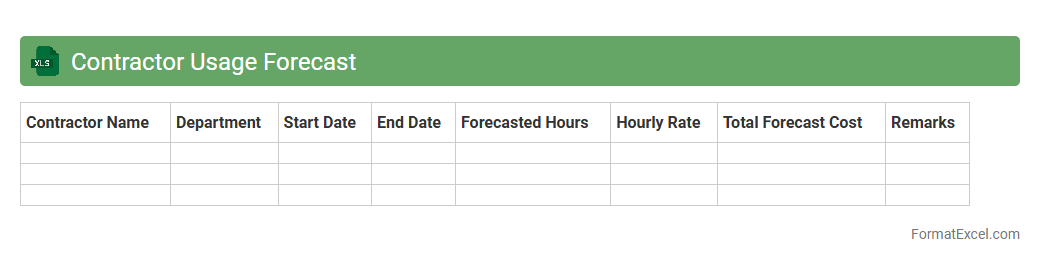
Contractor Usage Forecast
The
Contractor Usage Forecast Excel document is a dynamic tool designed to track and predict contractor workforce requirements over specific time periods. It allows organizations to allocate budget resources efficiently, plan project timelines accurately, and avoid workforce shortages or surpluses. By analyzing historical usage patterns and future project demands, this forecast enhances decision-making and operational productivity.
Vacancy Rate Report
The Vacancy Rate Report Excel document is a specialized tool that tracks and analyzes the percentage of unoccupied units within properties or portfolios, providing critical insights into real estate market performance. This report helps landlords, property managers, and investors identify trends, optimize rental pricing, and improve occupancy strategies by visualizing vacancy fluctuations over time. Using a
Vacancy Rate Report enhances decision-making and drives profitable property management practices.
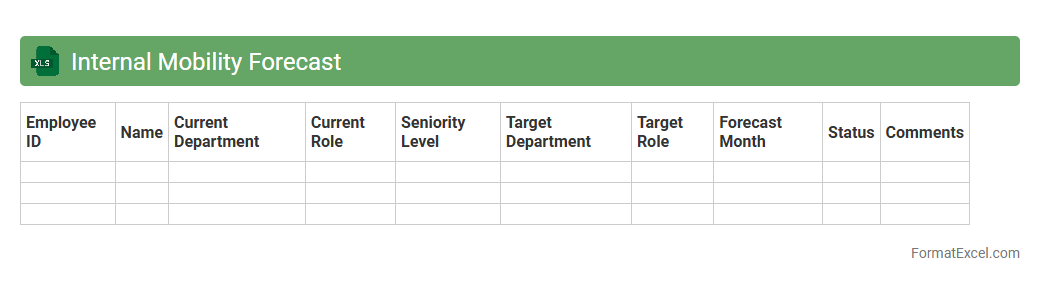
Internal Mobility Forecast
The
Internal Mobility Forecast Excel document is a strategic tool designed to predict and analyze employee movement within an organization, including transfers, promotions, and role changes. It helps HR professionals and managers identify talent gaps, forecast workforce needs, and plan succession effectively by leveraging historical data and trend analysis. Utilizing this document enhances decision-making for talent management and optimizes internal career development pathways.
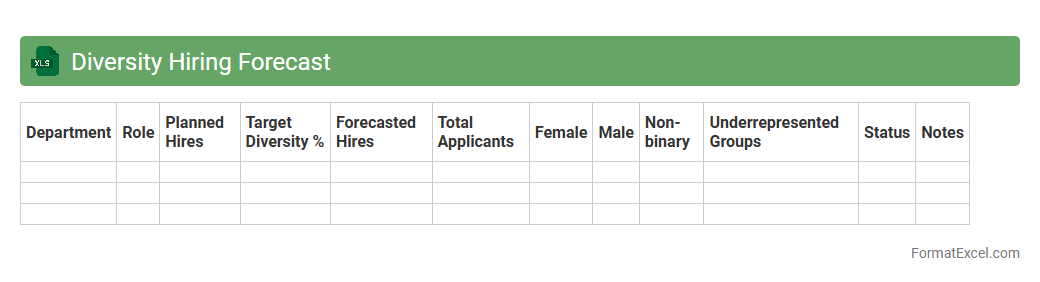
Diversity Hiring Forecast
The
Diversity Hiring Forecast Excel document provides a data-driven approach to track and project workforce diversity trends, enabling organizations to set measurable hiring goals across various demographic segments. It leverages historical hiring data and predictive analytics to identify potential gaps and opportunities for improving inclusion. This tool helps HR professionals make informed decisions, ensuring recruitment strategies align with diversity objectives and compliance standards.
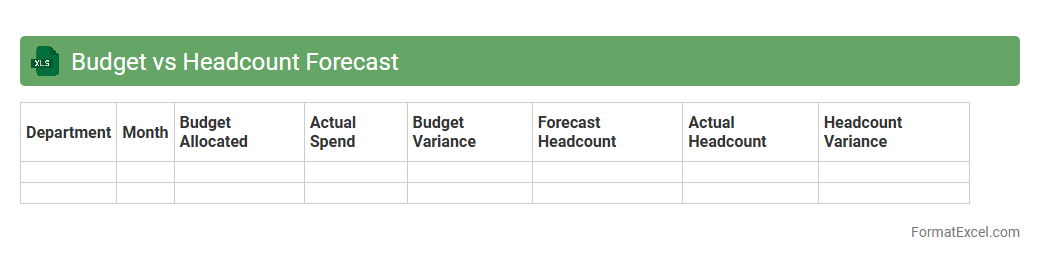
Budget vs Headcount Forecast
The
Budget vs Headcount Forecast Excel document is a powerful tool that allows organizations to compare planned financial allocations against the projected number of employees over a specific period. It helps track variance between budgeted costs and actual or forecasted headcount expenses, facilitating better workforce planning and financial control. By providing clear insights into staffing costs and resource allocation, it supports data-driven decision-making and optimizes operational efficiency.
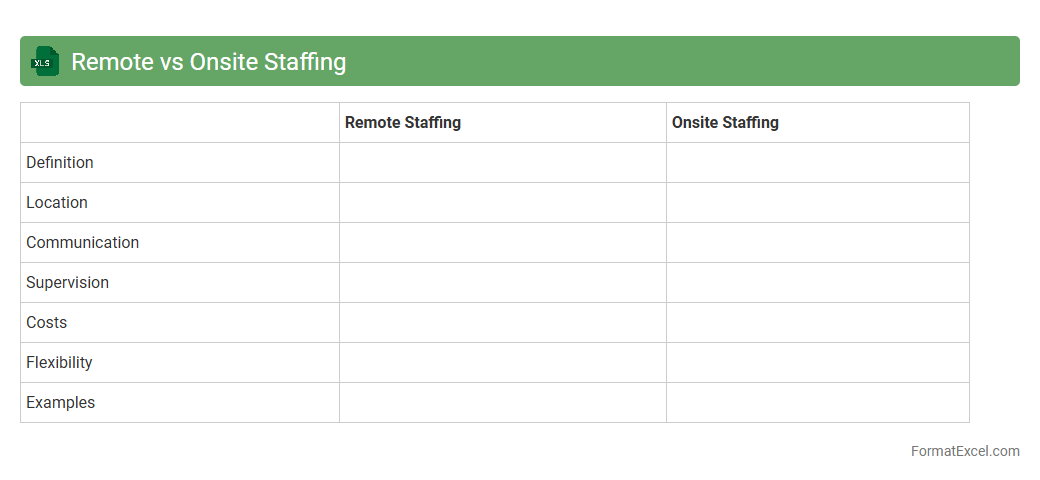
Remote vs Onsite Staffing
The
Remote vs Onsite Staffing Excel document provides a detailed comparison of workforce distribution, highlighting the number of employees working remotely versus onsite across departments or projects. It helps organizations analyze productivity, manage resources efficiently, and make informed decisions on staffing strategies based on location-specific performance metrics. Utilizing this document streamlines workforce planning, improves cost management, and supports a flexible work environment tailored to business needs.
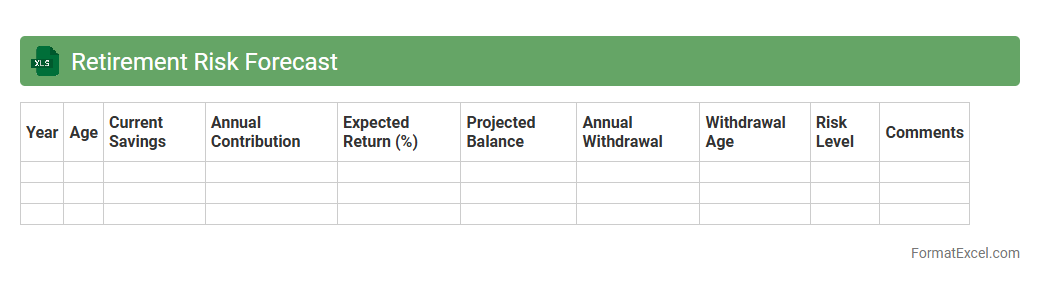
Retirement Risk Forecast
The
Retirement Risk Forecast Excel document is a financial planning tool designed to project potential risks to retirement savings based on various economic scenarios and personal investment strategies. It uses historical data and customizable inputs such as inflation rates, withdrawal rates, and life expectancy to estimate the likelihood of outliving assets. This forecast helps individuals and financial planners make informed decisions by identifying vulnerabilities in retirement plans and adjusting strategies to enhance financial security.
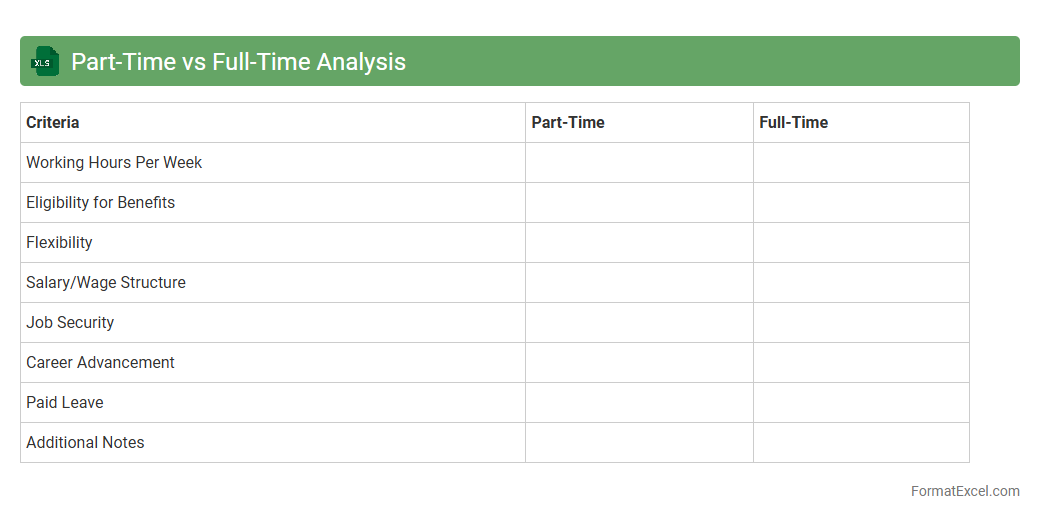
Part-Time vs Full-Time Analysis
The
Part-Time vs Full-Time Analysis Excel document is a tool designed to compare employee work hours, compensation, and productivity metrics between part-time and full-time staff. By organizing data on wages, hours worked, and benefits, it helps businesses identify cost-efficiency and workforce allocation opportunities. This analysis supports strategic decision-making in HR management, payroll budgeting, and optimizing labor resources.
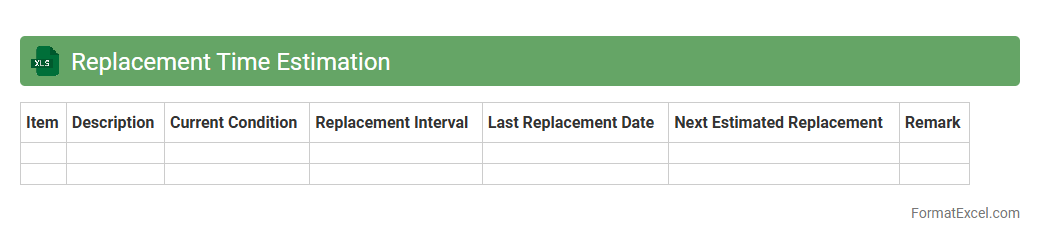
Replacement Time Estimation
The
Replacement Time Estimation Excel document is a tool designed to calculate and forecast the optimal timing for replacing equipment or assets based on usage, maintenance costs, and depreciation rates. It helps businesses minimize downtime and unexpected expenses by providing data-driven insights for strategic asset management. Using this document enhances budgeting accuracy and operational efficiency by ensuring timely replacements aligned with financial and performance metrics.
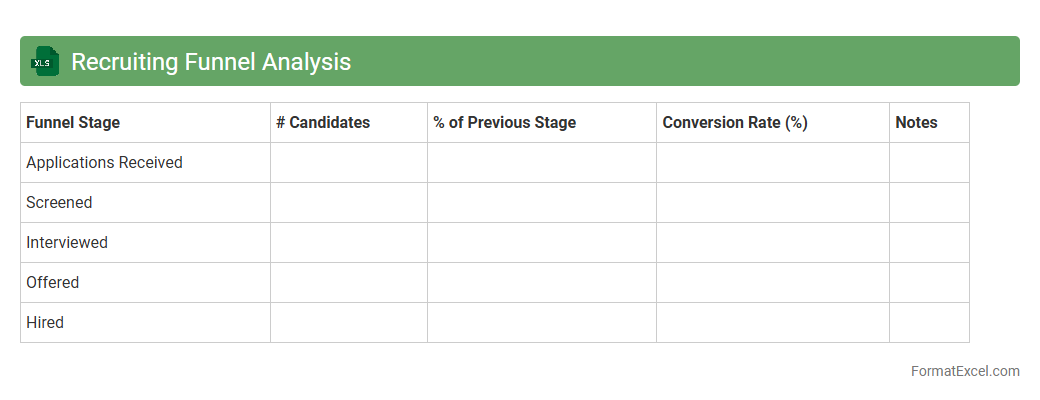
Recruiting Funnel Analysis
The
Recruiting Funnel Analysis Excel document tracks candidate progress through hiring stages, from application to offer acceptance, enabling clear visualization of conversion rates and drop-off points. It helps recruiters identify bottlenecks and optimize recruitment strategies by analyzing data such as application sources, interview outcomes, and time-to-hire metrics. Utilizing this tool improves hiring efficiency, making it easier to allocate resources effectively and enhance overall talent acquisition performance.
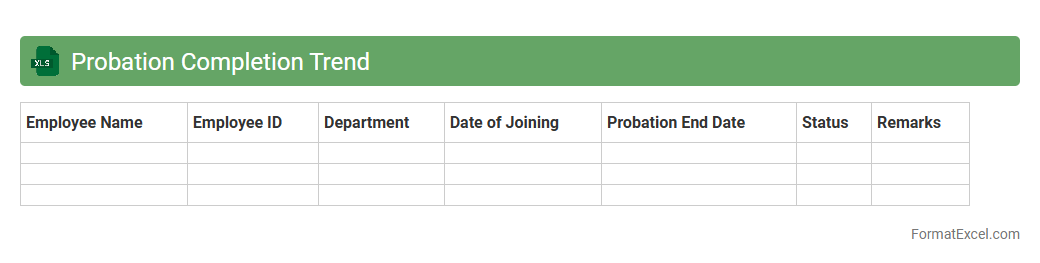
Probation Completion Trend
The
Probation Completion Trend Excel document tracks and analyzes employee probation periods over time, highlighting patterns in successful completions and terminations. It provides valuable insights into workforce stability and helps identify areas for improvement in onboarding and training processes. This data-driven tool supports informed decision-making in human resource management and enhances overall organizational effectiveness.
Introduction to Staff Forecast Format in Excel
The Staff Forecast Format in Excel provides a structured way to predict workforce needs using spreadsheet tools. It helps organizations plan effectively by visualizing future staffing demands. Understanding this format is essential for efficient human resource management.
Importance of Staff Forecasting for Workforce Planning
Staff forecasting is crucial for aligning workforce capacity with organizational goals. It prevents understaffing or overstaffing, optimizing productivity and budget. Accurate forecasts lead to better decision-making in recruitment and resource allocation.
Key Components of Excel-Based Staff Forecast Templates
Effective templates include data input fields, forecast periods, and assumption parameters. They integrate historical data with projected needs to create reliable forecasts. These components ensure comprehensive and actionable staffing insights.
Setting Up Essential Data Fields for Staff Forecasts
Essential data fields include employee roles, current headcount, turnover rates, and hiring timelines. Proper setup of these fields is foundational for accurate forecasting calculations. This structured input forms the basis for analysis and projections.
Step-by-Step Guide to Creating Staff Forecasts in Excel
Begin by gathering historical workforce data, then input it into the template. Use formulas to calculate staffing needs based on projected growth or changes. Following a clear step-by-step process ensures accurate and repeatable forecasts.
Utilizing Excel Formulas for Accurate Staff Predictions
Employ formulas such as SUMIFS, IF, and VLOOKUP to automate data analysis within your forecasts. These functions help calculate headcounts, identify trends, and accommodate variable factors. Mastery of formulas improves forecast precision and efficiency.
Best Practices for Updating and Maintaining Staff Forecast Files
Regularly update data to reflect real-time changes in staffing and business conditions. Use version control and document changes to maintain file integrity. Following best practices ensures forecasts remain relevant and reliable over time.
Common Mistakes to Avoid in Staff Forecasting
Avoid relying solely on historical data without considering market changes or company shifts. Ignoring data validation and inconsistent updates can lead to inaccurate forecasts. Recognizing and correcting these common mistakes enhances forecasting accuracy.
Tips for Visualizing Staffing Data with Excel Charts
Use charts like bar graphs and line charts to represent staffing trends clearly. Visual tools aid in understanding fluctuations and communicating forecasts effectively. Leveraging Excel charts makes data more accessible to stakeholders.
Downloadable Staff Forecast Excel Template and Resources
Access ready-made staff forecasting templates online to streamline your planning process. These resources include customizable spreadsheets and instructional guides. Utilizing templates saves time and improves forecasting accuracy.