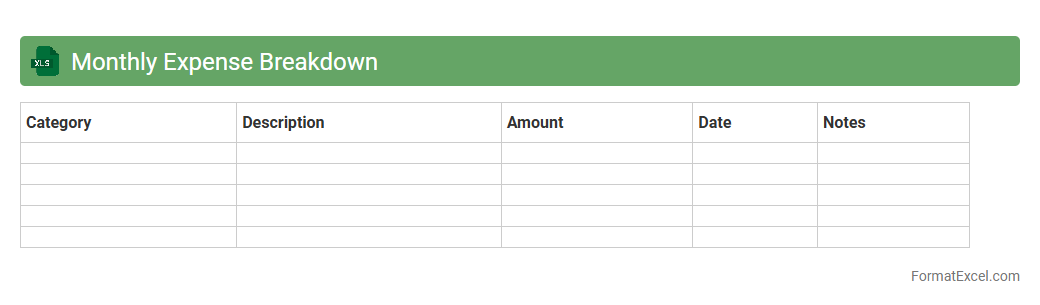
Monthly Expense Breakdown
A
Monthly Expense Breakdown Excel document is a structured spreadsheet that categorizes and tracks personal or business expenditures on a monthly basis. It helps users gain clear insights into spending patterns, identify areas to cut costs, and improve overall financial management by organizing expenses into specific categories. This tool enhances budgeting accuracy and promotes financial discipline by providing a detailed, easy-to-analyze overview of monthly spending.
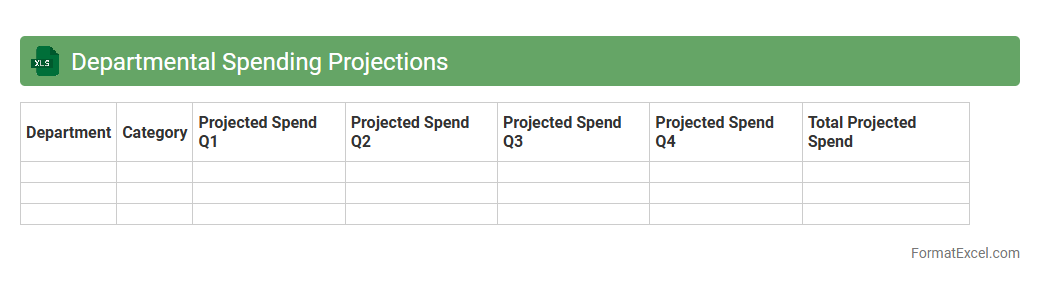
Departmental Spending Projections
The
Departmental Spending Projections Excel document provides a detailed forecast of expenses across various departments, enabling precise budget planning and resource allocation. It consolidates historical spending data and current financial trends to predict future costs, helping organizations avoid overspending and optimize financial management. This tool is essential for making informed decisions, improving fiscal responsibility, and supporting strategic growth initiatives.
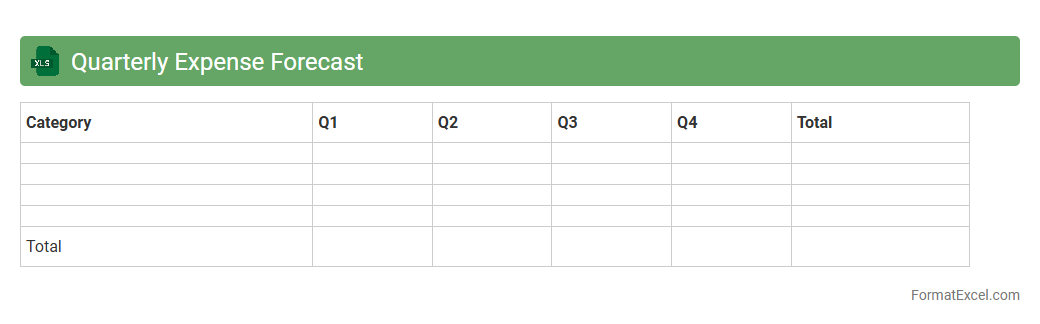
Quarterly Expense Forecast
A
Quarterly Expense Forecast Excel document is a financial planning tool that projects business expenses over a three-month period, allowing for efficient budget management and cash flow analysis. It helps organizations anticipate costs, identify spending trends, and allocate resources effectively, minimizing the risk of overspending. By providing detailed expense forecasts, the document supports strategic decision-making and enhances financial accountability.
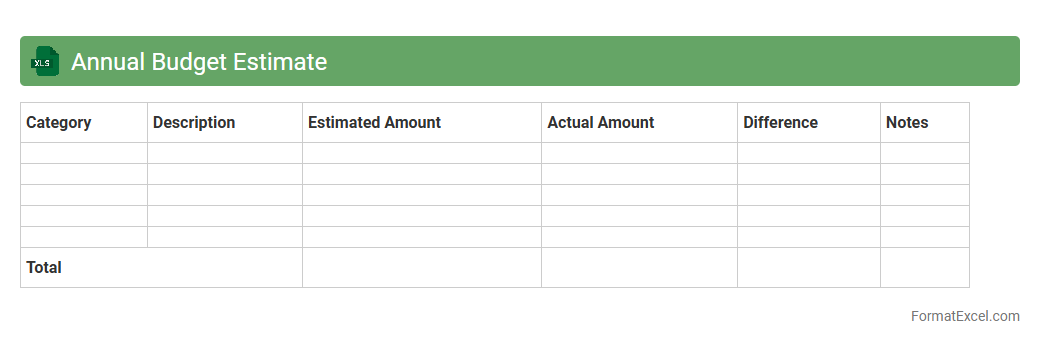
Annual Budget Estimate
An
Annual Budget Estimate Excel document is a financial planning tool that organizes projected income and expenses over a fiscal year using spreadsheets with formulas, charts, and tables for accurate calculations. It helps individuals and businesses monitor cash flow, control spending, and set financial goals by providing a clear visual overview of anticipated revenues and costs. Using this document facilitates informed decision-making, ensuring resources are allocated efficiently and financial risks are minimized.
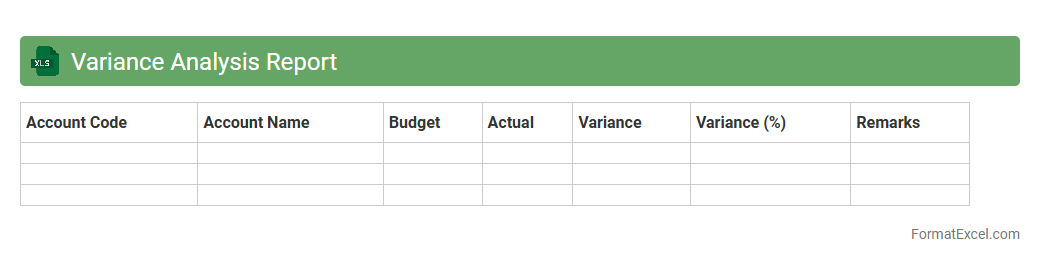
Variance Analysis Report
A
Variance Analysis Report Excel document highlights the differences between planned financial outcomes and actual results, enabling businesses to identify areas of overspending or cost savings. By systematically comparing budgeted figures against actual performance, it provides actionable insights for improving financial control and decision-making processes. This report is essential for monitoring business efficiency, forecasting accuracy, and optimizing resource allocation.
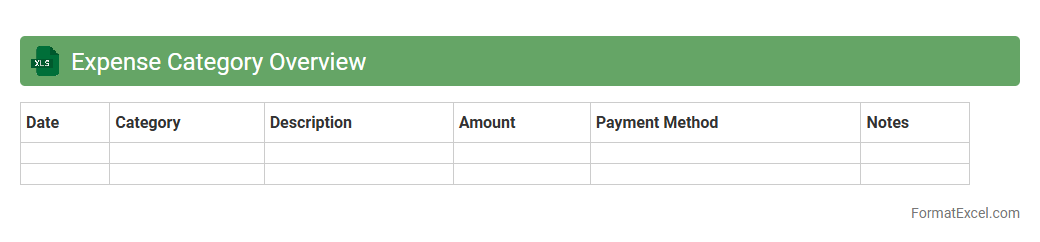
Expense Category Overview
The
Expense Category Overview Excel document organizes and tracks different expense types systematically, allowing users to analyze spending patterns effectively. It helps identify major cost drivers by categorizing expenses into groups such as utilities, payroll, and office supplies, providing clear insights for budget optimization. This tool is essential for informed financial decision-making, enhancing expense management and forecasting accuracy.
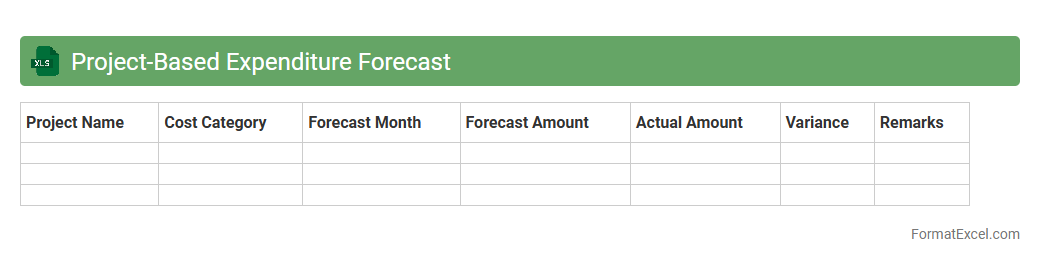
Project-Based Expenditure Forecast
A
Project-Based Expenditure Forecast Excel document is a financial planning tool designed to estimate and track costs associated with specific projects over a defined period. It enables organizations to allocate budgets accurately, monitor spending trends, and identify potential cost overruns before they occur. This document improves decision-making by providing clear visibility into project finances, ensuring resources are managed efficiently and goals are met within budget constraints.
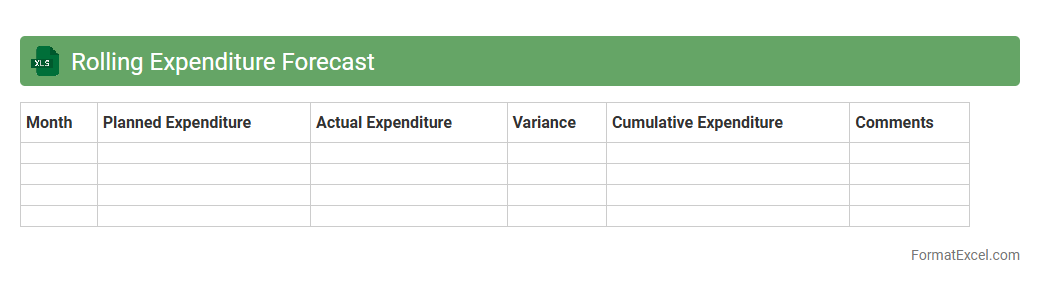
Rolling Expenditure Forecast
The
Rolling Expenditure Forecast Excel document is a dynamic financial tool that helps track and predict ongoing expenses over a specific time frame, typically updated monthly or quarterly. It enables businesses to adjust budgets in real-time by incorporating actual spending data and projected costs, ensuring better cash flow management and resource allocation. This document supports strategic decision-making by providing a clear view of future financial obligations, minimizing surprises, and improving overall fiscal planning.
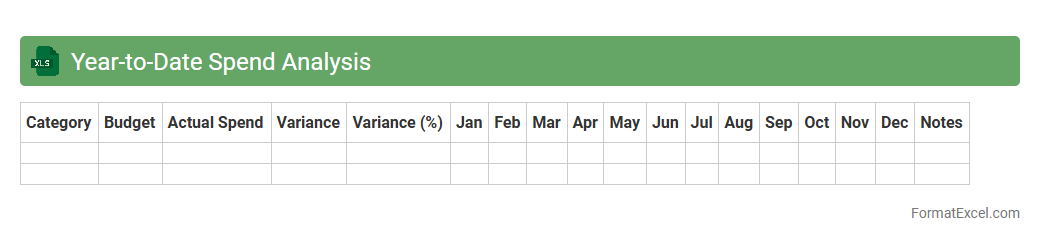
Year-to-Date Spend Analysis
Year-to-Date Spend Analysis is an
Excel document that tracks cumulative expenses from the start of the year to the current date, offering a clear overview of financial outflows. It helps businesses monitor budget adherence, identify spending trends, and make data-driven decisions to control costs effectively. By analyzing year-to-date spend, organizations can optimize resource allocation and enhance financial planning accuracy.
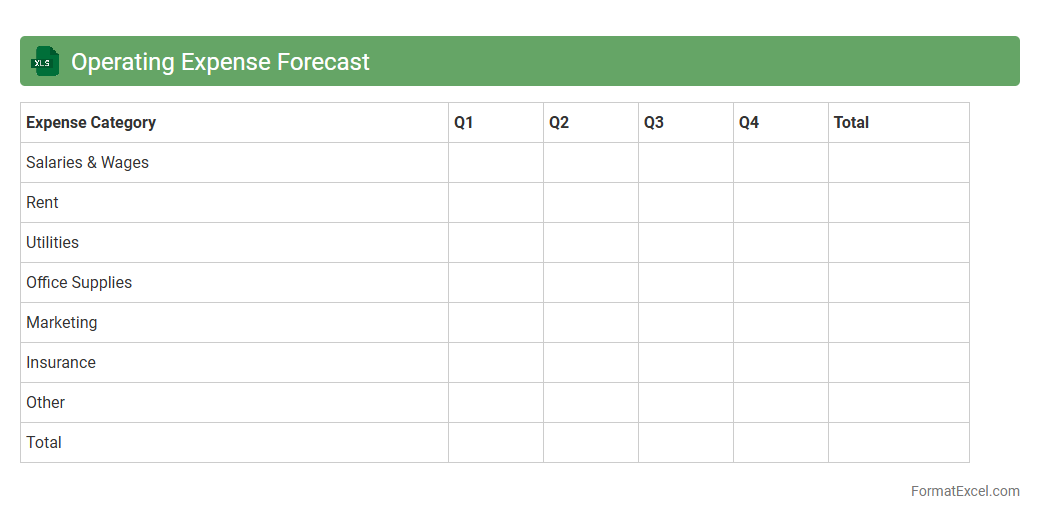
Operating Expense Forecast
An
Operating Expense Forecast Excel document is a financial tool used to project future business expenses related to daily operations, such as salaries, rent, utilities, and maintenance costs. This forecast helps businesses monitor cash flow, budget accurately, and make informed decisions to optimize spending and ensure financial stability. By analyzing trends and variances in operating costs, companies can identify opportunities for cost savings and improve overall financial planning.
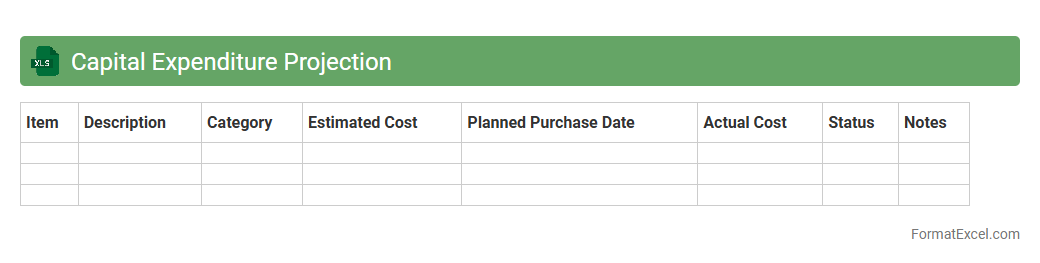
Capital Expenditure Projection
A
Capital Expenditure Projection Excel document is a financial planning tool used to estimate future investments in long-term assets such as property, equipment, or infrastructure. It helps organizations allocate budgets, forecast cash flow needs, and evaluate the financial impact of major purchases over multiple periods. This projection supports strategic decision-making by providing clarity on capital spending priorities and potential return on investment.
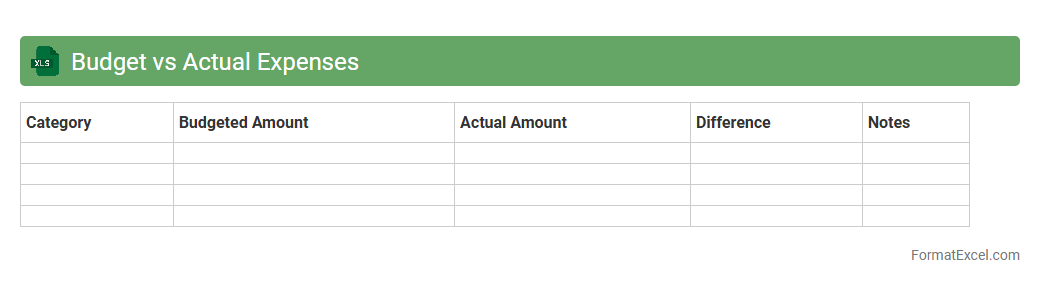
Budget vs Actual Expenses
A
Budget vs Actual Expenses Excel document tracks planned financial expenditures against the amounts actually spent, enabling precise monitoring of spending patterns and financial performance. This tool helps identify variances, control costs, and make informed decisions to improve budget accuracy and resource allocation. It is essential for businesses and individuals aiming to maintain financial discipline and achieve fiscal goals effectively.
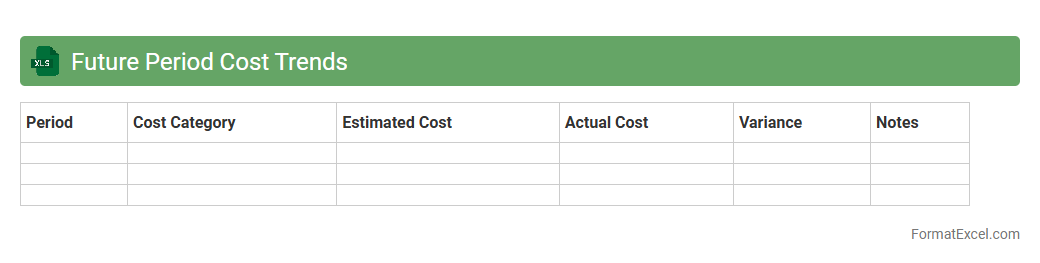
Future Period Cost Trends
The
Future Period Cost Trends Excel document tracks and forecasts cost fluctuations over upcoming fiscal periods by analyzing historical data and market indicators. This tool enables businesses to anticipate expense changes, optimize budgeting, and improve financial planning accuracy. It supports strategic decision-making by providing clear, data-driven insights into cost behavior patterns.
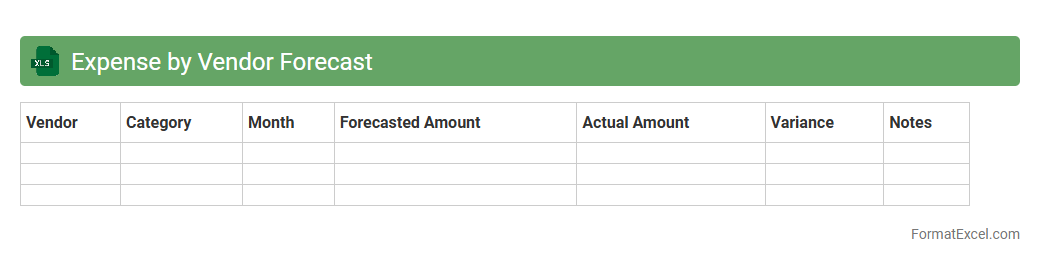
Expense by Vendor Forecast
The
Expense by Vendor Forecast Excel document is a financial planning tool that projects future expenses based on vendor-specific data, enabling accurate budgeting and cash flow management. It organizes historical spending patterns and vendor contracts to predict upcoming costs, assisting businesses in identifying cost trends and negotiating better terms. This document is essential for improving expense control, enhancing vendor relationships, and supporting strategic financial decision-making.
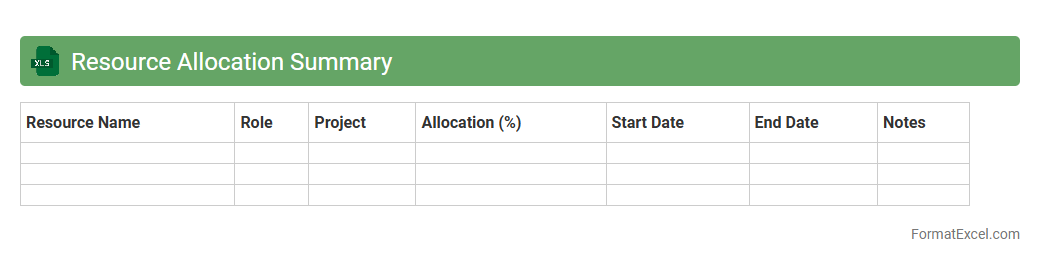
Resource Allocation Summary
A
Resource Allocation Summary Excel document organizes and tracks the distribution of resources such as personnel, time, and budget across various projects or tasks. It provides a clear overview of resource utilization, enabling efficient planning, identifying potential over-allocations, and ensuring optimal productivity. This document supports informed decision-making by highlighting resource availability and helping to balance workloads effectively.
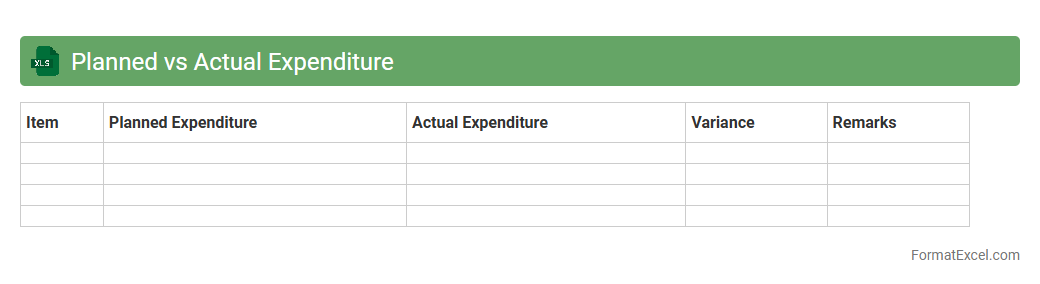
Planned vs Actual Expenditure
A
Planned vs Actual Expenditure Excel document is a financial tool used to compare estimated budgets against real-time spending, enabling precise budget tracking and management. It helps identify discrepancies between forecasted and actual expenses, facilitating better decision-making and resource allocation. Organizations and individuals use this document to optimize financial planning, control costs, and ensure adherence to budget constraints.
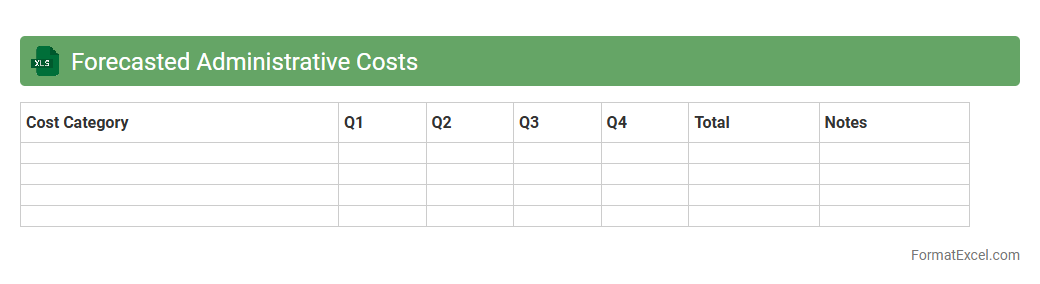
Forecasted Administrative Costs
The
Forecasted Administrative Costs Excel document is a financial planning tool designed to estimate upcoming administrative expenses based on historical data and projected activities. It helps organizations allocate budgets efficiently by providing detailed breakdowns of costs such as salaries, office supplies, and facility maintenance. Utilizing this document enhances decision-making accuracy and supports effective resource management for sustainable business operations.
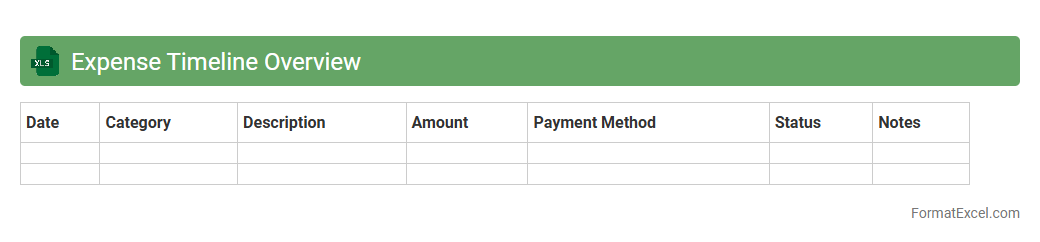
Expense Timeline Overview
The
Expense Timeline Overview Excel document organizes financial data chronologically, allowing users to track and analyze expenses over specific periods easily. It provides clear visualization of cash outflows, helping in budget management, identifying spending patterns, and forecasting future costs. This tool is essential for informed financial decision-making and maintaining control over personal or organizational expenditures.
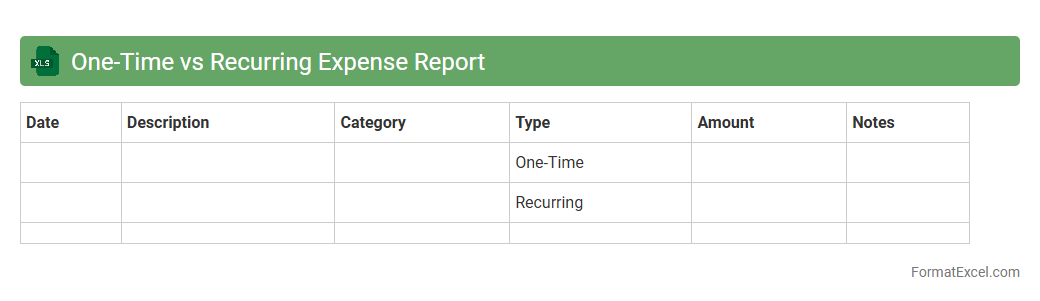
One-Time vs Recurring Expense Report
An
One-Time vs Recurring Expense Report Excel document categorizes expenses into single occurrences and repeated payments, enabling clear financial tracking and budgeting. This distinction helps businesses identify fixed monthly costs versus sporadic expenditures, improving cash flow management. By using this report, organizations can optimize expense forecasting and make informed financial decisions.
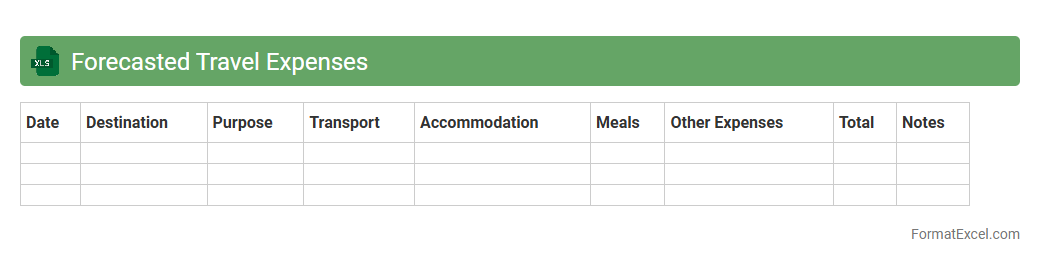
Forecasted Travel Expenses
The
Forecasted Travel Expenses Excel document is a financial planning tool designed to estimate and track anticipated costs related to business or personal travel. It helps organize expenses such as airfare, accommodation, meals, and transportation, allowing for a clear budget overview and better cash flow management. By providing an accurate forecast, this document aids in minimizing overspending and supports strategic decision-making for upcoming trips.
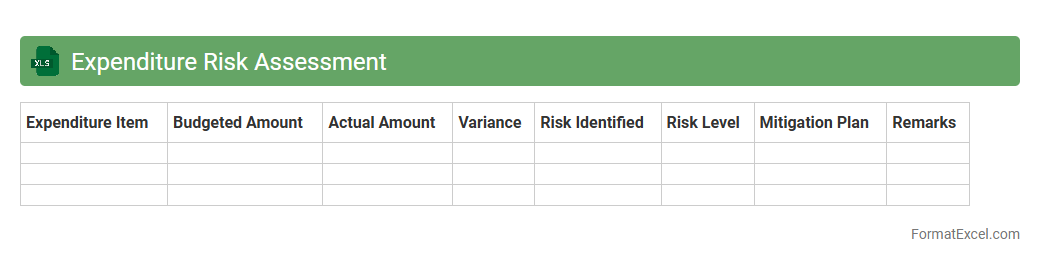
Expenditure Risk Assessment
The
Expenditure Risk Assessment Excel document is a tool designed to identify, analyze, and manage financial risks associated with project or organizational spending. It enables users to systematically evaluate potential cost overruns, budget misallocations, and unforeseen expenses through data-driven metrics and risk scoring. By providing clear visualizations and actionable insights, this document enhances decision-making and financial control, ensuring more accurate budgeting and resource allocation.
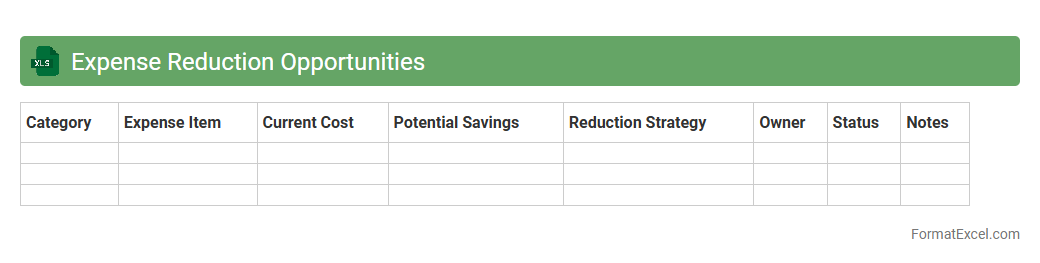
Expense Reduction Opportunities
The
Expense Reduction Opportunities Excel document is a specialized tool designed to identify and analyze areas where a business can cut costs effectively. It offers detailed categories and formulas to track spending patterns, highlight unnecessary expenses, and provide actionable insights for budget optimization. Utilizing this document helps organizations improve their financial health by maximizing savings without compromising operational efficiency.
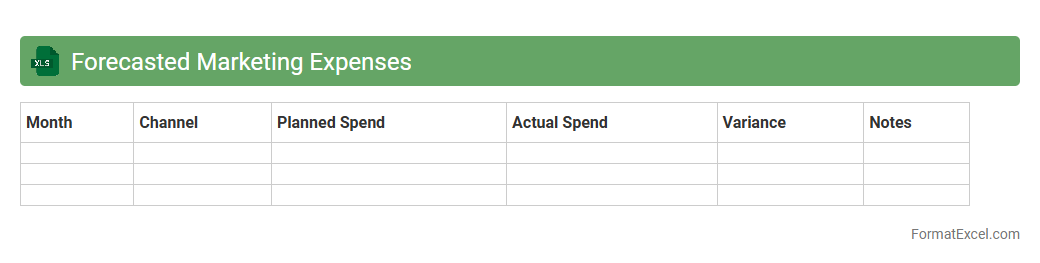
Forecasted Marketing Expenses
The
Forecasted Marketing Expenses Excel document is a tool that projects future marketing costs based on planned campaigns, historical data, and budget targets. It helps businesses allocate their marketing budget efficiently, track spending trends, and make data-driven decisions to maximize return on investment. Utilizing this document enables teams to anticipate financial needs and adjust strategies proactively to meet marketing goals.
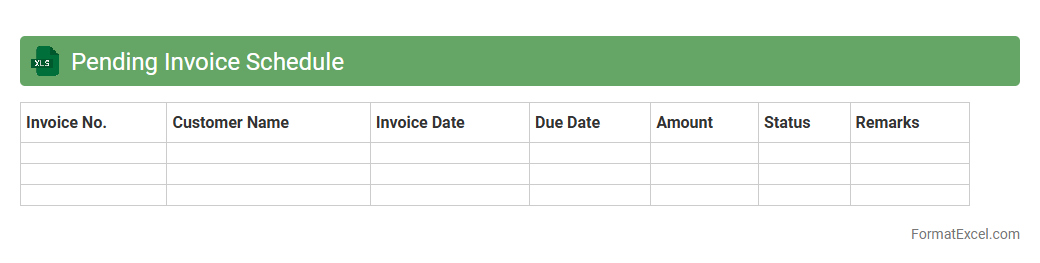
Pending Invoice Schedule
A
Pending Invoice Schedule Excel document systematically tracks all outstanding invoices, detailing due dates, amounts, and client information to ensure timely payments. It helps businesses manage cash flow efficiently by providing clear visibility on pending receivables and prioritizing follow-ups. Using this schedule reduces errors, minimizes overdue payments, and streamlines financial planning processes.
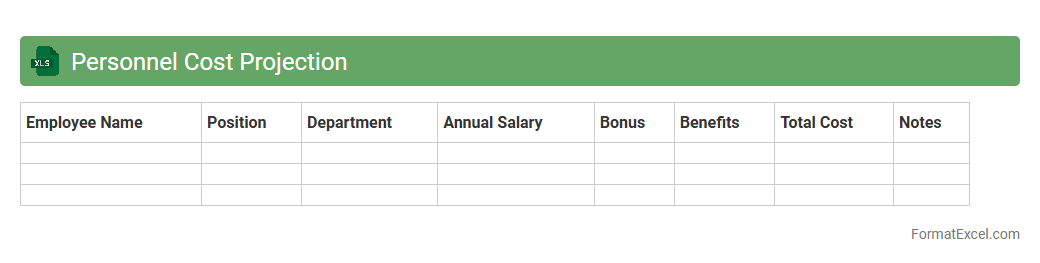
Personnel Cost Projection
The
Personnel Cost Projection Excel document is a financial planning tool that estimates future employee-related expenses, including salaries, benefits, taxes, and bonuses. It helps organizations budget accurately by forecasting labor costs over specified periods, enabling better resource allocation and cost control. Utilizing this projection enhances strategic decision-making and supports financial stability by anticipating workforce expenditures.
Understanding Expenditure Forecasting in Excel
Expenditure forecasting in Excel involves predicting future costs based on historical and planned expenses. Utilizing Excel's features allows for flexible and detailed financial planning. The forecasting process enhances budgeting accuracy and resource allocation.
Importance of a Structured Forecast Format
A structured expenditure forecast format ensures consistency and clarity in financial data representation. It helps in systematic tracking of expenses across various periods. Maintaining a well-organized format aids in quick analysis and decision-making.
Essential Components of an Expenditure Forecast Template
Key elements include date ranges, expense categories, projected amounts, and actual costs for comparison. A thorough template integrates columns for notes and variance analysis. Including comprehensive components boosts forecast reliability.
Step-by-Step Guide to Setting Up an Excel Forecast
Begin by listing all expense categories and entering historical data in rows and columns. Use formulas to calculate totals and variances. Follow each step meticulously to build a functional expenditure forecast model.
Key Excel Functions for Expenditure Forecasts
Functions like SUM, IF, VLOOKUP, and FORECAST.ETS provide powerful tools for managing and predicting expenses. Mastering these Excel functions improves data accuracy and efficiency.
Incorporating Categories and Subcategories
Categorize expenses to organize data and track spending patterns more effectively. Subcategories offer finer detail for better budget control. Proper categorization enables insightful financial analysis.
Visualizing Expenditure Data with Charts
Charts like line graphs and pie charts help visualize expenditure trends and proportions. Visual tools make it easier to communicate financial data to stakeholders. Effective data visualization supports strategic decision-making.
Tips for Accurate Data Entry and Validation
Ensure data consistency by using drop-down lists and conditional formatting. Regularly validate entries to minimize errors. Implementing data validation techniques safeguards forecast integrity.
Common Mistakes in Expenditure Forecast Formats
Avoid vague categories, missing data, and incorrect formulas to maintain reliability. Overlooking updates can render forecasts obsolete. Recognizing and preventing common forecasting errors improves outcome quality.
Downloadable Expenditure Forecast Excel Templates
Accessing pre-designed templates saves time and provides proven structures for forecasting. Templates often include built-in formulas and visualization tools. Utilizing downloadable templates streamlines the forecasting process.