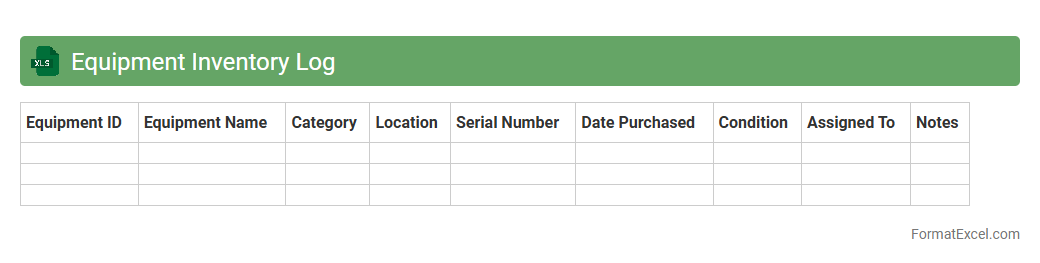
Equipment Inventory Log
An
Equipment Inventory Log Excel document is a structured spreadsheet used to track and manage the details of equipment assets, including serial numbers, purchase dates, maintenance schedules, and current status. It helps organizations maintain accurate records, streamline audits, and optimize asset utilization by providing a centralized and easily accessible data source. Efficient use of this log reduces equipment downtime, supports budgeting decisions, and ensures compliance with operational standards.
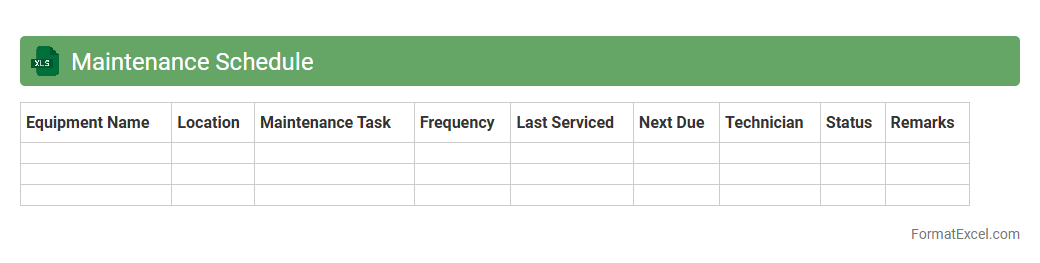
Maintenance Schedule
A
Maintenance Schedule Excel document is a structured spreadsheet designed to track and organize routine maintenance tasks for equipment, vehicles, or facilities. It helps users plan, document, and monitor maintenance activities by providing clear timelines, task details, and status updates, reducing downtime and extending asset lifespan. This tool enhances operational efficiency by ensuring timely maintenance, preventing unexpected failures, and facilitating easy data analysis.
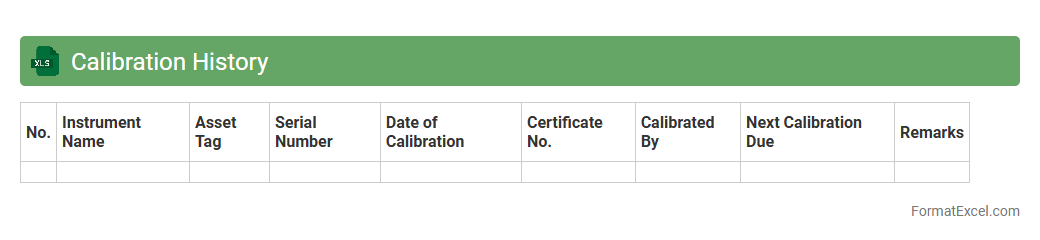
Calibration History
A
Calibration History Excel document records detailed information about the calibration dates, results, and adjustments of equipment or instruments over time. This document helps ensure accuracy, compliance with industry standards, and traceability for quality control purposes. Maintaining a comprehensive calibration history improves equipment reliability and facilitates timely maintenance or recalibration decisions.
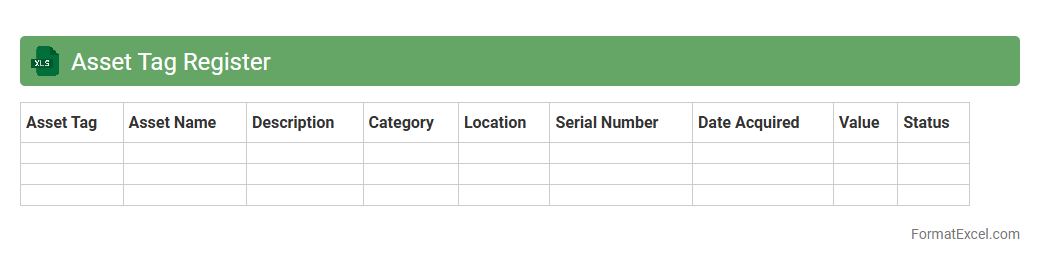
Asset Tag Register
An
Asset Tag Register Excel document is a structured spreadsheet that records detailed information about physical and digital assets, including unique identification numbers, purchase dates, locations, and maintenance schedules. It enhances asset management efficiency by enabling quick tracking, reducing loss, and simplifying audits and reporting processes. This tool facilitates informed decision-making by providing a centralized and easily accessible inventory of organizational assets.
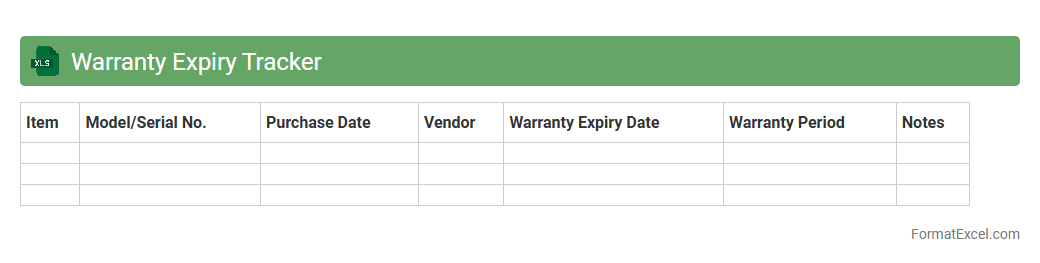
Warranty Expiry Tracker
The
Warranty Expiry Tracker Excel document is a tool designed to monitor and manage the expiration dates of warranties for various products or equipment. It helps users avoid missed warranty claims by providing timely alerts and organized records of warranty periods. This ensures efficient maintenance planning and reduces unnecessary repair costs.
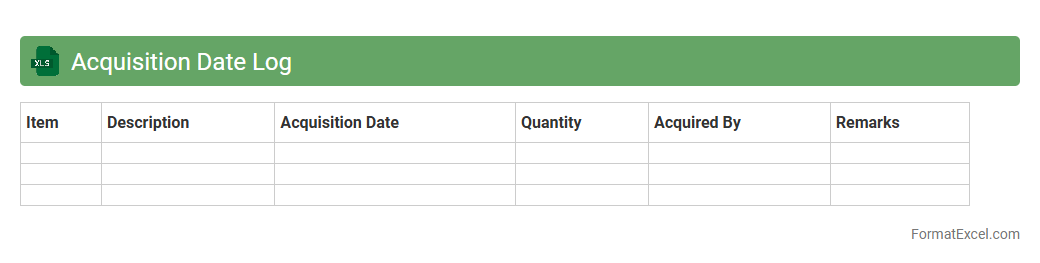
Acquisition Date Log
An
Acquisition Date Log Excel document is a structured spreadsheet used to record and track the dates on which assets, properties, or business acquisitions occur. This log enables efficient management of acquisition timelines, supports compliance with financial reporting standards, and aids in audit trails by providing clear, time-stamped records. Utilizing this document enhances organizational accuracy in monitoring asset histories and investment performance over time.
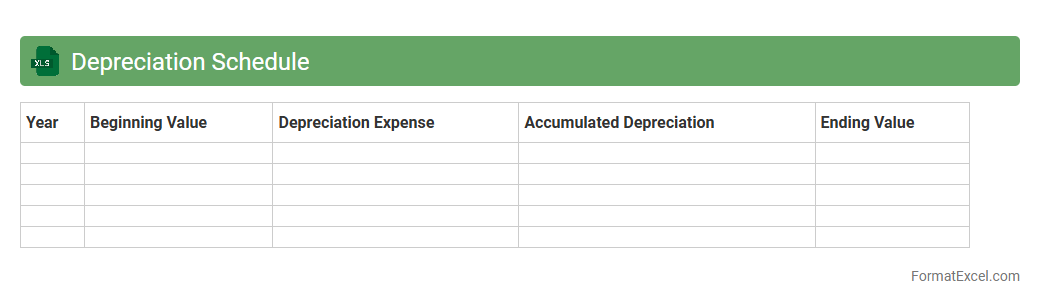
Depreciation Schedule
A
Depreciation Schedule Excel document is a structured spreadsheet used to systematically track the depreciation of assets over time, detailing asset costs, useful life, salvage value, and annual depreciation expense. This tool helps businesses accurately calculate tax deductions, manage asset values on financial statements, and plan for future capital expenditures. Its organized format enhances financial reporting accuracy and supports informed decision-making regarding asset management and budgeting.
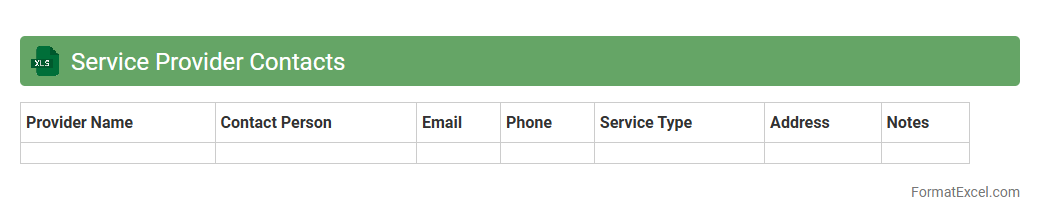
Service Provider Contacts
The
Service Provider Contacts Excel document is a centralized spreadsheet containing detailed information such as company names, contact persons, phone numbers, email addresses, and service categories for various vendors and suppliers. This organized repository streamlines communication, enabling quick access to essential contacts and facilitating efficient coordination for procurement, maintenance, and support services. By maintaining up-to-date contact details, businesses can enhance operational efficiency, reduce downtime, and ensure timely responses to service needs.
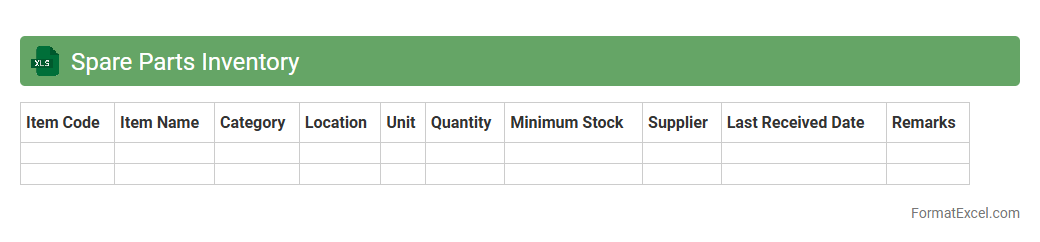
Spare Parts Inventory
The
Spare Parts Inventory Excel document is a structured spreadsheet used to track and manage spare parts stock efficiently, ensuring availability and preventing shortages in maintenance operations. It facilitates real-time monitoring of quantities, reorder levels, supplier information, and usage history, helping businesses optimize inventory costs and reduce downtime. By maintaining accurate data, this tool supports strategic decision-making and streamlines procurement and maintenance workflows.
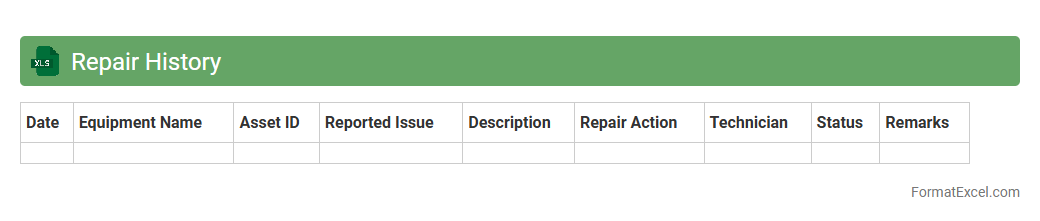
Repair History
A
Repair History Excel document is a detailed log that tracks all maintenance and repair activities performed on equipment, vehicles, or machinery over time. It helps users monitor repair costs, identify recurring issues, and schedule preventive maintenance to enhance operational efficiency. This record supports informed decision-making, reduces downtime, and extends the lifespan of assets.
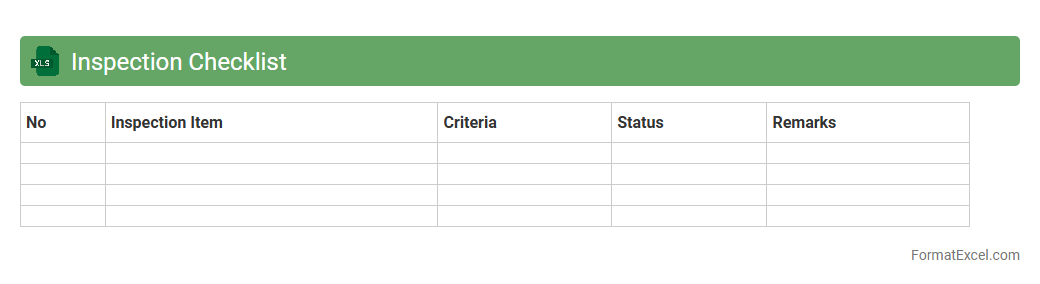
Inspection Checklist
An
Inspection Checklist Excel document is a structured spreadsheet tool designed to systematically record, track, and evaluate inspection criteria for various projects, equipment, or processes. It enhances accuracy by providing clear, customizable fields for itemizing inspection points, dates, statuses, and comments, facilitating compliance and quality control. This document improves efficiency by streamlining the inspection process, enabling easy data analysis and reporting, and supporting timely decision-making through organized, accessible records.
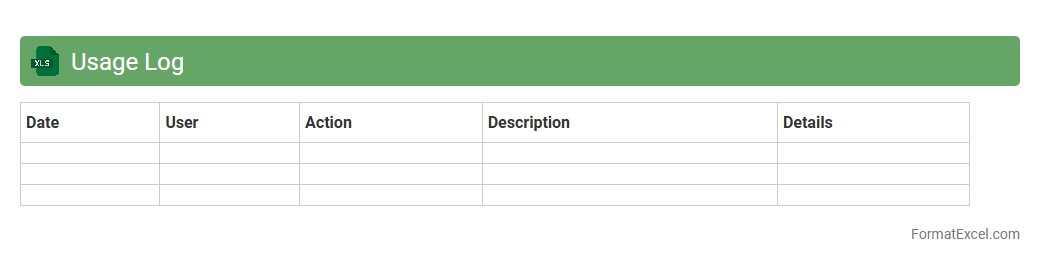
Usage Log
A
Usage Log Excel document is a structured spreadsheet tool used to record and track the utilization of resources, equipment, or software over time. It enables organizations to monitor patterns, identify inefficiencies, and maintain accountability by providing a clear historical record. This data-driven approach supports informed decision-making, resource optimization, and improved operational management.
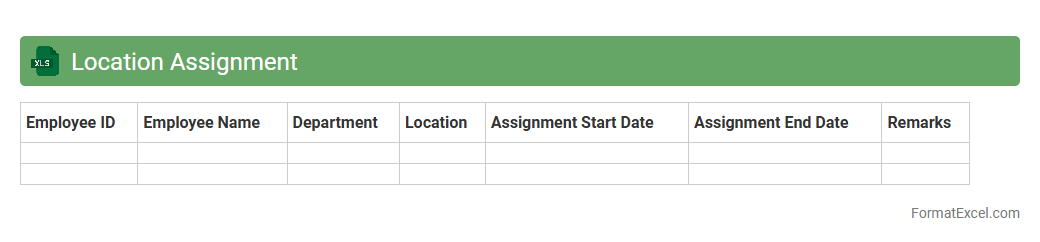
Location Assignment
The
Location Assignment Excel document serves as a centralized tool to organize and allocate resources, personnel, or inventory across various sites efficiently. It streamlines the process of tracking assignments, ensuring clarity in deployment and minimizing errors in logistics or workforce management. This document enhances operational productivity by providing clear visibility and easy updates on location-specific allocations.
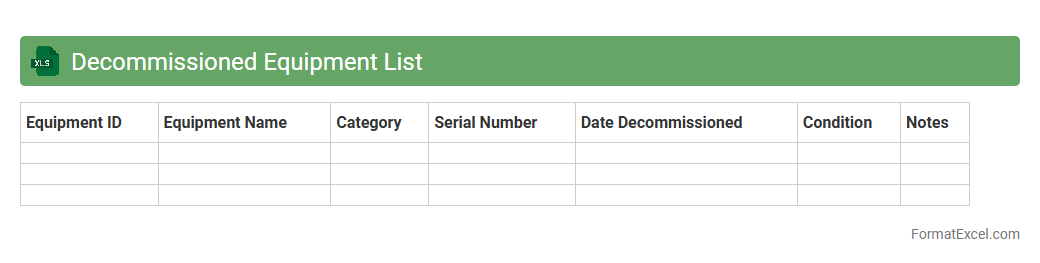
Decommissioned Equipment List
A
Decommissioned Equipment List Excel document systematically records all equipment that has been retired from active use, including details such as serial numbers, decommission dates, and disposal methods. This organized data assists in tracking asset lifecycle, ensuring compliance with audit requirements, and optimizing asset management by preventing redundant inventory. Maintaining this list enhances operational efficiency by providing clear visibility into equipment status and supporting informed decision-making for future purchases or reallocations.
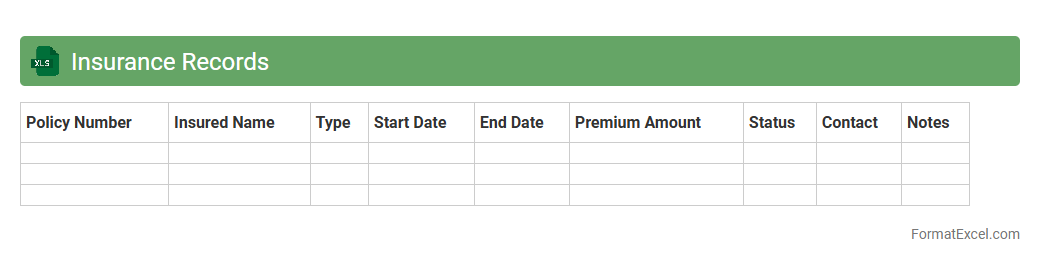
Insurance Records
An
Insurance Records Excel document systematically organizes policy details, claims history, and contact information, enabling efficient data management and quick retrieval. It supports accurate tracking of premium payments, coverage periods, and client details, which reduces administrative errors and enhances compliance. This document serves as a vital tool for insurance professionals to analyze trends, manage risks, and improve decision-making processes.
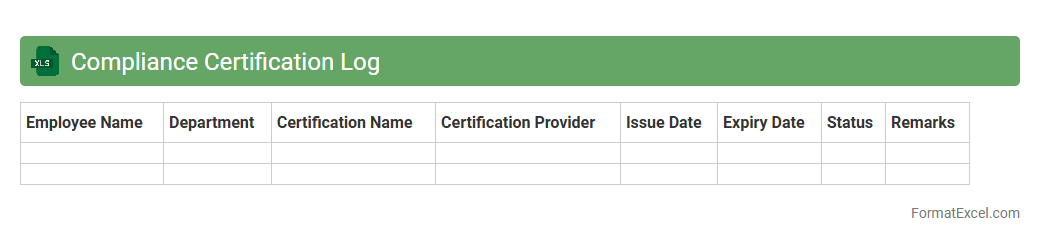
Compliance Certification Log
The
Compliance Certification Log Excel document is a structured tool used to track and manage compliance certifications within an organization, ensuring all regulatory and policy requirements are met. It records certification details, expiration dates, and responsible parties, facilitating timely renewals and audits. This document enhances organizational accountability and reduces the risk of non-compliance penalties.
User Assignment Tracker
The
User Assignment Tracker Excel document is a powerful tool designed to monitor and manage task assignments efficiently across teams or projects. It enables clear visibility of who is responsible for each task, deadlines, and progress status, ensuring accountability and timely completion. By centralizing assignment data, it simplifies coordination, reduces miscommunication, and enhances overall productivity.
Purchase Order Register
A
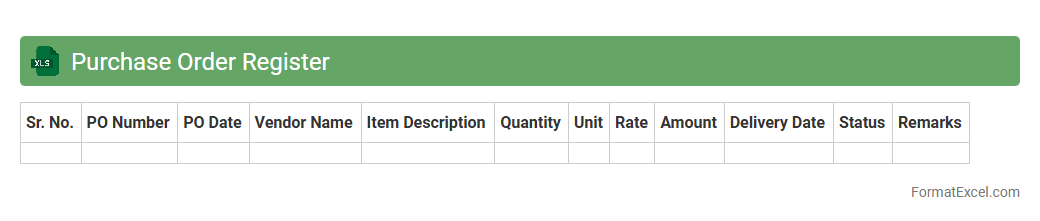
Purchase Order Register Excel document is a structured spreadsheet that tracks all purchase orders issued by a business, capturing details such as order numbers, vendor names, dates, item descriptions, quantities, and payment status. This register streamlines procurement management by providing a clear overview of pending and completed orders, facilitating budget control and inventory planning. Its organized format enhances transparency, simplifies audit processes, and improves vendor relationship management.
Equipment Lease Register
The
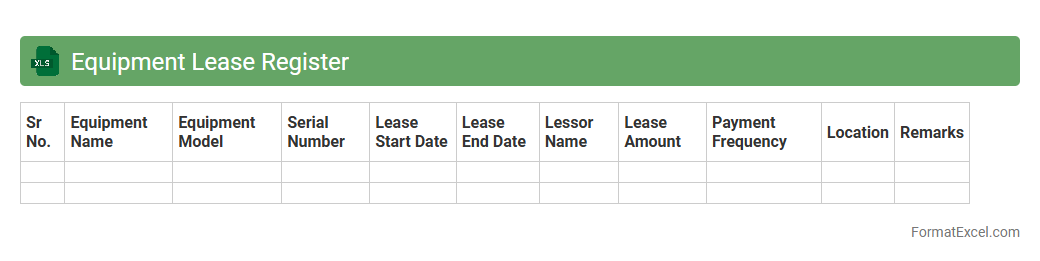
Equipment Lease Register Excel document is a structured tool designed to track and manage leased equipment details such as lease dates, payment schedules, vendor information, and asset conditions. It helps organizations maintain accurate records for compliance, budgeting, and asset management, reducing risks related to lease expirations or missed payments. Utilizing this register improves financial forecasting and ensures better control over leased assets throughout their lifecycle.
Lost or Stolen Equipment Report
The
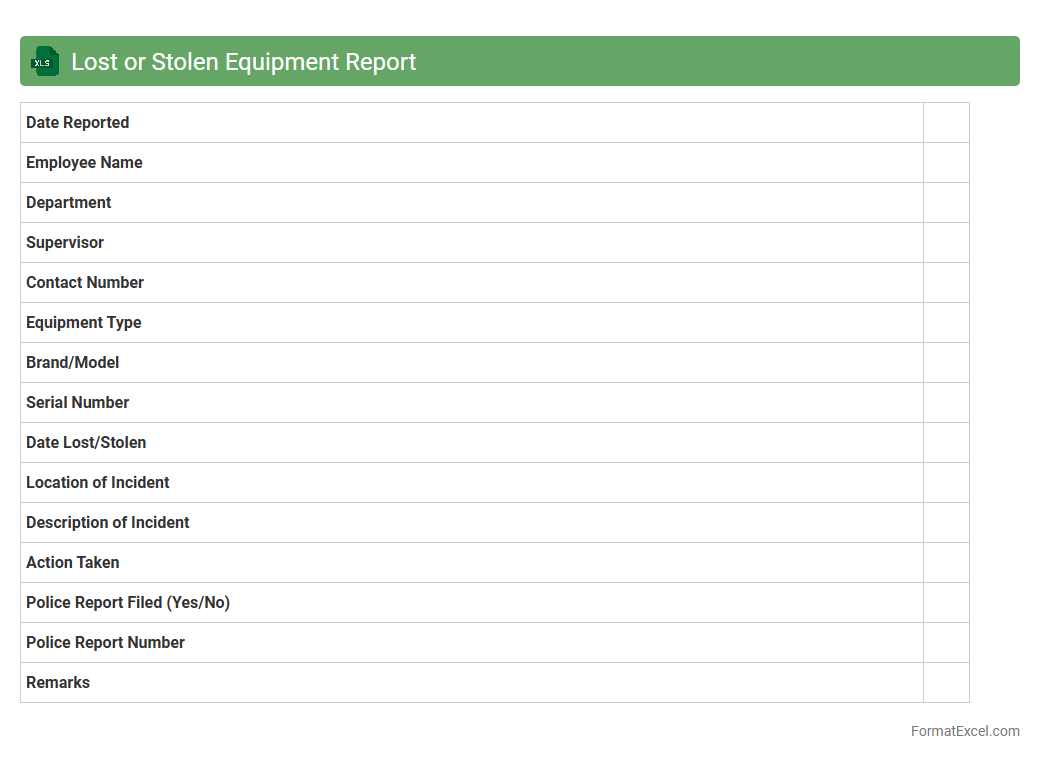
Lost or Stolen Equipment Report Excel document is a structured tool used to record and track missing or stolen company assets, capturing essential details such as item description, serial numbers, date of loss, and responsible departments. This report enhances asset management by providing a centralized database that helps identify patterns, streamline investigations, and support insurance claims or recovery efforts. Utilizing this document improves accountability and reduces financial losses by ensuring timely reporting and follow-up on lost or stolen equipment.
Disposal Method Log
A
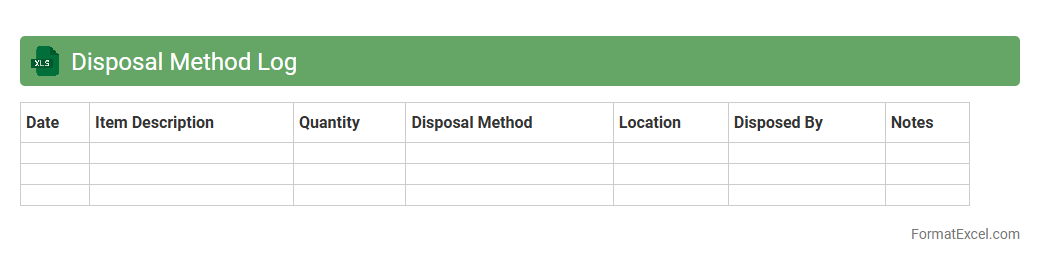
Disposal Method Log Excel document systematically records and tracks the methods used for disposing of various materials or assets, ensuring compliance with environmental regulations and company policies. It helps organizations monitor disposal activities, identify trends, and manage waste efficiently to reduce costs and environmental impact. By maintaining accurate and organized disposal data, businesses improve accountability and streamline audits.
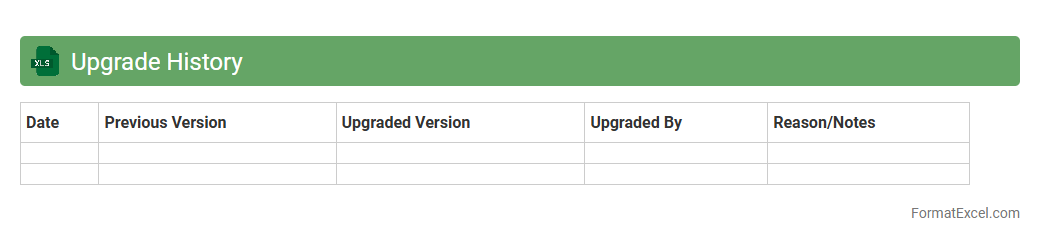
Upgrade History
The
Upgrade History Excel document tracks software or system update versions, dates, and changes systematically, providing a clear timeline of modifications. This record helps teams monitor progress, troubleshoot issues by referencing past updates, and ensure compliance with regulatory or operational standards. Maintaining detailed upgrade history supports informed decision-making and enhances overall project management efficiency.
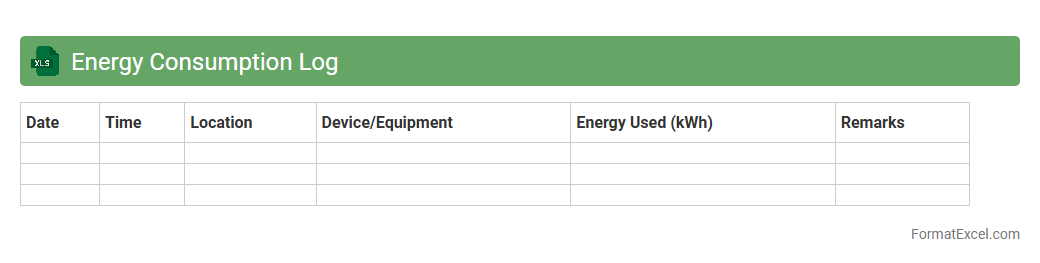
Energy Consumption Log
An
Energy Consumption Log Excel document is a structured spreadsheet designed to systematically record and analyze energy usage data over time. It enables users to monitor electricity, gas, or other fuel consumption, identify patterns, and detect areas where energy efficiency can be improved. By maintaining this log, households or businesses can reduce operational costs, track sustainability goals, and comply with regulatory energy reporting requirements.
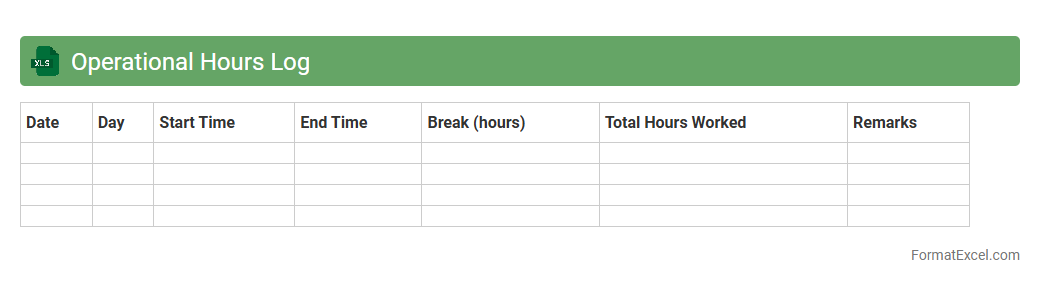
Operational Hours Log
An
Operational Hours Log Excel document systematically records the working hours of employees, machines, or business operations to ensure accurate tracking and accountability. It helps in monitoring productivity, calculating payroll, and identifying trends or inefficiencies in operation schedules. Using this log enhances time management and supports data-driven decision-making for improving overall operational effectiveness.
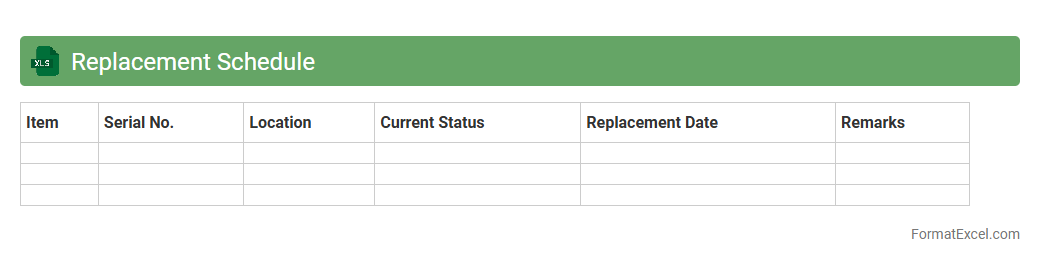
Replacement Schedule
A
Replacement Schedule Excel document is a structured spreadsheet used to track and plan the replacement of assets, equipment, or inventory over a specified period. It helps businesses manage maintenance costs, avoid unexpected breakdowns, and optimize budget allocation by forecasting when items need to be replaced based on their lifespan or usage. This tool enhances decision-making and operational efficiency by providing clear timelines and priorities for asset renewal.
Introduction to Equipment Record Formats
An equipment record format is a systematic way to document details about tools and machinery within a business. It ensures all equipment information is captured uniformly for easy tracking and management. Using Excel simplifies creating and maintaining these records with flexible customization options.
Importance of Organized Equipment Records
Maintaining organized equipment records helps prevent loss, manage maintenance schedules, and improve asset utilization. Clear records enhance accountability and support compliance with safety and regulatory standards. Proper documentation also aids in budgeting and procurement planning.
Key Components of an Equipment Record in Excel
Essential components include equipment ID, description, purchase date, status, location, and maintenance history. Each component forms a column that provides critical details for asset management. Structuring these in Excel ensures data consistency and easy retrieval.
Setting Up an Equipment Record Template
Begin by creating column headers for each data point you need to track in Excel. Use templates to standardize input and save time for repeated entries. Incorporate formatting like borders and color coding for better visual organization.
Essential Columns for Tracking Equipment Data
Key columns often include Equipment ID, Name, Category, Serial Number, Purchase Date, Location, Status, and Maintenance Due Date. Tracking these columns helps monitor the lifecycle and condition of assets effectively. Customizing columns can adapt your records to specific business needs.
Tips for Customizing Excel Equipment Records
Customize by adding conditional formatting to highlight overdue maintenance or equipment status. Use filters and sorting options for quick data analysis. Incorporate drop-down menus and data validation for standardized entries and error reduction.
Using Data Validation and Drop-down Lists
Data validation in Excel ensures only permissible values like status types or categories are entered. Drop-down lists reduce errors by limiting choices and speeding up data entry. Implementing these features keeps equipment records accurate and clean.
Automating Equipment Logs with Excel Formulas
Formulas like COUNTIF and IF enable automatic status tracking and alert generation within equipment logs. Automating with Excel formulas improves efficiency and reduces manual updates. Conditional alerts can flag equipment due for inspection or repair.
Best Practices for Equipment Record Maintenance
Update records regularly to maintain accuracy and reliability. Backup your Excel files and restrict editing access to authorized personnel only. Conduct periodic audits to ensure data integrity and compliance with organizational policies.
Sample Equipment Record Format in Excel
A sample format might include columns for Equipment ID, Description, Serial Number, Purchase Date, Location, Status, Last Maintenance Date, and Notes. This sample equipment record provides a practical starting point for customized templates. Adjust the layout to best fit your asset management workflow.