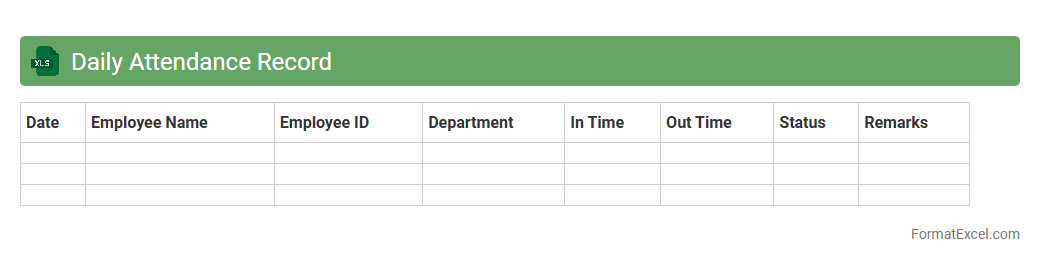
Daily Attendance Record
The
Daily Attendance Record Excel document is a digital tool designed to track employee or student attendance on a daily basis, providing an organized and efficient way to monitor presence and absenteeism. It allows users to record the exact time of arrival and departure, calculate total hours worked, and generate reports for payroll or performance analysis. Utilizing this document enhances accountability, streamlines record-keeping, and supports informed decision-making related to workforce or class management.
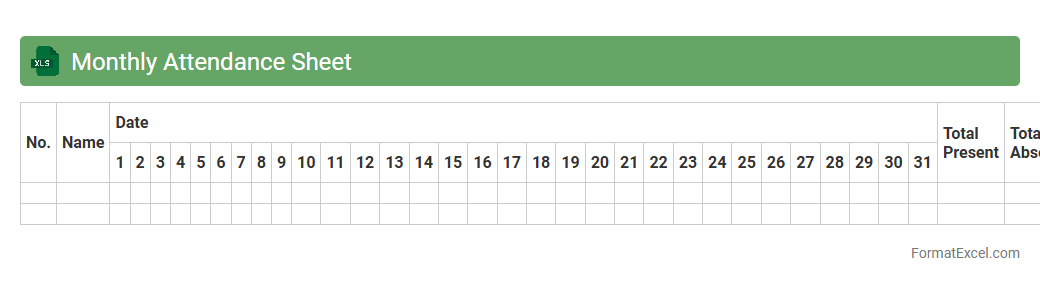
Monthly Attendance Sheet
A
Monthly Attendance Sheet Excel document is a structured spreadsheet used to record and monitor employee attendance on a daily basis throughout the month. It helps track working hours, absences, leaves, and overtime, enabling accurate payroll calculations and ensuring compliance with labor regulations. This tool enhances workforce management by providing clear visibility into attendance patterns and facilitating efficient reporting for HR departments.
Employee Attendance Register
An
Employee Attendance Register Excel document is a digital tool designed to systematically record and track employee attendance, including hours worked, leaves, and absences. This register enhances workforce management by providing accurate data for payroll processing, performance evaluation, and compliance with labor laws. Utilizing this Excel sheet streamlines attendance monitoring, reduces administrative errors, and improves overall organizational efficiency.
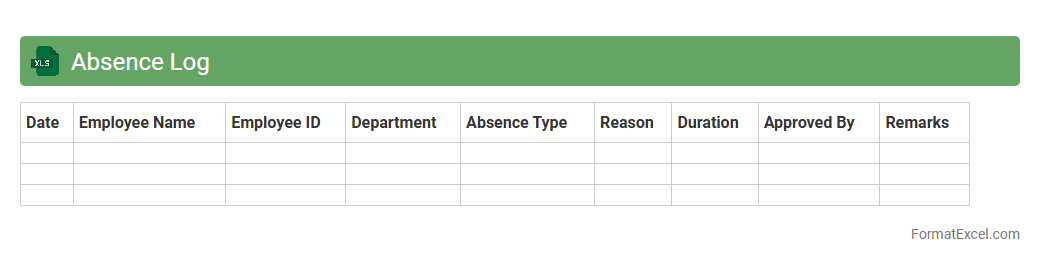
Absence Log
An Absence Log Excel document is a structured spreadsheet designed to record and track employee absences systematically, including sick leaves, vacation days, and other types of time off. This tool helps organizations maintain accurate attendance records, ensuring compliance with HR policies and facilitating payroll processing. Using an
Absence Log improves workforce management by providing clear insights into attendance patterns and identifying potential issues early.
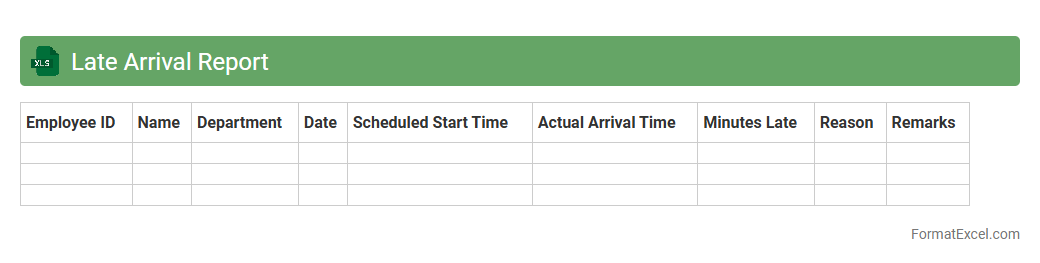
Late Arrival Report
A
Late Arrival Report Excel document tracks employee arrival times, highlighting instances of tardiness. It helps management monitor punctuality patterns, identify frequent latecomers, and implement attendance policies effectively. Utilizing this report enhances workforce discipline and improves overall productivity by ensuring timely attendance.
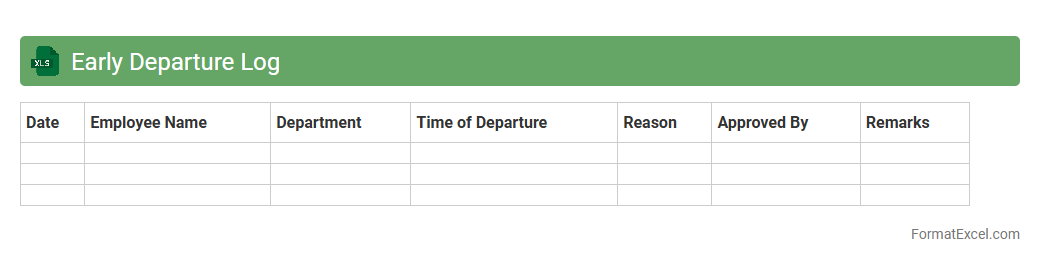
Early Departure Log
The
Early Departure Log Excel document is a tool designed to track and record instances when employees leave the workplace before their scheduled time. This log helps managers monitor attendance patterns, identify potential issues with punctuality, and maintain accurate records for payroll and compliance purposes. Utilizing this document streamlines the process of managing workforce hours and supports effective human resource administration.
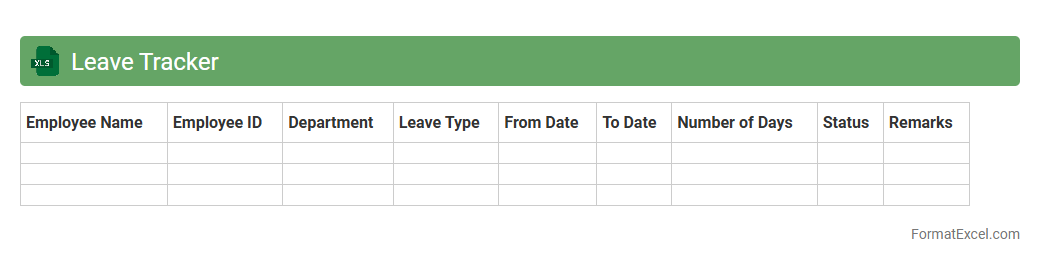
Leave Tracker
A
Leave Tracker Excel document is a digital tool designed to monitor and record employee leave data, including vacation, sick days, and other absences. It helps organizations maintain accurate attendance records, manage workforce availability, and streamline payroll processing. Using this tool improves transparency, reduces errors, and simplifies compliance with company leave policies.
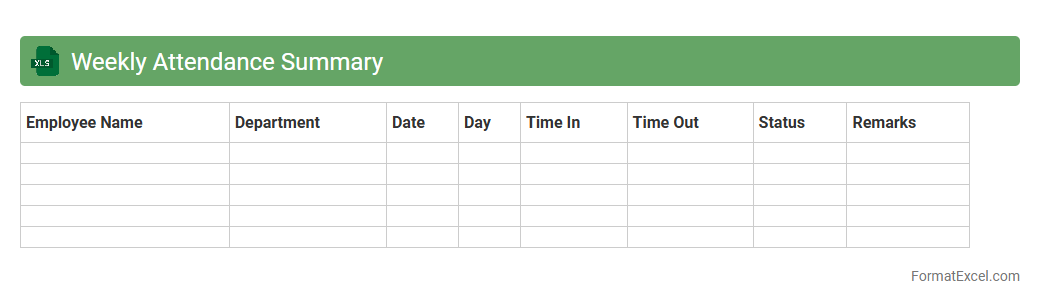
Weekly Attendance Summary
The
Weekly Attendance Summary Excel document tracks employee attendance, recording daily check-ins, check-outs, and total hours worked. It helps managers monitor punctuality, identify attendance patterns, and ensure accurate payroll processing. Utilizing this summary improves workforce management and enhances operational efficiency.
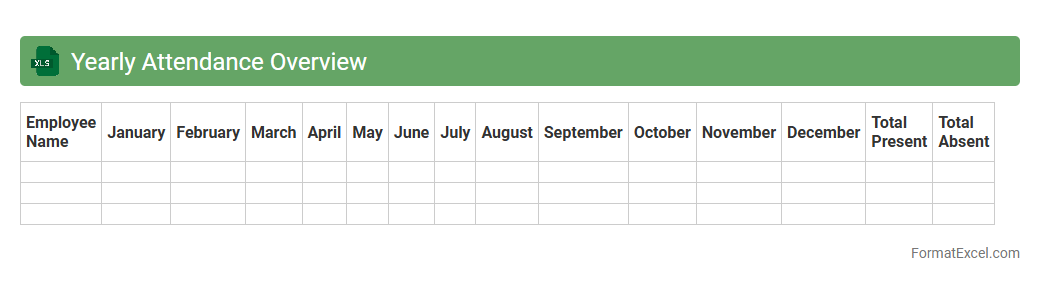
Yearly Attendance Overview
The
Yearly Attendance Overview Excel document is a comprehensive tool that tracks and summarizes employee or student attendance throughout the year, providing clear insights into attendance patterns and trends. It helps organizations efficiently monitor punctuality, identify absenteeism, and support workforce planning or academic management. By consolidating daily attendance data into an easily accessible format, the document enhances decision-making and promotes accountability across teams or classrooms.
Department Attendance Summary
The
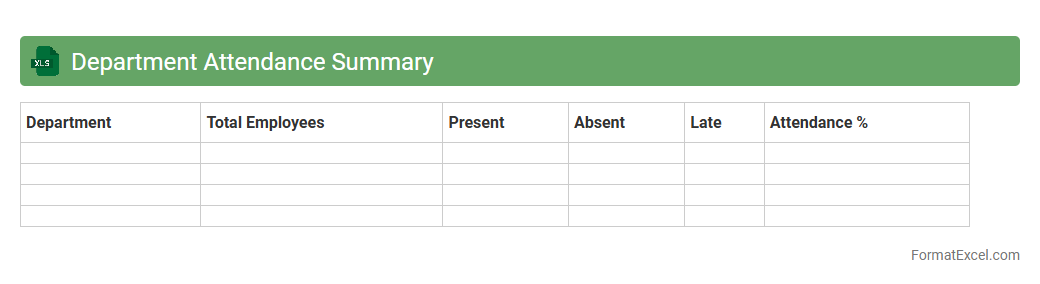
Department Attendance Summary Excel document consolidates employee attendance data across different departments into a structured format, enabling easy monitoring of attendance patterns, absences, and punctuality. This summary helps managers identify trends, allocate resources efficiently, and ensure compliance with company attendance policies. By providing clear visibility into department-level attendance, it supports informed decision-making and enhances workforce management.
Individual Attendance Dashboard
The
Individual Attendance Dashboard Excel document is a dynamic tool designed to track, analyze, and visualize employee attendance data efficiently. It enables managers to monitor attendance patterns, identify absenteeism trends, and calculate punctuality rates, thereby supporting informed decision-making and workforce management. This dashboard streamlines attendance reporting, saves time on manual record-keeping, and enhances overall productivity by providing clear and actionable insights.
Unexcused Absence Summary
The
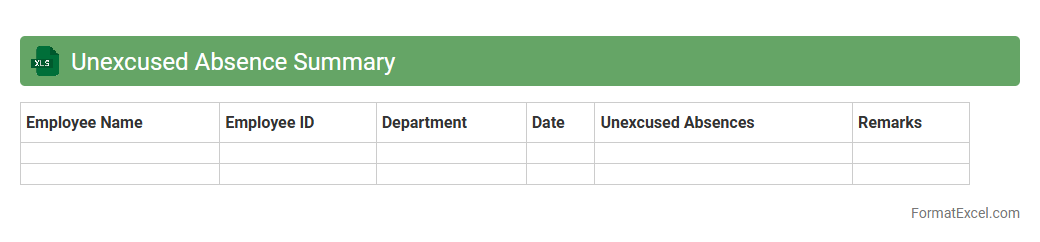
Unexcused Absence Summary Excel document tracks and consolidates instances of student or employee absences without valid reasons, providing a clear overview of attendance issues. It helps educators and managers identify attendance patterns, enabling timely interventions to improve responsibility and reduce absenteeism. By organizing data into sortable categories and dates, it streamlines reporting and supports decision-making for attendance policies.
Attendance Percentage Calculation
An
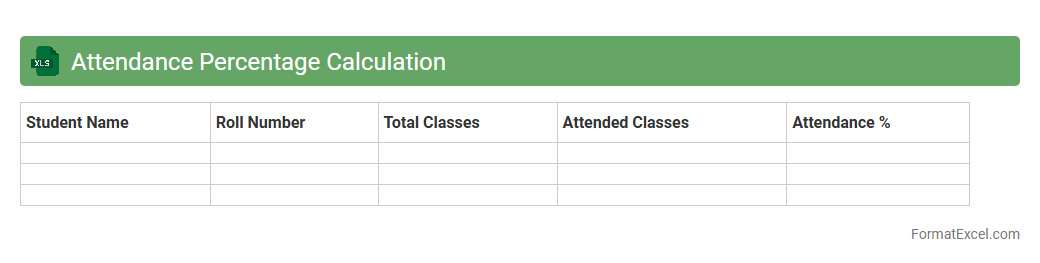
Attendance Percentage Calculation Excel document is a tool designed to track and calculate the attendance rates of students or employees efficiently. It automates the calculation process by inputting present and absent days, providing accurate attendance percentages that help monitor punctuality and participation. This document is useful for identifying attendance patterns, ensuring compliance with attendance policies, and supporting performance evaluations.
Present vs Absent Analysis
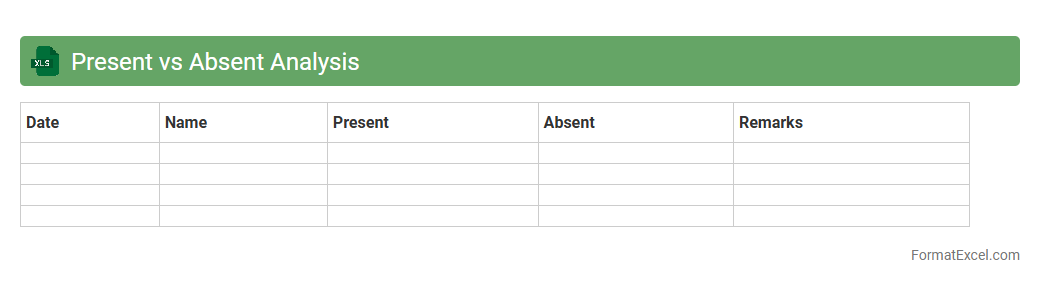
Present vs Absent Analysis in an Excel document is a tool used to track and compare attendance or the presence of specific data points across different periods or categories. This analysis enables identification of patterns, absences, and trends by highlighting which items or individuals are present or missing in each set. Utilizing a
Present vs Absent Analysis helps in effective decision-making, improving resource allocation, and ensuring accountability in both educational and business environments.
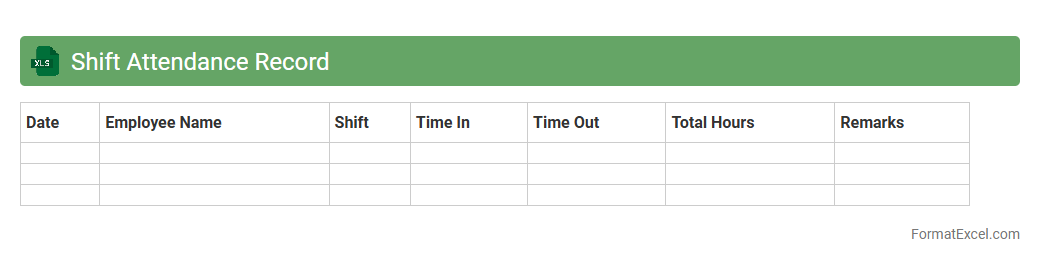
Shift Attendance Record
The
Shift Attendance Record Excel document is a structured tool designed to track and manage employee work hours, shifts, and attendance efficiently. It helps organizations monitor punctuality, calculate total working hours, and identify patterns such as absenteeism or overtime with ease. Using this document enhances workforce management accuracy, streamlines payroll processing, and improves overall operational productivity.
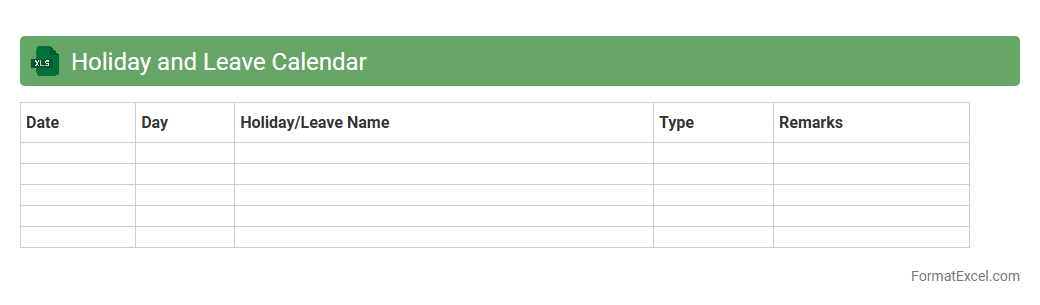
Holiday and Leave Calendar
A
Holiday and Leave Calendar Excel document is a structured tool designed to track employee attendance, public holidays, and personal leave days efficiently. It helps organizations maintain clear records, plan workforce availability, and manage payroll accurately by consolidating all leave data in one accessible spreadsheet. This calendar streamlines HR processes, ensuring compliance with labor laws and improving overall operational productivity.
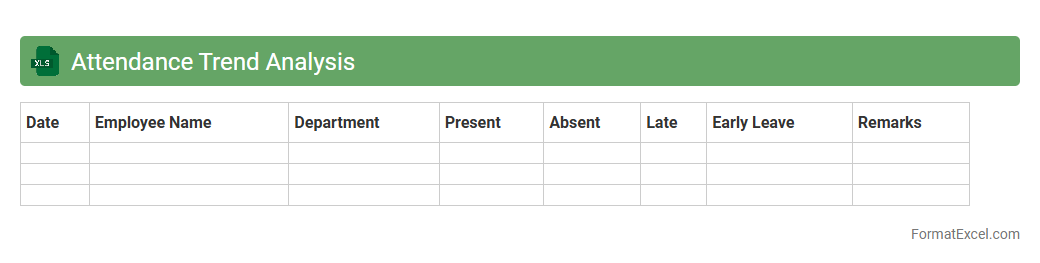
Attendance Trend Analysis
Attendance Trend Analysis in Excel is a powerful tool that tracks and visualizes patterns in employee or student attendance over time, helping organizations identify fluctuations and potential issues. By leveraging charts, pivot tables, and conditional formatting, this document enables efficient monitoring of absenteeism, punctuality, and overall attendance behavior. Utilizing such analysis supports data-driven decision-making, improves resource allocation, and enhances workplace or educational productivity.
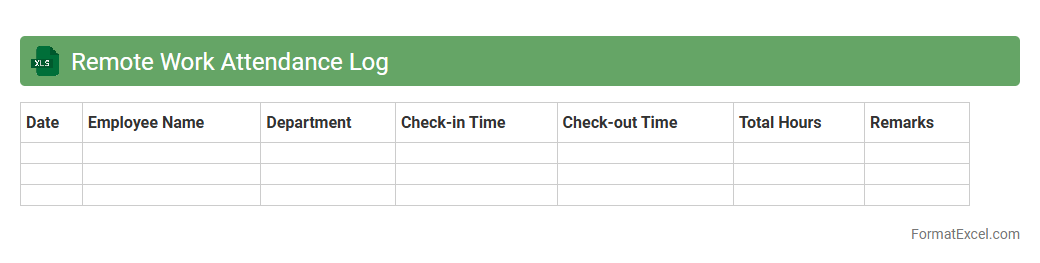
Remote Work Attendance Log
A
Remote Work Attendance Log Excel document is a structured spreadsheet designed to track employee work hours, attendance, and productivity while working remotely. It helps organizations maintain accurate records of remote staff attendance, ensuring accountability and facilitating payroll and performance evaluations. By streamlining attendance tracking, this tool enhances workforce management and supports compliance with labor regulations.
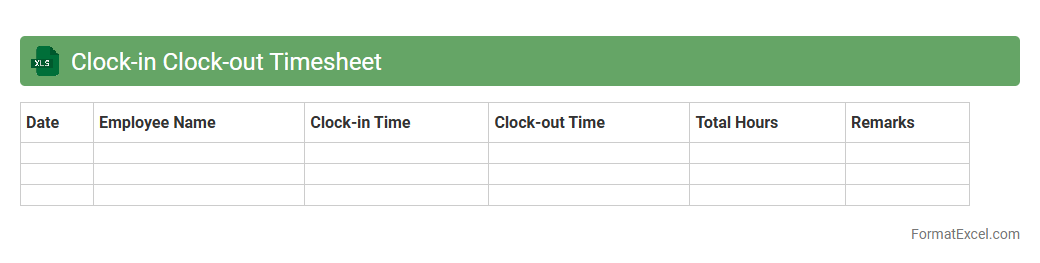
Clock-in Clock-out Timesheet
A
Clock-in Clock-out Timesheet Excel document is a digital tool used to accurately record employees' working hours by logging their start and end times each day. This timesheet helps organizations streamline payroll processing, monitor attendance, and manage labor costs effectively. Utilizing an Excel timesheet enhances data organization and provides easy access to time-tracking information for better workforce management.
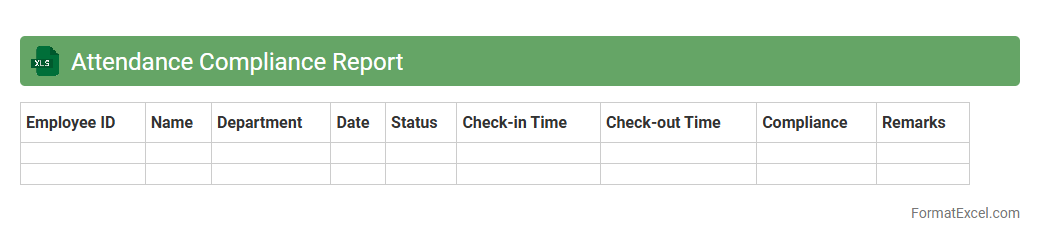
Attendance Compliance Report
The
Attendance Compliance Report Excel document is a detailed record tracking employee attendance against company policies and regulations. It helps organizations monitor punctuality, absenteeism, and leave patterns to ensure workforce compliance with labor laws and internal guidelines. This report provides actionable insights for HR managers to improve attendance management and maintain operational efficiency.
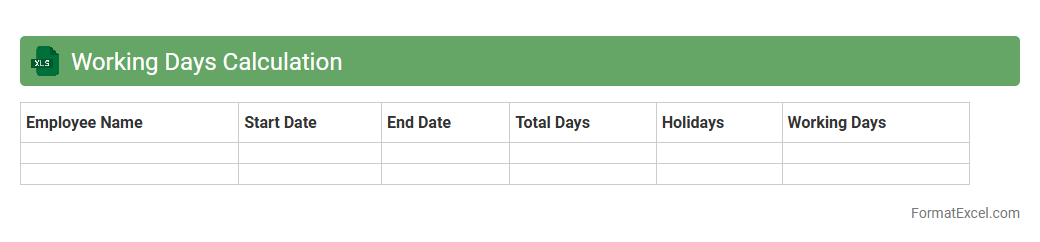
Working Days Calculation
A
Working Days Calculation Excel document is designed to compute the number of business days between two dates, excluding weekends and holidays. This tool is essential for project management, payroll processing, and deadline tracking as it helps organizations accurately plan schedules and allocate resources. By automating the calculation, it reduces errors and saves time, enhancing productivity and decision-making.
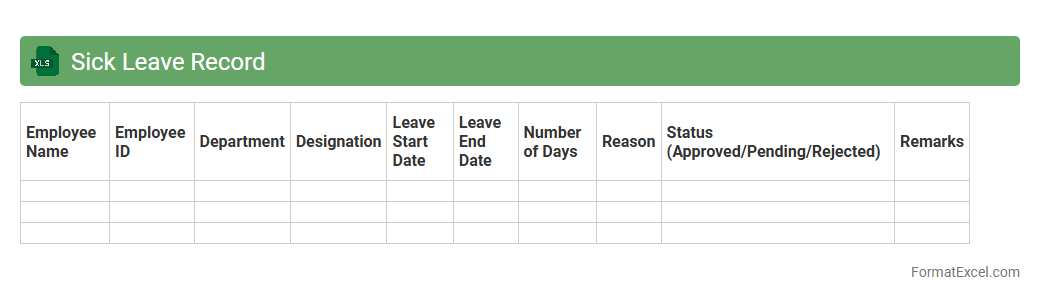
Sick Leave Record
A Sick Leave Record Excel document is a
tracking tool designed to monitor employees' sick leave days, dates, and durations systematically. It helps organizations maintain accurate attendance records, ensuring compliance with labor laws and facilitating payroll calculations. By providing clear insights into absentee patterns, this document supports efficient workforce management and informed decision-making.
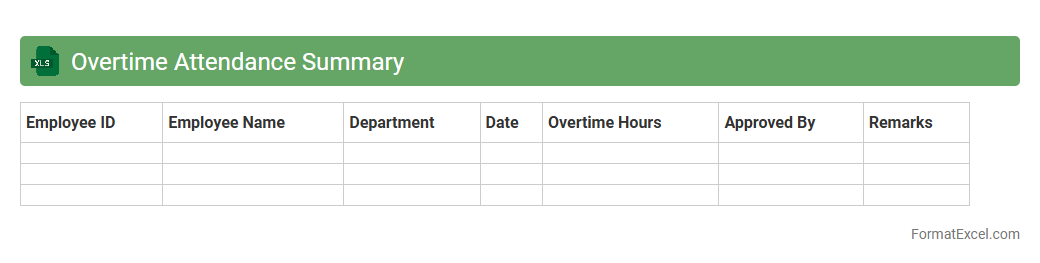
Overtime Attendance Summary
The
Overtime Attendance Summary Excel document consolidates employee work hours beyond regular schedules, providing clear visibility into extra time logged. It helps organizations monitor overtime patterns, ensuring compliance with labor regulations and optimizing workforce allocation. This tool facilitates accurate payroll processing and supports data-driven decisions for managing employee productivity and cost control.
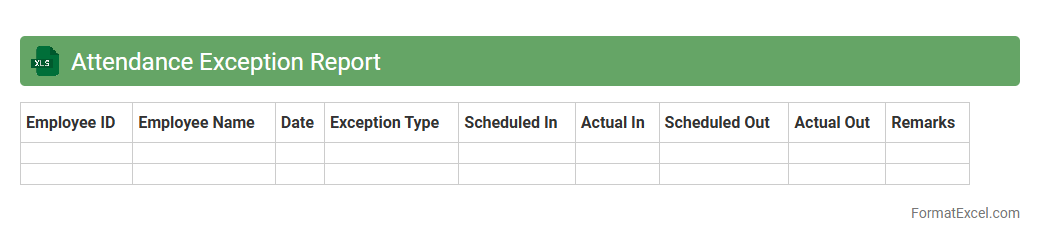
Attendance Exception Report
The
Attendance Exception Report Excel document tracks irregularities in employee attendance, highlighting missed punches, late arrivals, and early departures. It helps managers quickly identify attendance issues for timely resolution, ensuring accurate payroll processing and workforce management. By streamlining attendance monitoring, this report enhances operational efficiency and compliance with company policies.
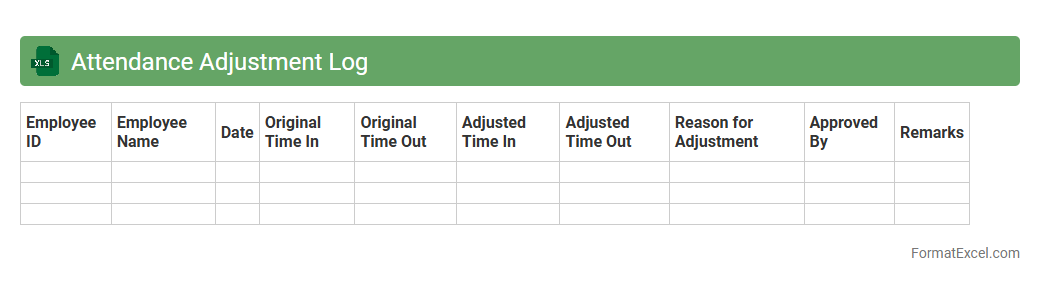
Attendance Adjustment Log
The
Attendance Adjustment Log Excel document is a tool designed to track and record modifications in employee attendance records, including corrections for clock-in/out times, leaves, and absences. It helps maintain accurate attendance data, ensuring payroll correctness and compliance with organizational policies. This log streamlines audit processes and enhances workforce management by providing a clear, accessible history of attendance changes.
Introduction to Attendance Summary Formats
An attendance summary format is a structured layout used to record and monitor employee or student attendance systematically. It helps in tracking presence, absence, and punctuality across specific time frames. Utilizing a proper format ensures consistency and clarity in attendance reports.
Key Components of an Attendance Summary
Key components include employee or student names, dates, attendance status, and total days present or absent. Additional data might include late marks, leave types, and remarks for better insights. These elements collectively form the backbone of an effective attendance summary.
Benefits of Using Excel for Attendance Tracking
Excel provides powerful tools for managing and analyzing attendance data with ease and flexibility. Its formulas, conditional formatting, and pivot tables enable quick calculations and trends visualization. Using Excel for attendance tracking enhances accuracy and efficiency.
Essential Columns for Attendance Summary in Excel
Essential columns often include Name, Employee ID, Dates, Attendance Status (Present, Absent, Leave), and Remarks. Additional columns can capture total attendance days, late arrivals, and leave balance. These columns form the foundation of any attendance summary in Excel.
Step-by-Step Guide to Creating an Attendance Summary in Excel
Start by listing the names and dates in rows and columns. Enter attendance status using codes like P for Present or A for Absent. Use Excel formulas such as COUNTIF to calculate total attendance and automate summaries for a precise attendance summary.
Sample Attendance Summary Format Templates
Templates often come pre-designed with headers, daily attendance markers, and summary sections. They provide an easy starting point and save time in setting up attendance records. Accessing a reliable attendance summary template can improve record accuracy and formatting.
Customizing Attendance Summary for Different Needs
Customize by adding leave types, overtime, or shift details to fit organizational policies. Tailor columns and formulas to reflect specific attendance criteria and reporting requirements. This flexibility allows creation of a personalized attendance summary that fits various contexts.
Tips for Automating Attendance Calculations in Excel
Use functions like SUM, COUNTIF, and IF to automate totals and attendance conditions. Conditional formatting highlights absences or late arrivals for quick visual reference. Mastering automation transforms your attendance summary into an efficient data tool.
Common Mistakes to Avoid in Attendance Summary Formats
Avoid inconsistent data entry, missing dates, and unclear status codes to maintain data integrity. Neglecting to update formulas or improperly setting date ranges can cause errors. Ensuring completeness and accuracy is critical for a reliable attendance summary.
Downloadable Attendance Summary Format in Excel (Free Template)
Free downloadable attendance summary templates are widely available online for various industries and education sectors. These templates simplify initial setup and adoption. Using a ready-made template accelerates the creation of professional-grade attendance records.