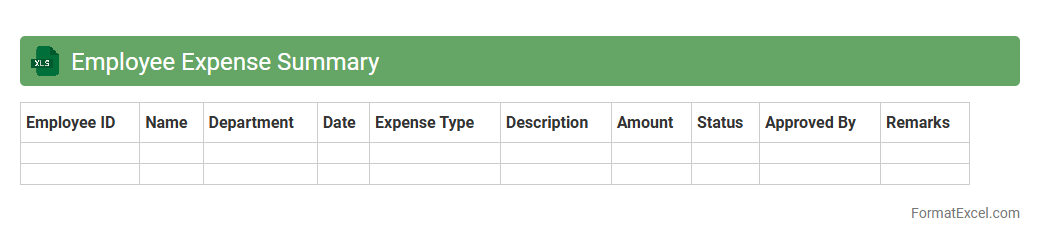
Employee Expense Summary
The
Employee Expense Summary Excel document consolidates all employee-incurred expenses into a clear, organized format, allowing businesses to track costs efficiently. It provides detailed breakdowns by category, date, and individual, which aids in budget management and financial reporting. This summary enhances transparency, simplifies reimbursement processes, and supports better expense forecasting for improved fiscal control.
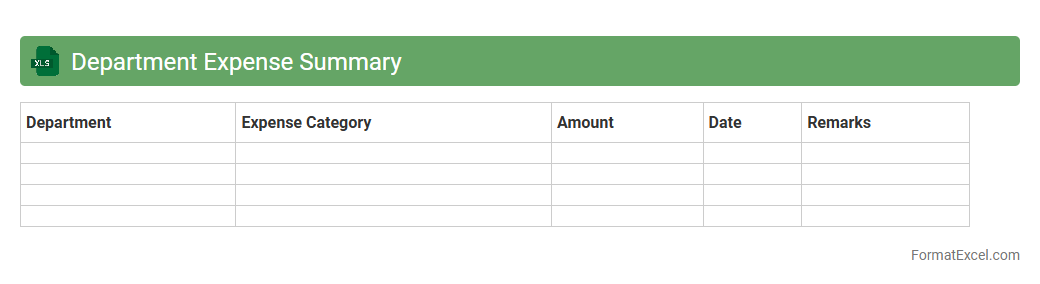
Department Expense Summary
The
Department Expense Summary Excel document is a structured financial report that consolidates and categorizes all departmental expenditures within an organization. It provides a clear overview of budget allocation, spending patterns, and cost management, facilitating informed decision-making and identifying areas for potential savings. By tracking expenses accurately, departments can enhance financial accountability and optimize resource utilization efficiently.
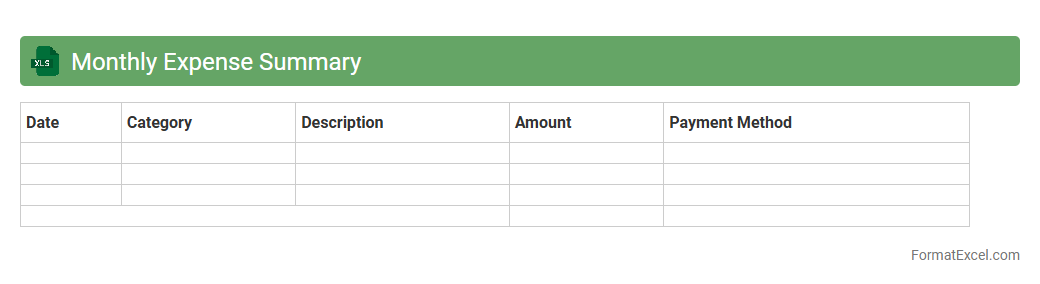
Monthly Expense Summary
A
Monthly Expense Summary Excel document is a structured financial tool that records and categorizes all expenditures within a given month, helping users track spending patterns accurately. It enables individuals and businesses to monitor cash flow, identify cost-saving opportunities, and create realistic budgets based on detailed expense data. This organized approach to expense management improves financial decision-making and enhances overall money management efficiency.
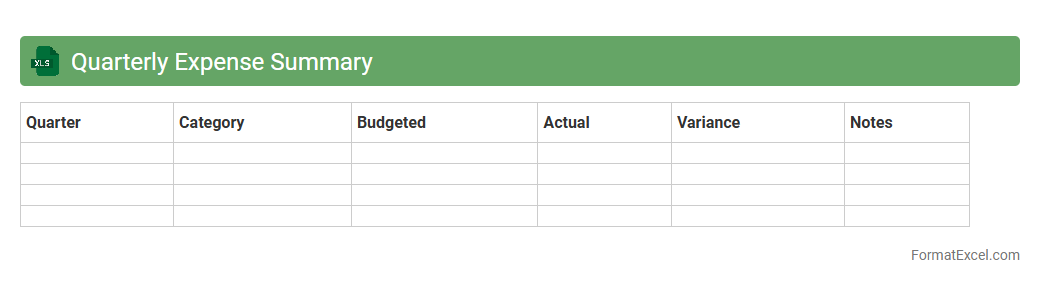
Quarterly Expense Summary
A
Quarterly Expense Summary Excel document consolidates financial outflows over a three-month period, allowing businesses to track, analyze, and manage their spending effectively. It provides a clear overview of expenses categorized by departments, projects, or cost centers, facilitating budget adherence and financial planning. This tool aids in identifying cost-saving opportunities and ensuring transparency in financial reporting.
Annual Expense Summary
An
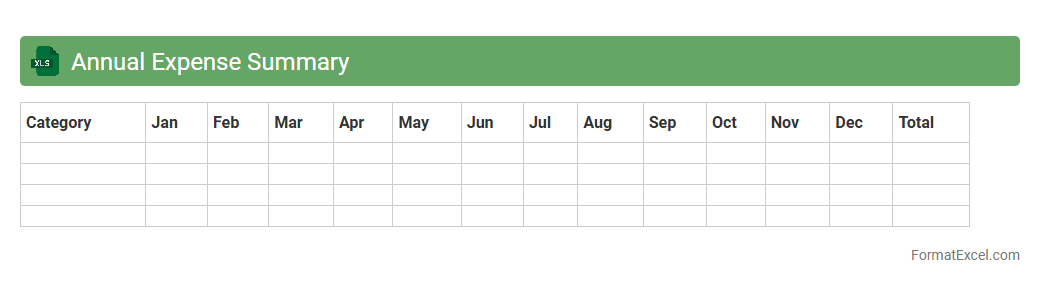
Annual Expense Summary Excel document consolidates all yearly expenditures into a clear, organized format, allowing for easy tracking and analysis of spending patterns. It helps individuals and businesses monitor budget adherence, identify cost-saving opportunities, and prepare accurate financial reports. Utilizing this tool improves financial decision-making and ensures more effective management of resources.
Project Expense Summary
A
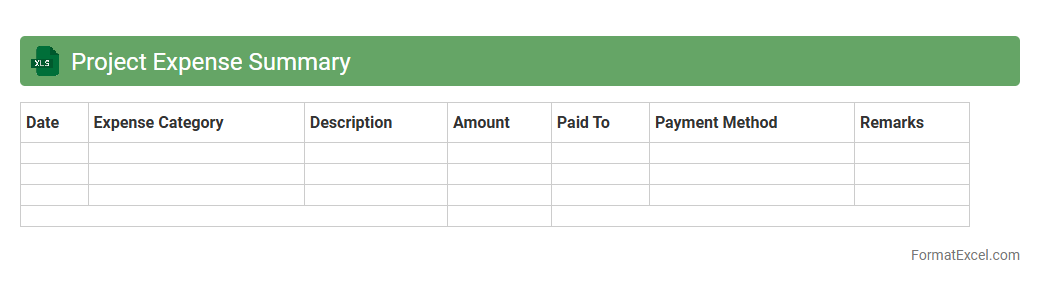
Project Expense Summary Excel document consolidates all project-related costs into a clear, organized format, allowing for efficient tracking and management of budgets. It helps project managers monitor expenditures against allocated funds, identify cost overruns early, and ensure financial accountability throughout the project lifecycle. By providing a comprehensive overview of expenses, it supports better decision-making and resource allocation to keep projects on track and within budget.
Travel Expense Summary
A
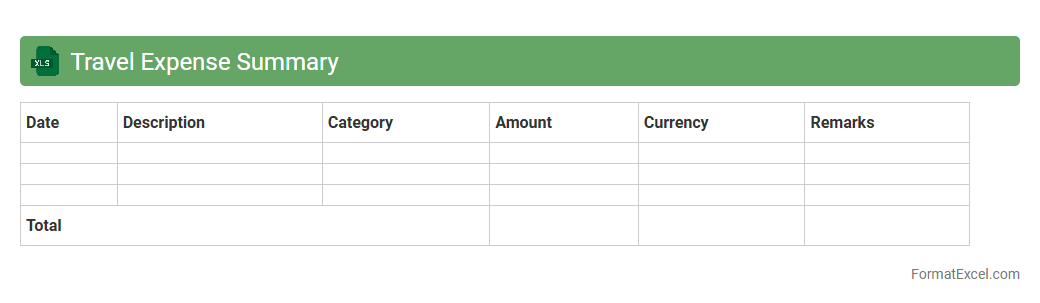
Travel Expense Summary Excel document consolidates all travel-related costs such as transportation, accommodation, meals, and incidentals into a single, organized spreadsheet. It enables users to easily track and analyze expenses, ensuring accurate budget management and timely reimbursement processes. This tool enhances financial oversight and streamlines reporting for both individuals and organizations.
Training Expense Summary
The
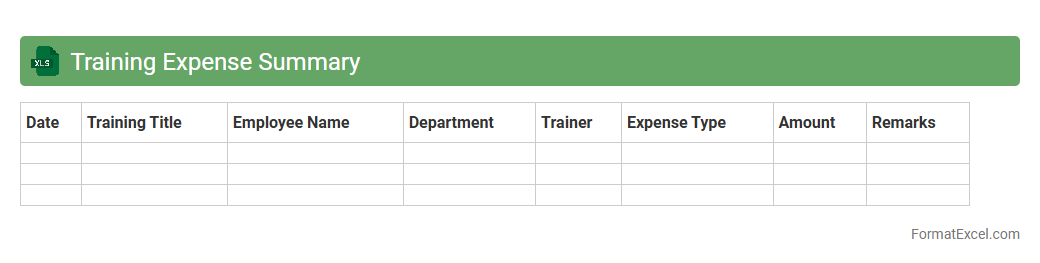
Training Expense Summary Excel document provides a detailed overview of all costs associated with employee training programs, including fees, materials, and travel expenses. This summary helps organizations track spending, identify budget variances, and ensure efficient allocation of funds for training initiatives. Access to this data supports informed decision-making, improves financial accountability, and optimizes resource management within training departments.
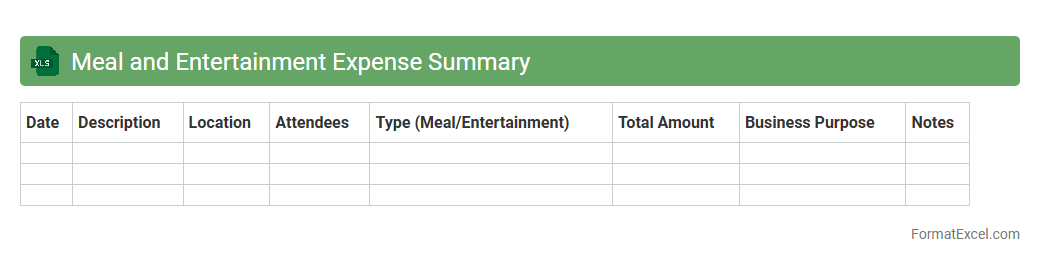
Meal and Entertainment Expense Summary
The
Meal and Entertainment Expense Summary Excel document consolidates all expenses related to food, beverages, and entertainment activities incurred during business operations. It allows for efficient tracking, categorization, and reporting of these costs, facilitating compliance with tax regulations and budget management. This summary helps organizations optimize spending, identify trends, and streamline expense reimbursement processes.
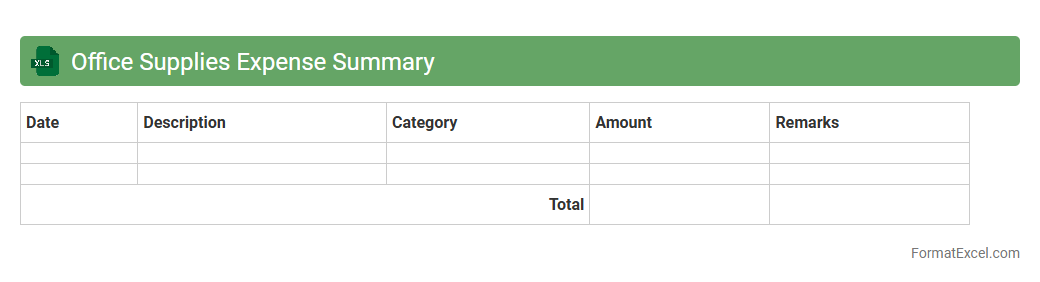
Office Supplies Expense Summary
The
Office Supplies Expense Summary Excel document consolidates all expenses related to office supplies, providing a clear overview of spending patterns and budget adherence. It helps track purchases, identify cost-saving opportunities, and ensure efficient resource allocation within the organization. Using this summary enables better financial planning and decision-making by presenting detailed expense data in an easily accessible format.
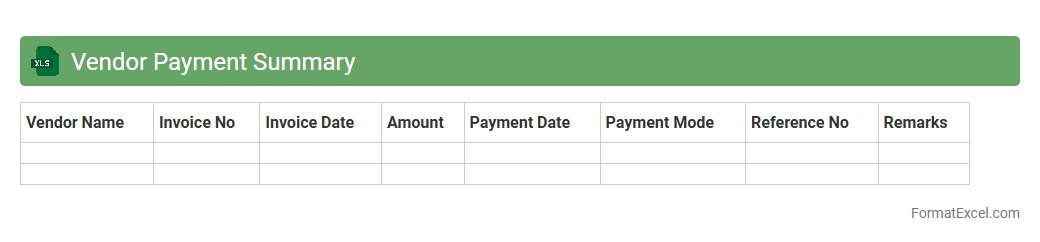
Vendor Payment Summary
A
Vendor Payment Summary Excel document consolidates all payment transactions made to suppliers over a specific period, providing a clear overview of outstanding balances, paid invoices, and payment dates. It streamlines financial tracking and budgeting by offering quick access to vendor payment histories and helps ensure timely settlements, reducing the risk of errors or missed payments. This summary enhances cash flow management and supports audit compliance through organized and transparent record-keeping.
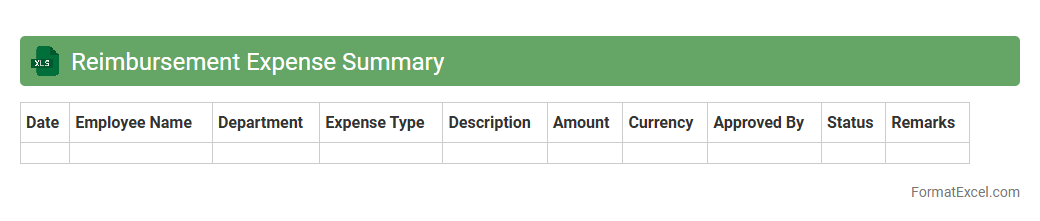
Reimbursement Expense Summary
Reimbursement Expense Summary Excel document is a comprehensive financial tool designed to track and consolidate all expense claims made by employees or departments. It streamlines the process of monitoring reimbursements, ensuring accuracy and timely payments while providing clear visibility into spending patterns. Utilizing this
expense summary improves budget management and facilitates transparent financial reporting.
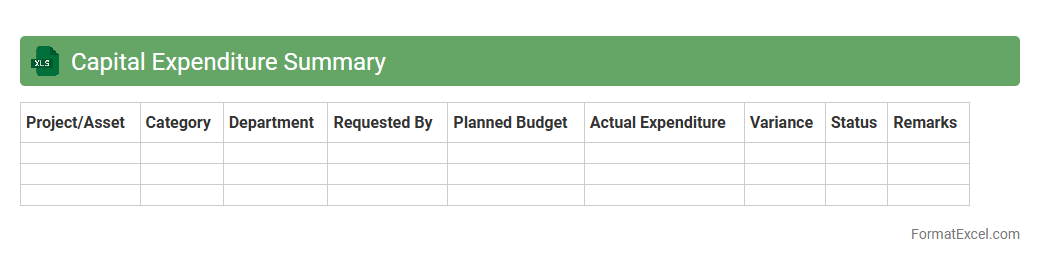
Capital Expenditure Summary
A
Capital Expenditure Summary Excel document consolidates all planned and actual investments in long-term assets, providing a clear overview of financial commitments to equipment, property, or infrastructure. It helps track budget allocation, monitor spending against forecasts, and supports strategic decision-making by highlighting investment priorities and cash flow impacts. This organized financial snapshot improves transparency and enhances the ability to manage capital budgets effectively.
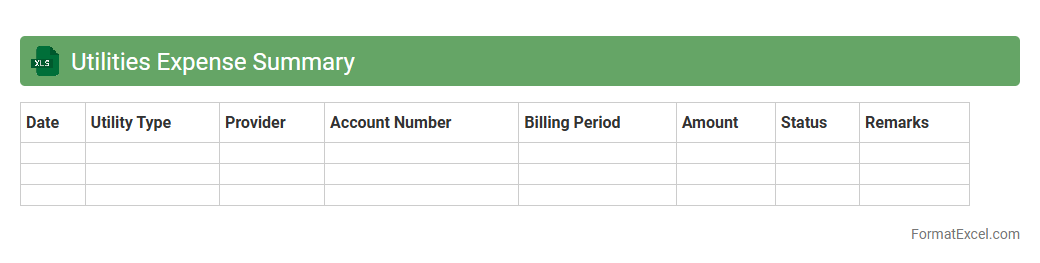
Utilities Expense Summary
The
Utilities Expense Summary Excel document consolidates all utility-related costs such as electricity, water, gas, and internet into a single, organized spreadsheet, enabling efficient tracking and analysis over a specified period. It helps businesses and households monitor spending patterns, identify cost-saving opportunities, and prepare accurate budgets. By providing a clear overview of monthly or annual utility expenses, it supports informed financial decision-making and expense management.
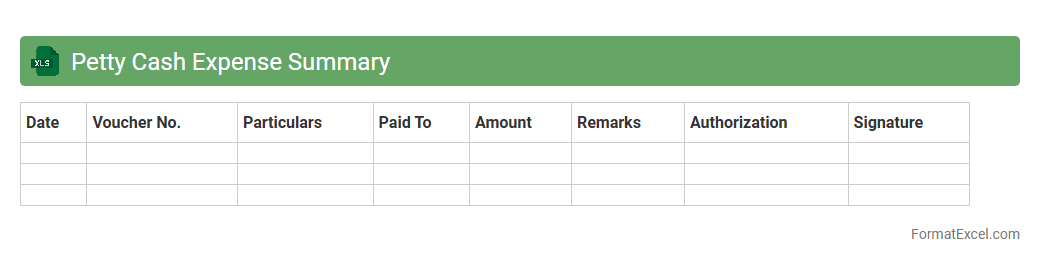
Petty Cash Expense Summary
A
Petty Cash Expense Summary Excel document tracks small, frequent cash expenditures in one organized file, helping businesses monitor and control minor expenses efficiently. It consolidates transaction details, dates, and balances, providing clear visibility into cash flow and preventing overspending. This summary enhances financial accuracy and simplifies reconciliations during audits or budgeting processes.
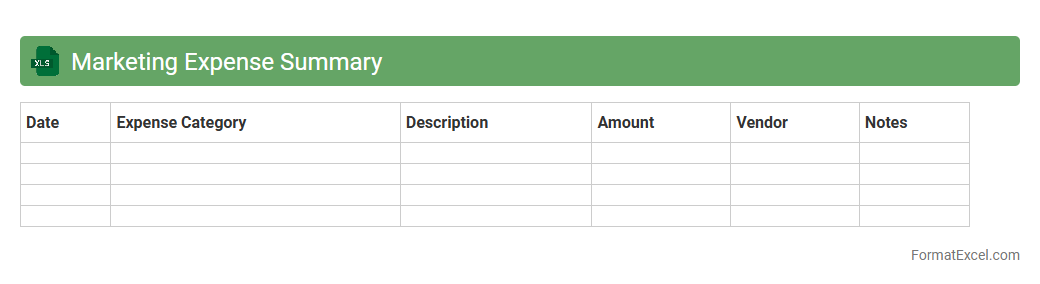
Marketing Expense Summary
The
Marketing Expense Summary Excel document consolidates all marketing-related costs into a single, organized format, enabling efficient tracking and analysis of budget allocations. It helps identify spending patterns and assess the ROI of different campaigns, facilitating better financial planning and decision-making. Businesses use this summary to optimize marketing strategies, reduce unnecessary expenses, and maximize overall marketing effectiveness.
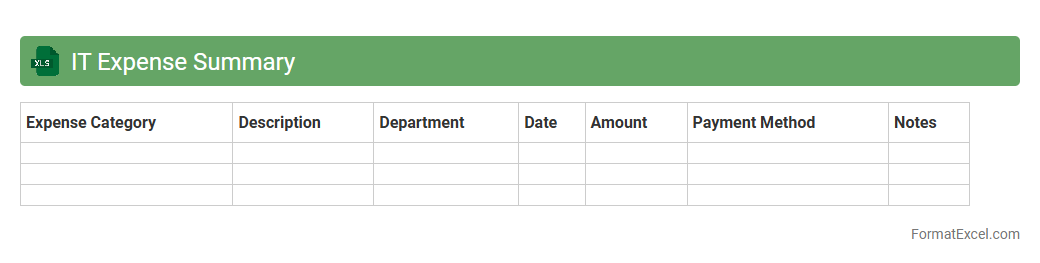
IT Expense Summary
An
IT Expense Summary Excel document consolidates all technology-related costs into a clear and organized format, enabling easier tracking of hardware, software, and service expenditures. It helps businesses monitor budget adherence, identify cost-saving opportunities, and prepare accurate financial reports. Utilizing this summary enhances decision-making by providing transparency and detailed insights into IT spending patterns.
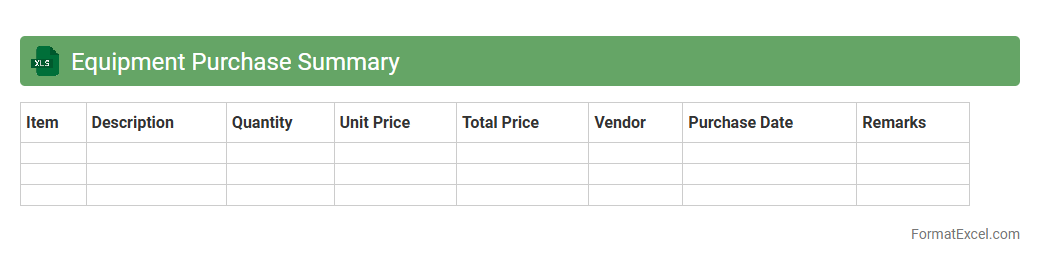
Equipment Purchase Summary
An
Equipment Purchase Summary Excel document consolidates all details related to equipment acquisitions, including item descriptions, quantities, costs, and purchase dates. It streamlines budget tracking and ensures accurate financial reporting by providing a clear overview of expenditures. Organizations use this document to optimize procurement decisions, maintain inventory records, and facilitate audit processes efficiently.
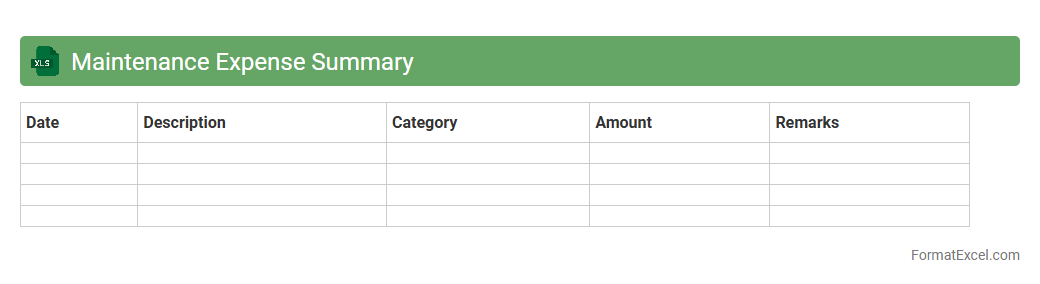
Maintenance Expense Summary
The
Maintenance Expense Summary Excel document consolidates all costs related to equipment upkeep, repairs, and routine servicing into a single, easily accessible report. It enables businesses to track spending patterns, identify high-cost areas, and make informed budget decisions to optimize resource allocation. This summary enhances financial transparency and supports proactive maintenance planning to reduce downtime and extend asset lifespan.
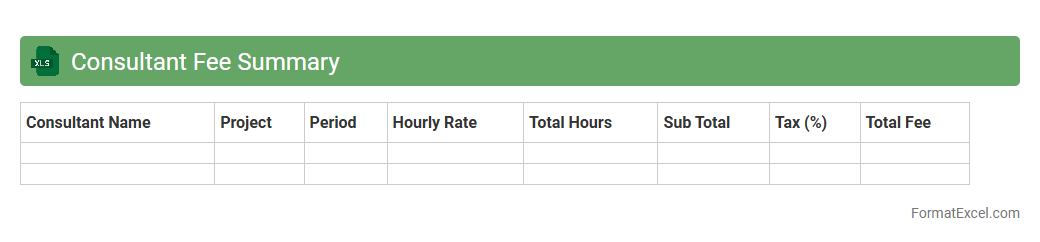
Consultant Fee Summary
The
Consultant Fee Summary Excel document is a comprehensive financial tool that consolidates all consultant payments, rates, and billing details in one organized spreadsheet. It streamlines expense tracking, improves budgeting accuracy, and facilitates quick analysis of consultant costs for project management and financial reporting. This document enhances transparency and supports decision-making by providing clear insights into consultant spending patterns.
Client Meeting Expense Summary
The
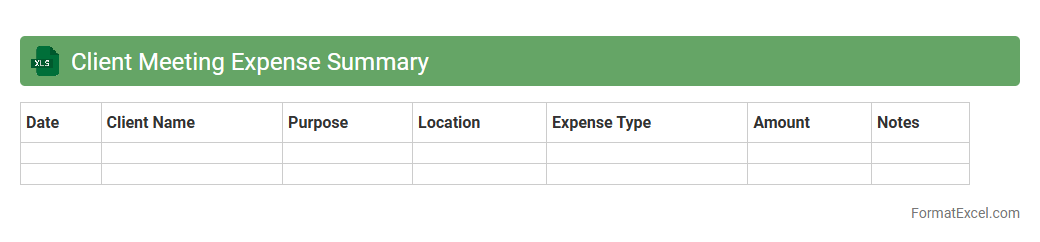
Client Meeting Expense Summary Excel document tracks all costs related to client meetings, such as travel, accommodation, meals, and other incidentals. It helps in maintaining accurate financial records, ensuring transparency, and simplifying expense reimbursement processes. This summary enables efficient budget management and aids in analyzing spending patterns for better decision-making.
Event Expense Summary
The
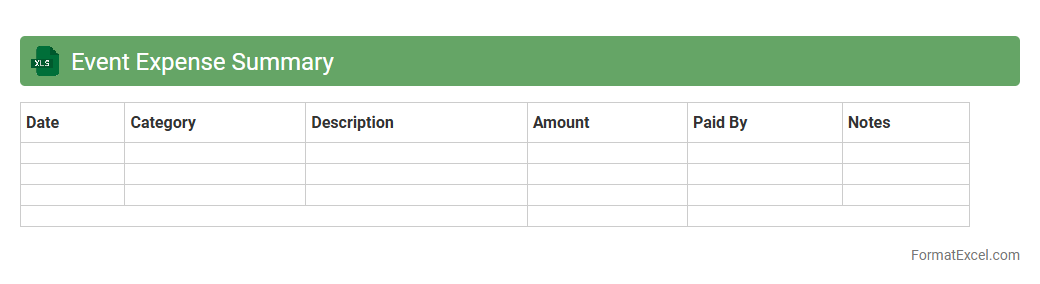
Event Expense Summary Excel document is a detailed financial tracking tool that consolidates all costs related to an event, including venue, catering, equipment, and miscellaneous expenses. It allows event organizers to monitor spending in real-time, ensuring the budget stays on target and preventing overspending. By providing a clear overview of all expenses, this summary facilitates effective financial planning and accountability throughout the event management process.
Freight and Shipping Expense Summary
The
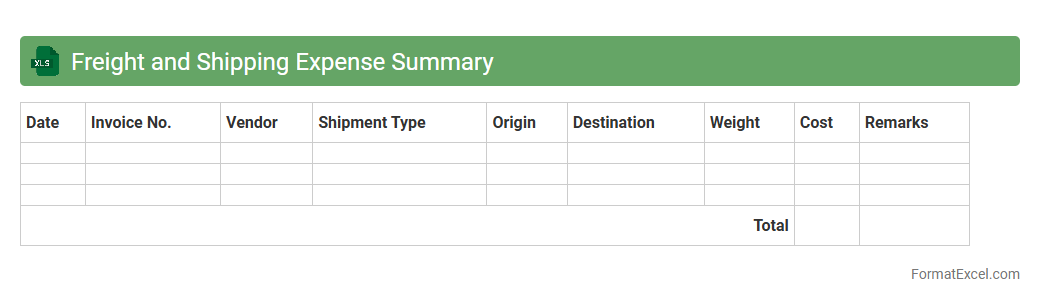
Freight and Shipping Expense Summary Excel document provides a detailed record of all costs associated with transporting goods, including carrier fees, fuel surcharges, and handling charges. This summary helps businesses track and analyze shipping expenditures, enabling better budget management and cost optimization. By consolidating shipping data, the document supports informed decision-making to enhance supply chain efficiency and reduce unnecessary expenses.
Subscription and Membership Expense Summary
The
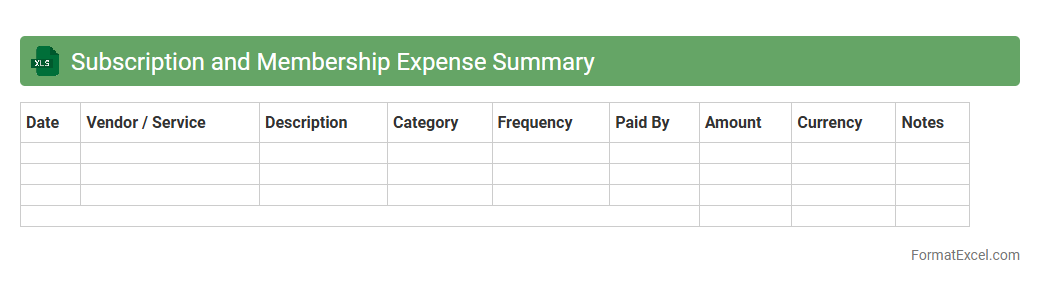
Subscription and Membership Expense Summary Excel document provides a comprehensive overview of all recurring costs related to subscriptions and memberships within an organization. It helps track payment dates, amounts, vendors, and billing cycles, enabling efficient budget management and expense forecasting. This summary minimizes the risk of missed payments, optimizes cash flow, and supports informed financial decision-making.
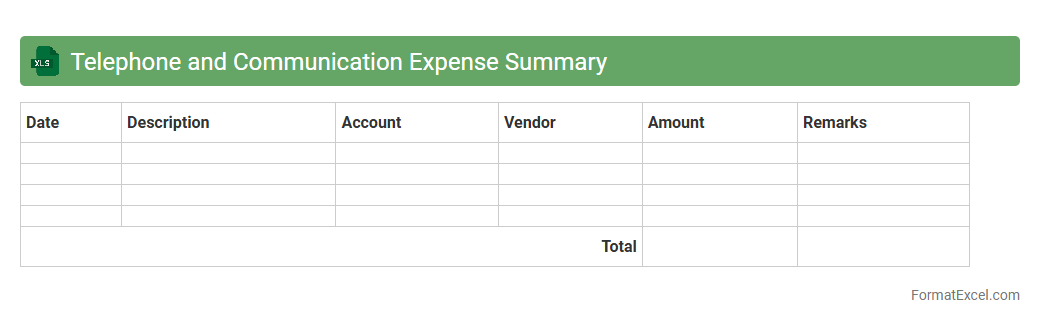
Telephone and Communication Expense Summary
The
Telephone and Communication Expense Summary Excel document consolidates all telecommunication costs including phone bills, internet charges, and related expenses into a clear, organized format. This summary helps businesses monitor and control their communication expenditures by providing detailed insights and trends over time. Efficient tracking of these expenses supports budget management and enables informed decision-making to optimize communication costs.
Introduction to Expense Summary Formats in Excel
An Expense Summary Format in Excel organizes financial data clearly, helping track and analyze spending efficiently. It provides a structured layout for entering and reviewing expense information. This format simplifies budgeting and financial management tasks for individuals and businesses alike.
Importance of Using Excel for Expense Tracking
Excel is a powerful tool for expense tracking due to its flexibility and data analysis capabilities. It allows users to customize layouts, use formulas, and generate reports effortlessly. Maintaining expenses in Excel enhances accuracy and financial insight.
Key Elements of an Expense Summary Format
An effective expense summary includes essential elements such as date, category, description, amount, and payment method. These components ensure comprehensive recording and easy reference. Including totals and subtotals helps in quick calculations.
Step-by-Step Guide to Creating an Expense Summary in Excel
Start by opening a blank worksheet, then create headers for key columns such as Date, Description, and Amount. Enter sample data to test formulas for totals and category sums. Finally, format cells for clarity and usability.
Essential Columns for an Expense Summary Template
In an expense summary template, critical columns include Date, Expense Category, Description, Amount, and Payment Mode. These columns provide necessary details for each transaction. Accurate column setup facilitates reporting and auditing.
Customizing Expense Categories in Excel Sheets
Customize expense categories to reflect your unique spending habits or business needs. Categories might include Travel, Office Supplies, or Utilities. Adjusting these enhances data relevance and detailed analysis.
Tips for Automating Expense Calculations with Formulas
Use Excel formulas like SUM, SUMIF, and VLOOKUP to automate calculation of totals and category-based expenses. Automation reduces errors and saves time on manual calculations. Implementing conditional formatting highlights anomalies instantly.
Best Practices for Data Entry and Maintenance
Maintain accuracy by entering expenses promptly and consistently. Use data validation to prevent incorrect entries, ensuring the data integrity of your expense summary. Regularly back up your Excel files to avoid data loss.
Sample Expense Summary Format Downloadable Templates
Downloadable templates provide convenient, pre-built expense summary formats that can be customized. These templates save setup time and offer proven structures for effective tracking. Explore various templates to find one that matches your requirements.
Common Mistakes to Avoid in Expense Summary Reports
Avoid common mistakes such as missing entries, inconsistent categories, and incorrect formula usage. These errors compromise the accuracy of your financial analysis. Regular review and validation help maintain reliable expense reports.