Cost Breakdown
A
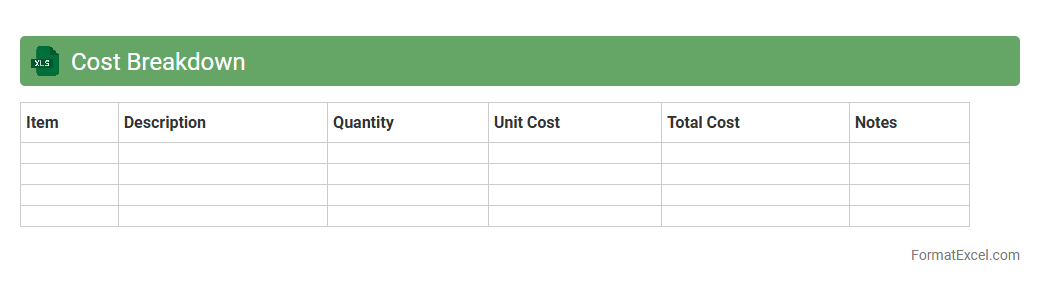
Cost Breakdown Excel document systematically categorizes and itemizes all expenses related to a project or business operation, facilitating precise budget management and financial analysis. It allows users to track cost components such as materials, labor, overhead, and other direct or indirect expenses, enabling efficient resource allocation and expense control. By providing clear visibility into cost structures, this tool supports informed decision-making and enhances overall financial planning accuracy.
Direct Costs Summary
The
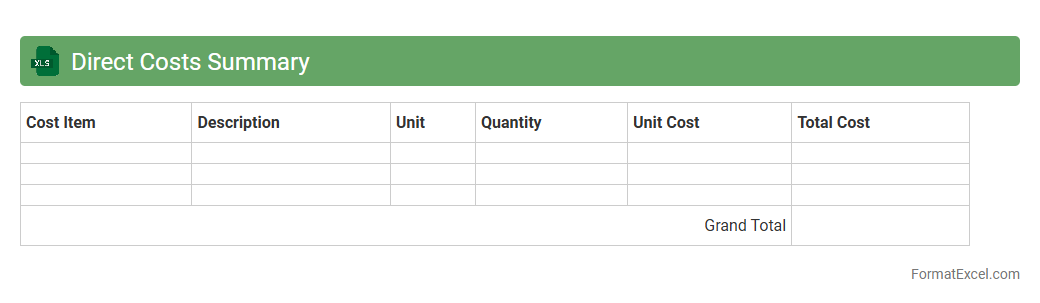
Direct Costs Summary Excel document consolidates all direct expenses associated with a specific project or business operation, providing a clear and organized overview of costs such as labor, materials, and equipment. It enables accurate budget tracking and facilitates cost control by offering detailed insights into where funds are allocated. This document is essential for financial planning, ensuring accountability, and making informed decisions to optimize resource management.
Indirect Costs Summary
The
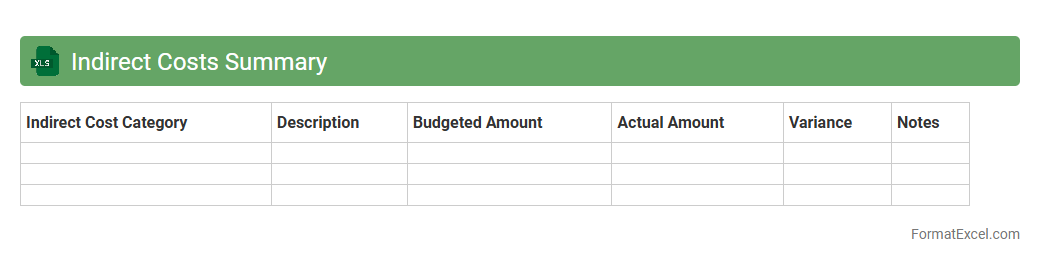
Indirect Costs Summary Excel document organizes and consolidates indirect expenses such as utilities, administrative salaries, and office supplies, providing a clear overview of overhead costs. It helps businesses accurately allocate these expenses across projects or departments, enhancing budgeting precision and financial reporting. This summary enables better cost control, supports strategic decision-making, and ensures compliance with accounting standards.
Fixed Costs Report
A
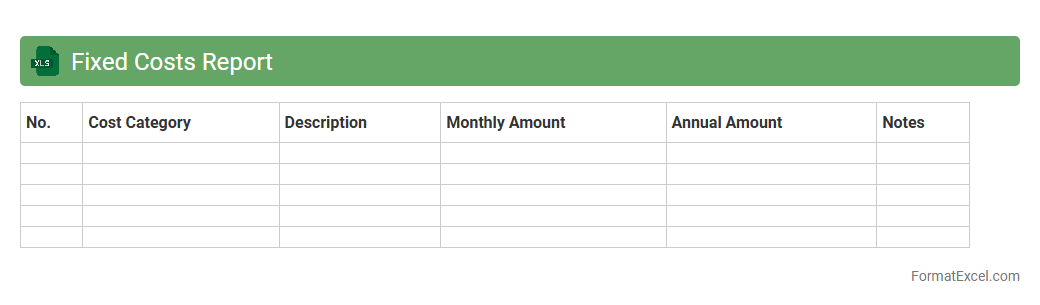
Fixed Costs Report Excel document tracks and categorizes all business expenses that remain constant regardless of production volume, such as rent, salaries, and insurance. It provides a clear overview of these recurring expenditures, enabling businesses to manage budgets effectively and forecast financial stability. By analyzing fixed costs in this report, companies can identify cost-saving opportunities and make informed strategic decisions.
Variable Costs Report
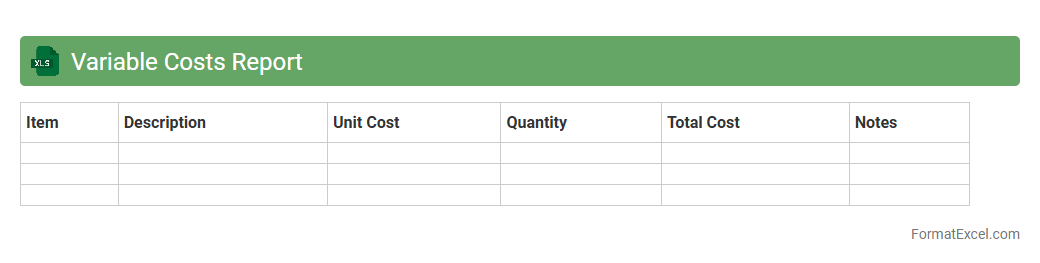
The
Variable Costs Report Excel document tracks expenses that change directly with production volume, such as raw materials, labor, and utilities. This report helps businesses analyze cost behavior, forecast budgets, and make informed decisions to improve profitability by identifying areas for cost control. Using this tool enables efficient financial planning and enhances operational efficiency through detailed cost monitoring.
Cost Allocation Table
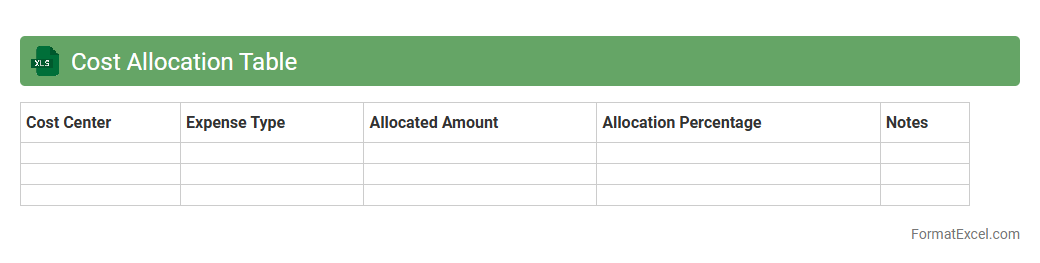
A
Cost Allocation Table Excel document organizes and distributes project or operational expenses across departments, products, or cost centers, providing clear insights into budget utilization. It enhances financial transparency by tracking spending patterns and supporting accurate budgeting and forecasting. This tool is essential for identifying cost drivers and optimizing resource allocation to improve overall financial efficiency.
Unit Cost Analysis
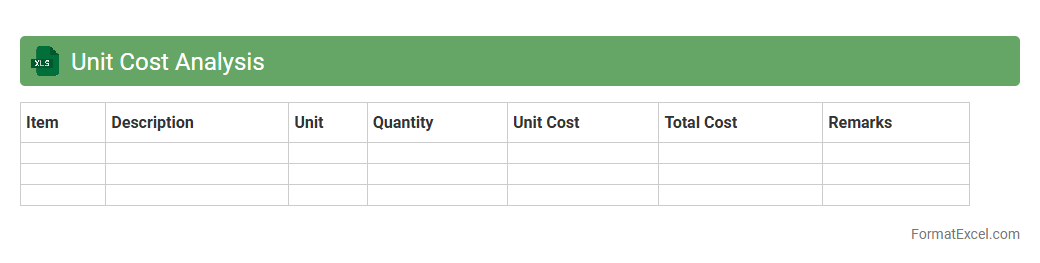
Unit Cost Analysis in an Excel document is a detailed financial tool used to calculate and evaluate the cost incurred to produce a single unit of product or service. It helps businesses identify cost drivers, optimize pricing strategies, and enhance profitability by breaking down expenses into fixed and variable components. Utilizing
Unit Cost Analysis enables precise budgeting, cost control, and informed decision-making to improve operational efficiency.
Cost Variance Report
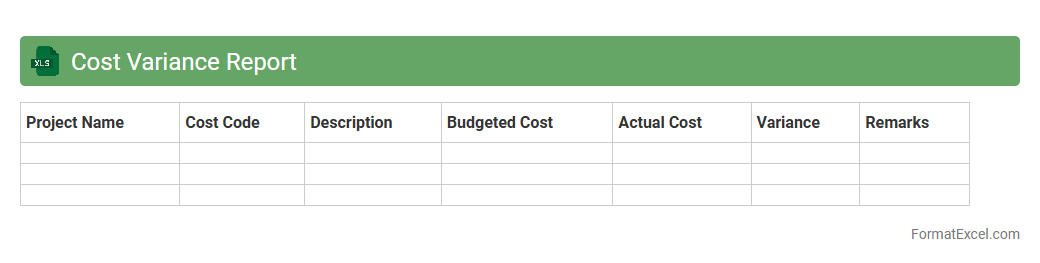
A
Cost Variance Report Excel document tracks the difference between budgeted and actual costs in project management, providing a clear visualization of financial performance. It enables users to identify cost overruns and savings, facilitating timely corrective actions to keep projects within budget. This report enhances decision-making by offering detailed insights into cost control and resource allocation efficiency.
Labor Cost Analysis
A
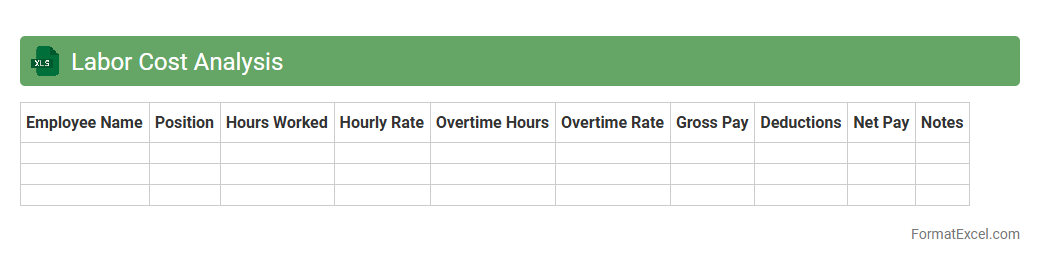
Labor Cost Analysis Excel document is a powerful tool designed to track, analyze, and manage employee labor expenses with precision. It helps businesses identify cost patterns, optimize workforce allocation, and improve budgeting accuracy by breaking down wages, overtime, and related costs. Utilizing this document enhances decision-making processes, leading to improved operational efficiency and reduced labor costs.
Material Cost Analysis
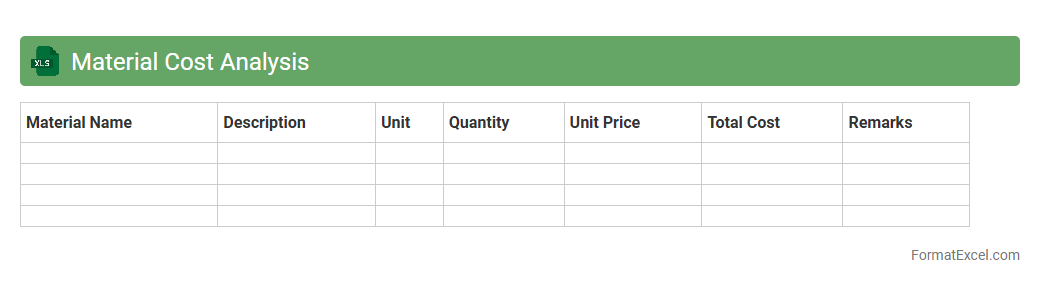
Material Cost Analysis excel document is a powerful tool designed to track, organize, and evaluate the expenses associated with raw materials in manufacturing or construction projects. It enables businesses to identify cost-saving opportunities, manage budgets more effectively, and improve overall profitability by providing clear insights into material consumption and pricing trends. Using this document, teams can make informed decisions, optimize inventory levels, and ensure accurate cost allocation for more efficient project management.
Overhead Cost Allocation
The
Overhead Cost Allocation Excel document is a powerful tool designed to systematically distribute indirect costs across various departments or projects within an organization. It facilitates accurate budgeting and financial analysis by providing clear visibility into how overhead expenses impact different cost centers. Utilizing this document enhances decision-making processes and improves cost control by ensuring transparent and equitable allocation of shared expenses.
Departmental Cost Report
A
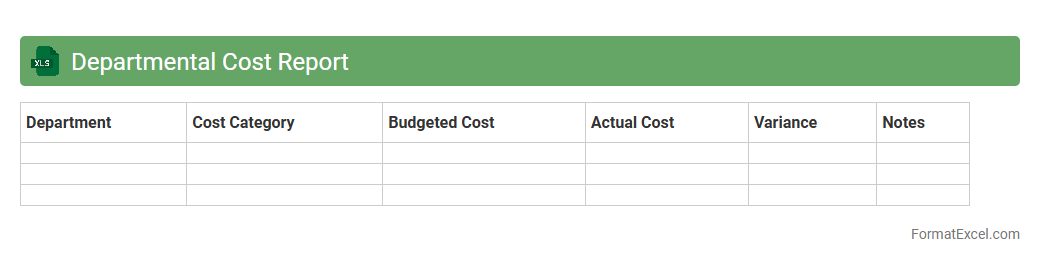
Departmental Cost Report Excel document systematically tracks and analyzes expenses incurred by various departments within an organization, enabling precise budgeting and financial oversight. It consolidates data such as labor, materials, and overhead costs, allowing managers to identify spending patterns and cost-saving opportunities. This tool enhances decision-making and operational efficiency by providing a clear financial snapshot of each department's performance.
Product Cost Comparison
A
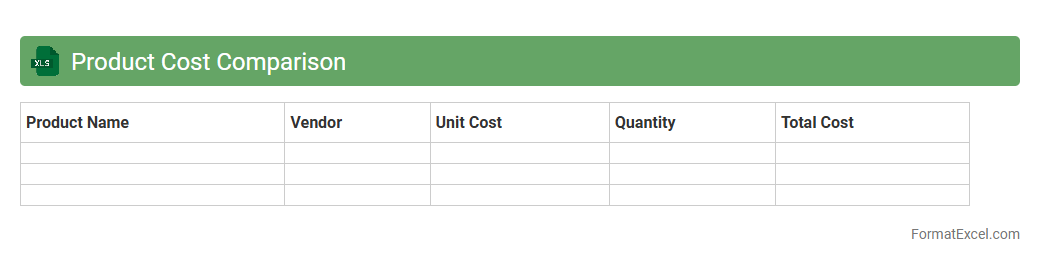
Product Cost Comparison Excel document systematically organizes and evaluates the costs of different products or suppliers, enabling businesses to identify the most cost-effective options. It provides detailed columns for price, quality metrics, shipping fees, and additional expenses, facilitating transparent and data-driven decision-making. Using this tool enhances budgeting accuracy and helps optimize procurement strategies by highlighting potential savings and cost variances across alternatives.
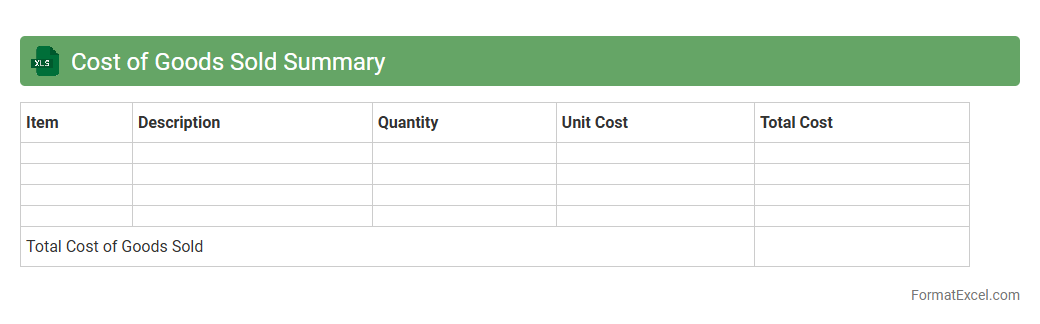
Cost of Goods Sold Summary
The
Cost of Goods Sold (COGS) Summary Excel document consolidates all direct costs related to the production of goods sold during a specific period, including raw materials, labor, and manufacturing expenses. It provides a clear overview of total production costs, enabling businesses to accurately calculate gross profit and assess profitability. This document helps in budgeting, financial analysis, and identifying cost-saving opportunities by tracking and summarizing COGS data efficiently.
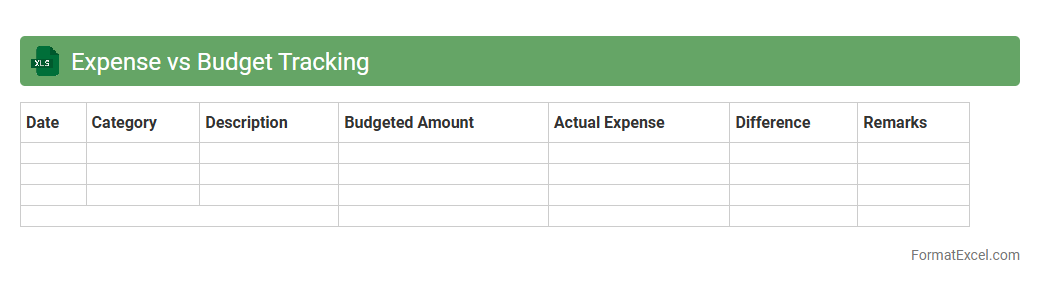
Expense vs Budget Tracking
An
Expense vs Budget Tracking Excel document is a financial management tool designed to compare actual expenditures against planned budgets. It helps individuals and businesses monitor spending patterns, identify variances, and make informed decisions to control costs effectively. Using this tool enhances financial discipline, supports goal achievement, and improves overall budget management accuracy.
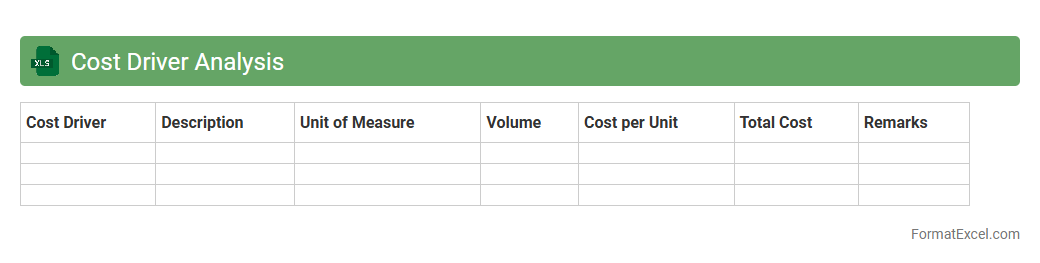
Cost Driver Analysis
Cost Driver Analysis excel document is a powerful tool that helps identify and evaluate the factors influencing the
cost behavior of business operations. By organizing and analyzing data systematically, it enables businesses to pinpoint specific activities or resources that drive costs, facilitating more accurate budgeting and strategic decision-making. This document enhances cost management by providing clear insights into areas for cost reduction and efficiency improvement.
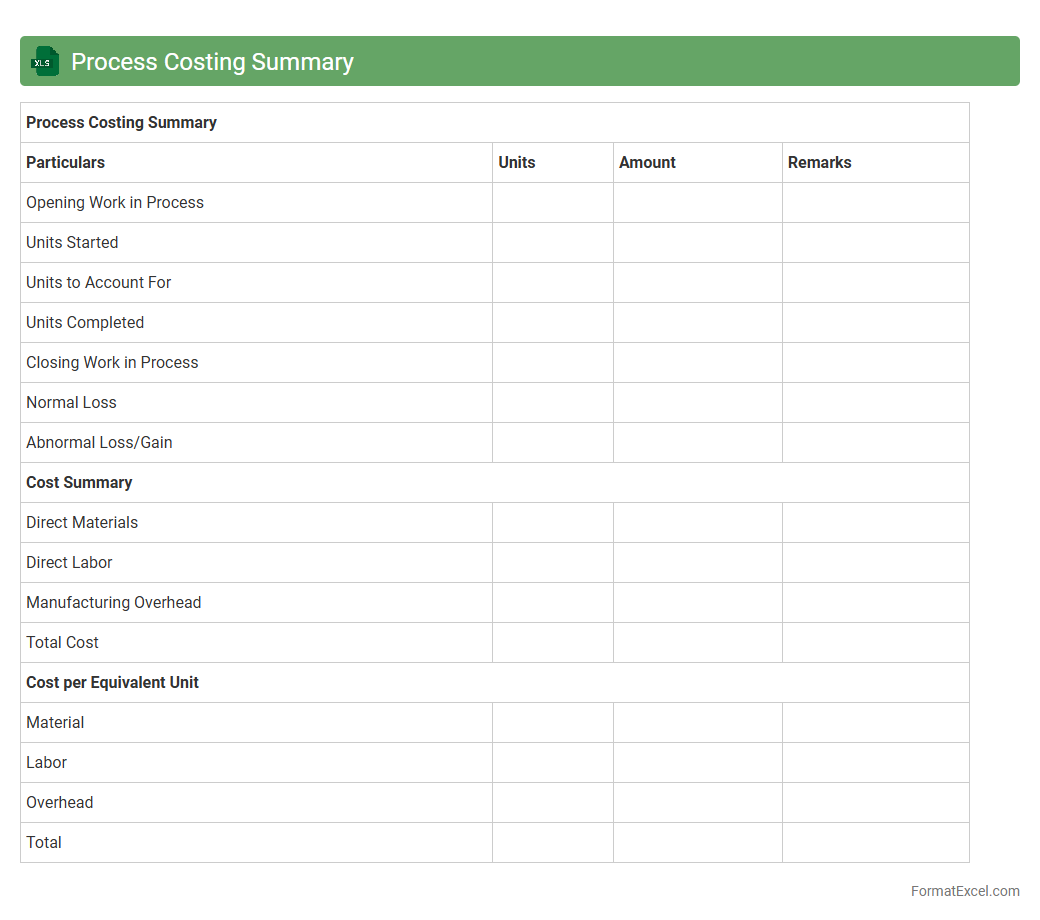
Process Costing Summary
The
Process Costing Summary Excel document is a tool designed to aggregate and analyze production costs across different manufacturing processes, enabling businesses to track expenses accurately and identify cost-saving opportunities. It organizes data such as labor, materials, and overhead, facilitating detailed cost allocation and comparison between departments or product lines. This document is essential for improving financial control, enhancing budgeting accuracy, and supporting strategic decision-making in manufacturing operations.
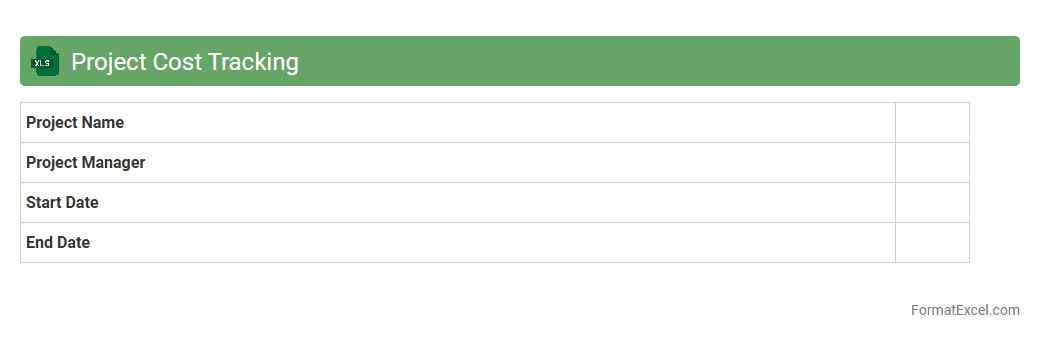
Project Cost Tracking
A
Project Cost Tracking Excel document is a structured spreadsheet designed to monitor and manage project expenses in real-time, ensuring budgets are adhered to and financial resources are efficiently allocated. It enables project managers to record actual costs against planned budgets, track cost variances, and generate detailed reports for better financial decision-making and forecasting. Utilizing this tool improves transparency, accountability, and helps in avoiding budget overruns throughout the project lifecycle.
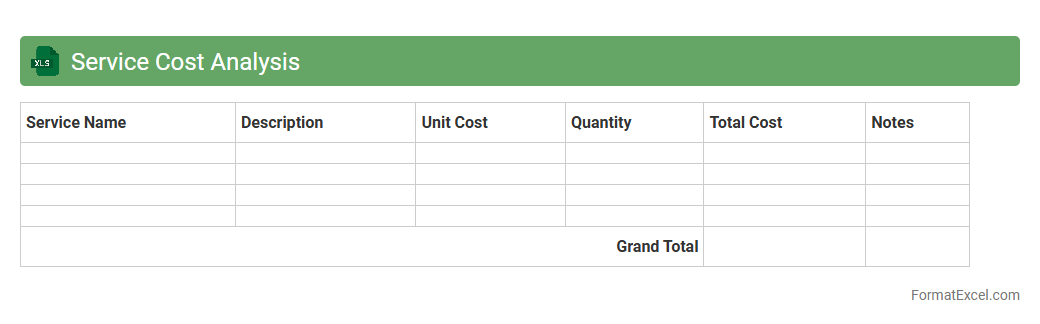
Service Cost Analysis
A
Service Cost Analysis Excel document is a specialized spreadsheet designed to track, calculate, and evaluate the expenses associated with providing specific services. It helps businesses identify cost drivers, monitor budget adherence, and optimize resource allocation for improved profitability. Using this tool enhances financial transparency and supports data-driven decision-making in service management.
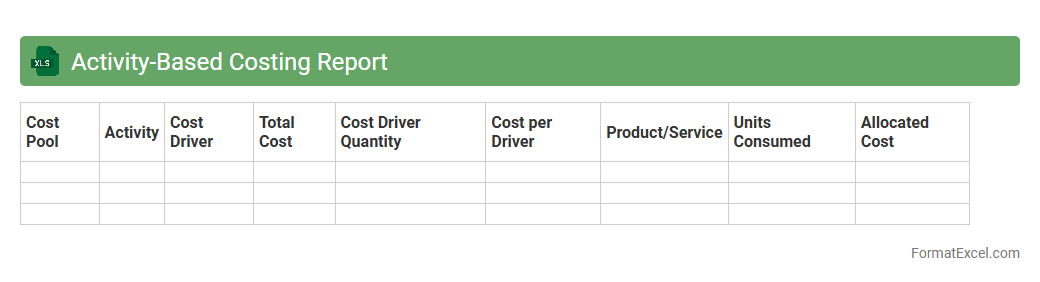
Activity-Based Costing Report
An
Activity-Based Costing Report Excel document is a powerful tool that allocates overhead costs to specific activities and products based on actual resource consumption. It enhances cost accuracy by identifying the true cost drivers, enabling more informed pricing, budgeting, and strategic decision-making. Businesses leverage this report to optimize operations, improve profitability, and gain detailed insights into cost behavior.
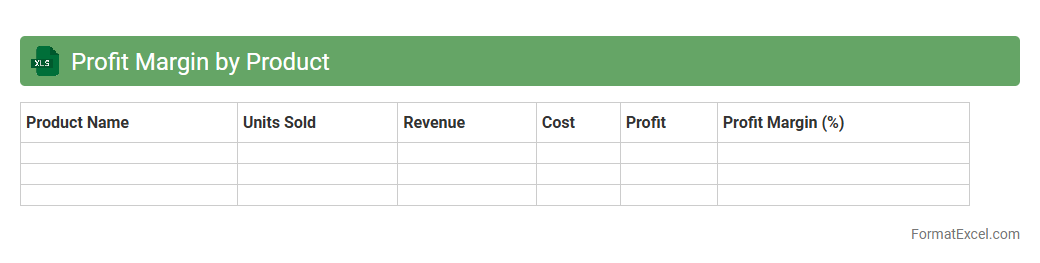
Profit Margin by Product
The
Profit Margin by Product Excel document is a detailed financial tool designed to calculate and analyze the profitability of each product in a company's lineup. It provides clear insights into revenue, cost of goods sold, and net profit percentage for individual products, enabling businesses to identify high-performing items and those that may require pricing or cost adjustments. Using this document helps optimize product strategies, improve pricing decisions, and ultimately enhance overall profitability.
Supplier Cost Comparison
A
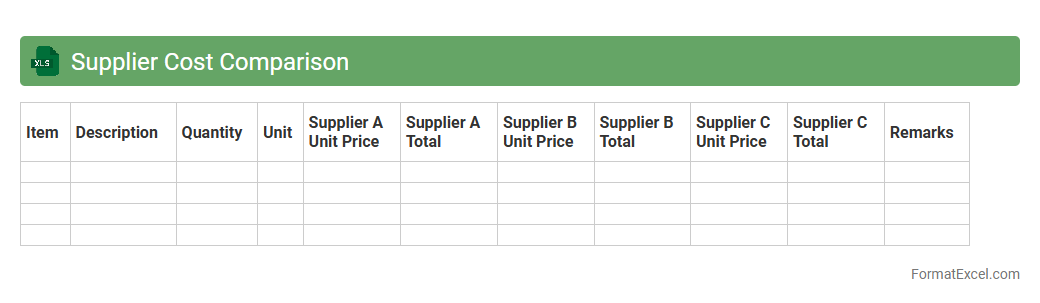
Supplier Cost Comparison Excel document is a tool designed to systematically evaluate and compare prices, terms, and conditions offered by multiple suppliers. This spreadsheet helps businesses identify the most cost-effective supplier by organizing data such as unit costs, shipping fees, and payment terms in a structured, easy-to-analyze format. Using this document enhances decision-making, reduces procurement costs, and improves supplier negotiation strategies.
Historical Cost Trends
The
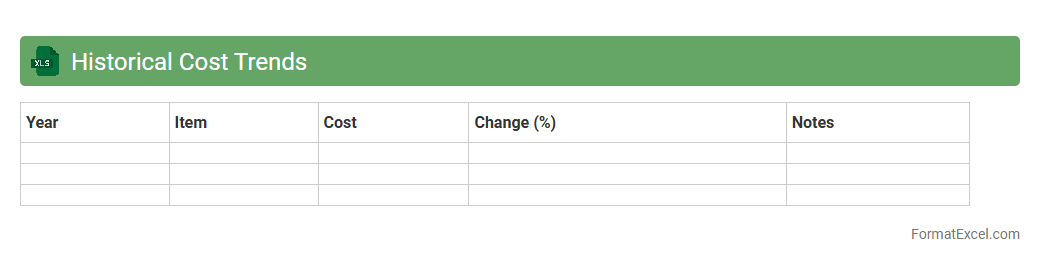
Historical Cost Trends Excel document tracks and analyzes past expenses across various categories, enabling precise identification of cost fluctuations over time. By organizing data into clear, visual formats such as charts and tables, it supports strategic budgeting and financial forecasting. This tool empowers businesses to make informed decisions, reduce unnecessary costs, and optimize resource allocation based on historical spending patterns.
Manufacturing Cost Summary
The
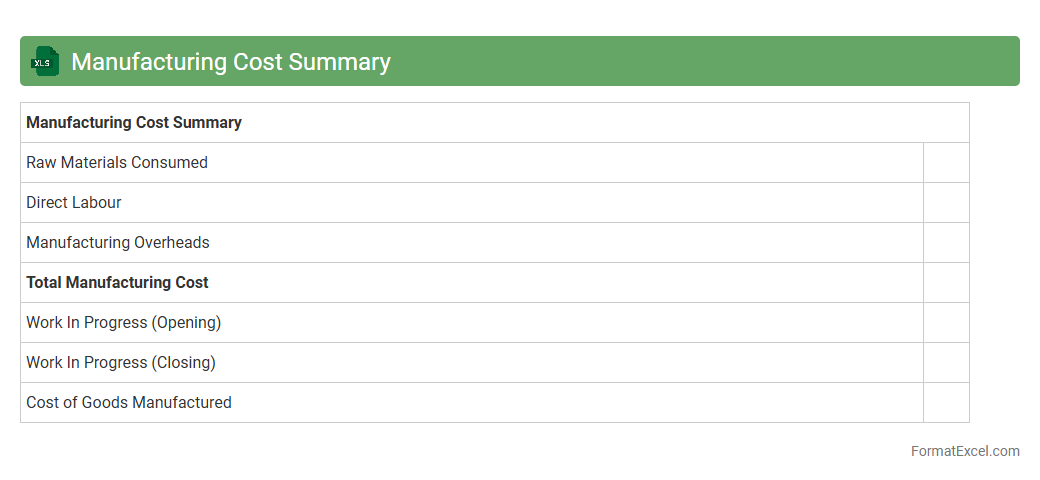
Manufacturing Cost Summary Excel document consolidates all production-related expenses such as raw materials, labor, and overhead into a clear, easy-to-analyze format. This tool enables businesses to track cost efficiency, identify areas for cost reduction, and improve budgeting accuracy. By providing detailed insights into the total manufacturing costs, it supports informed decision-making and enhances overall financial management in manufacturing operations.
Monthly Cost Summary
The
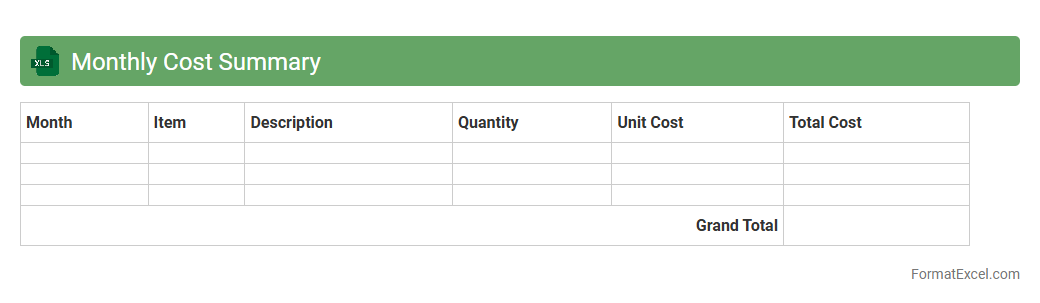
Monthly Cost Summary Excel document provides a comprehensive overview of expenses incurred within a specific month, consolidating various cost categories into an organized format. It helps businesses and individuals track, analyze, and manage spending, facilitating better budgeting and financial decision-making. By summarizing costs clearly, it enables identification of cost-saving opportunities and enhances overall financial efficiency.
Introduction to Cost Analysis in Excel
Cost analysis in Excel involves evaluating expenses to optimize budgets and improve financial decisions. Excel provides a flexible platform for organizing and analyzing cost data with ease. Mastering this technique is essential for effective financial management.
Key Benefits of Using Excel for Cost Analysis
Excel enables efficient data entry, complex calculations, and customizable reporting in cost analysis. Its intuitive interface allows users to manage large datasets and create dynamic models quickly. Leveraging Excel's capabilities enhances overall cost efficiency.
Essential Elements of a Cost Analysis Format
A well-designed cost analysis format includes defined cost categories, timelines, and clear documentation of assumptions. Organizing data into direct and indirect costs is crucial for precise assessments. This structure supports accurate budget tracking.
Step-by-Step Guide to Setting Up the Template
Start by outlining cost categories and input sections for all expenses. Next, integrate formulas to automate calculations for totals and variances. Finally, format the sheet for readability and ease of data entry, ensuring a reliable template.
Categorizing Direct and Indirect Costs
Direct costs relate directly to production, such as materials and labor, while indirect costs include overhead expenses. Clearly separating these costs improves clarity and financial analysis accuracy. Accurate categorization supports better cost allocation.
Incorporating Formulas for Automatic Calculations
Using Excel formulas like SUM, IF, and VLOOKUP automates data processing and minimizes errors. These functions enable real-time updates and dynamic analysis in the cost sheet. Automation is key to maintaining high data accuracy.
Visualizing Data with Charts and Graphs
Charts and graphs transform raw numbers into visual insights, making trends and anomalies easier to identify. Excel's chart tools help present cost data in formats like pie charts, bar graphs, and line charts. Effective visualization enhances decision-making.
Tips for Ensuring Data Accuracy
Regularly validate data inputs and use error checks to prevent inconsistencies. Protect formulas and lock cells to avoid accidental changes. Maintaining rigorous data integrity is critical for trustworthy analysis results.
Customizing the Cost Analysis Format for Various Needs
Adapt the template by adding specific cost centers, timelines, or project phases based on unique requirements. Excel's flexibility allows integration with other financial models and reports. Customization ensures the format meets diverse business objectives.
Downloadable Excel Cost Analysis Template
Accessing a pre-built cost analysis template accelerates setup and standardizes processes. These templates often include built-in formulas and charts tailored for general use. Utilizing a downloadable resource enhances productivity and consistency.