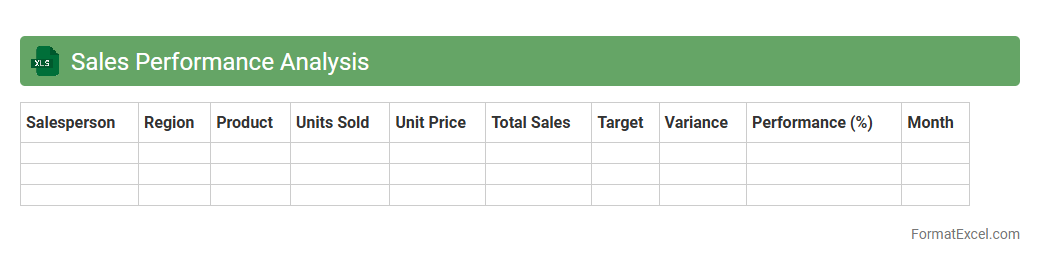
Sales Performance Analysis
Sales Performance Analysis Excel document is a powerful tool designed to track, evaluate, and visualize key sales metrics such as revenue, conversion rates, and sales targets. By organizing data into clear charts and pivot tables, it enables businesses to identify trends, measure team effectiveness, and optimize sales strategies. This
data-driven approach helps improve decision-making and boosts overall sales productivity.
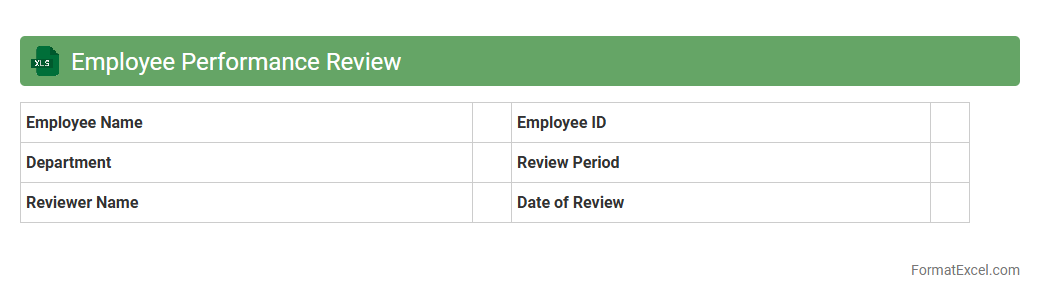
Employee Performance Review
An
Employee Performance Review Excel document is a structured spreadsheet designed to track and evaluate employee performance metrics, goals, and feedback systematically. It allows managers to organize data such as productivity, skills assessment, and annual appraisal scores in one centralized location, enhancing transparency and consistency in evaluations. Using this document facilitates data-driven decision-making for promotions, training needs, and performance improvement plans.
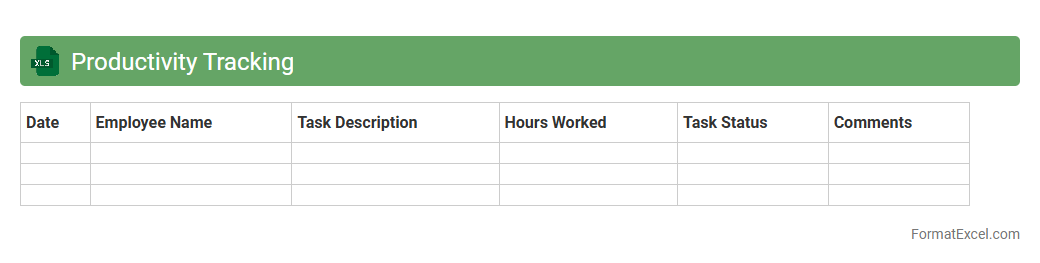
Productivity Tracking
A
Productivity Tracking Excel document is a tool designed to monitor and measure individual or team performance by recording tasks, time spent, and output quality. It helps identify productivity patterns, streamline workflows, and set realistic targets to improve efficiency. Using this document enables data-driven decision-making and enhances overall operational effectiveness.
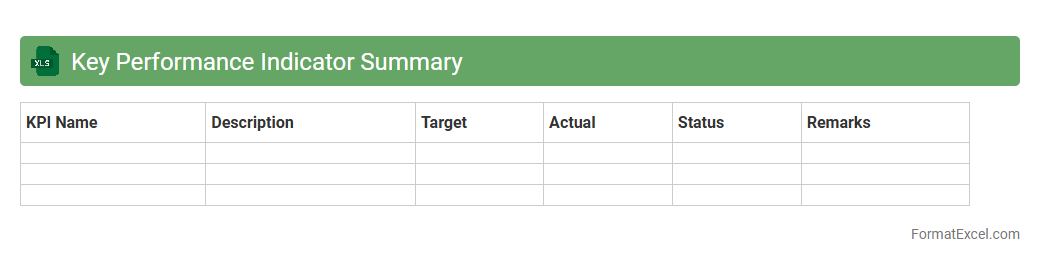
Key Performance Indicator Summary
A
Key Performance Indicator Summary Excel document consolidates critical business metrics into a clear, visual format, enabling quick assessment of performance across various departments or projects. It helps track progress against goals, identify trends, and make data-driven decisions to optimize operational efficiency. By summarizing KPIs, this tool enhances communication among stakeholders and supports strategic planning.
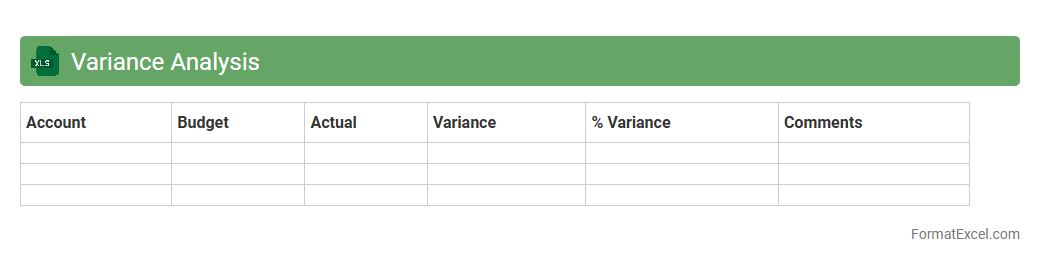
Variance Analysis
Variance Analysis Excel document is a structured spreadsheet designed to compare actual financial performance against budgeted or standard costs, highlighting differences known as variances. It helps businesses identify areas where expenses exceeded or fell short of expectations, enabling targeted cost control and informed decision-making. Utilizing
Variance Analysis in Excel enhances financial transparency and supports strategic planning by providing clear, data-driven insights.
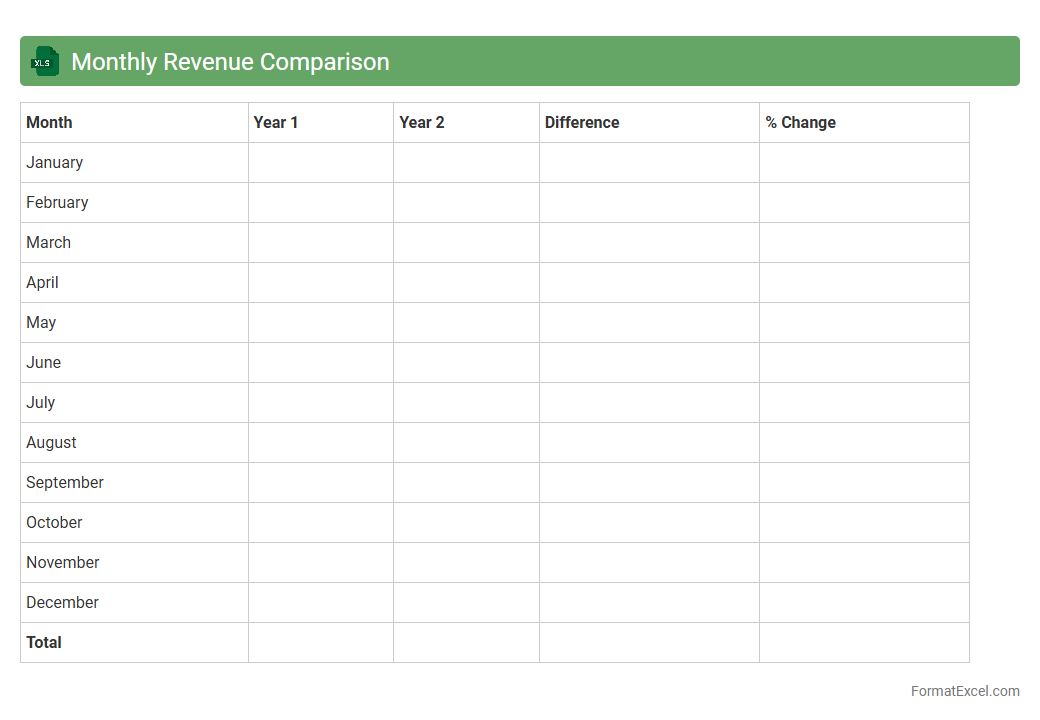
Monthly Revenue Comparison
The
Monthly Revenue Comparison Excel document tracks and analyzes revenue data across multiple months, allowing businesses to identify trends, seasonal patterns, and growth opportunities. By comparing monthly income figures side-by-side, it helps stakeholders make informed financial decisions and forecast future performance accurately. This tool streamlines financial reporting and enhances strategic planning through clear visualization and organized data management.
Departmental Performance Metrics
The
Departmental Performance Metrics Excel document is a structured tool designed to track, analyze, and visualize key performance indicators (KPIs) across various departments within an organization. It enables managers to monitor efficiency, productivity, and goal achievement in real-time, facilitating data-driven decision-making. Using this document improves transparency, accountability, and helps identify areas for improvement to enhance overall departmental performance.
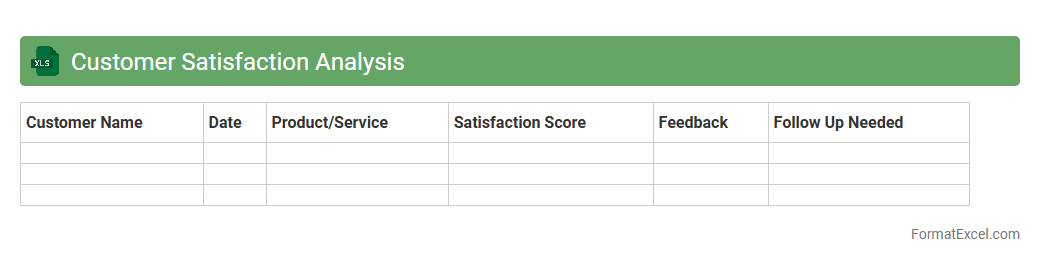
Customer Satisfaction Analysis
Customer Satisfaction Analysis excel document is a powerful tool designed to collect, organize, and evaluate customer feedback data to measure satisfaction levels efficiently. It enables businesses to identify key drivers of customer satisfaction through quantitative metrics, analyze trends over time, and make data-driven decisions for improving products or services. By leveraging this document, companies can enhance customer loyalty, optimize service quality, and boost overall
customer retention rates.
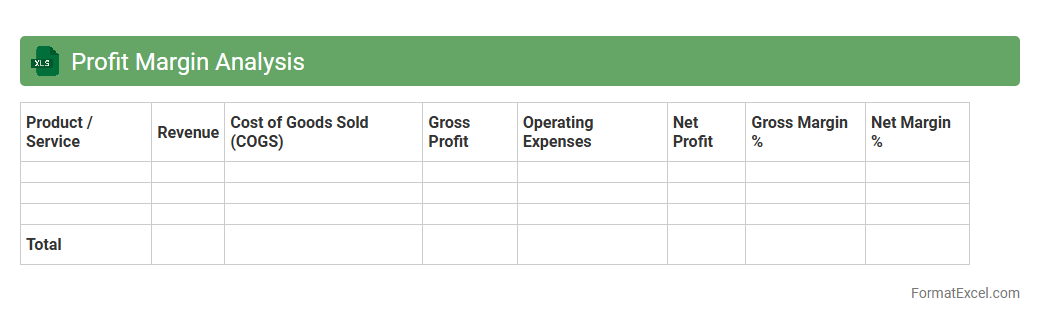
Profit Margin Analysis
Profit Margin Analysis Excel document is a powerful tool designed to calculate and visualize the profitability of a business by comparing net income to total revenue. It provides critical insights into cost control, pricing strategies, and overall financial health, enabling informed decision-making for improving operational efficiency. Using this
Profit Margin Analysis tool helps businesses identify trends, manage expenses, and optimize profit growth systematically.
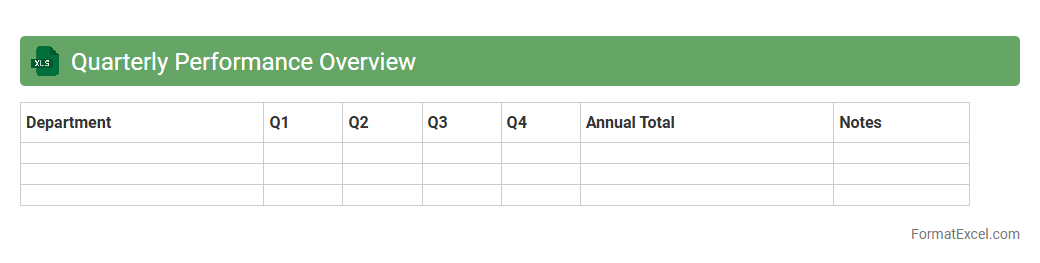
Quarterly Performance Overview
The
Quarterly Performance Overview Excel document consolidates key financial and operational metrics from the past three months, enabling clear analysis of trends and outcomes. It serves as a critical tool for tracking progress against quarterly goals, identifying areas for improvement, and supporting informed decision-making. This organized data presentation enhances strategic planning and bolsters communication across departments by providing accessible performance insights.
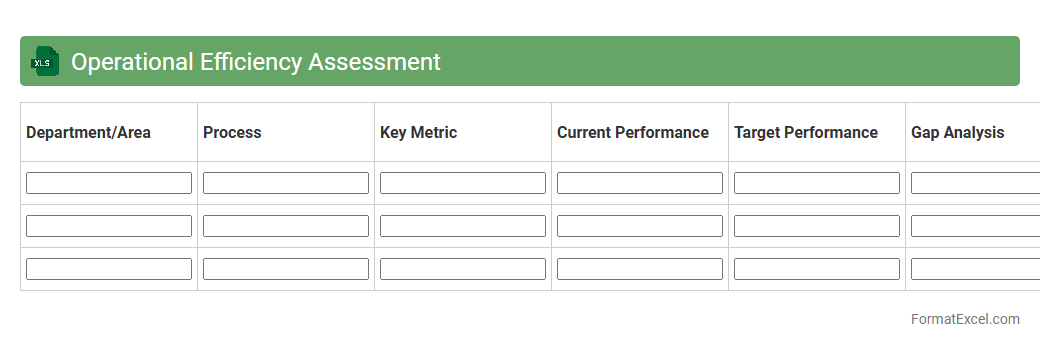
Operational Efficiency Assessment
The
Operational Efficiency Assessment Excel document is a structured tool designed to analyze and measure the performance metrics of business processes, helping identify bottlenecks and areas for improvement. It allows users to input key operational data, facilitating a clear visualization of workflows, resource utilization, and productivity levels. This assessment supports informed decision-making by providing actionable insights to optimize operations, reduce costs, and enhance overall organizational effectiveness.
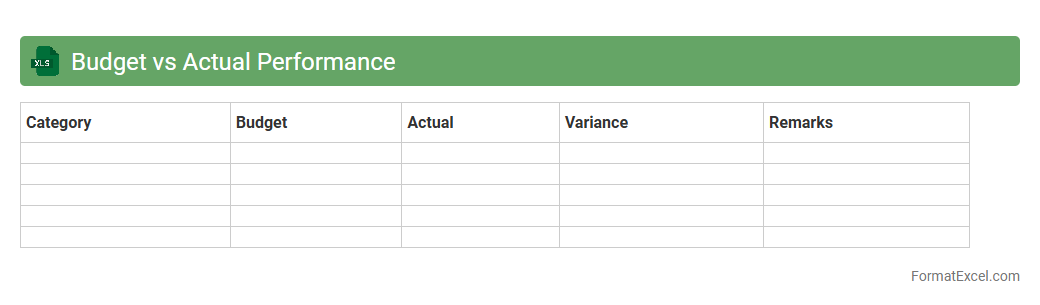
Budget vs Actual Performance
A
Budget vs Actual Performance Excel document is a financial tool used to compare projected financial plans against actual expenditures and revenues. It helps organizations identify variances, control costs, and make informed decisions by analyzing discrepancies between budgeted figures and real-time financial outcomes. This document enables efficient resource allocation, enhances financial accountability, and supports strategic planning by providing clear insights into financial performance.
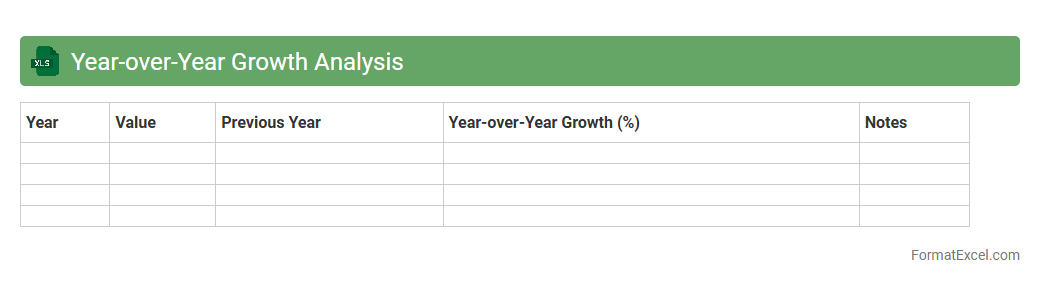
Year-over-Year Growth Analysis
Year-over-Year Growth Analysis in an Excel document tracks the percentage change in key metrics such as revenue, sales, or expenses between the current year and the previous year. This analysis helps businesses identify trends, measure performance improvements, and make informed financial decisions by comparing consistent periods. Using Excel's built-in formulas and visualization tools enhances accuracy and clarity in presenting
year-over-year growth data for strategic planning.
Market Share Evaluation
The
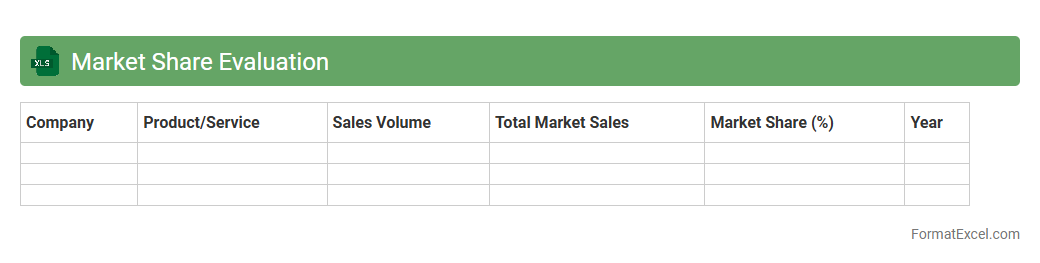
Market Share Evaluation Excel document systematically analyzes a company's sales volume relative to competitors within a specific industry or market, providing clear visualizations through charts and tables. It helps identify trends, competitive positioning, and growth opportunities by breaking down market percentages and tracking changes over time. This tool is essential for making informed strategic decisions, optimizing marketing efforts, and improving overall business performance.
Project Performance Dashboard
The
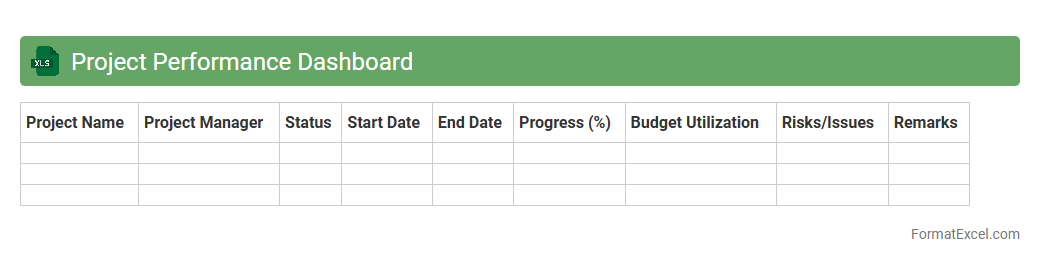
Project Performance Dashboard Excel document is a comprehensive tool designed to track and visualize key project metrics such as timelines, budget adherence, resource allocation, and task completion status. It enables project managers and teams to quickly identify bottlenecks, monitor progress against goals, and make data-driven decisions to enhance efficiency. By consolidating real-time project data into an intuitive interface, this dashboard improves transparency and facilitates proactive management.
Cost-Benefit Analysis
A
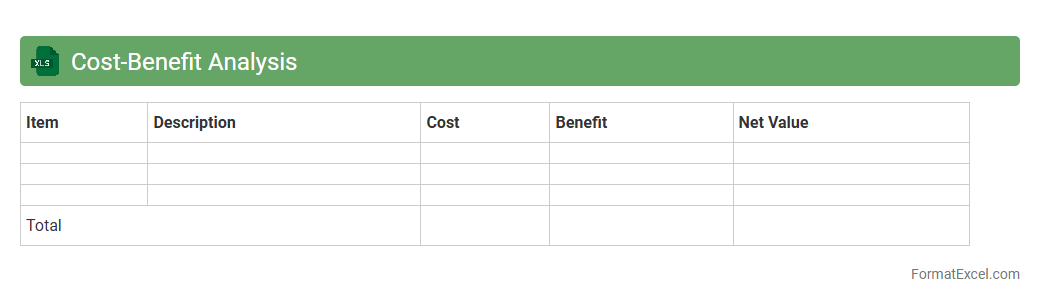
Cost-Benefit Analysis Excel document is a structured spreadsheet tool used to evaluate the financial feasibility of projects by comparing total expected costs against anticipated benefits. It helps businesses and individuals make informed decisions by quantifying the economic value of investments, allowing for clear visualization of profit margins and return on investment. This analysis supports strategic planning, resource allocation, and risk management by providing detailed, data-driven insights.
Expense Trend Analysis
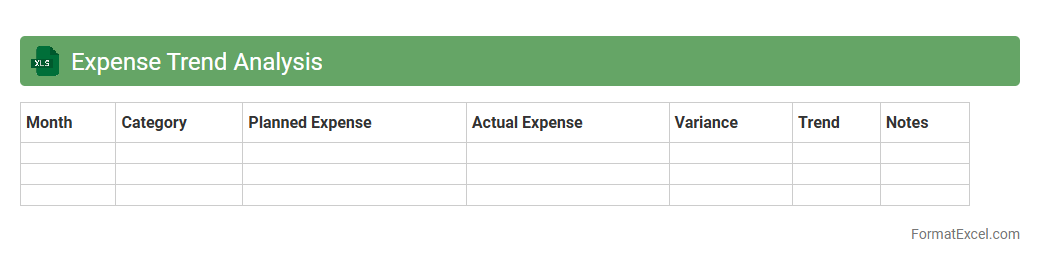
Expense Trend Analysis in Excel is a powerful tool that tracks and visualizes spending patterns over time, allowing users to identify fluctuations and recurring costs. By leveraging spreadsheet functions and charts, it helps in detecting overspending areas and potential savings opportunities, enhancing budget management. This analysis supports informed financial decisions by providing a clear overview of expense trajectories and highlighting key spending trends.
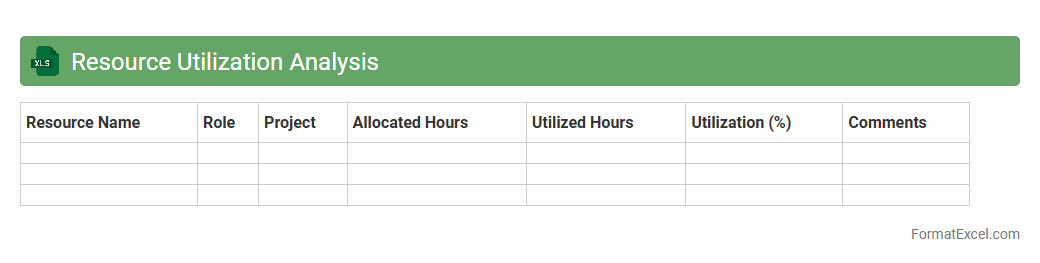
Resource Utilization Analysis
Resource Utilization Analysis Excel document is a powerful tool designed to track and measure the efficiency of resource allocation within projects or organizations. It provides detailed insights into how personnel, equipment, and materials are used, ensuring optimal productivity and minimizing downtime. Using this document helps identify bottlenecks and over-allocations, enabling better decision-making and enhancing overall project performance through
data-driven resource management.
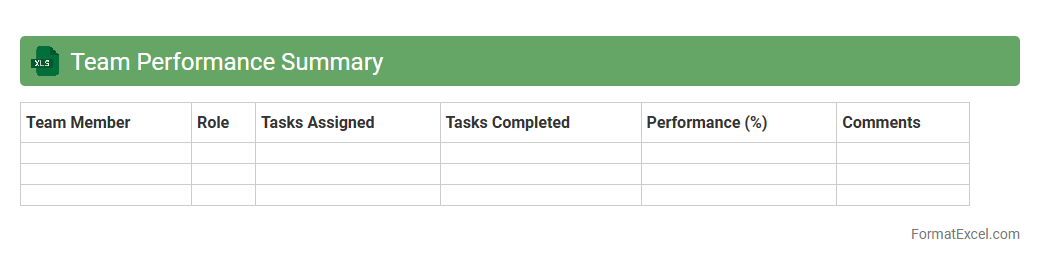
Team Performance Summary
A
Team Performance Summary Excel document consolidates key metrics such as productivity rates, project milestones, and individual contributions into a structured format. It enables managers to quickly assess overall team efficiency and identify areas needing improvement or support. Using this summary facilitates data-driven decision-making, enhances accountability, and streamlines performance reviews.
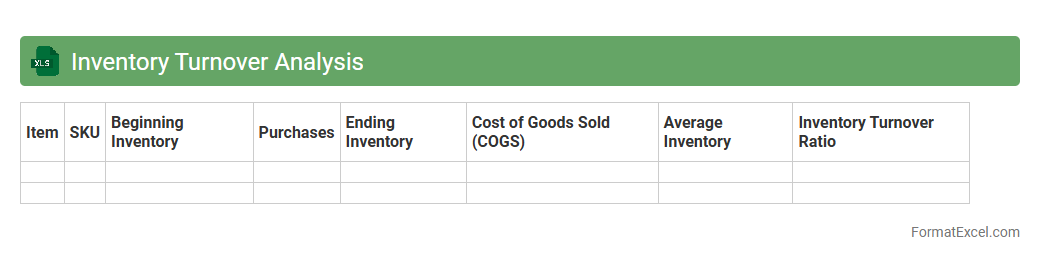
Inventory Turnover Analysis
Inventory Turnover Analysis Excel document tracks how efficiently a company manages its stock by calculating the number of times inventory is sold and replaced over a specific period. This analysis helps identify slow-moving items, optimize inventory levels, and improve cash flow management. Using
Inventory Turnover Analysis enables businesses to reduce holding costs and enhance decision-making for purchasing and sales strategies.
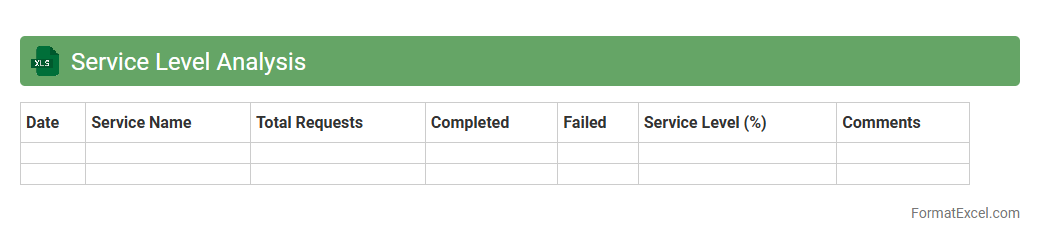
Service Level Analysis
A
Service Level Analysis Excel document is a tool designed to measure and evaluate the performance of service delivery against predefined benchmarks such as response time, resolution time, and customer satisfaction rates. It allows businesses to track key performance indicators (KPIs) in real-time, identify service gaps, and make data-driven decisions to improve operational efficiency. By providing a clear visualization of service trends and areas for improvement, this document supports continuous enhancement of customer experience and resource allocation.
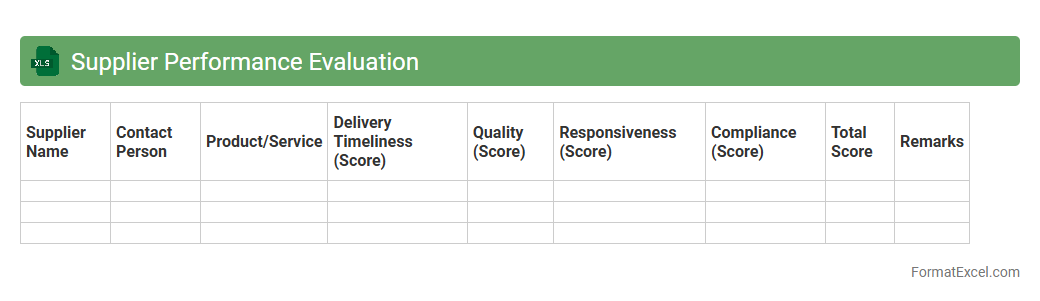
Supplier Performance Evaluation
A
Supplier Performance Evaluation Excel document is a structured tool designed to systematically assess and track supplier quality, delivery, cost, and compliance metrics. It enables businesses to identify top-performing suppliers, address performance issues, and make informed decisions to optimize procurement and supply chain efficiency. By leveraging detailed data analysis within the Excel format, organizations can enhance supplier relationships and drive continuous improvement in supplier management.
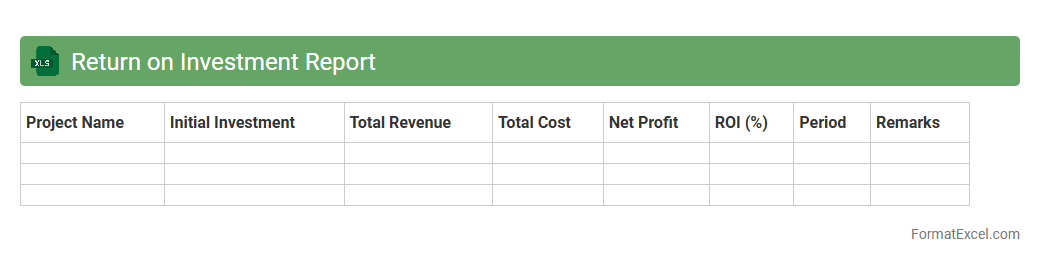
Return on Investment Report
A
Return on Investment Report Excel document is a detailed spreadsheet used to calculate and analyze the profitability of investments by comparing the gains against the costs. It provides a clear visual representation of financial performance metrics, helping businesses identify which projects generate the highest returns. This tool is essential for making informed decisions, optimizing resource allocation, and maximizing overall business growth.
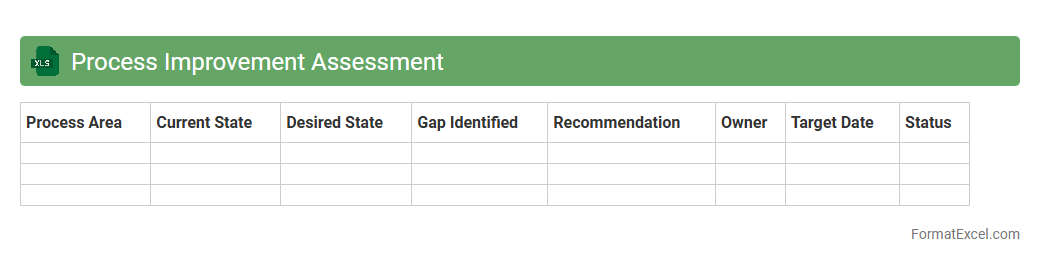
Process Improvement Assessment
The
Process Improvement Assessment Excel document is a structured tool designed to evaluate and analyze business processes systematically, identifying inefficiencies and areas for enhancement. It enables organizations to collect data, measure performance, and track progress over time, facilitating data-driven decision-making and continuous improvement initiatives. Using this document helps streamline workflows, reduce operational costs, and improve overall productivity by providing clear insights into process effectiveness.
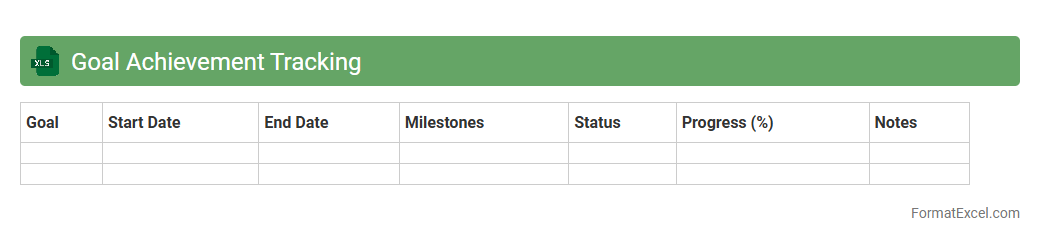
Goal Achievement Tracking
A
Goal Achievement Tracking Excel document is a structured tool designed to monitor progress toward specific objectives by organizing tasks, deadlines, and milestones in a clear, visual format. It allows users to break down goals into manageable steps, facilitating consistent evaluation and motivation through measurable indicators. This document enhances productivity by providing a centralized location for tracking success rates, identifying potential obstacles, and adjusting strategies to ensure goal completion.
Introduction to Performance Analysis in Excel
Performance analysis in Excel provides a structured approach to evaluate data related to business or project outcomes. It helps identify trends and areas for improvement efficiently. Excel's flexibility makes it a preferred tool for both simple and complex data analyses.
Benefits of Using Excel for Performance Analysis
Excel offers powerful features like data sorting, filtering, and pivot tables, which enhance the data evaluation process. Its accessibility and user-friendly interface allow users to create customized reports quickly. Additionally, Excel supports integration with other tools for extended functionality.
Key Components of a Performance Analysis Format
A structured format includes clear objectives, relevant performance metrics, and data visualization components for easy interpretation. It is essential to incorporate feedback mechanisms and comparison benchmarks in the analysis framework. Proper layout and labeling improve clarity and usability.
Step-by-Step Guide to Setting Up the Format
Start by defining the goals and selecting appropriate data sources. Next, organize the data into tables and calculate key metrics using Excel formulas. Finally, add charts and pivot tables to visualize trends clearly within a well-structured worksheet.
Essential Excel Functions for Performance Analysis
Functions like SUM, AVERAGE, IF, VLOOKUP, and COUNTIF are crucial for calculating and summarizing performance data accurately. Using pivot tables allows for dynamic data slicing and dicing. Mastery of these functions enhances the analysis efficiency and reliability.
Performance Metrics to Monitor in Excel
Common metrics include sales growth, customer satisfaction, productivity rates, and financial ratios to gauge performance. Tracking these allows businesses to measure success against targets effectively. Selecting the right key performance indicators (KPIs) is vital for meaningful insights.
Visualizing Data with Charts and Graphs
Charts and graphs transform raw data into visual formats like bar charts, line graphs, and pie charts. These tools make patterns and anomalies easier to identify, promoting quicker decision-making. Excel's chart features are highly customizable to fit different analysis needs.
Automating Performance Reports with Formulas
Utilizing formulas and macros can automate data updates and report generation, saving time and reducing errors. Automation supports real-time monitoring by linking dynamic data sources. Efficient use of these features leads to streamlined report workflows.
Common Mistakes in Performance Analysis Formats
Errors such as incorrect data entry, poor metric selection, and lack of clear organization can undermine analysis accuracy. Overloading reports with excessive information may also lead to confusion. Avoiding these mistakes preserves the integrity and usefulness of the analysis.
Tips for Enhancing Performance Analysis in Excel
Regularly update data sets and validate formulas to maintain accuracy. Implement conditional formatting to highlight critical values and trends visually. Leveraging advanced Excel tools like Power Query and Power Pivot can further improve data handling capabilities.