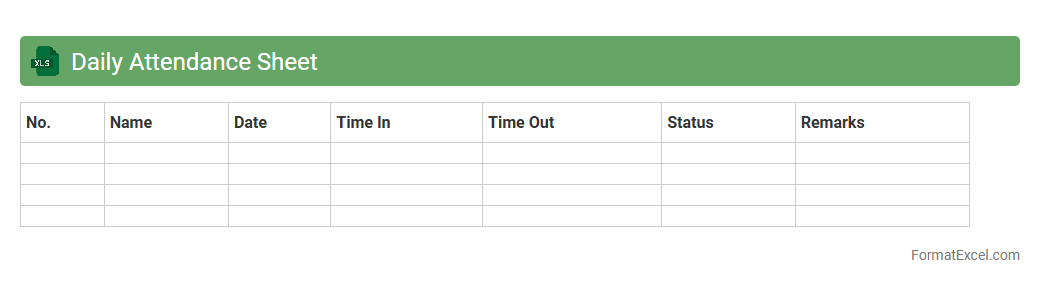
Daily Attendance Sheet
A
Daily Attendance Sheet Excel document is a structured tool used to record and monitor employee or student attendance on a daily basis. It streamlines the tracking process by automatically calculating total present, absent, and late entries, improving accuracy and saving time. This sheet is essential for maintaining organized attendance records, facilitating payroll processing, and identifying attendance patterns for better workforce management.
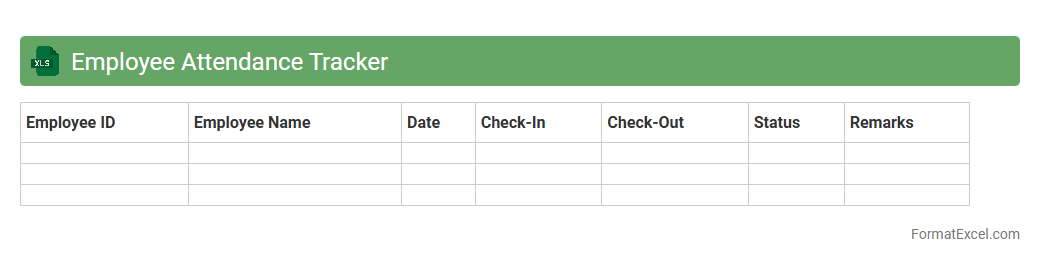
Employee Attendance Tracker
An
Employee Attendance Tracker Excel document is a structured spreadsheet designed to record and monitor employee attendance, including clock-in and clock-out times, absences, and leave details. It helps organizations maintain accurate attendance records, streamline payroll processing, and identify patterns in employee punctuality and absenteeism. Utilizing this tool improves workforce management, enhances productivity analysis, and supports compliance with labor regulations.
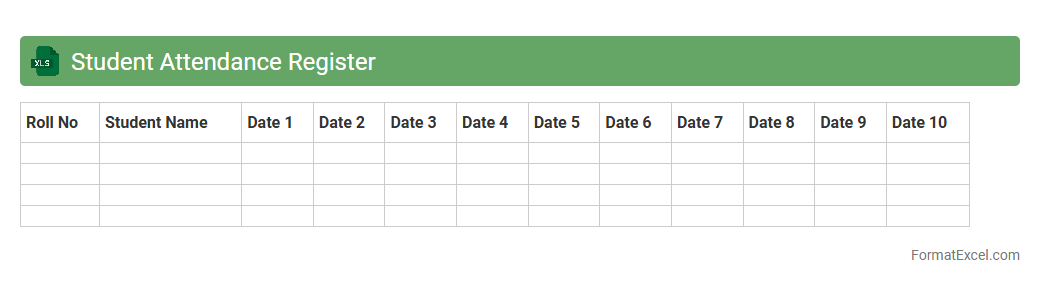
Student Attendance Register
The
Student Attendance Register Excel document is a digital tool designed to record and track student attendance efficiently. It helps educators monitor presence, identify patterns of absenteeism, and maintain organized records for academic and administrative purposes. This accessible format allows for easy data input, analysis, and reporting, enhancing overall classroom management and student performance tracking.
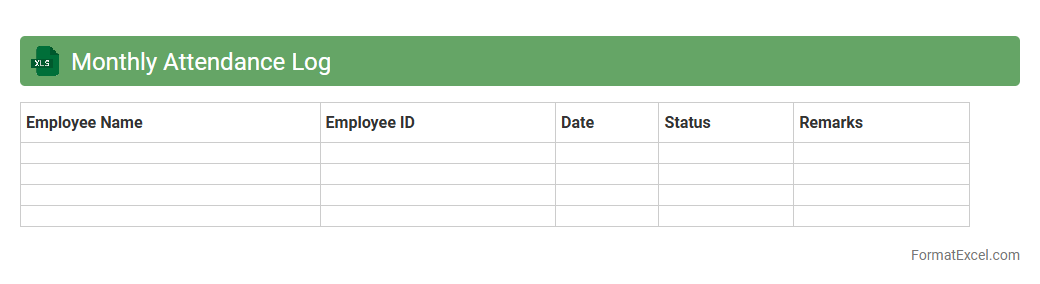
Monthly Attendance Log
A
Monthly Attendance Log Excel document is a tool designed to systematically record and track the daily attendance of employees or students within a given month. It provides a clear overview of presence, absences, and leave patterns, enabling efficient workforce or classroom management. Using this log helps improve accuracy in payroll processing, ensures compliance with attendance policies, and supports data-driven decision-making.
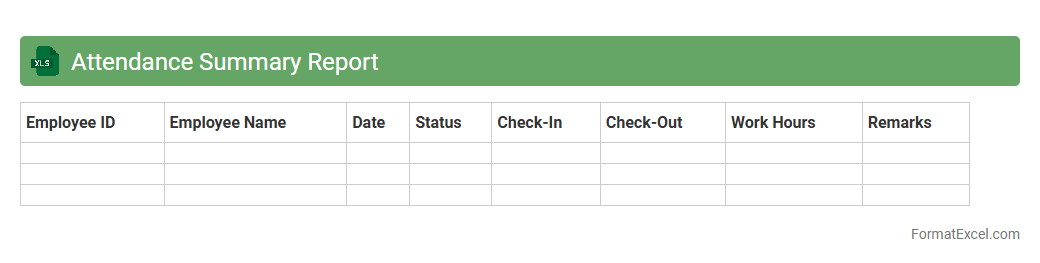
Attendance Summary Report
The
Attendance Summary Report Excel document consolidates employee attendance data, including hours worked, absences, and leave types, into a clear, organized format. It enables managers to quickly assess workforce attendance patterns, identify trends, and ensure accurate payroll processing. This report enhances workforce management efficiency and supports informed decision-making regarding staffing and productivity.
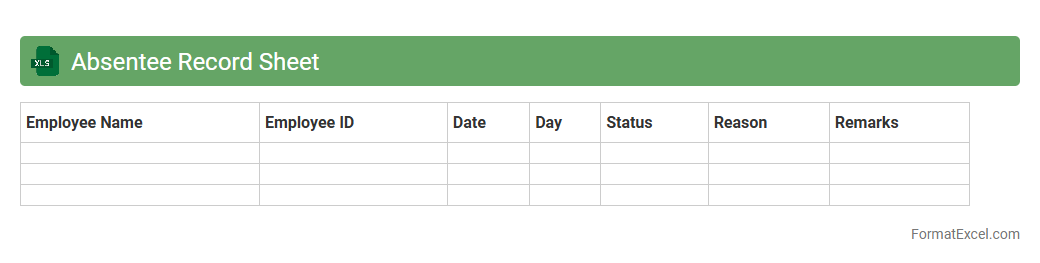
Absentee Record Sheet
An
Absentee Record Sheet excel document is a structured spreadsheet designed to track employee or student absences efficiently. It allows organizations to monitor attendance patterns, manage payroll adjustments, and identify recurring absence issues. By maintaining accurate absentee records, it supports better workforce planning and compliance with attendance policies.
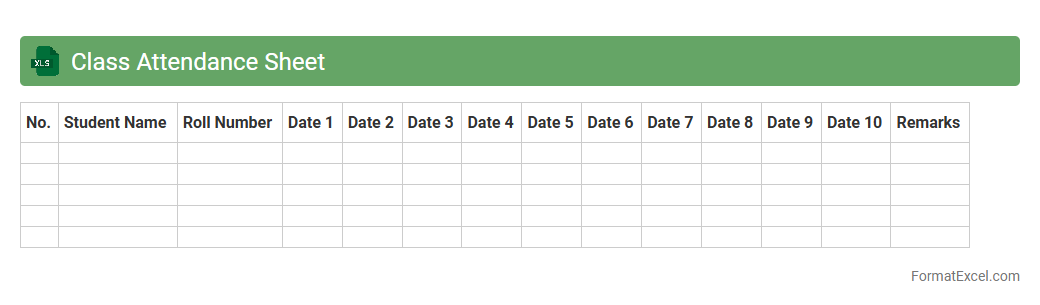
Class Attendance Sheet
A
Class Attendance Sheet Excel document is a digital tool designed to record and track student attendance efficiently. It allows educators to monitor daily attendance patterns, calculate attendance percentages, and identify trends that can impact academic performance. Using this spreadsheet enhances organization, saves time compared to manual methods, and supports data-driven decision-making for improving student engagement.
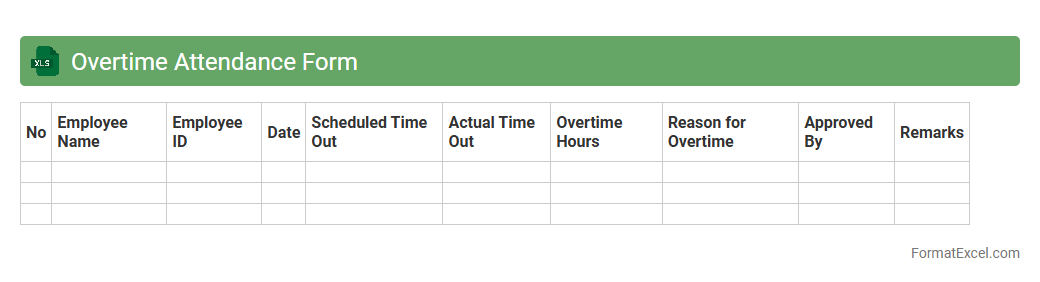
Overtime Attendance Form
An
Overtime Attendance Form Excel document is a structured spreadsheet designed to record and track the extra working hours of employees beyond their standard schedule. It helps organizations maintain accurate records for payroll calculations, ensuring compliance with labor laws and facilitating transparent communication between management and staff. The form's organized format simplifies data entry, monitoring, and reporting, making overtime management more efficient and reliable.
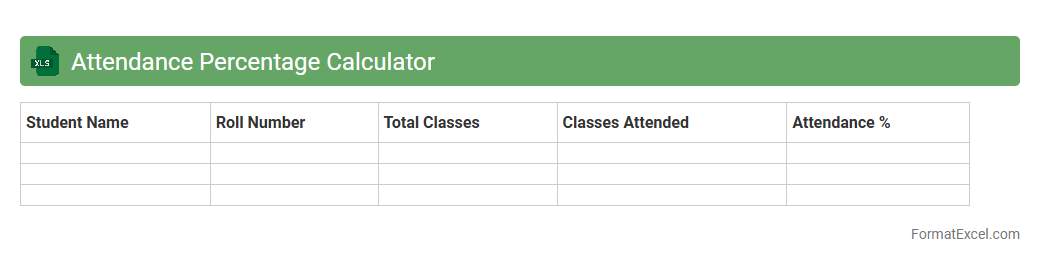
Attendance Percentage Calculator
An
Attendance Percentage Calculator Excel document is a tool designed to efficiently track and calculate attendance rates by automatically processing dates attended versus total days. This calculator helps organizations, schools, and individuals maintain accurate records, simplifying performance monitoring and ensuring compliance with attendance policies. Its ease of use and precise output enable better decision-making and improved attendance management.
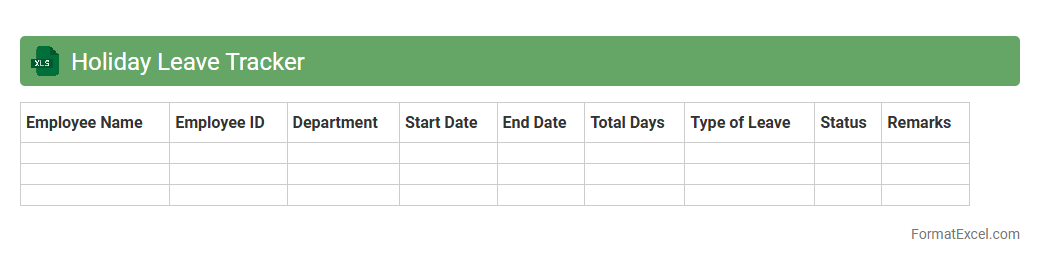
Holiday Leave Tracker
A
Holiday Leave Tracker Excel document is a digital tool designed to record and monitor employees' leave days efficiently. It simplifies the management of vacation, sick leave, and public holidays, enabling HR teams and managers to easily track remaining leave balances and avoid scheduling conflicts. Using this tracker improves organizational workflow by offering clear visibility into leave patterns and ensuring compliance with company policies.
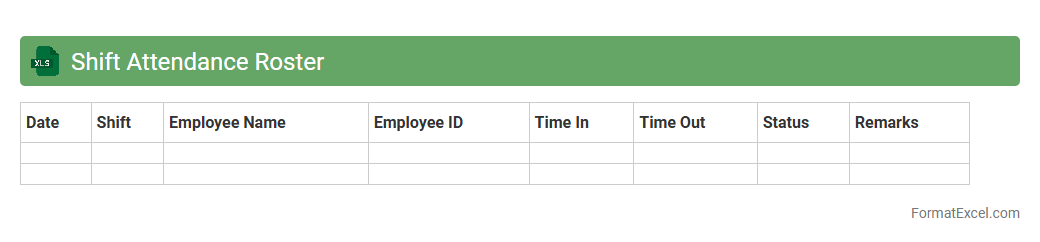
Shift Attendance Roster
A
Shift Attendance Roster Excel document is a structured spreadsheet used to schedule and track employee work shifts and attendance efficiently. It helps organizations manage workforce allocation, ensure proper coverage, and monitor punctuality, reducing scheduling conflicts and absenteeism. By automating shift planning and attendance recording, this tool enhances operational productivity and simplifies payroll processing.
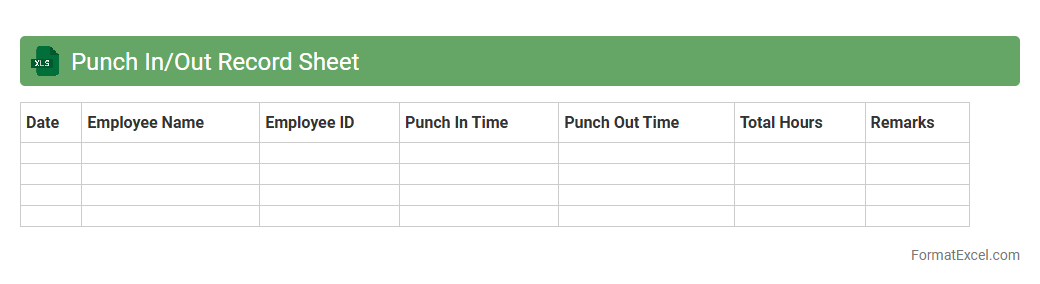
Punch In/Out Record Sheet
A
Punch In/Out Record Sheet Excel document is a digital tool designed to accurately track employee attendance by recording clock-in and clock-out times. It simplifies workforce management, ensuring precise calculation of work hours and aiding in payroll processing. This sheet enhances productivity analysis and supports compliance with labor regulations by maintaining detailed attendance records.
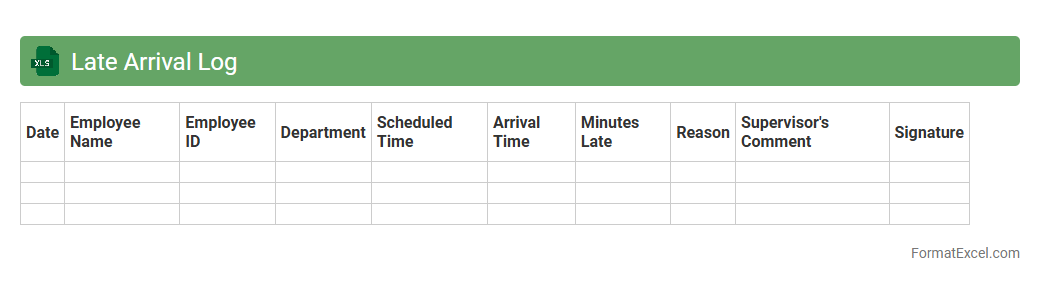
Late Arrival Log
The
Late Arrival Log Excel document is a structured tool designed to record and track instances of tardiness within an organization or group. It allows managers and HR professionals to monitor employee punctuality, identify recurring patterns, and implement corrective measures efficiently. By maintaining accurate records, the log supports accountability and helps improve overall workforce discipline and time management.
Attendance Exception Report
The
Attendance Exception Report Excel document tracks employee attendance irregularities such as absences, tardiness, and early departures, highlighting inconsistencies for managerial review. It enables efficient monitoring of attendance patterns, supporting payroll accuracy and compliance with company policies. By identifying exceptions promptly, businesses can improve workforce management and reduce operational disruptions.
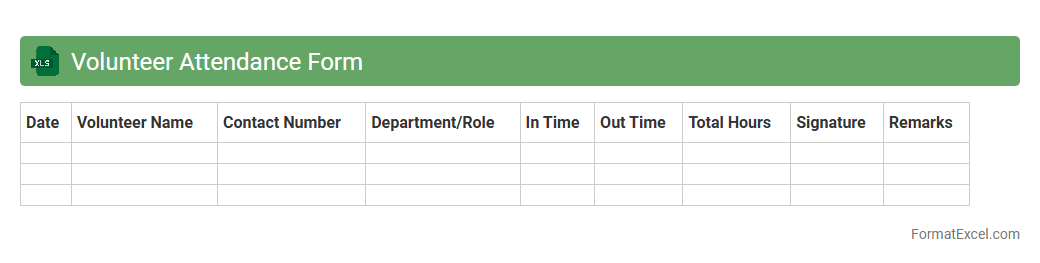
Volunteer Attendance Form
A
Volunteer Attendance Form Excel document is a structured spreadsheet designed to track and record the presence of volunteers at events or ongoing activities. It allows organizers to efficiently monitor volunteer participation, calculate total hours contributed, and maintain accurate records for reporting or recognition purposes. This tool streamlines data management, improves accountability, and supports better coordination of volunteer efforts.
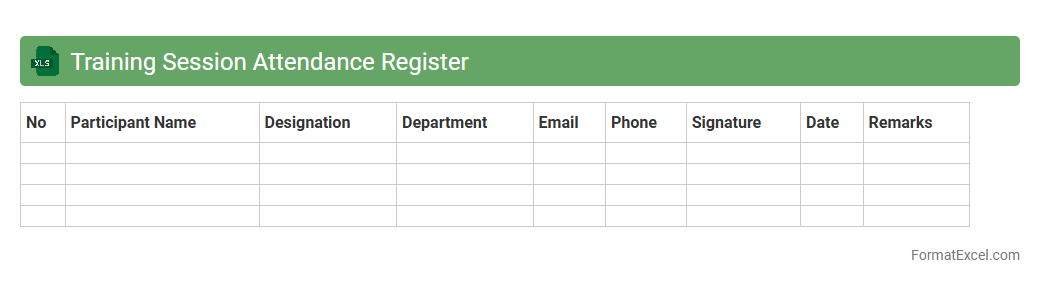
Training Session Attendance Register
A
Training Session Attendance Register Excel document is a structured spreadsheet used to record and track participant attendance during training events, workshops, or seminars. It helps organizations monitor who attended, assess engagement levels, and maintain accurate records for compliance and performance evaluation. This tool streamlines attendance management, ensuring accountability and facilitating the analysis of training effectiveness.
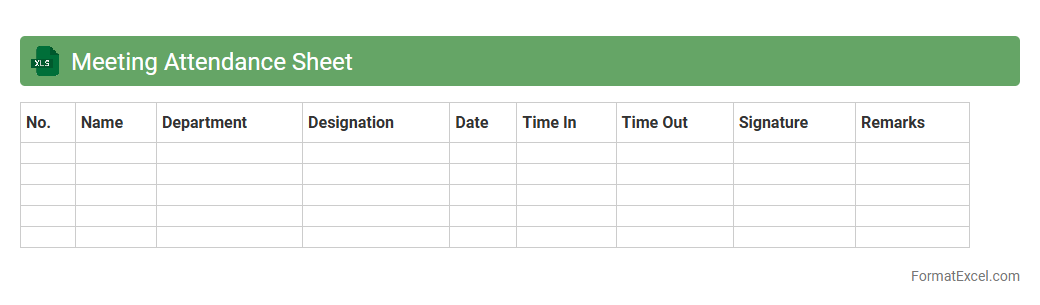
Meeting Attendance Sheet
A
Meeting Attendance Sheet Excel document is a structured template designed to record and track the presence of participants in meetings efficiently. It helps organizations maintain accurate records of who attended, ensuring accountability and facilitating follow-up actions. This tool also streamlines administrative tasks by enabling quick data entry, easy access to attendance history, and improved meeting management.
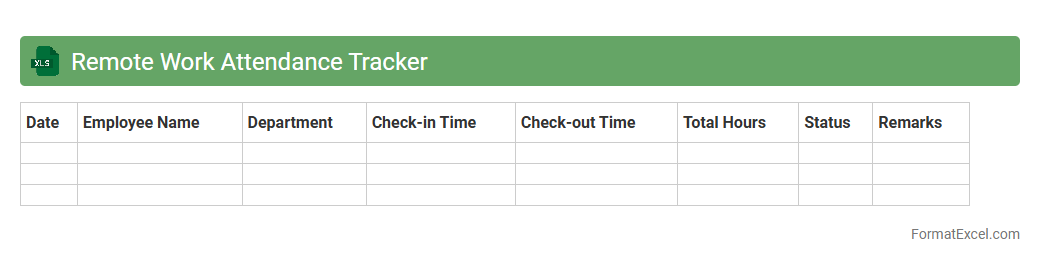
Remote Work Attendance Tracker
The
Remote Work Attendance Tracker Excel document is a specialized tool designed to efficiently monitor and record employees' working hours and attendance while they work from various locations. It provides real-time insights into productivity, punctuality, and time management, enabling managers to ensure accountability and streamline payroll processes. By offering automated data collection and easy reporting, this tracker enhances remote team management and supports organizational efficiency.
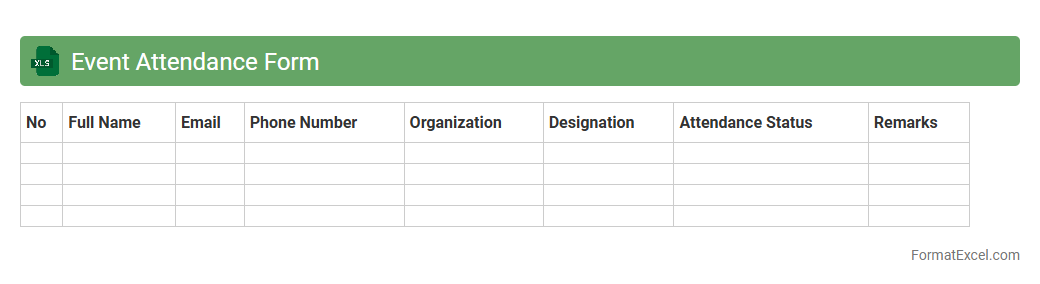
Event Attendance Form
An
Event Attendance Form Excel document is a structured spreadsheet designed to record participant information and track attendance during events. It allows organizers to efficiently monitor attendee numbers, manage contact details, and analyze participation trends to improve future event planning. This tool streamlines data collection, reduces errors, and enhances overall event management efficiency.
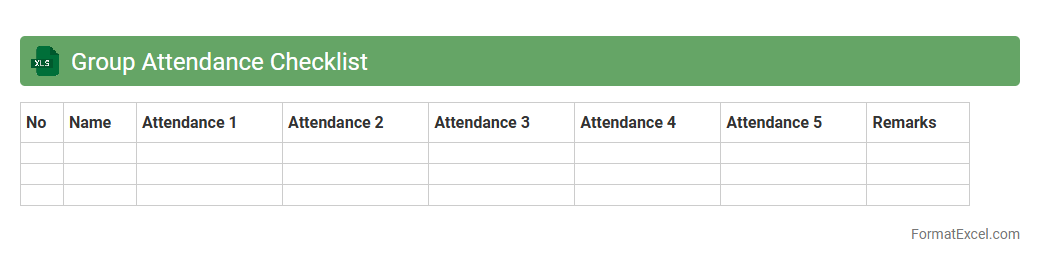
Group Attendance Checklist
The
Group Attendance Checklist Excel document is a structured tool designed to efficiently track attendance for multiple individuals within a group setting, such as classrooms, workshops, or corporate meetings. It allows users to record, organize, and analyze attendance data in real-time, ensuring accurate monitoring and easy retrieval of attendance records. This document enhances accountability, streamlines administrative tasks, and provides valuable insights for performance evaluation and planning.
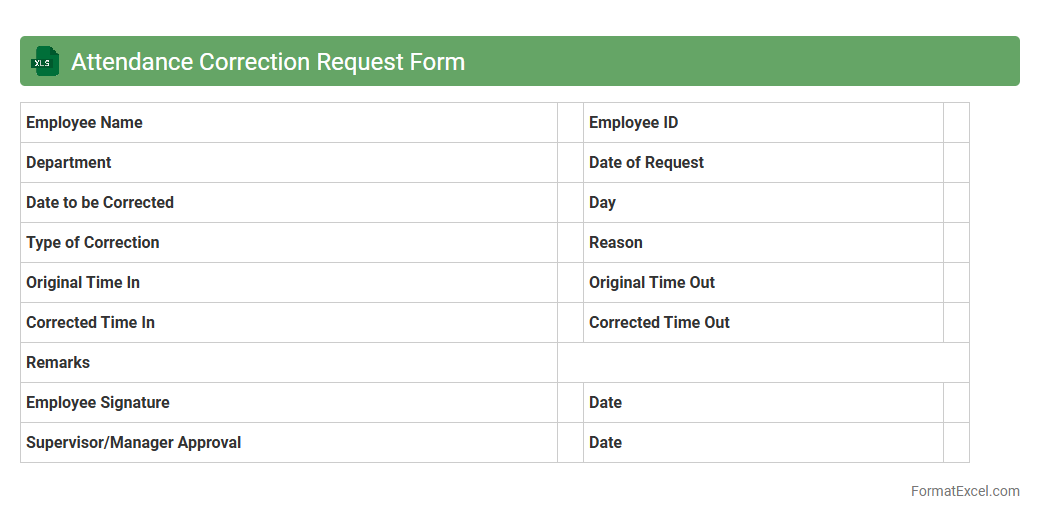
Attendance Correction Request Form
An
Attendance Correction Request Form Excel document is a structured tool designed to record and manage requests for adjustments in employee attendance records. It streamlines the process of submitting, reviewing, and approving corrections such as missed punches or erroneous entries, ensuring accurate workforce tracking. This form enhances payroll accuracy and compliance by providing clear documentation and reducing manual errors in attendance management.
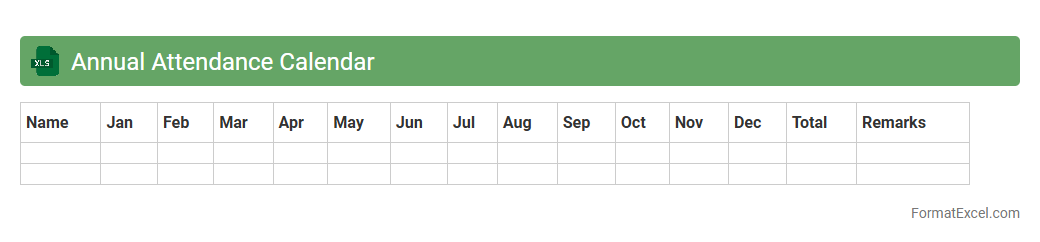
Annual Attendance Calendar
An
Annual Attendance Calendar Excel document is a detailed spreadsheet designed to track and manage employee attendance over a full year. It allows organizations to monitor absenteeism, leaves, and work hours efficiently, facilitating better workforce planning and payroll accuracy. By providing a clear overview of attendance patterns, this tool helps improve productivity and maintain compliance with labor regulations.
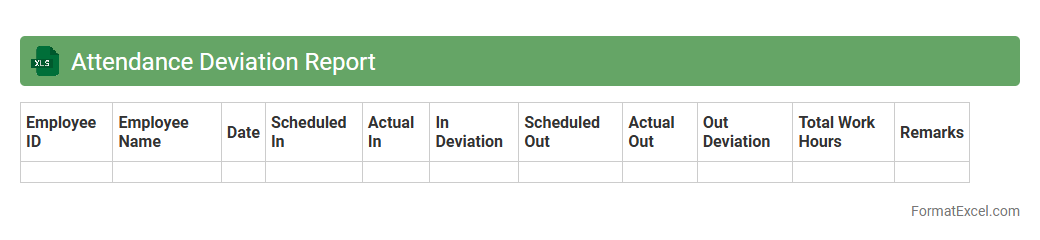
Attendance Deviation Report
The
Attendance Deviation Report Excel document tracks variations in employee attendance patterns by highlighting absences, late arrivals, and early departures compared to scheduled hours. This report helps managers quickly identify attendance issues, improve workforce planning, and ensure compliance with company policies. Utilizing this data promotes better productivity and accountability across teams.
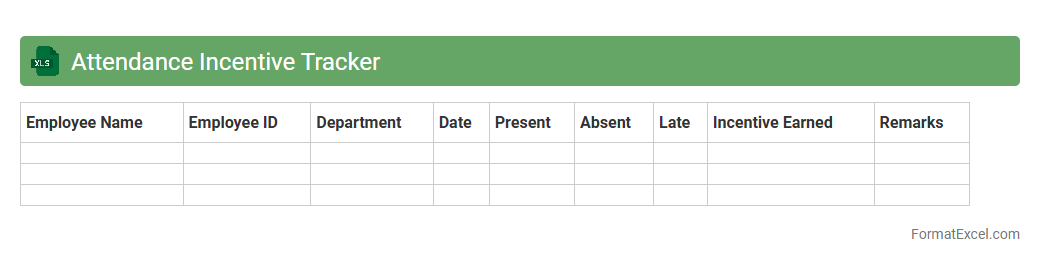
Attendance Incentive Tracker
The
Attendance Incentive Tracker Excel document is designed to monitor and record employee attendance patterns, enabling organizations to reward punctuality and consistent presence efficiently. It helps managers quickly identify trends, reduce absenteeism, and improve overall workforce productivity by providing clear data visualization and automated calculations. Using this tracker supports transparent incentive distribution, motivating employees to maintain high attendance standards.
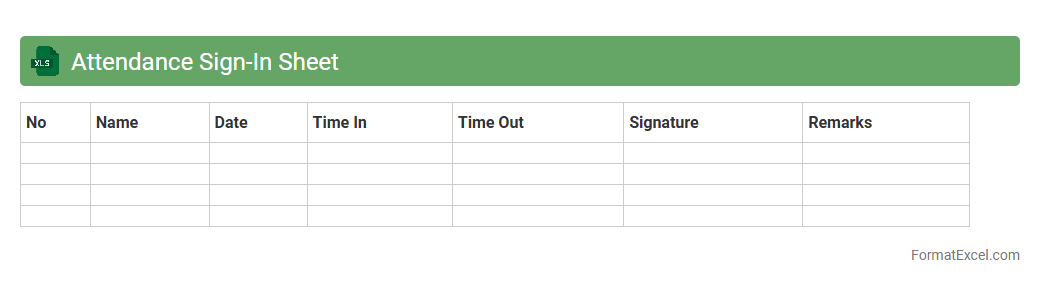
Attendance Sign-In Sheet
An
Attendance Sign-In Sheet Excel document is a digital tool designed to record and track the presence of individuals in meetings, classes, or events efficiently. It organizes data in rows and columns, allowing for easy input, sorting, and analysis of attendance records over time. This document enhances accuracy, saves time compared to manual methods, and provides a clear audit trail for attendance verification and reporting purposes.
Introduction to Attendance Form Formats
An attendance form format is a structured way to record presence or absence in organizations, schools, or events. It ensures systematic tracking of attendance over a specified period. Using a clear format allows easy data entry and retrieval for analysis.
Benefits of Using Excel for Attendance Tracking
Excel offers a flexible and accessible platform for attendance tracking with built-in formulas and data validation. It simplifies data management by automating calculations and generating reports instantly. The spreadsheet functionality helps customize forms according to unique organizational needs.
Key Elements of an Effective Attendance Form
Effective attendance forms include essential elements like date, name, status, and comments fields for clarity and completeness. Incorporating dropdown menus and conditional formatting improves accuracy and visual tracking. The clarity of data is crucial for error-free attendance management.
Step-by-Step Guide to Creating an Attendance Form in Excel
Start by setting up headers such as Name, Date, and Status in Excel, using cells to define the structure. Use data validation for present/absent marking and apply formulas to calculate total attendance. The stepwise approach ensures an efficient and user-friendly form.
Essential Columns to Include in Your Attendance Sheet
Key columns like Employee/Student Name, Date, Attendance Status, and Remarks capture complete attendance data. Including columns for Late arrival or Leave allows detailed tracking of attendance variations. A comprehensive column layout ensures thorough and effective record keeping.
Sample Attendance Form Templates in Excel
Sample templates provide ready-made, customizable frameworks suited for various attendance tracking needs. They demonstrate practical uses of Excel features like conditional formatting and formula integration. Using templates speeds up the creation process and reduces errors.
Customizing Your Attendance Form for Different Purposes
Modify attendance forms to suit schools, offices, or events by adjusting columns and formulas accordingly. Adding specific fields like subjects or project names aligns the form with particular attendance contexts. The flexibility of customization makes Excel the preferred tool for diverse attendance requirements.
Tips for Automating Attendance Calculations in Excel
Leverage Excel formulas such as COUNTIF and IF statements to automatically tally attendance and absences. Use conditional formatting to highlight attendance patterns like frequent absences or late arrivals. Implementing automation techniques saves time and increases accuracy.
Common Mistakes to Avoid in Attendance Form Design
Avoid overcrowding the sheet with unnecessary data, which reduces readability and increases errors. Failing to use data validation leads to inconsistent attendance records. Prioritizing simplicity and validation ensures reliable and clear attendance information.
Downloadable Excel Attendance Form Templates
Downloadable templates offer convenient, tested formats that users can easily adapt to their needs. They typically include features like drop-down menus, automatic calculations, and formatting rules. Using ready-made Excel templates accelerates deployment and improves attendance tracking efficiency.