Asset Register
An
Asset Register Excel document is a structured spreadsheet used to systematically record and track an organization's physical and financial assets, such as equipment, machinery, and property. It streamlines asset management by providing detailed information including asset location, purchase date, depreciation, and maintenance schedules, enabling accurate financial reporting and informed decision-making. Utilizing this document enhances accountability, ensures compliance with audit requirements, and supports efficient resource allocation across business operations.
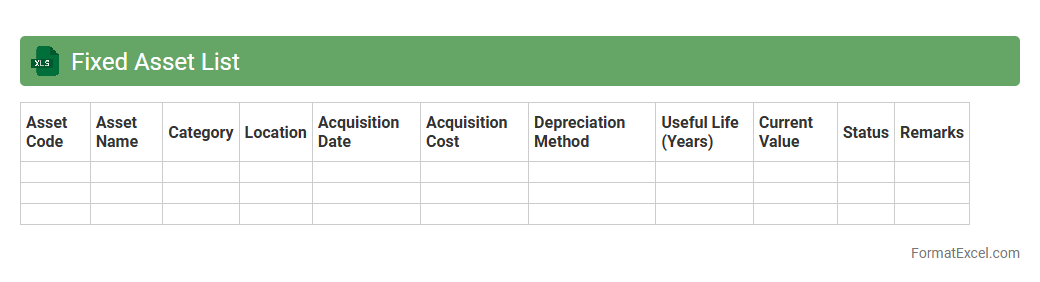
Fixed Asset List
A
Fixed Asset List Excel document is a structured spreadsheet used to record and track an organization's tangible assets such as machinery, equipment, and property. It provides detailed information on asset acquisition dates, values, depreciation schedules, and locations, enabling accurate financial reporting and efficient asset management. Utilizing this tool improves asset accountability, supports budgeting decisions, and simplifies audit processes by maintaining a comprehensive and up-to-date record.
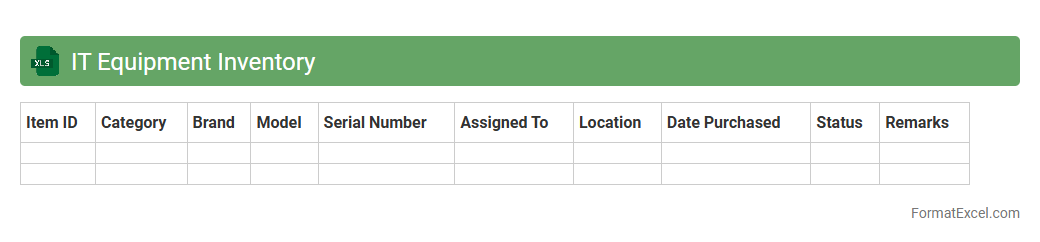
IT Equipment Inventory
An
IT Equipment Inventory Excel document is a structured spreadsheet used to catalog and manage all hardware and software assets within an organization, including computers, servers, peripherals, and licenses. It helps streamline asset tracking, maintenance scheduling, and enhances budgeting accuracy by providing real-time visibility into equipment status and location. This tool supports efficient resource allocation and reduces the risk of asset loss or security vulnerabilities through systematic record-keeping.
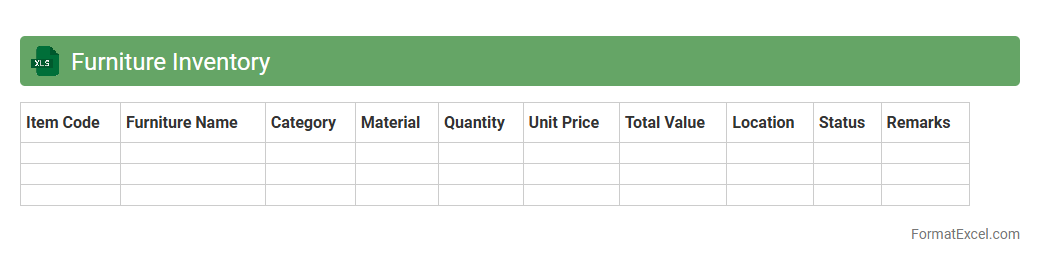
Furniture Inventory
A
Furniture Inventory Excel document is a structured spreadsheet used to catalog and track all furniture items within a home, office, or commercial space. It includes details such as item descriptions, quantities, purchase dates, costs, and locations, allowing for effective asset management and budget planning. By maintaining an organized furniture inventory, users can streamline maintenance schedules, plan purchases accurately, and avoid unnecessary replacements or losses.
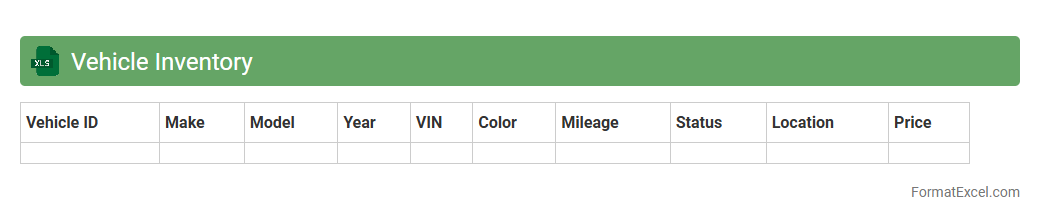
Vehicle Inventory
A
Vehicle Inventory Excel document is a structured spreadsheet used to track and manage details about vehicles such as make, model, year, VIN, mileage, and maintenance records. It streamlines the organization of large fleets by providing easy access to critical data, enhancing decision-making for purchases, sales, or servicing schedules. This document improves operational efficiency by reducing manual errors and enabling quick updates, ensuring accurate and up-to-date inventory management.
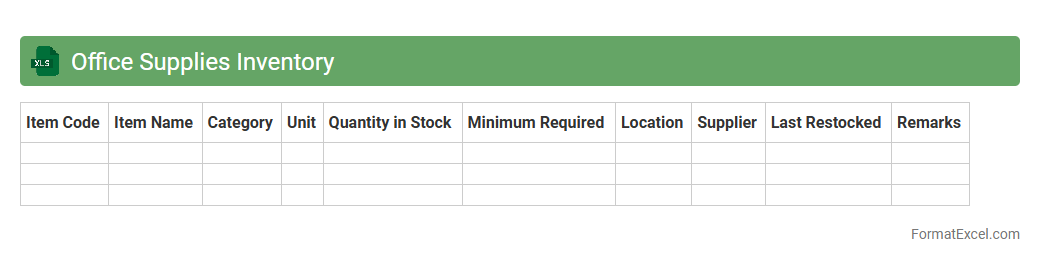
Office Supplies Inventory
An
Office Supplies Inventory Excel document is a digital tool designed to track, manage, and organize office materials such as pens, paper, and printer cartridges. It helps maintain optimal stock levels by recording quantities, usage rates, and reorder dates, preventing both shortages and overstocking. This document enhances budgeting accuracy and operational efficiency by providing clear insights into supply consumption and procurement needs.
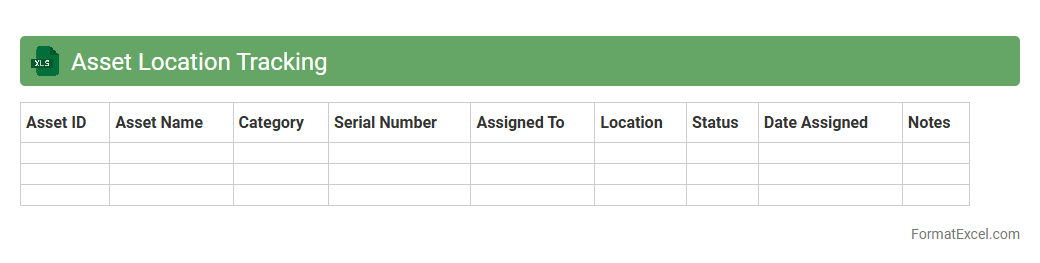
Asset Location Tracking
An
Asset Location Tracking Excel document is a digital tool designed to monitor and record the physical locations of company assets in real-time or periodic intervals. By organizing data such as asset ID, location, status, and movement history, it enhances accountability and reduces the risk of loss or theft. This tracking system improves inventory management efficiency and supports informed decision-making for asset utilization and maintenance schedules.
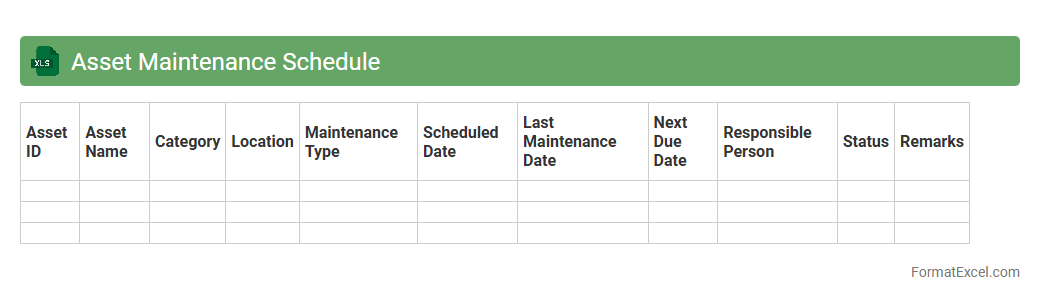
Asset Maintenance Schedule
An
Asset Maintenance Schedule Excel document is a structured spreadsheet designed to track and plan regular maintenance tasks for physical assets, ensuring their optimal performance and longevity. It helps organizations automate reminders, record maintenance history, and allocate resources efficiently, reducing unexpected downtime and repair costs. By providing a clear overview of asset condition and upcoming maintenance, it supports proactive management and operational reliability.
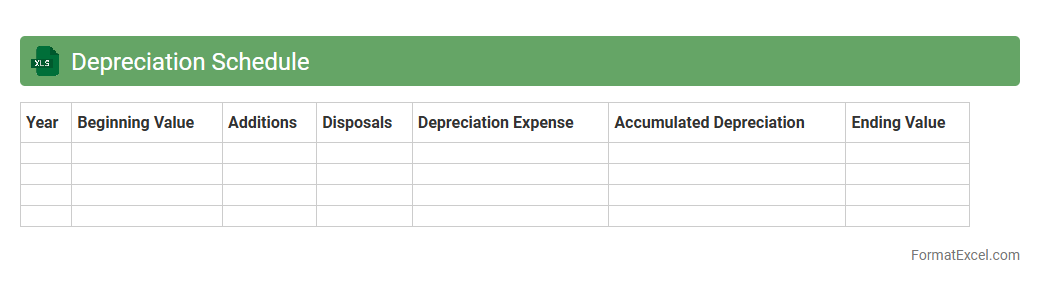
Depreciation Schedule
A
Depreciation Schedule Excel document systematically tracks the reduction in value of fixed assets over time, using formulas to calculate annual depreciation expenses based on methods like straight-line or declining balance. It provides businesses with a clear financial overview, helping to manage tax deductions, budget for asset replacement, and ensure accurate financial reporting. This tool enhances decision-making by maintaining organized records of asset lifecycles and their depreciated values.
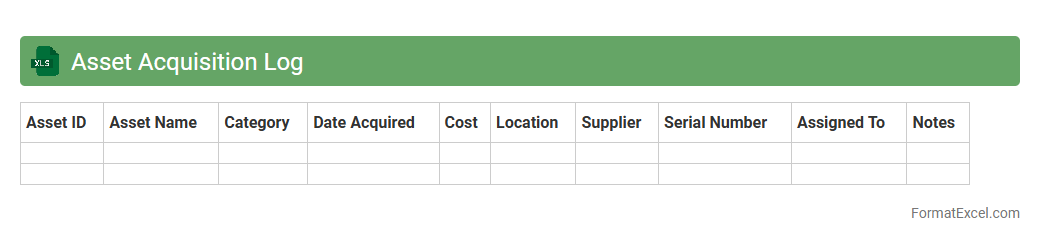
Asset Acquisition Log
An
Asset Acquisition Log Excel document tracks the purchase details, depreciation, and location of company assets, helping streamline financial management and inventory control. It provides a centralized record for asset accountability, ensuring accurate reporting and compliance with auditing standards. Using this log enhances decision-making related to asset maintenance, budgeting, and disposal.
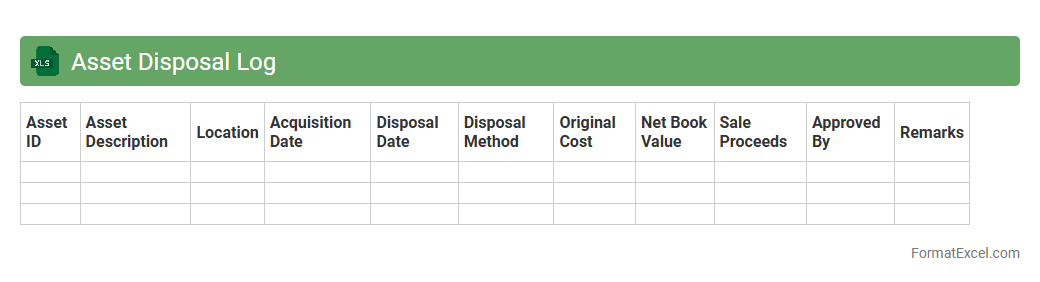
Asset Disposal Log
An
Asset Disposal Log Excel document is a structured spreadsheet used to track the removal or sale of company assets, ensuring accurate records of disposals including dates, descriptions, values, and reasons. It is useful for maintaining compliance with financial regulations, auditing processes, and optimizing asset management by providing clear, organized data on asset lifecycle and depreciation. This log helps businesses minimize losses and make informed decisions by analyzing disposal trends and maintaining transparency in asset handling.
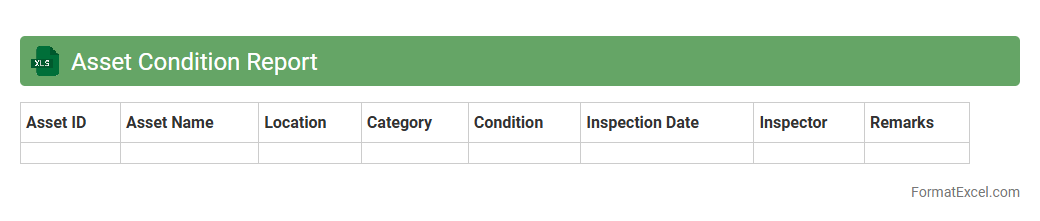
Asset Condition Report
An
Asset Condition Report Excel document is a structured spreadsheet used to record and analyze the current state of physical assets, including equipment, machinery, or infrastructure. It helps organizations track maintenance needs, predict potential failures, and plan timely repairs by providing detailed condition data such as wear levels, performance indicators, and inspection dates. This document enhances asset management efficiency by enabling data-driven decisions that extend asset lifespan and reduce operational downtime.
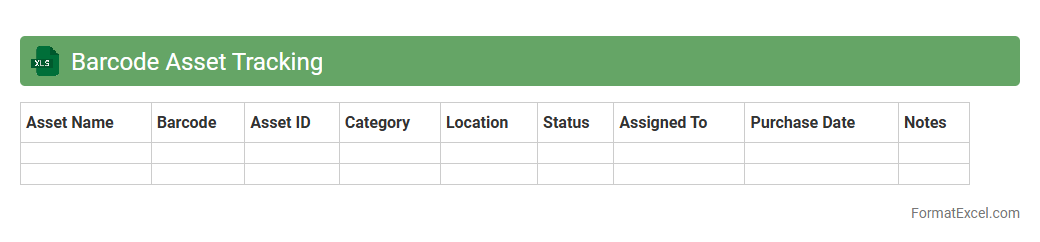
Barcode Asset Tracking
A
Barcode Asset Tracking Excel document is a digital tool designed to organize and manage physical assets using barcode labels linked to asset details within an Excel spreadsheet. It streamlines inventory control by enabling quick scanning and retrieval of asset information, reducing manual entry errors and saving time. This system enhances accountability and accuracy in tracking asset locations, maintenance schedules, and lifecycle status across various industries.
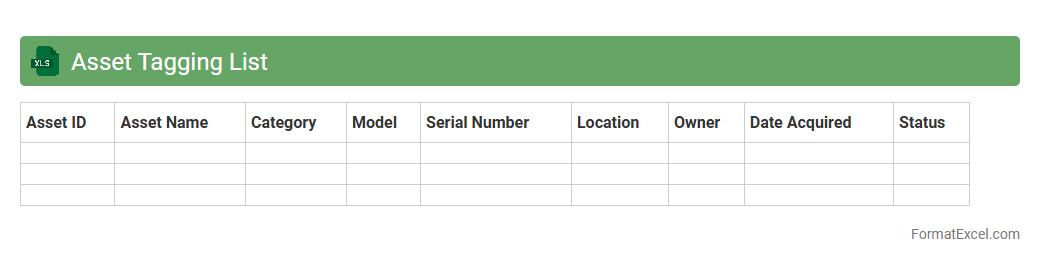
Asset Tagging List
An
Asset Tagging List Excel document is a structured spreadsheet used to catalog and track physical or digital assets within an organization by assigning unique identification tags. This tool enhances inventory management, facilitates asset tracking, and supports efficient maintenance scheduling by consolidating essential details like asset type, location, status, and ownership. Leveraging an asset tagging list improves accountability, reduces loss, and streamlines audits, contributing to optimized operational efficiency.
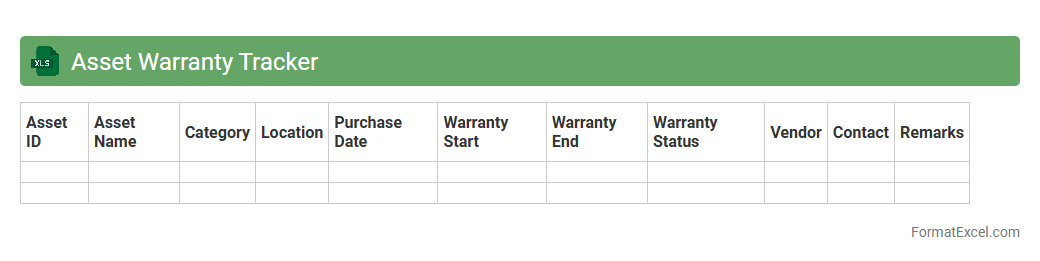
Asset Warranty Tracker
The
Asset Warranty Tracker Excel document is a tool designed to monitor and manage the warranty status of various company assets efficiently. It helps users keep detailed records of purchase dates, warranty periods, and expiration dates, enabling timely maintenance and claim processing. By ensuring warranty compliance, this tracker reduces downtime and cut costs associated with asset repairs or replacements.
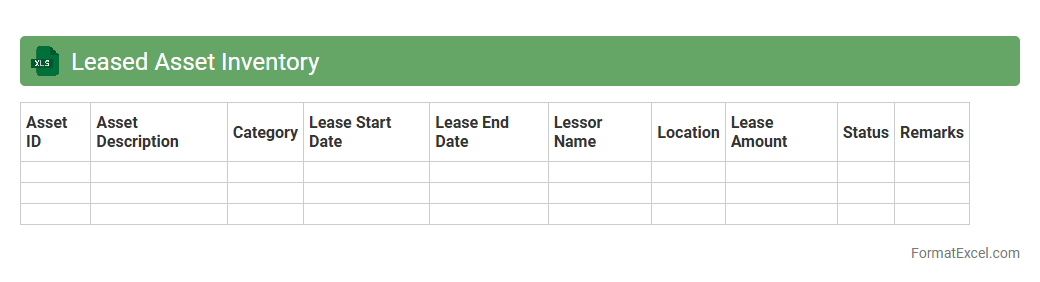
Leased Asset Inventory
A
Leased Asset Inventory Excel document is a comprehensive spreadsheet that tracks all leased assets, including leases' start and end dates, payment schedules, and asset details. It helps organizations maintain accurate records for financial reporting, compliance with lease accounting standards such as IFRS 16 or ASC 842, and effective asset management. This tool streamlines tracking lease obligations, optimizing lease renewals, and forecasting lease-related expenses.
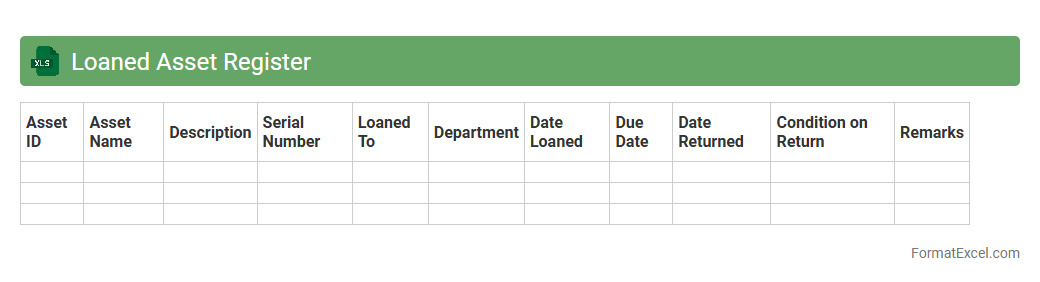
Loaned Asset Register
A
Loaned Asset Register Excel document is a detailed record-keeping tool used to track assets loaned out to employees, clients, or third parties. It helps organizations monitor the location, condition, and return dates of loaned equipment, ensuring accountability and minimizing losses. Using this register streamlines asset management, improves inventory accuracy, and supports efficient audit processes.
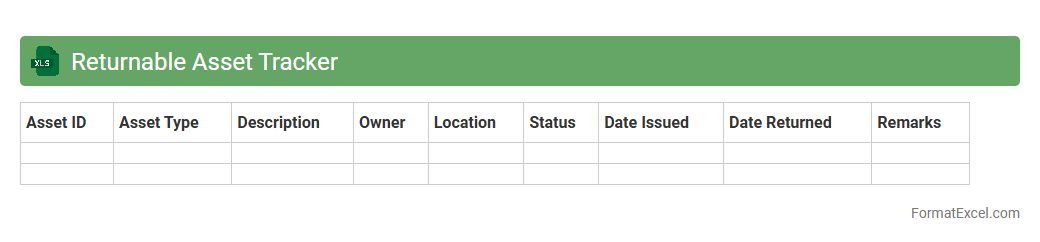
Returnable Asset Tracker
The
Returnable Asset Tracker Excel document is a powerful tool designed to monitor and manage assets that need to be returned, such as equipment, containers, or tools. It helps businesses maintain accurate records of asset locations, conditions, and due dates, minimizing losses and improving accountability. By streamlining the tracking process, companies can enhance operational efficiency and reduce costs associated with misplaced or unreturned assets.
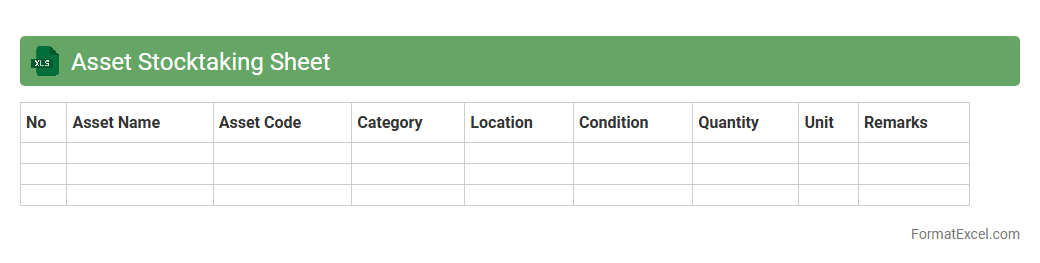
Asset Stocktaking Sheet
An
Asset Stocktaking Sheet Excel document is a structured spreadsheet designed to systematically record and track physical assets within an organization. It enables accurate inventory management by listing asset details such as identification numbers, locations, conditions, and values, facilitating efficient auditing and asset verification processes. This tool helps reduce discrepancies, supports financial reporting, and enhances overall asset control and accountability.
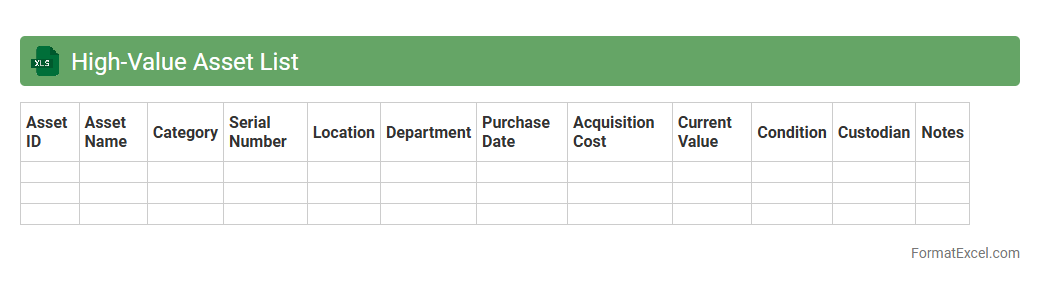
High-Value Asset List
The
High-Value Asset List Excel document is a structured tool used to identify, categorize, and manage critical assets within an organization, such as intellectual property, key financial instruments, or essential operational resources. It enhances risk management by providing clear visibility into assets that require heightened security measures and focused protection strategies. Utilizing this document enables organizations to prioritize resource allocation, streamline compliance efforts, and proactively mitigate potential threats to their most valuable assets.
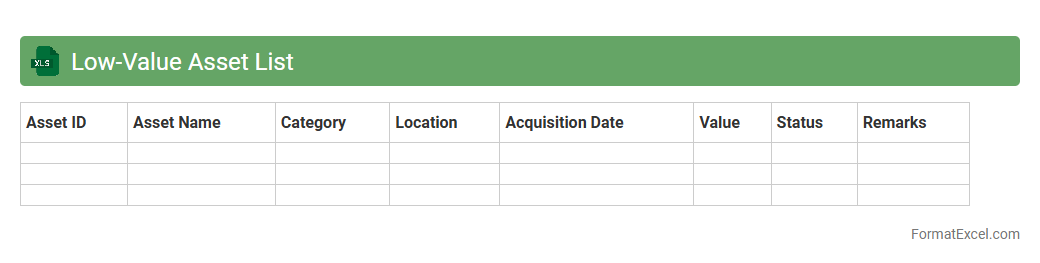
Low-Value Asset List
A
Low-Value Asset List Excel document is a detailed inventory that tracks assets with minimal financial worth, typically below a predefined threshold. It helps organizations manage depreciation, streamline audit processes, and ensure accurate financial reporting by keeping a clear record of these minor assets. Utilizing this document enhances asset accountability and supports efficient resource allocation within the company.
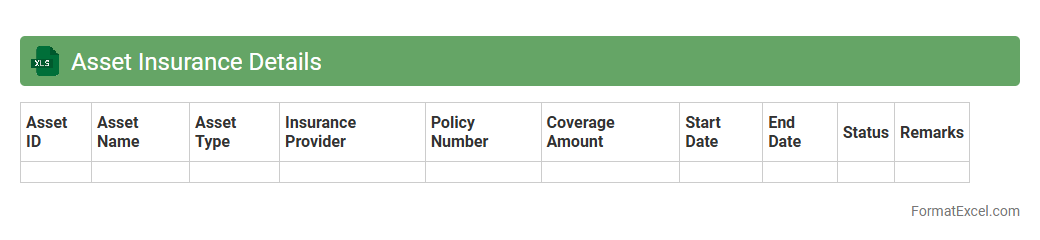
Asset Insurance Details
The
Asset Insurance Details Excel document organizes comprehensive data about insured assets, including policy numbers, coverage amounts, expiration dates, and insurer contact information. It helps businesses track insurance statuses, manage renewals efficiently, and ensure all assets are adequately protected against risks. This centralized format enhances risk management and aids in quick decision-making during claims or audits.
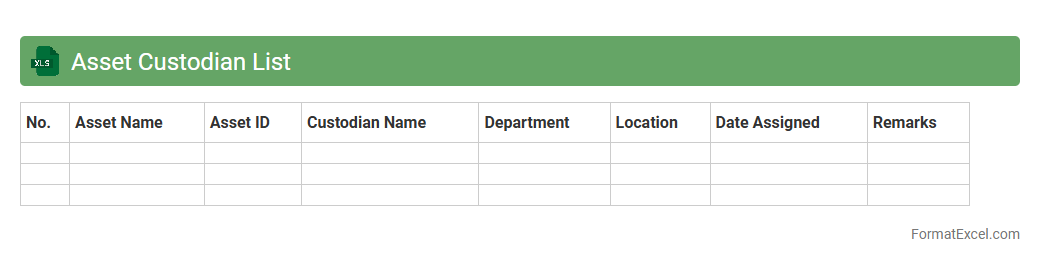
Asset Custodian List
The
Asset Custodian List Excel document serves as a comprehensive record that tracks the assignment and management of company assets to specific custodians. This tool ensures accountability by clearly identifying who is responsible for each asset, facilitating efficient audits and asset recovery processes. By maintaining up-to-date information on asset custodianship, organizations can optimize asset utilization and reduce losses related to misplaced or untracked equipment.
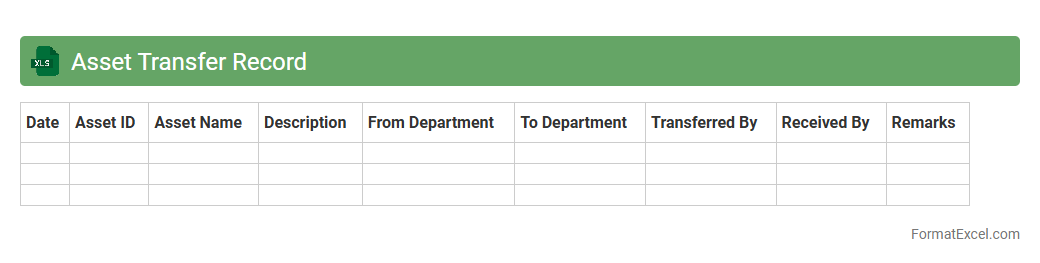
Asset Transfer Record
An
Asset Transfer Record Excel document is a structured file used to track the movement of assets within or between organizations, detailing information such as asset IDs, transfer dates, locations, and responsible personnel. This document enhances asset management efficiency by providing a clear audit trail, ensuring accountability, and facilitating accurate reporting for financial and operational auditing purposes. Utilizing such records helps streamline inventory control, reduce misplacement risks, and support compliance with regulatory requirements.
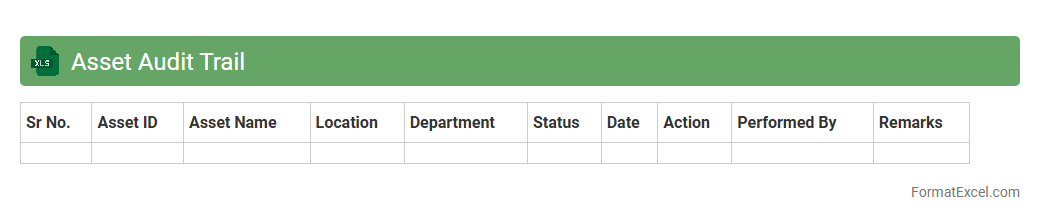
Asset Audit Trail
An
Asset Audit Trail Excel document systematically records the history and changes of asset transactions, providing a detailed log of acquisitions, disposals, transfers, and maintenance activities. This document ensures transparent tracking and accountability, aiding in compliance with financial regulations and internal controls. It is useful for identifying discrepancies, supporting accurate asset management, and facilitating audits by offering a clear chronology of asset-related events.
Introduction to Asset Inventory Formats
Asset inventory formats are structured templates used for tracking and managing company assets efficiently. Using a standardized asset inventory format ensures consistency across departments and simplifies reporting. Excel is a popular tool for creating these formats due to its versatility and accessibility.
Benefits of Using Excel for Asset Inventory
Excel provides powerful features such as sorting, filtering, and formulas which make asset inventory management seamless. It allows for real-time updates and easy customization of the inventory data according to business needs. Additionally, Excel supports data visualization, enhancing the understanding of asset distribution.
Key Components of an Asset Inventory Template
A well-designed asset inventory template includes essential fields like asset ID, description, purchase date, and location. These components help in accurately tracking each asset's details and status within the organization. The template structure should enable easy data entry and retrieval for effective management.
Essential Columns to Include in Excel Asset Inventory
Important columns in an asset inventory sheet typically include Asset ID, Asset Name, Category, Purchase Date, Cost, Current Value, Location, and Condition. Including a column for maintenance schedules ensures timely upkeep of assets. Clear column headers enhance readability and data accuracy.
Step-by-Step Guide to Creating an Asset Inventory in Excel
Begin by setting up your columns with relevant headers, then input asset data row by row. Use Excel features like data validation and drop-down lists for standardized inputs. Finally, apply filters and conditional formatting to improve data visibility and error detection.
Sample Asset Inventory Format in Excel
A sample format includes columns such as Asset ID, Description, Category, Purchase Date, Cost, Location, and Status. Incorporating color coding helps in quickly identifying asset conditions. This sample template serves as a foundational reference for building custom inventory sheets.
Customizing Your Asset Inventory Spreadsheet
Tailor your asset inventory by adding fields relevant to your industry, like warranty expiry or serial numbers. Use Excel's formulas to calculate depreciation and total asset value automatically. Customization ensures that your spreadsheet adapts to specific organizational requirements.
Tips for Maintaining Accurate Asset Records
Regularly update asset entries and verify data accuracy to avoid discrepancies. Implement periodic audits and reconcile physical assets with records in the spreadsheet. Establish user permissions to protect sensitive inventory information from unauthorized changes.
Common Mistakes in Asset Inventory Management
Frequent errors include missing asset details, outdated information, and inconsistent data entry practices. Avoid neglecting periodic updates or failing to track asset disposals effectively. Recognizing these common mistakes helps improve inventory integrity and decision-making.
Free Excel Asset Inventory Templates to Download
Several websites offer free downloadable Excel templates designed for asset management purposes. These templates provide a ready-to-use framework that can be customized easily. Utilizing free templates saves time and provides a solid starting point for asset recording.