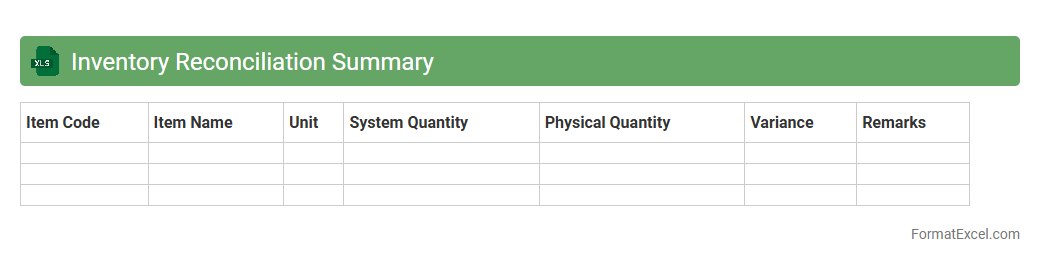
Inventory Reconciliation Summary
An
Inventory Reconciliation Summary Excel document consolidates and compares inventory records against actual stock counts to identify discrepancies and ensure data accuracy. It streamlines the auditing process by providing clear insights into stock variances, helping businesses maintain optimal inventory levels and reduce losses due to errors or theft. This tool improves decision-making and enhances operational efficiency by delivering timely and organized inventory information.
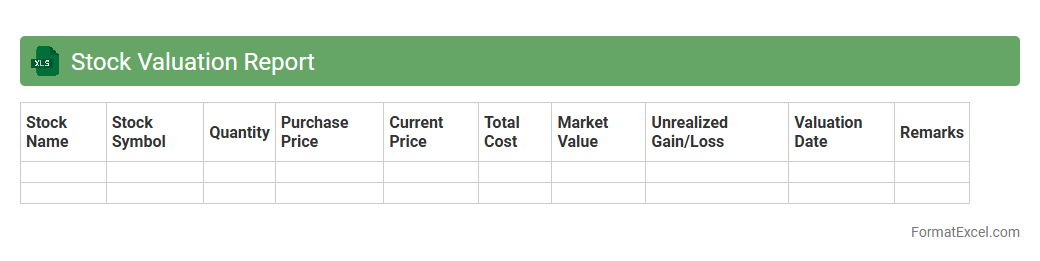
Stock Valuation Report
A
Stock Valuation Report Excel document provides a detailed analysis of a company's stock value based on financial metrics such as earnings, dividends, and market price. It helps investors make informed decisions by comparing intrinsic value with current market prices, identifying undervalued or overvalued stocks. This tool enhances portfolio management by offering clear insights into stock performance and potential investment risks.
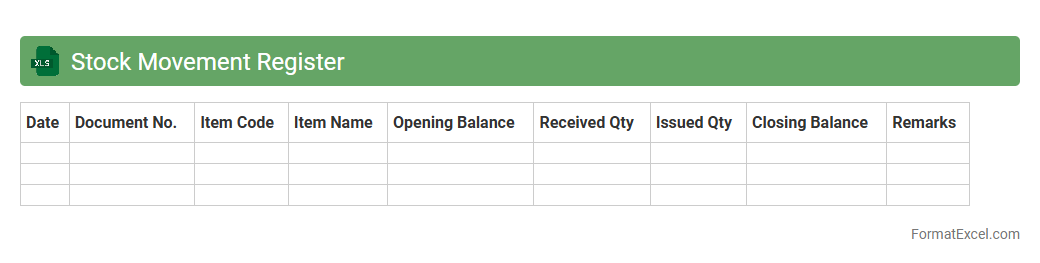
Stock Movement Register
A
Stock Movement Register Excel document tracks the inflow and outflow of inventory items, providing detailed records of stock quantities, dates, and transaction types. This register helps businesses maintain accurate inventory levels, prevent stockouts or overstocking, and streamline procurement and sales processes. By analyzing stock movement trends, companies can optimize inventory management and improve operational efficiency.
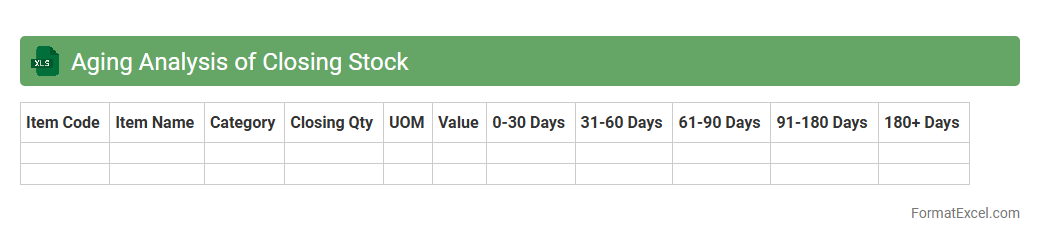
Aging Analysis of Closing Stock
Aging Analysis of Closing Stock in an Excel document provides a detailed breakdown of inventory based on the duration items have been held in stock, categorizing them into different aging brackets such as 0-30 days, 31-60 days, and beyond. This analysis helps businesses identify slow-moving or obsolete stock, enabling better inventory management and informed decision-making regarding procurement and sales strategies. Maintaining an updated
Aging Analysis of Closing Stock enhances cash flow management by minimizing holding costs and improving overall operational efficiency.
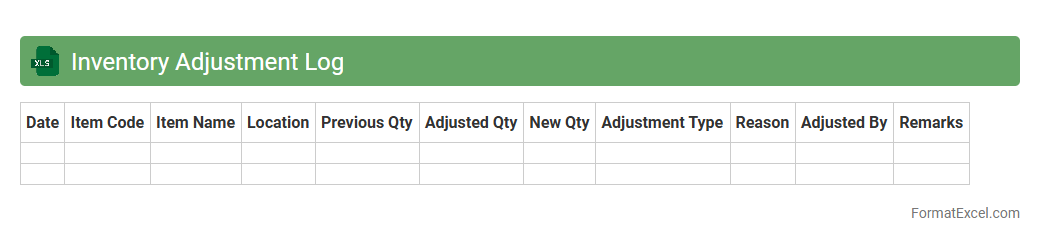
Inventory Adjustment Log
An
Inventory Adjustment Log Excel document is a tool designed to record and track changes in inventory levels, including additions, removals, and corrections. It helps businesses maintain accurate stock counts by documenting discrepancies due to damage, theft, or administrative errors. Using this log enhances inventory management efficiency, reduces losses, and supports informed decision-making through clear and organized data.
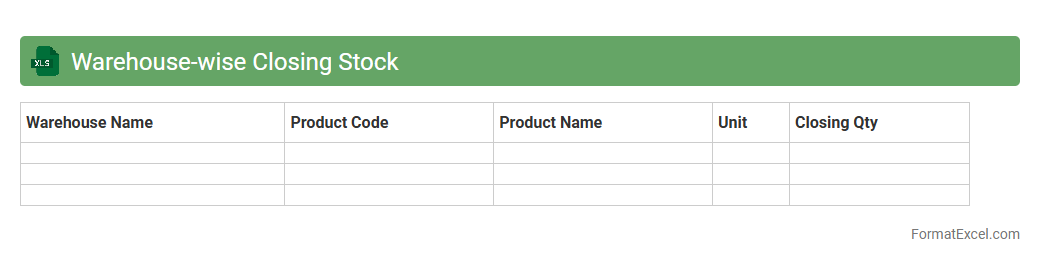
Warehouse-wise Closing Stock
The
Warehouse-wise Closing Stock Excel document is a detailed inventory report that tracks the quantity and value of stock remaining in each warehouse at the end of a specified period. It helps businesses monitor stock levels accurately, identify discrepancies, and optimize inventory management across multiple locations. This document is essential for making informed decisions about replenishment, reducing stockouts or overstock situations, and improving overall supply chain efficiency.
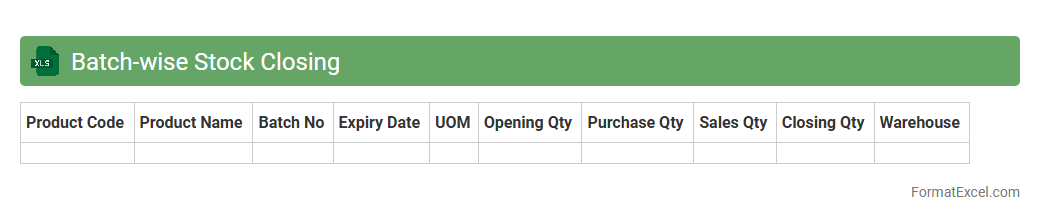
Batch-wise Stock Closing
The
Batch-wise Stock Closing Excel document is a detailed inventory management tool that tracks stock quantities and values for individual batches, ensuring accurate record-keeping of perishable or batch-sensitive products. It helps businesses monitor batch expiration dates, maintain stock accuracy, and streamline stock reconciliation processes. This tool enhances decision-making by providing clear visibility into batch-specific stock levels, reducing errors in inventory valuation and improving supply chain efficiency.
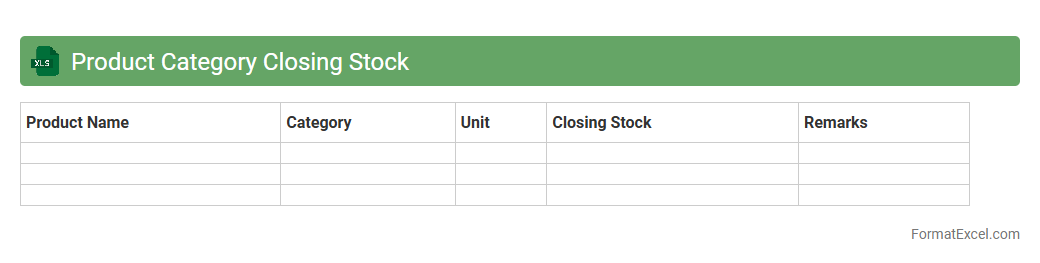
Product Category Closing Stock
The
Product Category Closing Stock Excel document tracks the quantity and value of products remaining at the end of a specific period, categorized by product type. This document helps businesses maintain accurate inventory records, facilitating better demand forecasting and stock replenishment decisions. By analyzing closing stock data, companies can optimize inventory levels, reduce holding costs, and improve overall supply chain efficiency.
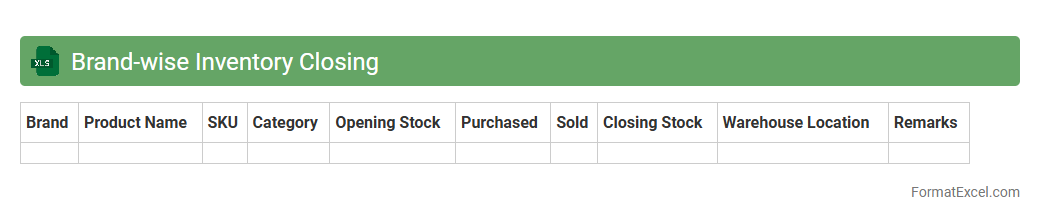
Brand-wise Inventory Closing
The
Brand-wise Inventory Closing Excel document is a detailed record that categorizes inventory data according to different brands, enabling precise tracking of stock levels at the end of a given period. It helps businesses identify which brands have excess stock, facilitating better inventory management and reducing holding costs. This document also supports strategic decision-making by highlighting brand performance and aiding in demand forecasting.
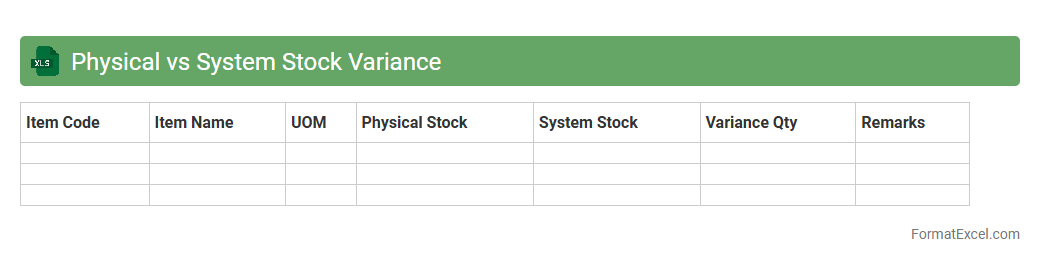
Physical vs System Stock Variance
The
Physical vs System Stock Variance Excel document compares actual inventory counts to system-recorded stock levels, highlighting discrepancies that indicate potential issues like theft, damage, or data entry errors. This variance analysis helps businesses maintain accurate inventory records, optimize stock management, and reduce financial losses. Tracking these differences enables proactive decision-making to improve supply chain efficiency and ensure stock availability.
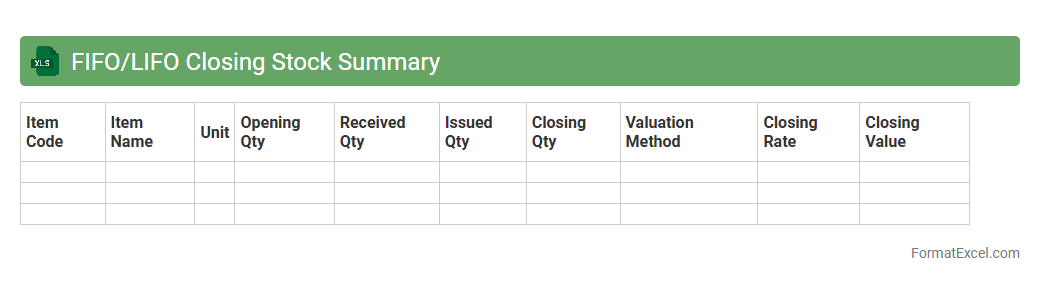
FIFO/LIFO Closing Stock Summary
A
FIFO/LIFO Closing Stock Summary Excel document tracks inventory values based on First-In-First-Out and Last-In-First-Out accounting methods, offering clear insight into stock valuation and cost flow assumptions. This summary enables businesses to accurately assess ending inventory costs, optimize stock management, and improve financial reporting efficiency. Using this tool helps in making informed decisions on pricing, budgeting, and tax calculations by reflecting true inventory costs under different valuation approaches.
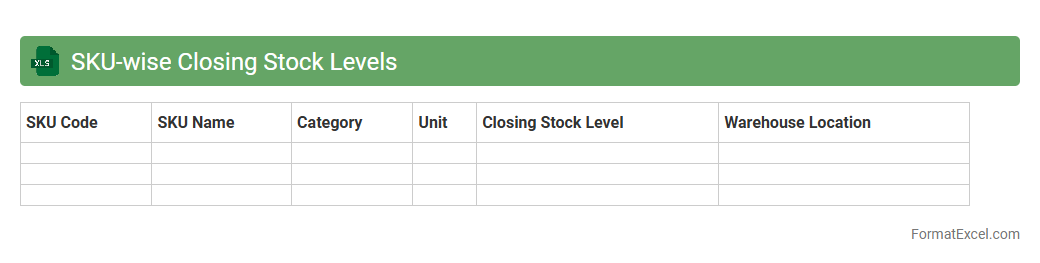
SKU-wise Closing Stock Levels
The
SKU-wise Closing Stock Levels Excel document provides a detailed record of the remaining inventory for each Stock Keeping Unit (SKU) at the end of a specific period. This data helps businesses track product availability, manage reorder points, and optimize inventory levels to reduce carrying costs and prevent stockouts. It supports accurate demand forecasting and efficient supply chain management by offering clear visibility into current stock status across all product variations.
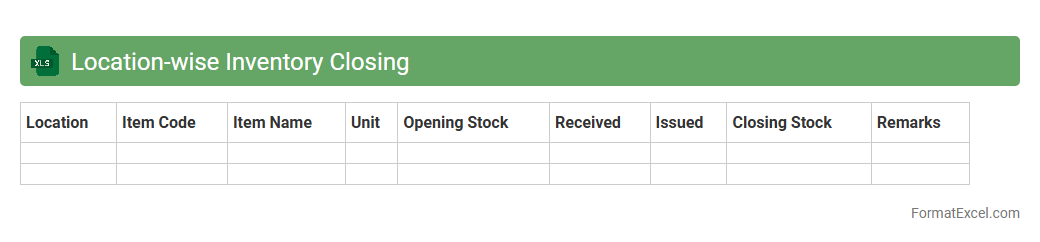
Location-wise Inventory Closing
The
Location-wise Inventory Closing Excel document systematically records the ending stock levels for each location, enabling precise tracking of inventory across multiple warehouses or stores. It helps businesses identify discrepancies, manage stock distribution efficiently, and make informed decisions for replenishment or transfers. By providing clear visibility of inventory status by location, it supports optimized supply chain management and reduces the risk of stockouts or overstocking.
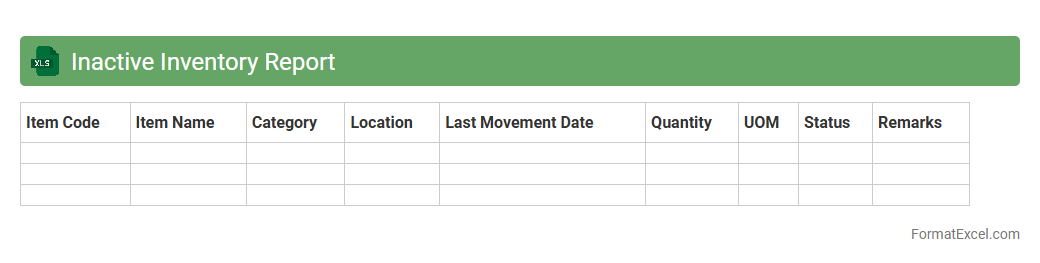
Inactive Inventory Report
The
Inactive Inventory Report Excel document tracks items in stock that have not been sold or used over a specific period. It helps businesses identify slow-moving products, optimize inventory management, and reduce carrying costs. Utilizing this report supports better decision-making by highlighting opportunities for discounts, promotions, or stock liquidation.
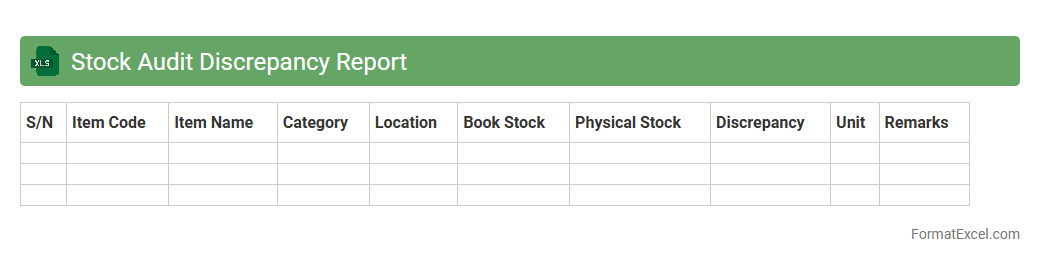
Stock Audit Discrepancy Report
A
Stock Audit Discrepancy Report Excel document systematically records differences between physical inventory counts and recorded stock data, highlighting variances in quantities or item conditions. This report is essential for identifying theft, spoilage, or recording errors, enabling businesses to maintain accurate inventory records and improve stock management. Leveraging this data supports better decision-making, reduces financial losses, and ensures compliance with audit standards.
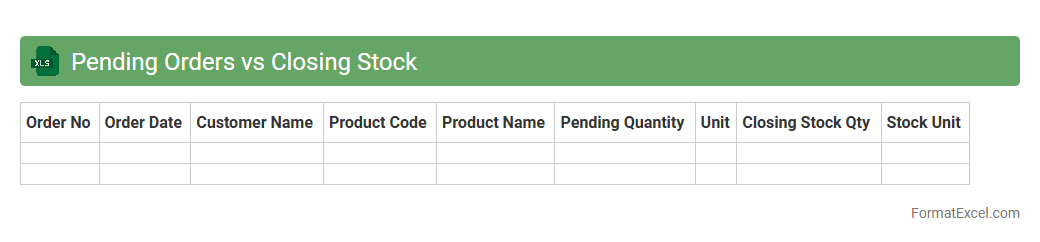
Pending Orders vs Closing Stock
The
Pending Orders vs Closing Stock Excel document is a vital inventory management tool that compares outstanding purchase or sales orders with the current stock levels at the end of a period. This analysis helps businesses identify stock shortages or surpluses, enabling more accurate demand forecasting and efficient supply chain planning. Utilizing this document optimizes inventory turnover and reduces the risk of overstocking or stockouts, improving operational efficiency and customer satisfaction.
Damaged Stock Closing Report
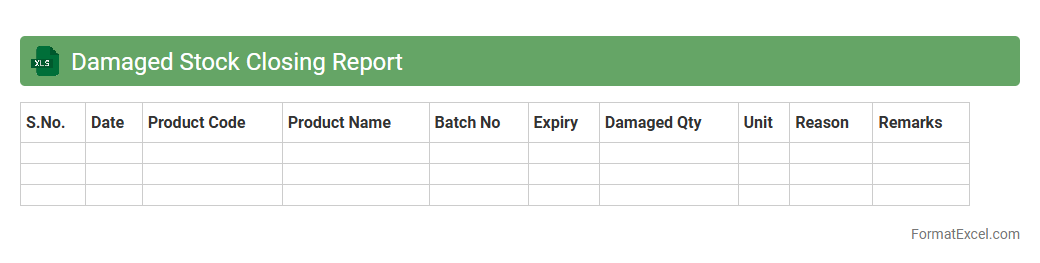
The
Damaged Stock Closing Report Excel document tracks inventory items that are damaged and records their closing balances at the end of a reporting period. This report helps businesses monitor losses, manage stock reordering, and assess the financial impact of damaged goods on overall inventory value. By providing detailed data on damaged items, it supports accurate accounting and efficient inventory control.
Expiry-wise Closing Inventory
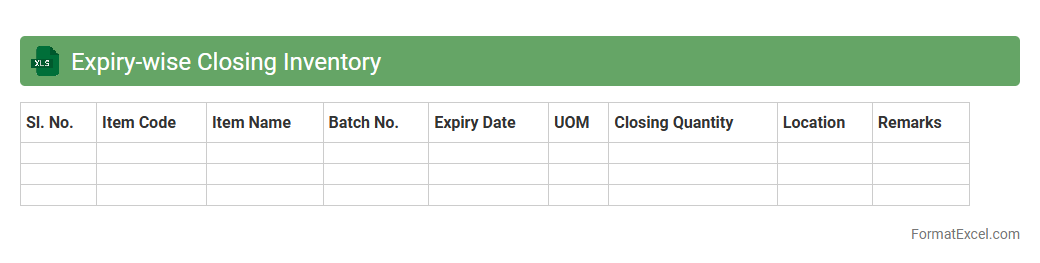
The
Expiry-wise Closing Inventory Excel document tracks stock based on product expiration dates, allowing businesses to manage inventory efficiently and reduce waste. It helps identify items nearing their expiry, facilitating timely sales or disposal decisions to maintain product quality. This tool is essential for sectors like pharmaceuticals and food industries, where expired stock can lead to significant financial losses and compliance issues.
Supplier-wise Closing Stock
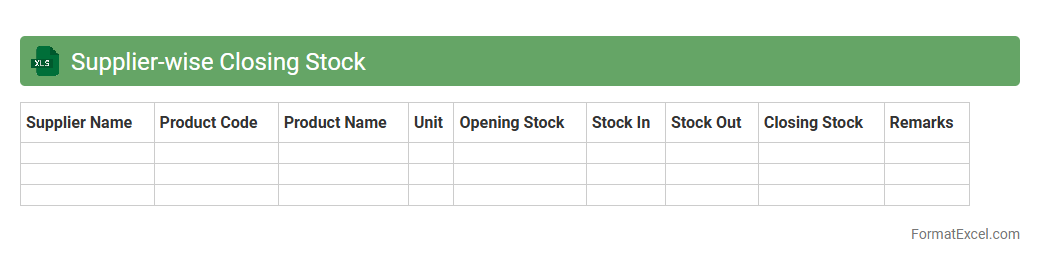
The
Supplier-wise Closing Stock Excel document is a detailed inventory report that tracks the ending stock quantities and values categorized by each supplier. It helps businesses monitor supplier-specific inventory levels, facilitating accurate stock management, procurement planning, and financial analysis. By providing clear insights into supplier contributions, this document supports efficient supplier performance evaluation and inventory optimization strategies.
Stock Turnover Rate Closing
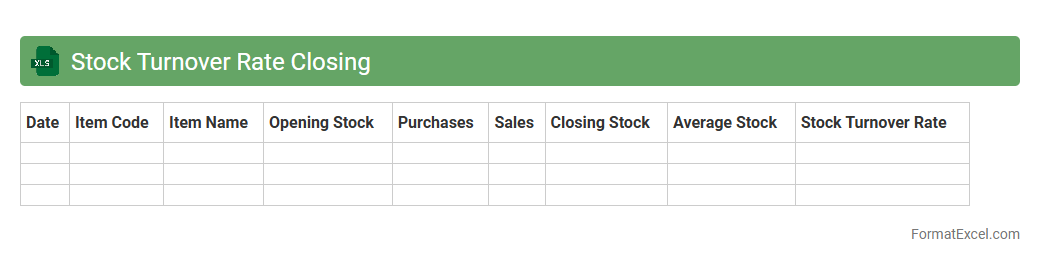
The
Stock Turnover Rate Closing Excel document tracks the frequency at which inventory is sold and replaced over a specific period, providing valuable insights into inventory management efficiency. This tool helps businesses optimize stock levels, reduce holding costs, and improve cash flow by highlighting slow-moving or obsolete items. Using this document enables accurate demand forecasting and informed decision-making for procurement and sales strategies.
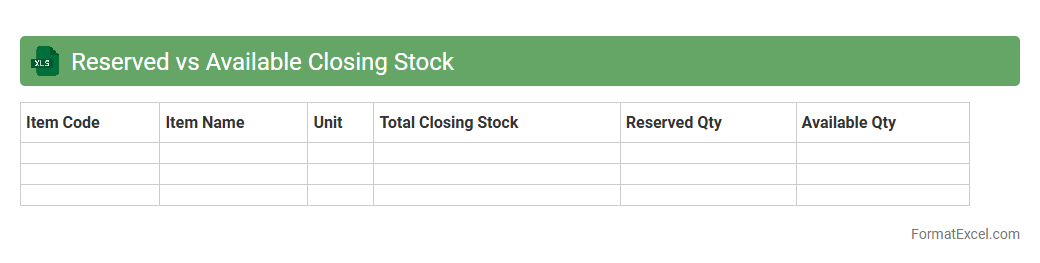
Reserved vs Available Closing Stock
The
Reserved vs Available Closing Stock Excel document tracks inventory quantities by differentiating stock that is allocated or reserved for orders from the stock that remains available for sale or use. It helps businesses maintain accurate inventory management, preventing stockouts or overstock situations by providing real-time insights into closing stock status. This tool enhances decision-making in supply chain operations and optimizes stock control by clearly identifying how much inventory can be sold versus what is already committed.
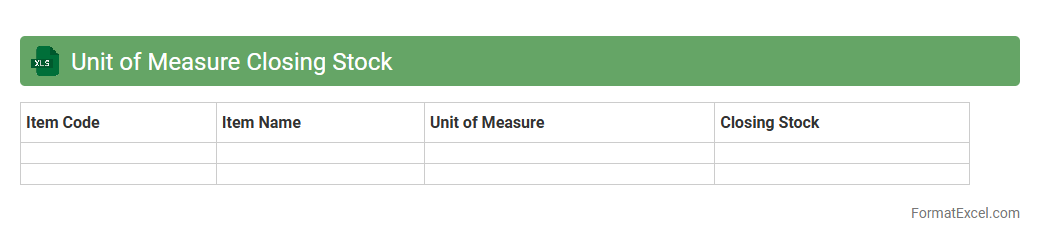
Unit of Measure Closing Stock
The
Unit of Measure Closing Stock Excel document is a vital tool for tracking inventory quantities in specific measurement units, such as kilograms, liters, or pieces, at the end of an accounting period. It provides accurate visibility into stock levels, helping businesses manage supply chains effectively and avoid stockouts or overstock situations. By consolidating closing stock data, this document supports informed decision-making in procurement, sales forecasting, and financial reporting.
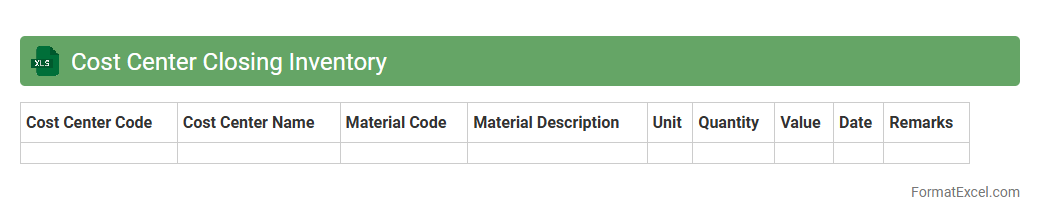
Cost Center Closing Inventory
The
Cost Center Closing Inventory Excel document is a detailed financial tool used to record and analyze the closing inventory values of various cost centers within an organization at the end of a reporting period. It helps in tracking inventory levels, evaluating asset utilization, and ensuring accurate cost allocation for budgeting and financial reporting purposes. By maintaining precise inventory data, businesses can optimize resource management, improve cost control, and enhance decision-making processes.
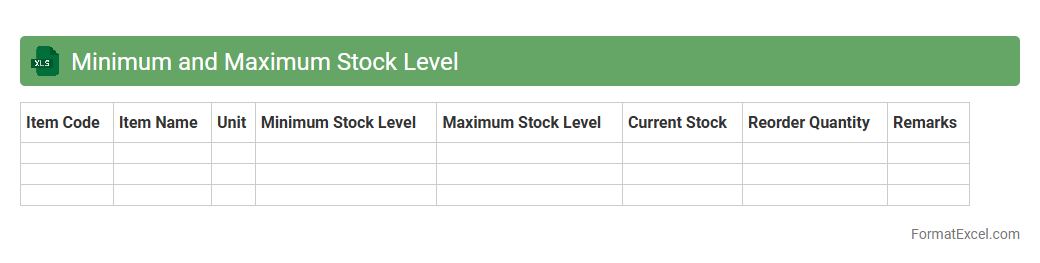
Minimum and Maximum Stock Level
A
Minimum and Maximum Stock Level Excel document is a spreadsheet tool designed to help businesses manage inventory by specifying the lowest and highest quantities of stock to maintain. It enables efficient stock control, prevents stockouts and overstocking, and supports optimal procurement planning. Using this document improves cash flow management and ensures consistent product availability to meet customer demands.
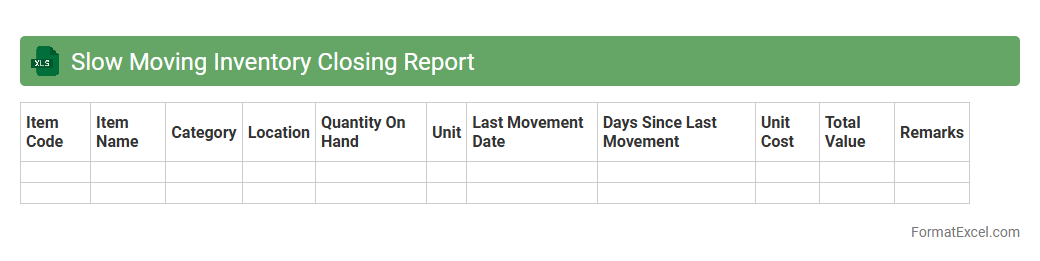
Slow Moving Inventory Closing Report
The
Slow Moving Inventory Closing Report Excel document tracks items with low turnover rates, highlighting stock that remains unsold over a specific period. It helps businesses identify inefficient inventory, reduce holding costs, and make informed decisions to optimize stock management. Using this report improves cash flow and prevents overstocking, ensuring better resource allocation.
Introduction to Closing Stock Inventory Management
Closing stock inventory refers to the value of goods available for sale at the end of an accounting period. Effective management ensures accurate financial reporting and resource allocation. It is crucial for maintaining business continuity and profitability.
Importance of Accurate Inventory Records
Accurate inventory records help prevent stockouts and overstock situations, optimizing operational efficiency. They impact financial statements and tax calculations significantly. Maintaining precise records is essential for business decision-making.
Benefits of Using Excel for Inventory Management
Excel offers a versatile platform for managing inventory with user-friendly features like formulas and charts. It reduces manual errors and allows real-time data updates. Excel's customization makes it ideal for inventory tracking in businesses of all sizes.
Essential Components of a Closing Stock Inventory Format
An effective inventory format includes item description, quantity, unit cost, and total value. It should also capture date and category for better organization. These components ensure a comprehensive inventory valuation.
Step-by-Step Guide to Creating an Inventory Sheet in Excel
Start by setting up headers like item name, quantity, and price per unit. Use Excel formulas to calculate totals and inventory value automatically. Implement conditional formatting to highlight low stock levels or discrepancies.
Downloadable Closing Stock Inventory Excel Templates
Pre-designed Excel templates simplify inventory management by providing ready-to-use formats. They can be customized to suit specific business needs. Utilizing these templates saves time and reduces setup errors.
Key Formulas for Calculating Inventory in Excel
Formulas like SUM, SUMPRODUCT, and IF are indispensable for inventory calculations. They help automate total cost and evaluate stock status efficiently. Mastering these formulas enhances accuracy and productivity.
Tips for Customizing Your Inventory Format
Customize your sheet by adding columns for supplier details or reorder levels. Use drop-down lists and data validation to maintain consistency. Tailoring your format improves inventory control and reporting.
Common Mistakes to Avoid in Inventory Tracking
Frequent errors include inconsistent data entry, neglecting updates, and ignoring shrinkage. These mistakes can distort inventory valuation and financial reports. Avoiding such errors is critical for reliable inventory management.
Best Practices for Updating Closing Stock in Excel
Regularly update stock quantities after each transaction to maintain data accuracy. Reconcile physical counts with records to detect discrepancies early. Consistent updates form the backbone of an effective inventory system.