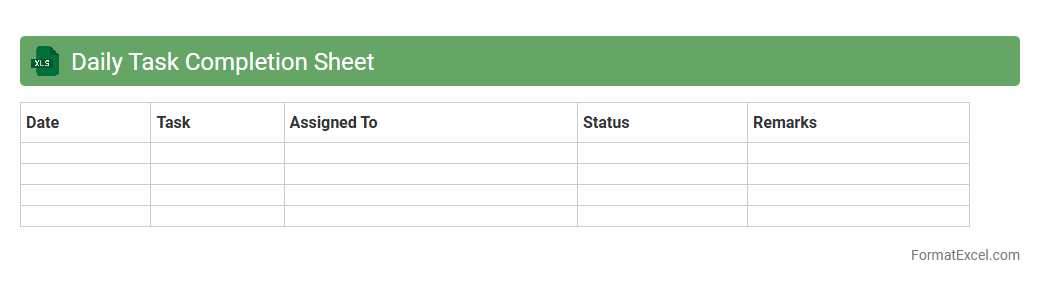
Daily Task Completion Sheet
A
Daily Task Completion Sheet Excel document is a structured tool designed to track and record daily work activities systematically. It helps in organizing tasks, monitoring progress, and ensuring accountability by providing a clear overview of completed and pending assignments. This efficient record-keeping enhances productivity, time management, and facilitates performance evaluation in various professional and personal settings.
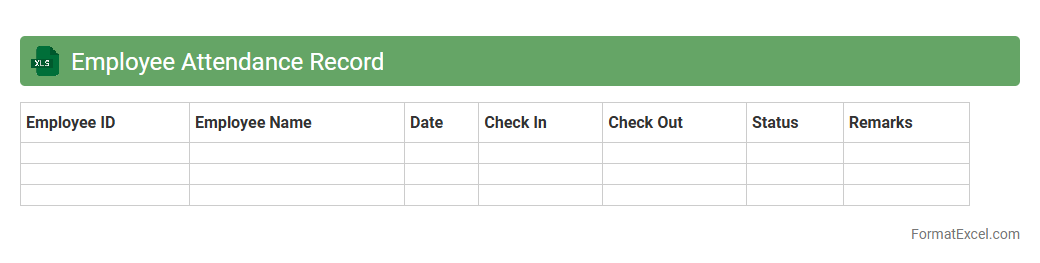
Employee Attendance Record
An
Employee Attendance Record Excel document is a spreadsheet used to systematically track employee work hours, absences, and punctuality. It allows managers to monitor attendance patterns, calculate payroll accurately, and identify trends such as frequent tardiness or absenteeism. Utilizing this record enhances workforce management, improves accountability, and supports compliance with labor regulations.
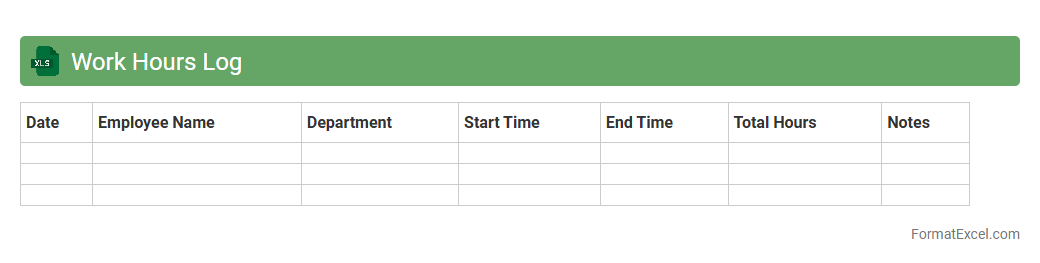
Work Hours Log
A
Work Hours Log Excel document is a structured spreadsheet designed to record daily employee working hours, breaks, and overtime. It helps businesses accurately track time spent on tasks, improve payroll accuracy, and ensure compliance with labor regulations. Using this tool enhances productivity analysis and streamlines project management by providing detailed, easy-to-access work time data.
Production Output Tracker
The
Production Output Tracker Excel document is a tool designed to monitor and record manufacturing or production data, enabling businesses to analyze productivity levels efficiently. It consolidates daily or weekly output figures, identifies trends, and highlights areas needing improvement to optimize operational performance. Using this tracker enhances decision-making, resource allocation, and overall production planning by providing clear, organized insights into output metrics.
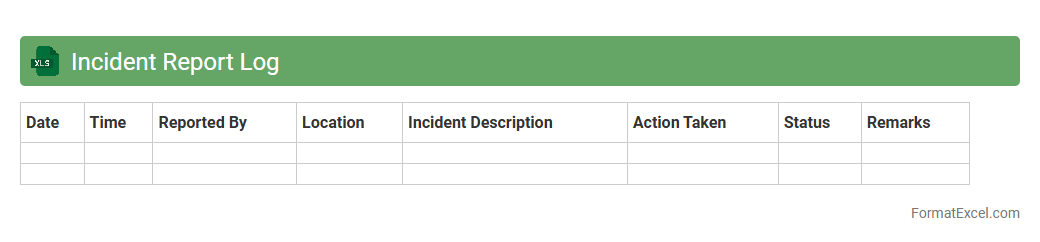
Incident Report Log
An
Incident Report Log Excel document serves as a centralized tool for recording and tracking workplace or operational incidents systematically. It allows organizations to monitor patterns, ensure compliance with safety regulations, and facilitate timely responses to various incidents. By maintaining detailed and organized records, businesses improve incident analysis, risk management, and preventive strategy development.
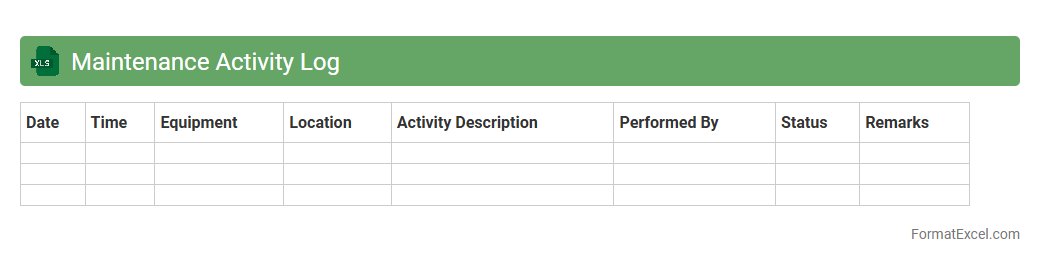
Maintenance Activity Log
A
Maintenance Activity Log Excel document is a structured record-keeping tool designed to track and document routine maintenance tasks, repairs, and inspections within an organization. It enables efficient monitoring of equipment performance, scheduling preventive maintenance, and identifying recurring issues to reduce downtime and maintenance costs. Utilizing this log improves accountability, asset management, and supports compliance with safety and operational standards.
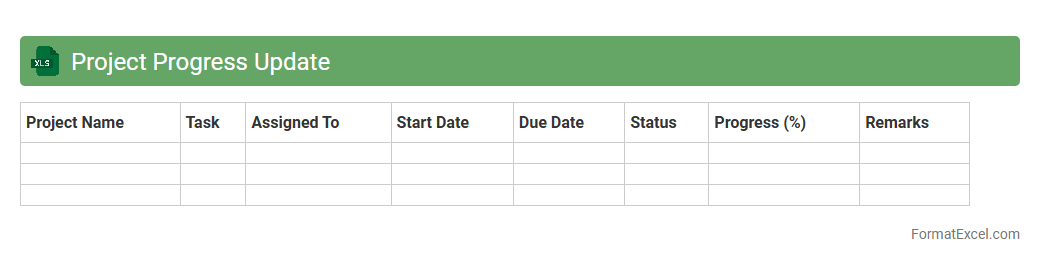
Project Progress Update
A
Project Progress Update Excel document is a structured spreadsheet designed to track and report the current status of ongoing projects by recording key details such as milestones achieved, tasks completed, deadlines, and resource allocation. This tool enables project managers and teams to monitor timelines, identify potential delays, and make data-driven decisions to keep the project on schedule. By centralizing progress information in a clear, visual format, it enhances communication and accountability among stakeholders, ensuring projects are delivered efficiently.
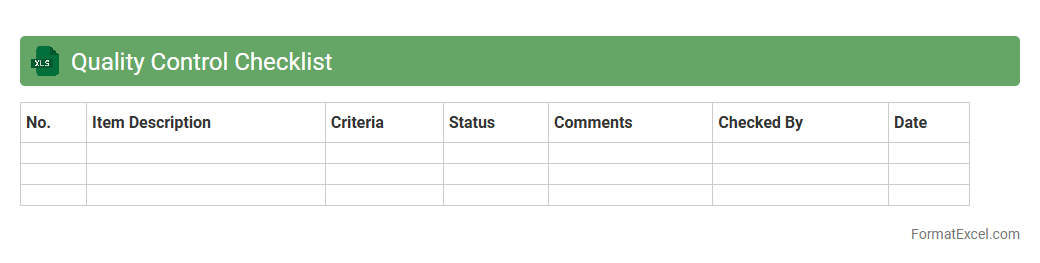
Quality Control Checklist
A
Quality Control Checklist Excel document is a structured spreadsheet used to systematically track and verify the quality standards of products or processes. It helps identify defects, ensure compliance with specifications, and maintain consistent quality results across production cycles. This tool enhances efficiency by providing a clear, organized format for recording inspections and facilitating data analysis for continuous improvement.
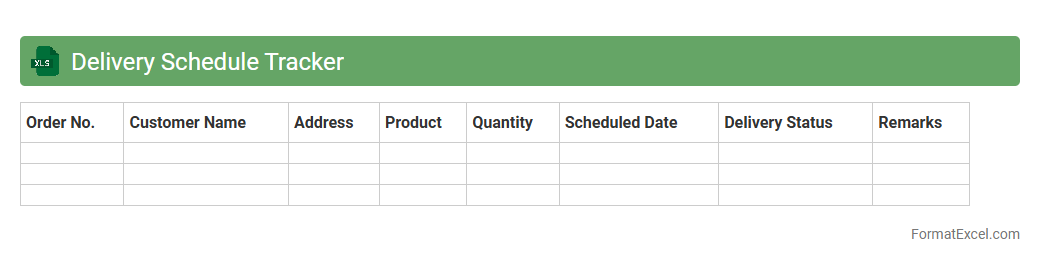
Delivery Schedule Tracker
A
Delivery Schedule Tracker Excel document is a powerful tool designed to monitor and manage delivery timelines, ensuring shipments arrive on time. It helps businesses track order status, delivery dates, and supplier performance, reducing delays and improving customer satisfaction. Utilizing this tracker enhances logistics efficiency and supports proactive decision-making.
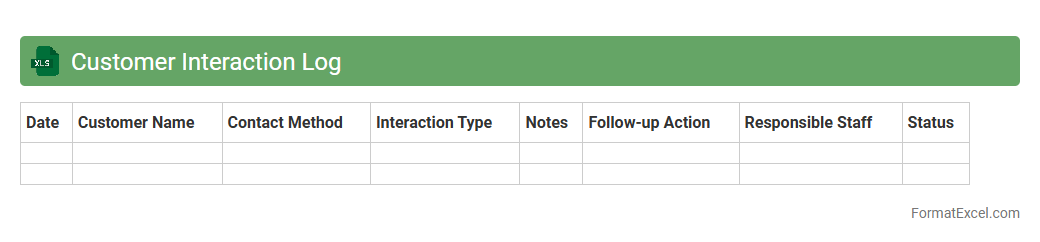
Customer Interaction Log
A
Customer Interaction Log Excel document is a structured spreadsheet used to record detailed information about each customer interaction, including date, time, communication channel, and outcomes. It enables businesses to track customer history, identify trends, and improve service quality by providing a comprehensive overview of all touchpoints. This organized record supports effective follow-ups, enhances customer relationship management, and drives data-informed decision-making to boost customer satisfaction and retention.
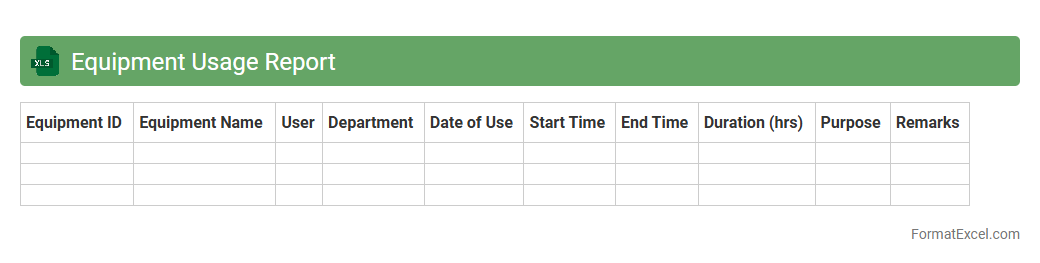
Equipment Usage Report
The
Equipment Usage Report Excel document tracks the duration, frequency, and operational status of machinery and tools within a facility. It provides valuable data for optimizing asset allocation, scheduling maintenance, and reducing downtime. By analyzing this report, businesses can enhance productivity, control costs, and make informed decisions regarding equipment management.
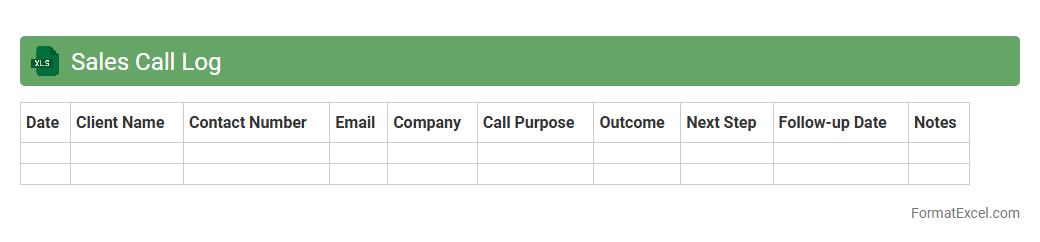
Sales Call Log
A
Sales Call Log Excel document is a structured spreadsheet used to record details of sales calls, including client information, call outcomes, and follow-up actions. It helps sales teams track interactions efficiently, analyze call performance, and identify trends for improving sales strategies. Using this tool enhances organization, accountability, and data-driven decision-making in sales processes.
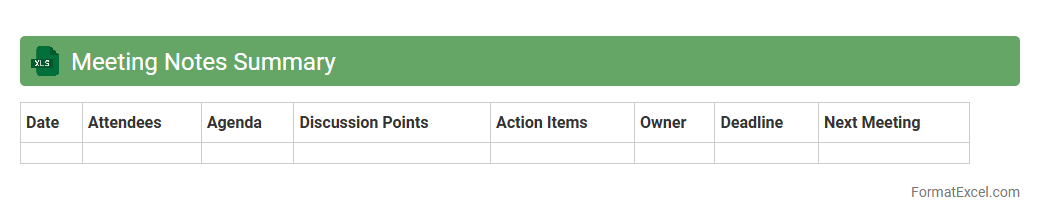
Meeting Notes Summary
A
Meeting Notes Summary Excel document is a structured spreadsheet designed to organize and consolidate key points, action items, decisions, and attendee contributions from meetings. It enhances productivity by providing a clear, accessible record that facilitates follow-up, accountability, and tracking progress over time. Using this tool ensures effective communication and efficient management of meeting outcomes within teams or organizations.
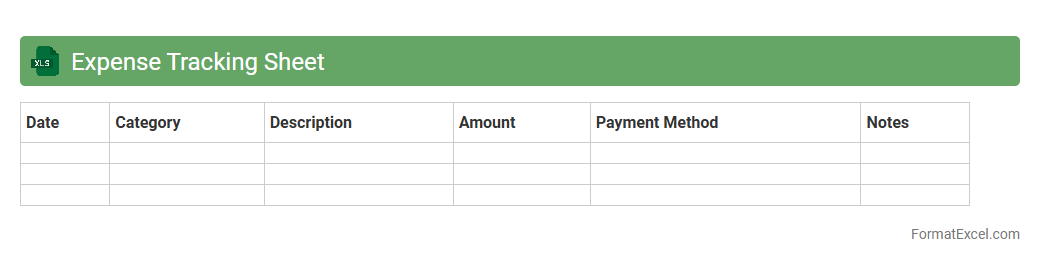
Expense Tracking Sheet
An
Expense Tracking Sheet in Excel is a digital tool designed to record and categorize daily, weekly, or monthly expenses efficiently. It helps users monitor spending patterns, maintain budgets, and identify areas for cost-saving by organizing financial data in a clear, customizable format. Utilizing formulas, charts, and filters, it provides insightful analysis to improve personal or business financial management.
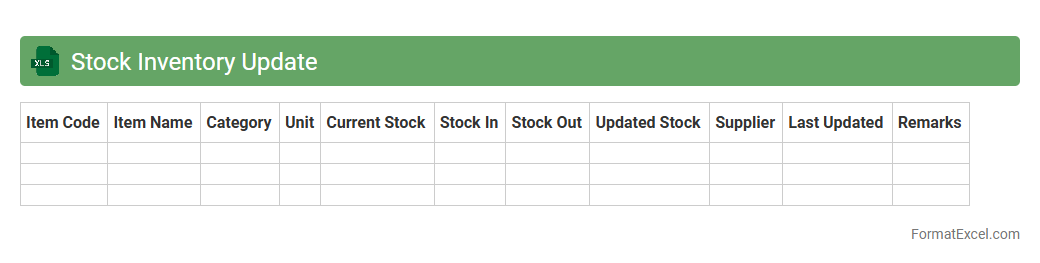
Stock Inventory Update
A
Stock Inventory Update Excel document is a digital spreadsheet used for tracking and managing product quantities, sales, and restocks in real-time. It streamlines inventory control by providing accurate data on stock levels, reducing errors, and enabling informed decision-making for ordering and sales strategies. This tool enhances efficiency by simplifying inventory audits and ensuring consistent availability of products, ultimately supporting better business operations.
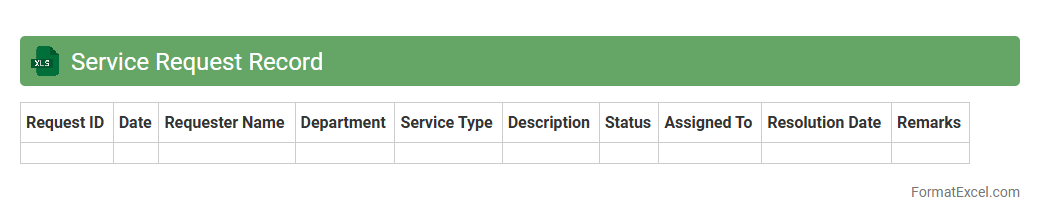
Service Request Record
A
Service Request Record Excel document is a structured file used to log, track, and manage customer service requests systematically. It helps organizations maintain detailed information on request types, status updates, priority levels, and resolution timelines, ensuring efficient workflow and accountability. Utilizing this document enhances service quality by enabling quick access to historical data for analysis and continuous improvement.
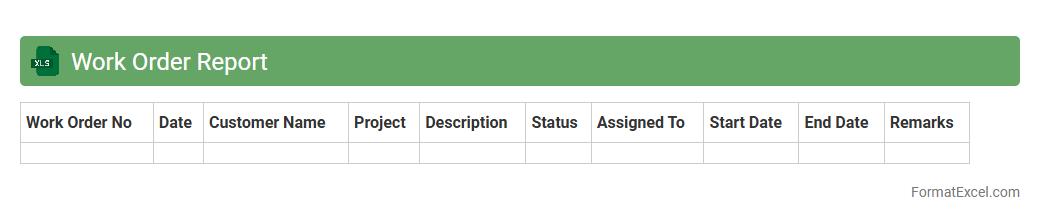
Work Order Report
A
Work Order Report Excel document is a structured spreadsheet used to track, manage, and analyze work orders within a business or organization. It consolidates data such as job descriptions, assigned personnel, deadlines, and status updates, enabling efficient monitoring of maintenance, repairs, or project tasks. This document enhances operational efficiency by providing clear visibility into workload distribution and progress, facilitating informed decision-making and timely completion of tasks.
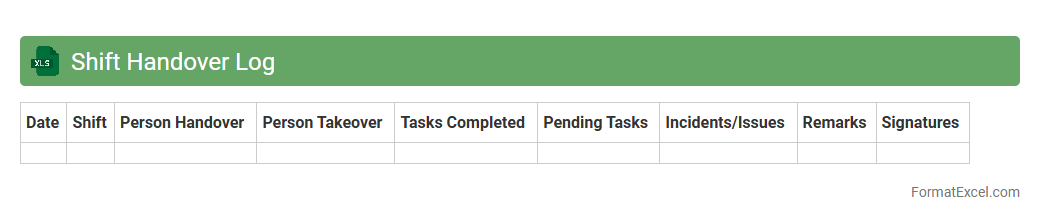
Shift Handover Log
The
Shift Handover Log Excel document is a structured record used to track key information, updates, and tasks between consecutive shifts in a workplace. It ensures continuity, reduces errors, and facilitates clear communication among team members by documenting outstanding work, incidents, and important notes. This log is essential for maintaining operational efficiency and accountability across different shifts.
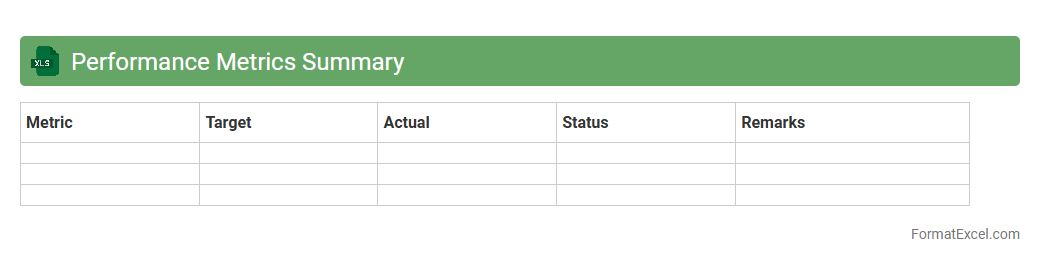
Performance Metrics Summary
A
Performance Metrics Summary Excel document consolidates key performance indicators (KPIs) into an organized format, enabling efficient tracking and analysis of business or project outcomes. It helps identify trends, measure progress against goals, and supports data-driven decision-making by providing clear visualizations and summary statistics. This document is essential for managers and teams to optimize strategies and improve overall performance effectively.
On-site Visit Report
An
On-site Visit Report Excel document is a structured tool used to record observations, findings, and assessments made during physical inspections at a project site or location. It helps in organizing data systematically, tracking progress, identifying issues, and ensuring compliance with standards or requirements. Using this document enhances communication among stakeholders and supports informed decision-making based on accurate, real-time site information.
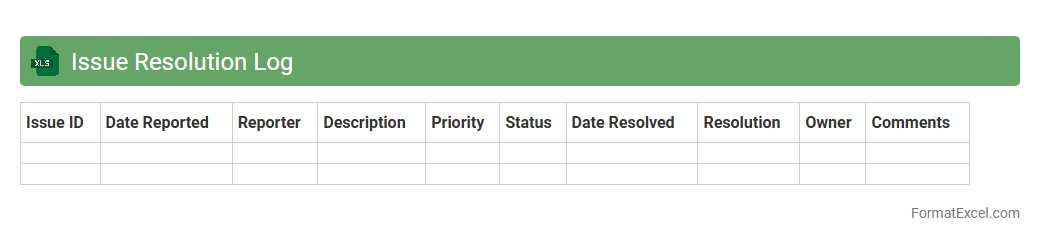
Issue Resolution Log
An
Issue Resolution Log Excel document is a structured tool used to track, manage, and resolve project or process-related problems efficiently. It captures essential data such as issue descriptions, status updates, responsible parties, deadlines, and resolution outcomes, enabling clear accountability and timely follow-up. This log enhances communication, prioritizes problem-solving efforts, and supports continuous improvement by providing a detailed record of challenges and their solutions.
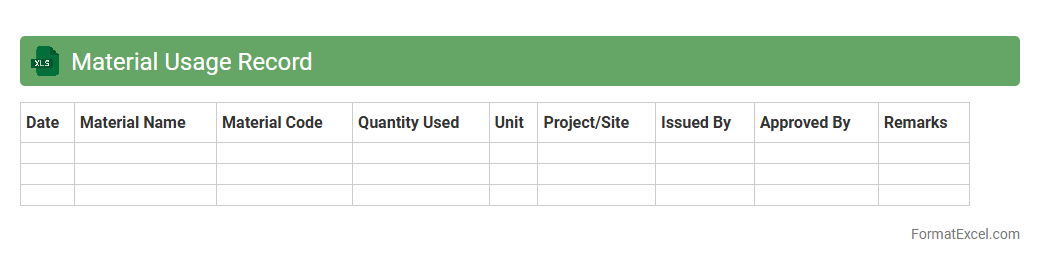
Material Usage Record
A
Material Usage Record Excel document tracks the consumption of materials in manufacturing or construction projects, allowing precise monitoring of inventory levels and reducing waste. It helps businesses maintain accurate data for budgeting, cost control, and project management by recording quantities, dates, and sources of material use. This organized data supports better decision-making and improves operational efficiency by identifying trends and discrepancies in material consumption.
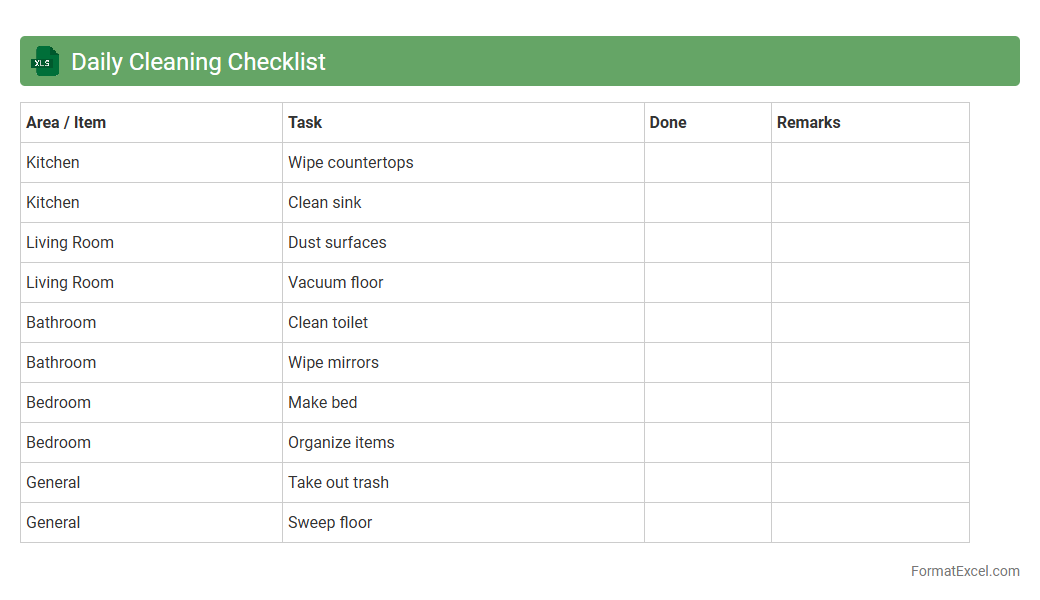
Daily Cleaning Checklist
A
Daily Cleaning Checklist Excel document is a structured spreadsheet designed to organize and track daily cleaning tasks efficiently. It helps individuals and businesses maintain cleanliness standards by listing specific duties, assigning responsibilities, and monitoring completion status. Using this checklist ensures consistent hygiene practices, improves productivity, and reduces the risk of overlooked cleaning areas.
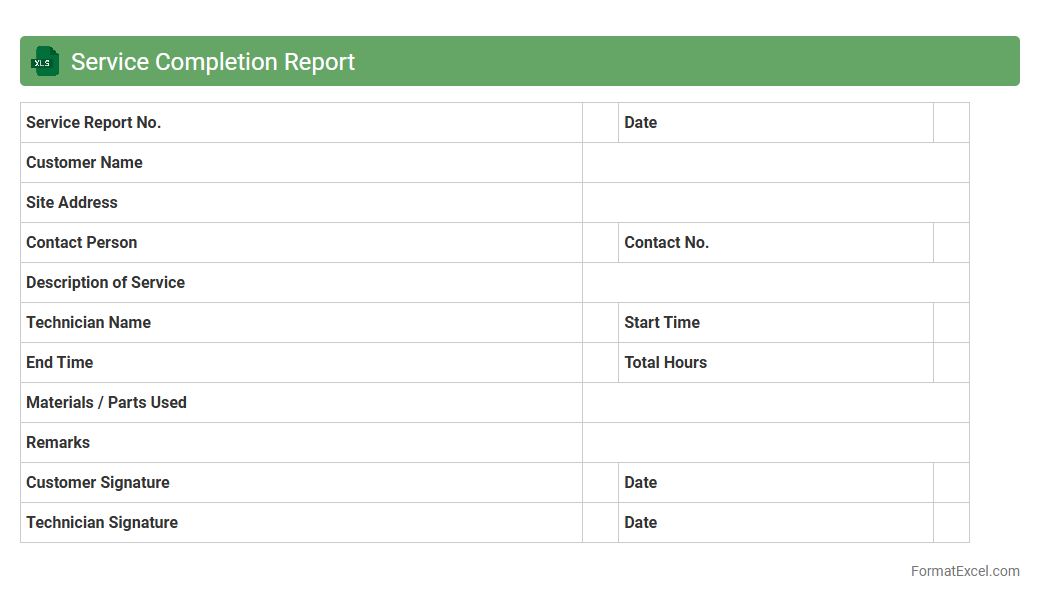
Service Completion Report
A
Service Completion Report Excel document is a structured file used to record and verify the completion status of services provided in projects or contracts. It helps track service delivery details, timelines, and client confirmations, ensuring accountability and transparency. This document is useful for project managers and service providers to monitor progress, resolve discrepancies, and maintain accurate records for audits and future reference.
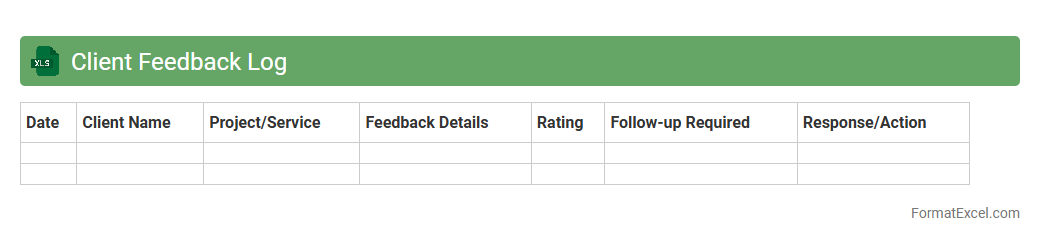
Client Feedback Log
A
Client Feedback Log Excel document is a structured tool designed to systematically record, track, and analyze client comments and suggestions. It helps businesses monitor patterns in customer satisfaction, identify areas for improvement, and measure the impact of implemented changes on service quality. Using this log enhances communication transparency, supports data-driven decision-making, and ultimately strengthens client relationships.
Introduction to Daily Work Report Formats
A Daily Work Report format in Excel is a structured template that helps track daily tasks and employee progress. It provides a clear overview of productivity and task completion. Utilizing Excel ensures flexibility and ease in customizing reports for various departments.
Importance of Daily Work Reports
Daily work reports are crucial for monitoring team performance and ensuring accountability. They help managers identify bottlenecks and improve workflow efficiency. Accurate daily reporting contributes to better project management and resource allocation.
Key Elements of a Daily Work Report in Excel
Effective daily reports include essential elements like employee name, date, task description, hours worked, and task status. Including a section for remarks or challenges faced enhances communication. These key elements ensure comprehensive tracking of daily activities.
Step-by-Step Guide to Creating a Report in Excel
Start by defining columns and setting headers such as Task, Start Time, End Time, and Status. Use Excel features like drop-down lists and conditional formatting to improve usability. Following a clear step-by-step approach ensures the report is easy to update and interpret.
Essential Columns to Include in Your Report Template
Your report should contain columns like Date, Employee ID, Task Description, Time Spent, and Task Outcome. Including priority levels or category tags can add depth for better analysis. These essential columns support detailed tracking and performance review.
Customizing Your Daily Work Report for Different Roles
Tailor your Excel report to fit various roles by adjusting task categories and fields relevant to specific job functions. For example, sales teams may need sections for client interactions, while developers track bugs or features. Role-specific customization enhances the report's relevance and effectiveness.
Common Mistakes to Avoid in Report Formatting
Avoid cluttered layouts, inconsistent data entry, and missing essential columns to maintain report clarity. Improper use of Excel features like merged cells or hidden rows can cause errors in data processing. Steering clear of these common mistakes ensures accurate and professional reporting.
Tips for Automating Daily Work Reports in Excel
Utilize Excel functions like macros, formulas, and data validation to automate repetitive tasks and minimize errors. Automatic date stamps and drop-down menus enhance speed and accuracy. Implementing automation tips saves time and enhances report reliability.
Downloadable Daily Work Report Format Templates
Many websites offer free or premium Excel templates for daily work reports tailored to various industries. These templates usually include pre-defined columns, formulas, and formatting for user convenience. Using a downloadable template can jumpstart your reporting process efficiently.
Best Practices for Maintaining Accurate Work Reports
Encourage daily updates, consistent formatting, and routine reviews to maintain report accuracy. Training team members on the importance and proper use of the report ensures data integrity. Following best practices sustains the usefulness of your daily work reports.