Daily Cash Receipts
The
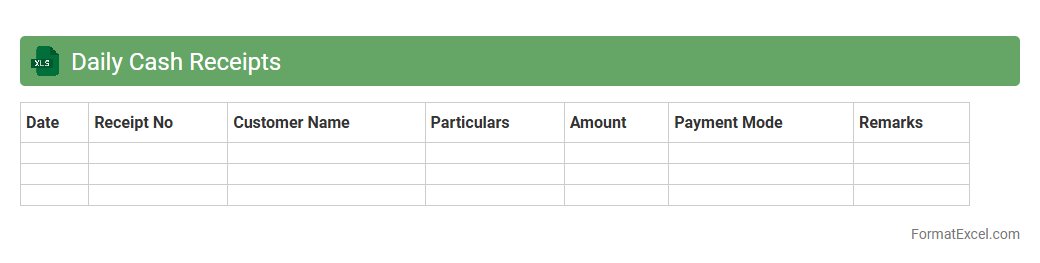
Daily Cash Receipts Excel document is a structured spreadsheet designed to track and record all cash inflow transactions on a daily basis. It enables businesses to maintain accurate financial records, monitor cash flow in real-time, and identify discrepancies promptly. By using this tool, organizations improve their accounting accuracy and ensure better cash management for operational efficiency.
Daily Cash Disbursements
The
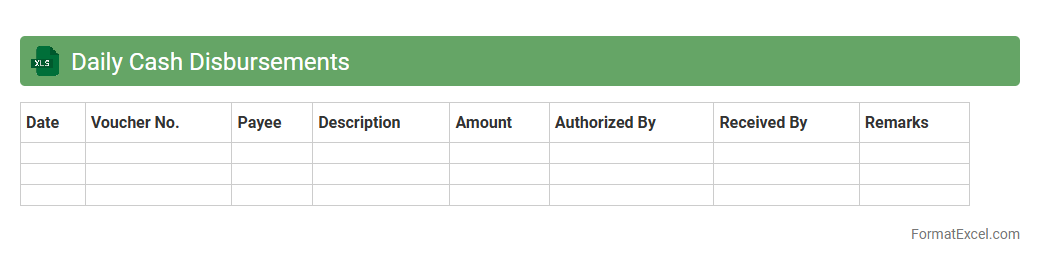
Daily Cash Disbursements Excel document is a financial tracking tool designed to record and monitor all cash payments made by a business on a daily basis. It helps organizations maintain accurate records of outgoing cash flow, ensuring better budget management and fraud prevention. This document is essential for reconciling daily expenses, improving financial transparency, and supporting timely decision-making.
Petty Cash Log
A
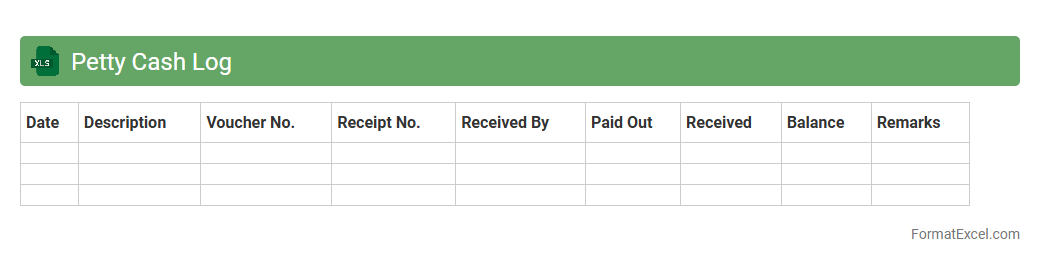
Petty Cash Log Excel document is a spreadsheet used to track small cash transactions within a business, ensuring accurate recording of expenditures and reimbursements. It provides an organized way to monitor daily petty cash usage, maintain transparency, and facilitate easier reconciliation at month-end. This tool helps prevent discrepancies while improving financial accountability and budgeting for minor office expenses.
Cash Reconciliation Sheet
A
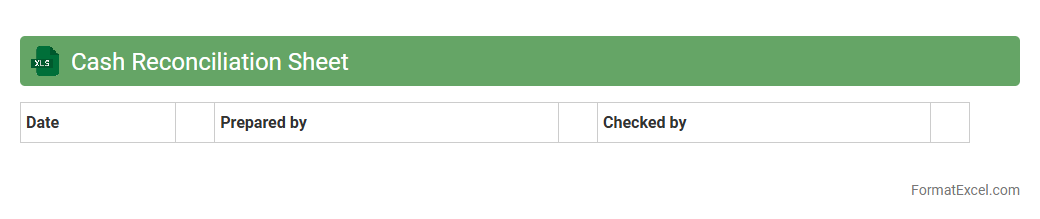
Cash Reconciliation Sheet Excel document is a financial tool used to compare and verify cash balances between internal records and actual cash on hand. It helps identify discrepancies, detect errors, and ensure accuracy in cash management, promoting financial accountability. This sheet streamlines the reconciliation process, saving time and reducing the risk of fraud or misreported cash transactions.
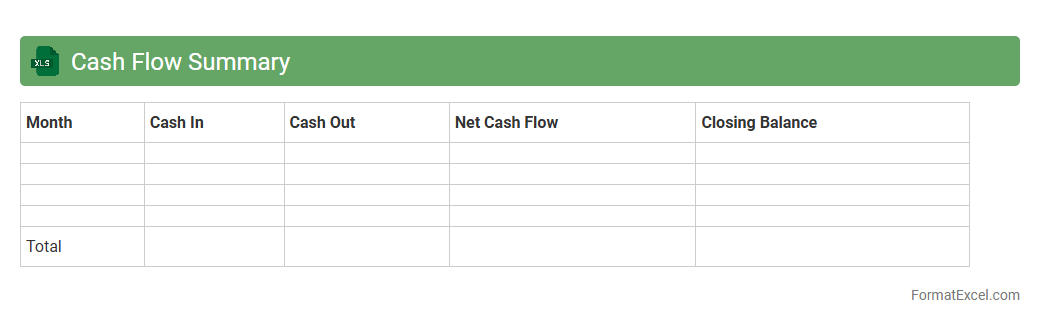
Cash Flow Summary
A
Cash Flow Summary Excel document consolidates all inflows and outflows of cash within a specific period, providing a clear overview of financial liquidity. It helps businesses and individuals track operational, investing, and financing activities, enabling effective budget planning and cash management. By analyzing this summary, users can make informed decisions to maintain positive cash flow and ensure financial stability.
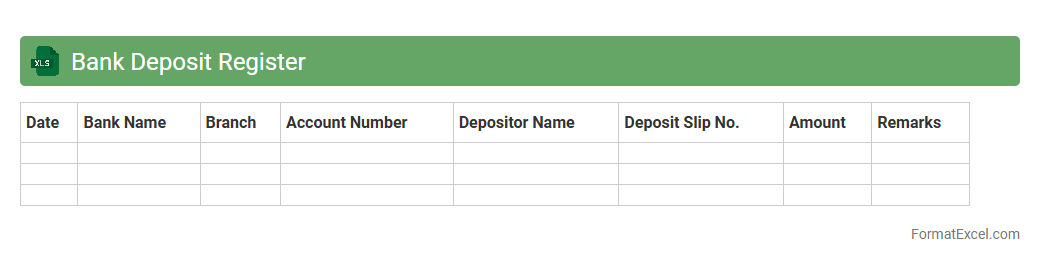
Bank Deposit Register
A
Bank Deposit Register Excel document is a detailed record-keeping tool that tracks all bank deposits made by an individual or organization. It provides a clear overview of deposit dates, amounts, sources, and transaction references, facilitating accurate financial management and reconciliation. This document is useful for monitoring cash flow, preventing errors, and ensuring transparency in banking activities.
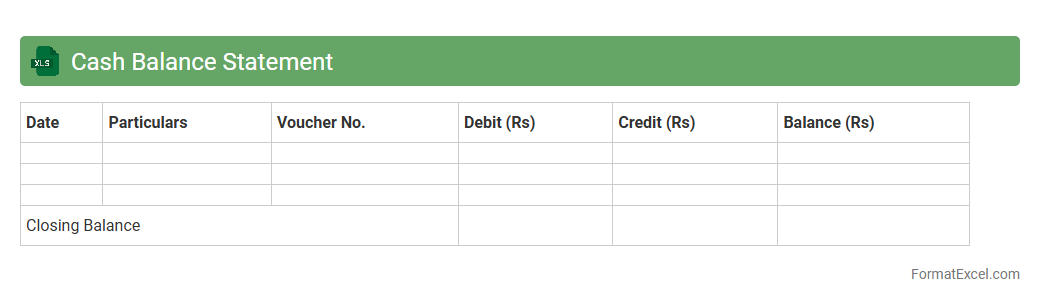
Cash Balance Statement
A
Cash Balance Statement Excel document provides a detailed record of an entity's cash inflows and outflows over a specific period, helping track liquidity and financial health. It enables efficient cash management by organizing transactions, forecasting future balances, and identifying potential shortfalls. Utilizing this tool supports informed decision-making and ensures better control over cash resources.
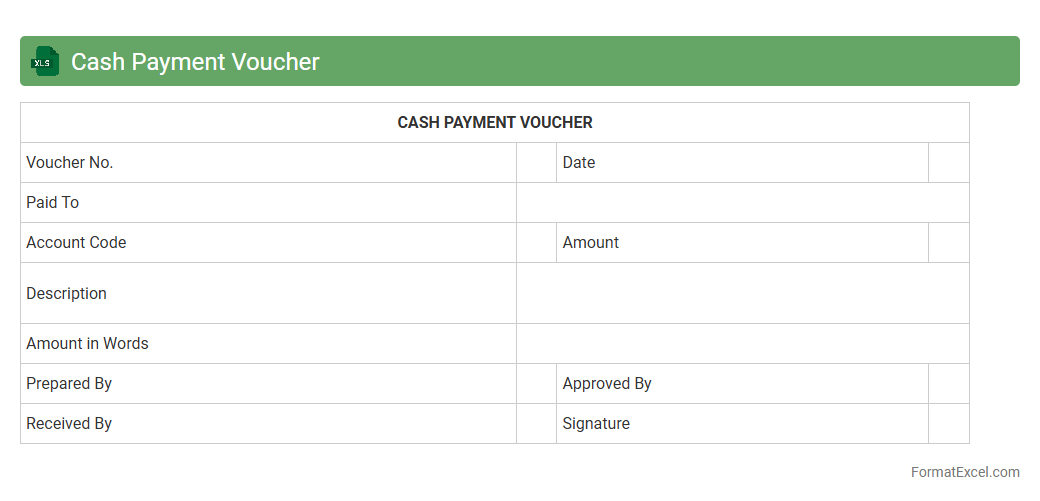
Cash Payment Voucher
A
Cash Payment Voucher Excel document is a financial tool designed to record and track cash payments made by a business. This document helps maintain accurate and organized records of disbursements, ensuring transparency and accountability in cash flow management. It is useful for reconciling cash transactions, preparing financial reports, and supporting audit processes efficiently.
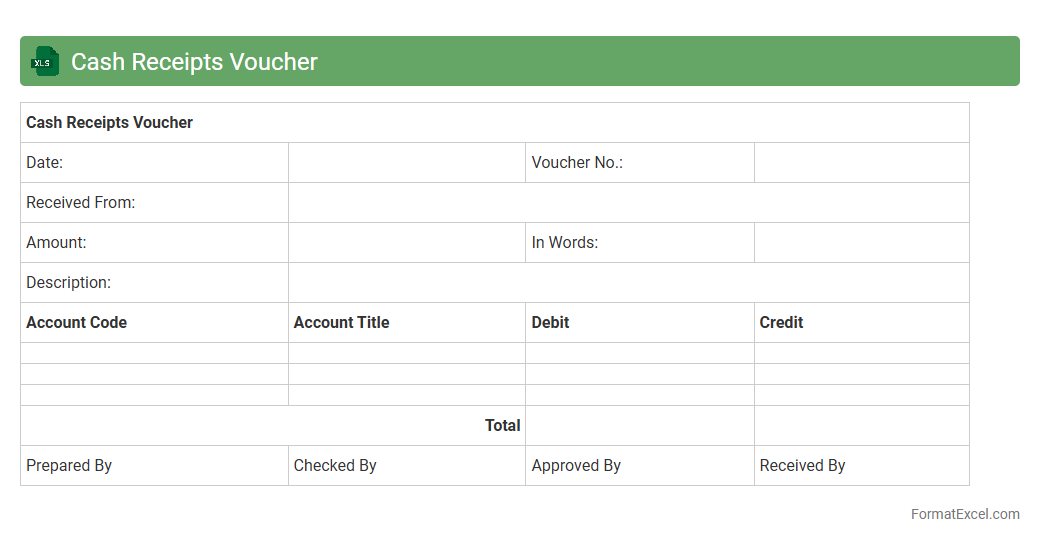
Cash Receipts Voucher
A
Cash Receipts Voucher Excel document is a digital template used to record and track all incoming cash transactions systematically. It helps maintain accurate financial records by detailing the date, amount, payer information, and purpose of each cash receipt, enhancing transparency and accountability. Using this document streamlines cash management, simplifies auditing processes, and supports effective cash flow monitoring in businesses or organizations.
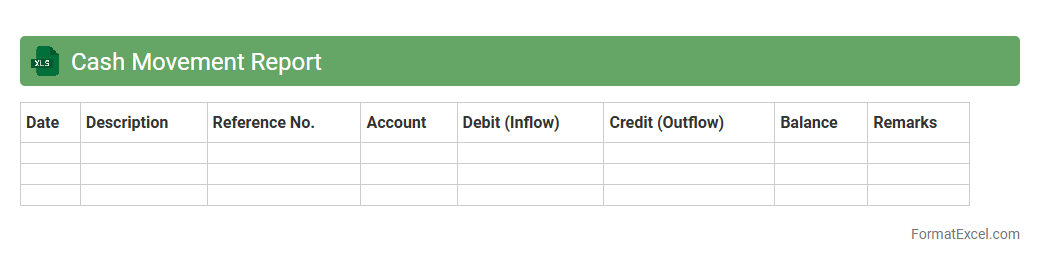
Cash Movement Report
Cash Movement Report Excel document tracks all cash inflows and outflows within a specified period, providing detailed insights into financial transactions. It helps organizations monitor liquidity, manage cash flow efficiently, and make informed decisions to maintain optimal working capital. By analyzing this report, businesses can identify patterns, detect discrepancies, and ensure accurate cash management.
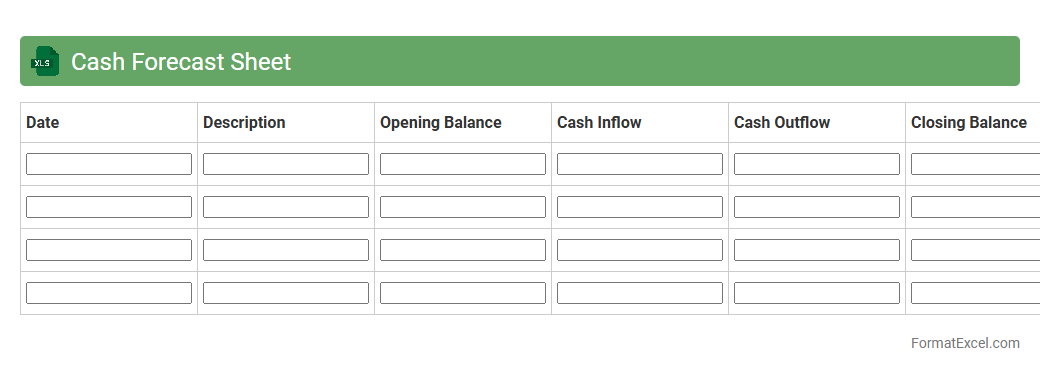
Cash Forecast Sheet
The
Cash Forecast Sheet in Excel is a financial tool designed to project cash inflows and outflows over a specific period, helping businesses manage liquidity effectively. It enables users to anticipate cash shortages or surpluses by organizing expected receipts and payments, supporting better budgeting decisions. This forecasting accuracy enhances financial planning, reduces the risk of cash shortfalls, and ensures smoother operational continuity.
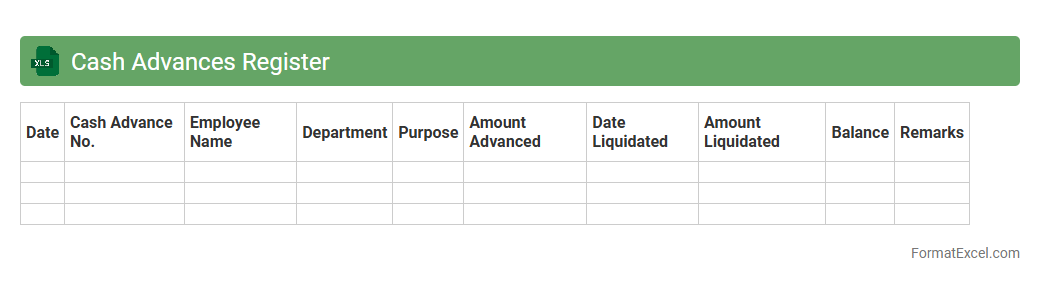
Cash Advances Register
The
Cash Advances Register Excel document is a financial tool designed to systematically record and track cash advances issued to employees or departments within an organization. It helps maintain transparency by documenting the date, amount, purpose, and repayment status of each advance, enabling efficient monitoring of fund disbursements. Using this register improves cash flow management, ensures accountability, and facilitates accurate financial reporting and auditing.
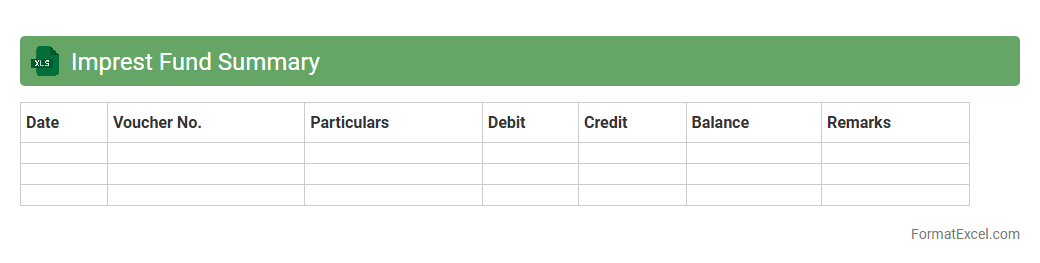
Imprest Fund Summary
An
Imprest Fund Summary Excel document is a financial tool designed to track and manage petty cash funds by recording advances, expenses, and balances. It provides a clear overview of cash usage, ensuring accountability and simplifying reconciliation processes for businesses or organizations. This summary helps streamline budgeting, prevent overspending, and maintain accurate financial records for internal audits and reporting.
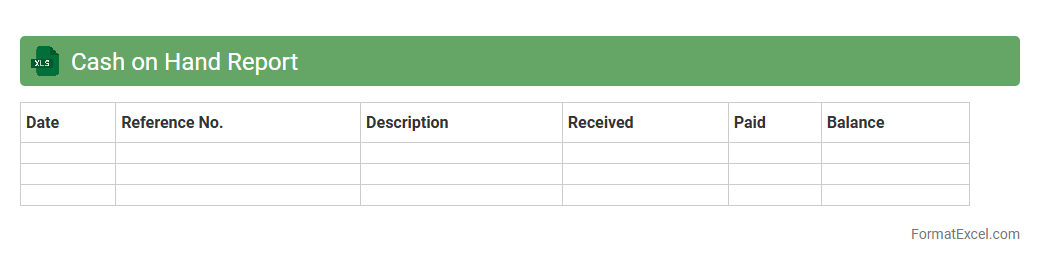
Cash on Hand Report
A
Cash on Hand Report Excel document is a financial tool designed to track the available cash a business holds at a specific point in time, including petty cash and cash in registers. This report helps monitor liquidity, ensures appropriate cash management, and assists in identifying discrepancies between recorded cash and actual cash. By maintaining accurate cash records, businesses can improve budgeting, forecast cash flow needs, and enhance overall financial control.
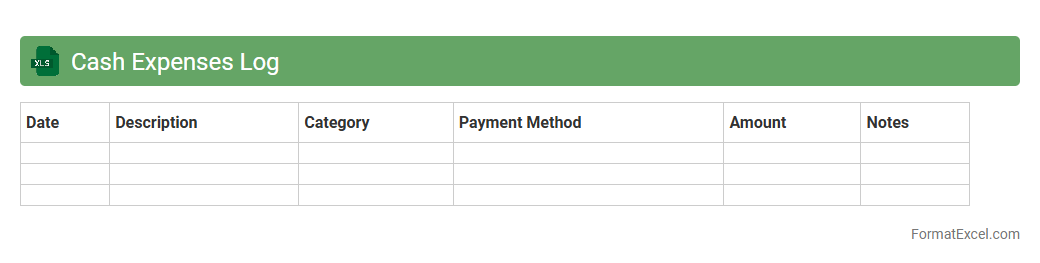
Cash Expenses Log
A
Cash Expenses Log Excel document is a digital tool designed to track and record daily cash expenditures systematically. It helps individuals and businesses monitor spending patterns, manage budgets effectively, and maintain accurate financial records for auditing or tax purposes. By organizing cash outflows in a structured spreadsheet, users gain clear insights into their cash flow and improve financial decision-making.
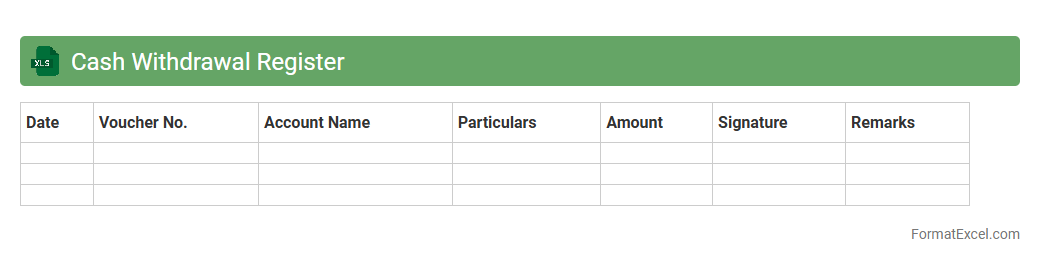
Cash Withdrawal Register
A
Cash Withdrawal Register Excel document is a structured spreadsheet used to record and track all cash withdrawals from a business or personal account. It helps maintain accurate financial records by logging the date, amount, purpose, and balance after each withdrawal, facilitating better cash flow management. This tool is essential for auditing, budgeting, and ensuring transparency in cash handling processes.
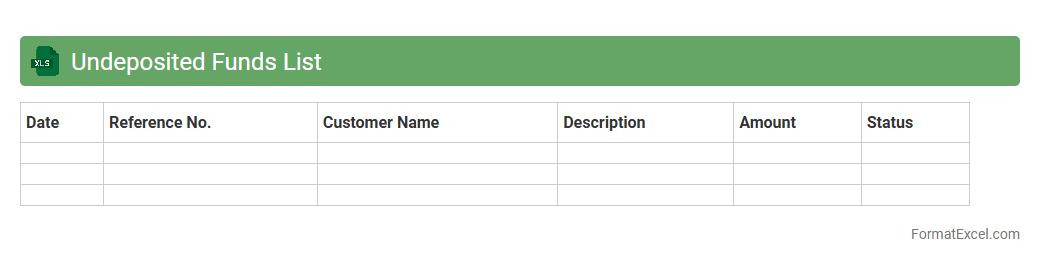
Undeposited Funds List
The
Undeposited Funds List Excel document tracks all payments received but not yet deposited into bank accounts, providing a clear overview of pending cash flow. It helps businesses reconcile receipts with bank deposits, ensuring accurate financial records and preventing discrepancies. By organizing undeposited funds, this document enhances cash management and simplifies the accounting process.
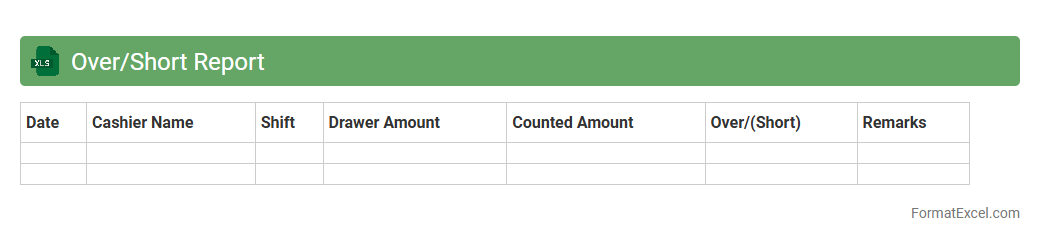
Over/Short Report
An
Over/Short Report Excel document tracks discrepancies between recorded cash amounts and actual cash on hand, highlighting overages or shortages in financial transactions. This report is useful for identifying errors, theft, or miscalculations in cash handling processes, ensuring financial accuracy and accountability. It enables businesses to maintain precise cash records, facilitating better auditing and internal control measures.
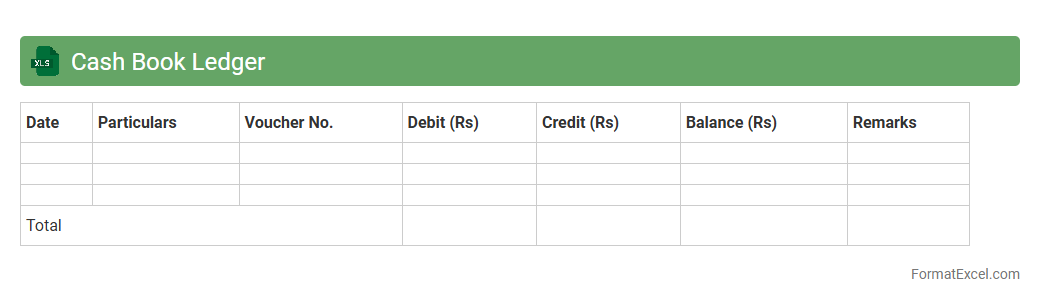
Cash Book Ledger
A
Cash Book Ledger Excel document is a digital record-keeping tool designed to track all cash transactions, including receipts and payments, in an organized and accessible format. It facilitates accurate financial management, enabling businesses and individuals to monitor cash flow, reconcile accounts efficiently, and generate financial reports. This tool is essential for maintaining transparency, ensuring compliance with accounting standards, and improving financial decision-making processes.
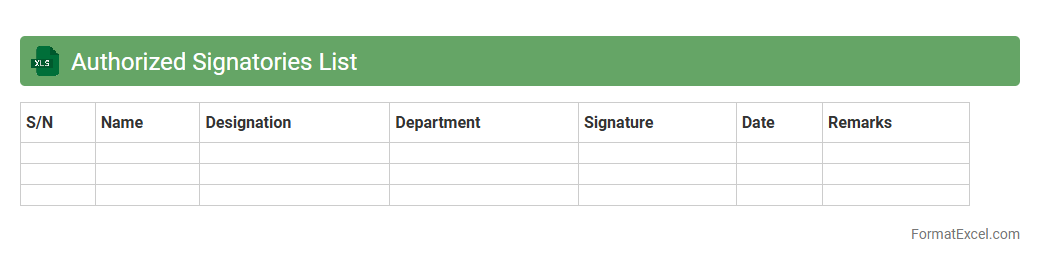
Authorized Signatories List
The
Authorized Signatories List Excel document is a structured file that records the names, roles, and signatures of individuals authorized to approve transactions or legal documents within an organization. It serves as a vital reference for verifying the legitimacy of approvals, ensuring compliance with corporate governance policies, and preventing fraud. This document streamlines internal controls by clearly defining accountability and authorization limits across departments.
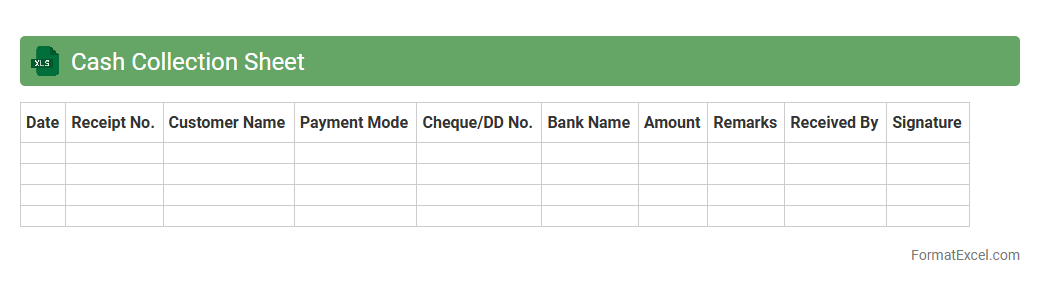
Cash Collection Sheet
A
Cash Collection Sheet Excel document is a structured tool designed to track daily cash inflows from various sources, ensuring accurate financial record-keeping. It facilitates efficient monitoring of payment collections, helps identify discrepancies, and improves cash flow management for businesses. By maintaining organized data on collected amounts, dates, and payer details, it supports timely reconciliation and enhances overall financial transparency.
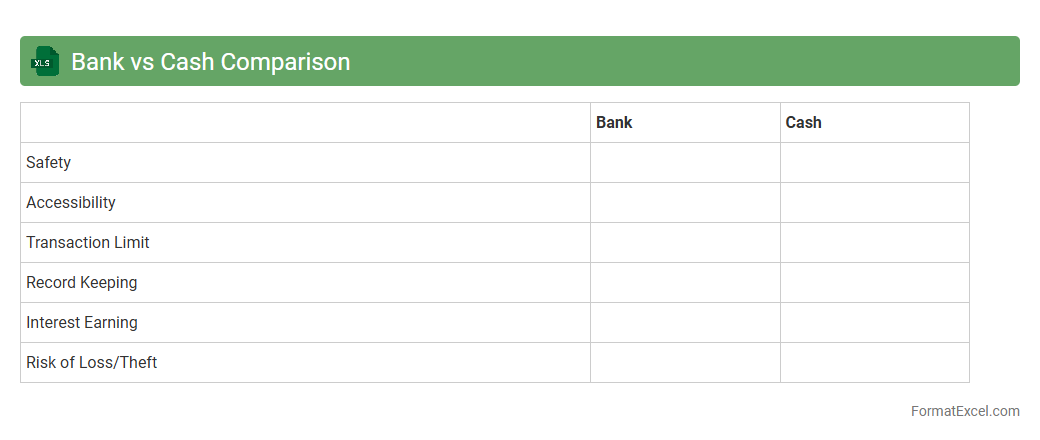
Bank vs Cash Comparison
A
Bank vs Cash Comparison Excel document is a financial tool used to reconcile and compare the balances of cash on hand and bank account statements. It helps identify discrepancies between recorded cash transactions and bank statements, ensuring accurate financial records and preventing errors or fraud. This comparison enhances cash flow management and supports reliable financial reporting for businesses and individuals.
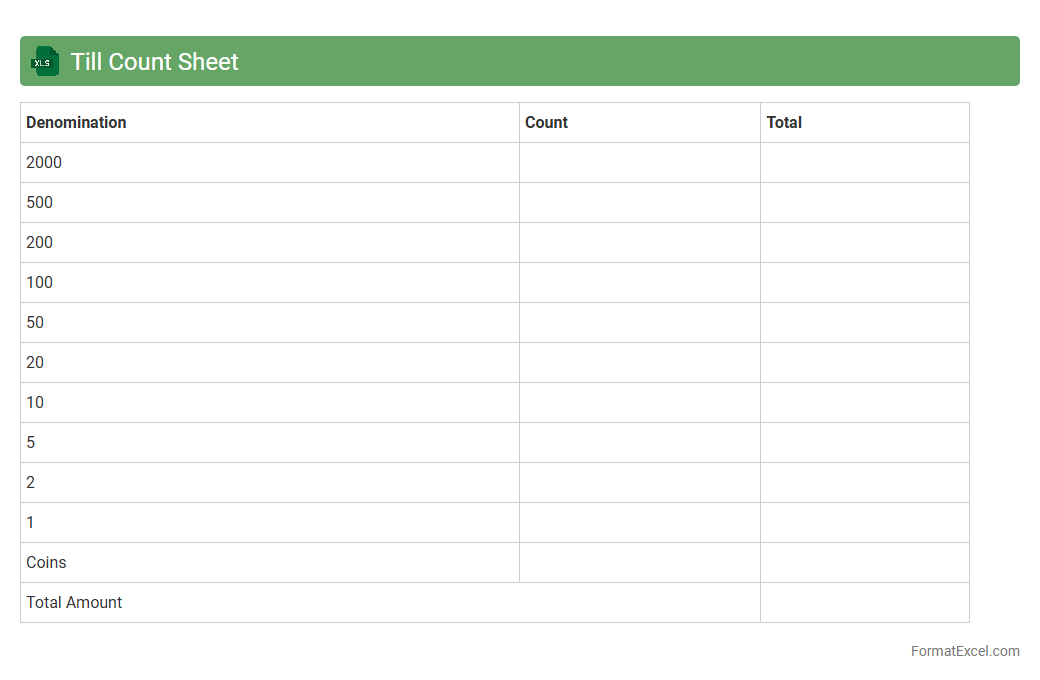
Till Count Sheet
A
Till Count Sheet Excel document is a structured template used to record and reconcile cash register counts at the beginning or end of a business day. It helps ensure accurate tracking of cash flow by documenting denominations, totals, and discrepancies, which supports efficient financial auditing and accountability. Utilizing this sheet minimizes errors in cash handling and streamlines the daily financial closing process for retail or hospitality businesses.
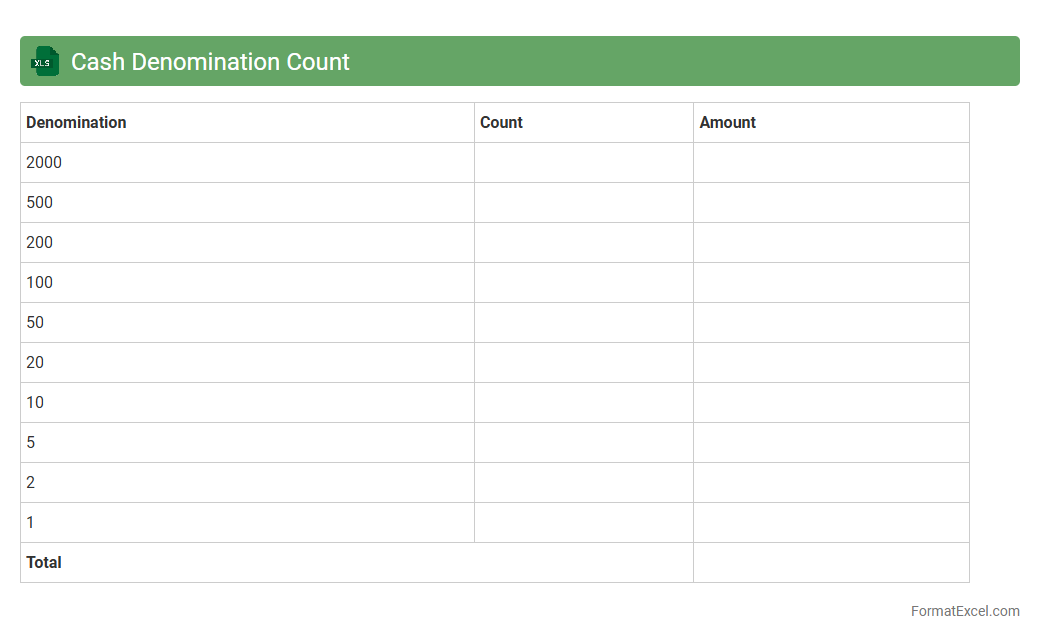
Cash Denomination Count
A
Cash Denomination Count Excel document is a structured spreadsheet designed to accurately record and calculate the quantity and total value of various currency denominations, such as bills and coins. It streamlines the cash counting process by allowing users to input counts of each denomination, automatically generating a comprehensive cash total that enhances accuracy and efficiency. This tool is especially useful in businesses, banks, and retail environments to ensure precise cash management, reduce counting errors, and facilitate quick reconciliation during cash handling procedures.
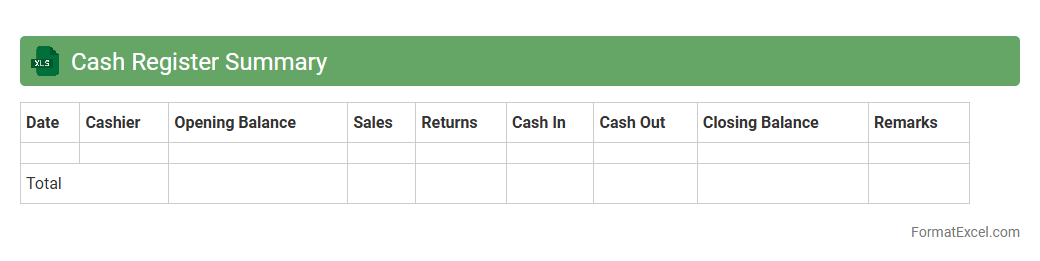
Cash Register Summary
A
Cash Register Summary Excel document consolidates daily sales transactions, cash inflows, and outflows into a clear, organized format. It allows businesses to track cash balances, identify discrepancies, and ensure accurate financial reporting. Utilizing this tool helps streamline reconciliation processes and supports effective cash management.
Introduction to Cash Record Formats in Excel
A cash record format in Excel is a structured template designed to track all cash transactions efficiently. It provides a clear method for logging income and expenses, helping to maintain accurate financial control. Using Excel ensures flexibility and ease of data manipulation.
Importance of Structured Cash Records
Structured cash records enhance transparency and accountability by organizing cash flow systematically. They aid in auditing and financial analysis by maintaining detailed, consistent data. This organization is crucial for effective financial management.
Essential Columns for Cash Record Sheets
Key columns include Date, Description, Receipt Number, Income, Expense, and Balance. These categories capture all necessary details for every cash movement. Including a Balance column helps track the ongoing cash position accurately.
Step-by-Step Guide to Setting Up Cash Records
Start by opening Excel and creating headers for each essential column. Input sample transactions to test the layout and adjust formatting for readability. Finally, apply formulas to calculate running balances automatically for accuracy.
Sample Cash Record Format Templates
Templates range from simple cash ledgers to advanced ones with multiple categories and pivot tables. Selecting a sample template tailored to your needs can save setup time. These templates often include pre-built formulas enhancing usability.
Automating Cash Calculations with Formulas
Excel formulas like SUM and IF enable automatic calculation of totals and conditional balances. Using these formulas reduces errors and speeds up data processing. Automation of calculations ensures reliable and timely financial insights.
Tips for Customizing Cash Record Layouts
Adjust columns and colors to match your business branding and reporting style. Incorporate drop-down lists for consistent entries and use cell protection to avoid accidental changes. Customization improves usability and data integrity.
Common Mistakes in Cash Record Management
Frequent errors include incomplete entries, incorrect formulas, and lack of regular updates. Avoid mixing personal and business cash flows to maintain clarity. Correcting these mistakes is vital for accurate cash management.
Best Practices for Maintaining Accurate Cash Records
Regularly reconcile cash records with bank statements or physical cash counts. Back up your Excel files and audit records periodically for consistency. Consistent maintenance ensures error-free and trustworthy financial data.
Downloadable Cash Record Format Resources
Various websites offer free and premium Excel templates for cash records. Downloading these resources can jumpstart your bookkeeping process with professional designs. Ensure to choose formats compatible with your version of Excel.