Inward Register Summary
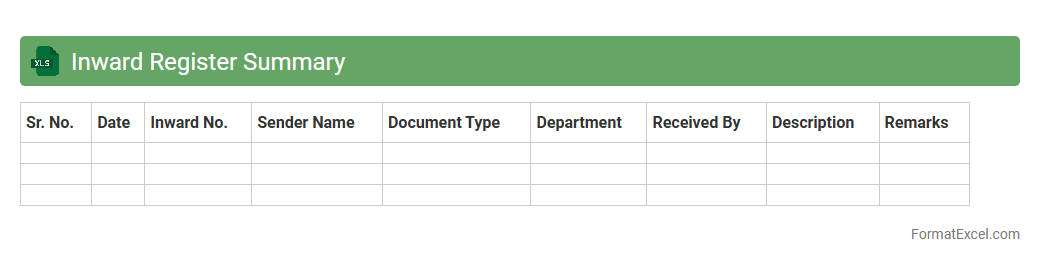
The
Inward Register Summary Excel document is a comprehensive record that tracks all incoming goods, materials, or documents within an organization, facilitating efficient inventory and logistics management. It consolidates essential data such as receipt dates, supplier information, item descriptions, quantities, and batch numbers, enabling quick reference and audit readiness. This document enhances operational transparency and accuracy by providing a centralized overview of inward transactions, crucial for stock control and compliance reporting.
Inward Register Details
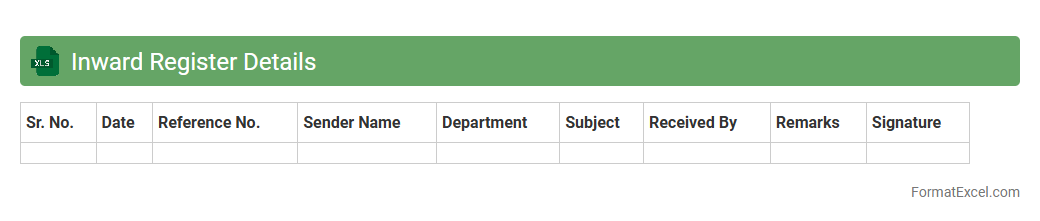
The
Inward Register Details Excel document is a systematic record of all incoming documents, parcels, or correspondences received by an organization. It helps track the date, sender, description, and acknowledgment status, ensuring efficient management of incoming items. This tool is useful for maintaining accountability, streamlining follow-ups, and enhancing overall administrative control.
Inward Material Entry
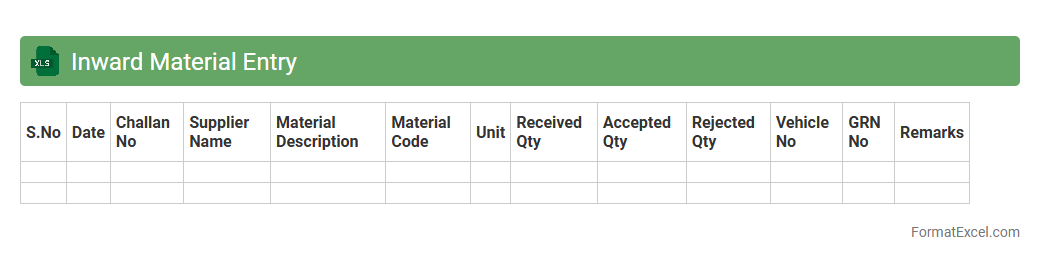
The
Inward Material Entry Excel document is a comprehensive tool designed to record and track the receipt of materials in inventory management systems. It facilitates accurate logging of quantities, dates, supplier details, and material specifications, ensuring efficient stock control and reducing discrepancies. This document is essential for maintaining transparency in procurement processes and streamlining inventory audits.
Inward Stock Record
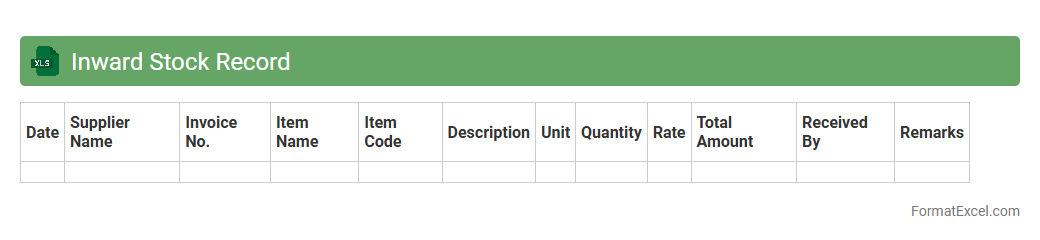
An
Inward Stock Record Excel document is a detailed log that tracks the receipt of inventory items into a warehouse or store, capturing essential data such as item descriptions, quantities, supplier details, and dates of receipt. This document is crucial for maintaining accurate inventory levels, preventing stock discrepancies, and facilitating efficient stock management and reorder planning. By providing a clear, organized record of incoming stock, it enhances accountability and supports timely decision-making in supply chain operations.
Inward Invoice Register
The
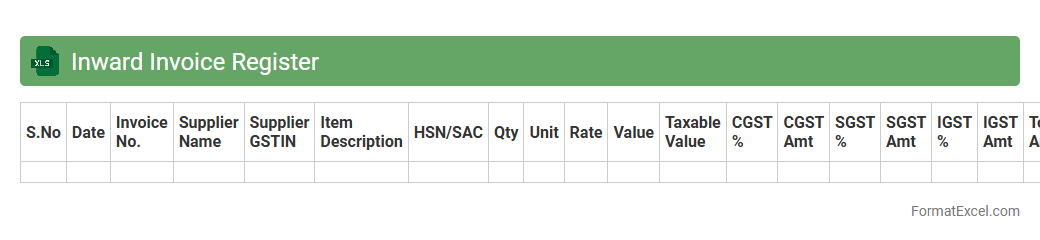
Inward Invoice Register Excel document is a structured ledger used to record all incoming invoices from vendors, enabling precise tracking of expenses and payment statuses. It helps businesses maintain organized financial records, streamline audit processes, and ensure timely payments to avoid penalties. Employing this register enhances accountability, improves cash flow management, and supports accurate financial reporting.
Inward Challan Register
An
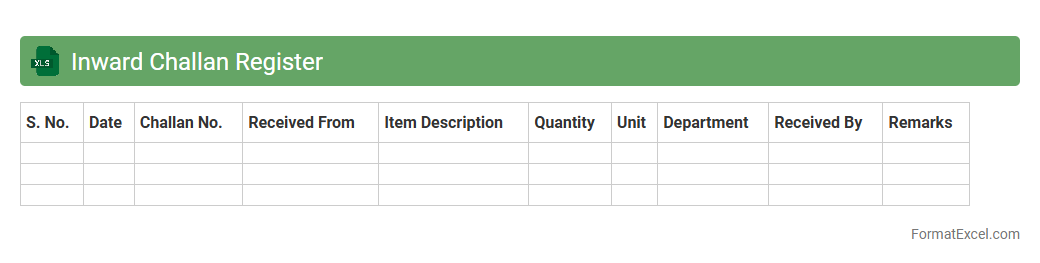
Inward Challan Register Excel document is a structured spreadsheet used to record and track incoming challans or delivery receipts systematically. It helps businesses maintain accurate records of goods or services received, ensuring accountability and facilitating inventory management. This register enhances transparency and simplifies audits by providing detailed information on challan numbers, dates, suppliers, quantities, and other relevant data.
Inward Gate Pass Entry
The
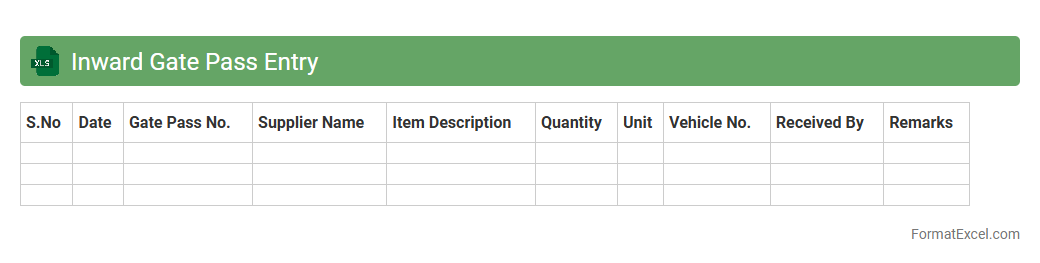
Inward Gate Pass Entry Excel document is a structured tool used to record and track the receipt of goods or materials entering a facility. It helps streamline the documentation process by capturing details such as item description, quantity, supplier information, and entry time, ensuring accurate inventory management. This document is essential for maintaining security, verifying deliveries, and facilitating smooth inward logistics operations.
Inward Purchase Order Log
The
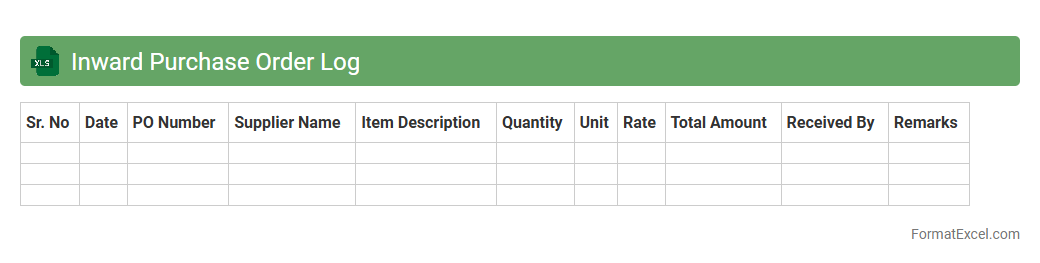
Inward Purchase Order Log Excel document is a detailed record that tracks all incoming purchase orders, including supplier details, order quantities, delivery dates, and status updates. This log helps businesses maintain accurate inventory management, monitor supplier performance, and ensure timely receipt of goods, reducing the risk of stockouts or delays. By organizing purchase data systematically, it enhances procurement efficiency and facilitates clear communication between departments.
Inward Consignment Entry
The
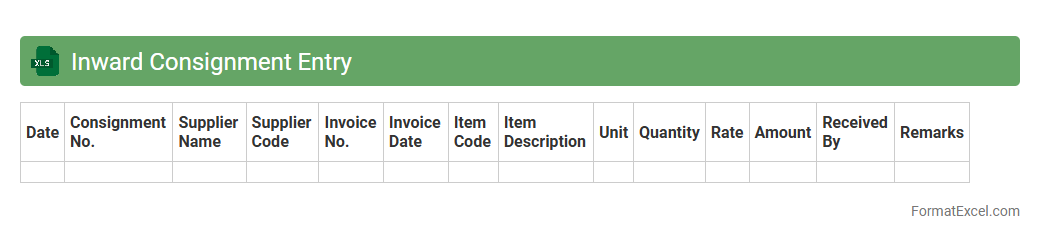
Inward Consignment Entry Excel document is a structured template used for recording details of goods received from suppliers or vendors, including item descriptions, quantities, batch numbers, and delivery dates. This document helps streamline inventory management by providing accurate, real-time tracking of inbound shipments, ensuring that discrepancies or damages are promptly identified and addressed. It supports efficient accounting processes by maintaining consistent and verifiable data for stock reconciliation and supplier payment verification.
Inward Parcel Register
The
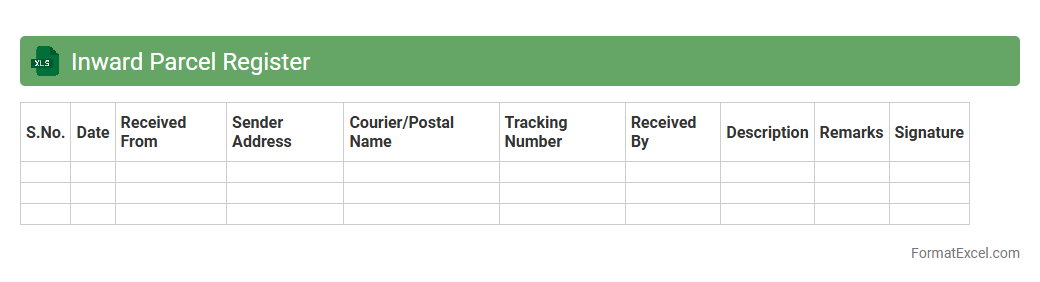
Inward Parcel Register Excel document is a structured spreadsheet used to systematically record details of parcels received within an organization. It helps track shipment information such as sender details, parcel content, delivery dates, and recipient acknowledgments, ensuring efficient inventory and logistics management. This register enhances accountability, streamlines parcel verification, and provides a reliable audit trail for all incoming consignments.
Inward Letter Register
An
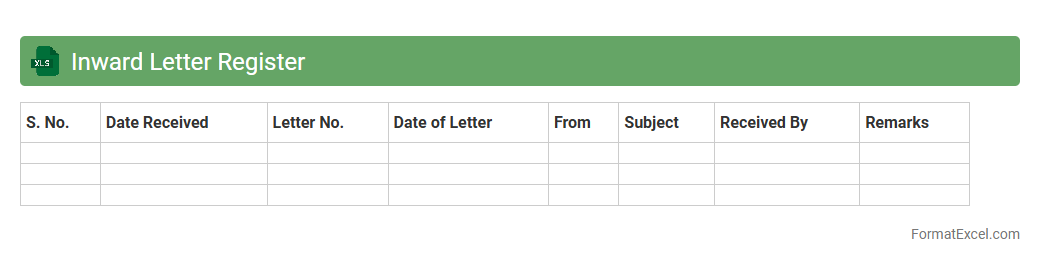
Inward Letter Register Excel document is a structured file used to record and track all incoming correspondence within an organization. It helps maintain a clear log of letters received, including details such as date, sender, reference number, and subject matter, ensuring efficient document management and easy retrieval. This register supports timely follow-up actions and accountability in handling official communication.
Inward Document Register
An
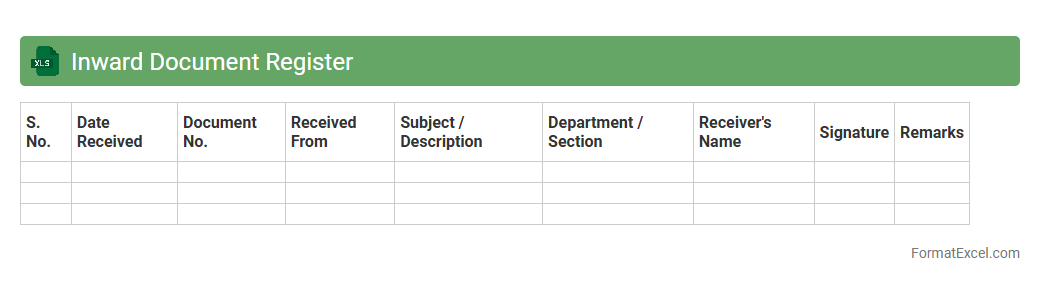
Inward Document Register Excel document is a structured spreadsheet used to record and track all incoming documents within an organization, such as letters, invoices, and official correspondences. It helps maintain a systematic record of document details including date of receipt, sender information, document type, and reference numbers, which ensures accountability and easy retrieval. This register streamlines office administration, enhances document management efficiency, and supports compliance with organizational policies and audit requirements.
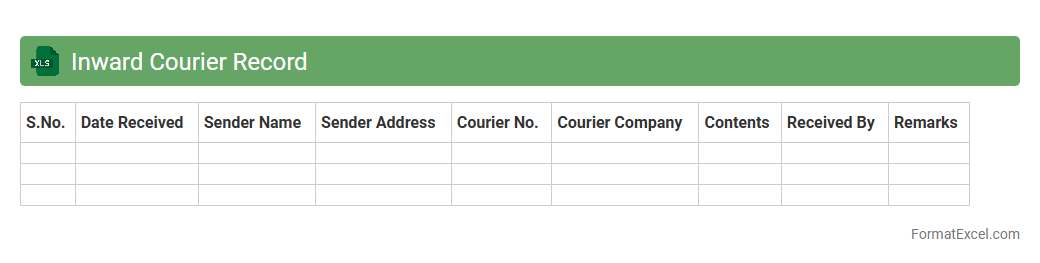
Inward Courier Record
An
Inward Courier Record Excel document is a structured spreadsheet used to log and track all incoming courier shipments with details such as sender information, date received, courier service, and package contents. This document enhances organization and accountability by providing a clear audit trail of received packages, helping prevent loss or misplacement. It also streamlines communication among departments and improves efficiency in managing incoming deliveries and inventory.
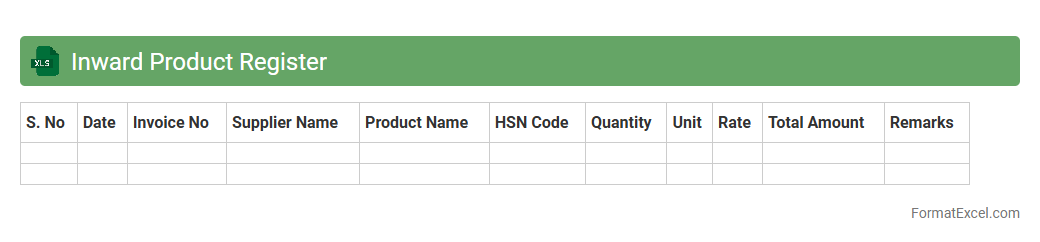
Inward Product Register
An
Inward Product Register Excel document is a detailed record that tracks all incoming products to a business, capturing essential information such as product name, quantity, date of receipt, supplier details, and batch numbers. This register enhances inventory management by providing clear visibility on stock inflows, enabling timely reconciliation and reducing errors in stock records. Maintaining this register ensures accurate documentation for auditing, quality control, and streamlining procurement processes.
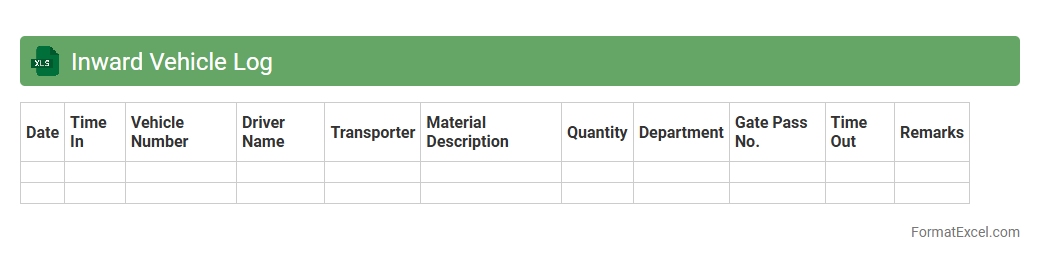
Inward Vehicle Log
The
Inward Vehicle Log Excel document is a structured record used to track vehicles entering a facility, including details like vehicle number, entry time, driver information, and purpose of visit. This log helps organizations maintain security, monitor vehicle movement, and streamline operations by providing quick access to accurate entry data. It also aids in audit compliance and enhances overall facility management efficiency.
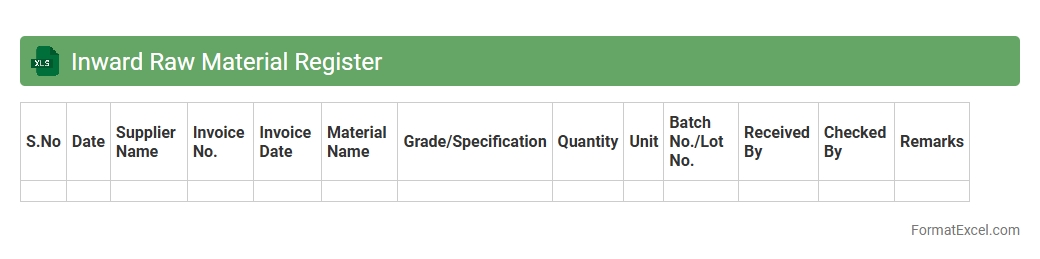
Inward Raw Material Register
The
Inward Raw Material Register Excel document is a crucial inventory management tool that records detailed information about raw materials received from suppliers, including quantities, dates, and batch numbers. It helps in tracking material inflow accurately, ensuring proper stock level management, and facilitating cost control by monitoring purchase and usage patterns. This register supports efficient production planning and audit compliance by providing a transparent and organized record of all raw material receipts.
Inward Serial Number Tracking
An
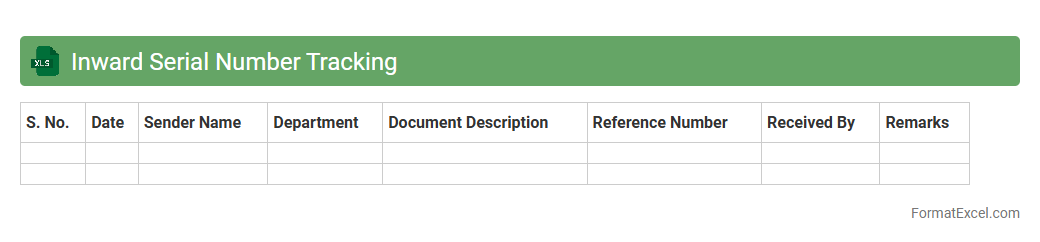
Inward Serial Number Tracking Excel document is a tool designed to record and monitor serial numbers of incoming products or materials, ensuring accurate inventory management. It helps businesses maintain precise records of each item's arrival, facilitating efficient warranty claims, quality control, and traceability. This tracking system reduces errors, prevents loss, and improves accountability within supply chain operations.
Inward Sample Register
An
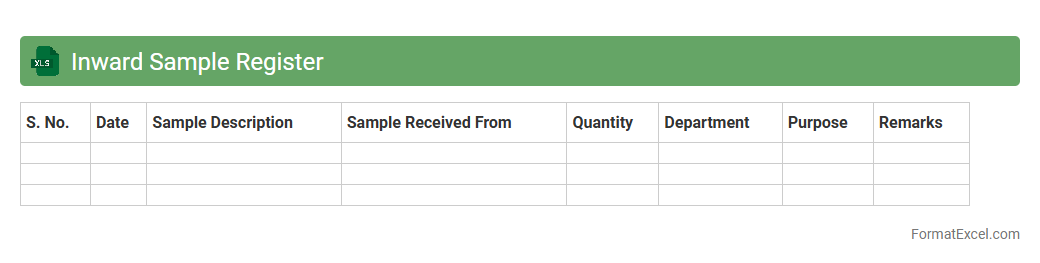
Inward Sample Register Excel document is a structured spreadsheet used to record and track all incoming samples in a business or laboratory setting. It helps maintain accurate records of sample details such as date received, sender information, sample type, quantity, and status, ensuring efficient inventory control and traceability. This document is useful for organizing data systematically, facilitating quick access, and enhancing accountability in sample management processes.
Inward Equipment Log
The
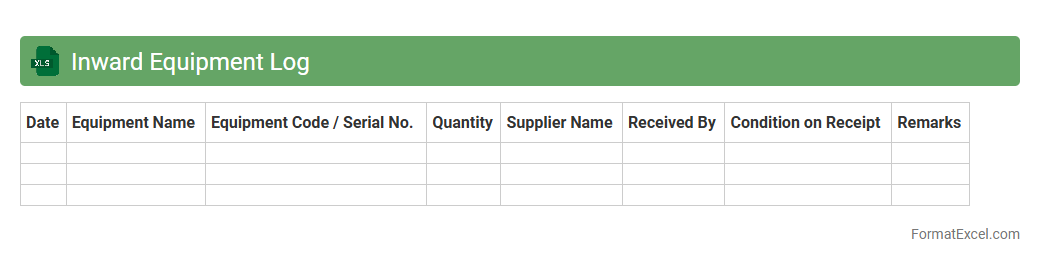
Inward Equipment Log Excel document is a structured record-keeping tool designed to track and manage all incoming equipment details accurately. It helps organizations monitor equipment receipt dates, condition, supplier information, and quantities, ensuring accountability and streamlined inventory management. Using this log improves operational efficiency by reducing errors, facilitating audits, and enabling timely maintenance planning.
Inward Supplies Register
The
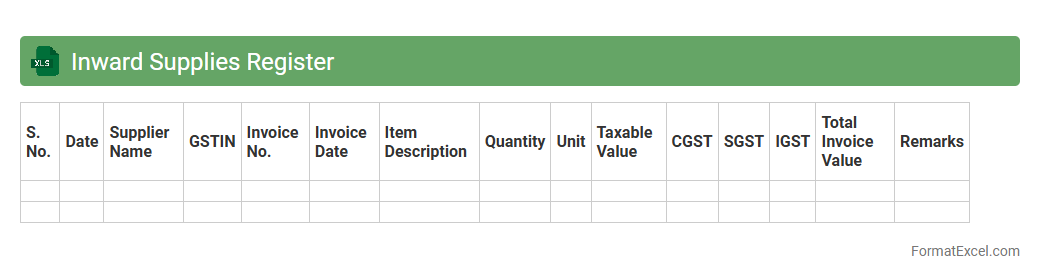
Inward Supplies Register Excel document is a detailed record of all purchases and inward supplies received by a business, including information on suppliers, invoice numbers, dates, and tax details. It helps in accurate tracking of input tax credit and ensures compliance with GST regulations by maintaining an organized and accessible format for audit and reconciliation purposes. Using this register improves financial transparency and streamlines the accounting process for better decision-making.
Inward GRN Register
The
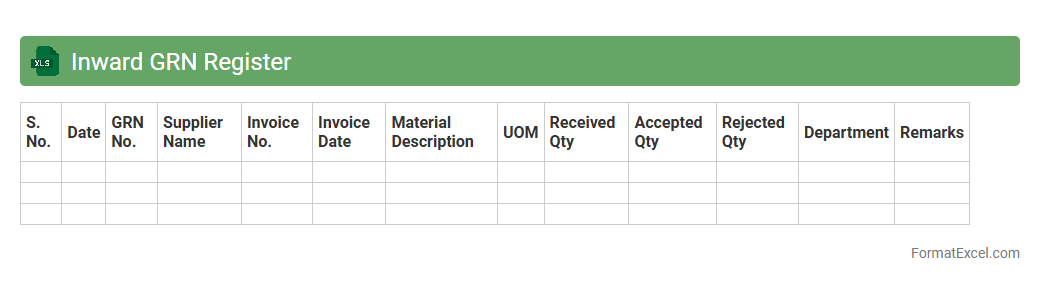
Inward GRN Register Excel document is a detailed record-keeping tool that tracks the receipt of goods and material deliveries against purchase orders in a systematic manner. This register helps businesses maintain accurate inventory control, verify supplier shipments, and ensure quality compliance during the inward goods receipt process. Utilizing this document enhances accountability, streamlines warehouse operations, and supports efficient audit trails for procurement and inventory management.
Inward Delivery Entry
The
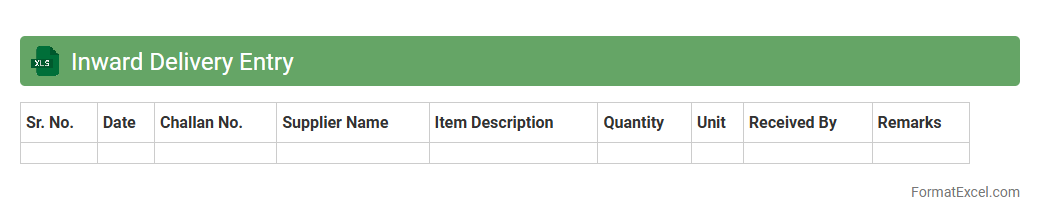
Inward Delivery Entry Excel document is a structured tool used to record and manage details of incoming shipments, including supplier information, delivery dates, item quantities, and batch numbers. It streamlines inventory tracking by providing real-time data for goods received, ensuring accuracy in stock levels and helping to detect discrepancies early. This document is essential for maintaining efficient supply chain operations and improving overall warehouse management.
Inward Item Code Register
The
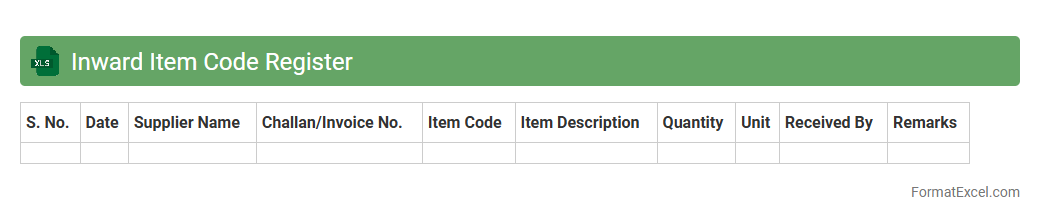
Inward Item Code Register Excel document is a detailed log used to record the receipt of items into inventory, tracking item codes, quantities, and dates of arrival. It helps maintain accurate stock records, ensures traceability of goods, and supports efficient inventory management by minimizing discrepancies. This register facilitates quick audits and streamlines procurement and warehouse operations by providing a centralized and organized data source.
Inward Approval Status
The
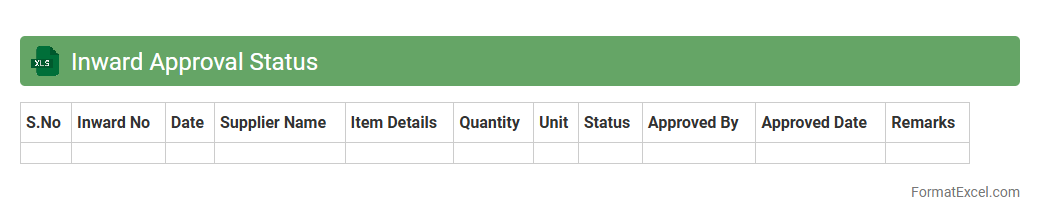
Inward Approval Status Excel document tracks the progress of approvals for incoming requests or materials within an organization, providing a clear overview of each item's current status. It helps streamline workflows by identifying pending approvals, ensuring timely actions, and minimizing delays in operational processes. This document enhances accountability and improves communication between departments by consolidating all approval statuses in one easily accessible format.
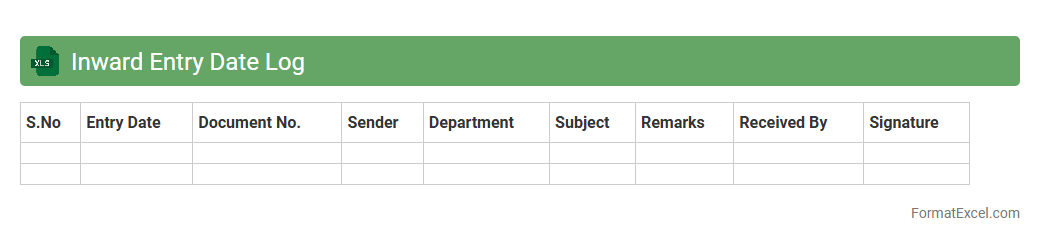
Inward Entry Date Log
An
Inward Entry Date Log Excel document records the dates when goods or documents are received, enabling efficient tracking and management of incoming items. It helps organizations monitor delivery schedules, verify receipt timelines, and maintain accurate records for auditing and inventory control. This log enhances operational transparency and ensures timely processing of inward entries, reducing delays and errors.
Introduction to Inward Register Format in Excel
An Inward Register in Excel is a structured spreadsheet used to record incoming materials, documents, or goods. It helps organizations track receipts systematically for better inventory and document management. Excel provides an easy-to-use platform with customizable options for creating these registers.
Importance of Maintaining an Inward Register
Maintaining an Inward Register ensures accountability and accurate record-keeping of all incoming items. It aids in preventing losses, managing stocks, and verifying deliveries. This practice supports operational efficiency and audit compliance within organizations.
Key Components of an Inward Register
The main components include item description, quantity, supplier details, date of receipt, and reference numbers. Including a column for remarks or status updates enhances clarity in tracking. These key data fields help in comprehensive documentation and easy retrieval.
Step-by-Step Guide to Creating an Inward Register in Excel
Start by opening Excel and setting up column headers such as Date, Item Name, Quantity, Supplier, and Remarks. Use data validation to maintain consistency and apply filters for quick searching. Incorporate formatting tools to highlight important entries and improve readability.
Sample Template for Inward Register Format
A typical Inward Register template includes date of receipt, item details, quantity, supplier name, and verification signature. It serves as a ready-to-use form to record every inward transaction efficiently. Templates speed up the setup process and ensure standardized data entry.
Data Fields to Include in Your Inward Register
Essential data fields include Receipt Date, Item Description, Quantity, Supplier, Purchase Order Number, and Received By. Adding fields like Condition and Storage Location helps in physical inventory management. Proper field selection guarantees all vital information is captured accurately.
Tips for Efficient Data Entry and Management
Use drop-down lists and consistent formatting to minimize data entry errors. Regularly back up your Inward Register and perform periodic audits for accuracy. Keeping the register updated ensures smooth operations and accurate reporting.
Automating Inward Register Using Excel Formulas
Leverage Excel formulas like SUM, COUNTIF, and VLOOKUP to automate calculations and data verification. Conditional formatting can highlight delays or discrepancies instantly. Automation reduces manual effort and enhances the reliability of your Inward Register.
Common Mistakes and How to Avoid Them
Common mistakes include incomplete entries, inconsistent data formats, and failure to update the register timely. Avoid these by setting strict data entry rules and training users properly. Use Excel's validation and error-checking features to minimize errors in the Inward Register.
Downloadable Inward Register Excel Templates
Numerous sites offer free and paid downloadable Inward Register Excel templates tailored for different industries. Utilizing these templates saves time and ensures professional formatting. Customize downloaded templates to fit specific business needs effectively.