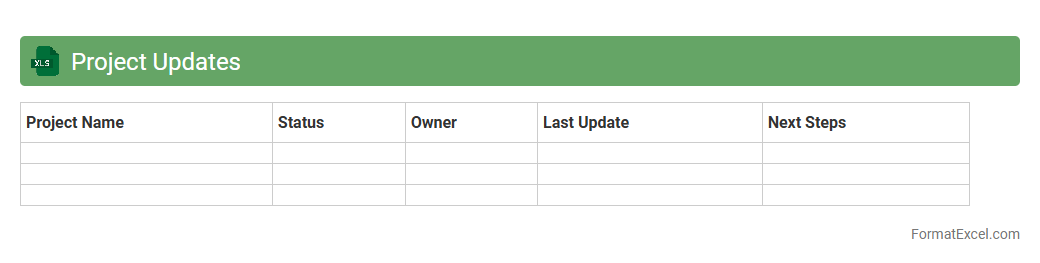
Project Updates
The
Project Updates Excel document is a centralized tool that tracks the progress, milestones, tasks, and deadlines of ongoing projects. It enables teams to monitor status changes, identify bottlenecks, and ensure timely completion by providing real-time data visibility. This document enhances collaboration, accountability, and decision-making efficiency across project stakeholders.
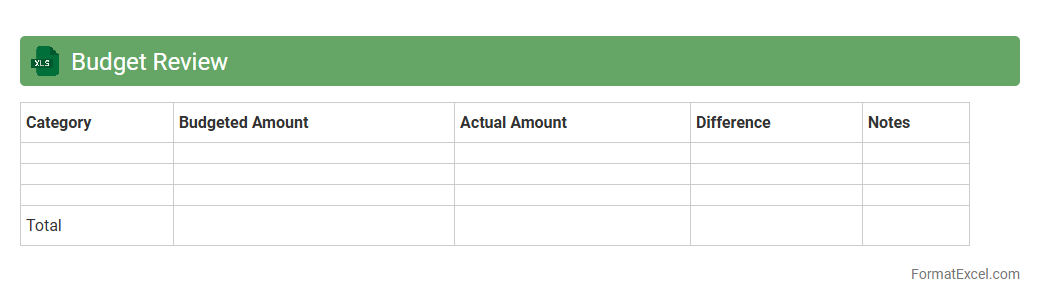
Budget Review
A
Budget Review Excel document is a structured spreadsheet designed to analyze and monitor financial plans by comparing projected budgets against actual expenditures. It helps identify variances, track spending patterns, and ensure resources are allocated efficiently within a set timeframe. Utilizing this tool enhances financial accountability, supports informed decision-making, and promotes optimal budget management for businesses and individuals.
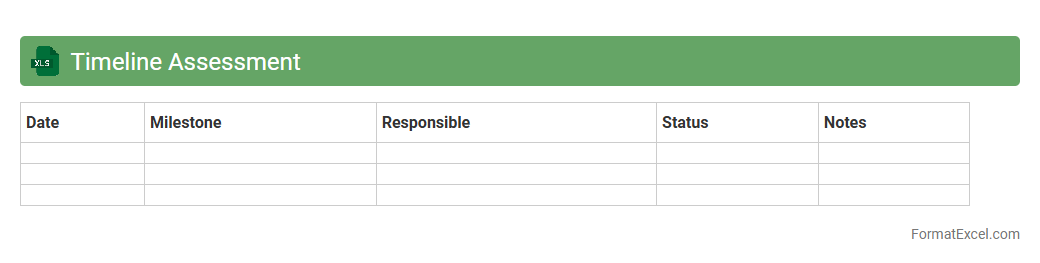
Timeline Assessment
The
Timeline Assessment Excel document is a structured tool used to organize and evaluate project schedules, milestones, and deadlines effectively. It allows users to track progress, identify potential delays, and allocate resources efficiently, enhancing overall project management. By visualizing timelines clearly, it supports better decision-making and ensures timely completion of tasks.
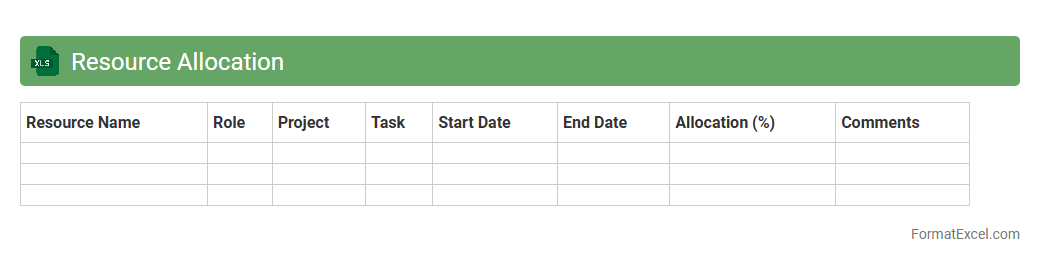
Resource Allocation
A
Resource Allocation Excel document is a spreadsheet tool designed to plan, track, and manage the distribution of resources such as time, personnel, and equipment across various projects or tasks. It provides a clear overview of availability, workload, and project deadlines, enabling efficient utilization and avoiding overallocation or conflicts. This document is essential for project managers and teams to optimize productivity, ensure timely delivery, and maintain balanced workloads.
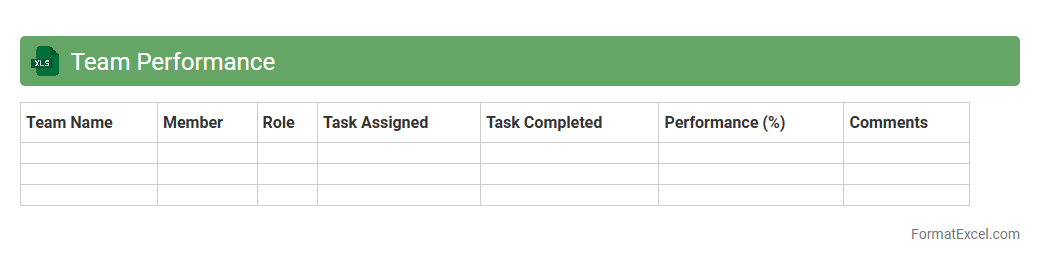
Team Performance
The
Team Performance Excel document is a specialized tool designed to track, analyze, and visualize key performance indicators (KPIs) for team members and overall group productivity. By systematically organizing data such as task completion rates, individual contributions, and collaboration metrics, it enables managers to identify strengths and areas for improvement. This document supports data-driven decision-making, promotes accountability, and enhances team efficiency through clear, actionable insights.
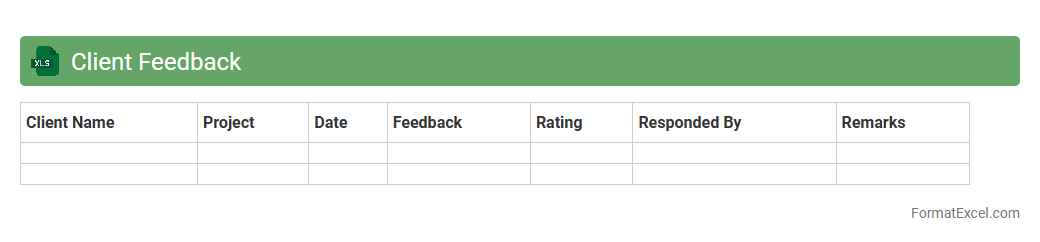
Client Feedback
The
Client Feedback Excel document organizes customer responses and insights into a structured format, allowing for easy analysis and tracking of client satisfaction over time. It helps identify recurring issues, measure service quality, and prioritize improvements based on real data. Using this document enhances communication with clients and drives informed decision-making to boost overall business performance.
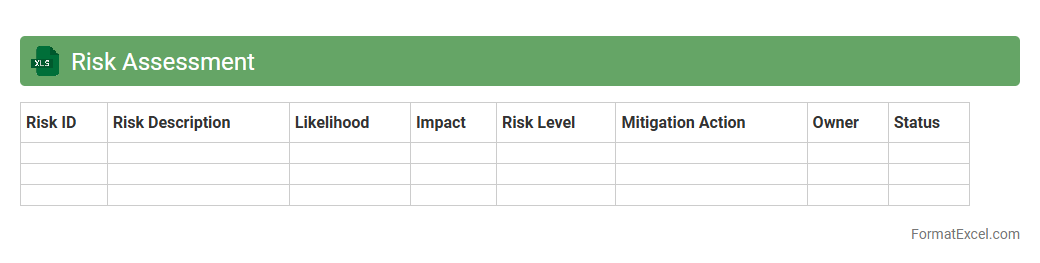
Risk Assessment
A
Risk Assessment Excel document is a structured tool designed to identify, evaluate, and prioritize potential risks within a project or organization. It helps users systematically analyze risk factors, assign risk levels based on likelihood and impact, and develop mitigation strategies to reduce potential negative outcomes. This document is essential for improving decision-making, enhancing safety protocols, and promoting proactive risk management across various industries.
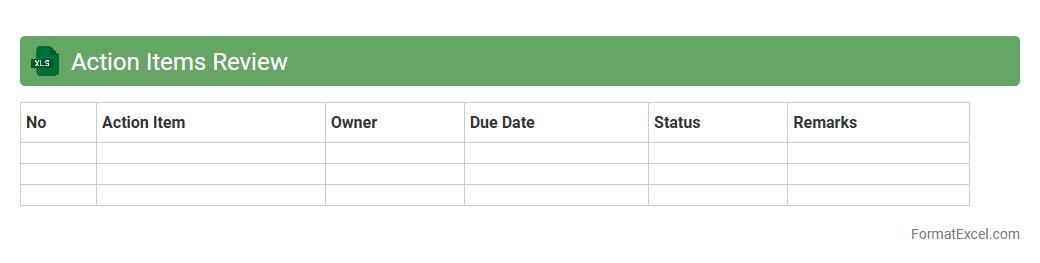
Action Items Review
The
Action Items Review Excel document is a structured tool designed to track, manage, and monitor tasks assigned during meetings or projects. It organizes action items by priority, deadline, and responsible person, enabling clear visibility of progress and accountability. Using this document improves team collaboration, ensures timely follow-ups, and enhances overall project management efficiency.
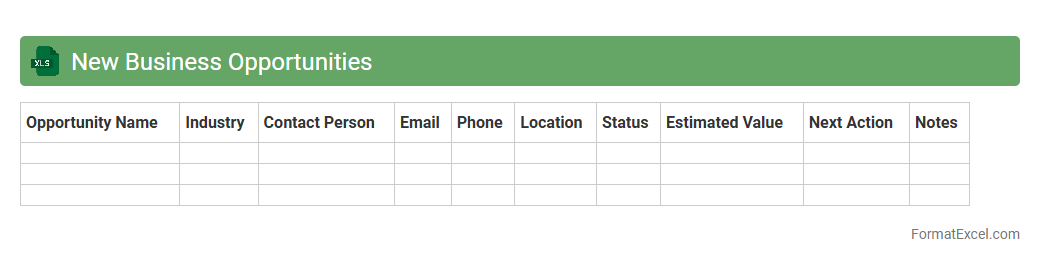
New Business Opportunities
The
New Business Opportunities Excel document is a tool designed to identify, track, and analyze potential markets, clients, and projects that can drive growth for a company. It consolidates data such as lead sources, contact details, projected revenue, and progress status, enabling teams to prioritize high-value prospects effectively. By using this document, businesses can enhance strategic planning, improve sales forecasting, and streamline decision-making processes for entering new markets.
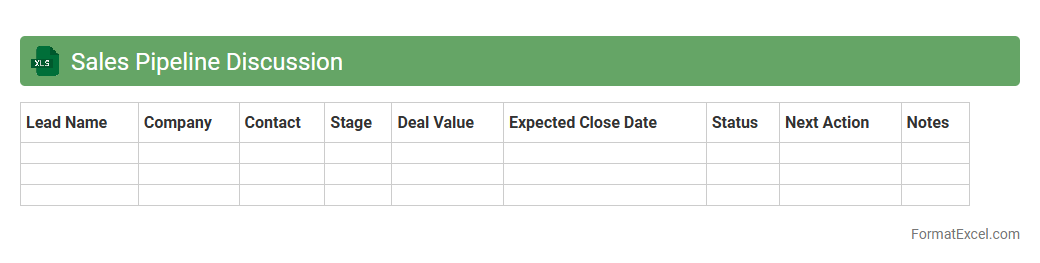
Sales Pipeline Discussion
The
Sales Pipeline Discussion Excel document is a structured tool designed to track, manage, and analyze sales opportunities throughout different stages of the sales cycle. It helps sales teams identify potential bottlenecks, forecast revenues accurately, and prioritize leads based on their current status and probability of closure. Utilizing this document improves sales efficiency by providing clear visibility into active deals, ensuring consistent follow-up and strategic decision making.
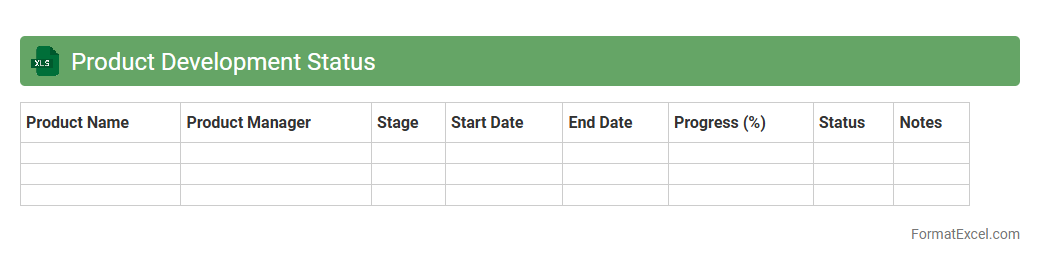
Product Development Status
The
Product Development Status Excel document tracks progress, milestones, and resource allocation across various stages of product development. It provides clear visibility into timelines, pending tasks, and team responsibilities, enabling efficient project management and risk mitigation. This tool supports data-driven decision-making by consolidating critical updates in a single, easy-to-analyze format.
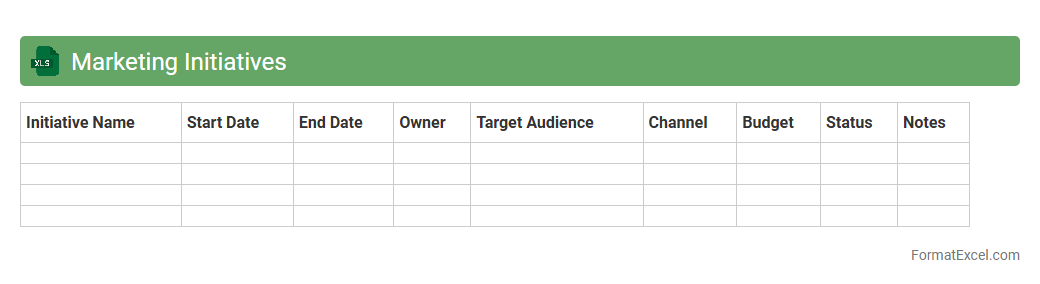
Marketing Initiatives
A
Marketing Initiatives Excel document is a structured spreadsheet designed to plan, track, and analyze various marketing campaigns and strategies in one place. It allows teams to organize timelines, budgets, target metrics, and progress, ensuring transparency and improved collaboration across departments. By centralizing data, this tool enhances decision-making and optimizes resource allocation for more effective marketing outcomes.
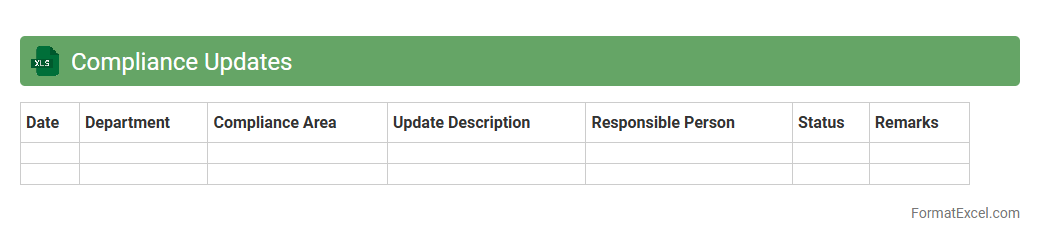
Compliance Updates
The
Compliance Updates Excel document serves as a centralized tool for tracking regulatory changes, deadlines, and organizational adherence requirements. It enables teams to monitor compliance status efficiently, ensuring timely updates and reducing the risk of non-compliance penalties. This document enhances transparency and accountability by providing a clear overview of all compliance-related activities in one accessible location.
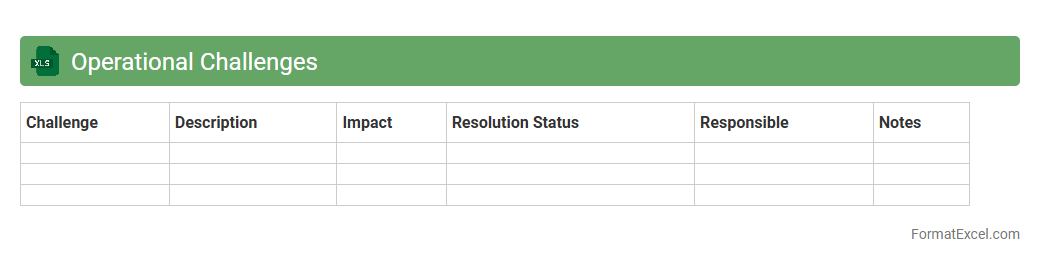
Operational Challenges
The
Operational Challenges Excel document is a structured tool designed to identify, track, and analyze issues impacting business processes and efficiency. It enables teams to systematically document challenges, assign responsibilities, and monitor resolution progress, enhancing transparency and accountability. This document supports data-driven decision-making and continuous improvement by highlighting bottlenecks and resource gaps in operations.
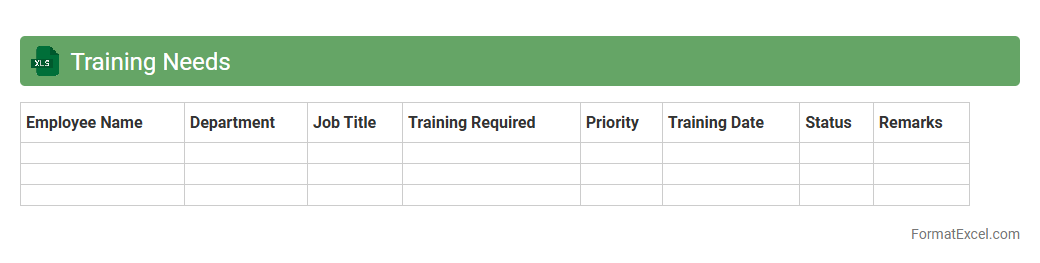
Training Needs
A
Training Needs Excel document is a structured tool used to identify, track, and analyze the specific skills and knowledge gaps within an organization or team. It allows managers and HR professionals to prioritize and plan targeted training programs efficiently, enhancing employee development and overall productivity. By consolidating training requirements, progress, and outcomes in one place, it streamlines decision-making and resource allocation for optimal learning investments.
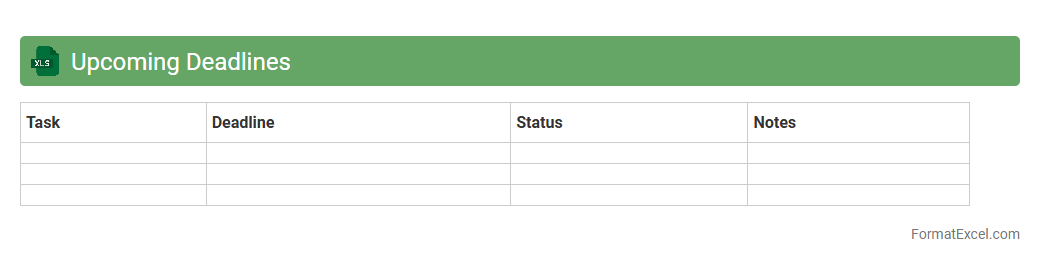
Upcoming Deadlines
The
Upcoming Deadlines Excel document is a structured spreadsheet designed to track important dates and deadlines for projects, tasks, or events. It helps users organize their schedules, ensuring timely completion of assignments and preventing delays. By providing a clear overview of pending deadlines, it enhances productivity and time management across teams or individual workflows.
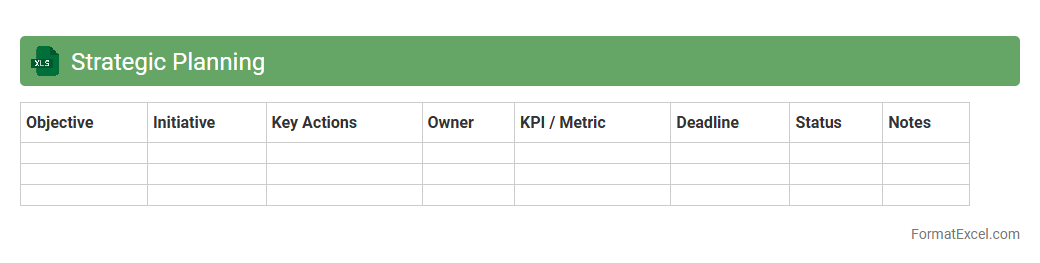
Strategic Planning
A
Strategic Planning Excel document is a tool designed to organize, analyze, and visualize strategic goals, timelines, and resource allocations efficiently. It helps businesses track progress, identify bottlenecks, and ensure alignment between objectives and operational activities. Using this document enhances decision-making and facilitates clear communication among team members.
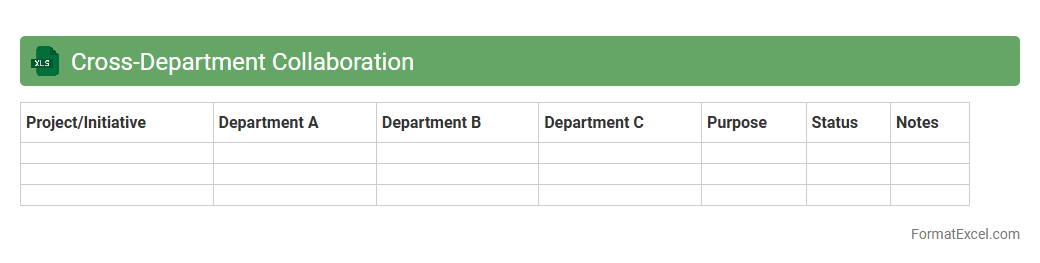
Cross-Department Collaboration
A
Cross-Department Collaboration Excel document is a structured spreadsheet designed to track, manage, and enhance communication and project coordination between various departments within an organization. It consolidates tasks, deadlines, responsibilities, and progress updates, enabling teams to work synergistically and avoid duplication of efforts. This tool increases transparency, streamlines workflow, and facilitates effective decision-making across departments, ultimately boosting overall productivity.
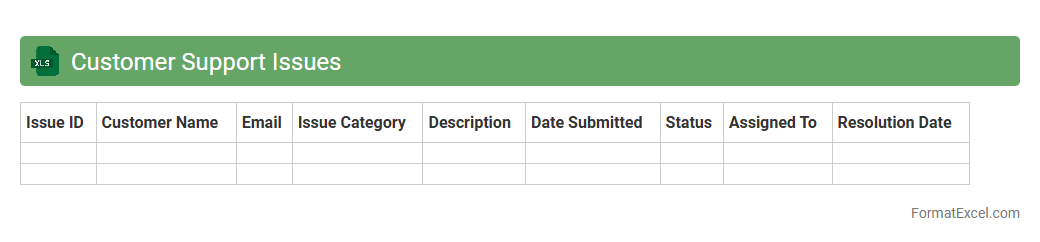
Customer Support Issues
The
Customer Support Issues Excel document is a structured tool designed to track, manage, and analyze customer complaints and inquiries systematically. It helps in identifying recurring problems, monitoring resolution times, and improving overall service quality by providing clear insights through data organization and reporting. Utilizing this document enhances communication within support teams and ensures consistent follow-up, ultimately boosting customer satisfaction and operational efficiency.
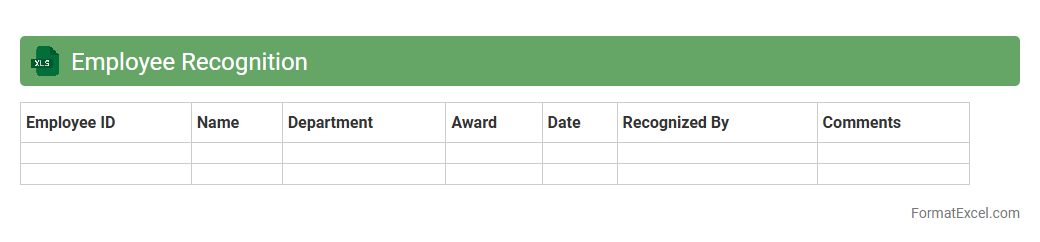
Employee Recognition
An
Employee Recognition Excel document is a structured spreadsheet designed to track and manage employee achievements, awards, and milestones efficiently. It allows organizations to monitor performance, celebrate successes, and boost morale by maintaining clear records of recognition events and criteria. This tool enhances transparency, supports HR decision-making, and fosters a positive workplace culture by systematically documenting employee contributions.
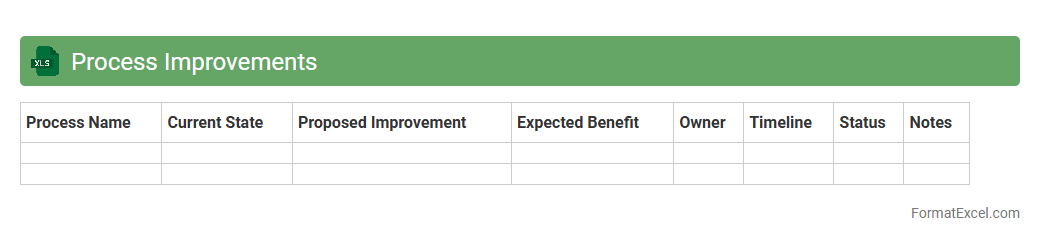
Process Improvements
A
Process Improvements Excel document is a structured spreadsheet designed to track, analyze, and enhance workflows within an organization. It enables teams to identify inefficiencies, set measurable goals, and monitor progress through data-driven insights. By centralizing process metrics and improvement initiatives, this tool facilitates continuous optimization and drives operational excellence.
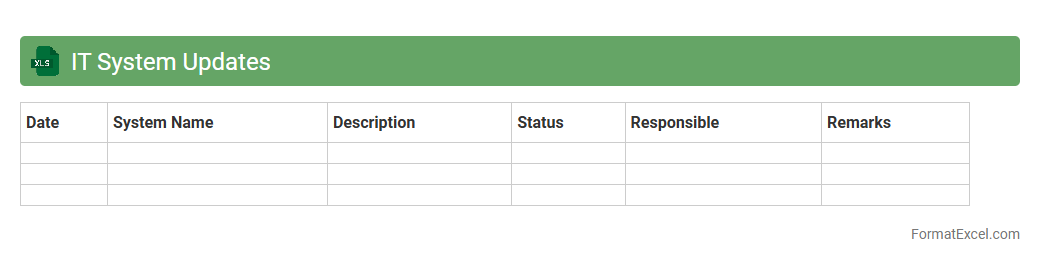
IT System Updates
The
IT System Updates Excel document is a structured tool designed to track and manage software and hardware updates across an organization's IT infrastructure. It consolidates essential details such as update versions, installation dates, responsible personnel, and status, enabling efficient monitoring and minimizing security vulnerabilities. This document streamlines maintenance processes, supports compliance audits, and ensures that all systems remain current and fully operational.
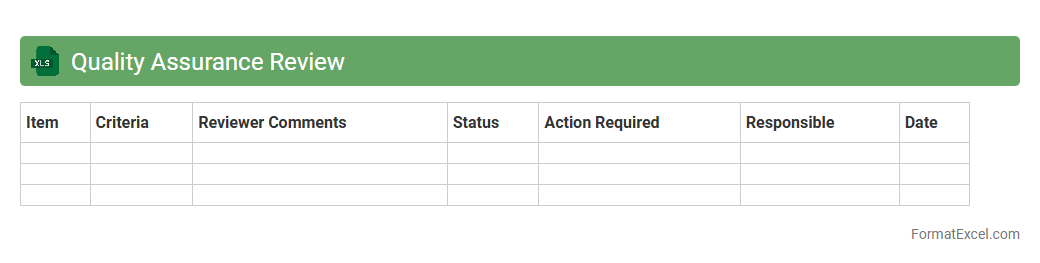
Quality Assurance Review
A
Quality Assurance Review Excel document is a structured spreadsheet used to systematically track, evaluate, and verify the quality standards of products or processes. It helps organizations identify defects, monitor compliance with quality criteria, and document corrective actions efficiently. By providing clear visibility into quality metrics, this tool enhances decision-making and supports continuous improvement initiatives.
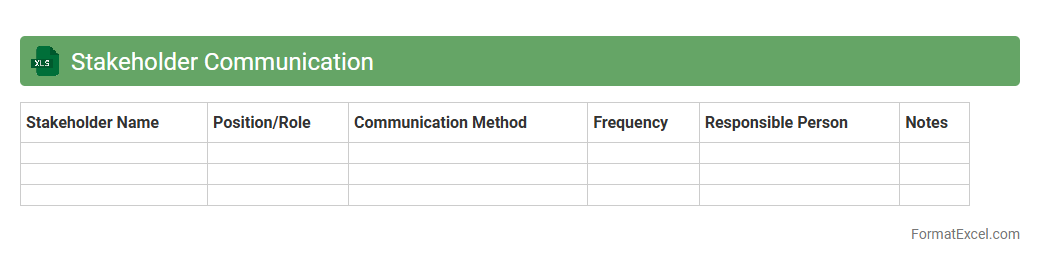
Stakeholder Communication
A
Stakeholder Communication Excel document is a structured tool used to organize and track communication plans with project stakeholders. It helps in identifying key stakeholders, documenting their communication preferences, frequency, and message content, ensuring consistent and effective information flow. This document is essential for managing expectations, fostering collaboration, and enhancing transparency throughout the project lifecycle.
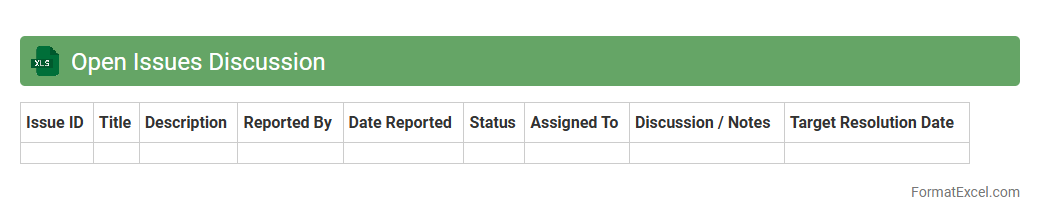
Open Issues Discussion
The
Open Issues Discussion Excel document is a structured tool designed to track, categorize, and manage unresolved problems within a project or organization. It facilitates clear communication by documenting issue details, responsible parties, deadlines, and progress status, enabling efficient monitoring and resolution. This document enhances team collaboration, prioritizes critical challenges, and supports timely decision-making, ensuring smoother project execution and improved outcome quality.
Introduction to Meeting Agenda Formats
A meeting agenda is a structured outline that guides the flow of a meeting. It helps participants stay focused and ensures all key topics are covered. Using a well-designed format enhances meeting efficiency and clarity.
Benefits of Using Excel for Meeting Agendas
Excel offers a flexible platform to create and manage meeting agendas with ease. Its grid layout allows for clear organization of topics, times, and presenters. Additionally, Excel's features support easy updates and sharing.
Essential Components of a Meeting Agenda
Key elements include meeting date, time, location, agenda items, presenters, and time allocations. Including a clear agenda structure ensures all participants understand the meeting flow. This fosters productivity and keeps discussions on track.
Step-by-Step Guide to Creating an Agenda in Excel
Start by opening a new Excel worksheet and labeling columns for time, topic, presenter, and notes. Enter agenda items sequentially and assign time slots to each. Save the file for easy distribution and modifications.
Sample Meeting Agenda Template in Excel
A typical sample template includes columns for Date, Time, Topic, Presenter, and Notes. Predefined templates can speed up agenda creation and ensure consistency. Templates can be customized to fit the specific needs of any meeting.
Best Practices for Organizing Agenda Items
Arrange agenda items logically, prioritizing important topics first. Allocate realistic time frames to maintain momentum. Using Excel's color-coding features can visually distinguish between discussion types or priorities.
Customizing Your Excel Meeting Agenda Format
Personalize your agenda by adjusting columns, fonts, and colors to enhance readability. Adding company logos or branding can provide a professional look. Customization ensures the agenda aligns with your organization's style and needs.
Tips for Sharing and Collaborating on Excel Agendas
Use cloud services like OneDrive or SharePoint to share agendas for real-time collaboration. Enable editing permissions to allow team inputs while maintaining version control. This fosters transparency and collective ownership of the meeting plan.
Common Mistakes to Avoid in Meeting Agenda Formats
Avoid overcrowding the agenda with too many topics or vague descriptions. Skipping time allocation can lead to inefficient meetings. Ensuring clarity and focus in the agenda prevents confusion and wasted time.
Downloadable Free Excel Meeting Agenda Templates
Many websites offer free downloadable Excel meeting agenda templates tailored for various meeting types. These resources save time and provide professional designs. They are ideal starting points for creating your own customized agendas.