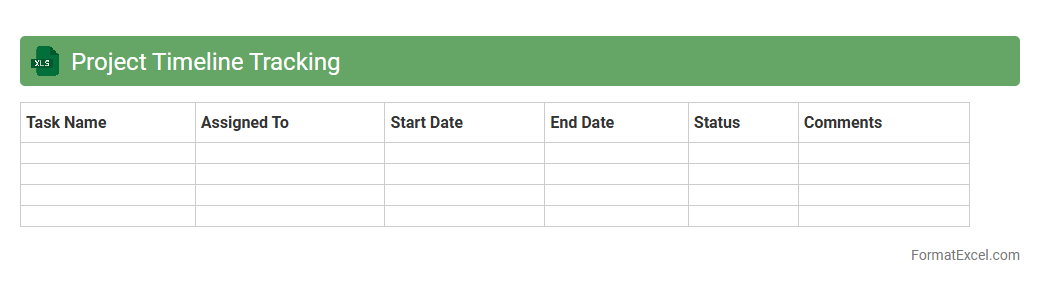
Project Timeline Tracking
A
Project Timeline Tracking Excel document is a structured tool that helps visualize and monitor the progress of tasks and milestones within a project. It enables teams to allocate resources efficiently, identify potential delays, and ensure deadlines are met by providing a clear overview of the project schedule. By maintaining an updated timeline, stakeholders can make informed decisions and improve collaboration throughout the project lifecycle.
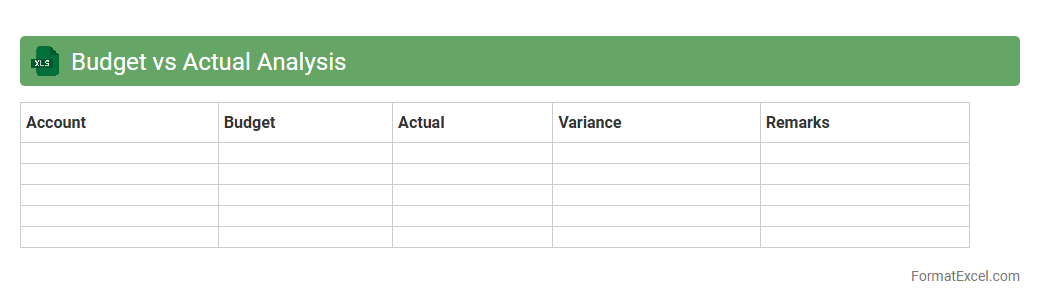
Budget vs Actual Analysis
Budget vs Actual Analysis Excel document compares planned financial figures with actual spending or income, highlighting variances to identify areas of overspending or underspending. This tool enables businesses to monitor financial performance, enhance budget accuracy, and make informed decisions for future resource allocation. Using a
Budget vs Actual Analysis template improves accountability and financial control by providing clear insights into fiscal discipline and operational efficiency.
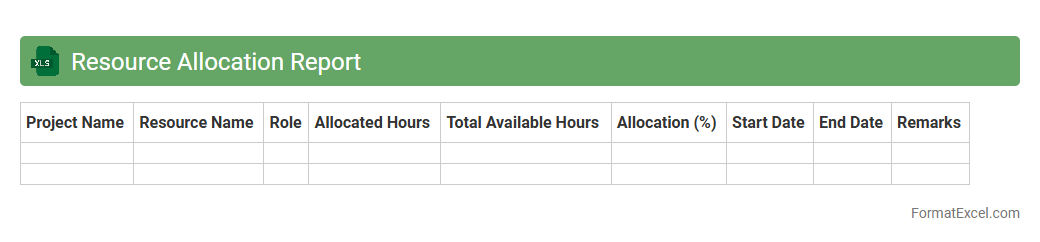
Resource Allocation Report
A
Resource Allocation Report Excel document tracks the distribution and utilization of resources across projects or departments, providing clear visibility into workload balance and capacity planning. It enables organizations to identify resource bottlenecks and optimize productivity by ensuring the right resources are assigned to the right tasks. This report supports informed decision-making, improves project management efficiency, and helps in forecasting future resource needs accurately.
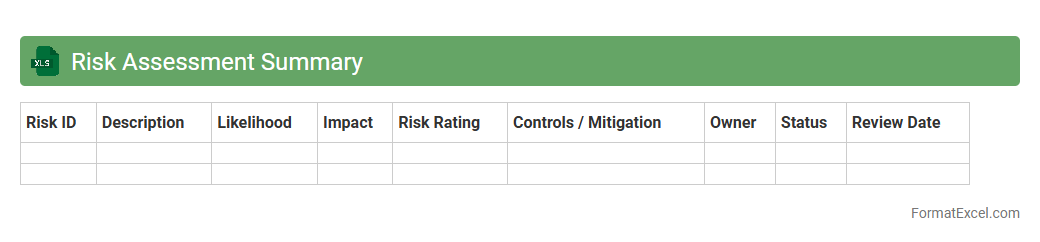
Risk Assessment Summary
A
Risk Assessment Summary Excel document consolidates key risk factors, their likelihood, impact, and mitigation strategies in a structured format for easy analysis. It enables organizations to prioritize risks, allocate resources effectively, and track changes over time, ensuring proactive decision-making. This tool enhances risk visibility, supports compliance efforts, and promotes a systematic approach to managing potential threats.
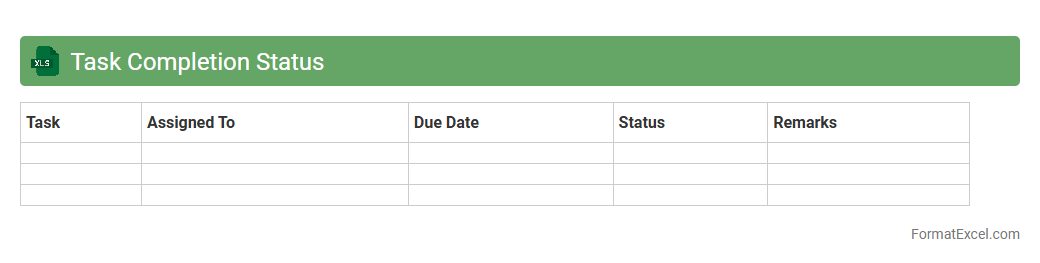
Task Completion Status
The
Task Completion Status Excel document tracks progress of various tasks by recording their start dates, deadlines, and completion percentages in a clear, organized manner. It enables teams and managers to monitor workflow efficiency, identify bottlenecks early, and allocate resources effectively to meet project timelines. By maintaining up-to-date status updates, this document enhances accountability and improves overall project management transparency.
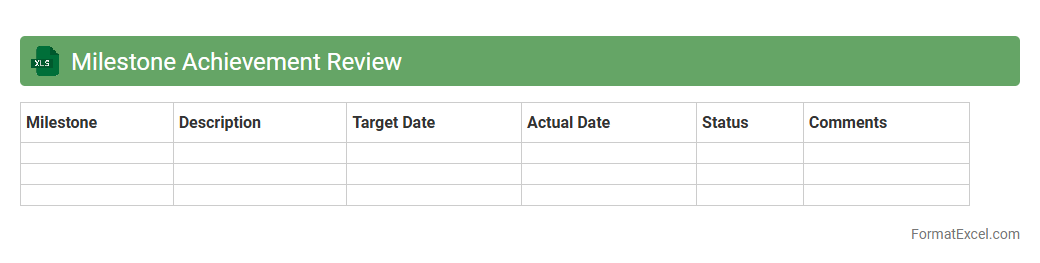
Milestone Achievement Review
The
Milestone Achievement Review Excel document is a structured tool designed to track project progress by recording completed milestones and evaluating their impact against set objectives. It facilitates clear visualization of task completion dates, responsible parties, and performance metrics, enabling efficient monitoring and timely adjustments. This document enhances accountability, supports data-driven decision-making, and ensures alignment with overall project goals.
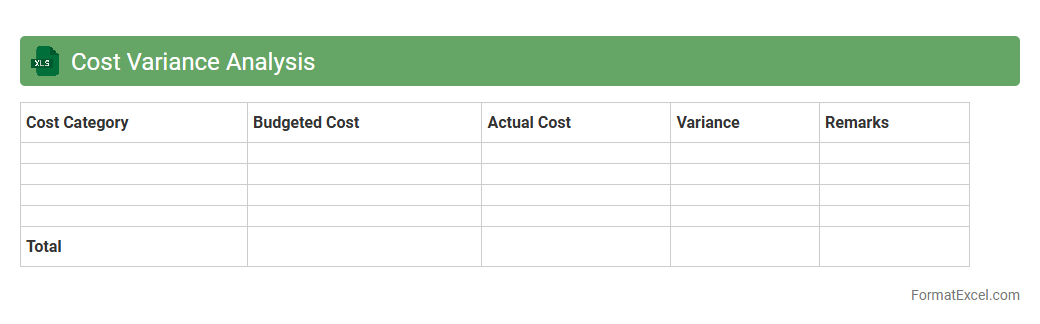
Cost Variance Analysis
Cost Variance Analysis Excel document is a powerful tool used to track and compare the actual costs of a project against the budgeted costs, highlighting any discrepancies. By calculating the difference between planned and real expenses, it helps project managers identify cost overruns or savings efficiently. This
cost variance analysis enables better financial control, timely decision-making, and improved project budgeting accuracy.
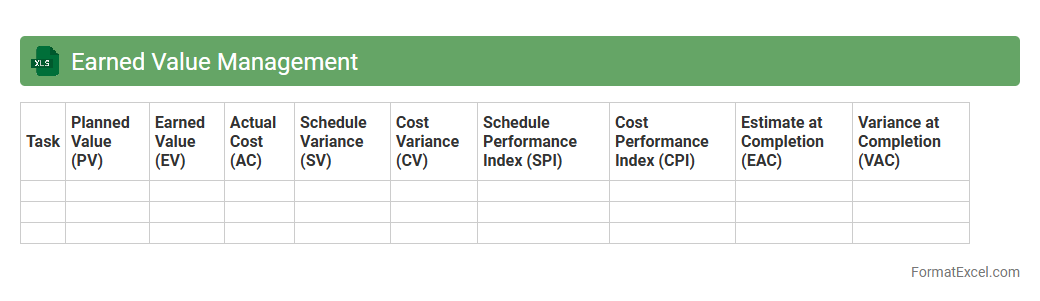
Earned Value Management
An
Earned Value Management (EVM) Excel document is a tool used to integrate project scope, schedule, and cost variables, providing a quantitative measure of project performance and progress. It allows project managers to track key metrics such as Planned Value (PV), Earned Value (EV), and Actual Cost (AC) to evaluate schedule and cost variances in real time. By using this Excel sheet, teams can identify potential overruns or delays early, enabling more informed decision-making and effective resource allocation throughout the project lifecycle.
Gantt Chart Overview
A
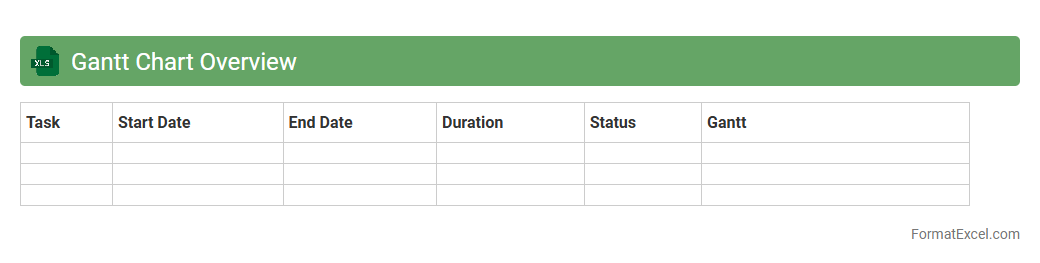
Gantt Chart Overview Excel document visually represents project timelines, tasks, and milestones in a clear, interactive format. It helps users track progress, manage deadlines, and allocate resources efficiently by displaying task durations and dependencies across a calendar view. This tool is essential for project managers and teams aiming to optimize workflow and ensure timely project completion.
Stakeholder Analysis
A
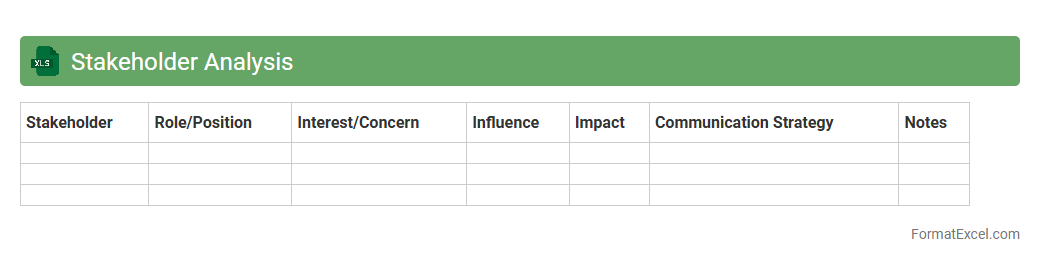
Stakeholder Analysis Excel document is a tool used to identify, categorize, and prioritize stakeholders based on their influence, interest, and impact on a project. It helps project managers and teams visualize relationships and develop targeted engagement strategies to ensure effective communication and risk management. This document enhances decision-making by providing a clear overview of stakeholder dynamics, increasing the likelihood of project success.
Critical Path Identification
The
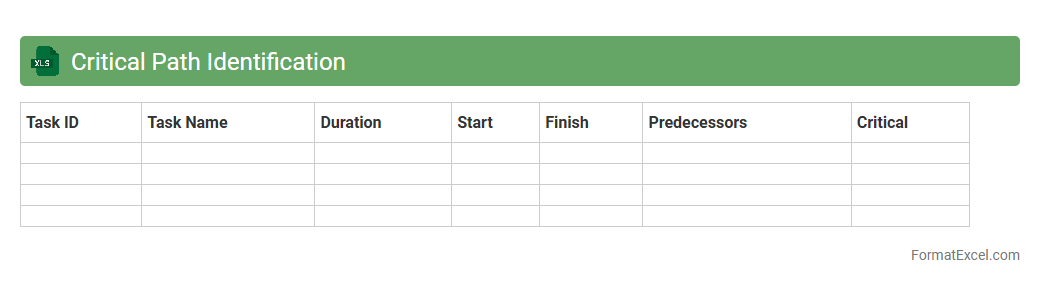
Critical Path Identification Excel document is a project management tool designed to pinpoint the sequence of essential tasks that directly impact the project completion time. By highlighting these tasks, it enables efficient resource allocation and timely decision-making, minimizing delays and optimizing workflow. This document is invaluable for project managers aiming to ensure projects are delivered on schedule and within scope.
Change Request Log
A
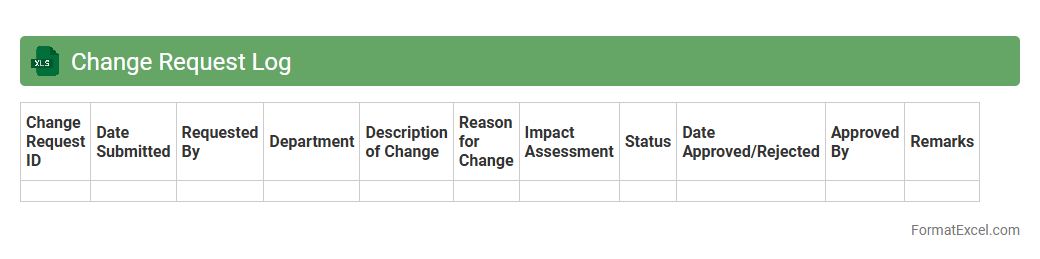
Change Request Log Excel document is a centralized tool used to track and manage all change requests within a project or organization, capturing details such as request ID, description, status, priority, and responsible person. It ensures transparency and accountability by providing a clear audit trail of changes, facilitating effective communication among stakeholders and enabling timely decision-making. This log enhances project control by helping teams monitor the progress of change implementations and assess impacts on scope, schedule, and budget.
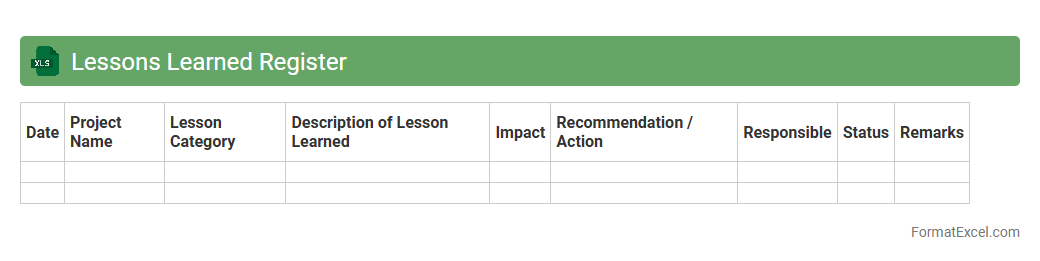
Lessons Learned Register
A
Lessons Learned Register Excel document is a structured tool used to systematically record and analyze insights gained during project execution, including successes, challenges, and recommendations for future improvement. This register helps organizations capture valuable knowledge to enhance decision-making, avoid repeating mistakes, and improve project management processes. By maintaining a centralized and easily accessible repository, teams can continuously refine their strategies and increase overall project efficiency.
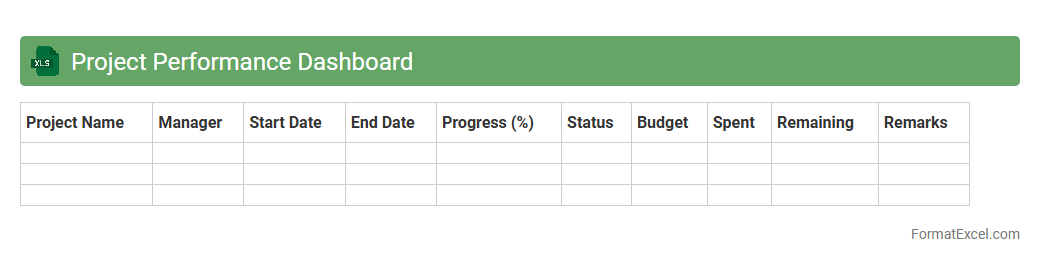
Project Performance Dashboard
The
Project Performance Dashboard Excel document is a dynamic tool designed to track, analyze, and visualize key project metrics such as progress, budget, and resource allocation in real-time. It enables project managers and stakeholders to make informed decisions by presenting data through interactive charts and summary tables, improving transparency and accountability. This dashboard helps identify potential risks and bottlenecks early, ensuring project objectives are met efficiently and deadlines are adhered to.
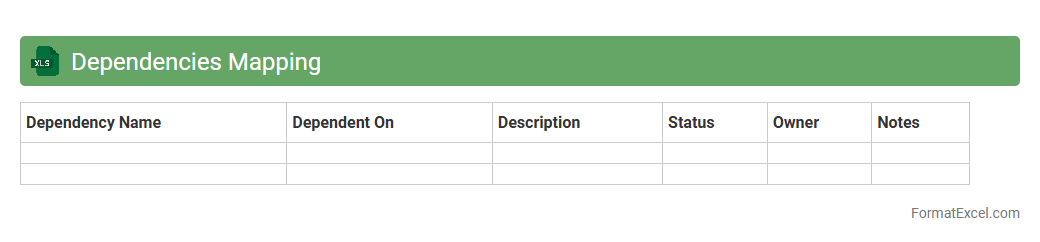
Dependencies Mapping
A
Dependencies Mapping Excel document is a tool designed to visually organize and track relationships between tasks, projects, or systems by linking dependencies in a clear, structured format. It allows teams to identify critical paths, potential bottlenecks, and resource allocation needs, enhancing project management efficiency and risk mitigation. Using this document improves coordination, ensures timely delivery, and supports informed decision-making through comprehensive dependency analysis.
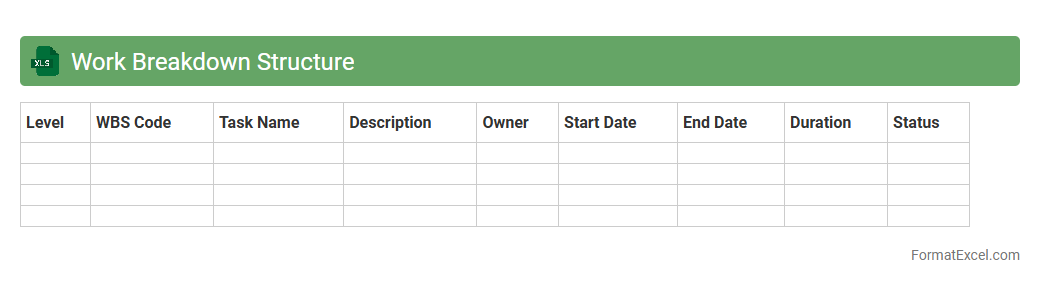
Work Breakdown Structure
A
Work Breakdown Structure (WBS) Excel document is a project management tool that organizes a project into manageable sections, breaking tasks into smaller, detailed components. This format enhances clarity by visually structuring deliverables and milestones, enabling efficient tracking of progress, resource allocation, and deadlines. Using WBS in Excel simplifies updating, collaboration, and customization, making complex projects easier to manage and control.
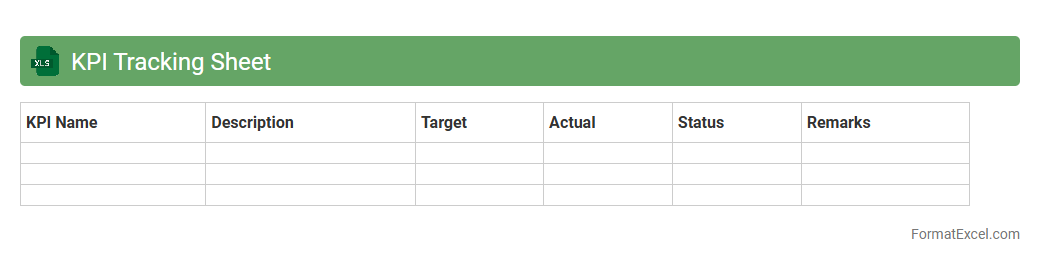
KPI Tracking Sheet
A
KPI Tracking Sheet in Excel is a structured document that helps monitor key performance indicators (KPIs) efficiently by organizing data, visualizing trends, and highlighting progress toward specific goals. It enables businesses to make data-driven decisions, identify performance gaps, and improve overall productivity by providing real-time insights. This tool is essential for aligning team efforts with strategic objectives and ensuring accountability through clear metrics.
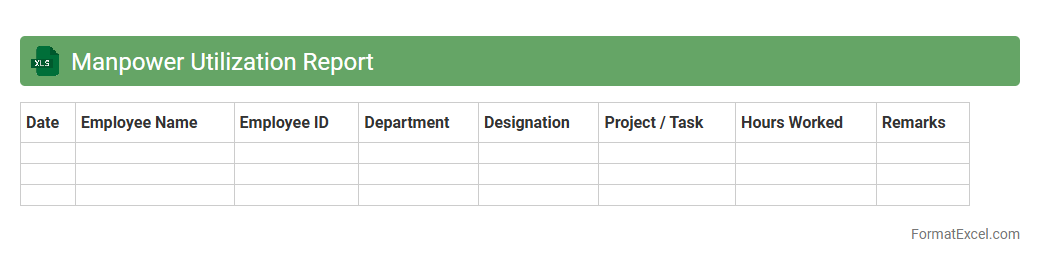
Manpower Utilization Report
A
Manpower Utilization Report Excel document tracks and analyzes employee productivity and resource allocation within an organization. It helps management identify workforce efficiency, optimize labor costs, and balance workload distribution by presenting detailed data on hours worked, task completion, and employee performance. Utilizing this report enables informed decision-making to improve operational effectiveness and achieve business objectives.
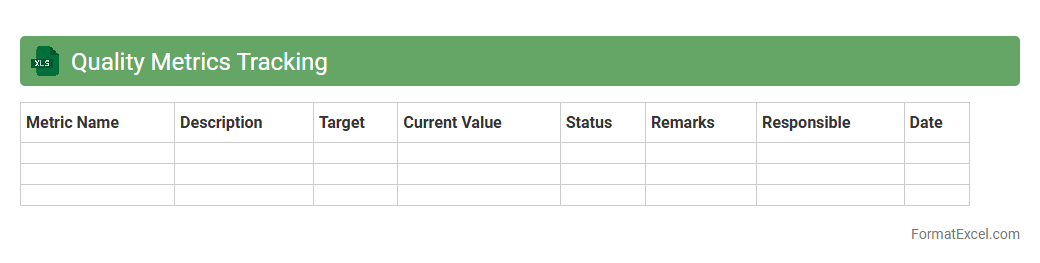
Quality Metrics Tracking
Quality Metrics Tracking in an
Excel document enables systematic monitoring and analysis of performance indicators related to product or service quality. It provides a centralized platform to record, visualize, and evaluate data such as defect rates, process compliance, and customer satisfaction scores, aiding decision-making and continuous improvement. This tool enhances transparency, facilitates timely interventions, and supports the achievement of quality standards across projects or operations.
Progress Update Log
A
Progress Update Log Excel document is a structured spreadsheet designed to track project milestones, tasks, and timelines in real-time. It helps teams monitor ongoing work, identify bottlenecks, and maintain accountability by recording detailed status updates and deadlines. By using this log, organizations can improve communication, streamline workflow management, and ensure timely completion of projects.
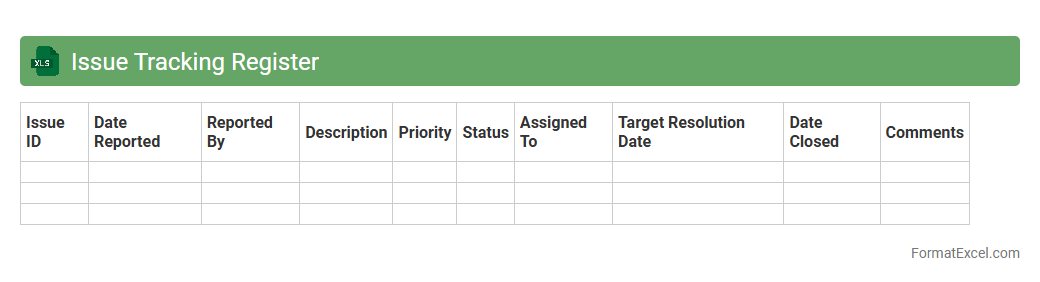
Issue Tracking Register
An
Issue Tracking Register Excel document is a structured tool designed to log, monitor, and manage project issues systematically. It enables teams to record issue details such as description, status, priority, owner, and resolution dates, ensuring transparency and accountability. This document enhances project efficiency by providing a centralized overview of challenges, facilitating timely interventions and informed decision-making.
Action Items List
An
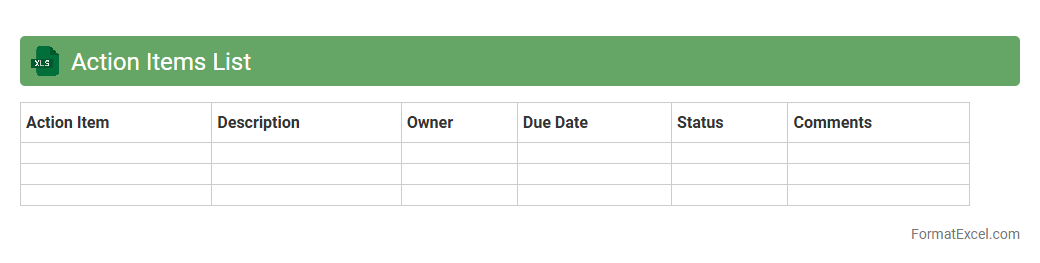
Action Items List Excel document is a structured spreadsheet designed to track tasks, assign responsibilities, set deadlines, and monitor progress effectively. It enhances productivity by organizing workflows, ensuring accountability, and providing clear visibility into task status for individuals and teams. This tool streamlines project management and facilitates timely completion of objectives, making it essential for efficient business operations.
Deliverable Acceptance Record
The
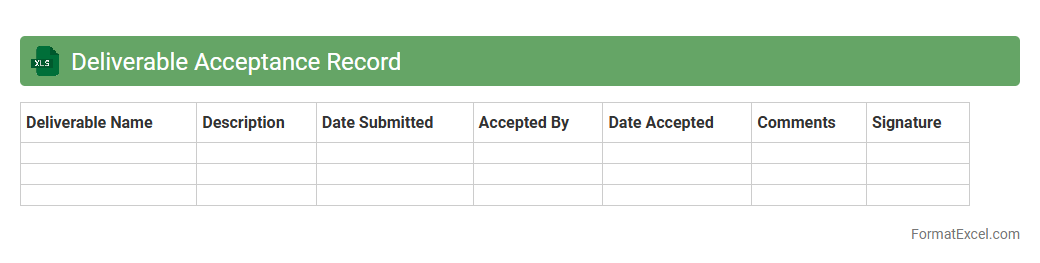
Deliverable Acceptance Record Excel document is a structured tool used to track the approval status of project deliverables, ensuring they meet predefined criteria before final acceptance. It records essential details such as deliverable descriptions, acceptance dates, stakeholder signatures, and comments, facilitating transparent communication between project teams and clients. This document is useful for maintaining accountability, streamlining project audits, and providing a clear historical record of deliverable approvals.
Schedule Deviation Analysis
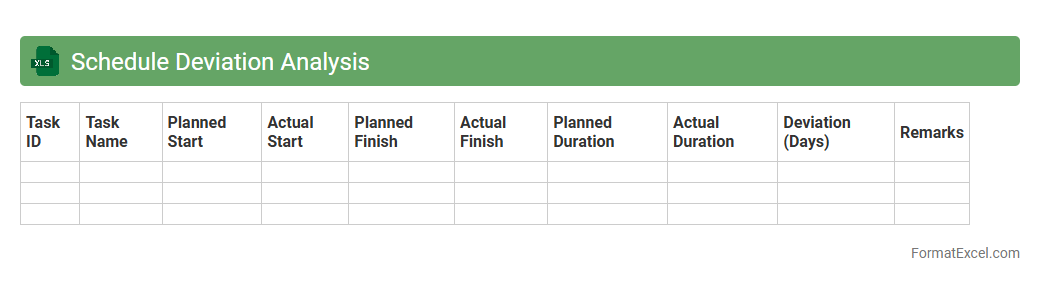
Schedule Deviation Analysis in an Excel document is a powerful tool for tracking and comparing planned versus actual timelines in project management. By calculating variances in start and finish dates, it helps identify delays or early completions, enabling better decision-making and resource allocation. This
Schedule Deviation Analysis enhances project control and improves overall efficiency by providing clear visual insights through graphs and conditional formatting.
Phase Gate Review
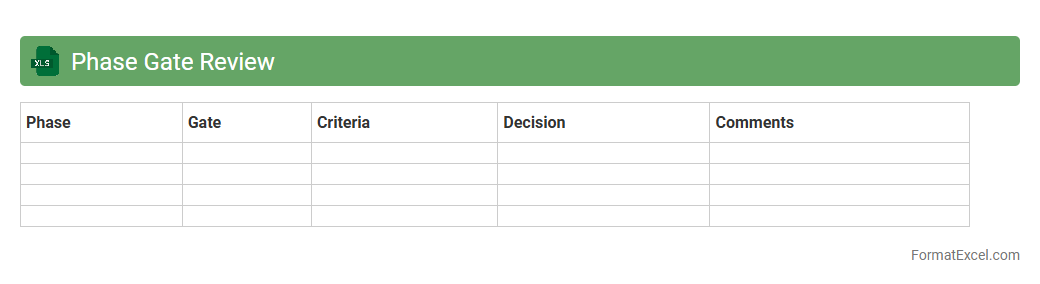
Phase Gate Review Excel document is a structured tool used to track project progress against predefined milestones, ensuring all necessary criteria are met before moving to the next stage. It enables project managers to organize data systematically, assess risk factors, budget adherence, and resource allocation in a single platform. This
Phase Gate Review document facilitates informed decision-making and increases project success rates by promoting accountability and transparency throughout the project lifecycle.
Introduction to Project Analysis Format in Excel
The Project Analysis Format in Excel is a structured template designed to streamline project evaluation and monitoring. It helps project managers track progress, risks, and costs efficiently. Using Excel for analysis offers flexibility and robust data handling capabilities.
Key Components of a Project Analysis Template
A well-designed template includes sections for objectives, timelines, budgets, risk assessment, and performance metrics. These components ensure comprehensive project evaluation and facilitate decision-making. Clear categorization enhances readability and data accessibility.
Essential Excel Features for Project Analysis
Excel offers critical features like formulas, pivot tables, conditional formatting, and data validation that optimize project analysis. These tools allow for dynamic data manipulation and insightful reporting. Mastering these features is crucial for effective project management.
Setting Up Data Inputs and Variables
Accurate data input is fundamental to reliable project analysis in Excel. Define key variables such as start dates, resource allocation, and deliverables. Proper setup ensures consistency and accuracy throughout the project lifecycle.
Structuring the Project Timeline and Milestones
A clear timeline with milestones helps visualize project progress and deadlines within Excel. Use Gantt charts or conditional formatting to represent phases and critical tasks. This structure enhances monitoring and timely decision-making.
Incorporating Risk Assessment and Management
Integrate risk assessment matrices to identify and prioritize potential challenges in the project. Excel formulas and scoring systems help quantify and manage project risks. This proactive approach minimizes impact and supports contingency planning.
Budget Tracking and Cost Analysis in Excel
Track expenditures versus the budget using Excel's calculation and tracking tools for precise cost analysis. Create detailed sheets for expenses, forecasts, and variance reports. This oversight prevents overspending and aids financial control.
Visualizing Project Performance with Charts and Graphs
Charts and graphs convert numerical data into visual insights, highlighting trends and anomalies. Use bar graphs, pie charts, and line charts to communicate project status effectively. Visual tools enhance stakeholder engagement and reporting clarity.
Tips for Customizing Excel Templates for Project Analysis
Tailor templates by adding project-specific fields, custom formulas, and personalized formatting. Regular updates and template reviews ensure relevance and accuracy. Customization enhances functionality and user-friendliness.
Downloadable Project Analysis Format Templates
Access a variety of downloadable Excel templates tailored for project analysis to save time and improve efficiency. Choose templates with built-in formulas and visualization tools suited to your project needs. Reliable templates provide a valuable starting point for streamlining your workflow.