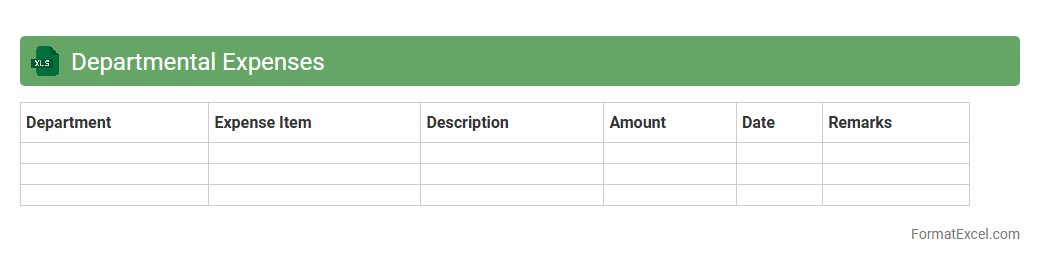
Departmental Expenses
A
Departmental Expenses Excel document is a detailed spreadsheet used to track and manage the costs incurred by different departments within an organization. It enables efficient budgeting, expense monitoring, and financial reporting by organizing data such as salaries, utilities, and supplies separately for each department. This tool is essential for identifying cost-saving opportunities and ensuring departmental financial accountability.
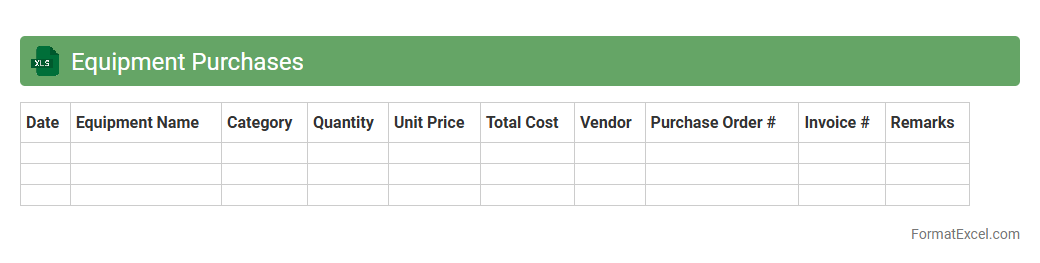
Equipment Purchases
The
Equipment Purchases Excel document is a detailed spreadsheet used to track and manage all equipment-related expenditures within a company or project. It organizes data such as purchase dates, vendor details, costs, warranty periods, and depreciation schedules, enabling efficient budgeting and financial oversight. This tool is essential for maintaining accurate records, facilitating audit processes, and ensuring informed decision-making regarding asset management.
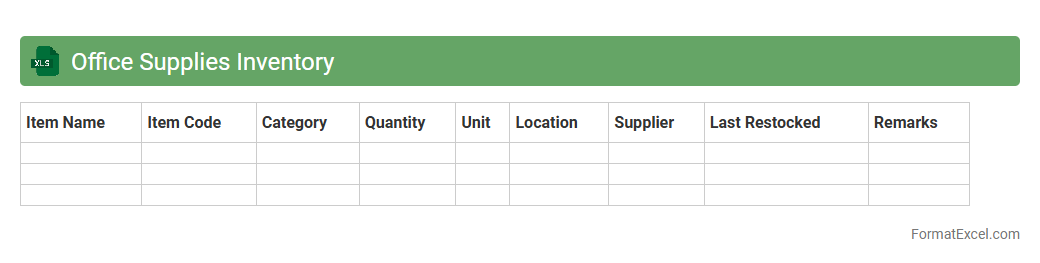
Office Supplies Inventory
An
Office Supplies Inventory Excel document is a digital spreadsheet designed to track and manage the quantity, usage, and restocking needs of office materials such as paper, pens, and toner cartridges. It helps maintain accurate records, reduce wastage, and ensure timely procurement, improving operational efficiency and cost control. By providing real-time data and easy customization, this tool supports better decision-making and streamlines office resource management.
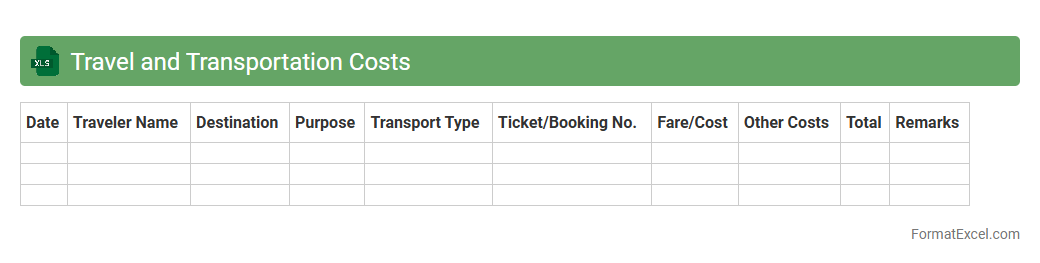
Travel and Transportation Costs
The
Travel and Transportation Costs Excel document is a comprehensive tool designed to track and manage expenses related to business travel and logistics. It categorizes costs such as airfare, accommodation, mileage, and freight charges, enabling accurate budgeting and financial analysis. This document helps organizations optimize spending, ensure compliance with travel policies, and improve reporting efficiency.
Utilities and Overhead
The
Utilities and Overhead Excel document is a comprehensive spreadsheet designed to track and manage utility expenses such as electricity, water, gas, and other overhead costs associated with business operations. It helps organizations monitor spending patterns, allocate costs accurately, and identify areas for cost-saving improvements. This document enhances budgeting accuracy and financial planning by providing clear visibility into recurring and variable overhead expenses.
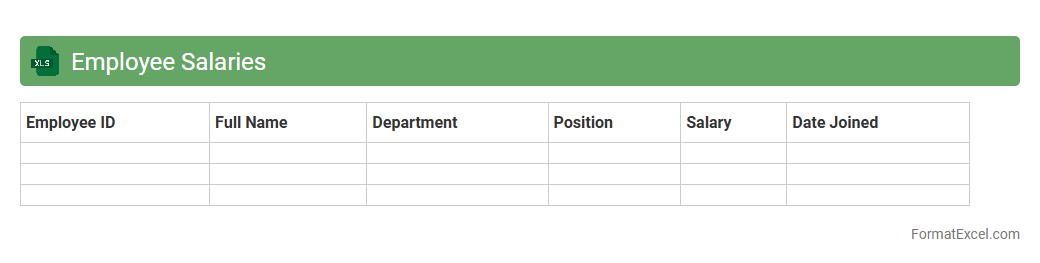
Employee Salaries
An
Employee Salaries Excel document is a detailed spreadsheet used to record, organize, and analyze salary information for employees within an organization. It tracks essential data such as base pay, bonuses, deductions, and net salary, enabling efficient payroll management and budgeting. This tool enhances financial accuracy, supports compliance with labor laws, and facilitates strategic decision-making regarding compensation.
Training and Development
A
Training and Development Excel document is a structured spreadsheet used to plan, track, and evaluate employee learning programs and skill enhancement activities. It helps organizations organize training schedules, monitor progress, and analyze the effectiveness of developmental initiatives, ensuring targeted skill growth and improved workforce performance. Utilizing this tool streamlines the management of training data, facilitates timely interventions, and supports strategic decision-making for talent development.
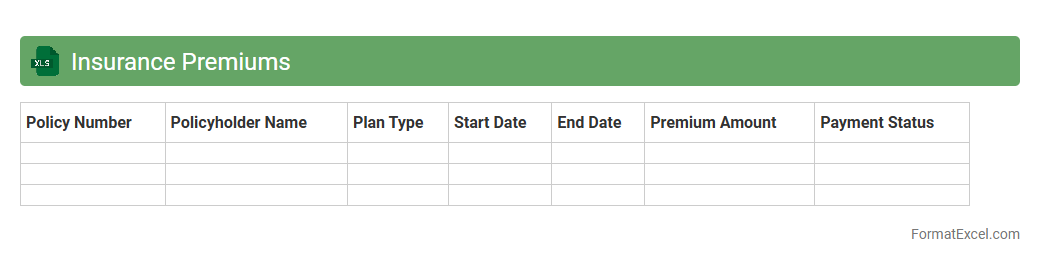
Insurance Premiums
An
Insurance Premiums Excel document is a structured spreadsheet that tracks and organizes details related to insurance payments, including premium amounts, due dates, policy numbers, and insurer information. It allows users to efficiently monitor multiple policies, ensuring timely payments and avoiding lapses in coverage. This document enhances financial planning by providing a clear overview of insurance expenses, enabling better budget management and risk assessment.
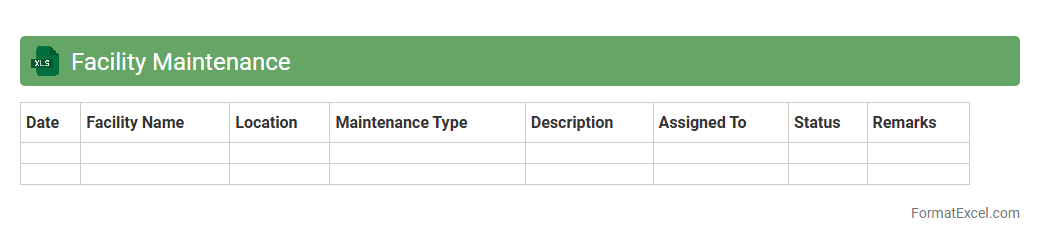
Facility Maintenance
A
Facility Maintenance Excel document is a structured spreadsheet designed to track, schedule, and manage maintenance tasks for buildings and equipment. It helps organizations monitor work orders, assign responsibilities, and ensure timely upkeep, reducing downtime and extending asset life. This tool enhances operational efficiency by providing clear visibility into maintenance activities and resource allocation.
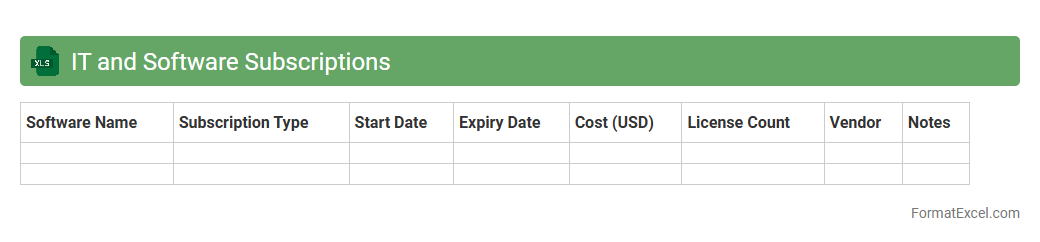
IT and Software Subscriptions
An
IT and Software Subscriptions Excel document is a structured spreadsheet designed to track and manage various IT service subscriptions and software licenses within an organization. It helps monitor renewal dates, costs, and usage details, ensuring timely payments and preventing service disruptions. This document enhances budget control and resource allocation by providing clear visibility into all ongoing IT expenditures.
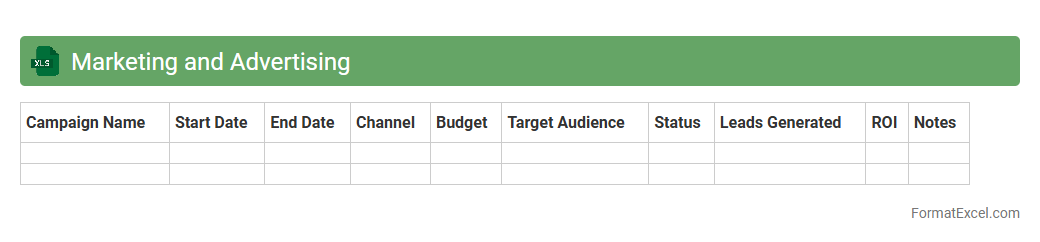
Marketing and Advertising
A
Marketing and Advertising Excel document is a powerful tool designed to organize, track, and analyze marketing campaigns and advertising efforts efficiently. It allows businesses to manage budgets, schedule timelines, monitor key performance indicators (KPIs), and evaluate return on investment (ROI) in a structured format. Utilizing this document enhances decision-making, optimizes resource allocation, and improves campaign effectiveness through clear data visualization and systematic record-keeping.
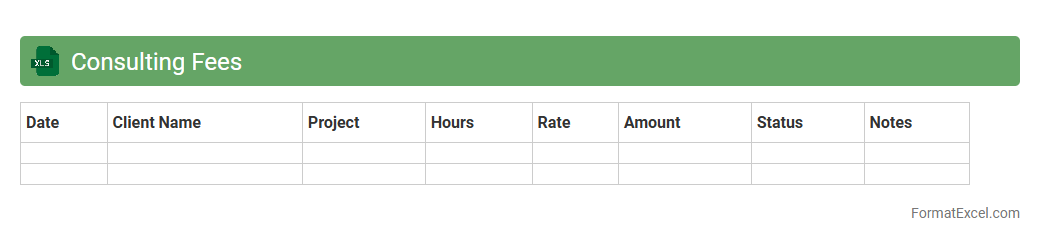
Consulting Fees
A
Consulting Fees Excel document is a structured spreadsheet designed to track, calculate, and manage payments for consulting services. It streamlines budgeting by organizing fee schedules, hourly rates, and payment timelines, ensuring accurate financial oversight. This tool enhances transparency and aids in efficient financial planning for both consultants and clients.
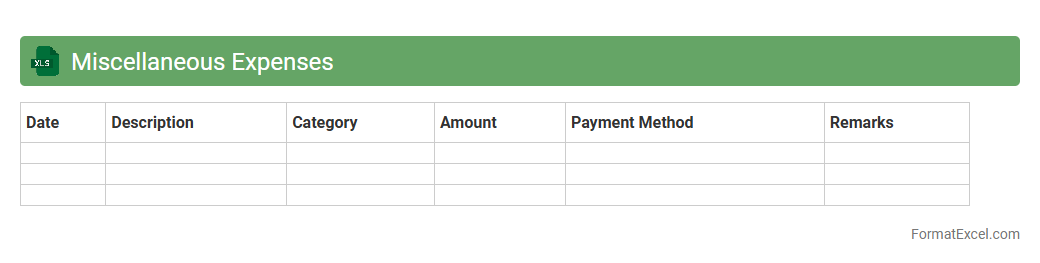
Miscellaneous Expenses
A
Miscellaneous Expenses Excel document is a spreadsheet designed to record and track various small or irregular business or personal expenses that do not fit into standard categories. It helps users monitor spending patterns, manage budgets more effectively, and ensure accurate financial reporting. By organizing these expenses systematically, it simplifies tax preparation and financial analysis.
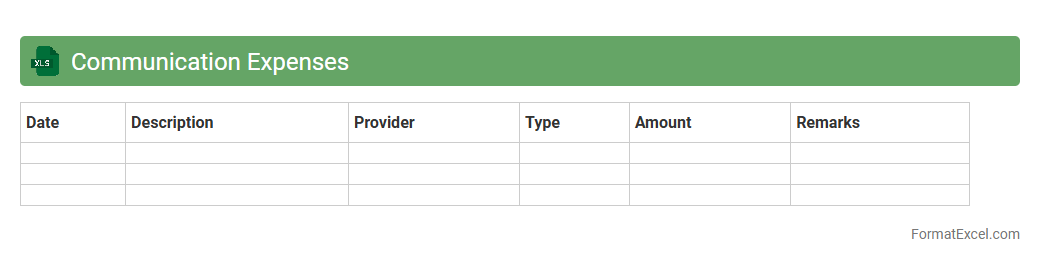
Communication Expenses
A
Communication Expenses Excel document is a spreadsheet designed to track and manage costs related to various communication channels such as phone bills, internet services, and messaging platforms. It helps organizations monitor spending patterns, identify cost-saving opportunities, and maintain accurate financial records. Using this tool enhances budget control and ensures transparent reporting of communication-related expenditures.
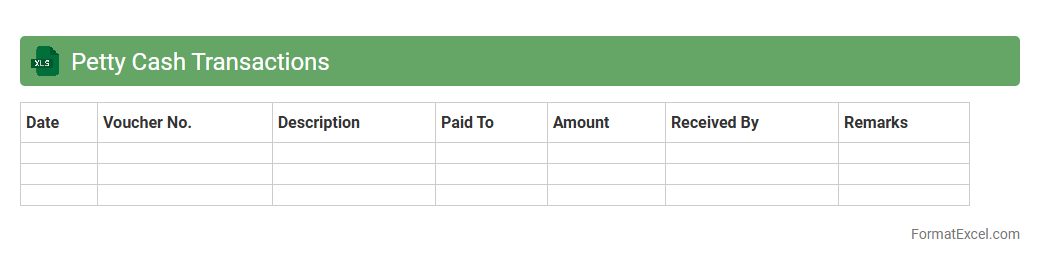
Petty Cash Transactions
A
Petty Cash Transactions Excel document is a spreadsheet designed to record and track small, day-to-day business expenses paid out of a petty cash fund. It helps maintain accurate financial records by detailing transaction dates, amounts, purposes, and balances, ensuring transparency and accountability. This tool is essential for managing minor cash expenses efficiently, preventing discrepancies, and simplifying reconciliation processes.
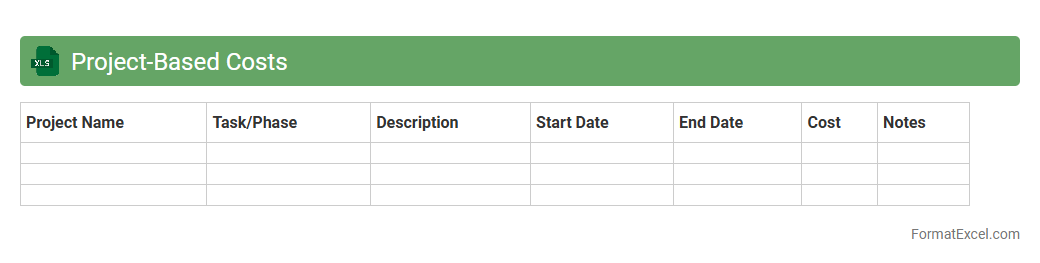
Project-Based Costs
The
Project-Based Costs Excel document organizes and tracks expenses specific to individual projects, allowing for precise budget management and cost analysis. It helps teams monitor resource allocation, identify cost overruns early, and make data-driven decisions to optimize financial performance. With clear categorization and real-time updates, this tool enhances transparency and accountability throughout the project lifecycle.
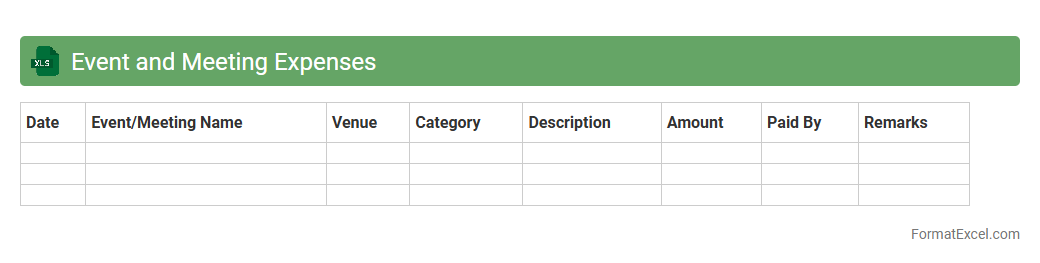
Event and Meeting Expenses
An
Event and Meeting Expenses Excel document is a structured spreadsheet designed to track and manage the costs associated with organizing events and meetings, including venue rental, catering, transportation, and other related expenditures. This tool provides clear visibility into budget allocations, helps prevent overspending, and facilitates accurate financial reporting. Utilizing this document enhances financial control, simplifies expense reconciliation, and supports informed decision-making for future event planning.
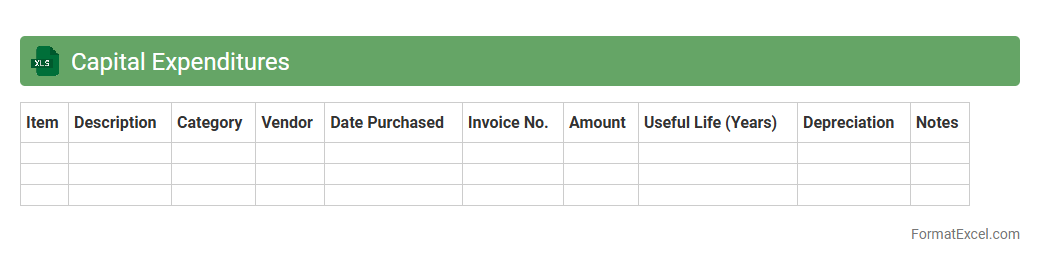
Capital Expenditures
A
Capital Expenditures Excel document is a spreadsheet used to track, manage, and forecast investments in long-term assets such as property, equipment, and infrastructure. It provides detailed insights into spending patterns, budget allocations, and depreciation schedules, helping organizations make informed financial decisions. This tool enhances accuracy in capital budgeting, improves cash flow management, and supports strategic planning by consolidating all capital expenditure data in one accessible format.
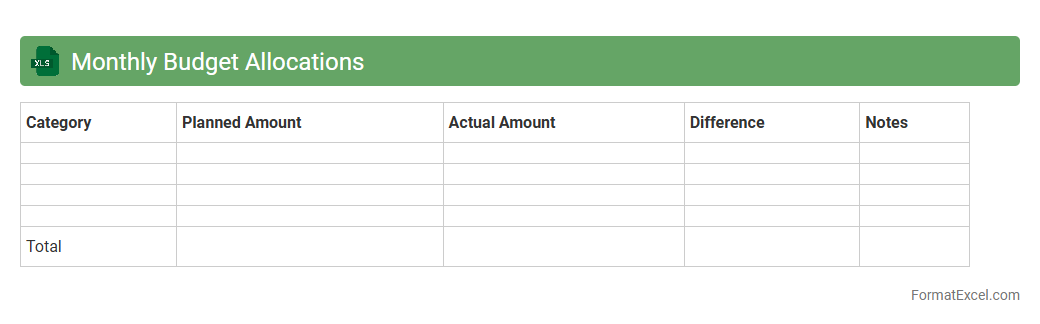
Monthly Budget Allocations
A
Monthly Budget Allocations Excel document is a financial planning tool that helps track income, expenses, and savings on a monthly basis. It enables users to allocate funds efficiently across various categories, ensuring better control over spending and enhancing financial decision-making. This tool is useful for maintaining accountability, identifying overspending patterns, and promoting disciplined money management.
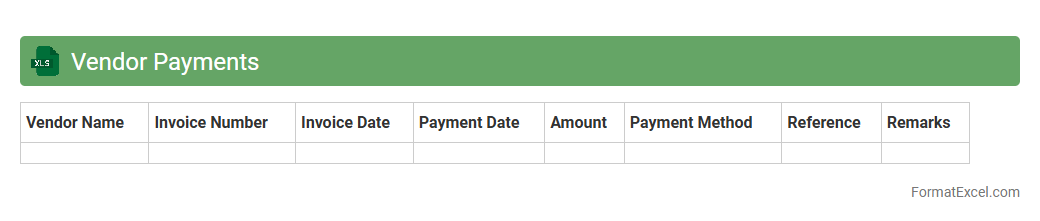
Vendor Payments
A
Vendor Payments Excel document is a structured spreadsheet that tracks all transactions made to suppliers, including payment dates, amounts, invoices, and balances due. It helps businesses maintain accurate financial records, streamline payment processes, and ensure timely settlements to vendors, reducing errors and improving cash flow management. By organizing vendor payment data in one place, this document enhances transparency and supports effective budgeting and audit compliance.
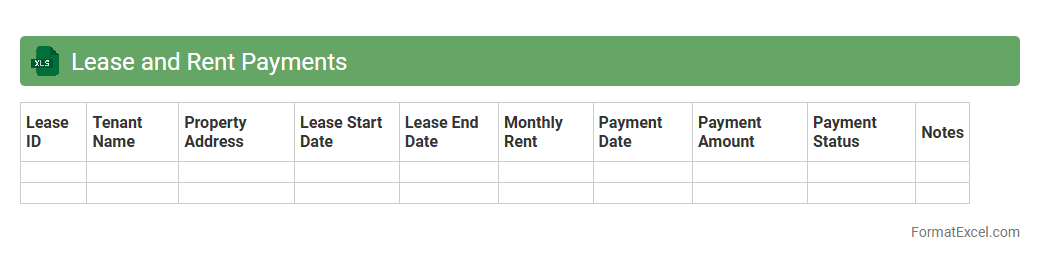
Lease and Rent Payments
A
Lease and Rent Payments Excel document is a structured spreadsheet designed to track, organize, and manage rental and lease expenses efficiently over time. It allows users to monitor payment schedules, due dates, amounts, and outstanding balances, ensuring timely payments and financial accuracy. This tool is essential for landlords, tenants, and property managers to maintain clear records, avoid missed payments, and streamline budgeting processes.
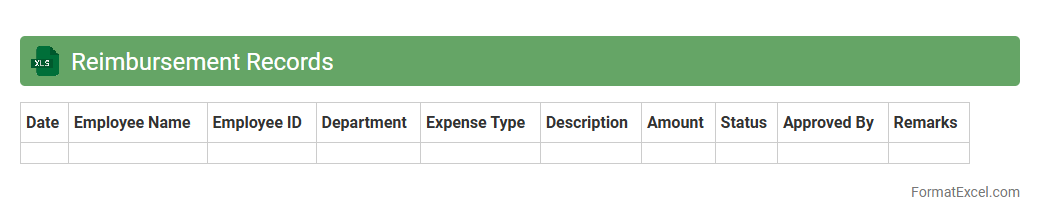
Reimbursement Records
A
Reimbursement Records Excel document is a structured spreadsheet used to track and manage expense reimbursements efficiently. It organizes detailed data such as employee names, expense dates, amounts, and approval statuses, enabling accurate financial reporting and audit compliance. This document streamlines the reimbursement process, reduces errors, and provides clear visibility into company spending patterns.
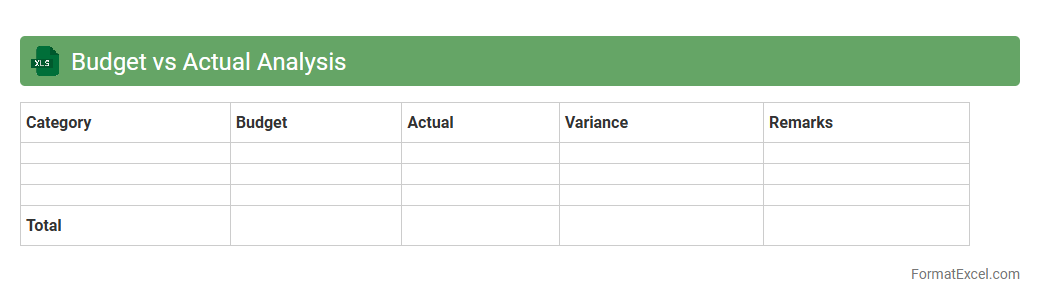
Budget vs Actual Analysis
Budget vs Actual Analysis in Excel is a powerful financial tool that compares planned budget figures with actual expenditures and revenues, enabling precise tracking of financial performance. This analysis helps identify variances, uncover spending trends, and support data-driven decision-making to improve budget accuracy and control costs. Utilizing a
Budget vs Actual Analysis Excel document enhances financial transparency and accountability by providing a clear, organized view of where resources are allocated versus where they are actually used.
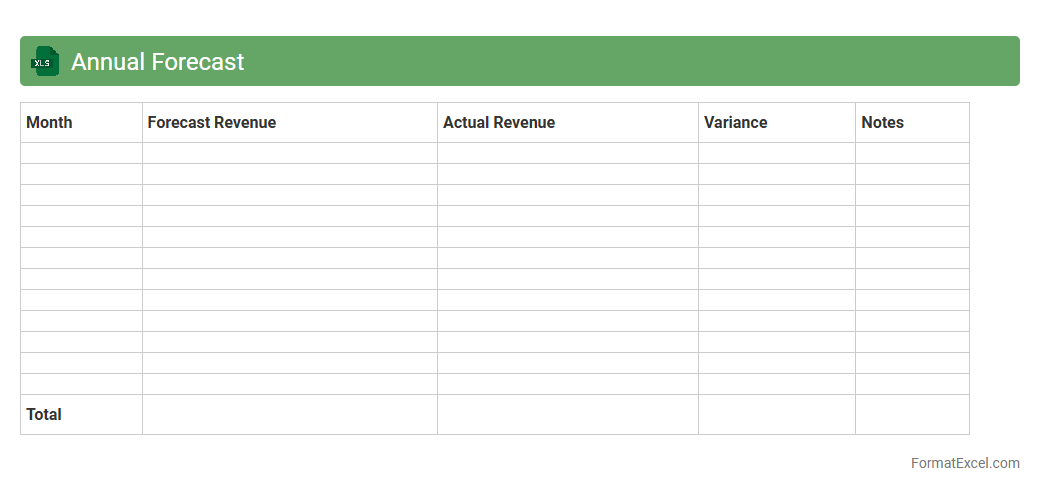
Annual Forecast
An
Annual Forecast Excel document is a spreadsheet tool designed to project a company's financial performance, sales, expenses, and other key metrics over a 12-month period. It helps businesses anticipate future trends, allocate resources effectively, and make informed strategic decisions based on data-driven insights. By regularly updating the forecast, organizations can track progress against goals and adjust their plans to optimize growth and profitability.
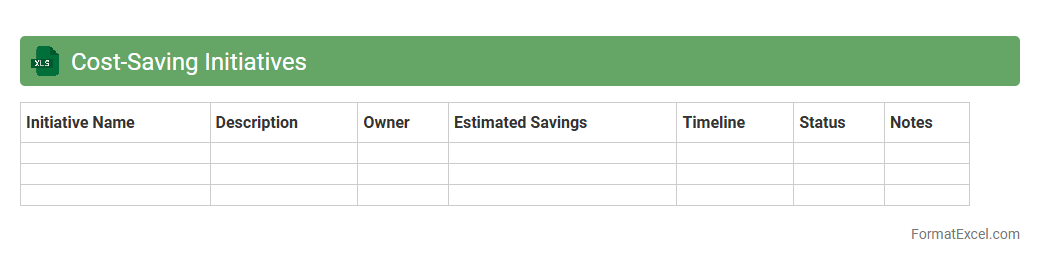
Cost-Saving Initiatives
A
Cost-Saving Initiatives Excel document is a structured spreadsheet designed to track and analyze strategies aimed at reducing expenses within an organization. It facilitates detailed recording of potential savings, budgeting impact, and implementation progress, enabling businesses to monitor financial efficiency effectively. This tool supports informed decision-making by providing clear visibility into cost-cutting opportunities and their outcomes.
Introduction to Office Budget Formats
Office budget formats provide a structured way to plan and manage expenses. Using a clear format helps in tracking and controlling office finances efficiently. A well-designed budget format ensures all expenditures are accounted for.
Importance of Office Budgeting
Office budgeting is crucial for financial stability and resource allocation. It helps organizations avoid overspending and plan for future needs. Effective budgeting supports informed decision-making and operational efficiency.
Key Components of an Office Budget
An office budget typically includes income, fixed costs, variable costs, and contingency funds. Capturing all essential categories ensures comprehensive financial oversight. The components help in accurate cost prediction and management.
Benefits of Using Excel for Budgeting
Excel offers customizable templates and powerful calculation features ideal for budgeting. It allows for real-time updates and easy data analysis. Using Excel enhances accuracy and simplifies budget tracking.
Step-by-Step Office Budget Creation in Excel
Start by listing all income sources and expenses in Excel columns. Use formulas to calculate totals and track variances. Following a clear step-by-step process improves budget accuracy and management.
Essential Excel Formulas for Budget Management
Formulas like SUM, IF, and VLOOKUP automate calculations and data retrieval. These functions streamline expense tracking and variance analysis. Mastering Excel formulas is key to efficient budget handling.
Sample Office Budget Template in Excel
A sample template includes categorized expense entries, totals, and visual summaries. It provides a ready-to-use framework for office budget planning. Utilizing a template accelerates budget setup and consistency.
Tips for Accurate Budget Forecasting
Base forecasts on historical data, adjust for expected changes, and include contingency. Regular reviews ensure your budget adapts to actual performance. Accurate forecasting minimizes financial surprises.
Common Mistakes to Avoid in Office Budgeting
Avoid underestimating costs, ignoring small expenses, and failing to update regularly. These errors can lead to budget shortfalls and poor financial control. Recognizing common mistakes helps maintain budget integrity.
Best Practices for Maintaining Office Budgets in Excel
Keep data organized, update entries promptly, and use consistent categories. Regular audits and backups preserve data accuracy and security. Following best practices ensures reliable and effective budget management.