Physical Inventory Count Sheet
A
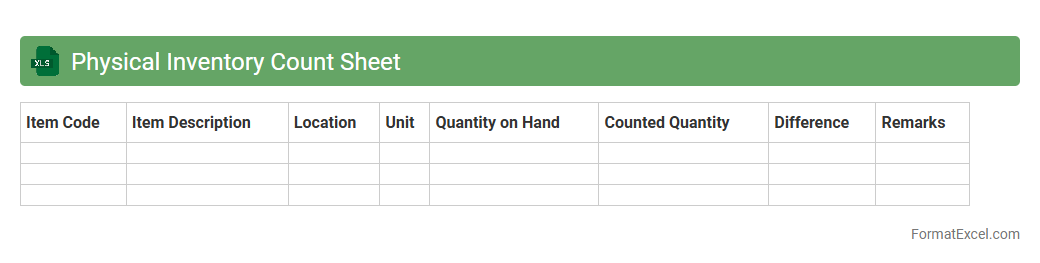
Physical Inventory Count Sheet Excel document is a structured template used to record and verify the actual quantity of stock items during inventory audits. It helps businesses maintain accurate inventory levels by comparing physical counts against system records, reducing discrepancies and preventing stockouts or overstock situations. This tool enhances inventory management efficiency, supports financial accuracy, and aids in making informed purchasing decisions.
Inventory Reconciliation Log
An
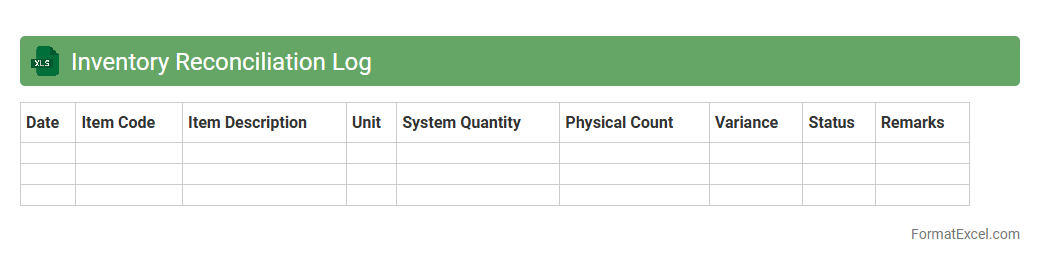
Inventory Reconciliation Log Excel document systematically tracks and compares physical inventory counts against recorded data to identify discrepancies. It is useful for businesses to maintain accurate stock records, reduce inventory shrinkage, and improve ordering decisions. This log enhances financial accuracy and provides clear audit trails for inventory management.
Cycle Count Schedule
A
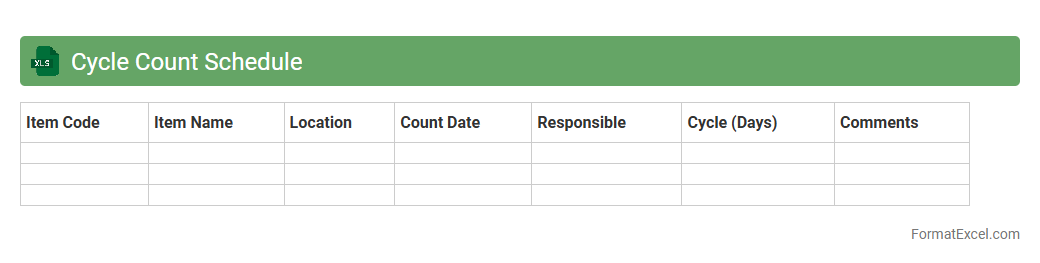
Cycle Count Schedule Excel document is a tool designed to systematically plan and track inventory cycle counts within a warehouse or retail environment. It helps organize counting activities by item, location, or frequency, ensuring regular and accurate inventory verification without the need for full physical counts. This schedule improves inventory accuracy, reduces stock discrepancies, and supports efficient supply chain management by highlighting when and where counts should be performed.
Stock Variance Report
A
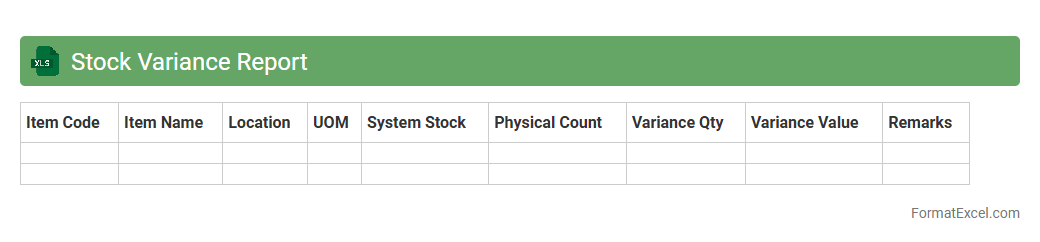
Stock Variance Report Excel document tracks the differences between actual inventory levels and recorded stock quantities, helping businesses identify discrepancies in stock management. It provides detailed insights into stock counts, variances, and potential errors, enabling more accurate inventory control and reducing losses. This report is crucial for maintaining efficient supply chain operations, improving financial accuracy, and supporting informed decision-making.
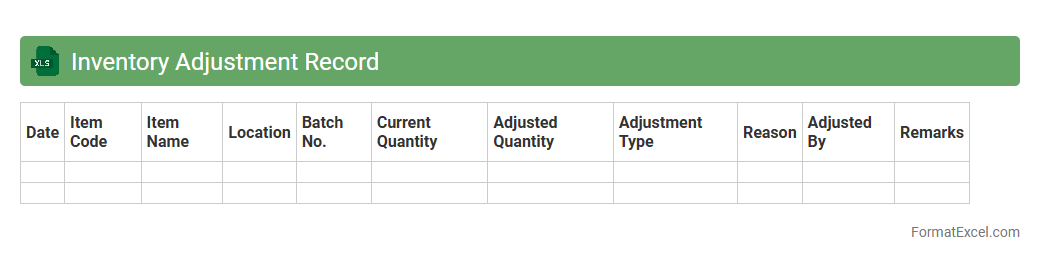
Inventory Adjustment Record
An
Inventory Adjustment Record Excel document tracks changes in stock levels due to damages, losses, or corrections, providing accurate inventory data. It helps businesses maintain precise stock counts, identify discrepancies, and support effective inventory management decisions. Using this record reduces errors, improves audit trails, and optimizes supply chain operations.
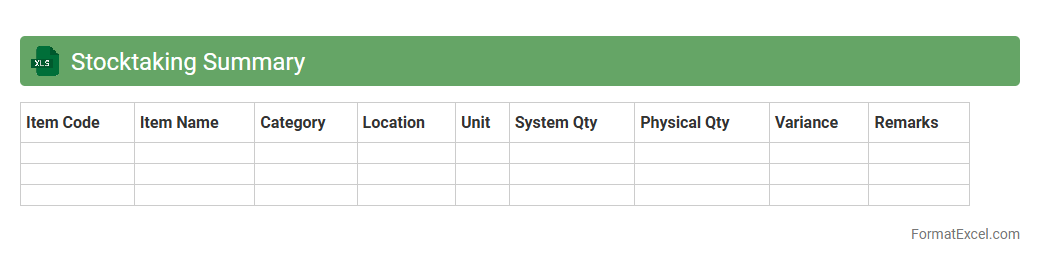
Stocktaking Summary
A
Stocktaking Summary Excel document consolidates inventory counts, discrepancies, and valuation data to provide a clear overview of stock levels. It facilitates accurate tracking of goods, identifies stock variances, and supports efficient inventory management processes. Using this summary helps businesses reduce errors, prevent stockouts or overstock situations, and improve financial reporting accuracy.
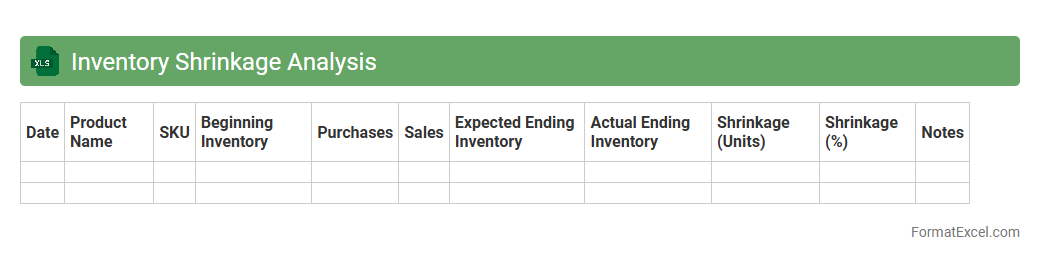
Inventory Shrinkage Analysis
Inventory Shrinkage Analysis Excel document is a powerful tool designed to track and quantify losses in inventory due to theft, damage, or administrative errors. By systematically organizing inventory data, it helps businesses identify shrinkage patterns, enhance accuracy in stock management, and improve overall operational efficiency. Utilizing this
inventory shrinkage analysis allows companies to implement targeted loss prevention strategies, ultimately reducing costs and maximizing profitability.
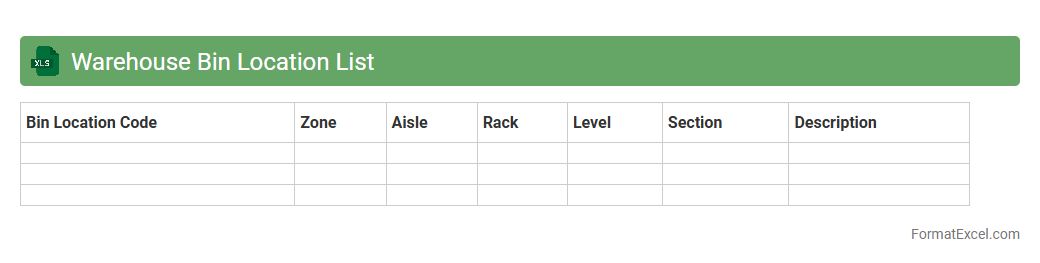
Warehouse Bin Location List
A
Warehouse Bin Location List Excel document organizes and records the precise storage locations of inventory within a warehouse, enhancing inventory management accuracy. This document enables quick identification and retrieval of products, reducing search time and improving operational efficiency. Detailed bin location tracking supports optimized space utilization and streamlined stock control processes.
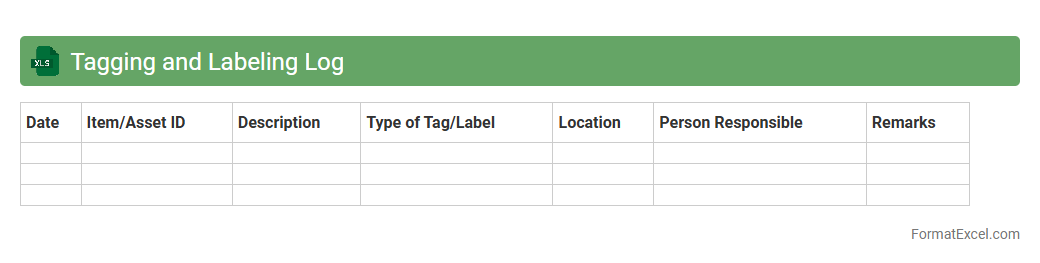
Tagging and Labeling Log
Tagging and Labeling Log Excel document is a systematic tool used to organize and categorize data entries by assigning relevant tags and labels for easy identification and retrieval. This document enhances data management efficiency by enabling quick filtering, searching, and tracking of specific information within large datasets. It is especially useful for maintaining consistency, improving workflow, and supporting data analysis in various professional environments.
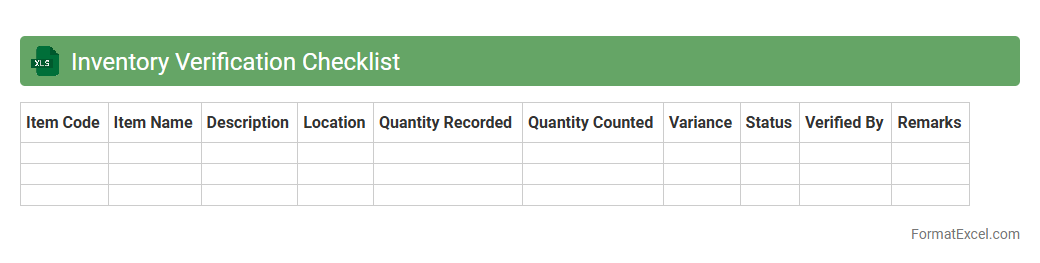
Inventory Verification Checklist
An
Inventory Verification Checklist Excel document is a structured spreadsheet designed to systematically track and verify stock levels, item conditions, and discrepancies during inventory audits. It provides a clear, organized format to document item quantities, compare actual counts against recorded data, and ensure accuracy in inventory management. Utilizing this tool enhances accountability, minimizes errors, and streamlines the stocktaking process for businesses across various industries.
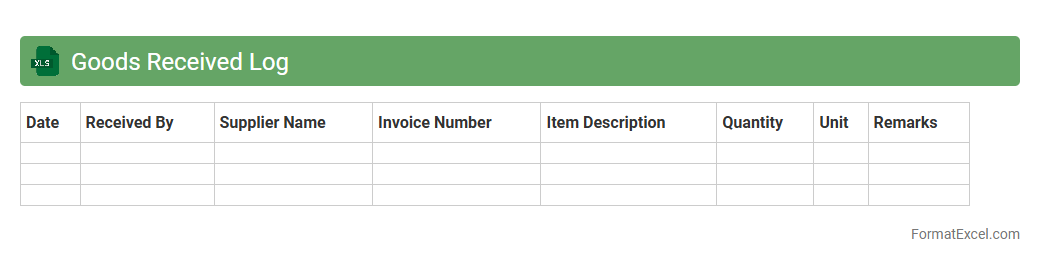
Goods Received Log
A
Goods Received Log Excel document is a structured spreadsheet used to record and track the receipt of goods and materials in inventory management systems. It helps ensure accurate documentation of delivery dates, quantities, suppliers, and item conditions, facilitating inventory control and accountability. This log improves operational efficiency by reducing errors, streamlining audits, and providing transparent data for supply chain management.
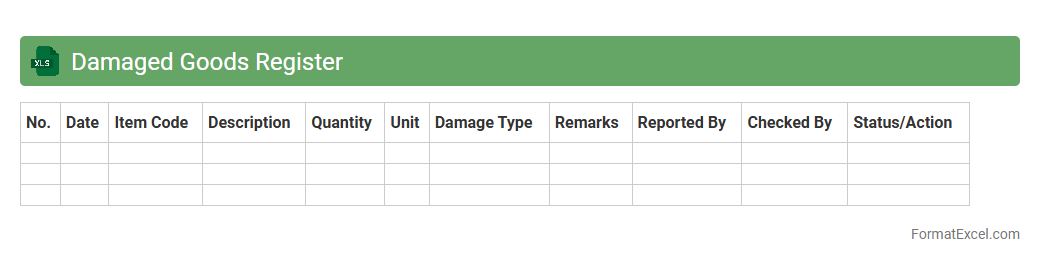
Damaged Goods Register
The
Damaged Goods Register Excel document is a structured spreadsheet designed to systematically record and track products that are damaged during storage, handling, or transit. It helps businesses maintain accurate inventory records, identify patterns of product damage, and streamline the process of claiming insurance or negotiating supplier returns. By enabling efficient monitoring and reporting, this register supports improved inventory management and reduces financial losses associated with damaged goods.
Missing Items Report
The
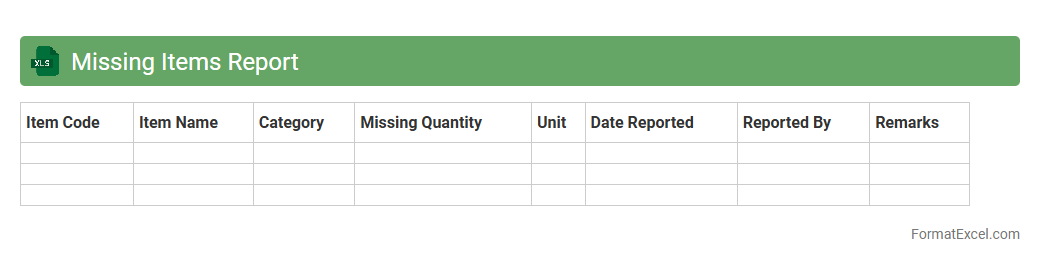
Missing Items Report Excel document is a structured tool used to identify and track absent inventory, assets, or data entries within a system or organization. It helps businesses quickly pinpoint discrepancies between expected and actual stock levels, enabling efficient resolution of inventory issues. By providing clear, organized insights, this report enhances accuracy in inventory management and supports timely decision-making.
Excess Inventory Report
The
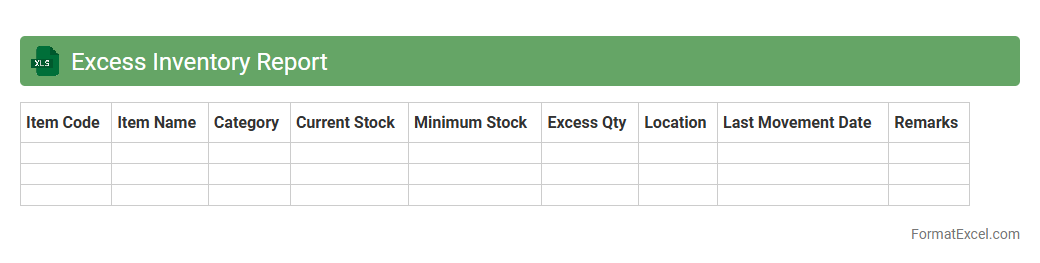
Excess Inventory Report Excel document is a detailed analysis tool used to identify and track surplus stock that exceeds normal demand levels. This report helps businesses pinpoint slow-moving items, optimize inventory turnover, and reduce carrying costs by enabling informed decision-making on stock clearance or purchasing adjustments. Utilizing this report improves supply chain efficiency, minimizes waste, and enhances overall financial performance.
Inventory Counting Instructions
The
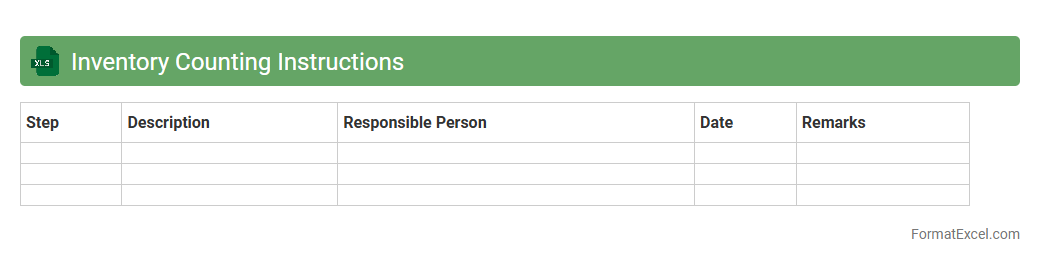
Inventory Counting Instructions Excel document provides a structured method to accurately track and verify stock levels during inventory audits. It streamlines the counting process by offering clear guidelines, standardized templates, and automated calculations, reducing errors and saving time. This tool enhances inventory accuracy, supports efficient stock management, and aids in identifying discrepancies early to maintain optimal supply chain operations.
Returned Items Log
The
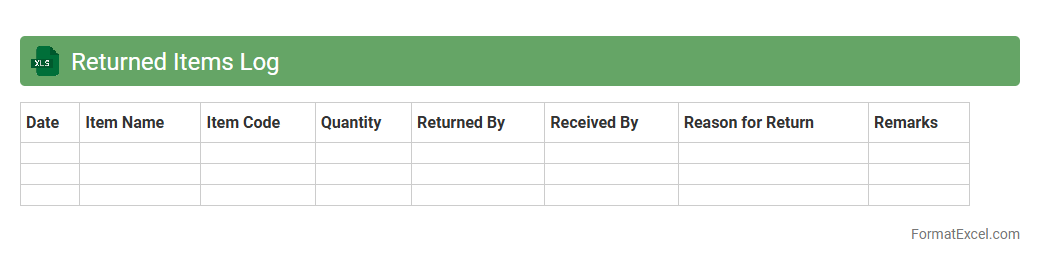
Returned Items Log Excel document is a detailed record used to track products that customers return. It helps businesses monitor return reasons, manage inventory adjustments, and identify recurring issues with specific items. Efficient use of this log enhances customer service and supports data-driven decisions to reduce future returns.
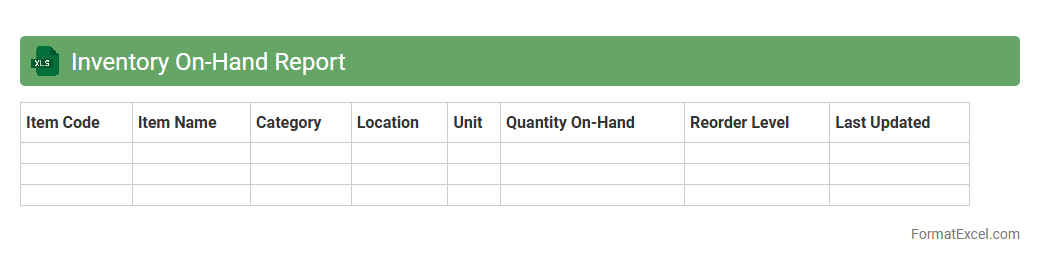
Inventory On-Hand Report
An
Inventory On-Hand Report Excel document records the current quantities of products available in stock, providing real-time data on inventory levels. It helps businesses track stock movement, avoid overstocking or stockouts, and plan purchasing decisions efficiently. This report supports accurate demand forecasting and improves overall inventory management by offering clear visibility into product availability.
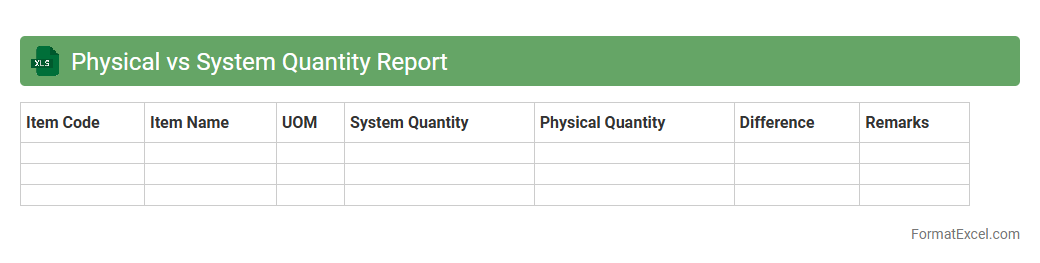
Physical vs System Quantity Report
The
Physical vs System Quantity Report in Excel is a detailed comparison tool that contrasts actual physical inventory counts against system-recorded quantities. This report identifies discrepancies, enabling businesses to pinpoint inventory shrinkage, errors, or data entry issues. Utilizing this document enhances inventory accuracy, supports efficient stock management, and improves financial reporting integrity.
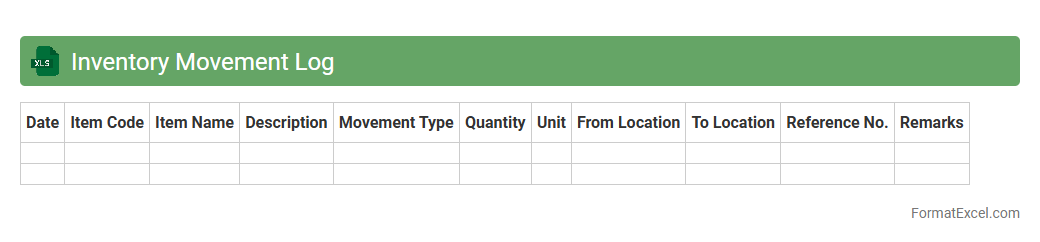
Inventory Movement Log
An
Inventory Movement Log Excel document tracks the inflow and outflow of stock items, recording details such as dates, quantities, and transaction types. This log enhances inventory management by providing real-time insights into stock levels, minimizing the risk of overstocking or stockouts. It serves as a valuable tool for auditing, forecasting demand, and optimizing supply chain efficiency.
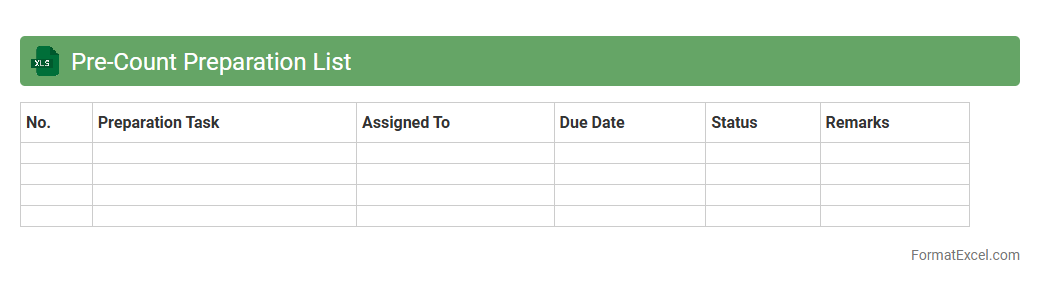
Pre-Count Preparation List
The
Pre-Count Preparation List Excel document is a detailed inventory tool designed to streamline the stocktaking process by organizing items and quantities before an official count. It helps identify discrepancies, reduce counting errors, and improve accuracy by providing a clear reference for auditors and staff. This document enhances efficiency and accountability, ensuring that inventory management aligns with operational standards and financial reporting requirements.
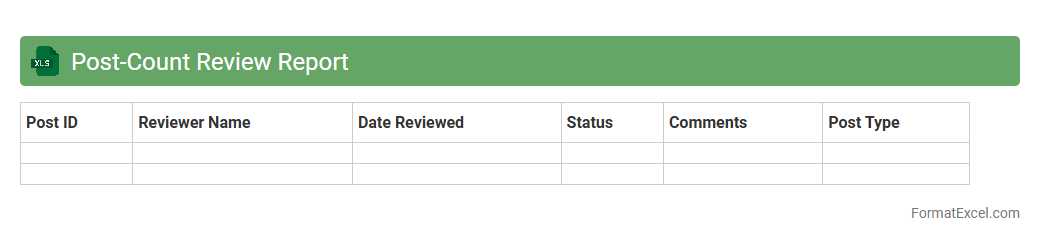
Post-Count Review Report
The
Post-Count Review Report Excel document is a detailed tool designed to analyze and validate inventory counts after physical audits or stocktakes. It helps identify discrepancies between recorded and actual stock levels, enabling accurate inventory management and reducing errors in financial reporting. This report streamlines the reconciliation process, enhances operational efficiency, and supports informed decision-making in supply chain management.
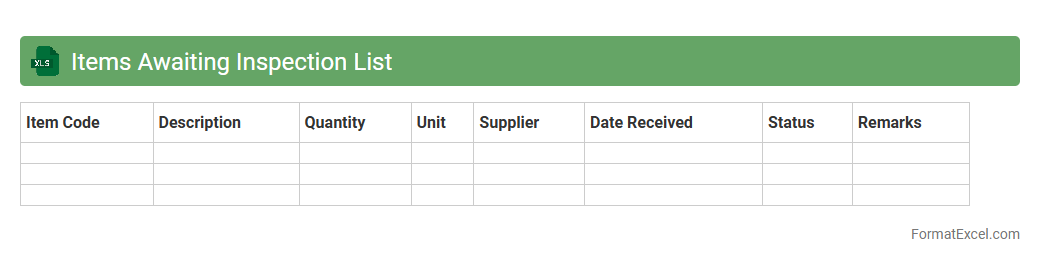
Items Awaiting Inspection List
The
Items Awaiting Inspection List Excel document is a organized spreadsheet that tracks products or materials pending quality checks, ensuring no item is overlooked during the inspection process. It streamlines inventory management by providing clear visibility into which items require verification, helping maintain product standards and compliance. This document enhances operational efficiency by enabling timely follow-up and reducing delays in the supply chain or production workflow.
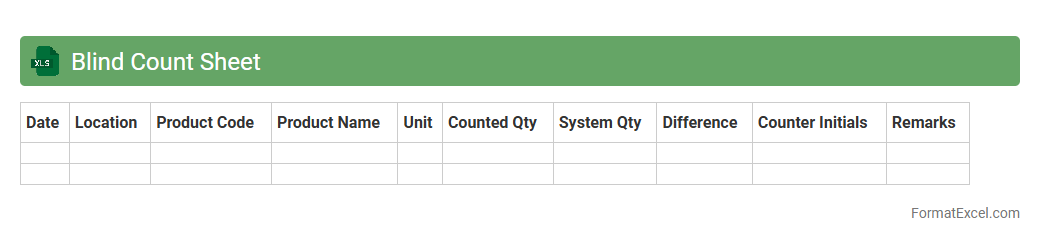
Blind Count Sheet
A
Blind Count Sheet Excel document is a tool designed to record inventory counts without revealing previous stock levels, ensuring unbiased and accurate stock verification. This method helps identify discrepancies between physical counts and recorded inventory, enhancing stock accuracy and reducing shrinkage. Using this sheet streamlines inventory audits and supports more reliable inventory management decisions.
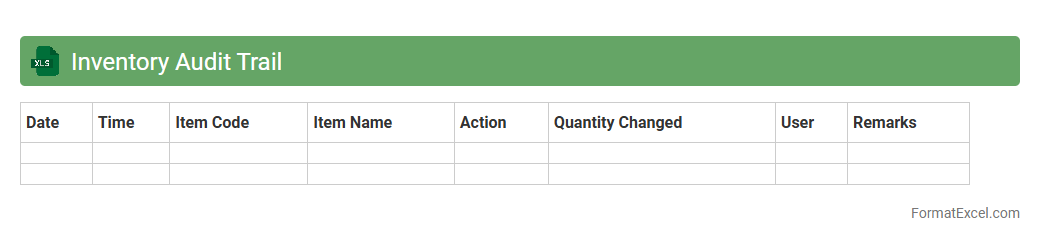
Inventory Audit Trail
An
Inventory Audit Trail Excel document systematically records all changes and transactions related to inventory items, including additions, removals, and adjustments. This detailed log enhances traceability and accountability by providing a clear history of inventory movements, which helps identify discrepancies and prevent theft or data manipulation. Utilizing this document improves inventory management accuracy, supports compliance with auditing standards, and facilitates efficient stock reconciliation processes.
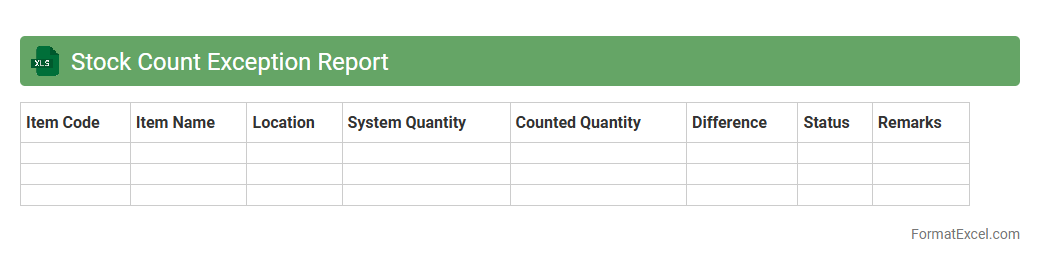
Stock Count Exception Report
A
Stock Count Exception Report excel document identifies discrepancies between recorded inventory and actual stock levels, highlighting variances such as missing, damaged, or excess items. This report enables businesses to quickly pinpoint inventory errors, streamline stock reconciliation processes, and maintain accurate inventory records. Utilizing this document improves inventory management efficiency and supports more informed decision-making for supply chain and procurement teams.
Introduction to Physical Inventory Formats
Physical inventory formats are structured templates used to record stock counts during an inventory audit. Using a standardized format ensures consistency and accuracy in tracking physical assets across locations.
Benefits of Using Excel for Physical Inventory
Excel offers flexibility, ease of use, and powerful data manipulation features ideal for managing inventory. Its spreadsheet functionality enables quick data entry, sorting, and analysis to improve inventory control.
Essential Columns in Excel Inventory Templates
Key columns include item description, SKU, quantity on hand, unit cost, and location. These fields provide comprehensive details necessary for accurate physical inventory tracking and reporting.
Step-by-Step Guide to Creating an Inventory Sheet
Start by setting up headers, inputting inventory items, adding formulas for calculations, and formatting for readability. Following a systematic approach helps maintain clarity and usability of the inventory sheet.
Sample Physical Inventory Format in Excel
A typical sample consists of rows for each inventory item and columns for quantities, prices, and remarks. Previewing a template aids in understanding how data is organized for effective stock management.
Customizing Excel Formats for Different Industries
Industries like retail, manufacturing, and healthcare have unique inventory needs requiring tailored Excel templates. Adapting formats ensures relevant data capture suited to specific operational requirements.
Tips for Accurate Inventory Data Entry
Double-check entries, use drop-down lists, and employ barcode scanning integration to minimize errors. Accurate data entry is crucial for reliable inventory assessments and decision-making.
Integrating Excel Inventory Sheets with Other Systems
Excel sheets can be linked with ERP or accounting software for seamless inventory management. This integration enhances data synchronization, reducing manual updates and inconsistencies.
Common Mistakes in Physical Inventory Management
Typical errors include inaccurate counts, missing data, and inconsistent formatting. Avoiding these mistakes is essential to maintaining an effective physical inventory process.
Downloadable Physical Inventory Excel Templates
Numerous free and paid Excel inventory templates are available online for quick implementation. Utilizing downloadable templates can save time and provide a professional foundation for inventory records.