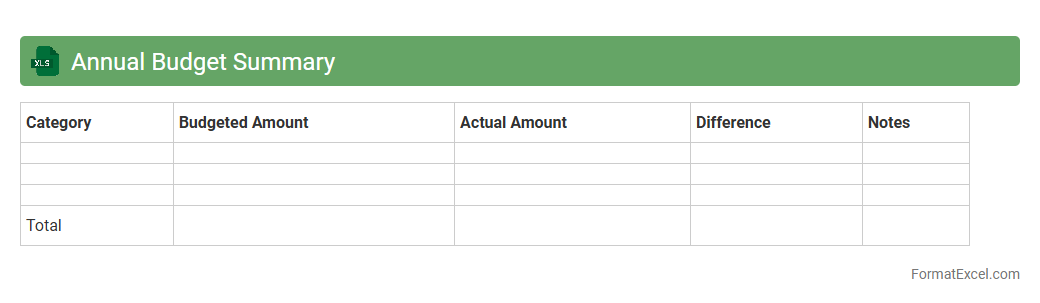
Annual Budget Summary
An
Annual Budget Summary Excel document consolidates income, expenses, and financial projections for a full fiscal year, providing a clear overview of an organization or individual's financial standing. It enables efficient tracking of budget adherence, identification of cost-saving opportunities, and informed decision-making to optimize resource allocation. By summarizing key financial data, this tool supports strategic planning and helps maintain financial discipline throughout the year.
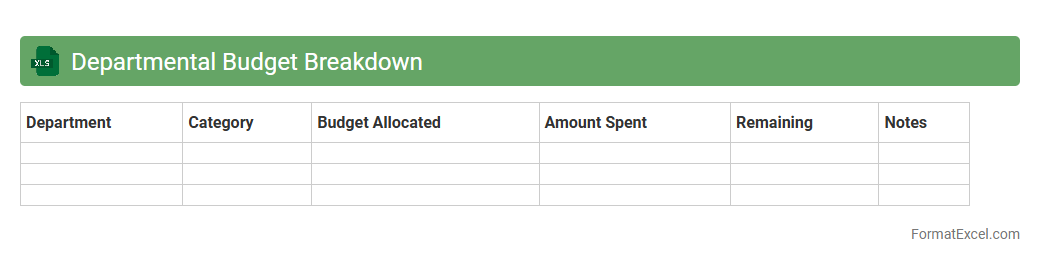
Departmental Budget Breakdown
A
Departmental Budget Breakdown Excel document organizes financial data by individual departments, detailing income, expenses, and allocations. It enables precise tracking of budget performance, facilitating informed decision-making and resource prioritization within each department. This structured financial overview enhances transparency, helps control costs, and supports strategic planning for organizational growth.
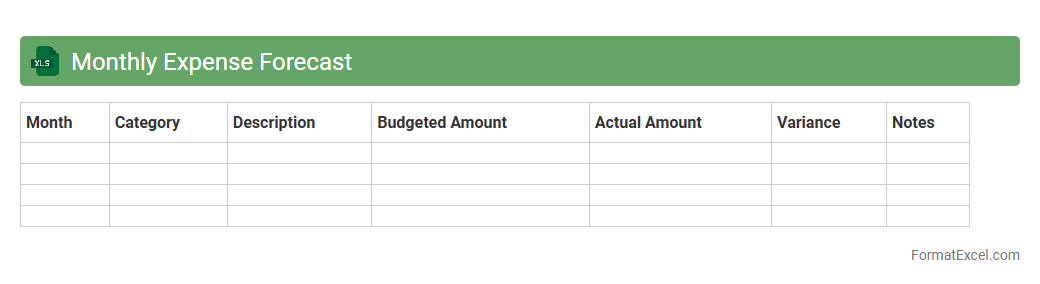
Monthly Expense Forecast
A
Monthly Expense Forecast Excel document is a financial tool designed to predict upcoming expenses by categorizing and tracking expected costs against actual spending. It helps individuals and businesses manage budgets efficiently, identify spending patterns, and make informed decisions to avoid overspending. Using this forecast, users can ensure financial stability and plan for future investments or savings with greater accuracy.
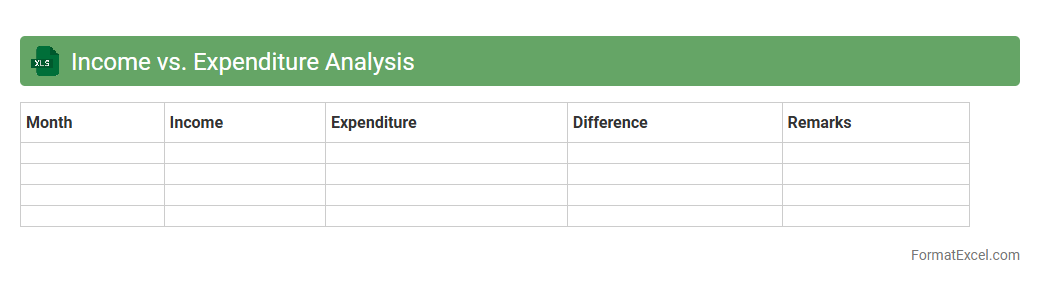
Income vs. Expenditure Analysis
An
Income vs. Expenditure Analysis Excel document is a financial tool used to compare an individual's or organization's earnings against its expenses over a specific period. It helps identify spending patterns, manage budgets effectively, and ensure financial stability by highlighting areas of surplus or deficit. By using this analysis, users can make informed decisions to improve financial health and plan for future goals.
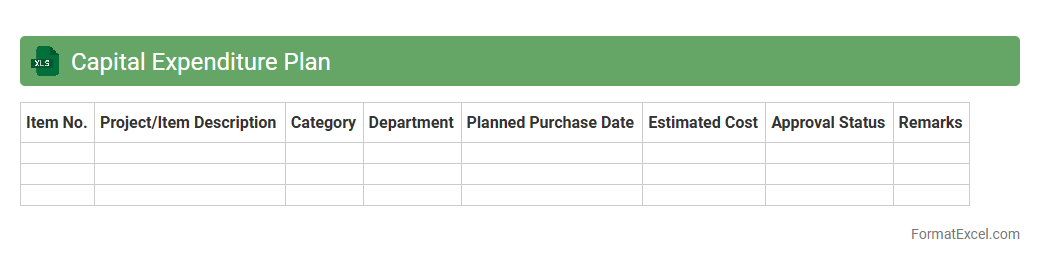
Capital Expenditure Plan
A
Capital Expenditure Plan Excel document is a spreadsheet tool used to organize, forecast, and manage long-term investment projects and asset purchases within a business. It enables tracking of budget allocations, timelines, and expected returns, providing clear visibility into capital spending. This document is essential for making informed financial decisions, ensuring efficient resource allocation, and supporting strategic planning.
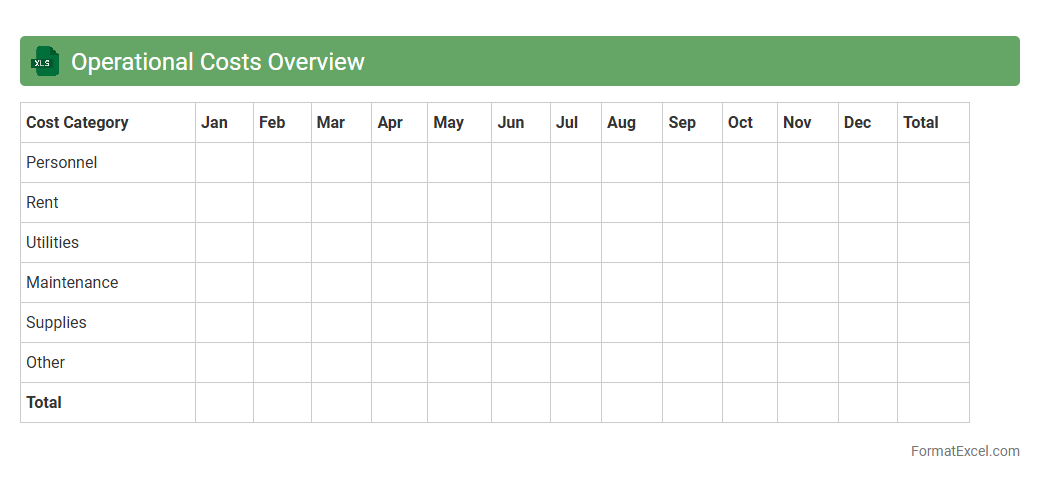
Operational Costs Overview
The
Operational Costs Overview Excel document provides a detailed summary of all expenses related to business operations, including fixed and variable costs such as salaries, utilities, and maintenance. It allows organizations to track spending patterns, identify cost-saving opportunities, and improve budget forecasting accuracy. Utilizing this document enhances financial transparency and supports data-driven decision-making to optimize resource allocation.
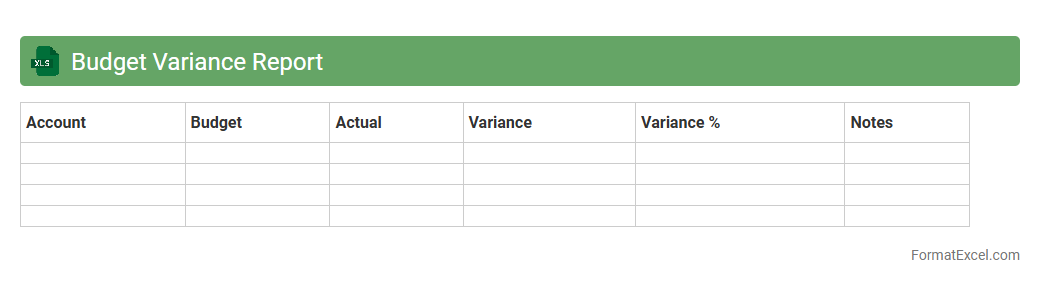
Budget Variance Report
A
Budget Variance Report Excel document tracks the differences between planned budget amounts and actual expenses, providing clear insight into financial performance. By analyzing this report, businesses can identify overspending or underspending trends, allowing for timely adjustments to control costs and improve financial planning. This tool enhances decision-making by offering real-time data on budget adherence, ensuring resources are allocated efficiently.
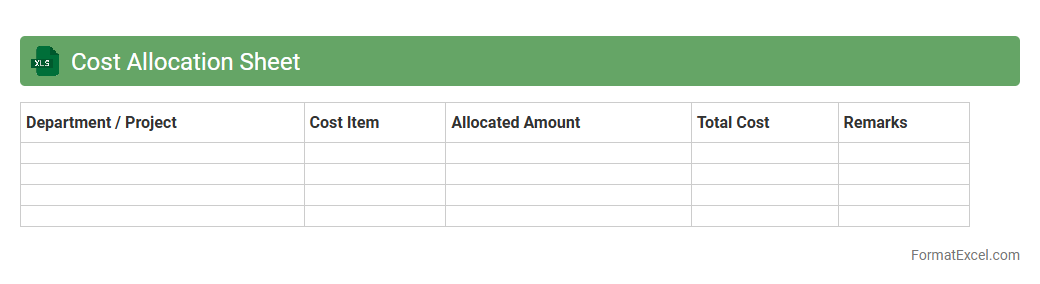
Cost Allocation Sheet
A
Cost Allocation Sheet in Excel is a tool designed to systematically distribute expenses across different departments or projects within an organization. It helps in tracking and managing costs accurately, ensuring budget adherence and transparent financial reporting. By providing a clear breakdown of allocated expenses, this document enhances decision-making and improves resource optimization.
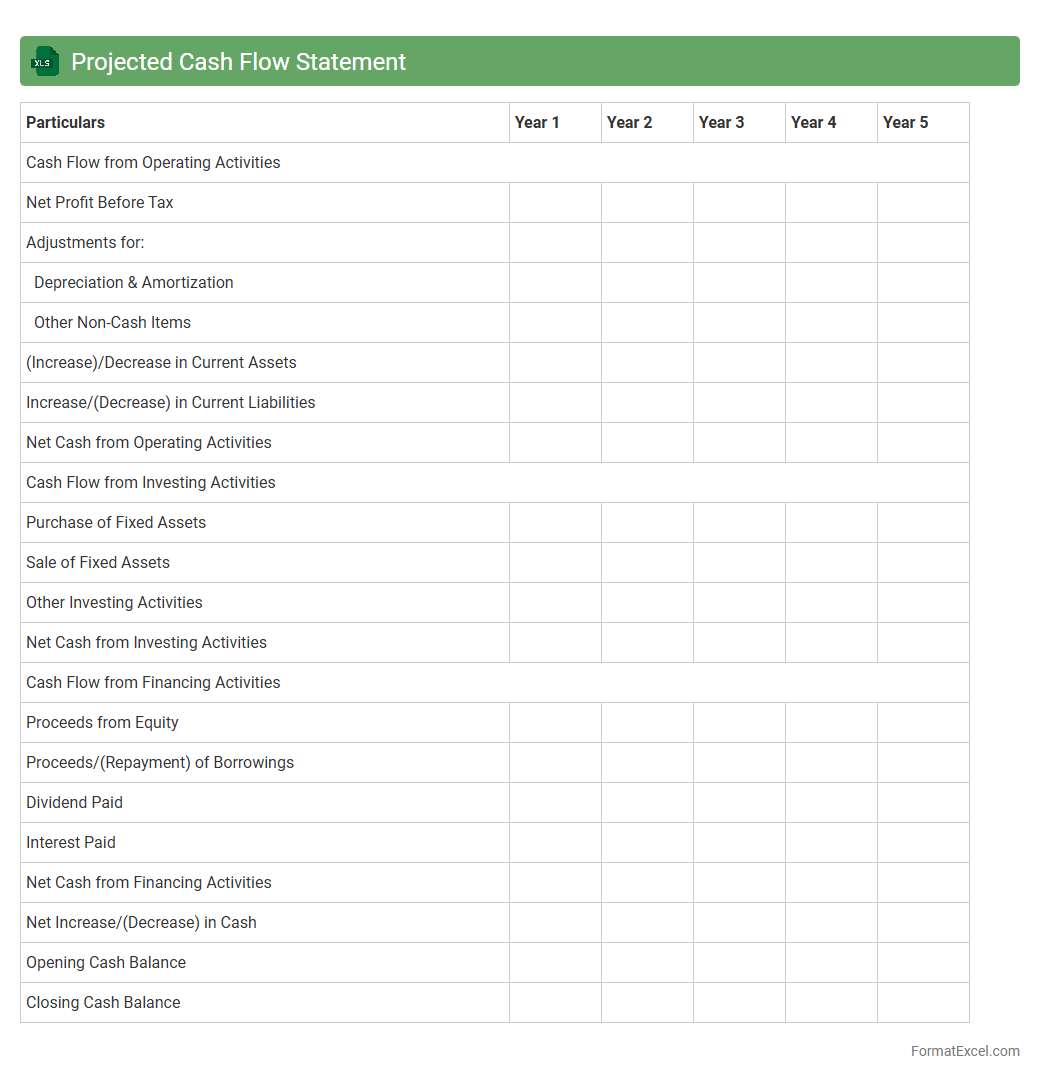
Projected Cash Flow Statement
A
Projected Cash Flow Statement Excel document is a financial tool used to forecast a company's expected cash inflows and outflows over a specific period. It helps businesses anticipate potential cash shortages or surpluses, ensuring better liquidity management and financial planning. By analyzing these projections, companies can make informed decisions on budgeting, investments, and securing funding.
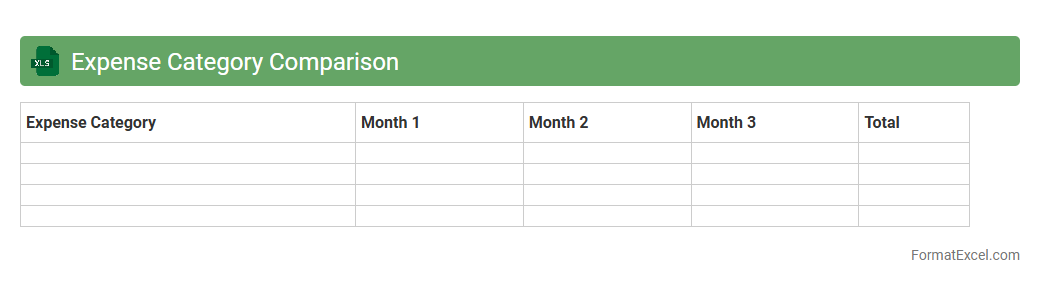
Expense Category Comparison
An
Expense Category Comparison Excel document organizes and analyzes spending data across various categories, allowing for clear visibility of expense patterns over time. This tool helps identify areas of overspending and opportunities for cost reduction by comparing budgeted versus actual expenditures. It enhances financial decision-making, enabling businesses and individuals to allocate resources more efficiently and improve budget accuracy.
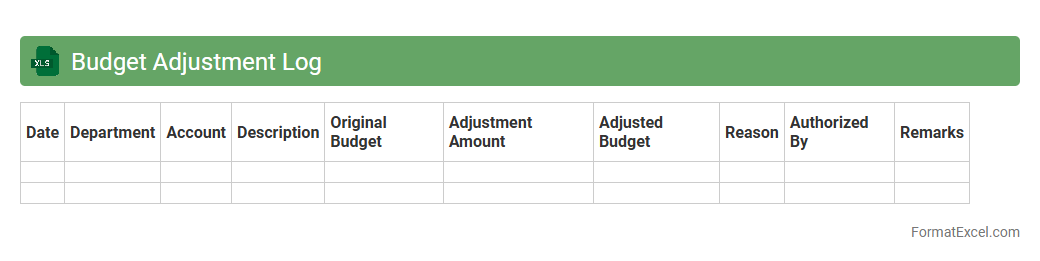
Budget Adjustment Log
A
Budget Adjustment Log Excel document is a tool designed to systematically record and track all changes made to a project or organizational budget. It helps maintain transparency by documenting the date, amount, reason, and approval status of each budget modification. Utilizing this log enhances financial control, facilitates audit processes, and ensures accurate budgeting for future planning.
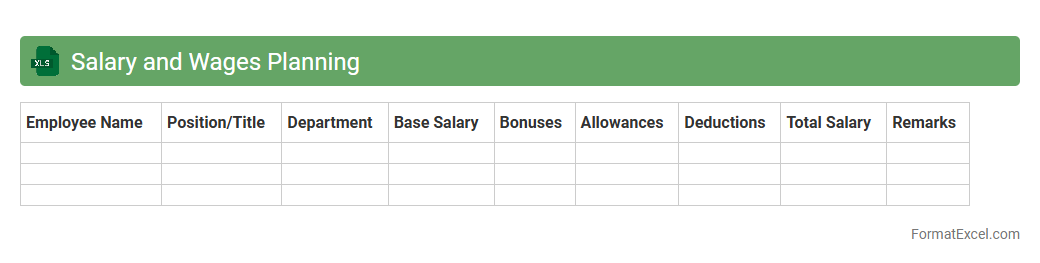
Salary and Wages Planning
A
Salary and Wages Planning Excel document is a structured spreadsheet used to organize, calculate, and forecast employee compensation, including base pay, bonuses, and deductions. It helps businesses manage payroll budgets, ensure compliance with labor regulations, and optimize resource allocation by providing clear visibility into salary expenses. This tool enhances financial planning accuracy and supports strategic decision-making in HR management.
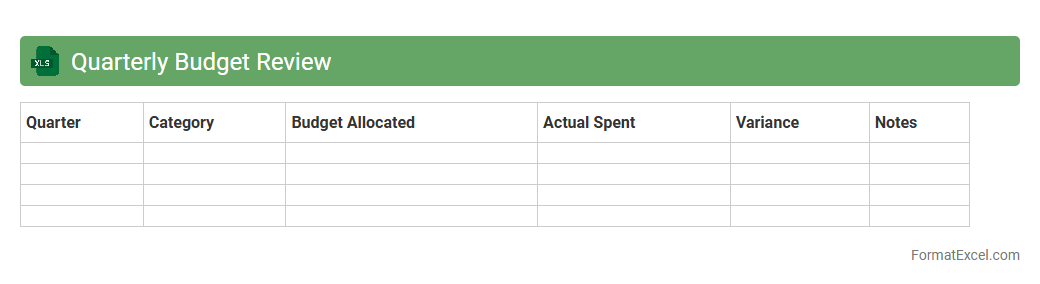
Quarterly Budget Review
A
Quarterly Budget Review Excel document is a financial tool designed to track and analyze budget performance over a three-month period, enabling organizations to compare actual expenditures against planned budgets. This document facilitates data-driven decision-making by highlighting variances, identifying trends, and supporting adjustments to optimize resource allocation. Using it improves financial accountability and helps ensure alignment with strategic goals throughout the fiscal year.
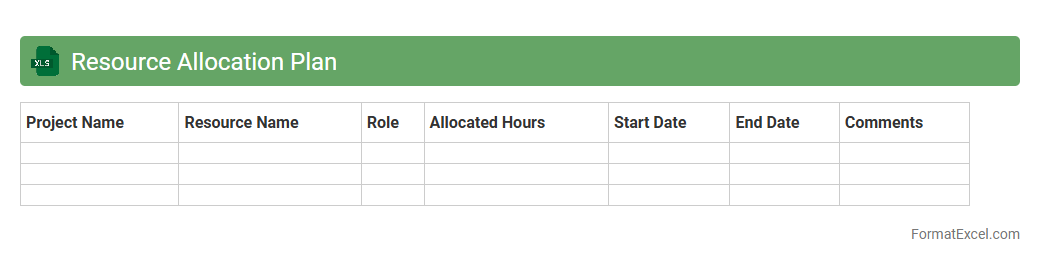
Resource Allocation Plan
A
Resource Allocation Plan Excel document is a structured spreadsheet used to allocate and manage project resources efficiently, including personnel, equipment, and budget. It helps track resource availability, assign tasks based on skills and timelines, and optimize workload distribution to prevent overallocation or conflicts. This tool enhances project management by improving planning accuracy, increasing transparency, and ensuring timely delivery within budget constraints.
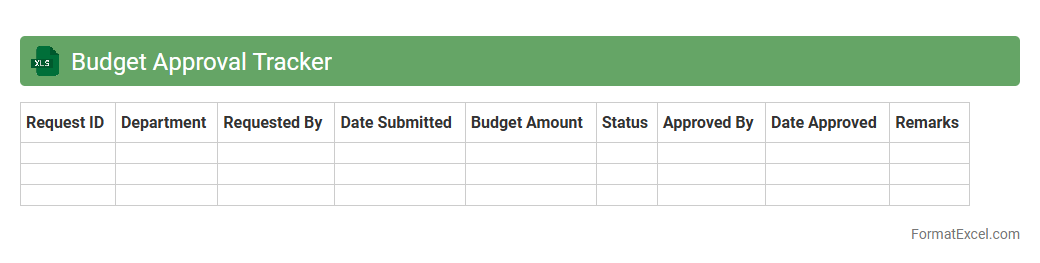
Budget Approval Tracker
A
Budget Approval Tracker Excel document is a tool designed to monitor and manage the status of budget requests within an organization. It helps streamline the approval process by providing clear visibility on pending, approved, and rejected budgets, ensuring transparency and accountability. This tracker enhances financial planning accuracy and enables better resource allocation by keeping all budget-related data organized in one central location.
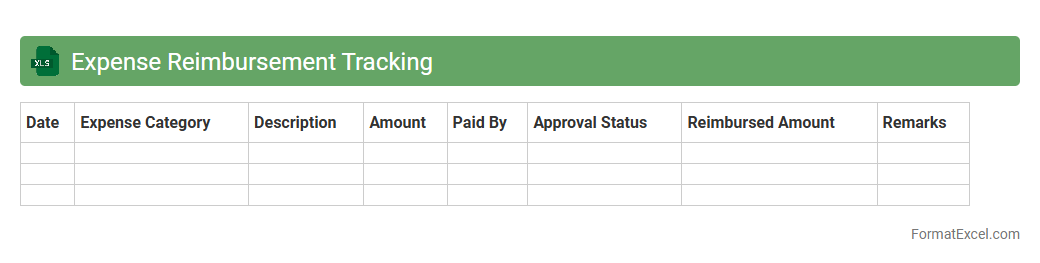
Expense Reimbursement Tracking
An
Expense Reimbursement Tracking Excel document is a tool designed to record, monitor, and manage employee-claimed expenses systematically. It helps businesses keep accurate financial records, streamline the approval process, and ensure timely reimbursements while maintaining budget control. This organized approach reduces errors, prevents duplicate claims, and provides clear audit trails for expense accountability.
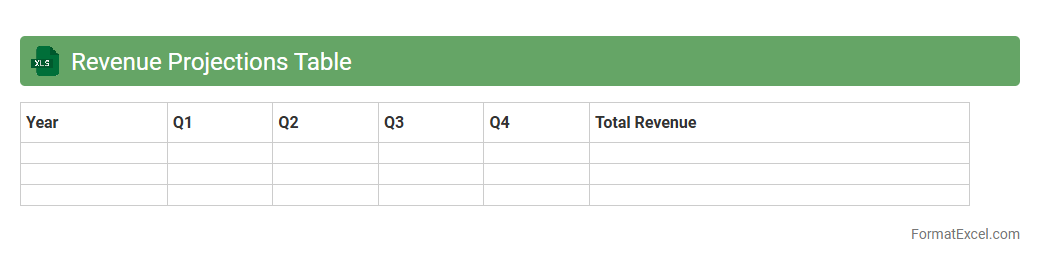
Revenue Projections Table
The
Revenue Projections Table Excel document is a financial tool designed to forecast future income based on historical data, sales trends, and market analysis. It helps businesses estimate potential revenue streams, set realistic financial goals, and make informed decisions about budgeting and resource allocation. This proactive approach enables effective cash flow management and strategic planning for sustainable growth.
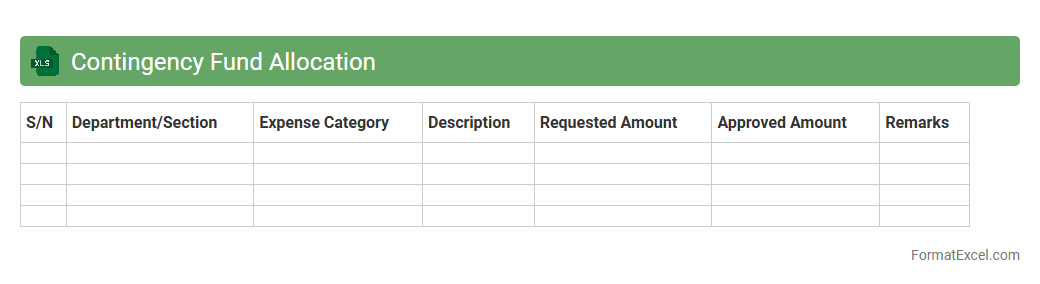
Contingency Fund Allocation
A
Contingency Fund Allocation Excel document serves as a financial planning tool designed to systematically allocate emergency funds for unforeseen expenses or risks. It helps organizations and individuals manage reserves by tracking contributions, expenditures, and remaining balances, ensuring financial stability during unexpected situations. This tool enhances decision-making by providing clear visibility into fund availability and facilitating proactive adjustments to meet evolving budgetary needs.
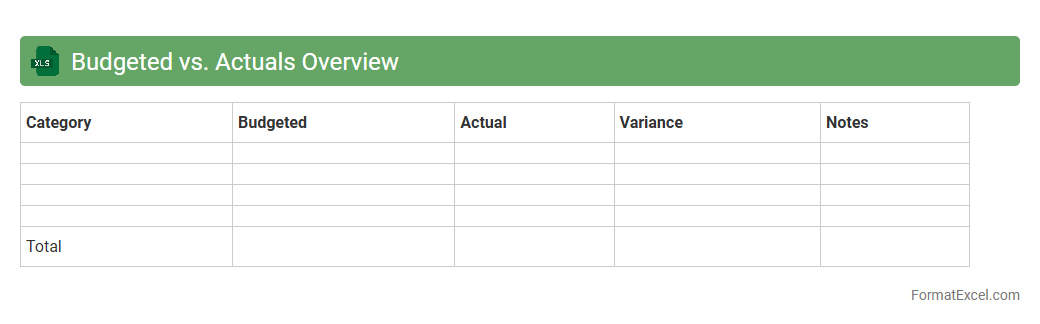
Budgeted vs. Actuals Overview
The
Budgeted vs. Actuals Overview Excel document provides a detailed comparison between planned financial budgets and the actual expenditures incurred. This tool helps organizations track financial performance, identify variances, and adjust spending strategies to maintain fiscal control. By analyzing budget deviations, stakeholders can make informed decisions to optimize resource allocation and improve overall financial management.
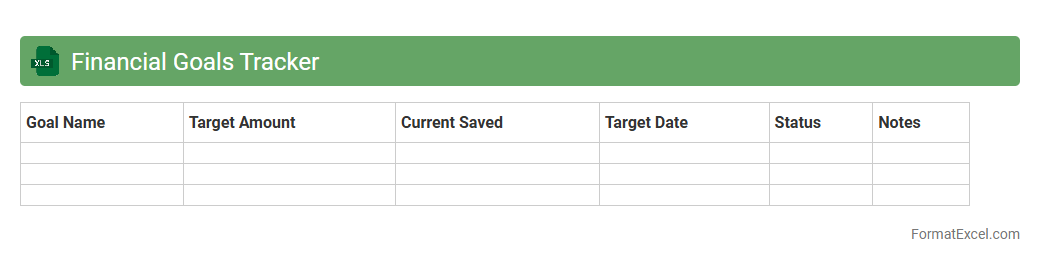
Financial Goals Tracker
A
Financial Goals Tracker Excel document is a structured tool designed to help individuals or businesses monitor and manage their financial objectives efficiently. It enables users to set specific goals, track progress through customizable charts and formulas, and adjust strategies based on real-time data. Utilizing this tracker enhances financial discipline, improves budgeting accuracy, and supports informed decision-making towards achieving desired monetary outcomes.
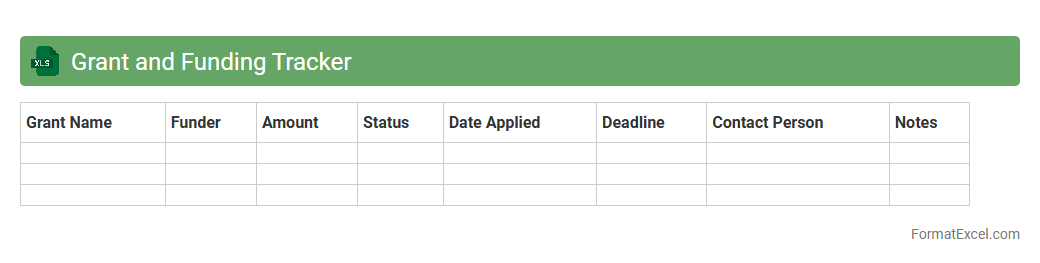
Grant and Funding Tracker
A
Grant and Funding Tracker Excel document is a powerful tool designed to organize, monitor, and manage multiple grant applications and funding sources efficiently. It allows users to track submission deadlines, funding amounts, grant statuses, and essential contacts, ensuring timely follow-ups and improved financial planning. This level of organization significantly enhances the ability to secure and maintain funding, supporting sustained project success and resource allocation.
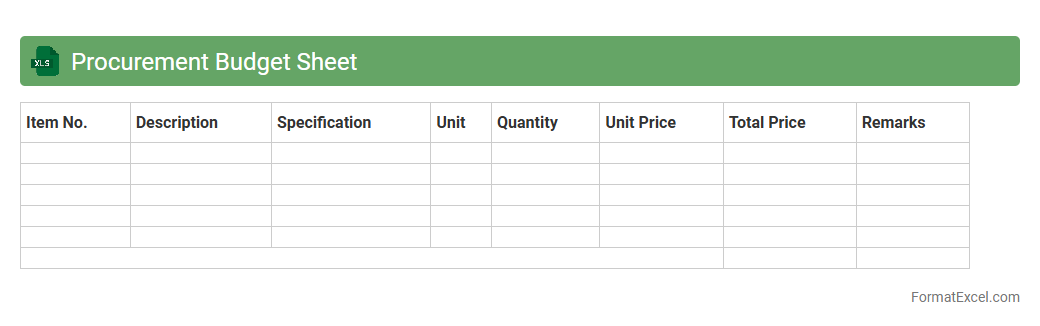
Procurement Budget Sheet
A
Procurement Budget Sheet in Excel is a detailed document used to plan, track, and manage expenses related to purchasing goods and services within a specified period. It helps organizations allocate financial resources efficiently, monitor procurement costs, and ensure spending aligns with budget limits. By using this sheet, businesses can improve decision-making, maintain financial control, and enhance transparency throughout the procurement process.
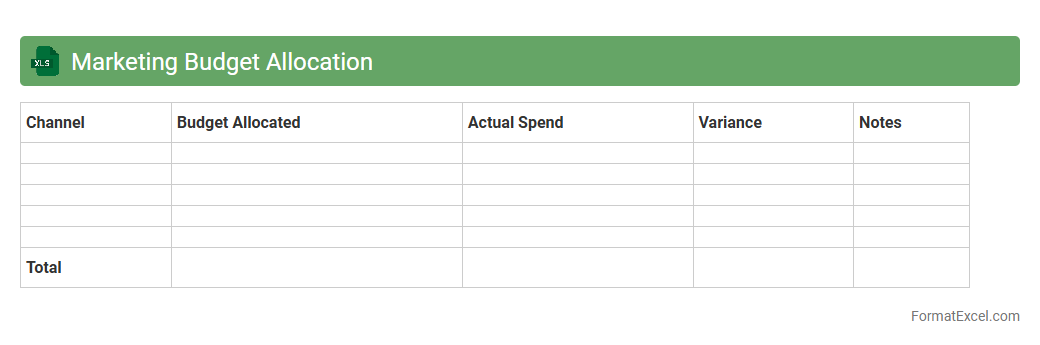
Marketing Budget Allocation
Marketing Budget Allocation excel document is a powerful tool that helps businesses plan, track, and distribute their marketing funds across various channels and campaigns. By organizing expenses and projected costs in one place, it enables efficient resource management and maximizes return on investment. Using a
Marketing Budget Allocation sheet improves financial oversight and strategic decision-making for marketing teams.
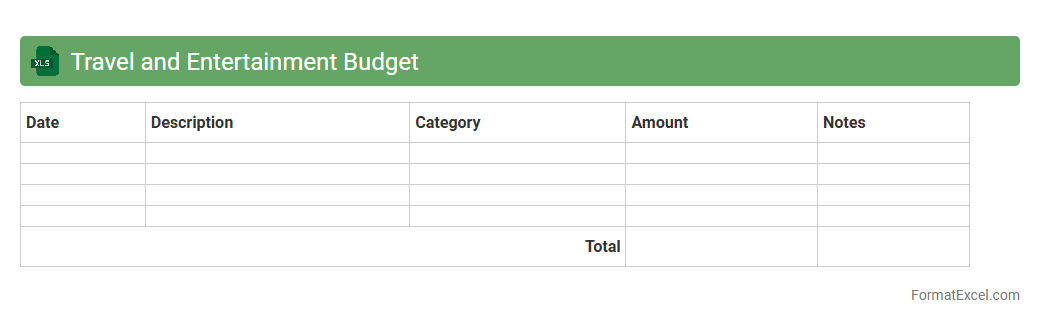
Travel and Entertainment Budget
A
Travel and Entertainment Budget Excel document is a structured financial tool designed to track, manage, and forecast expenses related to business travel and entertainment activities. It helps organizations maintain control over travel costs, ensuring adherence to budget limits while providing detailed insights into spending patterns. Using this document improves financial planning, enhances expense accountability, and streamlines reimbursement processes for employees.
Budget Restriction Notes
The
Budget Restriction Notes Excel document is a tool used to track and manage financial constraints within a project or organization, ensuring spending aligns with allocated budgets. It helps identify areas where expenses must be controlled, enhances transparency in financial planning, and supports compliance with funding limits. This document improves decision-making by providing clear visibility into budget restrictions and potential overspending risks.
Introduction to Budget Planning in Excel
Budget planning in Excel involves organizing and forecasting financial data using spreadsheets. This method provides a clear overview of income and expenses for effective financial management. Understanding budget planning is essential for both personal and business finances.
Benefits of Using Excel for Budget Management
Excel offers flexibility and powerful tools to manage budgets efficiently. It allows users to create customizable templates and track financial data in real time. The benefit lies in its ability to simplify complex calculations and data analysis.
Key Components of a Budget Planning Format
A budget format typically includes sections for income, expenses, savings, and investments. Each component helps in organizing financial details clearly and systematically. Properly structured components ensure comprehensive budget monitoring.
Step-by-Step Guide to Creating a Budget Template in Excel
Start by outlining your income sources and fixed expenses in separate columns. Next, add variable costs and use formulas to calculate totals automatically. Following this step-by-step approach ensures an accurate and user-friendly template.
Essential Excel Functions for Budgeting
Key Excel functions like SUM, IF, and VLOOKUP simplify financial calculations and data organization. These functions help automate budget updates and error checking. Mastering these functions enhances efficiency and accuracy.
Sample Budget Planning Formats and Templates
Sample templates provide ready-made structures to customize according to specific needs. They save time and offer insights into effective budgeting layouts. Using samples can streamline the planning process and improve results.
Customizing Budget Formats for Personal or Business Use
Tailor your budget format to reflect unique income streams and expenses relevant to your situation. Business budgets may include additional categories like overhead costs and profits. Custom customization enables better financial control and relevance.
Tips for Effective Budget Tracking in Excel
Regular updates and consistent monitoring are key to maintaining an accurate budget. Use conditional formatting to highlight variances and potential issues visually. Effective tracking ensures you stay on top of financial goals.
Common Mistakes to Avoid in Excel Budget Planning
Avoid neglecting to update data, ignoring unforeseen expenses, and relying solely on manual calculations. These mistakes can skew your financial outlook and lead to errors. Being aware of common mistakes helps maintain a reliable budget.
Downloadable Excel Budget Planning Templates
Many websites offer free downloadable Excel templates to jumpstart your budget planning. These templates often include built-in formulas and preformatted sheets. Utilizing downloadable templates can save time and boost accuracy in financial management.