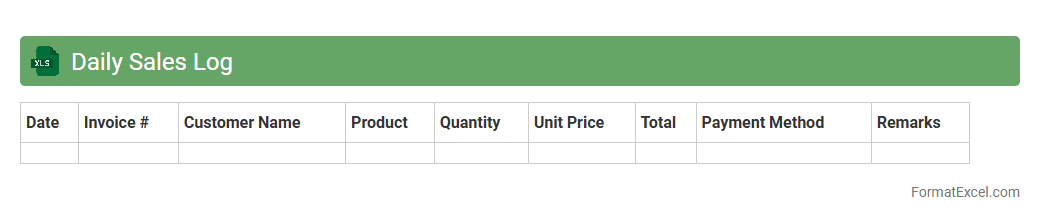
Daily Sales Log
A
Daily Sales Log Excel document is a structured spreadsheet used to record and track daily sales transactions, including product details, quantities sold, prices, and total revenue. It helps businesses maintain accurate sales data, monitor performance trends, and identify top-selling products for informed decision-making. Using a daily sales log enhances financial reporting accuracy and streamlines inventory management processes.
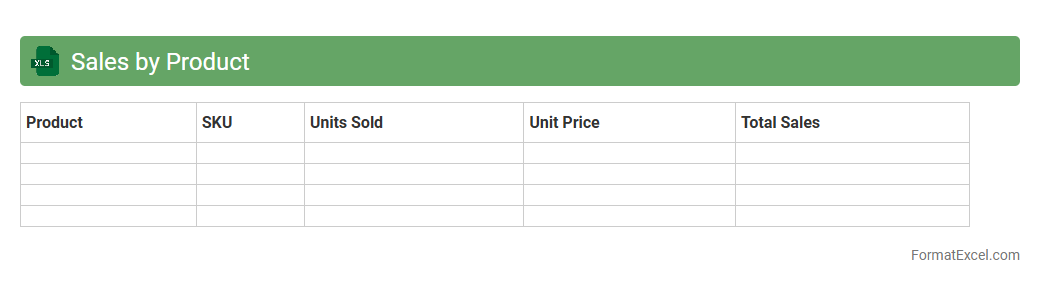
Sales by Product
The
Sales by Product Excel document is a detailed spreadsheet that tracks sales data organized by individual products, including quantities sold, revenue generated, and sales trends over specific periods. This document helps businesses analyze product performance, identify best-selling items, and make informed inventory and marketing decisions. By providing clear insights into product sales patterns, it enables efficient resource allocation and strategic planning to maximize profitability.
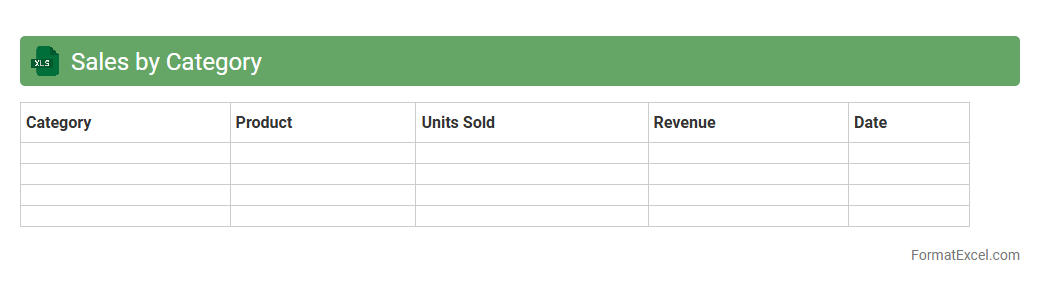
Sales by Category
The
Sales by Category Excel document organizes sales data into distinct product categories, enabling efficient tracking and analysis of revenue streams. It allows businesses to identify top-performing categories, measure seasonal trends, and make informed inventory or marketing decisions. By consolidating sales figures clearly, this tool enhances forecasting accuracy and supports strategic growth initiatives.
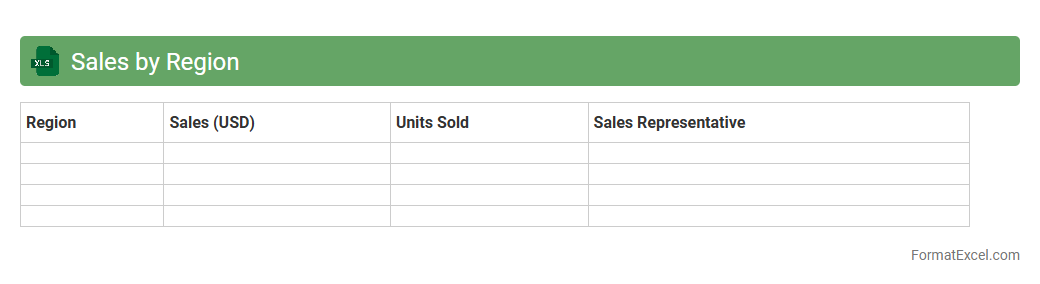
Sales by Region
The
Sales by Region Excel document organizes sales data geographically, allowing businesses to analyze performance across different areas. It helps identify regional trends, measure market penetration, and allocate resources effectively. By visualizing sales distribution, companies can make informed decisions to boost growth and tailor marketing strategies.
Sales by Salesperson
The
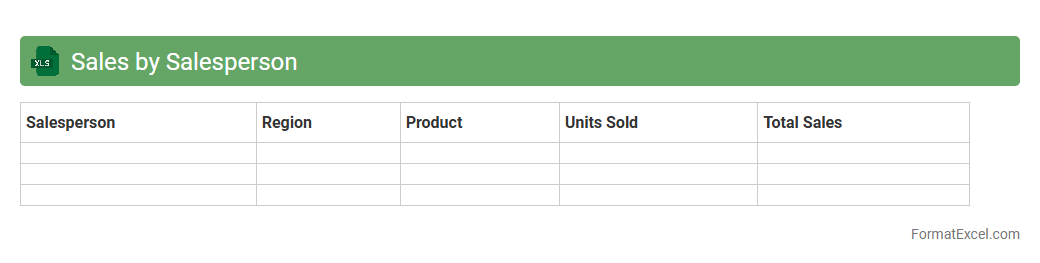
Sales by Salesperson Excel document is a detailed report that tracks individual sales performance, including total sales volume, revenue generated, and customer interactions. It enables businesses to analyze productivity, identify top performers, and tailor sales strategies effectively. This document helps optimize resource allocation and improve overall sales team efficiency.
Daily Revenue Summary
The
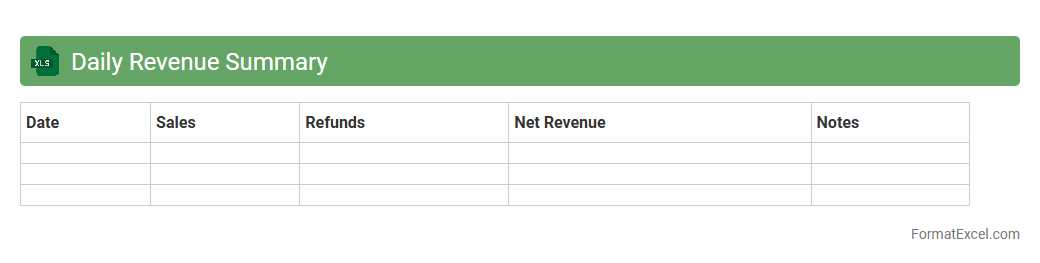
Daily Revenue Summary Excel document consolidates daily sales data into a clear, organized format, enabling businesses to track performance efficiently. It provides quick insights into revenue trends, sales volume, and key financial metrics, aiding in timely decision-making and forecasting. Utilizing this document helps optimize cash flow management and ensures accurate financial reporting.
Sales Targets vs Actual
The
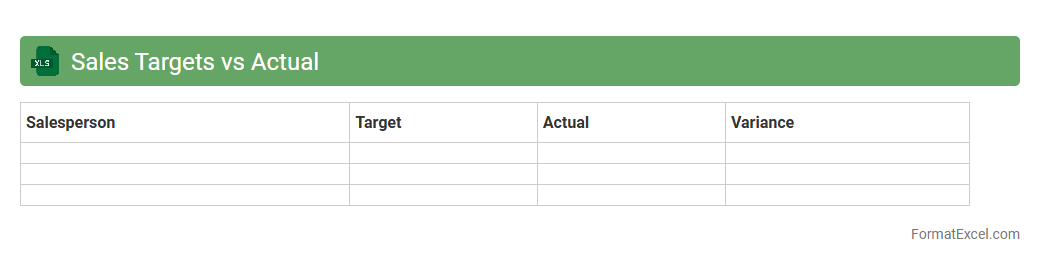
Sales Targets vs Actual Excel document is a powerful tool for tracking and comparing planned sales goals against the actual sales achieved over a specific period. It enables businesses to monitor performance, identify gaps, and analyze trends to make data-driven decisions for improving sales strategies. With clear visuals and detailed breakdowns, this document enhances accountability and supports effective forecasting and resource allocation.
Sales Return Tracking
A
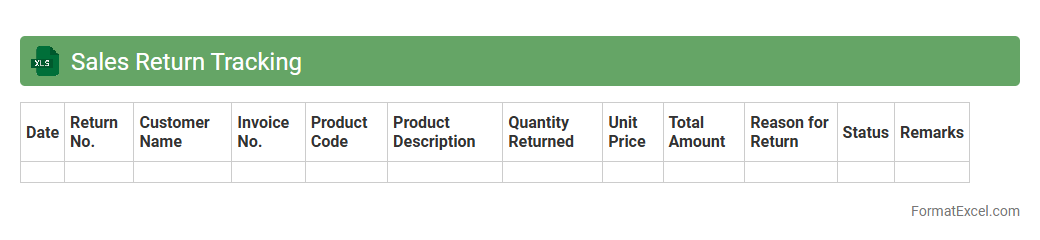
Sales Return Tracking Excel document is a tool designed to record and monitor products returned by customers, detailing reasons, quantities, and dates of returns. It helps businesses identify return patterns, assess product quality issues, and improve customer service by providing clear insights into returned merchandise. Using this document streamlines the refund or exchange process and supports better inventory management and financial accuracy.
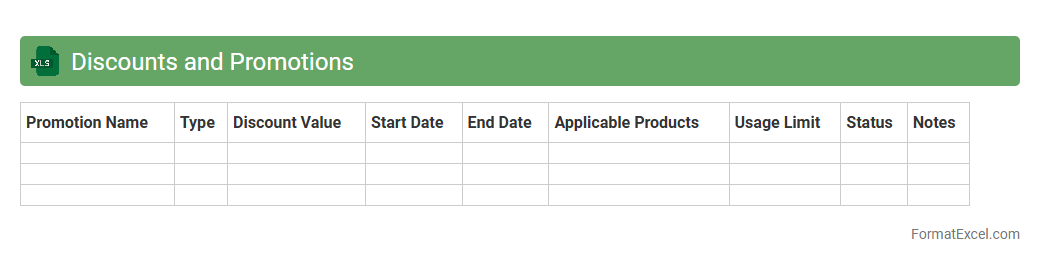
Discounts and Promotions
A
Discounts and Promotions Excel document is a structured spreadsheet designed to track and analyze various sales incentives such as discounts, coupons, and special offers. It helps businesses efficiently monitor promotional campaigns, calculate savings, and evaluate their impact on revenue and customer engagement. Utilizing this tool allows for data-driven decision-making to optimize marketing strategies and improve profitability.
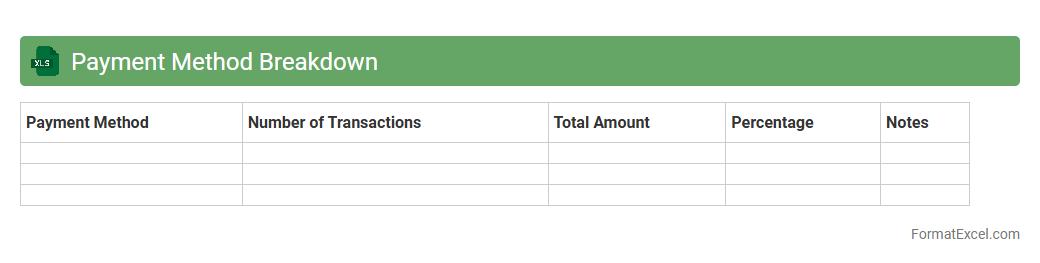
Payment Method Breakdown
A
Payment Method Breakdown Excel document organizes financial transactions by categorizing payments according to methods such as credit cards, cash, bank transfers, or digital wallets. This detailed segmentation helps businesses analyze revenue streams, identify preferred payment options, and track cash flow efficiency. Utilizing this tool supports informed decision-making by highlighting trends and optimizing payment processing strategies.
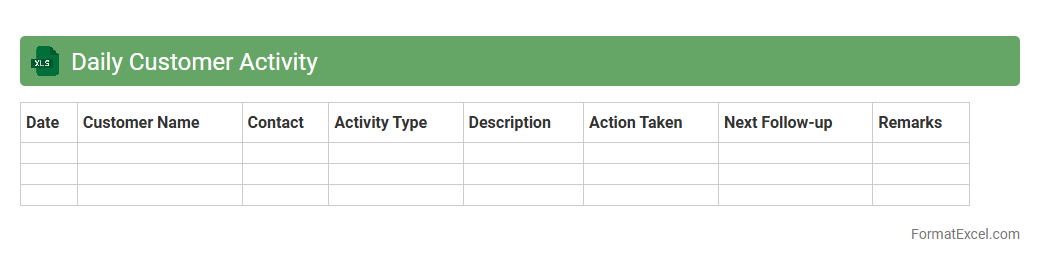
Daily Customer Activity
The
Daily Customer Activity Excel document tracks and records customer interactions, purchases, and inquiries on a daily basis, providing a comprehensive overview of customer behavior patterns. This tool enables businesses to analyze trends, measure engagement, and identify opportunities for improving customer service and sales strategies. By consolidating daily data, it supports informed decision-making and enhances overall operational efficiency.
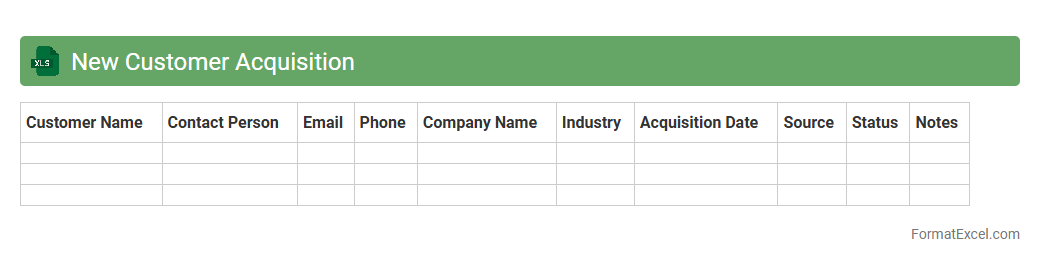
New Customer Acquisition
The
New Customer Acquisition Excel document is a tool designed to track and analyze the process of attracting new clients, providing detailed insights into lead sources, conversion rates, and customer demographics. It enables businesses to monitor the effectiveness of marketing campaigns, streamline sales strategies, and optimize resource allocation. By systematically organizing customer data and acquisition metrics, this document supports data-driven decision-making to enhance growth and profitability.
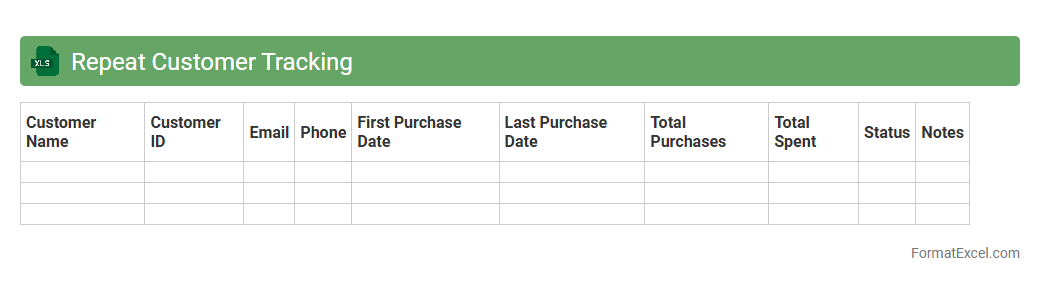
Repeat Customer Tracking
The
Repeat Customer Tracking Excel document is a powerful tool designed to monitor and analyze customer purchasing behavior over time. It helps businesses identify loyal customers by tracking the frequency and value of their repeat purchases, enabling targeted marketing strategies to boost retention. By leveraging this data, companies can improve customer satisfaction, increase revenue, and optimize resource allocation for marketing campaigns.
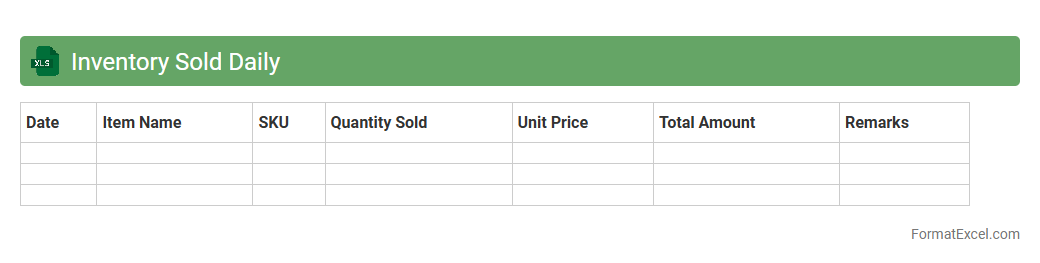
Inventory Sold Daily
The
Inventory Sold Daily Excel document is a detailed spreadsheet designed to track the quantity and value of inventory items sold each day, enabling precise monitoring of sales trends and stock levels. It helps businesses identify fast-moving products, manage reorder points, and reduce overstock or stockouts by providing daily insights into sales performance. Utilizing this tool enhances inventory management efficiency and supports data-driven decision-making to optimize supply chain operations.
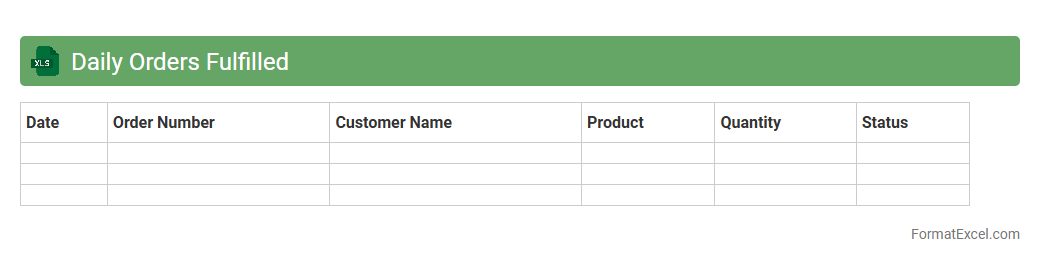
Daily Orders Fulfilled
The
Daily Orders Fulfilled Excel document is a structured spreadsheet that tracks the number of customer orders completed each day, providing insights into operational efficiency and order processing times. It allows businesses to monitor daily fulfillment performance, identify trends, and address bottlenecks promptly to improve customer satisfaction. This document is essential for inventory management, resource allocation, and ensuring timely delivery commitments.
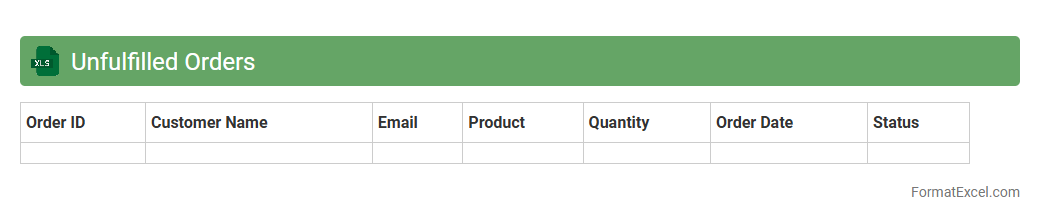
Unfulfilled Orders
The
Unfulfilled Orders Excel document is a structured spreadsheet that tracks all customer orders yet to be completed or shipped. It provides clear visibility on pending deliveries, helping businesses prioritize order fulfillment and manage inventory effectively. This document serves as a crucial tool for improving customer satisfaction by ensuring timely processing and reducing order backlogs.
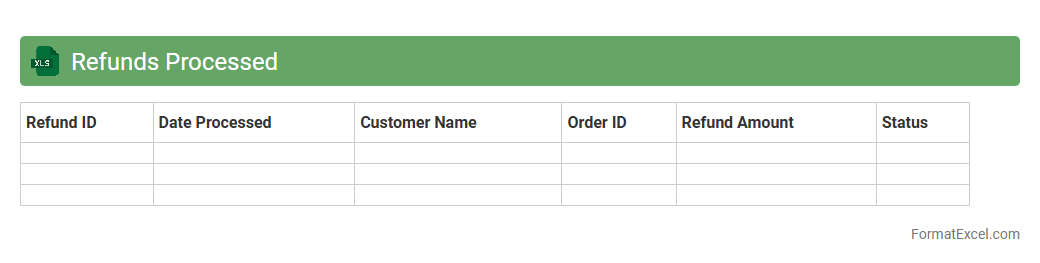
Refunds Processed
The
Refunds Processed Excel document is a comprehensive spreadsheet used to track and manage all refund transactions within a business. It organizes data such as customer details, transaction dates, refund amounts, and reasons for refunds, enabling efficient monitoring and reconciliation. This document is essential for maintaining accurate financial records, improving refund turnaround time, and enhancing customer service through transparent and systematic refund handling.
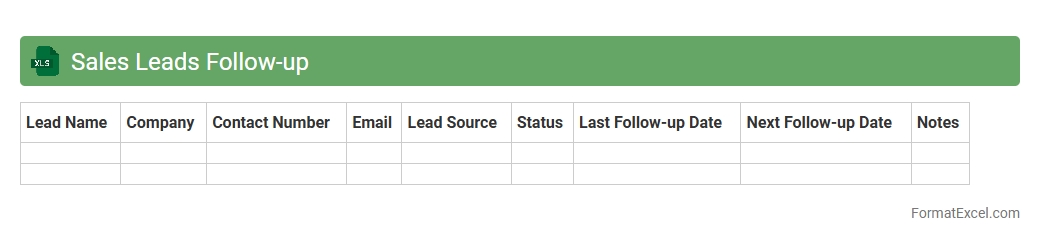
Sales Leads Follow-up
A
Sales Leads Follow-up Excel document is a structured spreadsheet designed to track and manage potential customer contacts throughout the sales process. It helps sales teams organize lead information, monitor communication history, and schedule timely follow-ups to increase conversion rates. Using this tool improves efficiency, ensures no lead is neglected, and supports data-driven decision-making for better sales outcomes.
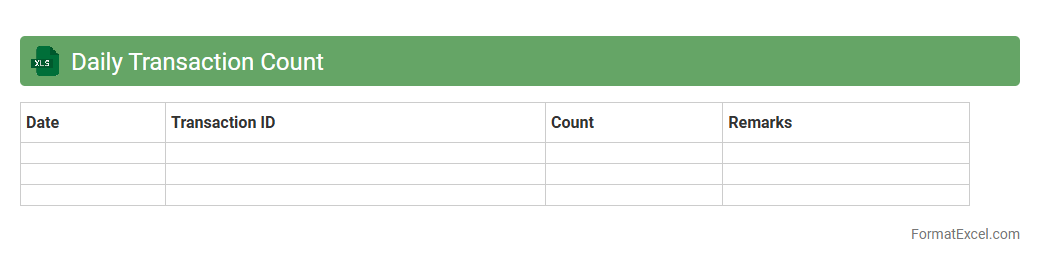
Daily Transaction Count
The
Daily Transaction Count Excel document systematically records the number of transactions processed each day, offering detailed insights into operational volume and trends over time. By analyzing this data, businesses can identify peak activity periods, forecast resource requirements, and detect unusual transaction patterns that may indicate errors or fraud. This tool enhances decision-making efficiency and supports accurate reporting for financial and operational management.
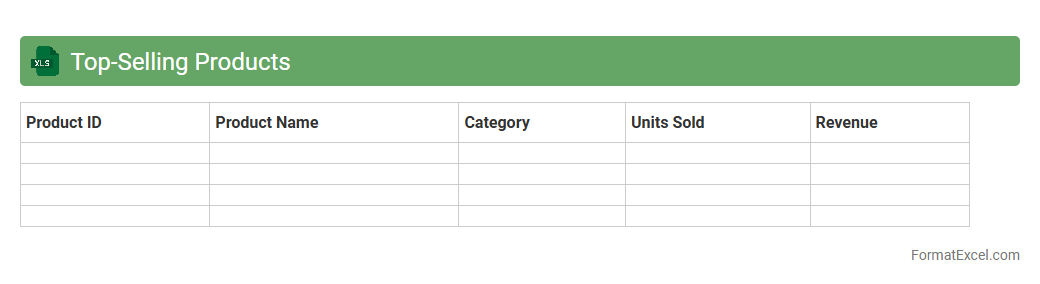
Top Selling Products
A
Top Selling Products Excel document is a data-driven spreadsheet that tracks and analyzes the highest-performing products based on sales volume and revenue. It helps businesses identify trends, optimize inventory management, and make informed marketing and procurement decisions. Utilizing this document streamlines the evaluation of product performance, enhancing profitability and strategic planning.
Underperforming Products
The
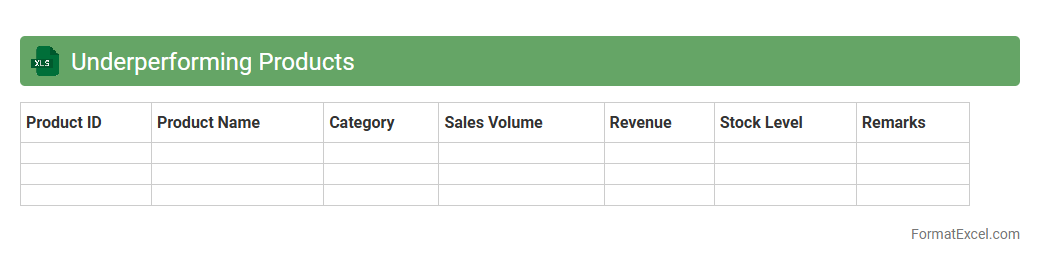
Underperforming Products Excel document is a detailed report that identifies products with low sales or declining performance based on key metrics such as revenue, units sold, and market trends. It helps businesses analyze which items are not meeting targets, allowing for informed decisions on inventory management, marketing strategies, or discontinuation. Using this document improves resource allocation and enhances overall product portfolio profitability.
Online vs In-store Sales
The
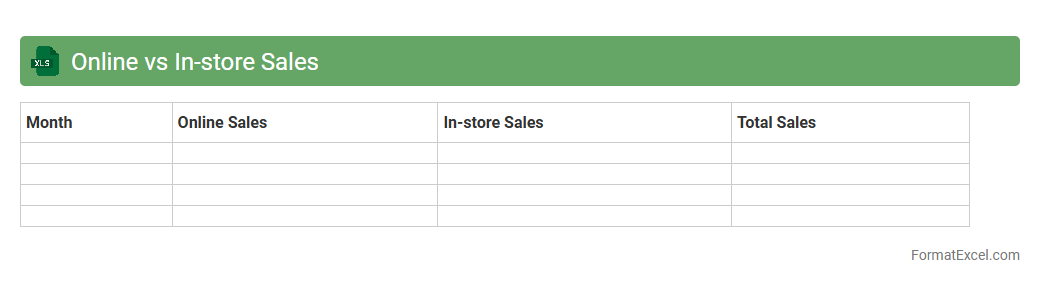
Online vs In-store Sales Excel document is a comprehensive tool used to compare and analyze sales performance across digital and physical retail channels. It helps businesses identify trends, customer preferences, and revenue distribution by organizing sales data into clear, actionable metrics. Utilizing this document enables informed decision-making to optimize marketing strategies, inventory management, and overall sales growth.
Hourly Sales Breakdown
The
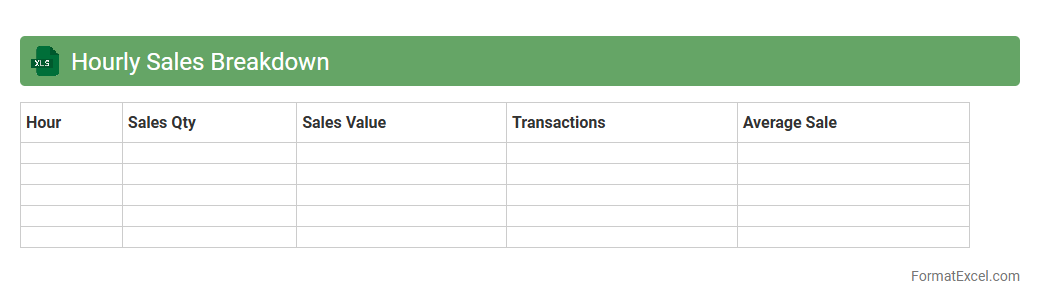
Hourly Sales Breakdown Excel document provides detailed insights into sales performance by hour, allowing businesses to identify peak sales times and optimize staffing and inventory accordingly. This granular data helps improve decision-making by highlighting trends and patterns in customer buying behavior on an hourly basis. Using this tool enhances operational efficiency and increases revenue by aligning resources with demand fluctuations.
Sales Channel Comparison
The
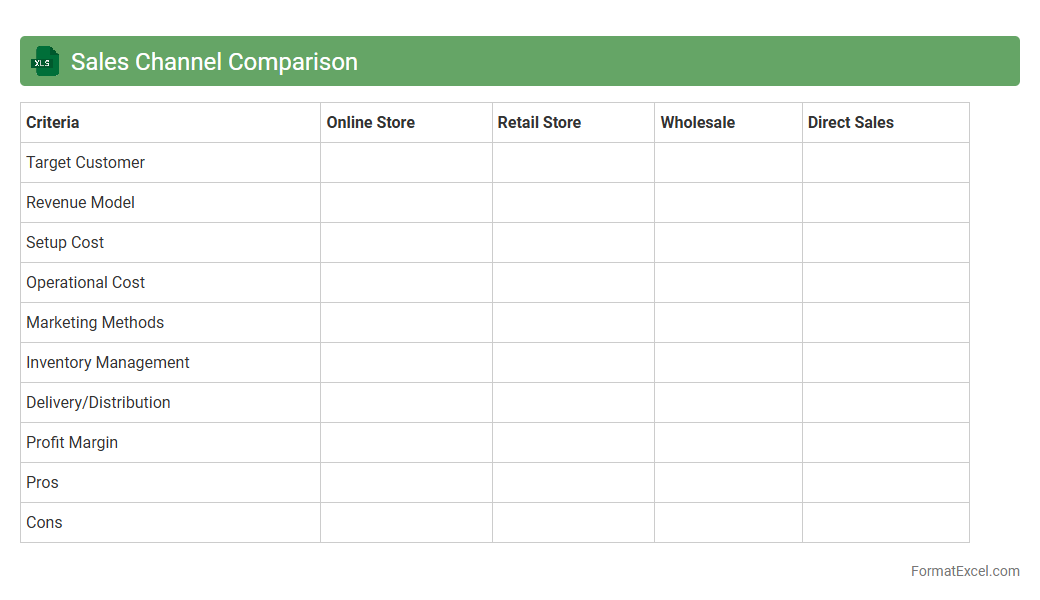
Sales Channel Comparison Excel document is a tool designed to analyze and evaluate the performance of different sales channels by comparing metrics such as revenue, conversion rates, and customer engagement. It enables businesses to identify the most effective channels, optimize resource allocation, and improve overall sales strategy based on data-driven insights. This comparison helps in making informed decisions to boost profitability and enhance market reach.
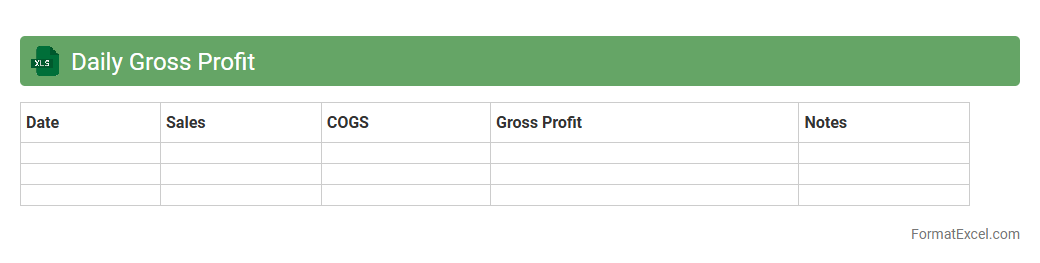
Daily Gross Profit
The
Daily Gross Profit Excel document is a financial tool designed to track and analyze the gross profit generated each day by a business, providing detailed insights into revenue and cost of goods sold. It helps businesses monitor daily performance trends, identify profitable days or products, and make informed decisions to optimize pricing and inventory management. Utilizing this document enhances financial visibility and supports strategic planning for sustained profitability.
Introduction to Daily Sales Tracking in Excel
Daily sales tracking in Excel allows businesses to monitor sales performance consistently, enabling informed decisions. It provides a structured way to record transactions and observe trends over time. Using Excel ensures accessibility and ease of customization according to specific business needs.
Benefits of Using Excel for Sales Tracking
Excel offers flexibility, powerful data analysis tools, and widespread availability, making it ideal for sales tracking. It supports automated calculations, reducing manual errors and saving time. Additionally, Excel integrates well with other software, enhancing overall workflow efficiency.
Essential Components of a Daily Sales Tracking Format
A comprehensive sales tracking format includes date, product details, quantity sold, unit price, and total sales amount as its core components. Incorporating customer information and payment status can also enhance data completeness. These elements form the basis for accurate sales reporting and analysis.
Step-by-Step Guide to Creating a Sales Tracking Sheet
Start by setting up columns for key sales data such as date, item, quantity, and price. Next, input sample data and use formulas like SUM and IF to automate calculations. Finally, format the sheet for readability and add conditional formatting to highlight crucial metrics.
Recommended Columns for Sales Data Entry
Include columns for Date, Product Name, SKU, Quantity Sold, Unit Price, Total Sales, Payment Method, and Customer Name. These fields ensure comprehensive tracking of each transaction for detailed analysis. Customizing columns to your business needs improves data relevance.
Setting Up Automated Calculations and Summaries
Use Excel functions like SUM, AVERAGE, and COUNTIF to automate total sales, average daily revenue, and sales counts. PivotTables can generate dynamic summaries and deeper insights. Automation minimizes manual errors and speeds up data interpretation for better management.
Tips for Visualizing Sales Data with Excel Charts
Use bar charts, line graphs, and pie charts to represent sales trends, product performance, and revenue distribution visually. Choose the chart type based on the data story you want to convey for clear and effective communication. Visual tools enhance understanding and facilitate decision-making.
Common Mistakes to Avoid in Sales Tracking Formats
Avoid inconsistent data entry, missing fields, and neglecting backups to prevent loss and inaccuracies. Ensure formulas are properly applied and test them regularly to maintain data integrity. Proper validation and checks reduce errors significantly.
Downloadable Daily Sales Tracking Excel Templates
Access free or premium Excel templates online tailored for daily sales tracking purposes. These templates come pre-designed with essential columns and formulas, saving setup time. Using verified templates promotes accuracy and eases customization for specific businesses.
Best Practices for Maintaining Accurate Sales Records
Consistently update your sales tracker at the end of each business day to ensure timely and accurate records. Regularly back up your files and review data to detect anomalies early. Adopting a disciplined approach preserves data quality and supports reliable business insights.