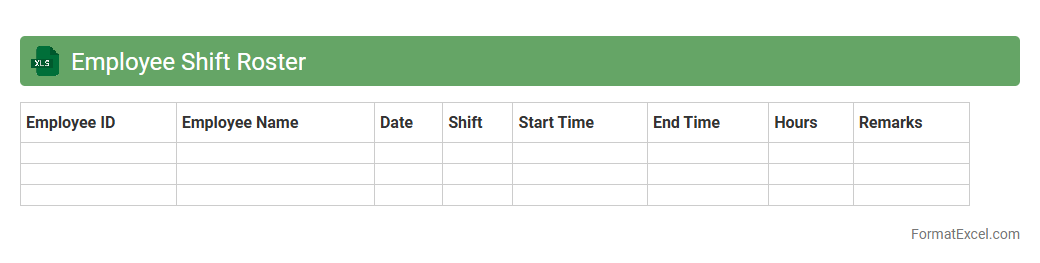
Employee Shift Roster
An
Employee Shift Roster Excel document is a structured spreadsheet used to schedule and manage employee work shifts efficiently. It helps track shift assignments, attendance, and hours worked, ensuring balanced workloads and preventing scheduling conflicts. This tool enhances workforce organization, improves communication, and simplifies payroll processing for businesses.
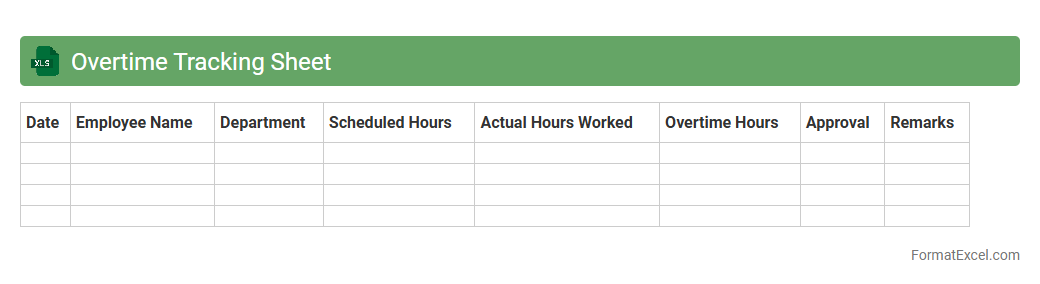
Overtime Tracking Sheet
An
Overtime Tracking Sheet Excel document is a tool designed to record and calculate employees' extra working hours accurately. It helps businesses monitor labor costs, ensure compliance with labor laws, and streamline payroll processing by providing a clear summary of overtime hours. Using this sheet improves efficiency, reduces errors, and supports transparent workforce management.
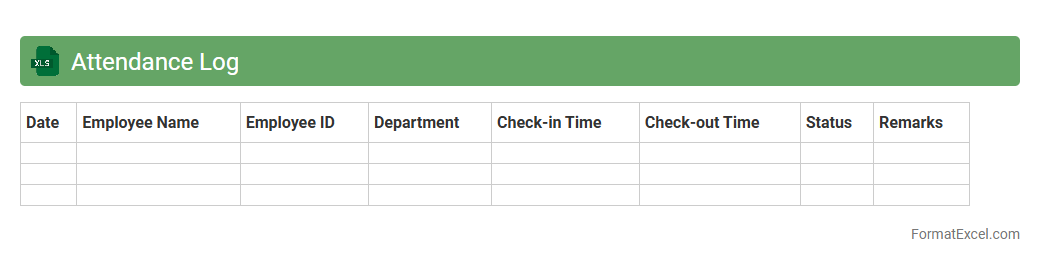
Attendance Log
An
Attendance Log Excel document is a digital tool designed to systematically record and track employee or student attendance data, including check-in and check-out times, dates, and attendance status. It enhances organizational efficiency by providing real-time access to attendance records, simplifying payroll processing, and enabling performance monitoring. Utilizing this document helps reduce errors compared to manual tracking and supports compliance with attendance policies and labor regulations.
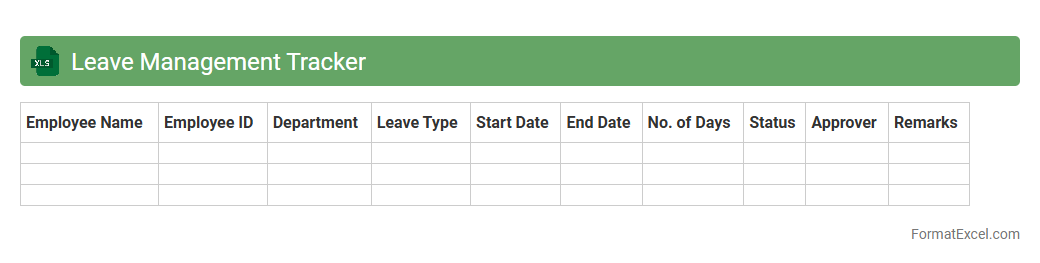
Leave Management Tracker
A
Leave Management Tracker Excel document is a tool designed to record, monitor, and manage employee leave requests and balances efficiently. It helps organizations maintain accurate leave records, ensuring compliance with company policies and labor regulations while preventing scheduling conflicts. By streamlining the leave approval process, it enhances workforce planning and improves overall productivity.
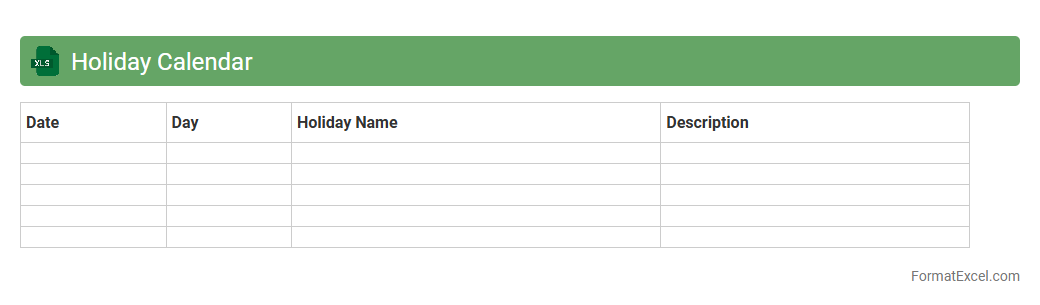
Holiday Calendar
A
Holiday Calendar Excel document is a digital spreadsheet that organizes and tracks public holidays, company holidays, and important dates throughout the year. It helps businesses and individuals plan projects, manage employee leave, and avoid scheduling conflicts by providing a clear overview of upcoming holidays. Using this tool ensures efficient time management and enhances workforce productivity by aligning work schedules with regional and national holiday observances.
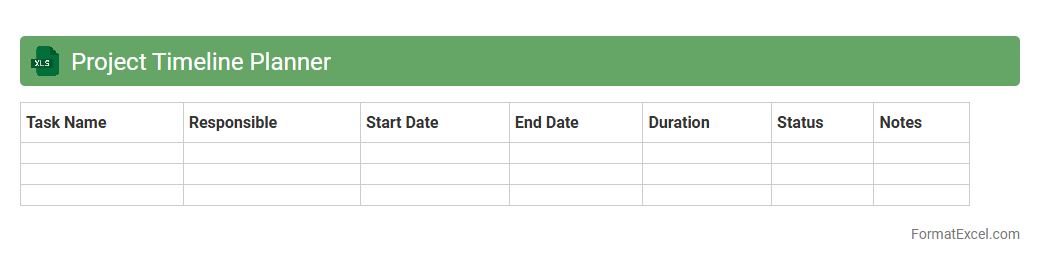
Project Timeline Planner
The
Project Timeline Planner Excel document is a tool designed to visually organize and schedule project tasks, milestones, and deadlines in a clear, chronological order. It helps teams track progress, allocate resources efficiently, and ensure timely completion by providing a detailed overview of the project's timeline. By using this planner, users can improve project management accuracy, enhance communication, and reduce the risk of missed deadlines.
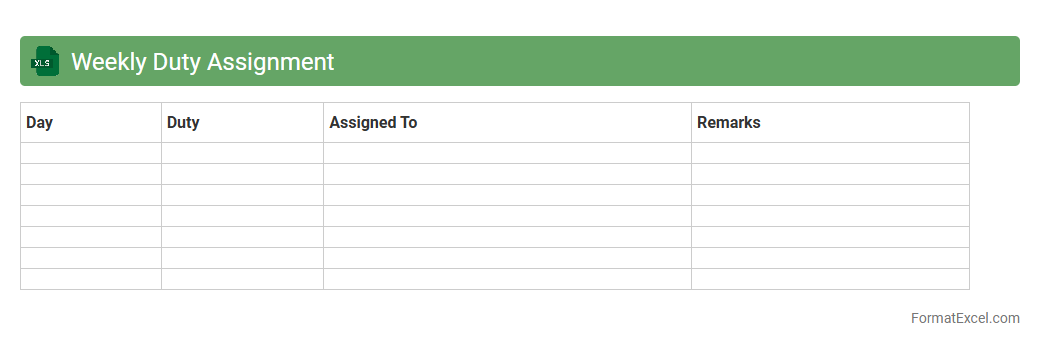
Weekly Duty Assignment
The
Weekly Duty Assignment Excel document is a structured scheduling tool designed to allocate tasks and responsibilities systematically across team members for each week. It enhances workforce organization by clearly outlining individual duties, ensuring accountability and efficient time management. Utilizing this document improves communication, reduces role ambiguity, and facilitates performance tracking within any professional or organizational setting.
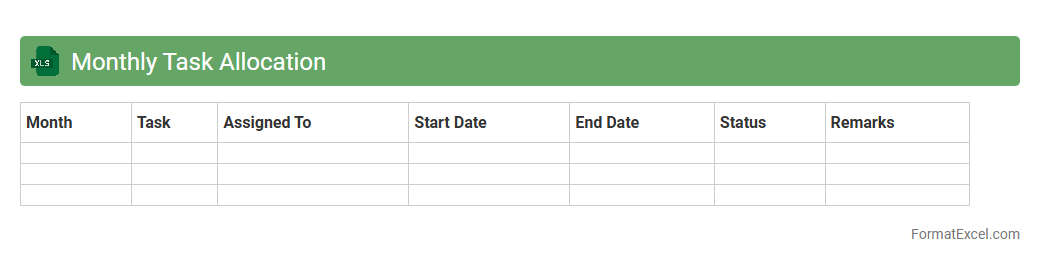
Monthly Task Allocation
The
Monthly Task Allocation Excel document is a structured spreadsheet designed to organize and assign tasks across team members for each day of the month. It improves productivity by providing clear visibility of task distribution, deadlines, and progress tracking in one centralized location. This tool helps streamline workflow management, reduce overlapping responsibilities, and ensure timely completion of projects.
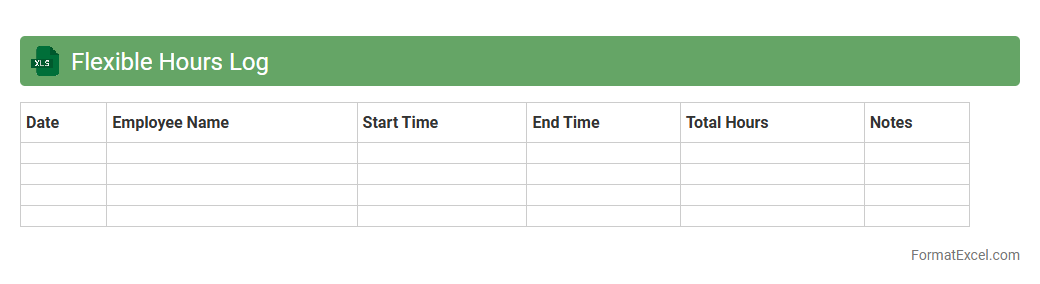
Flexible Hours Log
The
Flexible Hours Log Excel document is a spreadsheet designed to track and manage flexible working hours efficiently. It allows employees and managers to record clock-in and clock-out times, calculate total hours worked, and monitor variations from standard schedules. This tool enhances productivity by providing clear visibility into work patterns, supporting accurate payroll processing, and enabling better resource planning.
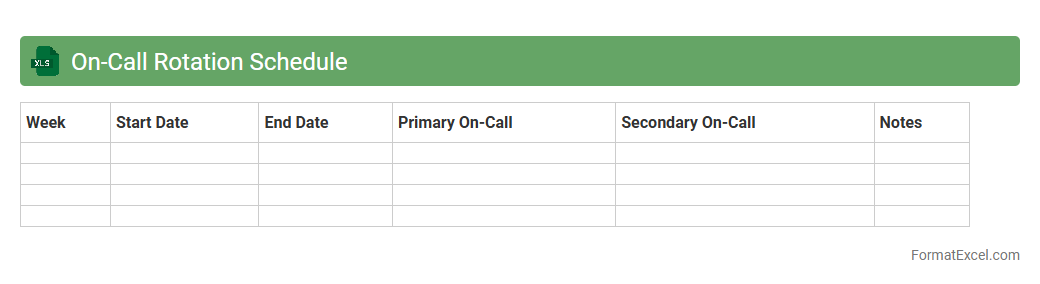
On-Call Rotation Schedule
An
On-Call Rotation Schedule Excel document is a structured spreadsheet that organizes and assigns on-call duties among team members in a clear, cyclical manner. It helps ensure fair distribution of responsibilities, reduces scheduling conflicts, and improves response time during emergencies or support needs. This tool enhances operational efficiency by maintaining transparency and accessibility in managing on-call shifts.
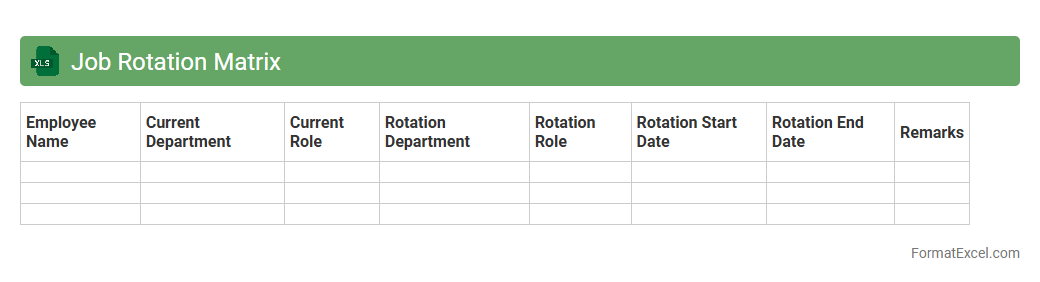
Job Rotation Matrix
The
Job Rotation Matrix Excel document is a structured tool used to plan and track employee rotations across different roles within an organization. It helps managers identify skill gaps, ensure balanced workforce development, and improve employee engagement by systematically assigning varied job experiences. This matrix optimizes talent management and succession planning by providing clear visibility of current and future job placements.
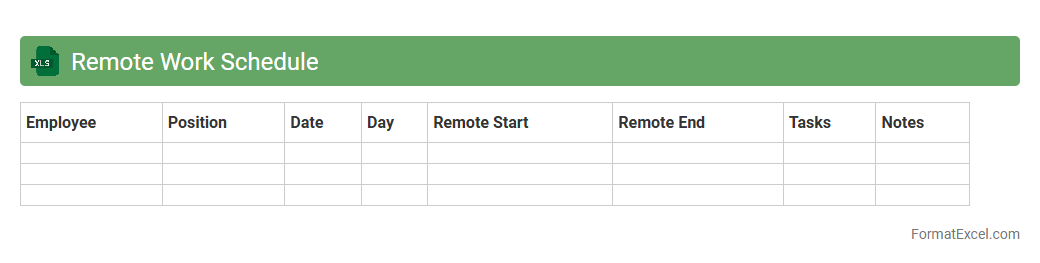
Remote Work Schedule
A
Remote Work Schedule Excel document is a digital tool designed to organize and track employees' work hours, tasks, and availability in a remote work environment. It helps managers monitor productivity, coordinate team collaborations, and ensure project deadlines are met efficiently. By using this document, organizations can optimize workforce management and maintain clear communication across distributed teams.
Break Time Tracker
The
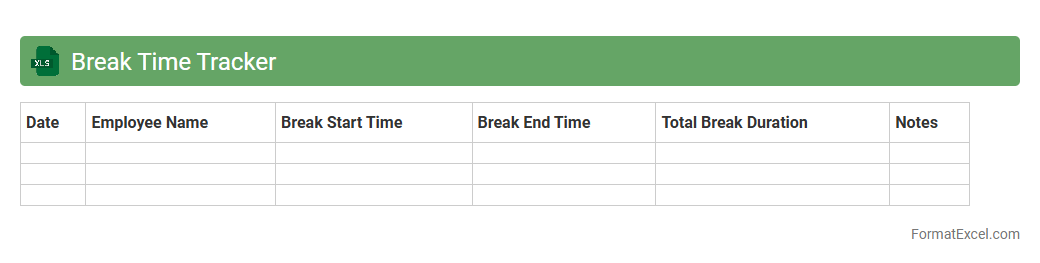
Break Time Tracker Excel document is designed to log and monitor employee break periods efficiently, ensuring compliance with labor regulations while promoting productivity. It helps organizations maintain accurate records of break durations, identify patterns of extended or missed breaks, and optimize overall workforce management. This tool enhances time management by providing clear visualizations and reports that support better scheduling and employee well-being.
Daily Workforce Planner
The
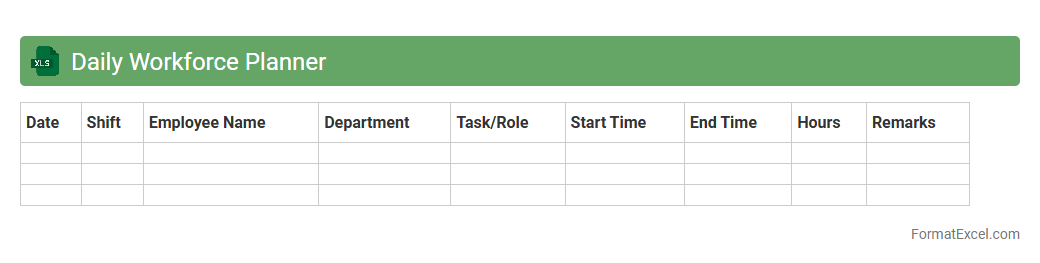
Daily Workforce Planner Excel document is a comprehensive tool designed to schedule, track, and manage employee shifts and tasks efficiently. It helps optimize workforce allocation by providing clear visibility of daily staffing levels, reducing overlaps, and preventing understaffing. This planner enhances productivity and ensures balanced workload distribution, making it essential for effective labor management in businesses.
Annual Vacation Planner
An
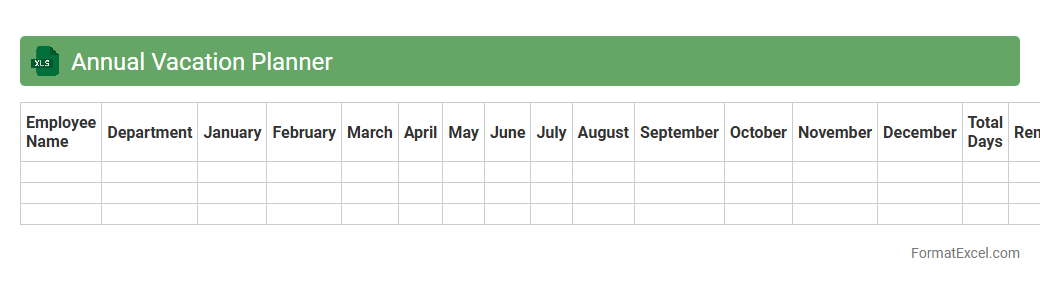
Annual Vacation Planner Excel document organizes employee leave schedules throughout the year, ensuring efficient workforce management. It helps track vacation days, prevent overlapping absences, and maintain balanced staffing levels. Businesses use this tool to improve planning accuracy and enhance team productivity by visualizing time-off patterns clearly.
Staff Availability Chart
A
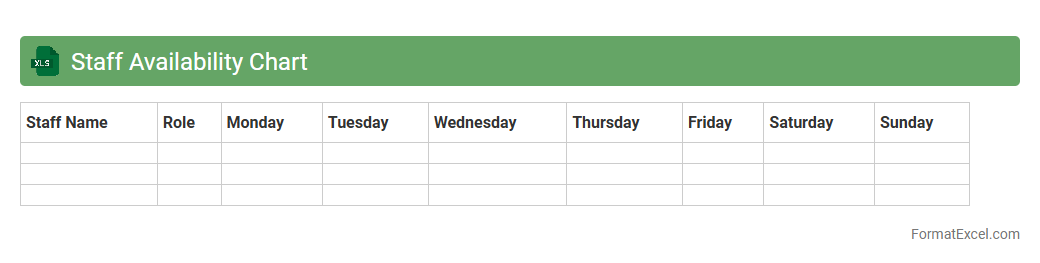
Staff Availability Chart in an Excel document visually tracks employee work schedules, leave, and availability, enhancing resource planning. It helps managers quickly identify gaps, avoid scheduling conflicts, and ensure optimal workforce allocation. This tool streamlines project management by improving communication and facilitating better decision-making on staffing needs.
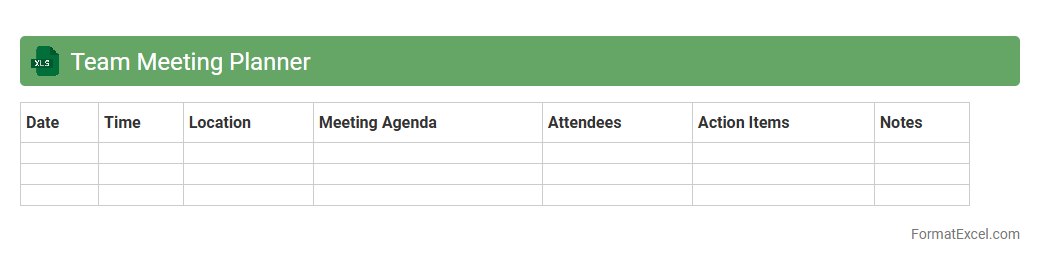
Team Meeting Planner
The
Team Meeting Planner Excel document is a structured tool designed to organize and schedule team meetings efficiently by tracking dates, times, agendas, and attendees in one centralized location. It enhances productivity by ensuring clear communication, preventing scheduling conflicts, and providing a quick overview of upcoming meetings. Using this planner helps teams stay aligned on objectives, deadlines, and key discussion points, fostering better collaboration and time management.
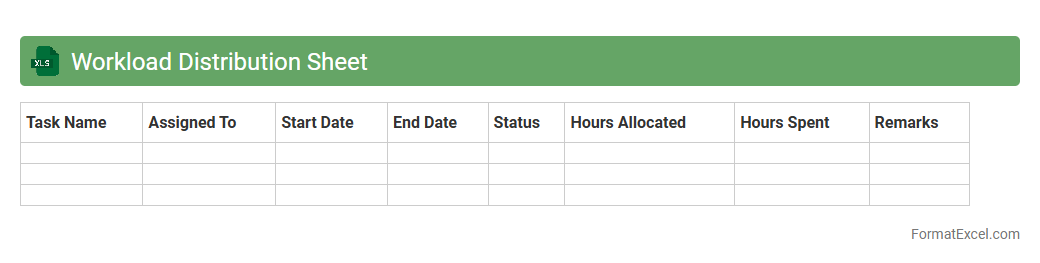
Workload Distribution Sheet
A
Workload Distribution Sheet in Excel is a document designed to allocate tasks and responsibilities evenly across team members, ensuring balanced productivity and efficient resource management. It helps track individual workloads, prevent employee burnout, and identify capacity bottlenecks, promoting optimized project timelines. By visualizing task assignments and progress, it supports better decision-making and enhances overall team collaboration.
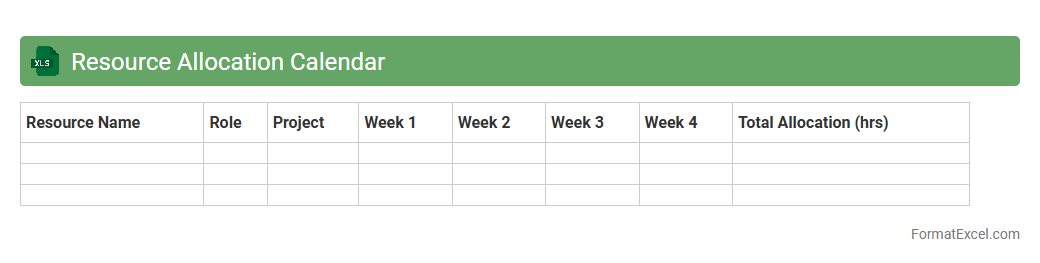
Resource Allocation Calendar
A
Resource Allocation Calendar Excel document is a tool designed to manage and visualize the distribution of resources such as personnel, equipment, or time across various projects and tasks. It helps optimize workload balance, avoid resource conflicts, and enhance project planning efficiency by providing a clear, date-specific overview of resource commitments. Using this calendar improves decision-making, ensures timely project delivery, and supports effective utilization of available resources.
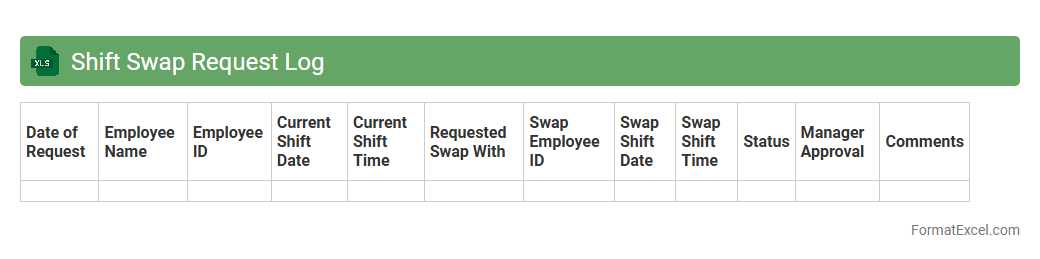
Shift Swap Request Log
The
Shift Swap Request Log Excel document is a tool designed to track and manage employee shift swap requests efficiently. It records key details such as employee names, original shifts, requested swaps, approval status, and dates, enabling clear communication and reducing scheduling conflicts. This log helps maintain accurate workforce planning and improves operational continuity by ensuring all shift changes are documented and easily accessible.
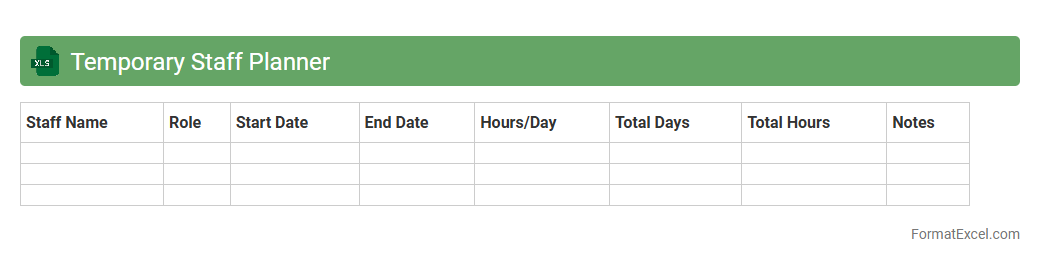
Temporary Staff Planner
A
Temporary Staff Planner Excel document is a dynamic scheduling tool designed to manage and organize the allocation of temporary employees efficiently. It helps track shift assignments, availability, and hours worked, ensuring optimal workforce utilization and preventing scheduling conflicts. By streamlining staff coordination, this planner increases operational productivity and reduces administrative errors in workforce management.
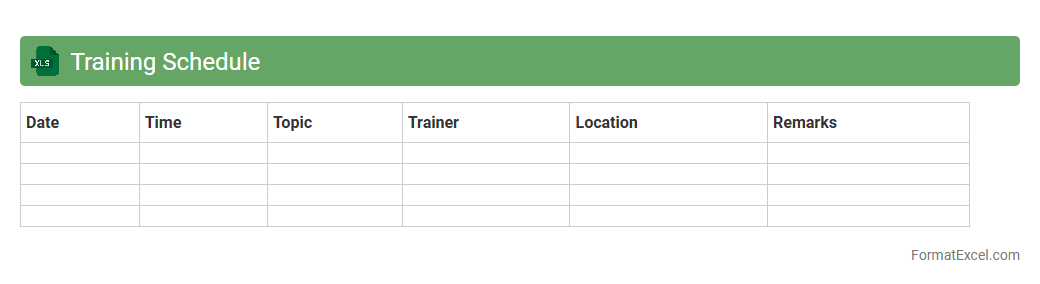
Training Schedule
A
Training Schedule Excel document is a structured spreadsheet designed to organize and plan training sessions effectively. It helps track training dates, participants, topics, and progress, ensuring consistent learning management and resource allocation. By using this tool, organizations can streamline training administration, improve time management, and enhance employee skill development.
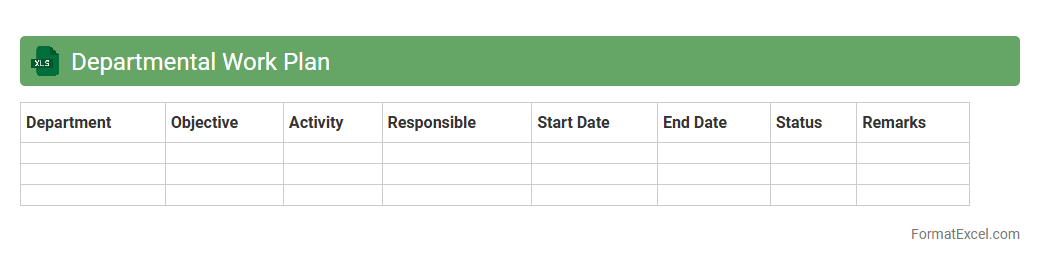
Departmental Work Plan
A
Departmental Work Plan Excel document is a structured spreadsheet designed to organize, track, and manage department-specific tasks, goals, and timelines effectively. It enables clear visualization of responsibilities, progress status, and resource allocation, facilitating efficient project execution and performance monitoring. This tool enhances coordination within teams, ensuring alignment with organizational objectives and improving overall productivity.
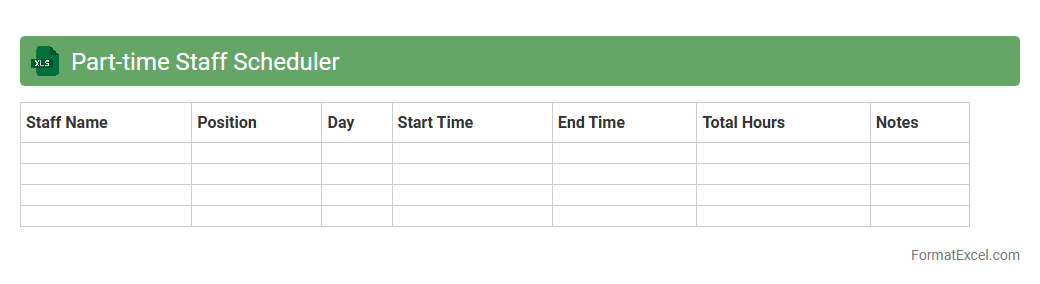
Part-time Staff Scheduler
A
Part-time Staff Scheduler Excel document is a specialized spreadsheet designed to organize and manage the working hours of part-time employees efficiently. It helps track shifts, availability, and total hours worked, ensuring optimal staff allocation and compliance with labor regulations. This tool streamlines scheduling processes, reduces conflicts, and improves productivity by providing a clear overview of employee commitments.
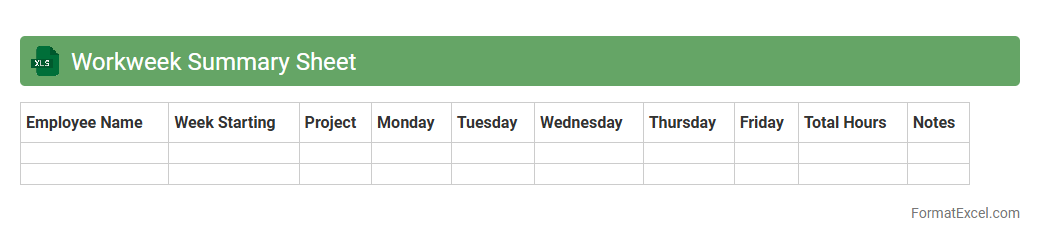
Workweek Summary Sheet
A
Workweek Summary Sheet Excel document organizes daily work hours and tasks into a clear, concise format, enabling efficient tracking of productivity and project progress. It helps users monitor time allocation, identify workflow patterns, and streamline reporting processes. This tool is essential for managing workloads, ensuring accurate payroll calculations, and improving overall time management in professional environments.
Introduction to Work Schedule Formats in Excel
Work schedule formats in Excel provide a structured way to organize employee shifts and tasks. Using Excel's grid layout allows easy customization and clear visualization of schedules. A well-designed work schedule format boosts productivity and ensures smooth workforce management.
Benefits of Using Excel for Work Scheduling
Excel offers flexibility, allowing users to tailor schedules to specific needs without complex software. It supports data analysis and automation through formulas, enhancing accuracy. The benefits of Excel include ease of use, accessibility, and efficient management of work hours and shifts.
Key Components of an Effective Work Schedule
An effective work schedule includes employee names, shift timings, and days of the week. It clearly outlines responsibilities and ensures proper coverage. Incorporating a clear timeline is crucial for avoiding conflicts and improving accountability.
Essential Excel Functions for Scheduling
Functions like IF, VLOOKUP, and conditional formatting enhance schedule functionality and clarity. They help automate shift assignments and flag conflicts. Mastery of these Excel functions boosts schedule accuracy and reduces manual errors.
Step-by-Step Guide to Creating a Work Schedule in Excel
Begin by listing employees and days on a worksheet, then input shift times appropriately. Use formatting and formulas to highlight shifts and calculate hours worked. Following a step-by-step approach simplifies schedule creation and maintenance.
Sample Work Schedule Templates in Excel
Templates provide pre-designed layouts that cater to various business sizes and industries. They save time by providing a framework to customize according to specific needs. Utilizing Excel templates ensures consistency and quick schedule development.
Customizing Work Schedules for Different Industries
Different industries require specific scheduling elements such as break times or rotation cycles. Excel's flexibility allows adaptation to healthcare, retail, or manufacturing shifts. Tailoring the schedule format improves relevance and usability for each sector.
Automating Work Shifts and Rotations in Excel
Automation in Excel can be achieved using macros and advanced formulas to rotate shifts systematically. This reduces manual effort and errors in assigning shifts over multiple weeks. Implementing automated rotations ensures fairness and consistency in scheduling.
Best Practices for Managing Schedules in Excel
Keep schedules updated regularly and communicate changes promptly to staff. Use color coding and locked cells to prevent accidental modifications. Adopting best practices enhances schedule reliability and workforce satisfaction.
Frequently Asked Questions about Excel Work Schedules
Common questions address template customization, formula troubleshooting, and shift conflict resolution. Providing clear answers helps users maximize Excel's scheduling capabilities. The FAQ section supports efficient and error-free schedule management.