Unadjusted Trial Balance
An
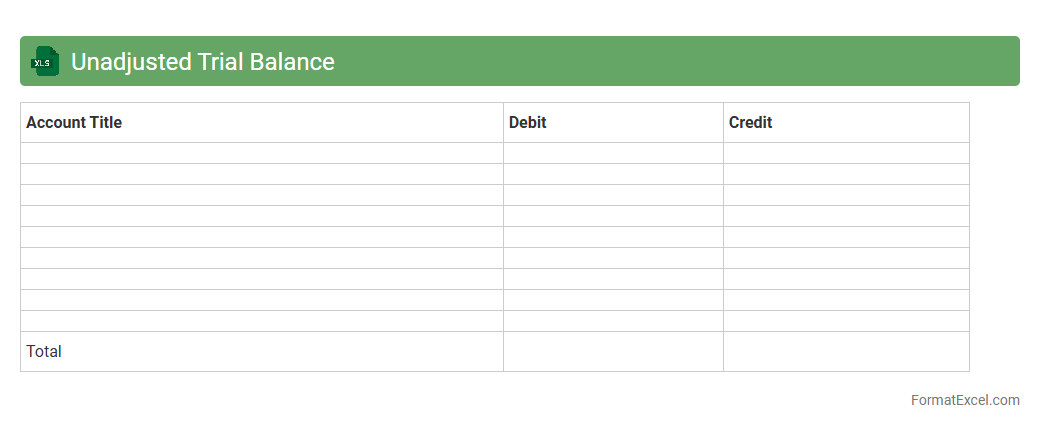
Unadjusted Trial Balance Excel document is a financial report that lists all the general ledger accounts and their balances before any adjusting entries are made. It is useful for ensuring that total debits equal total credits, which helps identify any discrepancies or errors in the bookkeeping process. This document serves as a foundational tool for accountants to prepare accurate financial statements and make necessary adjustments.
Adjusted Trial Balance
An
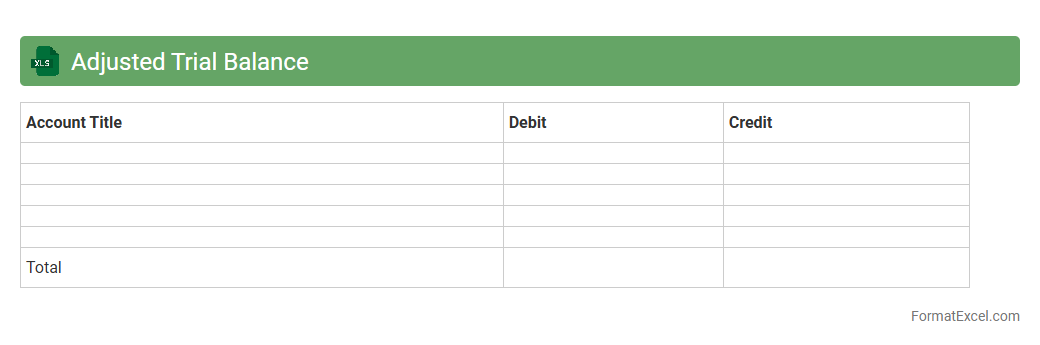
Adjusted Trial Balance Excel document is a financial statement that lists all account balances after adjustments have been made at the end of an accounting period. It ensures the equality of total debits and credits, serving as a foundation for preparing accurate financial statements like the income statement and balance sheet. This document is useful for identifying errors and verifying the accuracy of ledger entries before finalizing financial reports.
Pre-closing Trial Balance
A
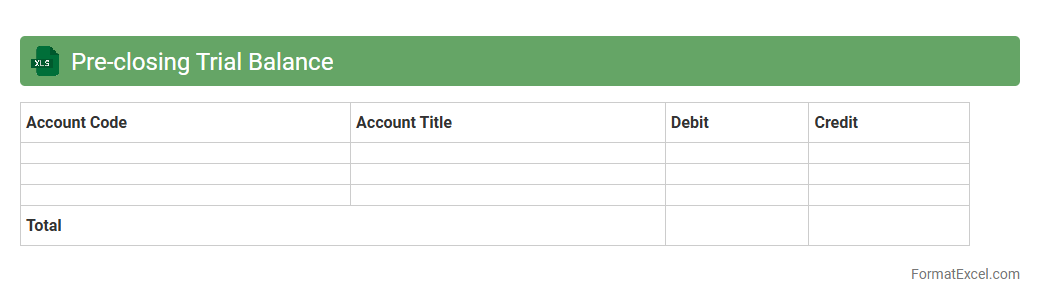
Pre-closing Trial Balance Excel document is a financial tool used to compile and verify account balances before finalizing the accounting period. It helps identify discrepancies and ensures that debits and credits are balanced, facilitating accurate financial statements preparation. This document is essential for maintaining data integrity and streamlining the closing process in accounting cycles.
Post-closing Trial Balance
A
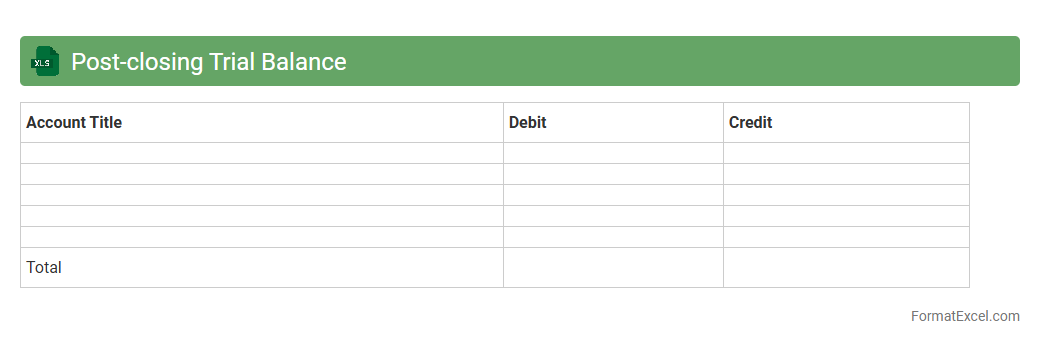
Post-closing Trial Balance Excel document lists all ledger accounts and their balances after the closing entries have been made, ensuring that debits equal credits and the accounts are ready for the next accounting period. It helps verify the accuracy of the closing process, prevents errors in financial statements, and provides a clear snapshot of permanent account balances. Using Excel enables easy updates, clear organization, and efficient review of financial data for accountants and auditors.
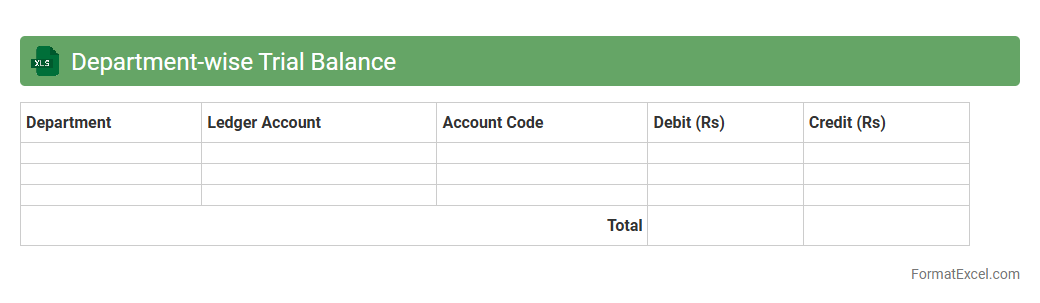
Department-wise Trial Balance
A
Department-wise Trial Balance Excel document organizes financial data by individual departments, allowing precise tracking of each unit's debit and credit balances. This tool helps businesses monitor departmental performance, identify discrepancies, and ensure accurate financial reporting. By breaking down trial balances, it simplifies budget control and enhances decision-making through detailed financial insights.
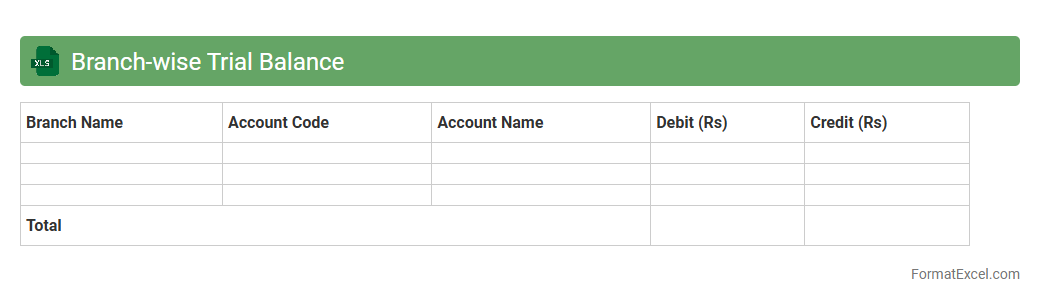
Branch-wise Trial Balance
A Branch-wise Trial Balance excel document is a financial report that consolidates account balances separately for each branch of an organization. It helps in accurately tracking and analyzing the financial performance and position of individual branches, enabling better management decisions and accountability. By using a
Branch-wise Trial Balance, businesses can identify discrepancies, allocate resources effectively, and streamline branch-level financial reporting.
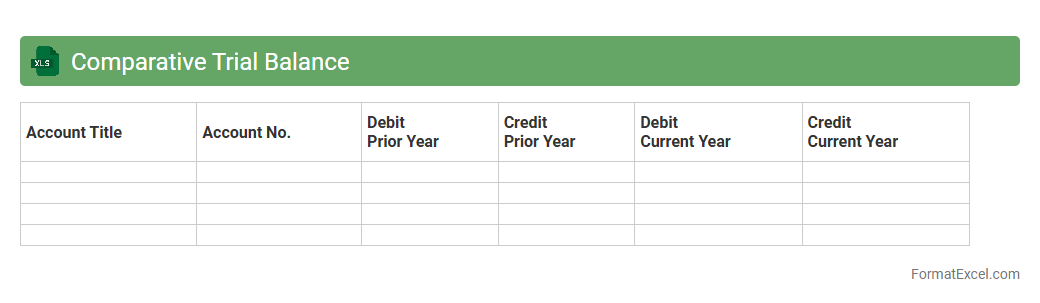
Comparative Trial Balance
A
Comparative Trial Balance Excel document presents financial data from multiple periods side-by-side, allowing users to easily identify trends, variances, and discrepancies in account balances. This tool is essential for accountants and financial analysts to perform period-over-period comparisons, ensuring accurate financial reporting and aiding in budget forecasting. By automating calculations and consolidating data, it enhances efficiency and reduces the risk of errors in financial analysis.
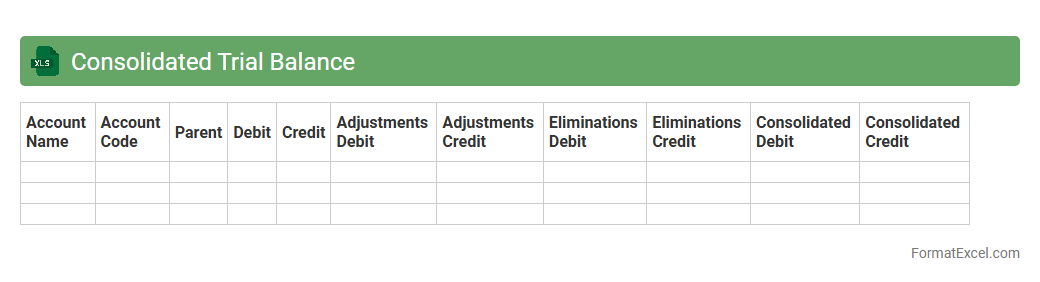
Consolidated Trial Balance
A
Consolidated Trial Balance Excel document aggregates financial data from multiple subsidiaries or departments into a single comprehensive report, ensuring accuracy and consistency in accounting records. It helps identify discrepancies between individual trial balances and supports the preparation of consolidated financial statements for stakeholders. Utilizing this tool streamlines the audit process and enhances financial analysis by providing a unified view of the organization's overall financial position.
Monthly Trial Balance
A
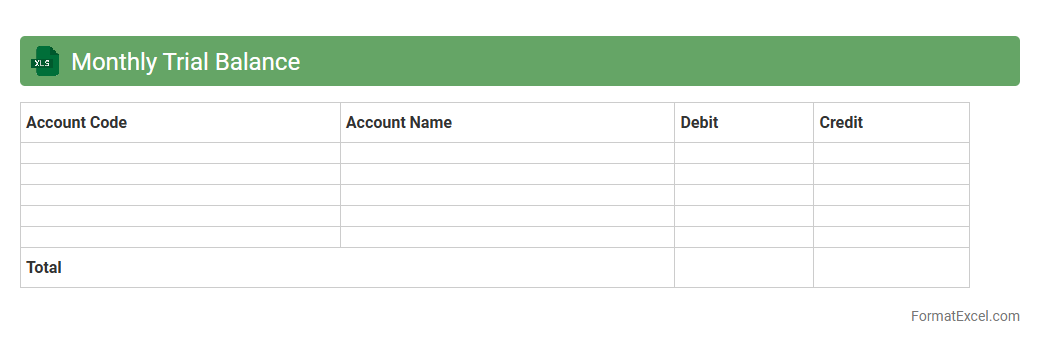
Monthly Trial Balance Excel document is a financial report that summarizes all ledger accounts' debit and credit balances at the end of each month, ensuring that total debits equal total credits. It helps businesses verify the accuracy of their bookkeeping, identify discrepancies, and prepare accurate financial statements. This tool facilitates effective financial analysis, streamlines the month-end closing process, and supports compliance with accounting standards.
Quarterly Trial Balance
A
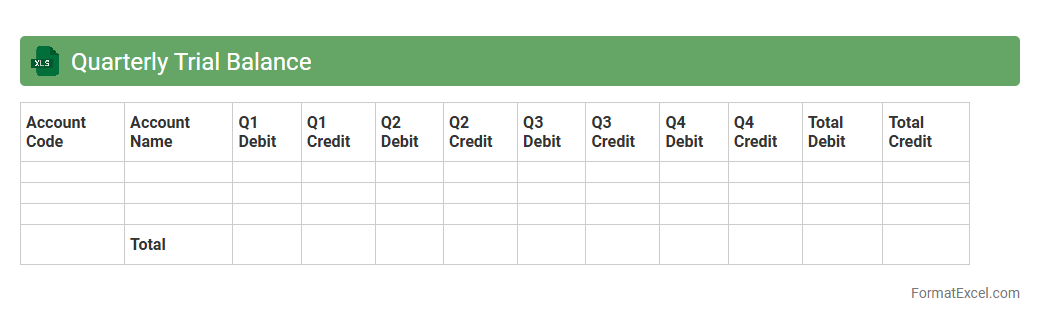
Quarterly Trial Balance Excel document is a financial report that summarizes all ledger accounts' debit and credit balances over a three-month period, helping businesses verify the accuracy of their bookkeeping. This document facilitates timely identification of discrepancies, supports the preparation of accurate financial statements, and enhances regulatory compliance. Utilizing this Excel sheet streamlines data organization, enables quick adjustments, and improves overall financial management efficiency.
Year-end Trial Balance
A
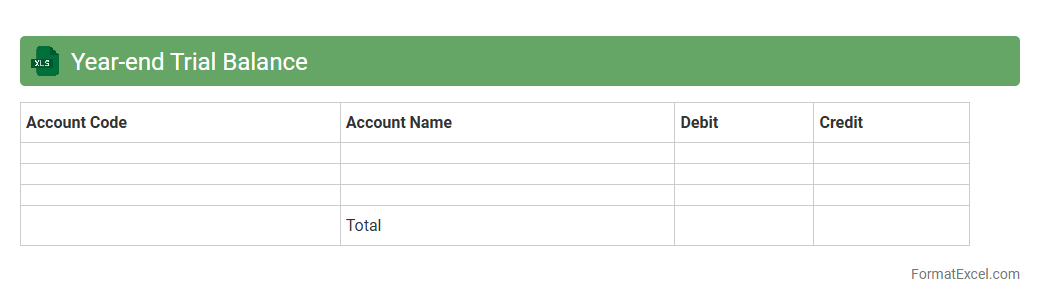
Year-end Trial Balance Excel document is a spreadsheet that compiles all ledger account balances at the close of a fiscal year, ensuring the total debits equal total credits. It serves as a crucial tool for verifying the accuracy of financial records before preparing year-end financial statements and audits. This document helps streamline financial reconciliation, detect discrepancies, and facilitate compliance with accounting standards.
Account-wise Trial Balance
An
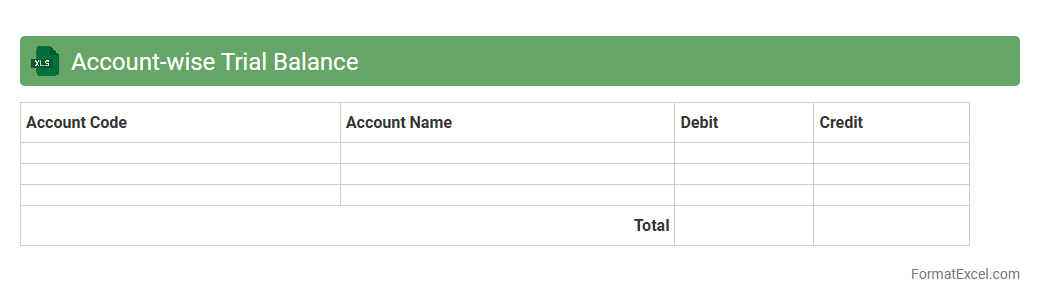
Account-wise Trial Balance Excel document organizes financial data by individual accounts, summarizing debits and credits for accurate ledger verification. It helps detect discrepancies and ensures the accuracy of bookkeeping before preparing financial statements. This tool streamlines financial analysis, enhances audit readiness, and supports effective decision-making by providing clear account-level insights.
Project-wise Trial Balance
A
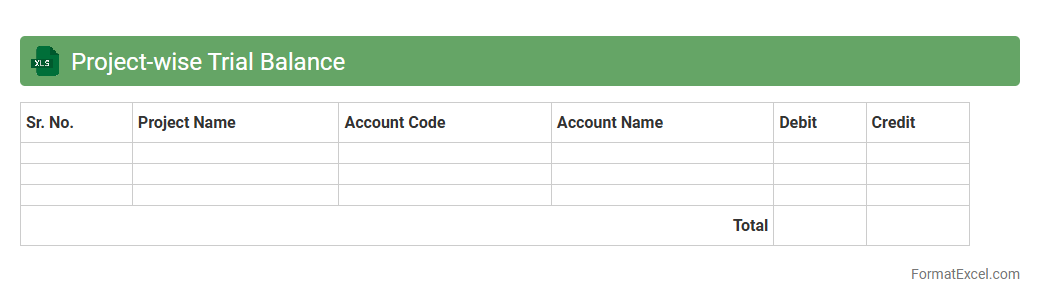
Project-wise Trial Balance Excel document is a financial tool that organizes and summarizes the debit and credit balances of all accounts for individual projects, providing a clear view of each project's financial status. It helps businesses track expenses, revenues, and overall project profitability, ensuring accurate budgeting and financial control. This document is essential for project managers and accountants to monitor financial performance and support informed decision-making.
Currency-wise Trial Balance
A
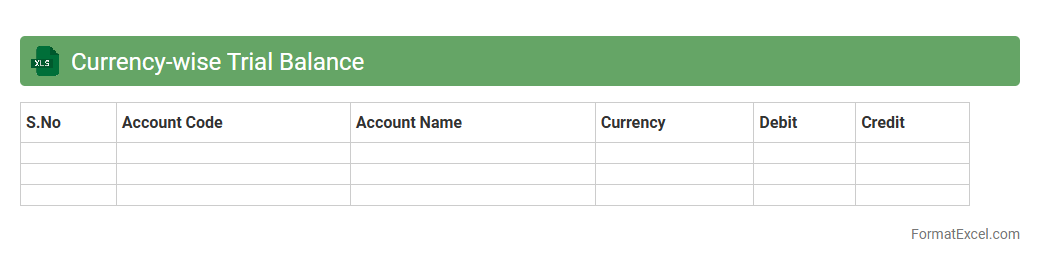
Currency-wise Trial Balance Excel document organizes financial data by different currencies, allowing businesses to track and reconcile account balances across multiple currency types efficiently. It helps in identifying discrepancies, assessing foreign exchange exposure, and ensuring accurate financial reporting in multi-currency environments. This tool is essential for companies operating internationally to maintain clear visibility and control over their diverse financial transactions.
Aged Trial Balance
An
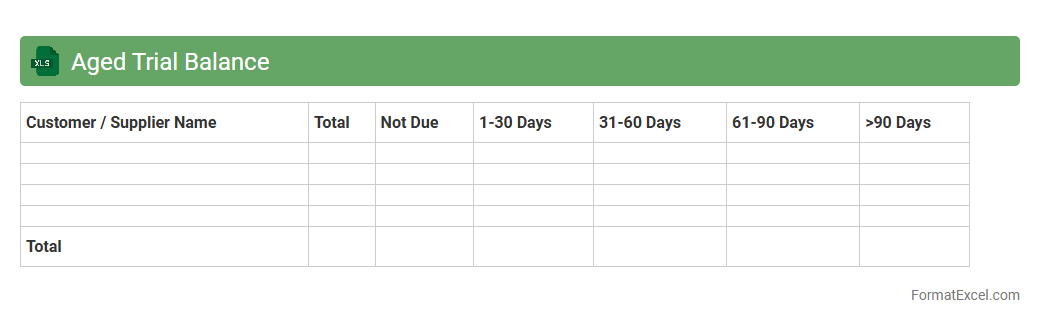
Aged Trial Balance Excel document is a financial report that categorizes a company's outstanding receivables by the length of time they have been due, typically segmented into periods such as 30, 60, 90 days, and beyond. This tool allows businesses to monitor overdue invoices, assess credit risk, and prioritize collection efforts effectively, improving cash flow management. The spreadsheet format offers customizable features for detailed analysis, making it easier to identify trends and discrepancies in accounts receivable.
Segment-wise Trial Balance
A
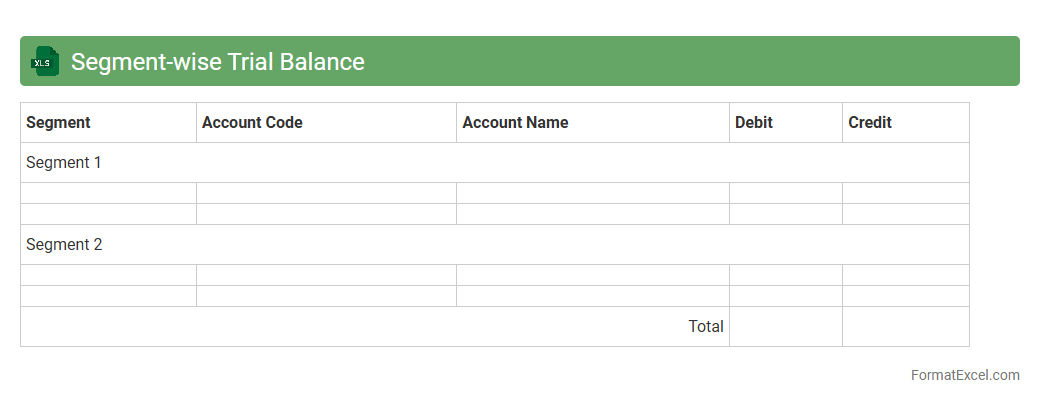
Segment-wise Trial Balance Excel document organizes financial data by distinct business segments, allowing clear visibility into each segment's debit and credit balances. This structured approach facilitates precise financial analysis, helps identify discrepancies at the segment level, and supports informed decision-making for better resource allocation. By breaking down complex financial information, it enhances accuracy in reporting and streamlines internal audits.
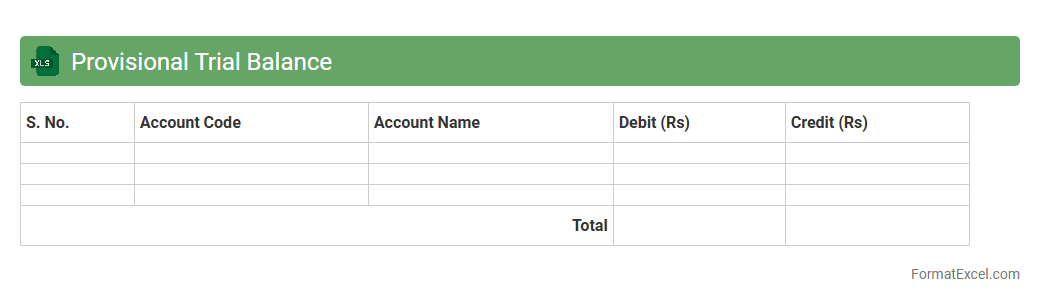
Provisional Trial Balance
A
Provisional Trial Balance Excel document is a preliminary financial report that lists all general ledger account balances before adjustments. It is useful for identifying discrepancies and ensuring that total debits equal total credits, providing a foundation for accurate financial statements. This tool helps accountants and auditors to detect errors early in the accounting cycle, streamlining the closing process.
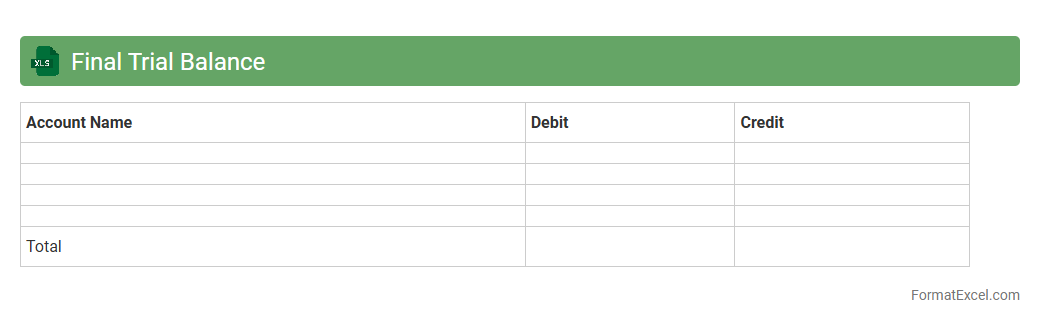
Final Trial Balance
The
Final Trial Balance Excel document is a comprehensive financial report that lists all ledger account balances at a specific period end, ensuring that total debits equal total credits. It is essential for verifying the accuracy of bookkeeping entries before preparing financial statements, allowing for the detection and correction of errors. This tool enhances financial transparency and accuracy, enabling informed decision-making and efficient audit processes.
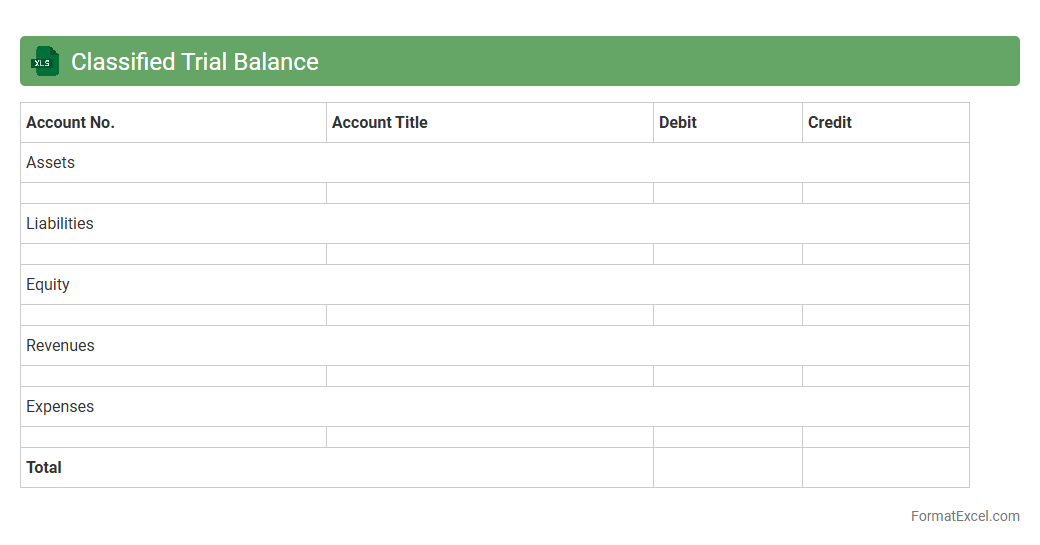
Classified Trial Balance
A
Classified Trial Balance Excel document organizes financial data by grouping accounts into assets, liabilities, equity, revenues, and expenses, providing a clear summary of a company's financial position. It helps accountants and financial analysts quickly identify discrepancies and ensures the trial balance is accurate before preparing financial statements. This tool streamlines the accounting process by enhancing data visualization and facilitating easier error detection.
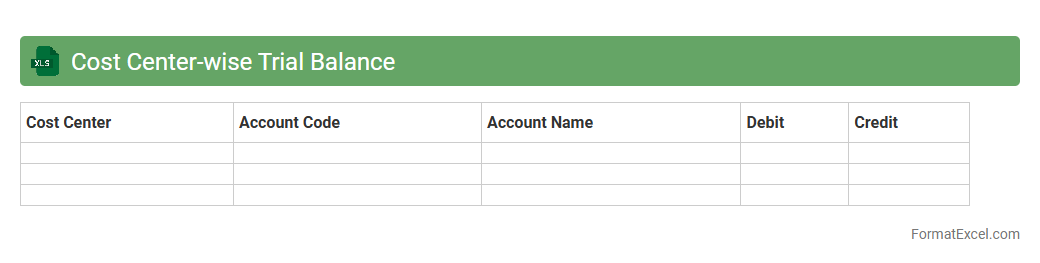
Cost Center-wise Trial Balance
A
Cost Center-wise Trial Balance Excel document organizes financial data by individual cost centers, enabling accurate tracking of expenses and revenues tied to specific departments or projects. This detailed breakdown facilitates better budget control, cost analysis, and financial decision-making by highlighting variances and ensuring accountability within each cost center. Businesses use this tool to monitor performance efficiently and optimize resource allocation.
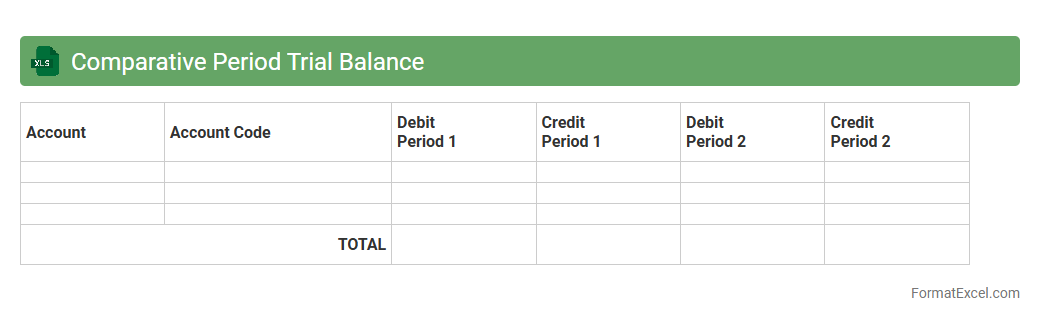
Comparative Period Trial Balance
A
Comparative Period Trial Balance Excel document presents financial data side-by-side for two or more periods, enabling clear analysis of changes in account balances over time. This tool is essential for identifying trends, discrepancies, and financial performance, facilitating more accurate budgeting and forecasting. By organizing data in a structured format, it enhances decision-making and supports effective financial management.
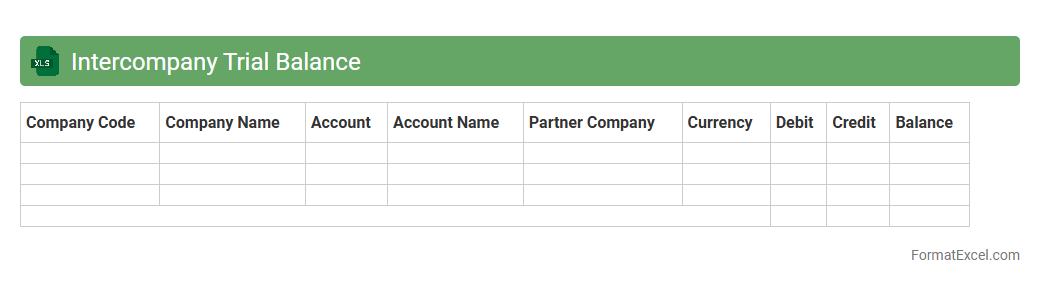
Intercompany Trial Balance
The
Intercompany Trial Balance Excel document consolidates financial transactions between affiliated entities within a corporation, ensuring accurate elimination of intercompany balances for financial reporting. This tool streamlines reconciliation processes by providing a clear overview of debit and credit entries across subsidiaries, reducing errors and enhancing audit readiness. Its organized format supports efficient data analysis and decision-making, essential for maintaining compliance with accounting standards and improving financial transparency.
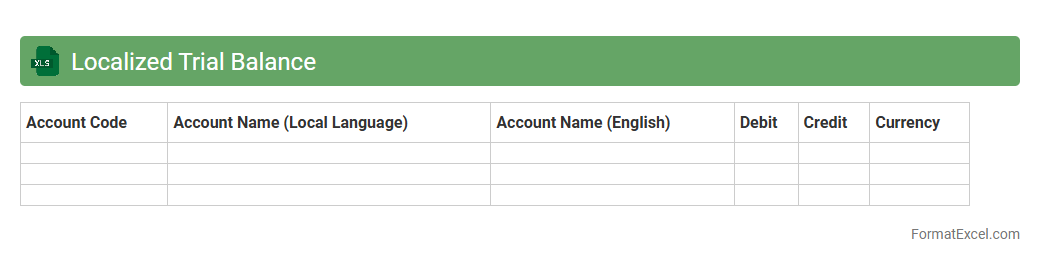
Localized Trial Balance
A
Localized Trial Balance Excel document is a financial report customized to reflect the specific accounting standards and currency of a particular region or country. It consolidates debit and credit balances from various accounts, facilitating accurate financial analysis and compliance with local regulations. This tool is useful for businesses to ensure precise bookkeeping, streamline auditing processes, and support informed decision-making in line with regional financial practices.
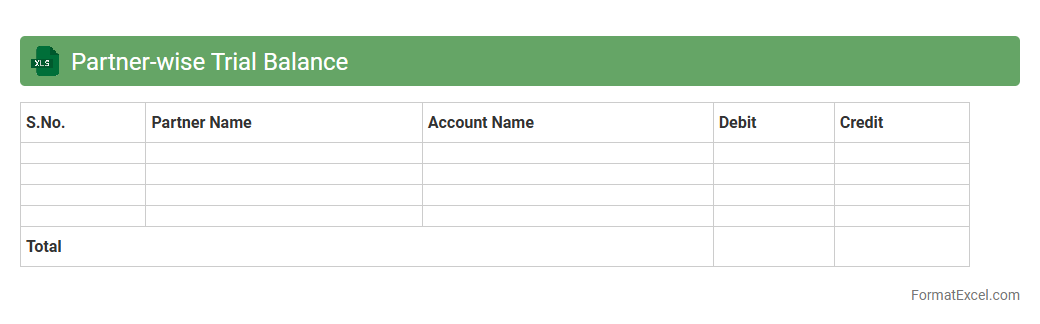
Partner-wise Trial Balance
A
Partner-wise Trial Balance Excel document organizes financial data by individual partners, allowing for clear tracking of each partner's debit, credit, and balance contributions within a partnership. This tool enhances financial transparency and helps in accurately calculating profit-sharing ratios, capital balances, and individual partner liabilities. It serves as an essential resource for accounting, auditing, and decision-making in partnership firms.
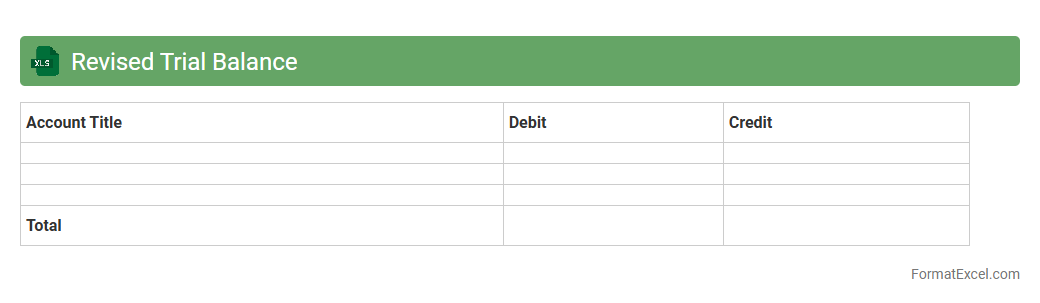
Revised Trial Balance
A
Revised Trial Balance Excel document is a financial worksheet used to ensure that all ledger accounts are correctly balanced after adjustments have been made. It helps accountants verify the accuracy of account balances, identify errors, and prepare accurate financial statements. This tool streamlines the review process, improving the reliability of financial data and facilitating compliance with accounting standards.
Introduction to Trial Balance Report in Excel
A Trial Balance Report in Excel is a financial statement that lists all general ledger accounts and their balances. It helps verify that total debits equal total credits, ensuring ledger accuracy. Excel provides a flexible platform for organizing and analyzing this data efficiently.
Importance of a Well-Structured Trial Balance
A well-structured trial balance enhances error detection and financial clarity. It forms the foundation for preparing accurate financial statements and supports audit processes. Proper organization in Excel aids in quick reconciliation and troubleshooting.
Key Components of a Trial Balance Report
The main components of a trial balance report include account names, debit balances, credit balances, and account numbers. Each account's balance is listed to confirm that total debits equal total credits. This structure ensures comprehensive financial oversight.
Standard Trial Balance Format in Excel
The standard trial balance format in Excel includes columns for Account Number, Account Name, Debit, and Credit balances. Proper formatting with clear headers and cell alignment improves readability. Totals at the bottom summarize debit and credit columns for quick verification.
Step-by-Step Guide to Creating a Trial Balance in Excel
Begin by listing all ledger accounts and their balances in Excel. Enter debit balances in one column and credit balances in another. Use Excel tools to sum debits and credits and verify they balance before finalizing.
Recommended Excel Formulas for Trial Balance
Key Excel formulas for trial balances include SUM to total debits and credits and IFERROR for error handling. VLOOKUP can automate account name retrieval, while conditional formatting highlights discrepancies. These formulas optimize accuracy and efficiency.
Customization Tips for Trial Balance Templates
Customize your trial balance template by adding columns for account categories or notes. Use Excel features like filters and pivot tables to enhance data analysis. Incorporating conditional formatting helps quickly identify errors and unusual entries.
Common Errors in Excel Trial Balance Reports
Common errors include misclassified accounts, data entry mistakes, and unbalanced totals. Missing or duplicated entries can distort financial reporting. Regular cross-checking and validation formulas in Excel help prevent these issues.
Benefits of Using Excel for Trial Balance Preparation
Excel offers flexibility, automation, and visualization tools that streamline trial balance preparation. It reduces manual errors and allows easy updates with new transactions. Excel templates improve consistency and save time across accounting cycles.
Downloadable Trial Balance Report Excel Template
A downloadable trial balance Excel template provides a ready-made framework for accurate reporting. Using a template helps maintain standard formatting and reduces setup time. Numerous free and paid templates are available tailored to diverse accounting needs.