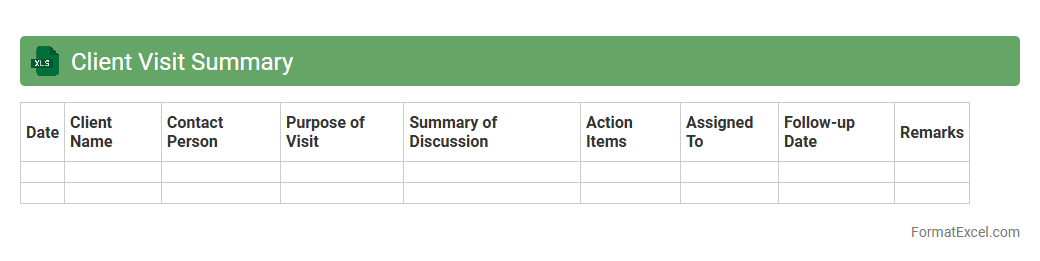
Client Visit Summary
A
Client Visit Summary Excel document records detailed information about interactions with clients, including meeting dates, discussion points, and follow-up actions. It helps track client engagement, monitor progress, and ensure accountability across sales or service teams. By consolidating client data in one place, it improves communication, supports strategic decision-making, and enhances customer relationship management.
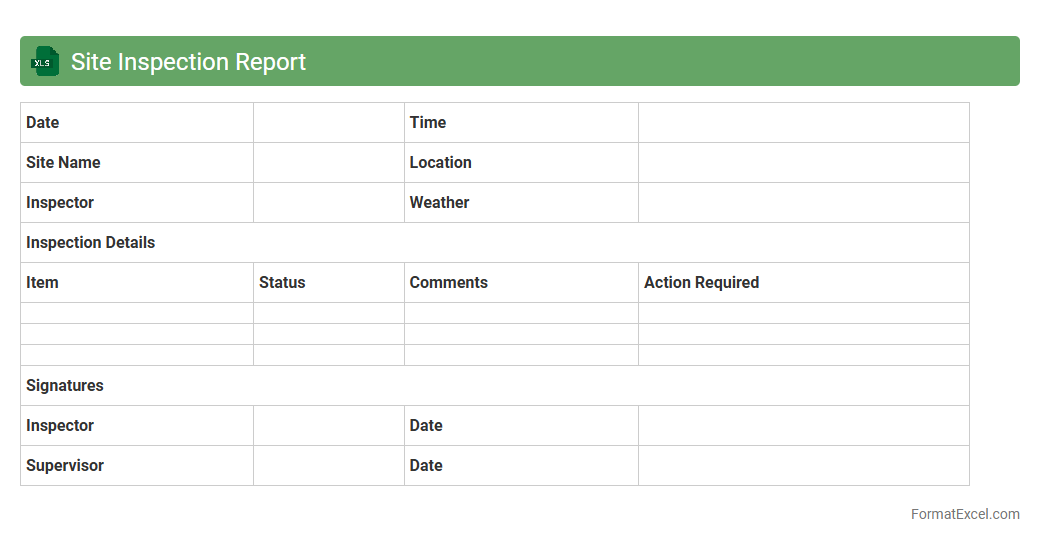
Site Inspection Report
A
Site Inspection Report Excel document is a structured template used to record detailed observations, conditions, and compliance status during site visits. It enables efficient tracking of maintenance issues, safety hazards, and project progress, ensuring accountability and timely corrective actions. This organized format simplifies data analysis and reporting, enhancing decision-making and communication among stakeholders.
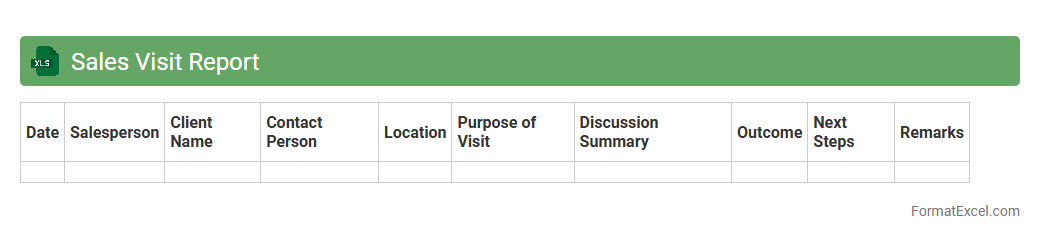
Sales Visit Report
A
Sales Visit Report Excel document is a structured tool used to record details of customer interactions, sales activities, and follow-up actions during client visits. It helps sales teams track performance metrics, monitor progress against targets, and analyze customer feedback efficiently. Utilizing this report improves decision-making, enhances communication within the team, and drives more effective sales strategies.
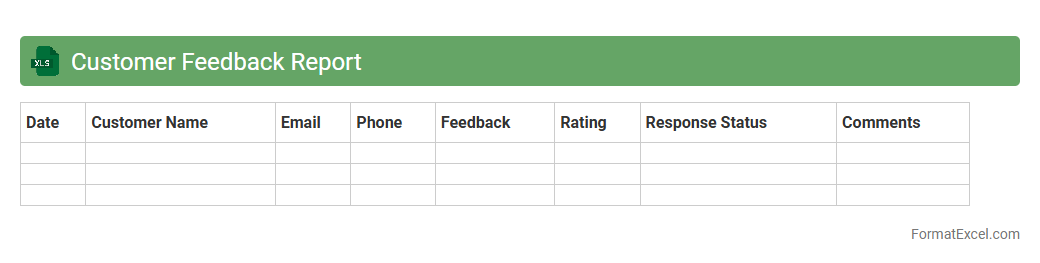
Customer Feedback Report
A
Customer Feedback Report Excel document is a structured file that compiles customer opinions, ratings, and comments collected through surveys or direct interactions. It allows businesses to analyze customer satisfaction trends, identify areas for improvement, and prioritize actions based on quantifiable data. Using this report enhances decision-making processes, drives product or service enhancements, and strengthens customer relationships by addressing their needs effectively.
Vendor Visit Record
A
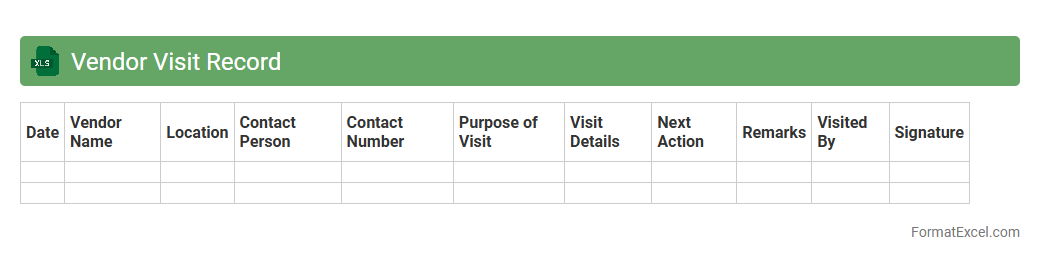
Vendor Visit Record Excel document is a structured tool used to log detailed information about interactions with suppliers, including visit dates, contact persons, discussion points, and follow-up actions. This record enhances vendor management by providing a centralized reference for tracking communication history, evaluating vendor performance, and ensuring accountability. Maintaining such documentation supports informed decision-making and strengthens supplier relationships by fostering clear and consistent communication.
Technician Visit Log
The
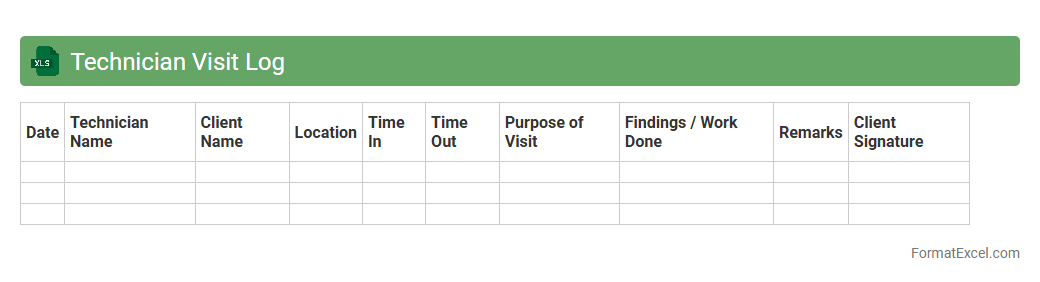
Technician Visit Log Excel document is a structured record that tracks technician appointments, service details, and outcomes for maintenance or repair tasks. It enables efficient scheduling, performance monitoring, and data analysis, helping organizations optimize technician productivity and service quality. By maintaining accurate visit logs, businesses can ensure timely follow-ups, improve customer satisfaction, and streamline operational workflows.
Maintenance Visit Register
The
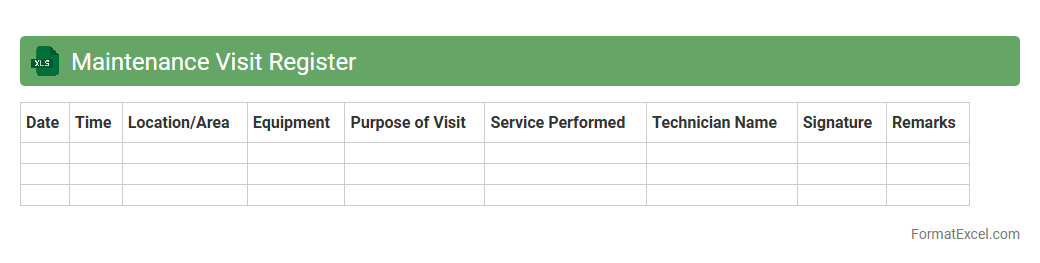
Maintenance Visit Register Excel document is a systematic log that records details of all maintenance visits, including dates, technician names, equipment serviced, and tasks performed. It helps organizations track maintenance schedules, monitor service quality, and ensure timely repairs, reducing equipment downtime and extending asset lifespan. By maintaining accurate records, businesses can analyze maintenance trends, optimize resource allocation, and improve overall operational efficiency.
Market Visit Report
A
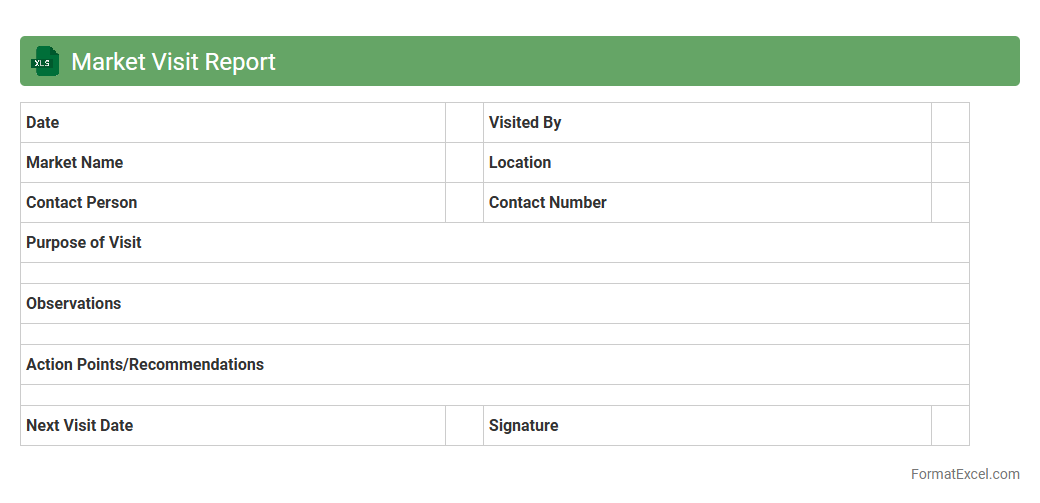
Market Visit Report Excel document systematically records observations, sales data, and competitor analysis gathered during field visits to stores or markets. It helps businesses track product performance, customer preferences, and market trends, enabling informed decision-making and strategic planning. By consolidating real-time market insights, it enhances communication between sales teams and management, improving overall operational efficiency.
Project Site Visit Log
A
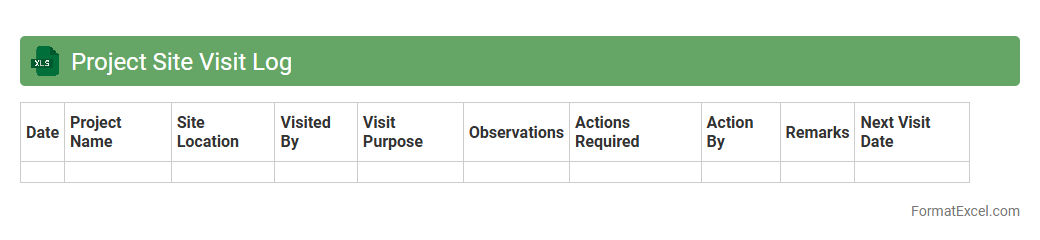
Project Site Visit Log Excel document systematically records all site visits, including dates, personnel involved, observations, and action items. It enhances project management by providing a centralized, organized record for tracking progress, issues, and compliance during construction or development phases. This log ensures accountability, facilitates communication among stakeholders, and supports timely decision-making to keep projects on schedule and within budget.
Service Visit Report
A
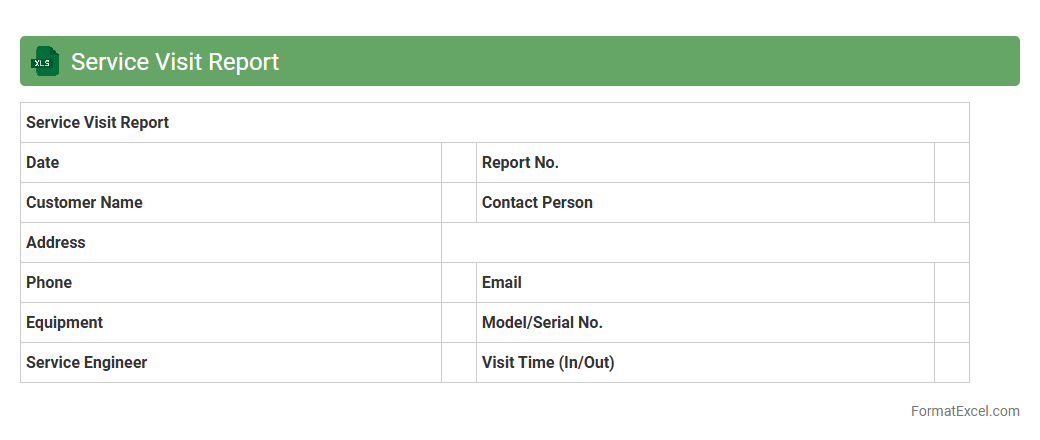
Service Visit Report Excel document is a detailed record used to log information about maintenance or repair visits, including service dates, technician details, equipment serviced, and issues resolved. It helps track service history, ensuring accountability and enabling trend analysis for equipment performance and recurring problems. This document streamlines communication between service teams and management, enhancing operational efficiency and facilitating timely decision-making.
Follow-up Visit Record
A
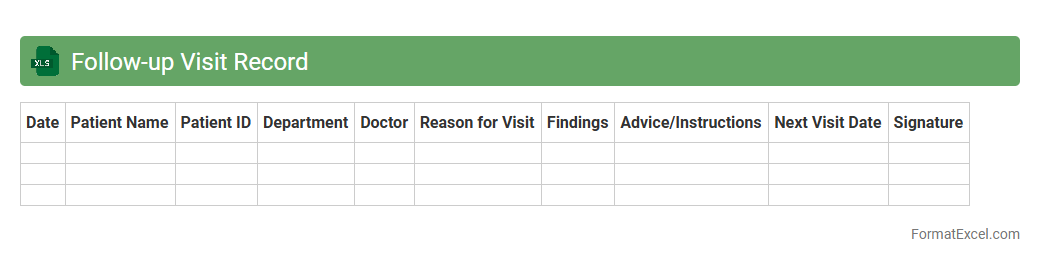
Follow-up Visit Record Excel document is a structured digital tool used to systematically log patient or client visits after an initial consultation or service. This record helps track appointment dates, treatment progress, and important notes, enabling healthcare providers or service managers to monitor outcomes and make informed decisions. Efficient data organization in this document enhances continuity of care and improves communication among team members.
Distributor Visit Report
The
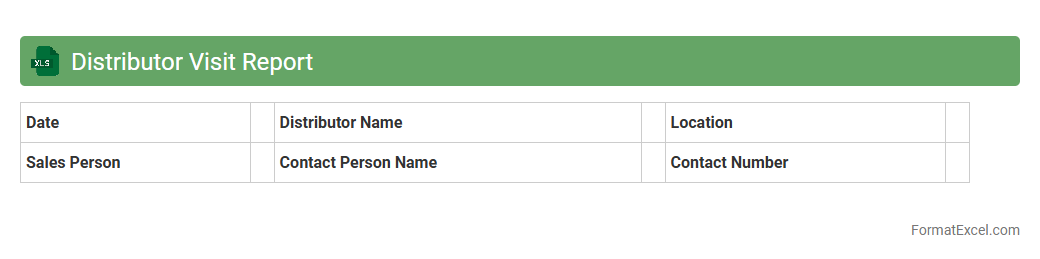
Distributor Visit Report Excel document is a structured tool designed to record detailed information from distributor interactions, including sales performance, inventory levels, promotional activities, and client feedback. It helps organizations monitor market trends, identify opportunities, and address challenges by providing a centralized and easily accessible database for analysis and decision-making. This report enhances communication between sales teams and management, ensuring that distributor visits contribute directly to improving distribution strategies and overall business growth.
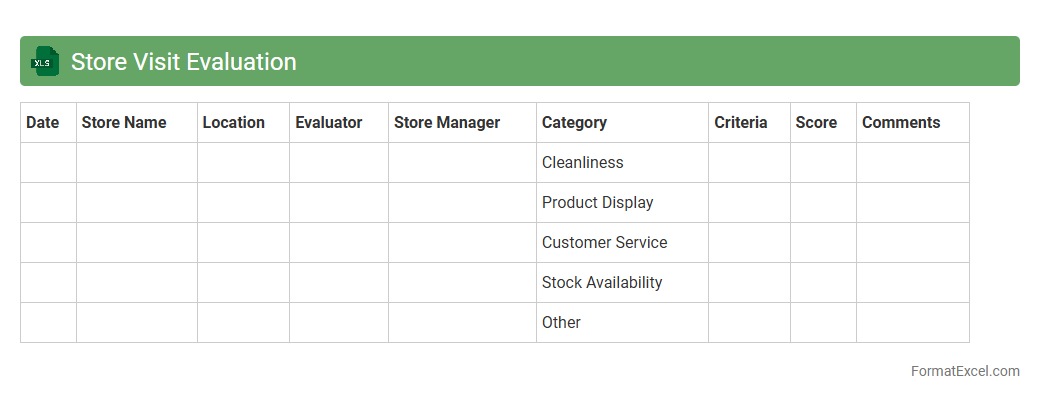
Store Visit Evaluation
The
Store Visit Evaluation Excel document is a structured tool designed to systematically assess key aspects of store operations, including product placement, cleanliness, staff behavior, and inventory management. It enables businesses to gather consistent data during store visits, facilitating actionable insights and identifying areas for improvement. Utilizing this document improves decision-making, enhances store performance, and supports optimization of customer experience through targeted interventions.
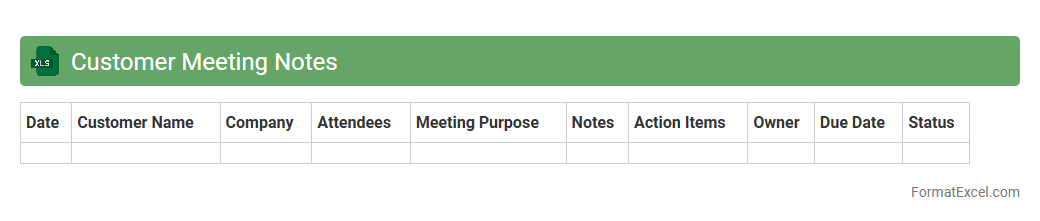
Customer Meeting Notes
A
Customer Meeting Notes Excel document is a structured tool designed to record key details, action items, and feedback from client interactions. It helps organize critical information such as meeting dates, discussion points, and follow-up tasks, ensuring no important element is overlooked. Using this document enhances communication efficiency, improves client relationship management, and supports data-driven decision-making.
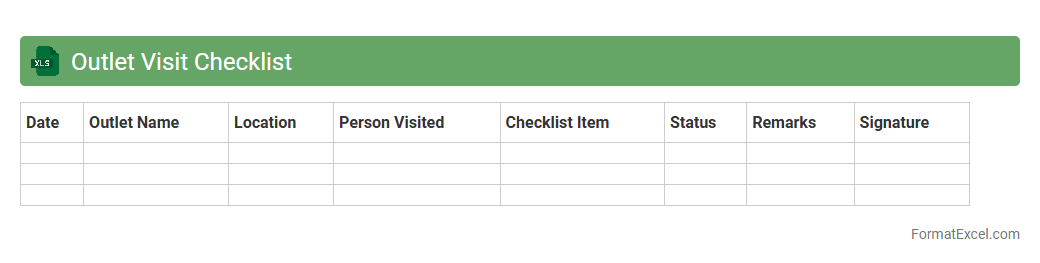
Outlet Visit Checklist
An
Outlet Visit Checklist Excel document is a structured tool designed to streamline and standardize the process of evaluating retail outlets during field visits. It helps capture essential data such as product availability, display quality, pricing accuracy, and competitor activity, enabling consistent and objective assessment across multiple locations. This checklist enhances operational efficiency by providing clear metrics for performance analysis, improving inventory management, and supporting informed decision-making for sales and marketing strategies.
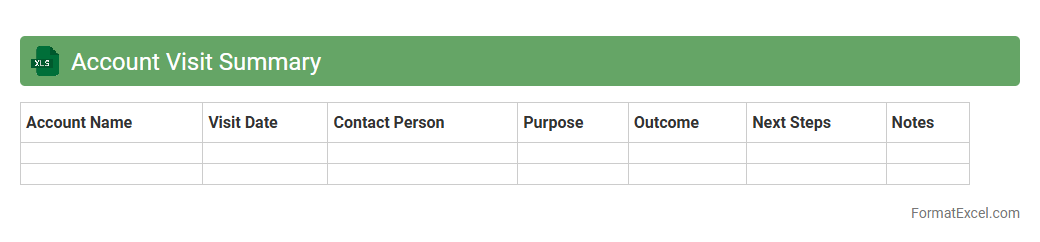
Account Visit Summary
The
Account Visit Summary Excel document consolidates detailed records of client interactions, including dates, discussion points, and follow-up actions. It serves as a centralized tool to track customer engagement, improving communication and facilitating strategic planning for sales and customer service teams. By analyzing this data, businesses can identify trends, prioritize accounts, and enhance overall relationship management.
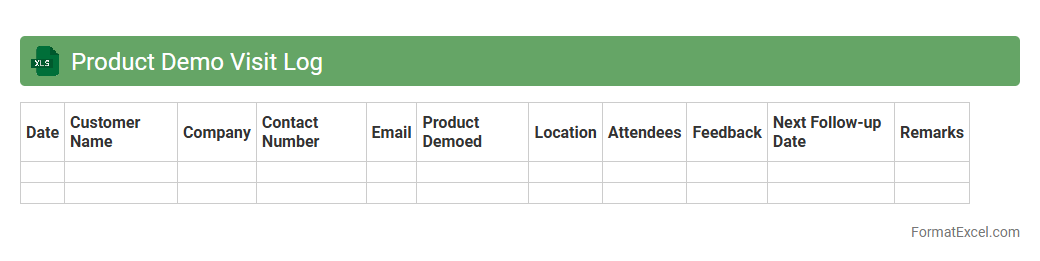
Product Demo Visit Log
The
Product Demo Visit Log Excel document systematically records details of customer visits during product demonstrations, including date, client information, feedback, and outcomes. This log facilitates tracking engagement, analyzing customer responses, and measuring the effectiveness of demo sessions. Maintaining this document enhances sales strategies, improves follow-up actions, and supports data-driven decision-making in product marketing.
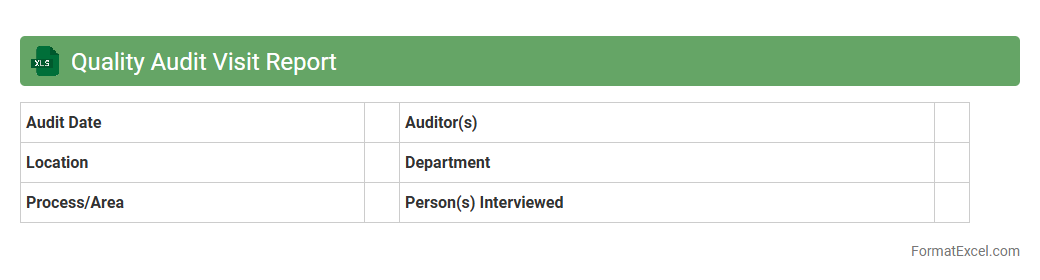
Quality Audit Visit Report
A
Quality Audit Visit Report Excel document is a structured tool used to systematically record and analyze data collected during quality audits in various industries. This report enhances transparency and accountability by documenting compliance status, identifying non-conformities, and facilitating corrective actions. Utilizing this Excel format allows for efficient data management, easy customization of audit criteria, and comprehensive tracking of quality improvement over time.
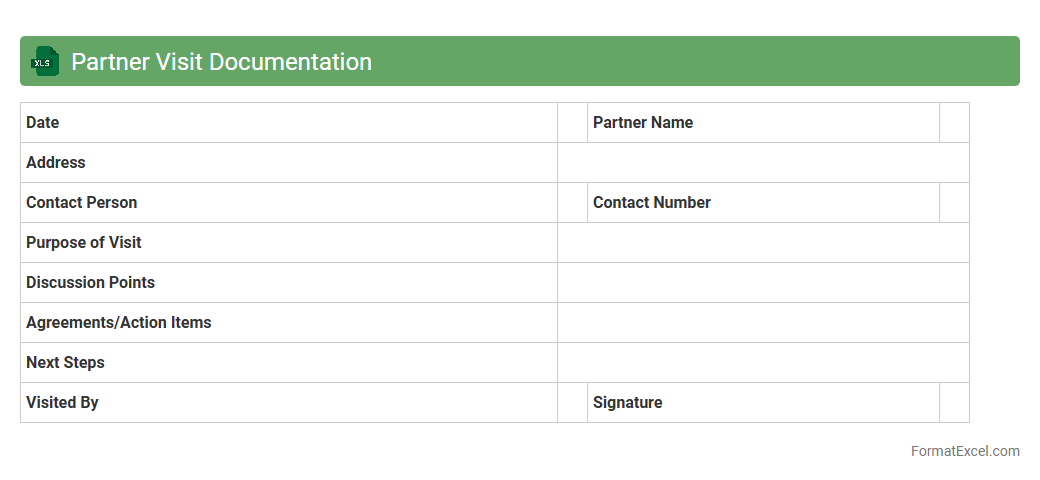
Partner Visit Documentation
The
Partner Visit Documentation Excel document is a structured tool designed to record and track interactions with business partners, capturing essential details such as meeting dates, discussion points, and follow-up actions. This document enhances collaboration by providing a centralized record that facilitates accountability and streamlines communication across teams. It enables data-driven decision-making by allowing easy access to historical visit information and performance metrics, improving relationship management and operational efficiency.
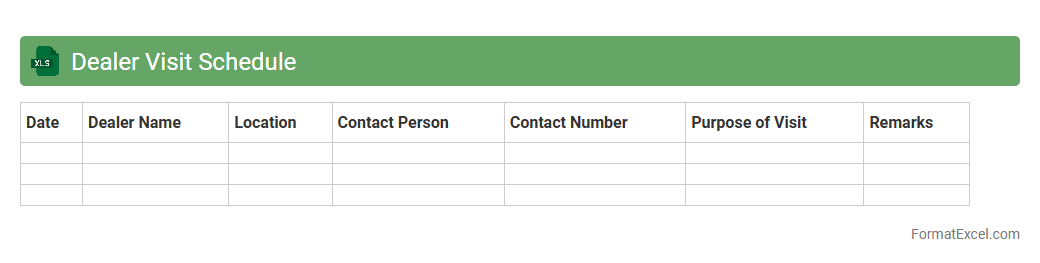
Dealer Visit Schedule
The
Dealer Visit Schedule Excel document is a structured tool designed to organize and track meetings with dealers, ensuring efficient management of visit timelines and locations. It helps sales teams optimize their routes, plan appointments in advance, and maintain a detailed record of interactions for follow-ups. By providing a clear overview of scheduled visits, this document enhances productivity, improves dealer relationships, and supports strategic decision-making.
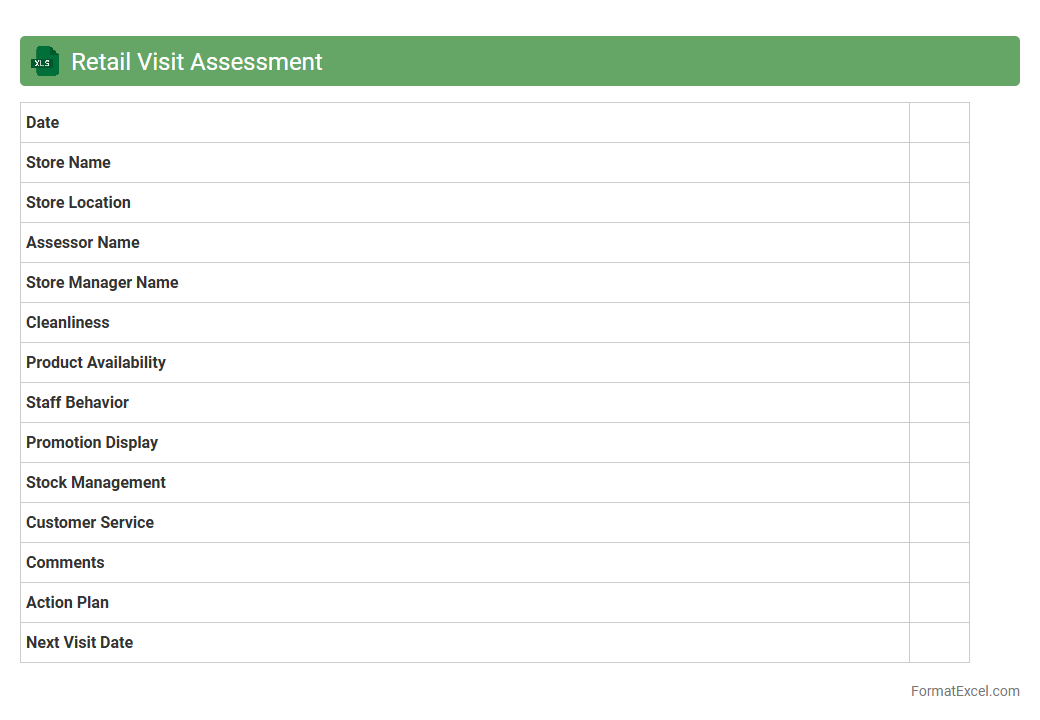
Retail Visit Assessment
The
Retail Visit Assessment Excel document is a structured tool designed to track and evaluate in-store activities, including product placement, pricing, and promotional compliance. It enables businesses to collect and analyze real-time data on retail performance, facilitating informed decision-making for sales strategies and inventory management. By providing a clear overview of retail conditions, it helps improve operational efficiency and enhances customer experience.
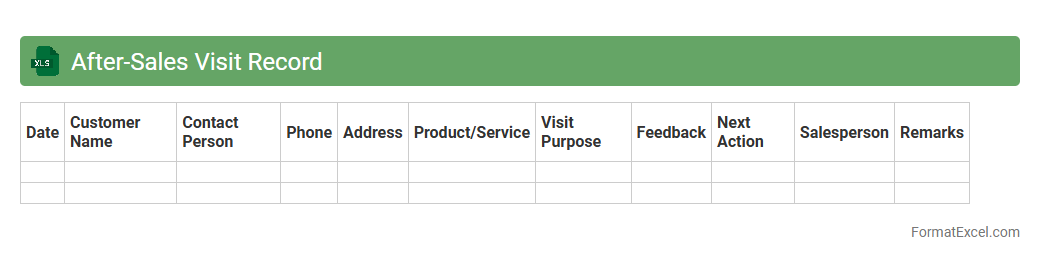
After-Sales Visit Record
The
After-Sales Visit Record Excel document tracks customer interactions following a purchase, capturing details such as visit dates, feedback, and service outcomes. It enables businesses to monitor customer satisfaction, identify recurring issues, and improve service quality through timely follow-ups. This structured record supports data-driven decision-making and enhances customer relationship management by ensuring consistent after-sales support.
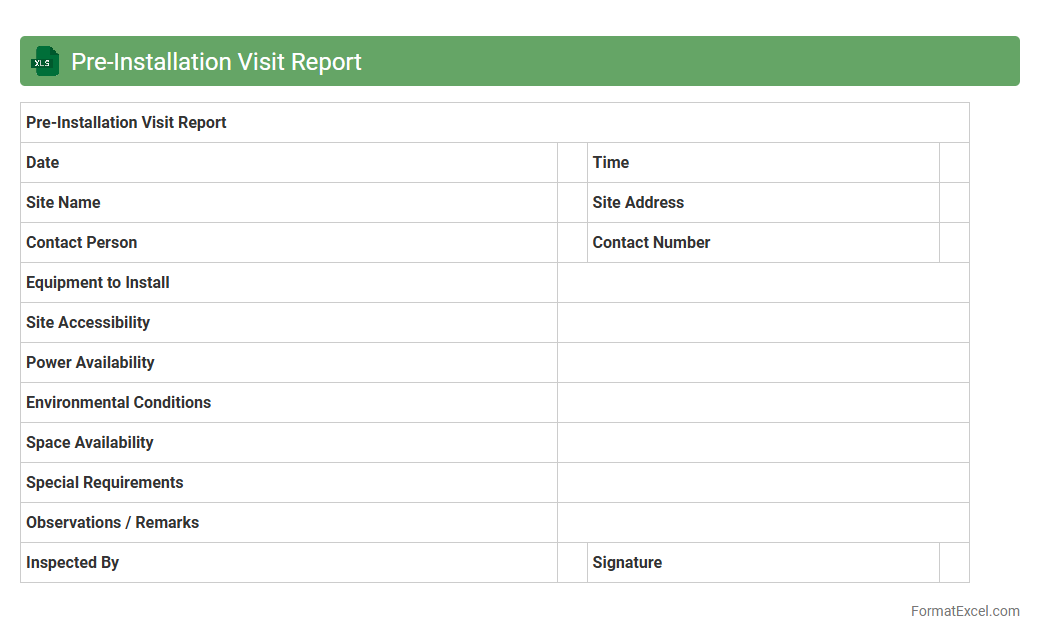
Pre-Installation Visit Report
A
Pre-Installation Visit Report Excel document is a structured template that captures essential details and observations made during a site survey before equipment or system installation. It helps ensure accurate assessment of on-site conditions, requirements, and potential challenges, enabling better planning and resource allocation. Using this report improves communication among teams, reduces installation errors, and enhances overall project efficiency and timelines.
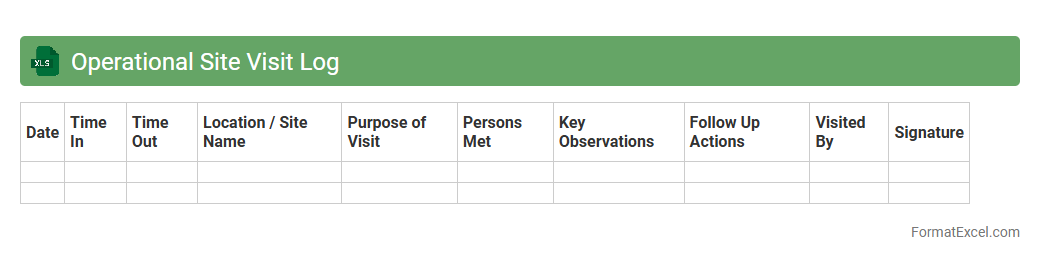
Operational Site Visit Log
An
Operational Site Visit Log Excel document is a structured template designed to record detailed information about site inspections, including date, time, personnel involved, observations, and action items. It facilitates effective tracking of site activities, compliance checks, and maintenance issues, enabling better communication and accountability among team members. Utilizing this log enhances project management by providing a centralized record for monitoring operational efficiency and identifying areas requiring attention.
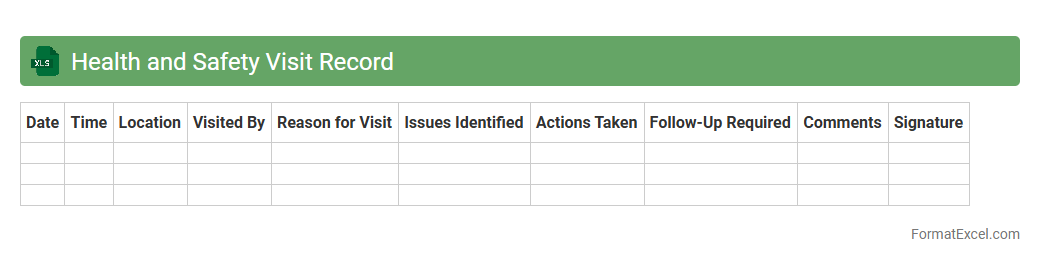
Health and Safety Visit Record
The
Health and Safety Visit Record Excel document is a structured tool designed to log and monitor site inspections, safety checks, and compliance assessments systematically. It helps organizations track hazards, document corrective actions, and ensure adherence to safety regulations, thus minimizing workplace risks and promoting a safer environment. By consolidating visit data in one accessible file, it facilitates efficient reporting, trend analysis, and continuous improvement in health and safety management.
Introduction to Visit Report Formats
A visit report format structures the documented details of a site or client visit, ensuring information consistency. It helps in summarizing observations, actions taken, and follow-up tasks effectively. Using a standardized format improves communication within organizations and with clients.
Importance of Using Excel for Visit Reports
Excel provides a versatile platform for creating, editing, and analyzing visit reports efficiently. Its functionality allows easy customization and data organization, making report management streamlined. Additionally, Excel's formula and formatting tools enhance report accuracy and presentation.
Key Components of a Visit Report in Excel
A comprehensive visit report in Excel includes sections like visit date, purpose, observations, recommendations, and next steps. Incorporating these key components ensures clear documentation and actionable insights. Structured components help users track visit outcomes and accountability.
Step-by-Step Guide to Creating a Visit Report in Excel
Start by outlining the report's main sections such as visitor details and visit objectives. Next, input data into well-labeled cells and use formatting tools for clarity. Finally, review and save the report, ensuring all critical information is captured and accessible.
Essential Data Fields for Visit Report Templates
Important fields typically include visitor name, date and location of visit, client or site information, and detailed observations. Including follow-up actions and signature fields adds accountability and ensures completeness. These fields enable thorough tracking of visit outcomes.
Sample Visit Report Format in Excel
A sample format usually organizes data into rows and columns with headers like Date, Visitor, Purpose, and Notes. Incorporating dropdown lists and predefined templates enhances usability. This sample layout facilitates quick data entry and consistent reporting.
Tips for Customizing Visit Report Templates
Customize the template to suit specific industry needs by adding relevant sections like safety checks or inventory status. Use conditional formatting to highlight important data points automatically. Tailoring your visit report template increases its relevance and effectiveness.
Common Mistakes to Avoid in Visit Report Formatting
Avoid cluttered layouts, inconsistent fonts, and missing critical fields in your Excel reports. Failing to back up data or neglecting proper labeling can cause confusion. Ensuring accuracy and clarity in the report format maintains professionalism and usability.
Downloadable Visit Report Excel Templates
Many websites offer free or premium downloadable Excel templates tailored for visit reporting needs. These templates save time and provide a solid foundation for detailed and professional reports. Choosing a well-structured template simplifies your reporting process.
Best Practices for Professional Visit Reporting
Deliver visit reports promptly and keep them concise yet informative for maximum impact. Use charts or visuals where appropriate to highlight key findings. Maintaining a consistent professional reporting style improves credibility and facilitates informed decision-making.