Campaign Performance Summary
The Campaign Performance Summary Excel document provides a comprehensive overview of marketing campaign metrics such as impressions, click-through rates, conversions, and ROI in a structured format. It enables marketers to analyze data trends, identify top-performing campaigns, and make data-driven decisions to optimize future marketing strategies. This
performance summary serves as a vital tool for tracking effectiveness and improving overall campaign outcomes.
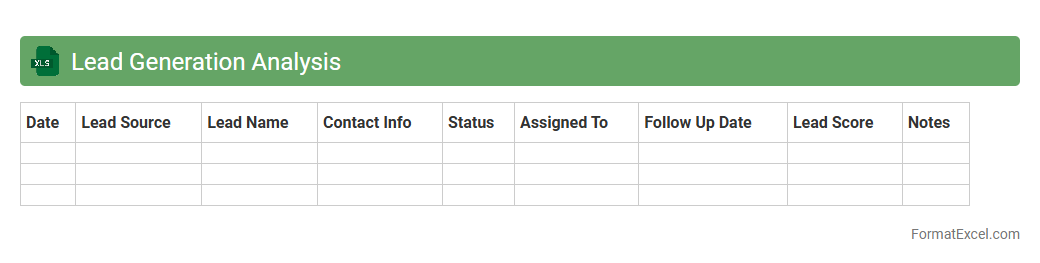
Lead Generation Analysis
A
Lead Generation Analysis Excel document is a structured spreadsheet designed to track, evaluate, and optimize the process of identifying potential customers for a business. It enables businesses to analyze key metrics such as lead sources, conversion rates, and campaign performance, helping to make data-driven decisions. Using this tool improves marketing effectiveness, increases sales opportunities, and maximizes return on investment by focusing efforts on high-quality leads.
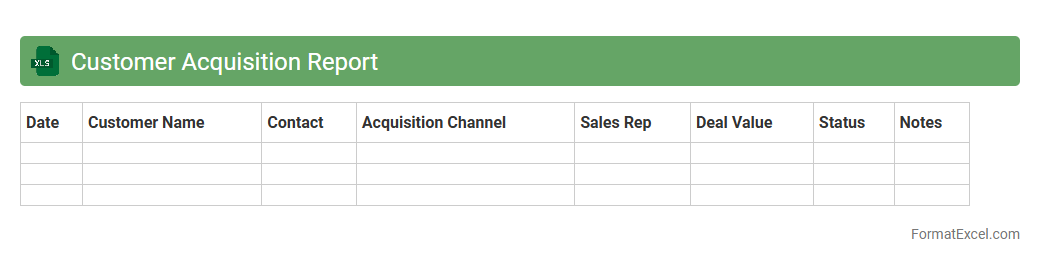
Customer Acquisition Report
A
Customer Acquisition Report Excel document systematically tracks and analyzes data related to gaining new customers, including sources, costs, and conversion rates. This report enables businesses to identify the most effective marketing channels, optimize budget allocation, and improve overall customer acquisition strategies. By providing clear insights through organized data and visualizations, it supports data-driven decision-making to enhance growth and profitability.
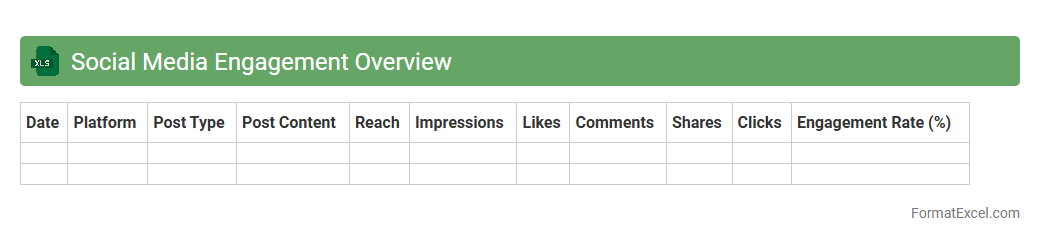
Social Media Engagement Overview
The
Social Media Engagement Overview Excel document compiles critical metrics such as likes, shares, comments, and follower growth across multiple platforms into a single, easy-to-analyze spreadsheet. It enables businesses to track performance trends, measure the effectiveness of content strategies, and identify the most engaging types of posts. Using this data-driven approach helps optimize marketing efforts and improve audience interaction over time.
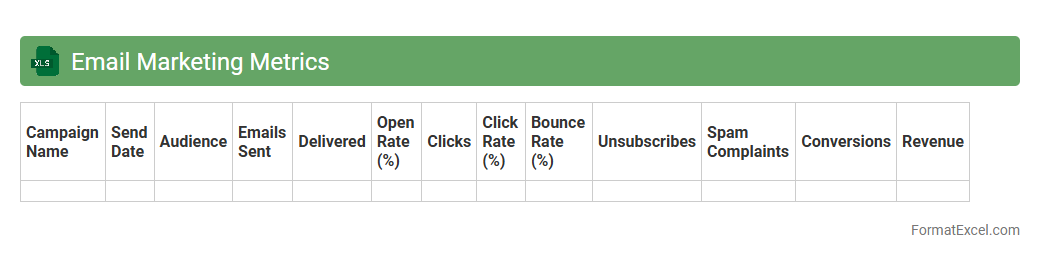
Email Marketing Metrics
An
Email Marketing Metrics Excel document tracks and analyzes key performance indicators such as open rates, click-through rates, conversion rates, and bounce rates. This organized data helps marketers measure the effectiveness of their email campaigns, identify trends, and optimize future strategies for better engagement and ROI. Using this document allows for data-driven decisions, improving targeting and maximizing overall marketing success.
Website Traffic Sources
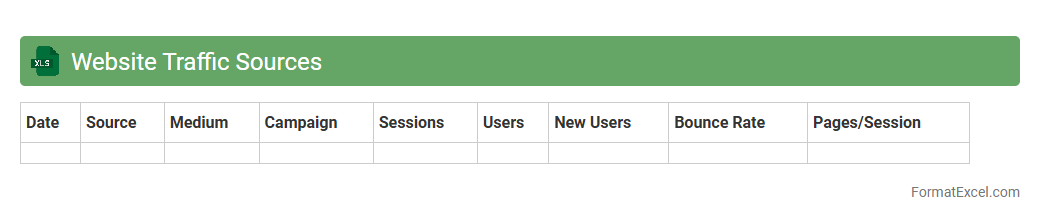
A
Website Traffic Sources Excel document tracks and categorizes the origins of visitors to a website, such as organic search, paid ads, social media, or direct visits. It is useful for analyzing the effectiveness of marketing channels and understanding user behavior to optimize digital strategies. This data-driven approach helps businesses allocate resources efficiently and increase overall web traffic performance.
SEO Performance Breakdown
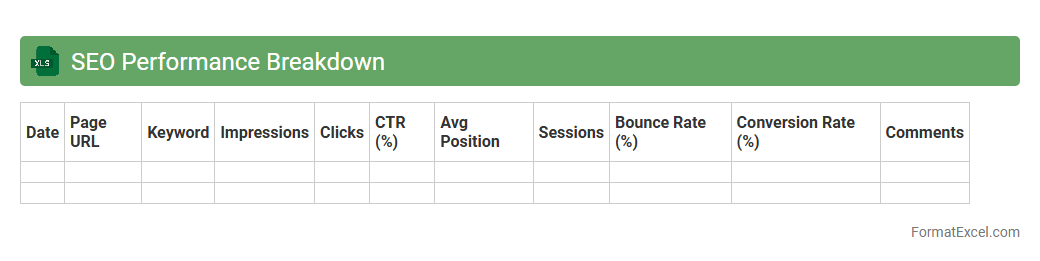
The
SEO Performance Breakdown Excel document is a tool designed to analyze and visualize key SEO metrics such as keyword rankings, organic traffic, bounce rates, and backlink profiles. It helps marketers and SEO specialists track progress, identify weak areas, and make data-driven decisions to improve website visibility and search engine rankings. By consolidating performance data into an easy-to-understand format, the document streamlines reporting and optimization efforts.
Pay Per Click Analysis
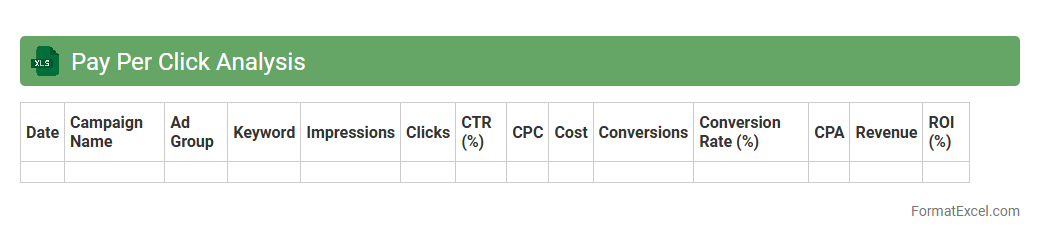
A
Pay Per Click (PPC) Analysis Excel document is a structured spreadsheet designed to track, organize, and evaluate PPC campaign data, including impressions, clicks, cost, and conversions. It helps marketers identify the performance of different keywords and ads, allowing for data-driven decisions to optimize budget allocation and improve return on investment (ROI). By analyzing trends and metrics within this document, businesses can enhance ad targeting strategies and maximize the effectiveness of their digital advertising efforts.
Conversion Rate Tracking
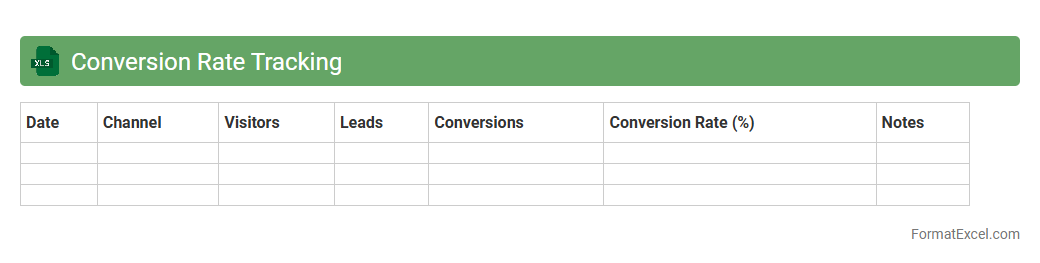
A
Conversion Rate Tracking Excel document is a structured tool designed to monitor and analyze the percentage of users completing desired actions on a website or campaign, such as purchases or sign-ups. This document allows marketers and business owners to visualize trends, identify bottlenecks, and measure the effectiveness of different marketing strategies with clear, data-driven insights. By systematically tracking conversion rates, businesses can optimize campaigns, allocate resources efficiently, and improve overall return on investment (ROI).
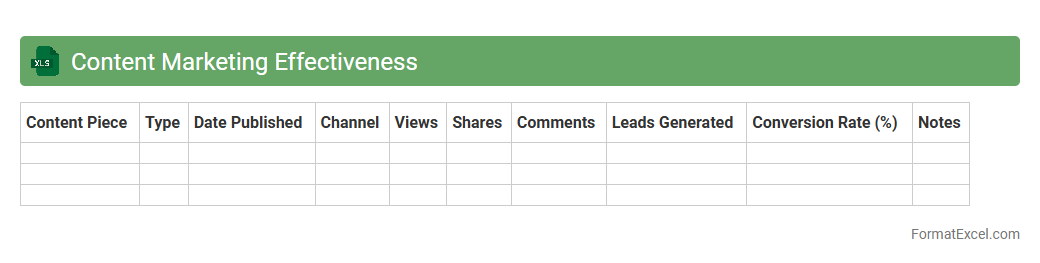
Content Marketing Effectiveness
The
Content Marketing Effectiveness Excel document is a powerful tool designed to track, analyze, and optimize the performance of content marketing campaigns. It helps marketers measure key metrics such as engagement, conversion rates, and ROI, enabling data-driven decisions to improve strategy. By organizing and visualizing data efficiently, this document streamlines content planning and enhances overall marketing results.
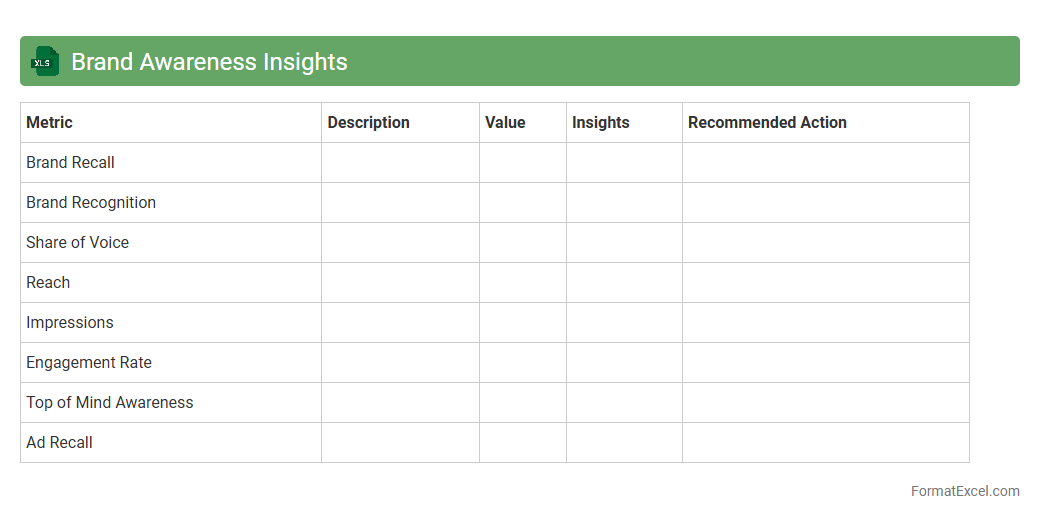
Brand Awareness Insights
The
Brand Awareness Insights Excel document is a powerful tool designed to analyze and visualize key metrics related to brand recognition and consumer perception. It consolidates data from surveys, social media, and market research to provide actionable insights on brand reach, recall, and engagement levels. Using this document helps businesses identify strengths and weaknesses in their branding strategies, optimize marketing efforts, and make data-driven decisions to enhance overall market presence.
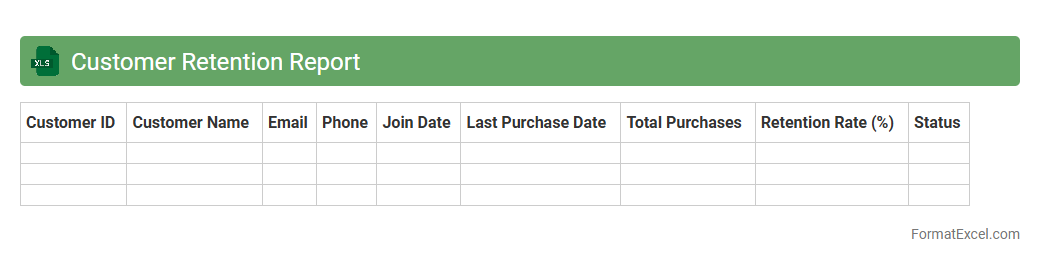
Customer Retention Report
A
Customer Retention Report Excel document tracks the rate at which customers continue to do business with a company over a specific period. It helps identify trends in customer loyalty, churn rates, and the effectiveness of retention strategies. Using this data, businesses can optimize marketing efforts, improve customer satisfaction, and increase long-term revenue.
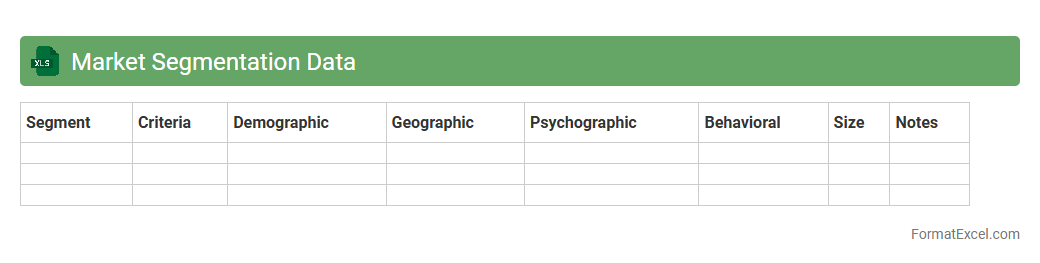
Market Segmentation Data
Market Segmentation Data
Excel document is a structured spreadsheet containing categorized information about distinct customer groups based on demographics, behaviors, and preferences. This data is essential for targeted marketing strategies, enabling businesses to tailor products and services to specific segments for increased efficiency and higher conversion rates. Utilizing such organized data helps optimize resource allocation and improves decision-making processes in marketing campaigns.
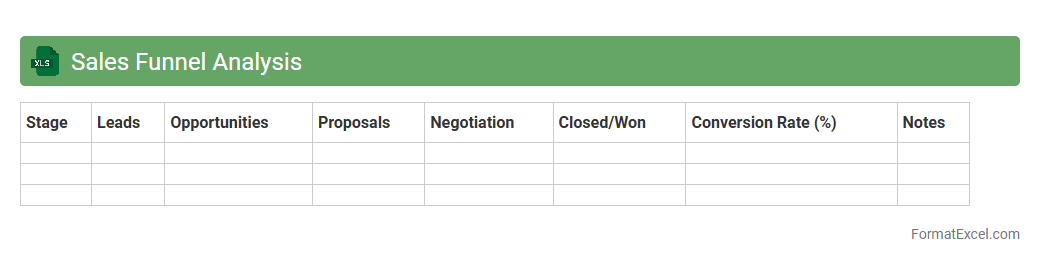
Sales Funnel Analysis
Sales Funnel Analysis Excel document is a powerful tool that visually maps the customer journey from lead generation to final sale, allowing businesses to track conversion rates at each stage. It is useful for identifying bottlenecks, optimizing marketing strategies, and improving overall sales performance by providing data-driven insights. Using this
Sales Funnel Analysis in Excel helps streamline decision-making and maximize revenue potential through clear, organized data representation.
Competitor Benchmarking
A
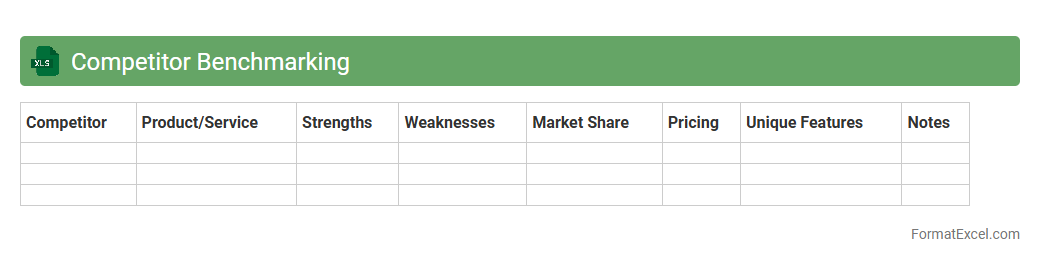
Competitor Benchmarking Excel document is a structured spreadsheet used to collect, analyze, and compare key performance metrics of competitors within an industry. It helps identify strengths, weaknesses, market positioning, and strategic opportunities by organizing data such as pricing, product features, marketing strategies, and customer feedback. This tool enables businesses to make informed decisions, optimize their offerings, and enhance competitive advantage through data-driven insights.
Product Launch Review
A
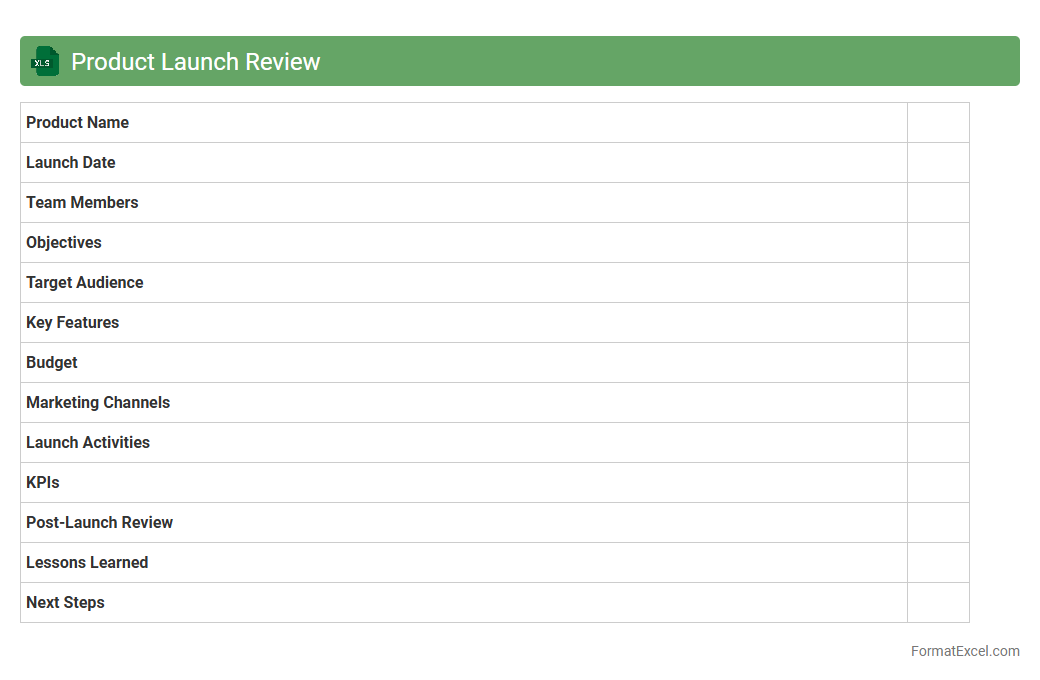
Product Launch Review Excel document is a structured tool designed to track and evaluate the key phases of a product launch, including timelines, stakeholder feedback, budget adherence, and performance metrics. It enables teams to systematically identify successes and areas for improvement by consolidating critical data in one easily accessible format. This document is useful for ensuring accountability, improving future launch strategies, and facilitating cross-functional collaboration throughout the product introduction process.
Event Marketing Results
The
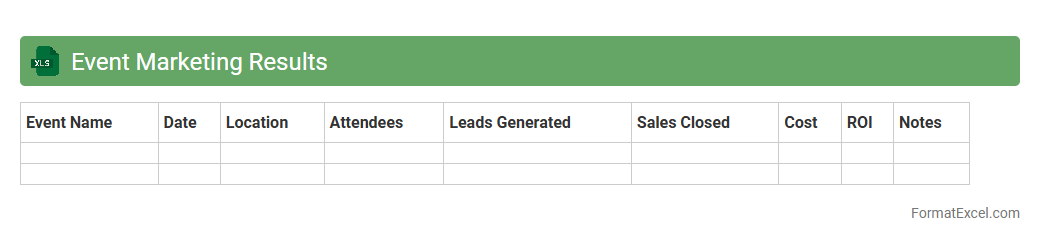
Event Marketing Results Excel document is a comprehensive tool designed to track, analyze, and visualize key performance metrics from marketing events. It helps marketers measure attendee engagement, conversion rates, and return on investment (ROI) efficiently by organizing data into clear, actionable insights. Utilizing this document streamlines performance evaluation and supports data-driven decisions to optimize future event strategies.
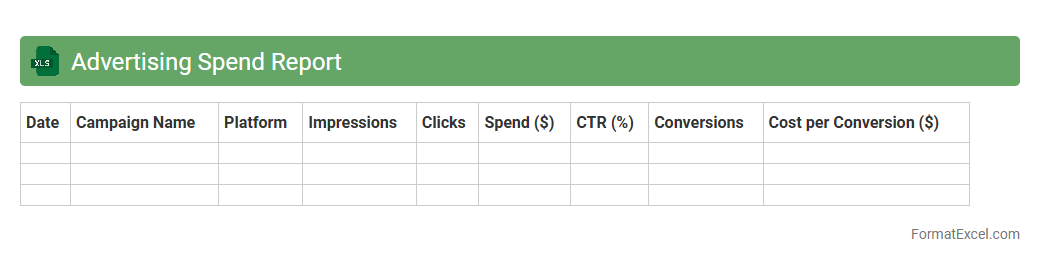
Advertising Spend Report
An
Advertising Spend Report Excel document is a structured file that tracks and analyzes expenses related to advertising campaigns across various platforms. It enables businesses to monitor budget allocation, assess campaign performance, and identify cost-saving opportunities by consolidating data such as ad spend, impressions, clicks, and conversions. Utilizing this report helps optimize marketing strategies, ensuring efficient use of resources while maximizing return on investment (ROI).
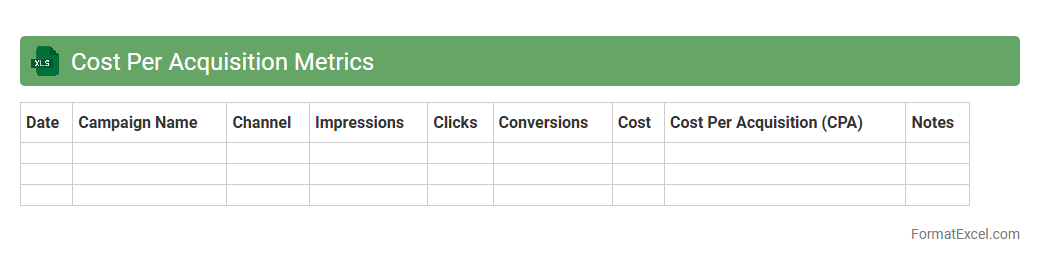
Cost Per Acquisition Metrics
A
Cost Per Acquisition (CPA) Metrics Excel document tracks the expenses involved in acquiring a new customer or lead, enabling businesses to assess marketing campaign efficiency. By organizing data such as total costs, number of acquisitions, and CPA calculations, this tool provides clear insights into which channels drive the most cost-effective conversions. Utilizing this document helps optimize marketing budgets, improve ROI, and make data-driven decisions for future campaigns.
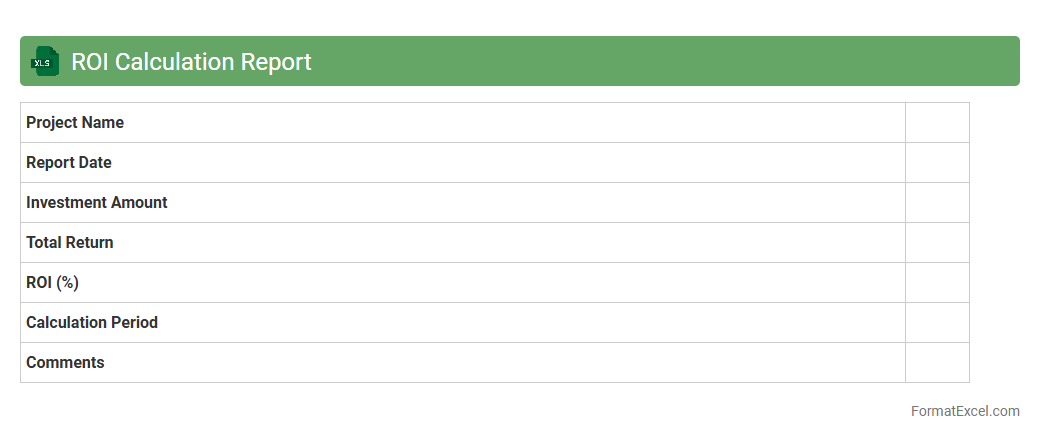
ROI Calculation Report
The
ROI Calculation Report Excel document is a powerful tool designed to quantify the return on investment by systematically analyzing costs versus gains from specific projects or campaigns. It helps businesses make data-driven decisions by providing clear insights into profitability, resource allocation, and performance efficiency. Utilizing this report streamlines financial evaluation, enabling organizations to optimize investments and improve strategic planning.
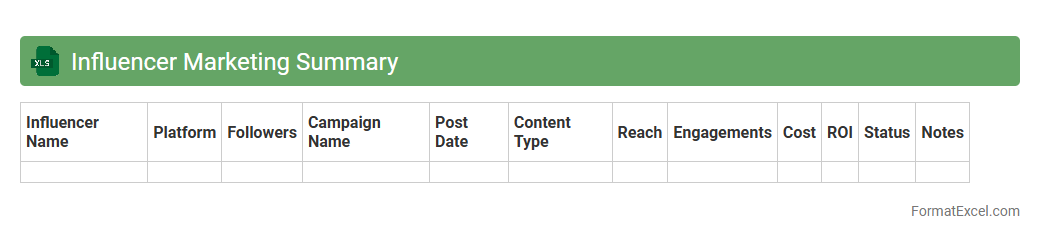
Influencer Marketing Summary
The
Influencer Marketing Summary Excel document consolidates key campaign metrics such as engagement rates, follower growth, and ROI across multiple influencer partnerships in one organized spreadsheet. It enables marketers to track performance trends efficiently, compare influencer effectiveness, and optimize budget allocation based on data-driven insights. This tool streamlines reporting processes and supports strategic decision-making to enhance the overall success of influencer marketing initiatives.
Customer Feedback Summary
A
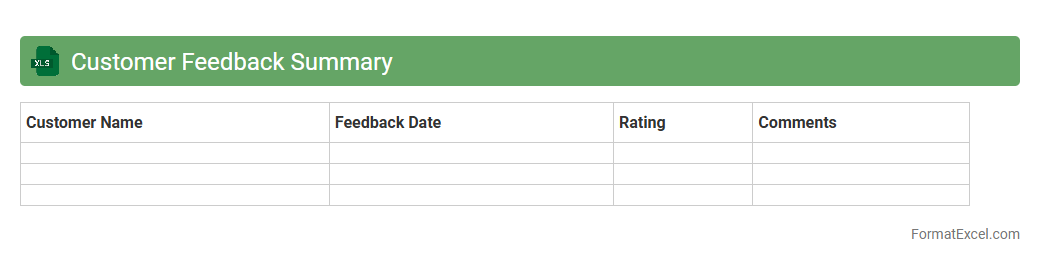
Customer Feedback Summary Excel document consolidates and organizes customer opinions, ratings, and comments into a structured format for easy analysis. It helps identify trends, measure satisfaction levels, and detect areas for improvement by providing a clear overview of customer experiences. Businesses use this data to enhance product quality, optimize services, and make informed decisions that drive customer loyalty and growth.
Geographic Performance Breakdown
The
Geographic Performance Breakdown Excel document provides a detailed analysis of sales, revenue, or other key metrics segmented by specific geographic regions such as countries, states, or cities. This tool helps businesses identify regional trends, measure market penetration, and allocate resources more effectively based on location-specific performance data. By leveraging these insights, companies can optimize marketing strategies, improve customer targeting, and enhance overall operational decision-making across different markets.
Marketing Budget Utilization
The
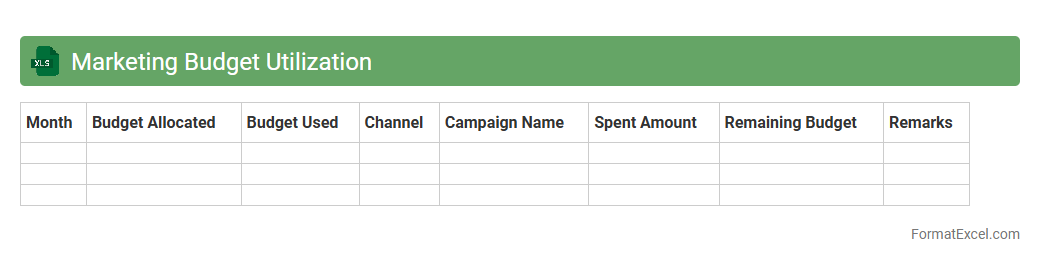
Marketing Budget Utilization Excel document is a comprehensive tool designed to track and manage marketing expenditures, ensuring funds are allocated efficiently across campaigns. It allows businesses to monitor spending against budgeted amounts, identify overspending or underspending, and optimize resource allocation for maximum ROI. By providing real-time insights and visual summaries, this document supports data-driven decision-making and enhances overall financial control in marketing operations.
Channel Performance Comparison
The
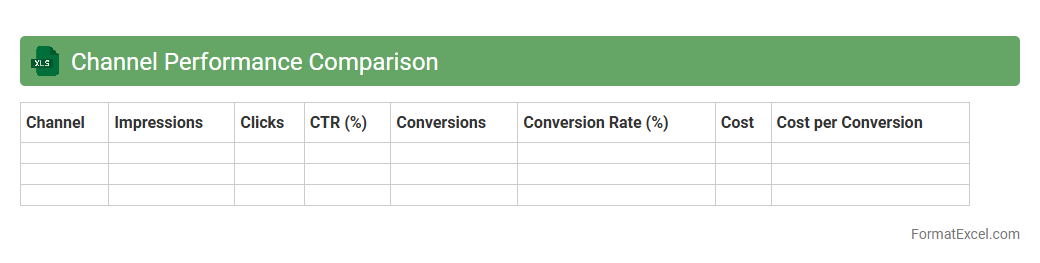
Channel Performance Comparison Excel document consolidates data from multiple marketing or sales channels to analyze their effectiveness side-by-side. By tracking key metrics such as conversion rates, engagement, and ROI, this tool enables businesses to identify top-performing channels and optimize resource allocation. It streamlines decision-making by providing clear, data-driven insights that drive growth and improve overall channel strategy.
Introduction to Marketing Report Formats
Marketing report formats provide a structured way to present data and insights. Using a clear format ensures stakeholders understand campaign performance effectively. Excel is a popular choice due to its flexibility and analytical capabilities.
Importance of Excel in Marketing Reporting
Excel offers powerful tools for data management, analysis, and visualization. Marketers rely on it to track metrics and create dynamic reports. Its widespread availability makes it an essential tool in marketing reporting.
Key Components of a Marketing Report in Excel
A comprehensive marketing report includes sections like objectives, data analysis, and conclusions. Incorporating sales, traffic, and conversion data improves decision-making. Clear headings and concise summaries enhance readability.
Setting Up Your Excel Workbook
Begin by organizing sheets logically, each serving a specific purpose such as raw data or charts. Naming tabs clearly improves navigation and usability. Protect sensitive data by using worksheet protection features.
Data Collection and Organization
Accurate data collection is crucial for valid marketing insights. Use structured tables and consistent formats to maintain data integrity. Efficient organization helps in quick analysis and report generation.
Designing Visual Dashboards in Excel
Dashboards communicate complex data through intuitive visuals like charts and graphs. Use Excel's built-in charting tools to highlight key trends and KPIs. A clean design aids faster understanding for all audience types.
Metrics and KPIs to Include
Select metrics that align with marketing goals, such as ROI, CTR, and customer engagement. Tracking these KPIs helps assess campaign effectiveness and optimize strategies. Regular updates ensure reports reflect current performance.
Tips for Customizing Excel Templates
Customize templates to fit specific campaign types or reporting needs. Use conditional formatting and macros to automate repetitive tasks and highlight essential information. Consistent branding within templates improves professionalism.
Common Mistakes to Avoid
Avoid cluttering reports with excessive data or unclear visuals. Ensure all figures are accurate to prevent misinterpretation. Neglecting data updates and backups can compromise report reliability.
Conclusion and Best Practices
Effective marketing reports in Excel enable data-driven decision making. Stay focused on relevant metrics and maintain clarity throughout your report format. Regularly reviewing and refining your approach maximizes reporting success.