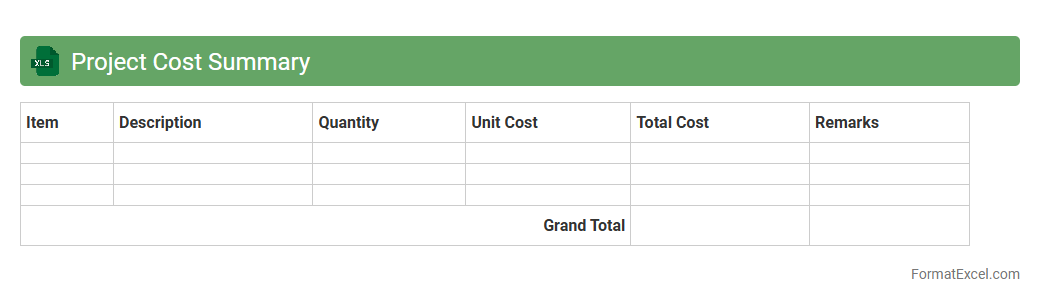
Project Cost Summary
The
Project Cost Summary Excel document consolidates all expenses related to a project, providing a clear overview of budget allocation, actual costs, and variance analysis. It helps project managers track spending, identify cost overruns early, and make informed financial decisions to ensure the project stays within budget. This tool improves financial transparency and supports efficient resource management throughout the project lifecycle.
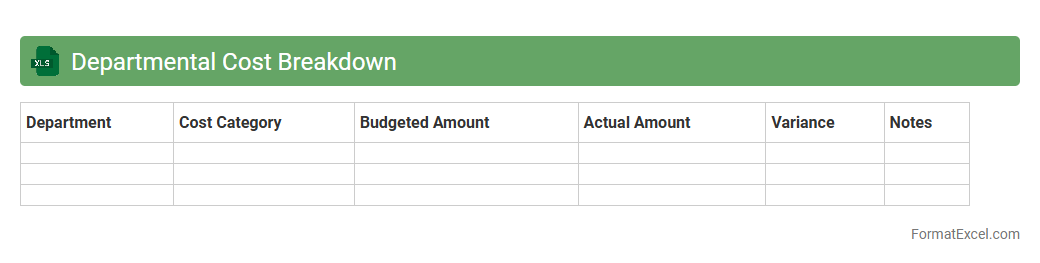
Departmental Cost Breakdown
A
Departmental Cost Breakdown Excel document itemizes expenses across various departments, enabling clear visibility into budget allocation and spending patterns. This tool aids in identifying cost-saving opportunities and optimizing resource distribution, which enhances financial planning and accountability. By consolidating data in a structured format, it supports strategic decision-making and improves overall operational efficiency.
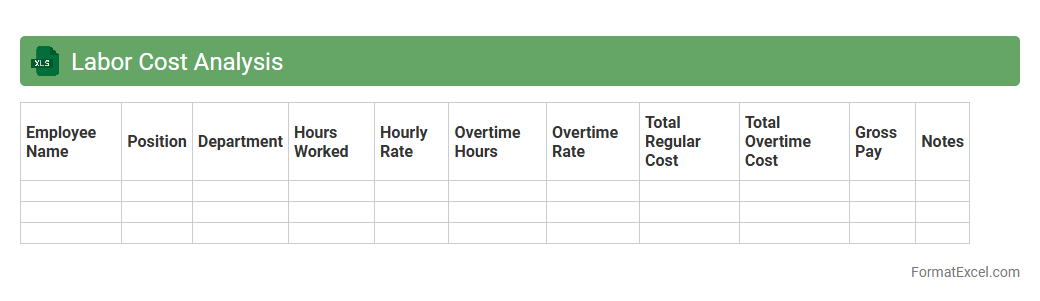
Labor Cost Analysis
A
Labor Cost Analysis Excel document is a tool designed to track, calculate, and evaluate labor expenses within a business, including wages, benefits, and overtime costs. It enables organizations to monitor workforce spending, identify cost-saving opportunities, and improve budgeting accuracy. Utilizing this document helps optimize resource allocation, increase operational efficiency, and support strategic decision-making regarding labor management.
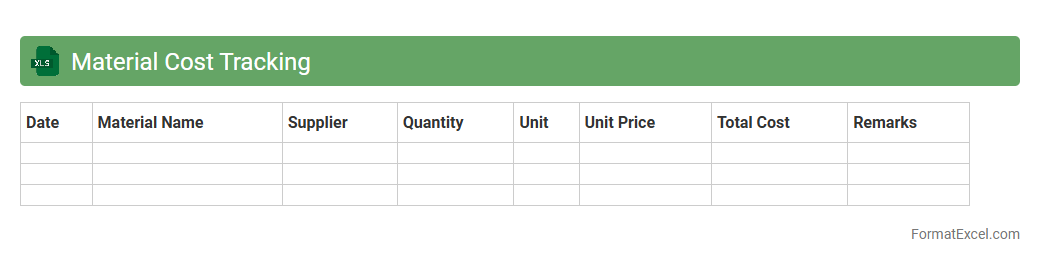
Material Cost Tracking
Material Cost Tracking Excel documents enable precise monitoring of expenses related to raw materials throughout a project or production cycle. By systematically recording quantities, prices, and suppliers, this tool ensures accurate budgeting, cost control, and inventory management. Using a
Material Cost Tracking sheet helps identify cost-saving opportunities and prevents budget overruns, enhancing overall financial efficiency.
Overhead Cost Allocation
Overhead Cost Allocation Excel document is a spreadsheet tool designed to systematically distribute indirect expenses like rent, utilities, and administrative costs across various departments or projects. It helps businesses achieve accurate cost tracking and budgeting by providing clear visibility into how overhead costs impact different areas. Using this document enhances financial decision-making and ensures more precise product pricing by allocating
overhead costs efficiently.
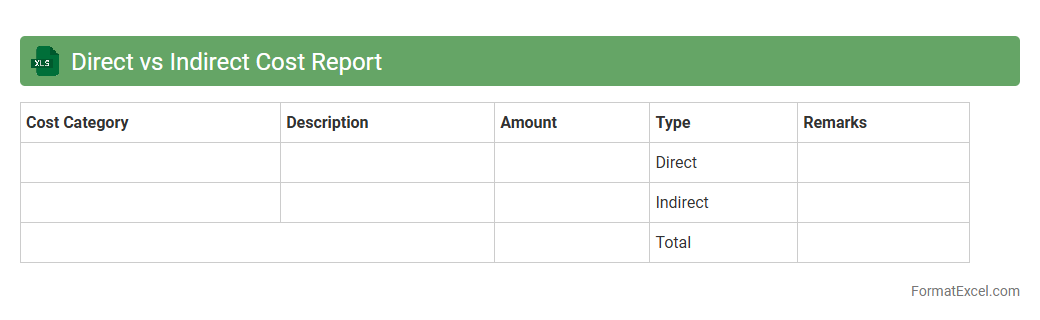
Direct vs Indirect Cost Report
A
Direct vs Indirect Cost Report Excel document categorizes expenses to distinguish costs directly tied to a project or product from general overhead costs. This separation enables businesses to accurately allocate resources, manage budgets, and enhance financial transparency in project accounting. By providing clear insight into labor, materials, and administrative expenses, the report supports informed decision-making for cost control and profitability analysis.
Cost Variance Analysis
Cost Variance Analysis Excel documents provide a structured and detailed comparison between budgeted and actual project costs, highlighting discrepancies to help identify cost overruns or savings. This tool utilizes formulas and charts to facilitate real-time tracking and forecasting, making budget management more precise and efficient. Using a
Cost Variance Analysis Excel document enhances financial control, enabling timely corrective actions to maintain project profitability and resource optimization.
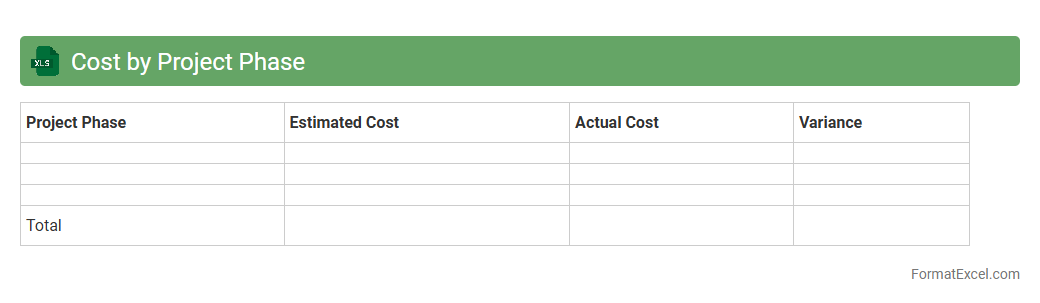
Cost by Project Phase
The
Cost by Project Phase Excel document systematically tracks expenses across different stages of a project, enabling precise budgeting and financial analysis. It helps project managers identify cost overruns early, improve resource allocation, and ensure projects stay within financial targets. By providing detailed cost breakdowns by phase, this tool supports informed decision-making and enhances overall project cost control.
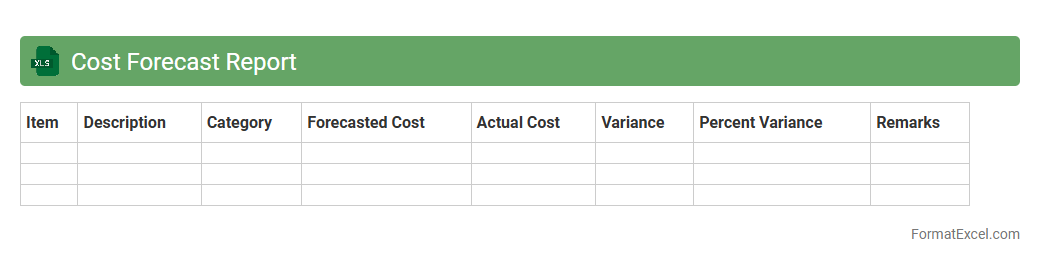
Cost Forecast Report
A
Cost Forecast Report Excel document is a financial planning tool that estimates future project or business expenses based on historical data and current trends. It helps organizations predict budget requirements, manage cash flow, and make informed decisions to avoid cost overruns. Using this report enhances accuracy in resource allocation and supports strategic financial management.
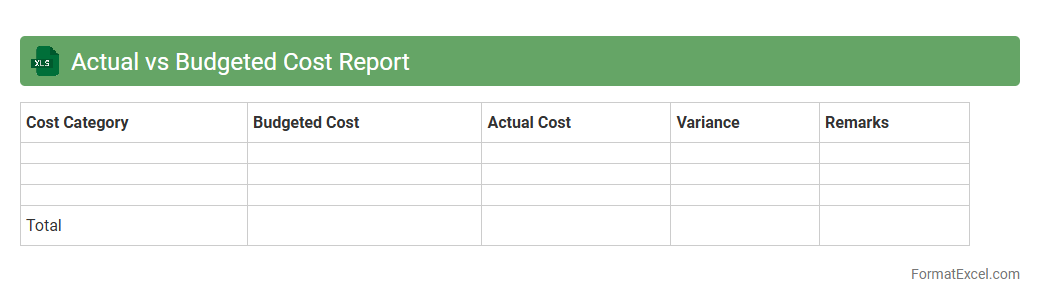
Actual vs Budgeted Cost Report
The
Actual vs Budgeted Cost Report in Excel is a financial analysis tool that compares the real expenses incurred against the planned budget for various projects or departments. It highlights variances, enabling businesses to identify overspending or savings, optimize resource allocation, and improve future budgeting accuracy. This report supports informed decision-making by providing clear visibility into cost management and financial performance.
Monthly Cost Report
A
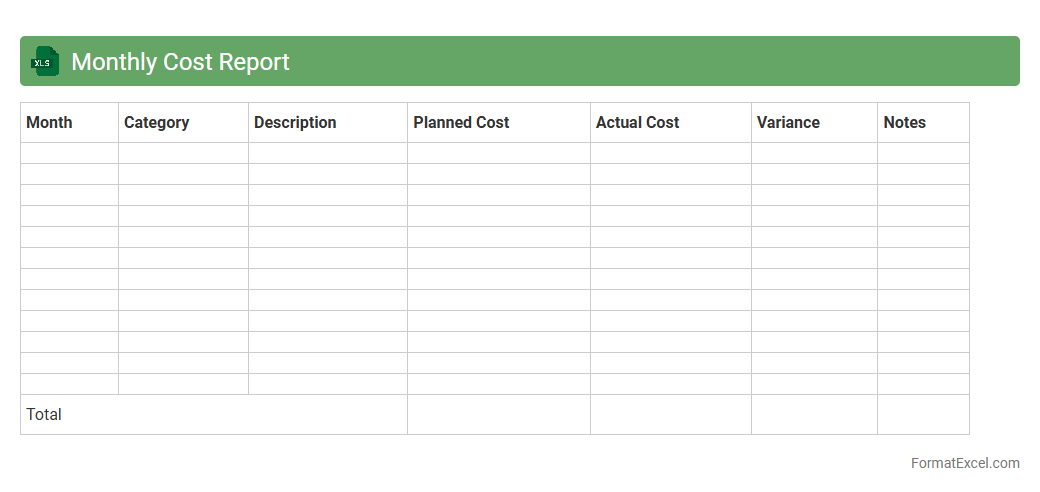
Monthly Cost Report Excel document records and analyzes an organization's expenses on a monthly basis, providing detailed insights into cost distribution and trends. It helps businesses monitor budgeting, control spending, and identify areas for cost reduction by consolidating data from various departments or projects. This report enhances financial planning and decision-making by offering a clear overview of monthly financial performance.
Quarterly Cost Report
A
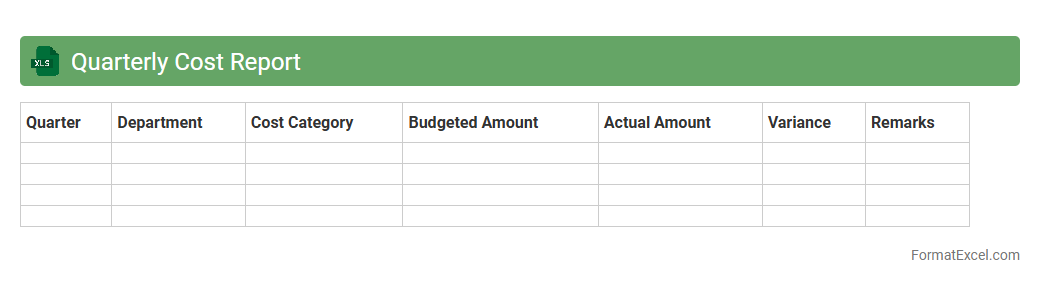
Quarterly Cost Report Excel document organizes and tracks expenses over a three-month period, offering detailed insights into spending patterns and budget adherence. It enables businesses to identify cost-saving opportunities, improve financial planning, and ensure efficient resource allocation. Regular use of this report supports informed decision-making and transparent financial management.
Cost Center Report
A
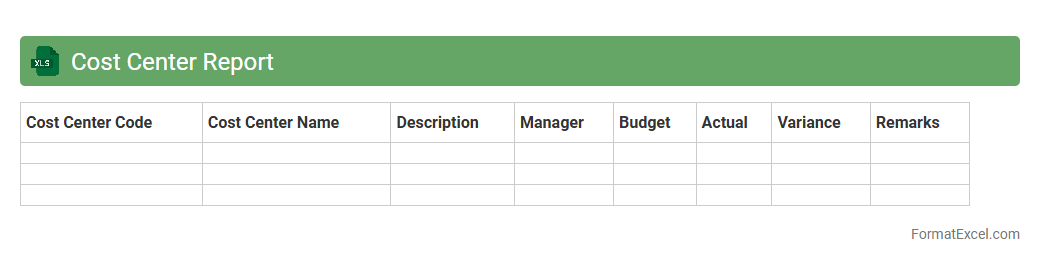
Cost Center Report Excel document is a financial tool that tracks and categorizes expenses across different departments or units within an organization. This report enables businesses to analyze spending patterns, control budgets, and allocate resources efficiently, leading to improved financial management. By providing detailed insights into cost distribution, it supports strategic decision-making and enhances overall operational effectiveness.
Job Costing Report
A
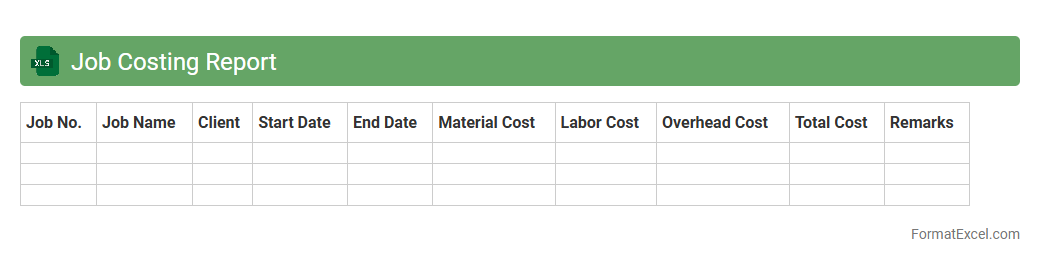
Job Costing Report Excel document tracks and analyzes expenses related to specific projects or jobs, enabling precise cost management and budgeting. It helps businesses identify cost overruns, allocate resources efficiently, and improve profitability by comparing estimated costs against actual expenditures. Utilizing this report enhances financial control and supports informed decision-making in project management.
Capital Expenditure Report
A
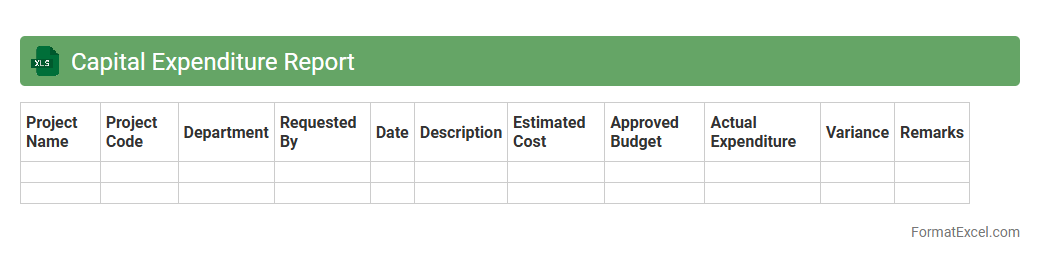
Capital Expenditure Report Excel document is a detailed financial tool that tracks and analyzes a company's investments in long-term assets such as property, equipment, and infrastructure. It helps businesses monitor spending patterns, forecast budgets, and make informed decisions regarding asset management and financial planning. Utilizing this report enhances transparency and aids in optimizing resource allocation for sustainable growth.
Cost to Complete Report
The
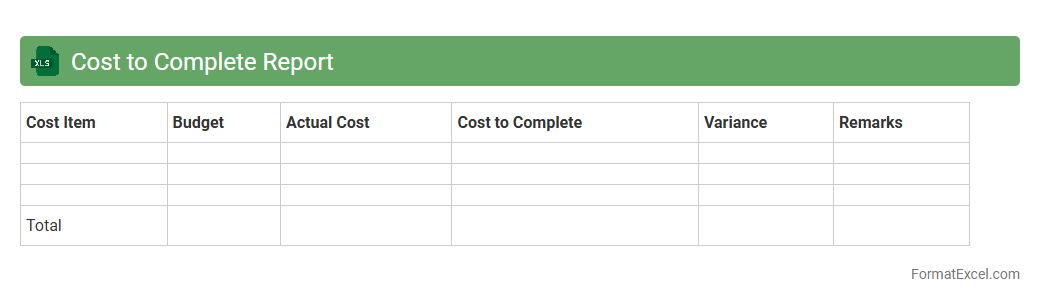
Cost to Complete Report Excel document tracks ongoing project expenses versus remaining budget, offering clear visibility into financial status. It helps project managers forecast total costs, identify overruns early, and make informed adjustments to avoid budget shortfalls. Using this report enhances financial control and supports effective resource allocation throughout a project's timeline.
Expense Category Breakdown
An
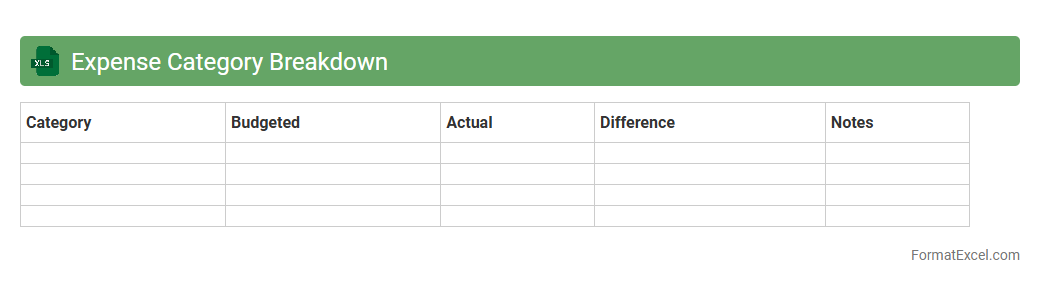
Expense Category Breakdown Excel document organizes and categorizes all business or personal expenditures into specific groups, enabling clearer financial analysis. It helps identify spending patterns, control budgets, and optimize resource allocation by visually summarizing expenses in charts or tables. This detailed breakdown supports more informed decision-making and enhances financial planning accuracy.
Procurement Cost Report
The
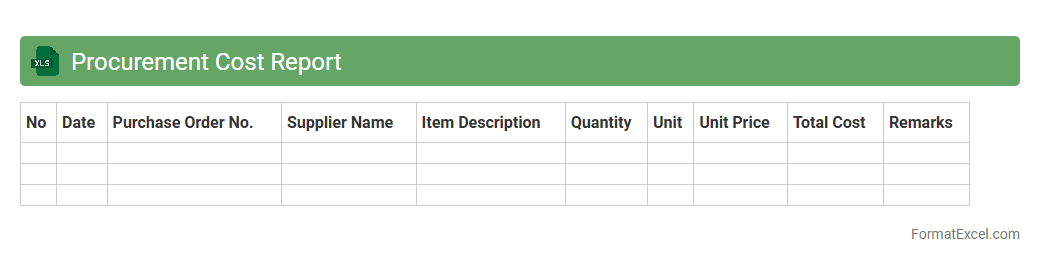
Procurement Cost Report Excel document consolidates all expenses related to purchasing goods and services, providing a detailed overview of supplier costs, purchase orders, and payment statuses. This report helps businesses track spending patterns, identify cost-saving opportunities, and ensure budget compliance. By analyzing procurement data efficiently, organizations can improve decision-making and optimize supply chain management.
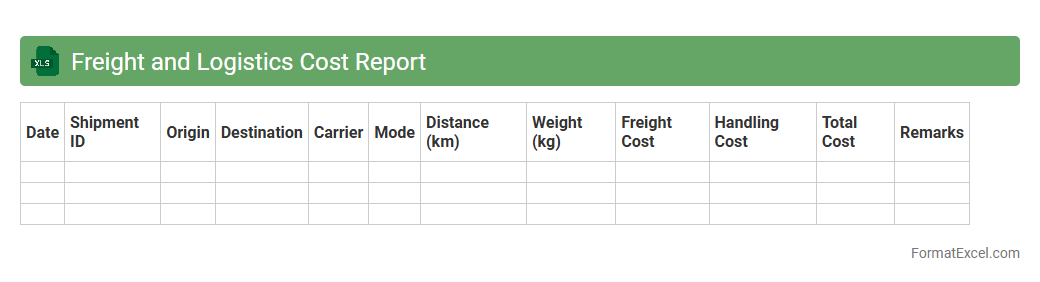
Freight and Logistics Cost Report
The
Freight and Logistics Cost Report Excel document provides a detailed breakdown of transportation, warehousing, and distribution expenses, enabling businesses to monitor and control supply chain costs effectively. By analyzing shipping rates, fuel surcharges, and inventory handling fees, companies can identify cost-saving opportunities and improve budgeting accuracy. This report enhances decision-making by offering clear visibility into logistical expenditures and operational efficiency metrics.
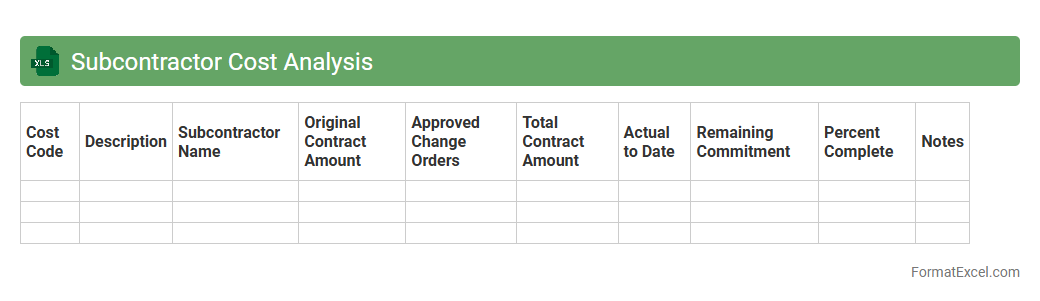
Subcontractor Cost Analysis
The
Subcontractor Cost Analysis Excel document systematically evaluates expenses related to subcontracted services, enabling precise tracking of labor, materials, and overhead costs. It helps businesses identify cost overruns, optimize budgeting, and forecast project financial performance with greater accuracy. Utilizing this tool enhances decision-making processes by providing clear visibility into subcontractor-related expenditures and improving cost control measures.
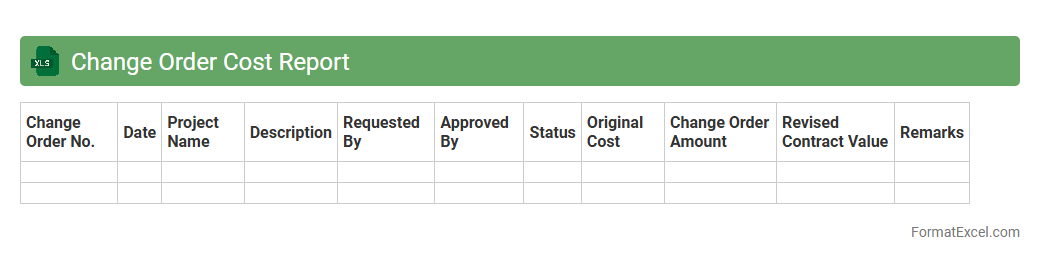
Change Order Cost Report
A
Change Order Cost Report Excel document tracks alterations in project scope, detailing associated costs and impacts on budgets. It provides clear insights into approved, pending, and rejected change orders, enabling efficient financial management and transparency. This report helps stakeholders assess cost variations, improve decision-making, and maintain project control.
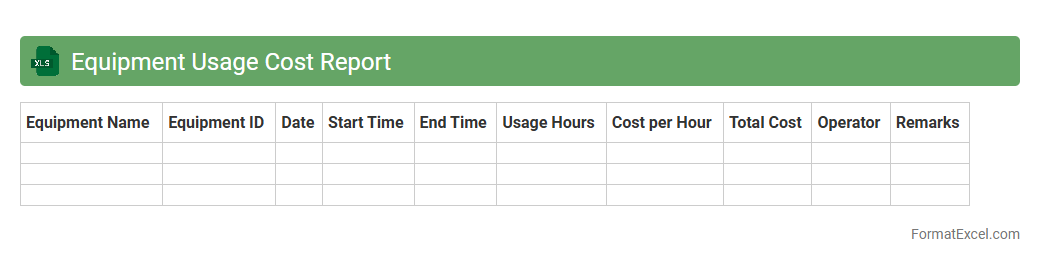
Equipment Usage Cost Report
The
Equipment Usage Cost Report Excel document tracks expenses related to the operation and maintenance of machinery, enabling detailed cost analysis. It helps identify cost drivers, forecast budget needs, and optimize equipment utilization for improved financial management. Users benefit from organized data visualization and actionable insights that support informed decision-making in resource allocation.
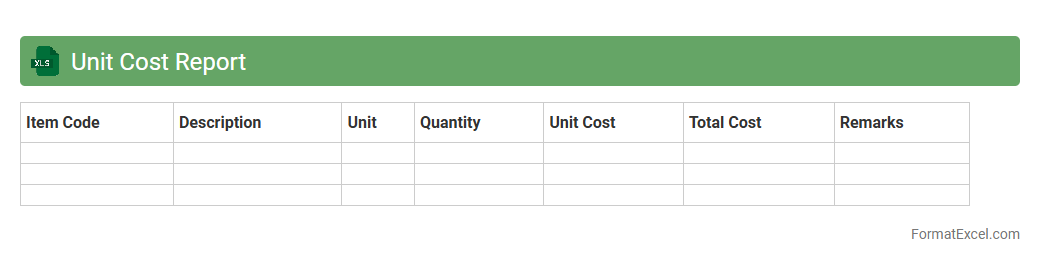
Unit Cost Report
The
Unit Cost Report Excel document is a detailed spreadsheet that calculates the cost incurred per unit of product or service, breaking down expenses such as materials, labor, and overhead. It is useful for businesses to track production efficiency, manage budgets effectively, and make informed pricing decisions. By analyzing this report, companies can identify cost-saving opportunities and improve overall profitability.
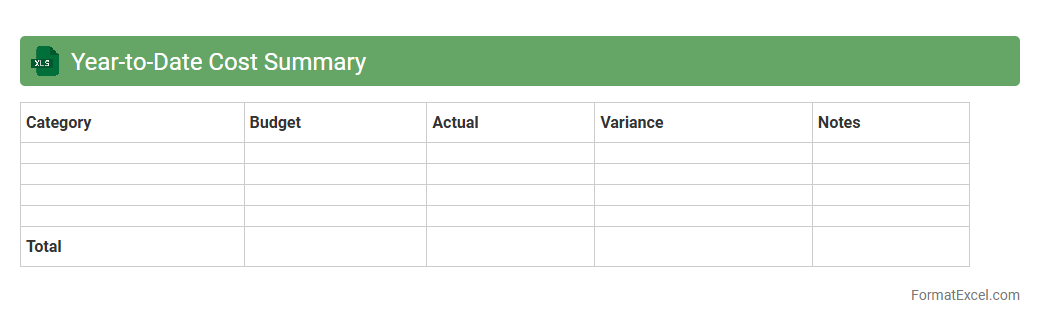
Year-to-Date Cost Summary
The
Year-to-Date Cost Summary Excel document consolidates all expenses incurred from the beginning of the fiscal year to the current date, providing a comprehensive financial overview. It enables efficient tracking of budget adherence, expenditure patterns, and cost control by summarizing various categories such as labor, materials, and overheads in a structured format. This tool supports informed decision-making and strategic planning by highlighting spending trends and facilitating timely adjustments to financial management.
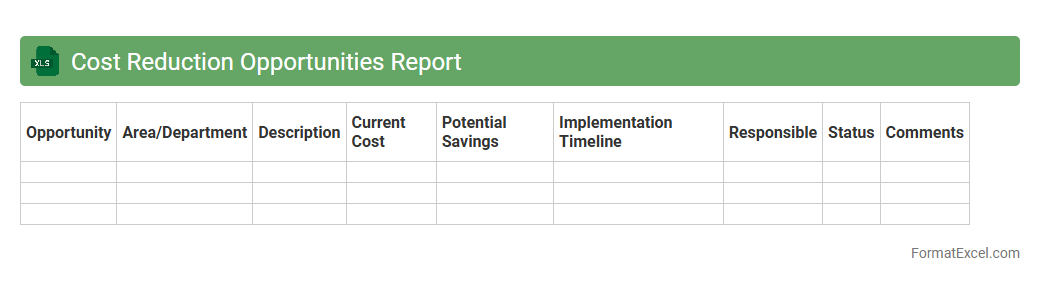
Cost Reduction Opportunities Report
The
Cost Reduction Opportunities Report Excel document identifies specific areas within business operations where expenses can be minimized without compromising quality. It consolidates data on spending patterns, supplier pricing, and operational inefficiencies to highlight actionable savings opportunities. Utilizing this report enables organizations to optimize budgeting, enhance profitability, and make informed financial decisions based on detailed cost analysis.
Introduction to Cost Report Formats
A cost report format organizes financial data to track expenses and manage budgets effectively. It provides a structured overview of incurred costs within a project or department. Using a standardized format ensures clarity and consistency in cost reporting.
Importance of Excel in Cost Reporting
Microsoft Excel is a crucial tool for cost reporting due to its versatility and calculation power. It allows users to automate cost tracking and create dynamic reports with real-time updates. Excel's adaptability makes it the preferred choice for detailed and precise cost analysis.
Essential Components of a Cost Report
A thorough cost report typically includes direct costs, indirect costs, total expenses, and variance analysis. These elements provide insight into budget adherence and expense categorization. Including a summary section aids in quick decision-making by highlighting key cost figures.
Step-by-Step Guide to Creating a Cost Report in Excel
Begin by defining the cost categories and entering raw data into Excel sheets. Next, apply formulas to calculate totals, averages, and variances automatically. Finally, format the report with clear headings and charts to enhance the visual presentation.
Recommended Layout and Structure
A well-organized layout includes headers, subcategories, and clearly differentiated sections for direct and indirect costs. Use tables and bold text to distinguish key figures and totals. This structured approach ensures the report's readability and ease of navigation.
Key Formulas and Functions for Cost Calculations
Excel functions like SUM, SUMIF, and VLOOKUP are critical in automating cost calculations. Using formulas such as =(Actual Cost - Budgeted Cost) helps identify variances quickly. Mastery of these formulas improves accuracy and efficiency in reporting.
Customizing Templates for Different Industries
Cost report templates can be tailored by changing cost categories and metrics to fit industry-specific needs. Manufacturing, construction, and services often require unique reporting elements. Using customized templates improves relevance and usability of cost reports.
Tips for Ensuring Data Accuracy
Regularly cross-check data entries against source documents to avoid errors. Use Excel's data validation and conditional formatting to highlight inconsistencies. Ensuring accuracy in cost reporting builds trust and reliable financial insights.
Sample Excel Cost Report Template
A sample template includes columns for item description, units, unit cost, total cost, and variance analysis. It provides a practical framework to standardize cost reporting across projects. Referencing this template streamlines report creation and comparison.
Best Practices for Sharing and Presenting Cost Reports
Share reports in universally accessible formats such as PDF or Excel with secured editing permissions. Present data visually using charts and graphs for clearer communication. Following best practices enhances collaboration and decision-making based on cost data.