Fixed Asset Register
A
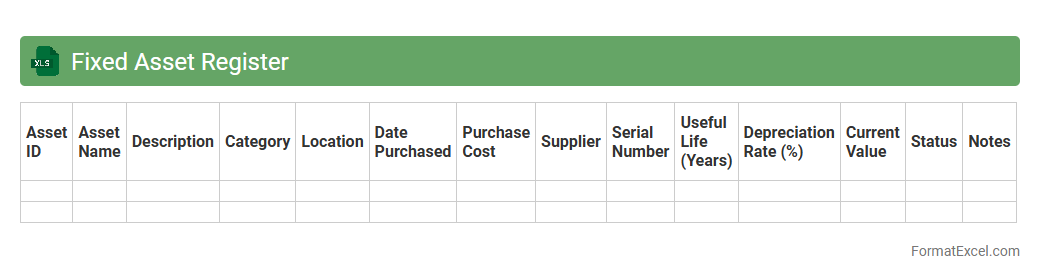
Fixed Asset Register Excel document is a detailed spreadsheet used to record and track all physical and intangible fixed assets owned by a business. It provides critical information such as asset acquisition dates, costs, depreciation, current values, and locations, enabling efficient asset management and accurate financial reporting. This tool enhances accountability, supports compliance with auditing standards, and aids in budgeting and decision-making processes.
Depreciation Schedule
A
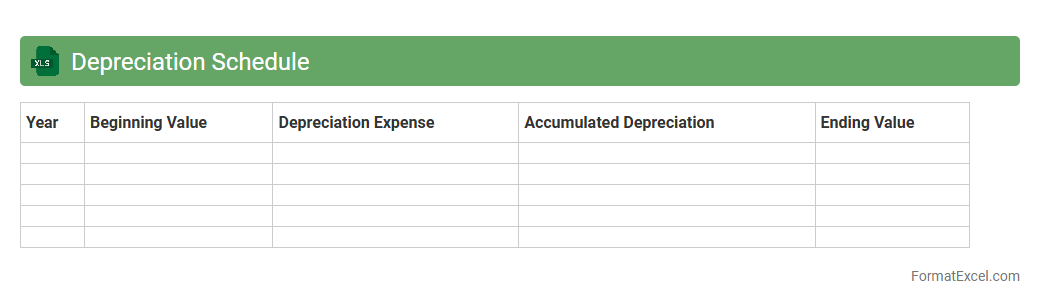
Depreciation Schedule Excel document is a structured spreadsheet used to systematically track the depreciation of assets over their useful life. It allows businesses to calculate and record periodic depreciation expenses, enhancing accurate financial reporting and tax compliance. Utilizing this tool improves asset management by providing clear insights into asset value reduction and aids in strategic budgeting decisions.
Asset Maintenance Log
An
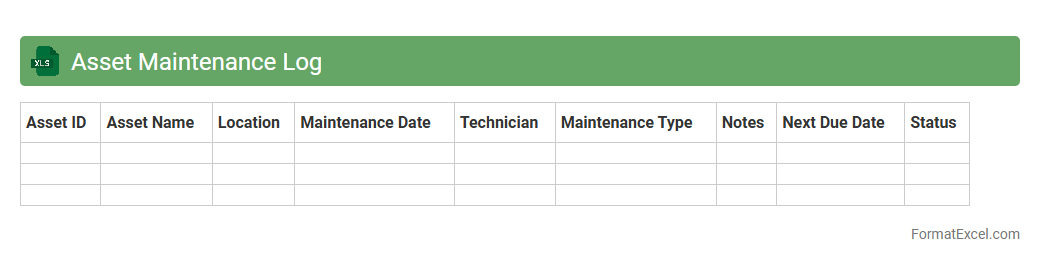
Asset Maintenance Log Excel document is a structured spreadsheet used to record, track, and manage the maintenance activities of physical assets such as machinery, vehicles, or equipment. It allows organizations to schedule preventive maintenance, monitor repair histories, and ensure asset longevity, reducing downtime and costly repairs. By maintaining accurate data, businesses can optimize asset performance and make informed decisions about replacements or upgrades.
Asset Movement Log
An
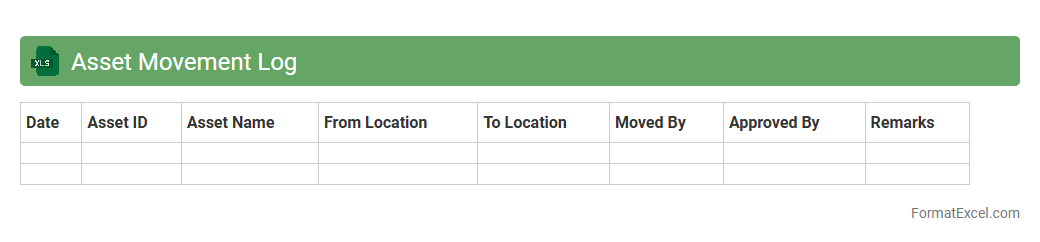
Asset Movement Log Excel document is a detailed record-keeping tool used to track the transfer, allocation, and status changes of physical or digital assets within an organization. It provides essential data such as asset ID, movement dates, responsible personnel, and location changes, ensuring accountability and efficient inventory management. This log helps prevent loss or misplacement of assets, supports audit processes, and improves operational transparency and decision-making.
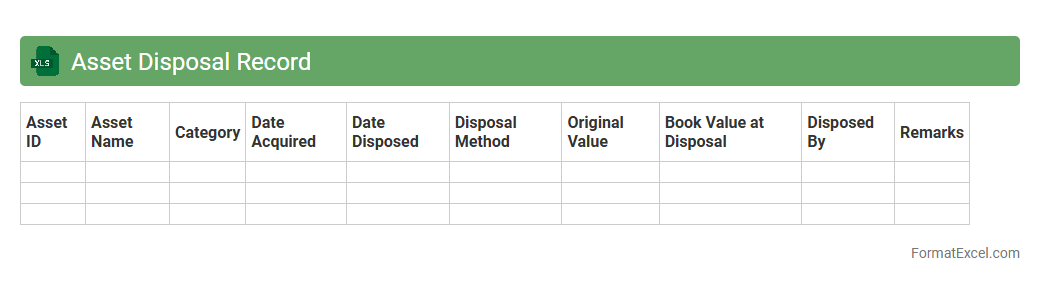
Asset Disposal Record
An
Asset Disposal Record Excel document is a structured file used to track the sale, write-off, or removal of company assets from accounting records. It helps maintain accurate financial data by documenting disposal dates, asset values, depreciation, and reasons for disposal. This record supports compliance, audit processes, and informed decision-making regarding asset management.
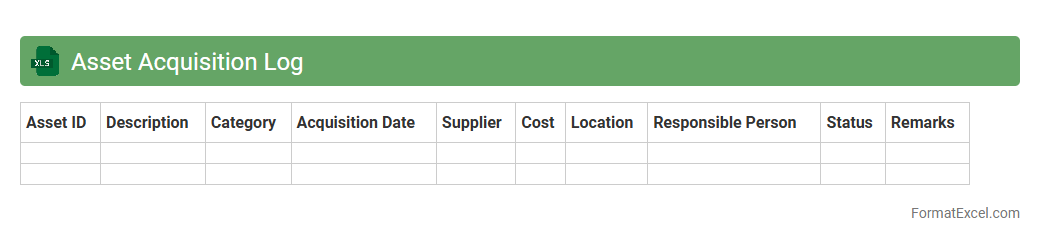
Asset Acquisition Log
An
Asset Acquisition Log Excel document is a structured spreadsheet designed to track and record details of asset purchases within an organization. It captures vital information such as acquisition date, vendor, cost, asset description, and depreciation details, enabling efficient monitoring of asset lifecycle and financial accounting. This log enhances transparency, supports budget management, and facilitates compliance with internal controls and audit requirements.
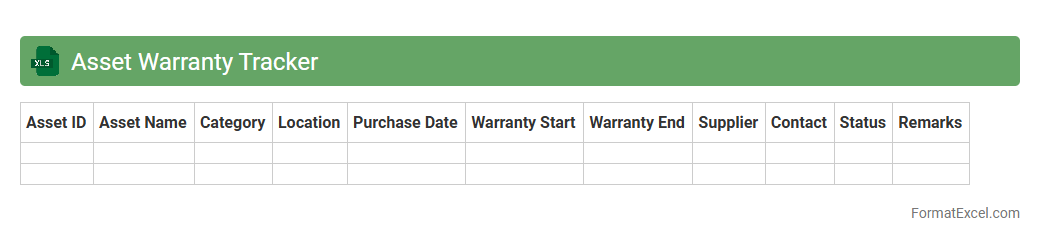
Asset Warranty Tracker
The
Asset Warranty Tracker Excel document is a tool designed to monitor and manage warranty information for various assets, including purchase dates, warranty expiration, and service details. It helps organizations reduce downtime and avoid unnecessary repair costs by providing timely alerts for warranty renewals or claims. This proactive management ensures optimal asset performance and extends equipment lifespan through efficient warranty utilization.
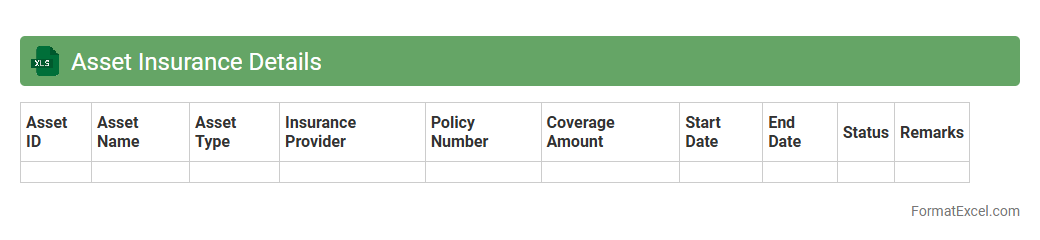
Asset Insurance Details
The
Asset Insurance Details Excel document organizes comprehensive information about insured assets, including policy numbers, coverage limits, expiration dates, and premium costs. This structured format enables easy tracking and management of insurance policies, ensuring all assets are adequately protected against risks. It improves decision-making by providing quick access to critical insurance data, facilitating timely renewals and claims processing.
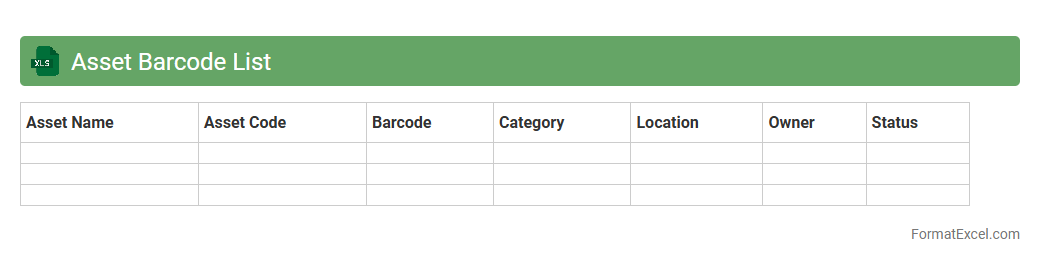
Asset Barcode List
An
Asset Barcode List Excel document is a structured spreadsheet that catalogs assets with unique barcode identifiers, enabling efficient tracking and management. It helps organizations quickly locate, monitor, and audit physical assets, reducing errors and improving inventory accuracy. This tool streamlines asset management processes, ensuring accountability and optimizing resource allocation.
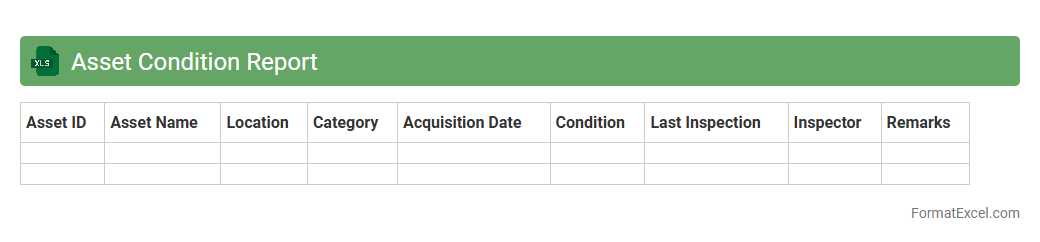
Asset Condition Report
An
Asset Condition Report Excel document systematically records the current state, performance, and maintenance history of physical assets, enabling efficient tracking and management. It provides detailed insights into asset health, helps predict potential failures, and supports informed decision-making for repairs or replacements. Organizations use this report to optimize asset lifecycle, reduce downtime, and improve overall operational efficiency.
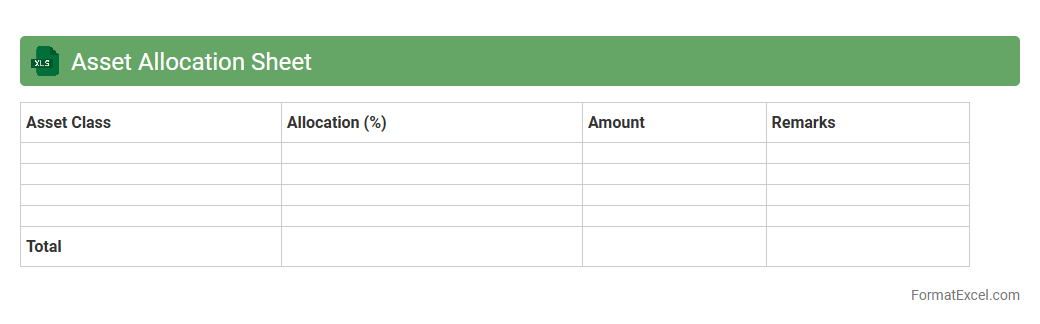
Asset Allocation Sheet
An
Asset Allocation Sheet Excel document is a financial tool designed to organize and track the distribution of investments across various asset classes like stocks, bonds, and cash. It helps investors visualize their portfolio balance, assess risk exposure, and ensure alignment with their investment goals. By regularly updating this sheet, users can make informed decisions to optimize returns and maintain diversification.
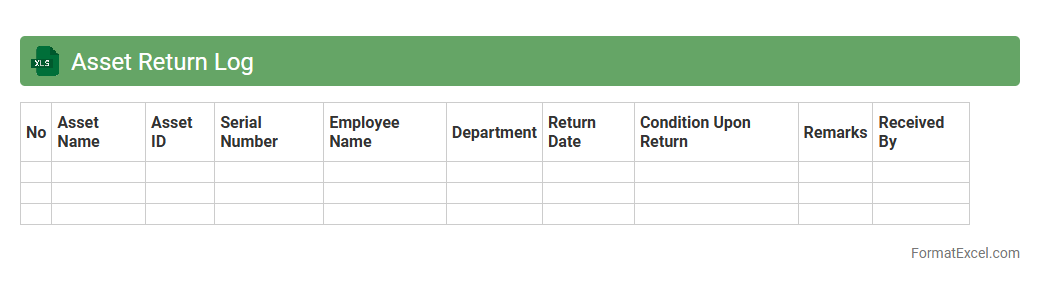
Asset Return Log
An
Asset Return Log Excel document systematically tracks the return of assets, including equipment, tools, or inventory, ensuring accurate records of each item's status and return date. This log helps organizations manage asset accountability, reduce losses, and streamline the process of asset retrieval by providing a clear audit trail. It also facilitates efficient reporting and analysis of asset usage, supporting better decision-making in asset management.
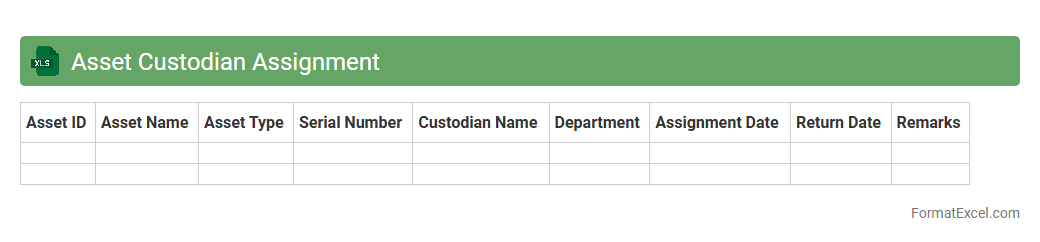
Asset Custodian Assignment
The
Asset Custodian Assignment Excel document is a detailed spreadsheet used to track and manage the allocation of company assets to designated custodians. It clearly identifies responsibility for each asset, ensuring accountability and simplifying audits or inventory checks. This document enhances asset management efficiency by providing transparent records of asset custody and reducing the risk of loss or misplacement.
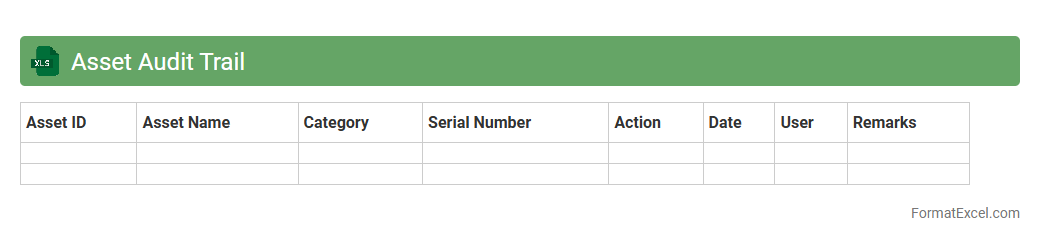
Asset Audit Trail
An
Asset Audit Trail Excel document is a comprehensive record-keeping tool that tracks the history and changes of company assets, including acquisitions, transfers, maintenance, and disposals. This document enhances transparency and accountability by providing a chronological log of asset activities, enabling efficient tracking for auditing, compliance, and financial reporting purposes. It is useful for minimizing asset mismanagement, improving asset lifecycle management, and supporting regulatory requirements with accurate and easily accessible data.
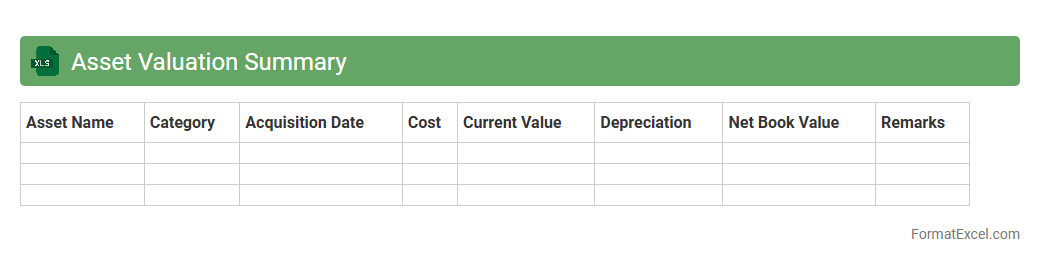
Asset Valuation Summary
An
Asset Valuation Summary Excel document consolidates the financial value of assets, providing a clear snapshot of their current market worth. This tool aids in investment decision-making, financial reporting, and portfolio management by offering organized data and easy-to-analyze metrics. Businesses and individuals leverage this summary to track asset appreciation, manage risk, and ensure accurate accounting compliance.
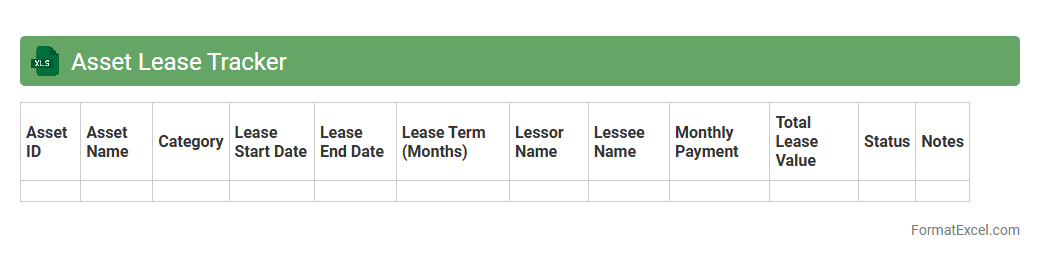
Asset Lease Tracker
The
Asset Lease Tracker Excel document is a comprehensive tool designed to monitor and manage leased assets efficiently. It enables users to record lease details, track payment schedules, and monitor asset depreciation, ensuring organized financial oversight. This tool helps businesses optimize lease management, avoid missed payments, and maintain accurate asset records for improved decision-making.
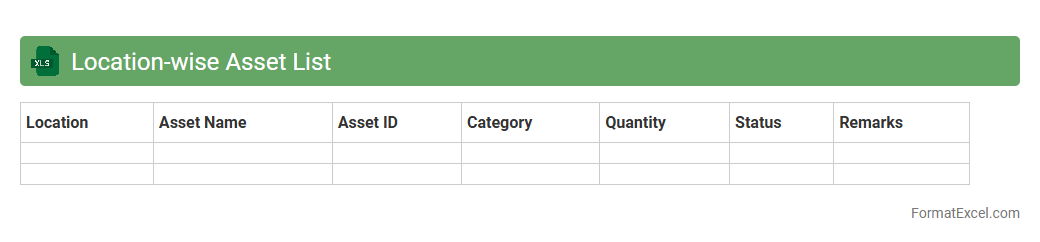
Location-wise Asset List
A
Location-wise Asset List Excel document systematically organizes assets based on their physical locations, enabling efficient tracking and management across multiple sites. This structured data facilitates quick identification of asset distribution, aids in maintenance scheduling, and supports budget planning by highlighting location-specific resource needs. Utilizing this tool enhances operational oversight, reduces asset loss, and improves decision-making for resource allocation.
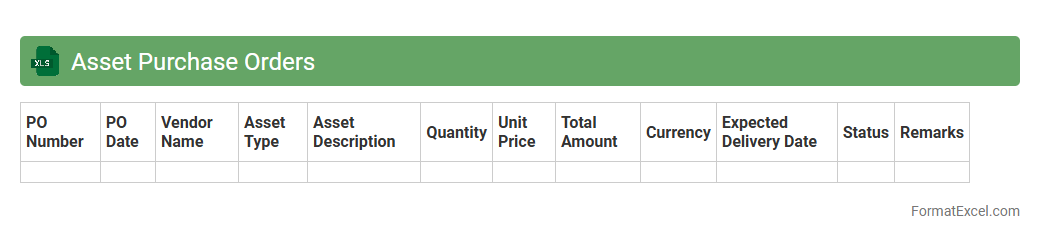
Asset Purchase Orders
An
Asset Purchase Orders Excel document is a structured spreadsheet used to record and manage purchase orders specifically related to acquiring company assets. It helps streamline procurement by tracking asset details such as item descriptions, quantities, vendor information, order dates, and payment status in one centralized file. This document enhances financial oversight, ensures accurate inventory management, and facilitates better budgeting and auditing processes.
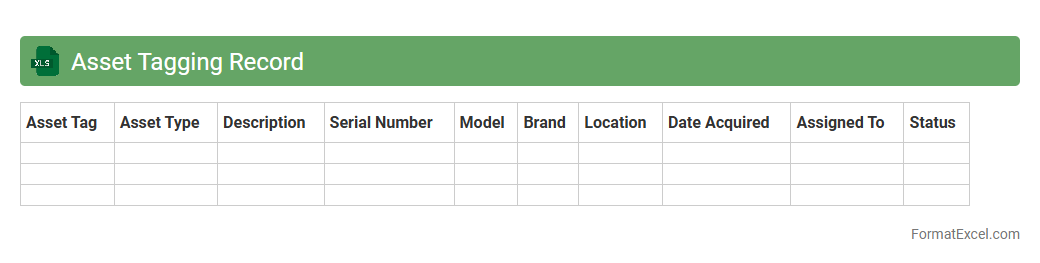
Asset Tagging Record
An
Asset Tagging Record Excel document is a detailed spreadsheet used to catalog and track physical assets within an organization, including equipment, machinery, and technology. It typically contains information such as asset ID, description, location, purchase date, and maintenance history, enabling efficient asset management and accountability. This document helps streamline auditing processes, reduce asset loss, and optimize inventory control by providing a centralized, easily accessible reference for all tagged assets.
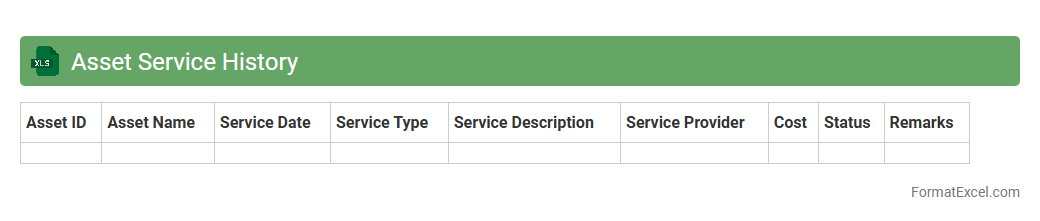
Asset Service History
The
Asset Service History Excel document records detailed maintenance and repair information for various assets, enabling efficient tracking and management of equipment lifecycles. It helps identify recurring issues, schedule preventative maintenance, and optimize asset performance, reducing downtime and operational costs. Access to organized historical service data supports informed decision-making and compliance with warranty or regulatory requirements.
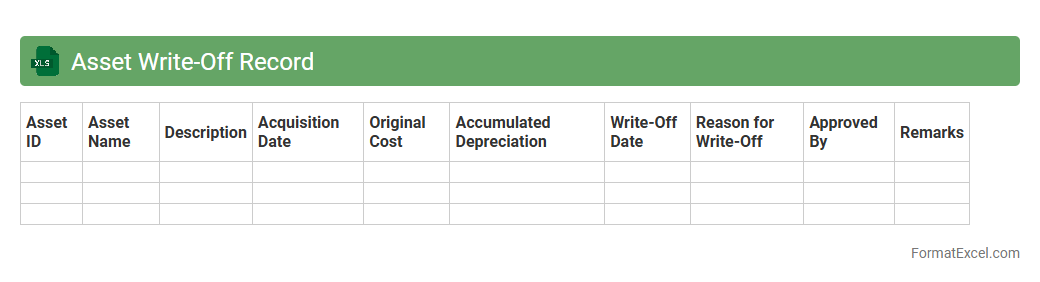
Asset Write-Off Record
An
Asset Write-Off Record Excel document is a specialized financial tool designed to track and document the disposal or devaluation of fixed assets within an organization. It captures critical data such as asset details, write-off dates, reasons, depreciation values, and financial impacts, ensuring accurate and transparent accounting. This document is useful for maintaining regulatory compliance, supporting audit processes, and providing clear insights for asset management and financial decision-making.
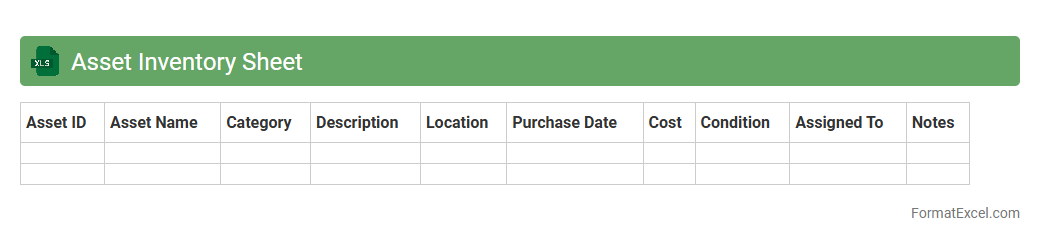
Asset Inventory Sheet
An
Asset Inventory Sheet in Excel is a comprehensive spreadsheet used to systematically record and track all physical and digital assets owned by an organization. This document helps in efficient asset management by providing detailed information such as asset descriptions, purchase dates, values, locations, and maintenance schedules. Utilizing an Asset Inventory Sheet improves accountability, simplifies audits, and enhances decision-making regarding asset utilization and lifecycle management.
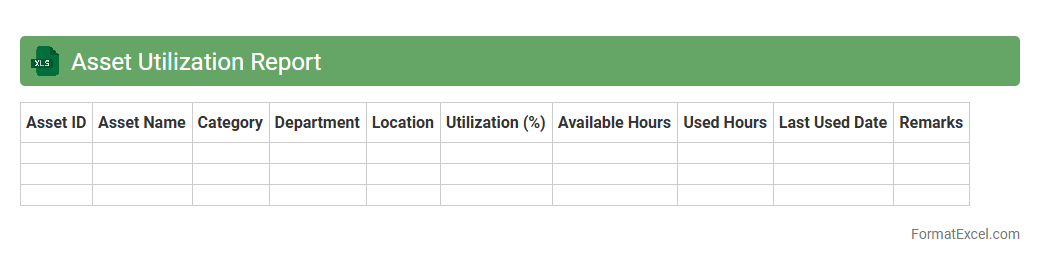
Asset Utilization Report
An
Asset Utilization Report Excel document systematically tracks the performance and usage rates of company assets, providing detailed insights into how efficiently assets are being employed. This report helps identify underutilized resources, optimize asset allocation, and support data-driven decision-making to improve operational efficiency and reduce costs. By monitoring asset utilization trends over time, businesses can plan maintenance schedules better and extend the lifespan of valuable equipment.
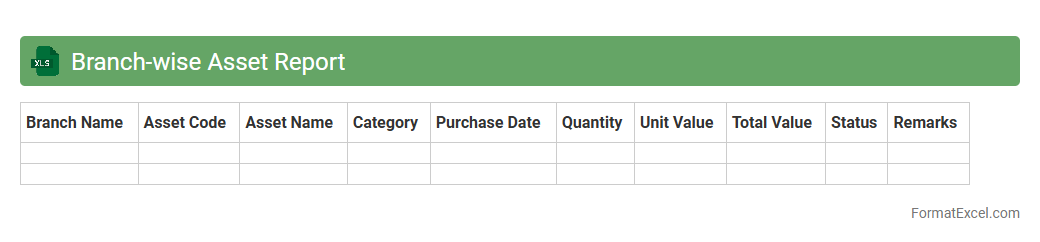
Branch-wise Asset Report
The Branch-wise Asset Report Excel document provides a detailed breakdown of assets categorized by each branch of an organization, enabling efficient tracking and management of resources. This report consolidates data such as asset types, quantities, values, and locations, facilitating accurate financial analysis and operational decision-making. Utilizing this document enhances transparency, supports strategic planning, and ensures compliance with asset management policies.
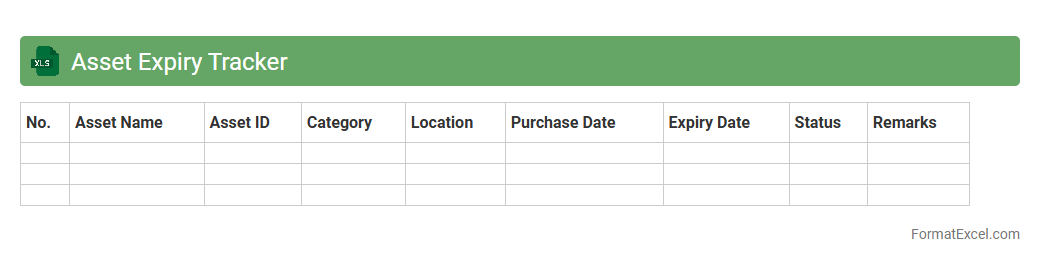
Asset Expiry Tracker
The
Asset Expiry Tracker Excel document is a specialized tool designed to monitor and manage the expiration dates of various organizational assets such as licenses, warranties, insurance policies, and equipment maintenance schedules. It helps ensure timely renewals and compliance by providing automated reminders and a centralized overview of critical expiry data. Utilizing this tracker minimizes the risk of operational disruptions and financial penalties related to expired assets.
Introduction to Asset Tracker Formats
An asset tracker format in Excel is a structured template designed to monitor and manage assets effectively. It helps businesses keep records of equipment, inventory, or any valuable items in an organized manner. Utilizing a standardized format ensures consistency and ease of use.
Importance of Asset Tracking in Business
Effective asset tracking enhances accountability and reduces losses, thus increasing operational efficiency. It allows businesses to monitor asset locations, maintenance schedules, and depreciation. Accurate tracking supports financial reporting and decision-making processes.
Key Features of an Excel Asset Tracker
A well-designed Excel asset tracker includes dynamic sorting, filtering options, and robust data validation. It often features columns for asset ID, description, purchase date, and status. These key features streamline asset management and improve data accuracy.
Essential Columns for an Asset Tracker Sheet
Critical columns in an asset tracker sheet include asset name, unique identifier, purchase cost, and current condition. Additional fields like location, assigned user, and warranty expiry enhance tracking capabilities. Including these essential columns ensures comprehensive asset oversight.
Step-by-Step Guide to Creating an Asset Tracker in Excel
Begin by defining the required columns based on asset information needs and create a clean table. Use Excel functions like drop-down lists and conditional formatting to improve usability. Following a step-by-step guide simplifies building an effective tracker.
Best Practices for Organizing Asset Data
Maintain uniform data entry standards and regularly update asset statuses to ensure accuracy. Categorize assets logically and protect tracker sheets with restricted access. These best practices help prevent errors and maintain data integrity.
Customizing Your Asset Tracker Template
Tailor your asset tracker by adding columns relevant to your industry, such as depreciation rates or maintenance schedules. Utilize Excel's formatting tools to improve readability and highlight important data. Customizing the template increases its utility and relevance for your business needs.
Automating Asset Tracking with Excel Formulas
Excel formulas like VLOOKUP, IF statements, and SUMIF automate calculations and data retrieval. Automating updates for asset status or depreciation saves time and reduces manual errors. Mastering these automation techniques maximizes efficiency in asset management.
Common Mistakes to Avoid in Asset Trackers
Avoid neglecting periodic updates and failing to backup your tracker spreadsheets regularly. Overloading the tracker with unnecessary columns can cause confusion and slow performance. Steering clear of these common mistakes ensures your tracker remains reliable and effective.
Downloadable Excel Asset Tracker Templates
Many downloadable Excel asset tracker templates offer ready-made structures for easy implementation. Choose templates that suit your asset types and include essential features like filtering and categorization. Utilizing downloadable templates accelerates deployment and reduces setup effort.