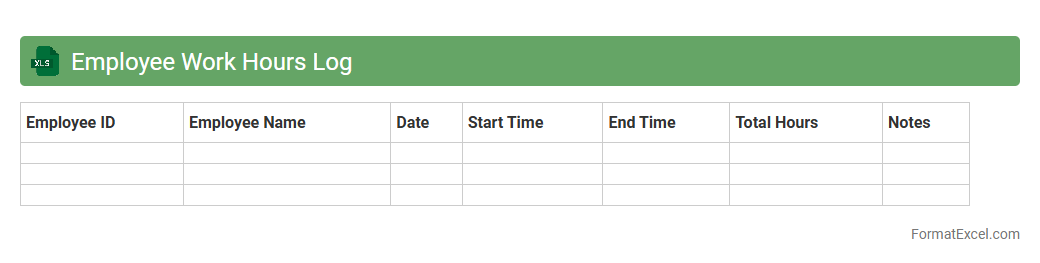
Employee Work Hours Log
An
Employee Work Hours Log Excel document is a spreadsheet designed to accurately record and track the number of hours employees work each day, including start and end times, breaks, and overtime. This document helps businesses maintain compliance with labor regulations, streamline payroll processing, and analyze workforce productivity. By using an organized log, managers can efficiently monitor attendance patterns, reduce payroll errors, and optimize scheduling decisions.
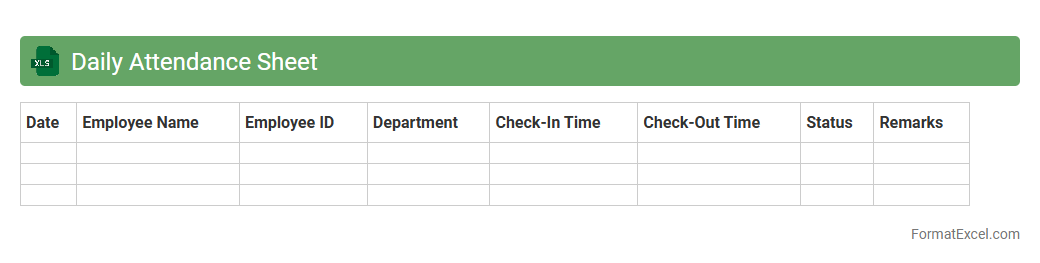
Daily Attendance Sheet
A
Daily Attendance Sheet Excel document is a digital record used to track employee or student attendance on a daily basis, efficiently recording check-in and check-out times. It facilitates easy monitoring of attendance patterns, helps calculate total hours worked or attended, and simplifies payroll or academic record-keeping processes. Utilizing formulas and automated calculations within Excel enhances accuracy and saves time in managing attendance data.
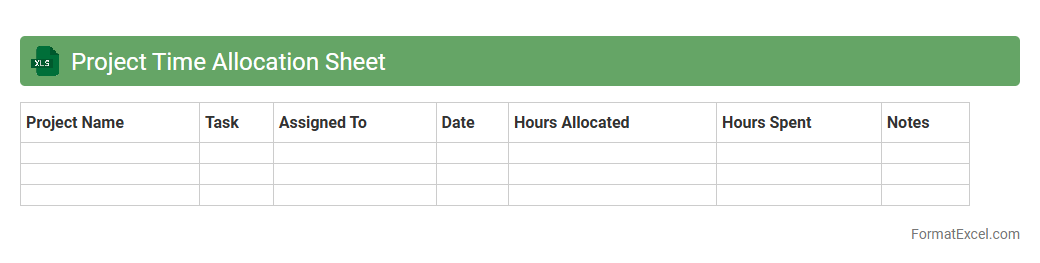
Project Time Allocation Sheet
A
Project Time Allocation Sheet Excel document is a tool designed to track and manage the distribution of time spent on various tasks within a project. It helps project managers and team members monitor hours allocated to specific activities, ensuring efficient resource management and deadline adherence. By providing clear insights into time usage, it enhances productivity, facilitates budget control, and supports accurate project planning.
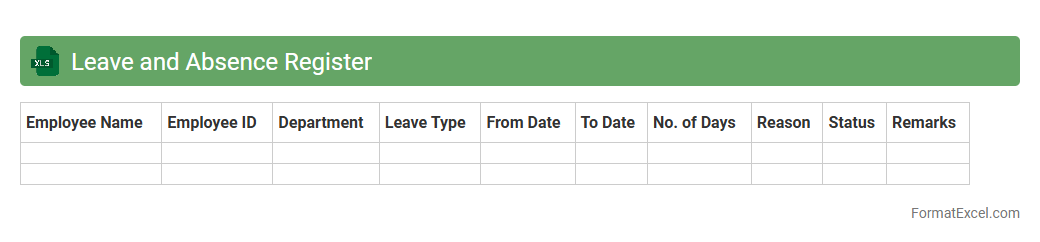
Leave and Absence Register
A
Leave and Absence Register Excel document is a spreadsheet designed to track employee attendance, absences, and leave details in an organized manner. It helps HR teams manage records of sick leave, vacation days, and other types of absences, ensuring accurate payroll processing and compliance with company policies. This tool enhances workforce planning by providing clear visibility into team availability and leave patterns.
Overtime Calculation Sheet
An
Overtime Calculation Sheet in Excel is a specialized document designed to accurately track and compute employee overtime hours based on input daily work hours and predefined overtime rules. This tool is instrumental in ensuring compliance with labor laws, preventing payroll errors, and providing clear records for both management and employees. Utilizing formulas and automated calculations, it streamlines payroll processes, enhances transparency, and supports effective workforce management.
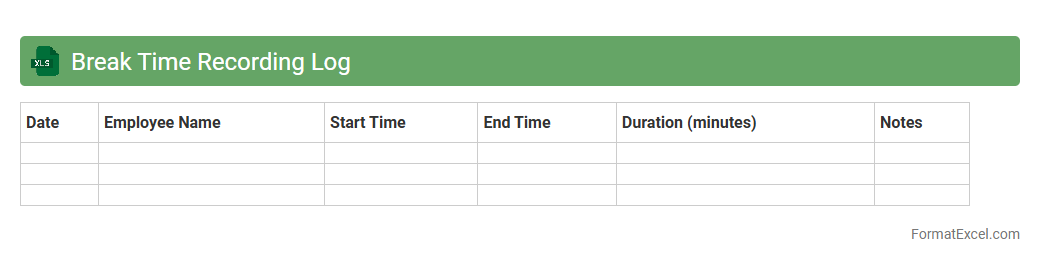
Break Time Recording Log
The
Break Time Recording Log Excel document serves as a systematic tool for tracking employee break periods accurately. It helps organizations ensure compliance with labor laws and maintain productivity by monitoring actual break durations against scheduled times. Utilizing this log enhances transparency and aids in identifying patterns that may require adjustment to optimize workforce management.
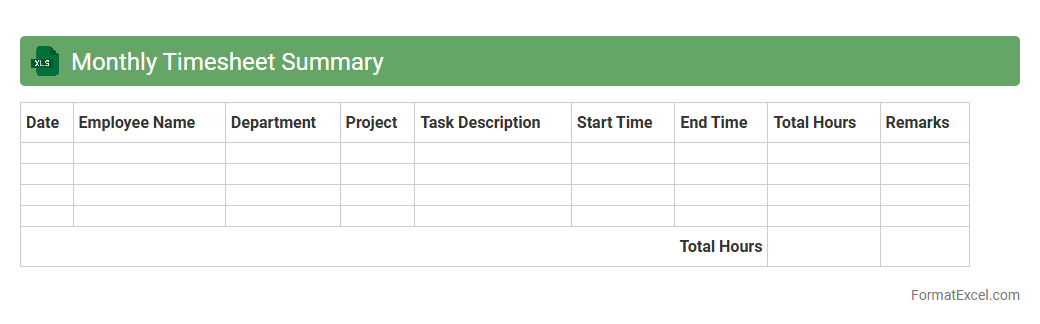
Monthly Timesheet Summary
A Monthly Timesheet Summary Excel document consolidates daily work hours, project tasks, and employee attendance into a comprehensive overview for the entire month. This
timesheet summary enables efficient tracking of labor costs, project progress, and payroll processing. It helps managers make informed decisions by providing clear insights into workforce productivity and time allocation.
Client Billing Hours Tracker
The
Client Billing Hours Tracker Excel document is a tool designed to accurately record and monitor billable hours for various clients, enabling efficient time management and invoicing. It helps businesses ensure transparent and precise billing by capturing detailed work logs, reducing errors, and streamlining client communication. This tracker supports financial accuracy, improves project budgeting, and enhances overall productivity by providing clear insights into time allocation per client.
Remote Work Hours Tracker
A
Remote Work Hours Tracker Excel document is a tool designed to record and monitor the time employees spend working remotely. It helps organizations efficiently manage productivity, ensure accurate payroll calculations, and maintain transparent work logs. By automating time-tracking and providing clear reports, it supports remote workforce management and enhances accountability.
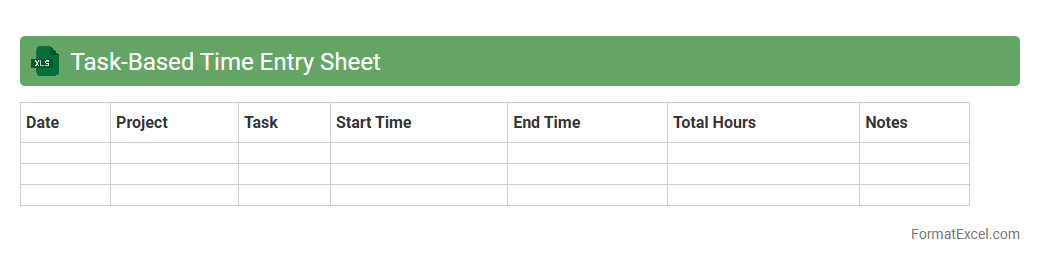
Task-Based Time Entry Sheet
A
Task-Based Time Entry Sheet Excel document organizes work hours by specific tasks, enabling precise tracking of time spent on each activity. It enhances productivity analysis and project management by providing detailed insights into resource allocation and task completion. This tool supports accurate billing, payroll processing, and performance evaluation by maintaining clear records of task durations.
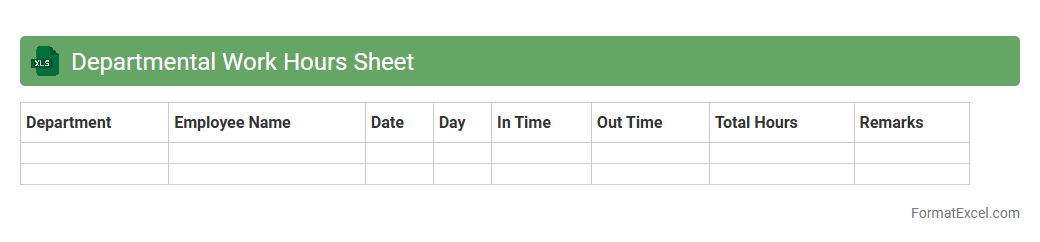
Departmental Work Hours Sheet
A
Departmental Work Hours Sheet Excel document is a structured spreadsheet designed to track and record employee work hours within a specific department, organizing data such as daily start and end times, breaks, and total hours worked. It enhances workforce management by providing accurate, easily accessible records that help monitor attendance, calculate payroll, and ensure compliance with labor regulations. Using this tool improves departmental productivity analysis and supports efficient resource allocation decisions.
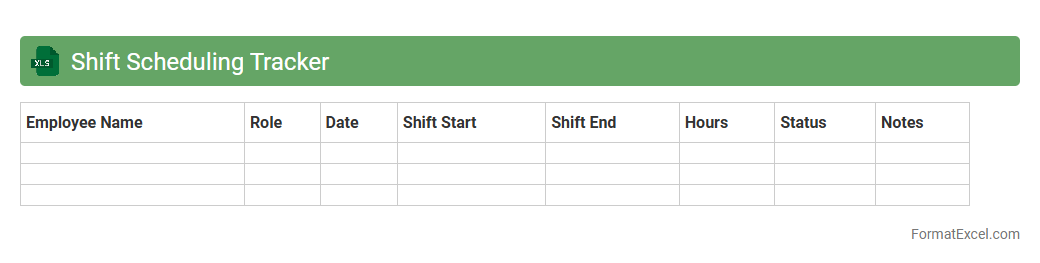
Shift Scheduling Tracker
A
Shift Scheduling Tracker Excel document is a powerful tool designed to organize and manage employee work shifts efficiently. It helps in tracking shift assignments, hours worked, and availability, ensuring balanced workloads and preventing scheduling conflicts. This document enhances workforce management by improving transparency, reducing errors, and streamlining communication between managers and staff.
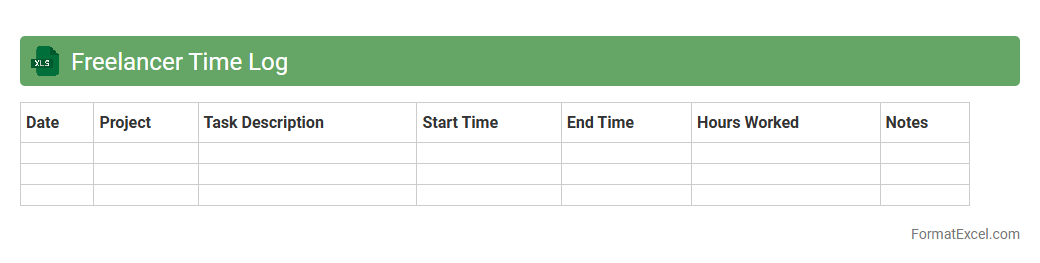
Freelancer Time Log
A
Freelancer Time Log Excel document is a structured spreadsheet designed to track hours worked on various projects, tasks, or clients. It helps freelancers maintain accurate records of billable hours, ensuring precise invoicing and efficient time management. By organizing work hours in this format, users can analyze productivity patterns, monitor project progress, and improve overall workflow efficiency.
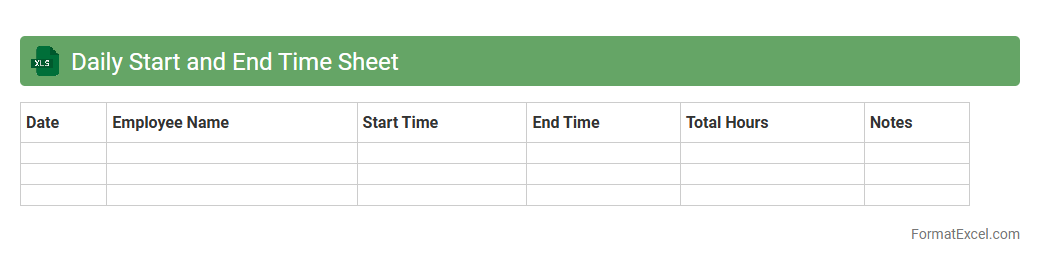
Daily Start and End Time Sheet
A
Daily Start and End Time Sheet Excel document records the precise hours employees begin and finish work each day, enabling accurate tracking of attendance and productivity. This tool simplifies payroll calculation, ensures compliance with labor regulations, and helps identify patterns in work hours for better resource management. Utilizing this time sheet enhances transparency and accountability in workforce management, ultimately improving operational efficiency.
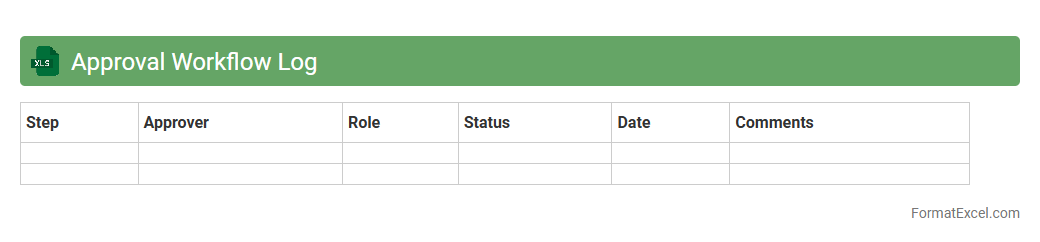
Approval Workflow Log
The
Approval Workflow Log Excel document tracks and records the status and history of approval processes within an organization, providing detailed information on who approved what and when. It streamlines the auditing and compliance processes by offering clear visibility into decision-making timelines and responsibility assignments. By maintaining accurate logs, businesses enhance accountability, improve process transparency, and facilitate efficient workflow management.
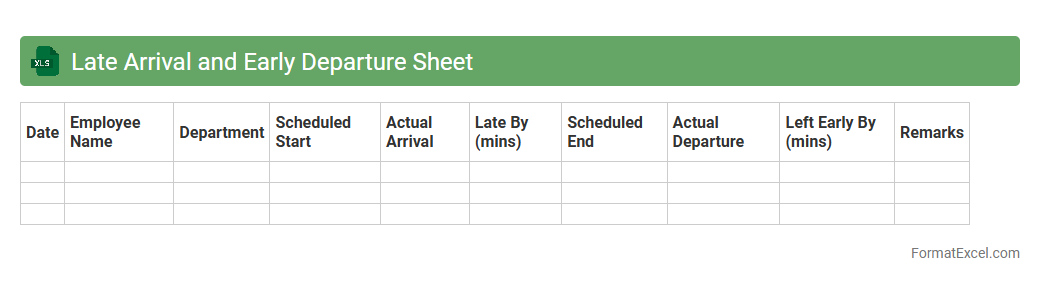
Late Arrival and Early Departure Sheet
The
Late Arrival and Early Departure Sheet Excel document is a tool designed to track employee attendance by recording instances of late arrivals and early departures. It provides a clear summary of attendance patterns, allowing managers to identify tardiness trends and enforce punctuality policies effectively. This sheet improves workforce management by facilitating accurate time tracking and supporting payroll calculations.
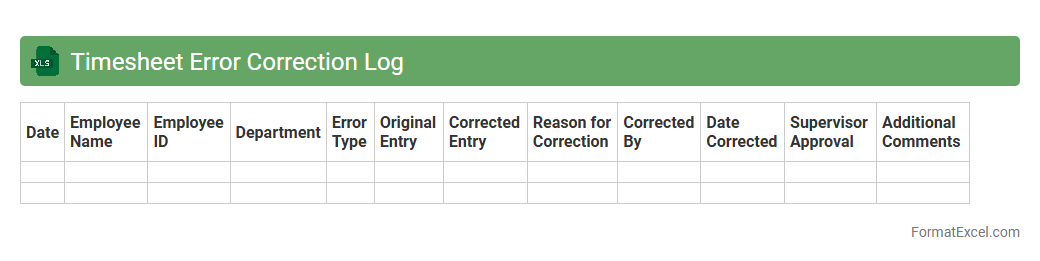
Timesheet Error Correction Log
The
Timesheet Error Correction Log Excel document is designed to accurately track and document errors found in employee timesheets, including incorrect hours, dates, or project codes. This log helps organizations maintain payroll accuracy, ensure compliance with labor regulations, and streamline the correction process by providing a clear record of amendments. By systematically recording errors and their resolutions, it enhances transparency and reduces disputes related to employee work hours.
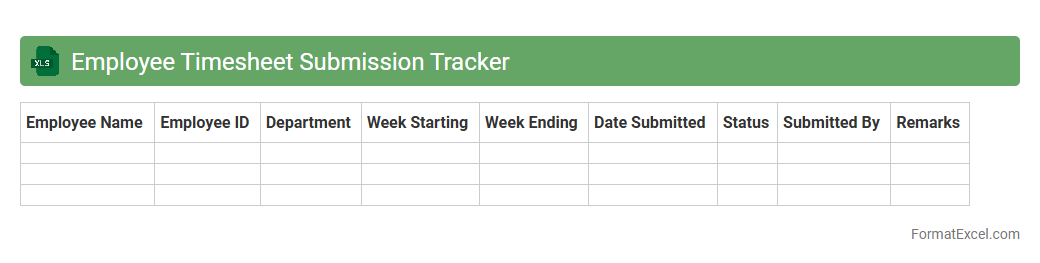
Employee Timesheet Submission Tracker
The
Employee Timesheet Submission Tracker Excel document is a tool designed to monitor and record the timely submission of employee timesheets across departments. It helps managers ensure accurate payroll processing, track employee attendance, and identify patterns in late submissions to improve overall workforce management. By using this tracker, organizations can maintain compliance with labor regulations and optimize project budgeting through precise time tracking data.
Weekly Timesheet Overview
The
Weekly Timesheet Overview Excel document is a structured tool designed to track and organize employee work hours, tasks, and productivity on a weekly basis. It helps managers and employees monitor attendance, calculate overtime, and ensure accurate payroll processing, improving overall workflow efficiency. By providing clear visibility into time allocation and project progress, this document supports effective resource management and timely decision-making.
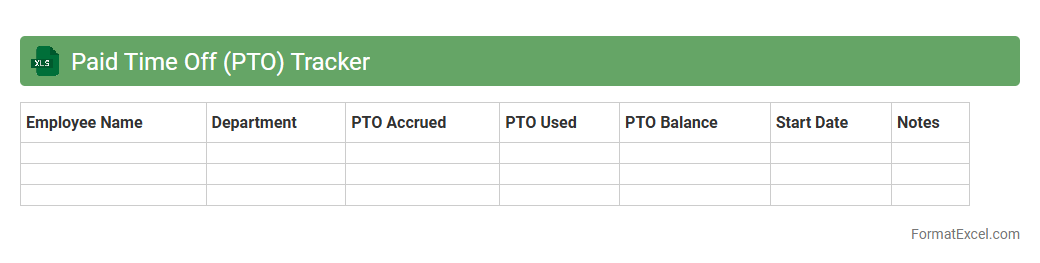
Paid Time Off (PTO) Tracker
A
Paid Time Off (PTO) Tracker Excel document is a digital tool designed to monitor and manage employee leave balances efficiently. It helps organizations accurately record vacation days, sick leave, and other absences, ensuring compliance with company policies and labor laws. Utilizing this tracker streamlines payroll processing, improves workforce planning, and enhances transparency between employers and employees.
Billable vs Non-Billable Hours Sheet
A
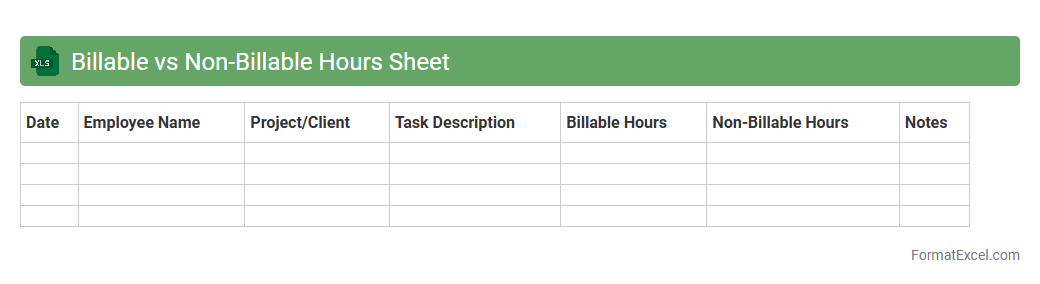
Billable vs Non-Billable Hours Sheet in Excel is a time-tracking tool used to differentiate between hours spent on client-paid projects and internal or administrative tasks. This document helps businesses accurately invoice clients based on billable work while monitoring the efficiency of non-billable activities. Utilizing this sheet improves resource allocation, enhances productivity, and supports transparent financial reporting.
Work-from-Home Timesheet
A
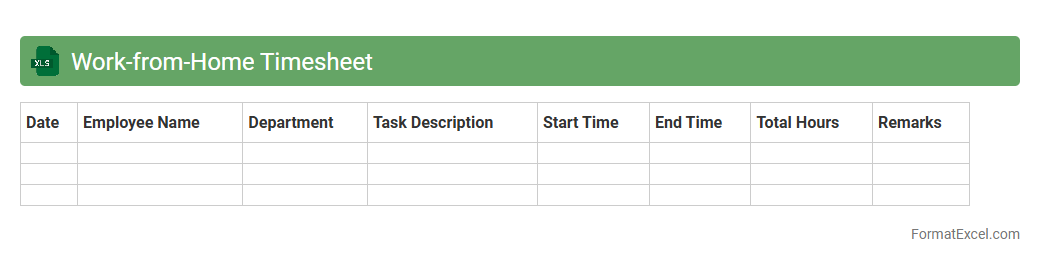
Work-from-Home Timesheet Excel document is a digital tool designed to track hours worked remotely, allowing employees to log their start and end times accurately. It helps monitor productivity, ensures transparency, and simplifies payroll processing by providing clear records of daily work activities. This timesheet is essential for managing remote work schedules efficiently and maintaining accountability in a flexible work environment.
Sick Leave Log
A
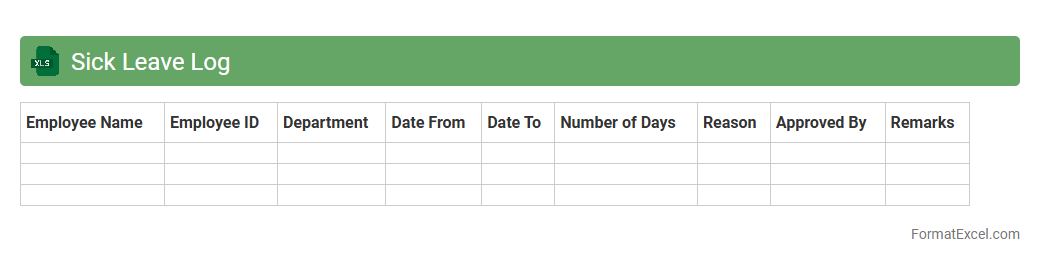
Sick Leave Log Excel document is a structured spreadsheet designed to track employee sick leave records efficiently. It allows organizations to monitor leave dates, duration, and reasons, facilitating accurate attendance management and compliance with labor regulations. Using this tool improves payroll accuracy, helps identify absenteeism patterns, and supports workforce planning.
Timesheet Compliance Audit Sheet
The
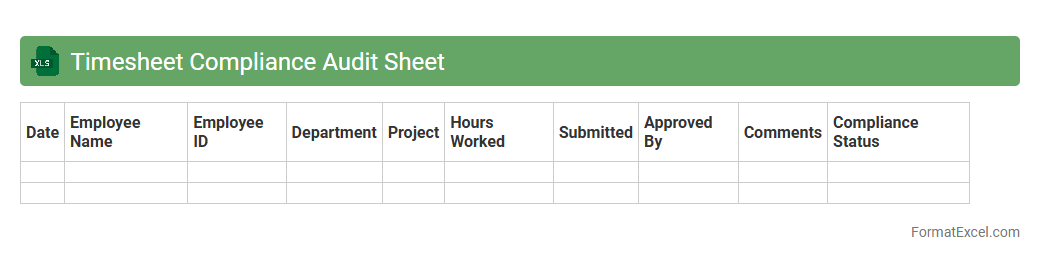
Timesheet Compliance Audit Sheet Excel document is a tool designed to systematically review and verify employee timesheets against company policies and labor regulations. It helps identify discrepancies, ensure accuracy in work hour reporting, and maintain adherence to compliance standards, reducing the risk of payroll errors and legal issues. Using this audit sheet streamlines the monitoring process, improves data integrity, and supports efficient workforce management.
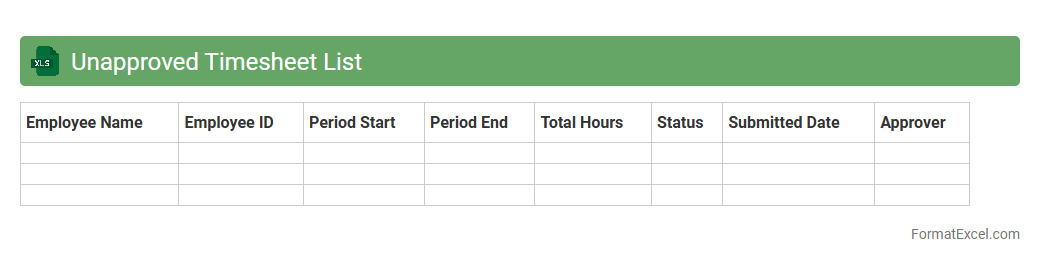
Unapproved Timesheet List
The
Unapproved Timesheet List Excel document is a detailed record of employee timesheets that have not yet received managerial approval, allowing organizations to track pending submissions efficiently. This list helps identify delays in timesheet approvals, ensuring accurate payroll processing and compliance with labor regulations. By using this document, businesses can streamline workforce management and improve accountability in time tracking procedures.
Introduction to Timesheet Tracker Format in Excel
The Timesheet Tracker Format in Excel is a structured layout designed to record employee work hours efficiently. It helps businesses monitor attendance, manage payroll, and enhance productivity. Excel's flexibility makes it ideal for creating tailored timesheets.
Benefits of Using Excel for Timesheet Tracking
Using Excel for timesheet tracking offers ease of use, customization, and powerful data analysis capabilities. It reduces manual errors and provides real-time updates on work hours. Excel integrations allow seamless reporting and payroll processing.
Key Components of an Effective Timesheet Tracker
An effective timesheet includes essential elements like employee names, dates, clock-in/clock-out times, and total hours worked. It should also capture breaks and overtime for accuracy. Clear organization and formatting enhance usability.
Step-by-Step Guide to Creating a Timesheet Template
Start by defining headers such as date, employee name, start time, end time, and total hours. Use formulas to automate hour calculations and ensure accuracy. Format cells for proper data entry and validation to minimize errors.
Essential Columns and Formulas for Timesheet Accuracy
Include columns for regular hours, overtime, and breaks to ensure precise time tracking. Use formulas like =SUM and =IF to calculate total hours and determine overtime automatically. Proper formula use prevents discrepancies.
Customization Tips for Different Business Needs
Adapt your timesheet by adding project codes, task descriptions, or department filters to fit your business. Customize formatting and formulas based on specific work schedules or pay policies. Tailoring improves data relevance and decision-making.
Incorporating Drop-Downs and Data Validation
Use drop-down lists to standardize entries like employee names or job categories, reducing input errors. Data validation rules help ensure only valid data is entered. These features enhance accuracy and streamline data collection.
Automating Calculations and Overtime Tracking
Automate timesheet calculations using Excel formulas for total hours and overtime detection. Conditional formatting can highlight overtime or missing entries, improving oversight. Automation saves time and boosts payroll accuracy.
Best Practices for Data Security and Integrity
Protect timesheet data with password encryption and restrict editing permissions to maintain data integrity. Regular backups and audit trails help prevent data loss or tampering. Ensure compliance with privacy regulations.
Downloadable Sample Excel Timesheet Templates
Access a variety of downloadable Excel timesheet templates to jumpstart your tracking process. These samples often come pre-built with formulas and formatting for quick customization. Utilizing them saves time and ensures best practices.