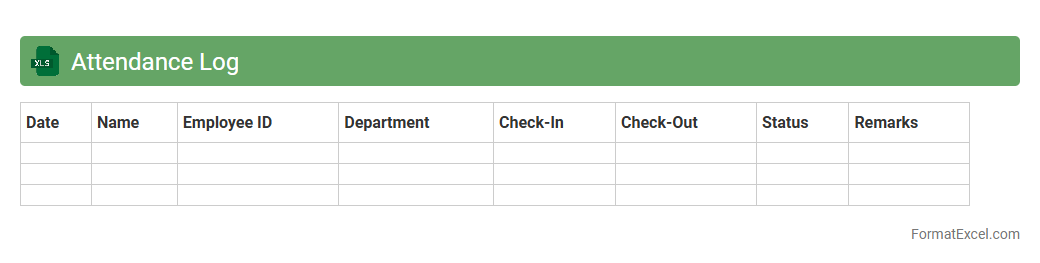
Attendance Log
An
Attendance Log Excel document is a digital spreadsheet designed to track and record employee or student attendance systematically. It helps organizations monitor punctuality, calculate attendance percentages, and identify patterns such as absenteeism or tardiness for effective workforce or class management. This tool streamlines data organization, enabling quick access to attendance records for payroll processing, performance evaluations, and compliance reporting.
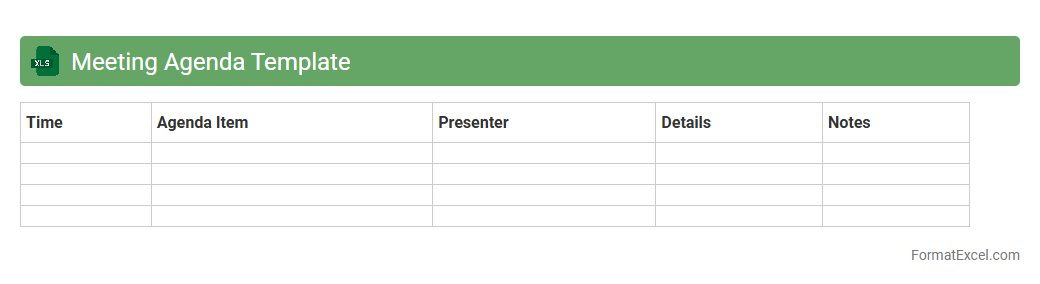
Meeting Agenda Template
A
Meeting Agenda Template Excel document organizes discussion topics, timelines, and participant roles for effective meetings. It streamlines preparation by providing a clear structure that enhances productivity and ensures all key points are addressed. Using this template helps teams stay focused, track progress, and achieve meeting objectives efficiently.
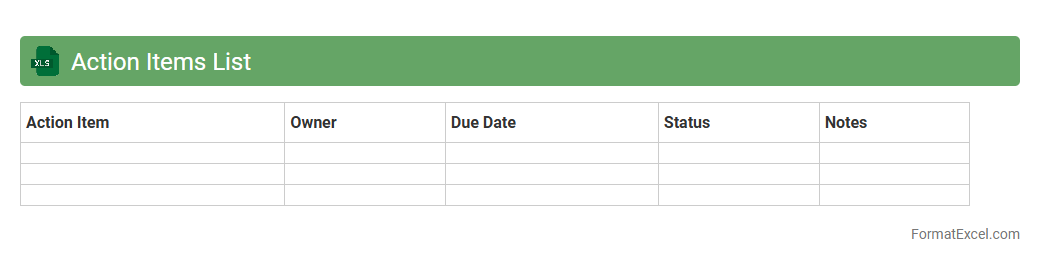
Action Items List
An
Action Items List Excel document is a structured spreadsheet used to track tasks, deadlines, responsibilities, and progress within a project or workflow. It helps teams stay organized by clearly defining who is accountable for each task and ensuring timely completion through status updates and priority settings. This tool enhances productivity, improves communication, and provides a centralized location for monitoring project deliverables effectively.
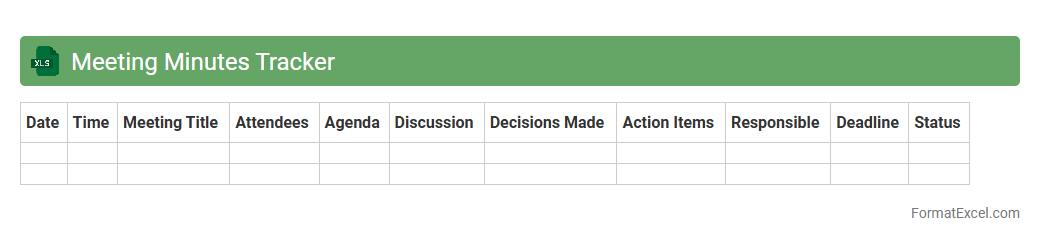
Meeting Minutes Tracker
A
Meeting Minutes Tracker Excel document is a structured tool designed to record, organize, and manage meeting notes efficiently. It helps users keep track of key decisions, action items, deadlines, and attendees, ensuring accountability and follow-up. By facilitating clear documentation and easy retrieval of information, this tracker enhances productivity and supports effective communication within teams.
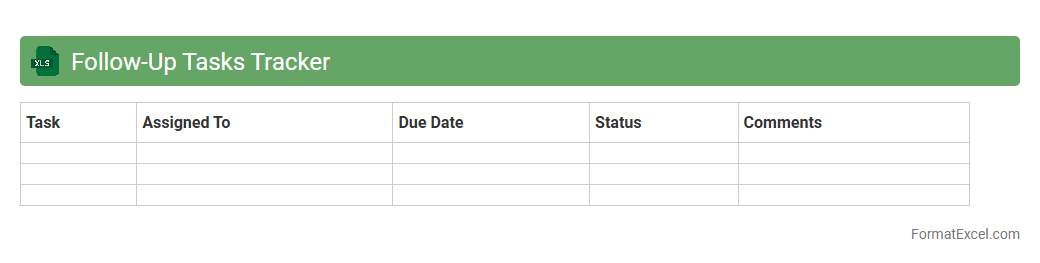
Follow-Up Tasks Tracker
A
Follow-Up Tasks Tracker Excel document is a powerful tool designed to organize, monitor, and manage pending tasks efficiently. It allows users to record task details, set deadlines, assign responsibilities, and track progress in real-time, ensuring nothing is overlooked. By centralizing follow-up activities, it enhances accountability, improves workflow, and increases productivity across teams and projects.
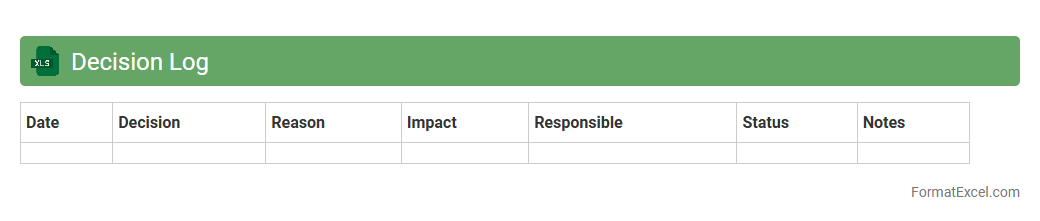
Decision Log
A
Decision Log Excel document is a structured spreadsheet used to record decisions made during projects or meetings, capturing key information such as decision date, stakeholders involved, rationale, and outcomes. It helps maintain accountability, track progress, and provide a historical record that supports transparent communication across teams. Utilizing this document ensures consistency in decision-making processes and aids in identifying patterns or recurring issues for continuous improvement.
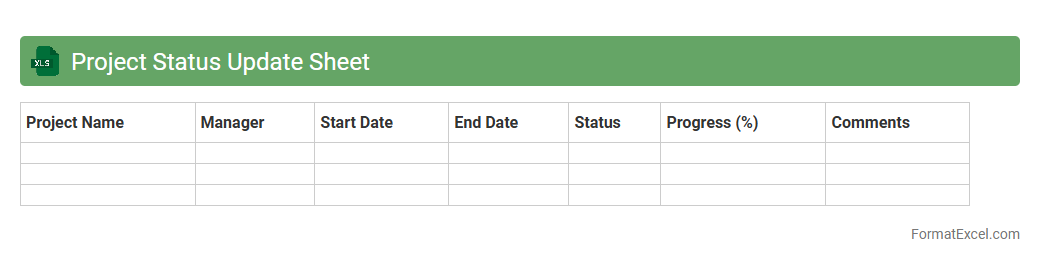
Project Status Update Sheet
A
Project Status Update Sheet in Excel is a dynamic tool designed to monitor and report the current progress of a project by tracking key metrics such as milestones, deadlines, task completion, and resource allocation. It helps project managers and teams maintain transparent communication, quickly identify potential delays, and make informed decisions to keep the project on schedule. By consolidating all status information in a single, easy-to-update spreadsheet, it streamlines status reporting and enhances overall project management efficiency.
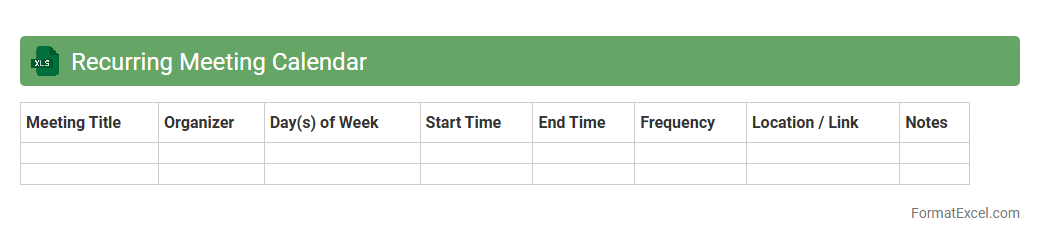
Recurring Meeting Calendar
A
Recurring Meeting Calendar Excel document is a structured spreadsheet designed to schedule and track regular meetings over a specific period. It helps streamline planning by automatically repeating events based on chosen intervals, reducing manual entry and minimizing scheduling conflicts. Utilizing this tool enhances team coordination, ensures timely reminders, and increases overall productivity by keeping all sessions organized in one accessible platform.
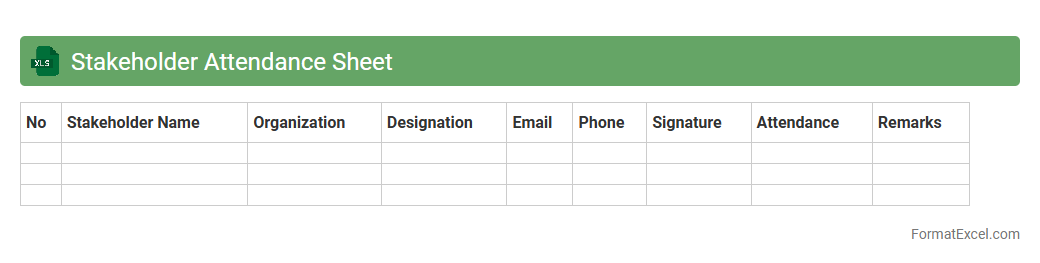
Stakeholder Attendance Sheet
A
Stakeholder Attendance Sheet Excel document is a structured tool designed to record and track the participation of stakeholders in meetings or project activities. It allows project managers and team leaders to monitor attendance patterns, ensuring accountability and active involvement from key participants. This document enhances communication and project transparency by providing a clear record of who attended, when, and their level of engagement.
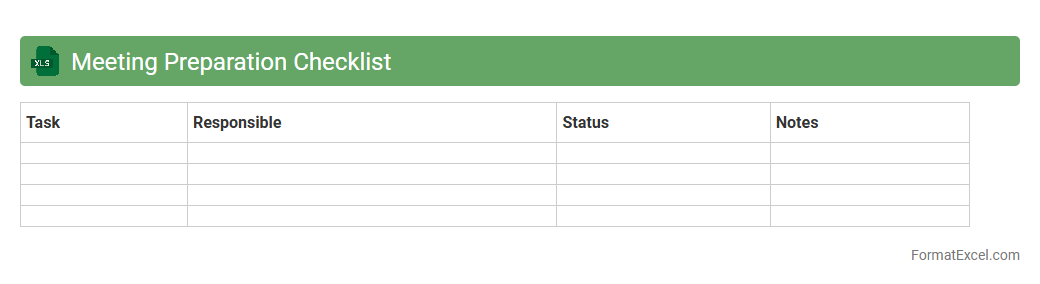
Meeting Preparation Checklist
A
Meeting Preparation Checklist Excel document is a structured template designed to organize and track all essential tasks before a meeting, such as agenda creation, participant confirmation, and resource allocation. It enhances efficiency by ensuring no critical step is overlooked and helps maintain focus during meeting planning. Using this checklist improves time management, boosts productivity, and fosters well-prepared discussions.
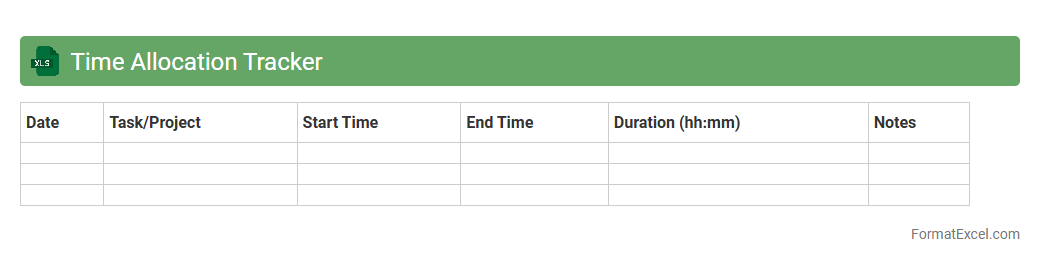
Time Allocation Tracker
A
Time Allocation Tracker Excel document is a tool designed to monitor and record how time is spent on various tasks and projects. It helps improve productivity by providing clear insights into time distribution, enabling better planning and prioritization. Organizations and individuals use this tracker to optimize workflows, reduce time wastage, and ensure efficient resource management.
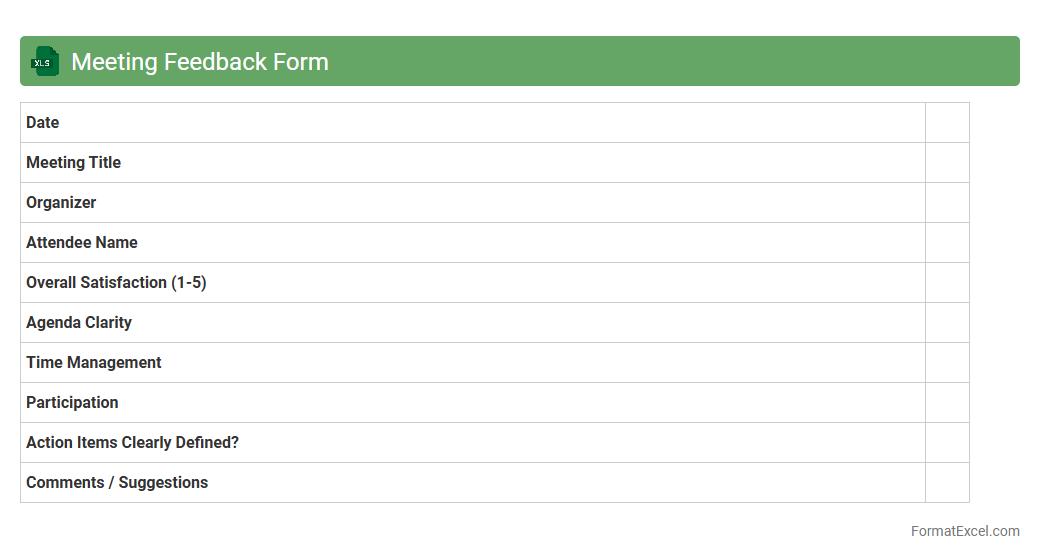
Meeting Feedback Form
A
Meeting Feedback Form Excel document is a structured spreadsheet designed to collect and analyze participants' opinions and evaluations of a meeting. It helps organizations track attendee satisfaction, identify areas for improvement, and measure the effectiveness of meeting agendas and presentation styles. Utilizing this tool enhances decision-making processes and boosts overall meeting productivity by providing clear, data-driven insights.
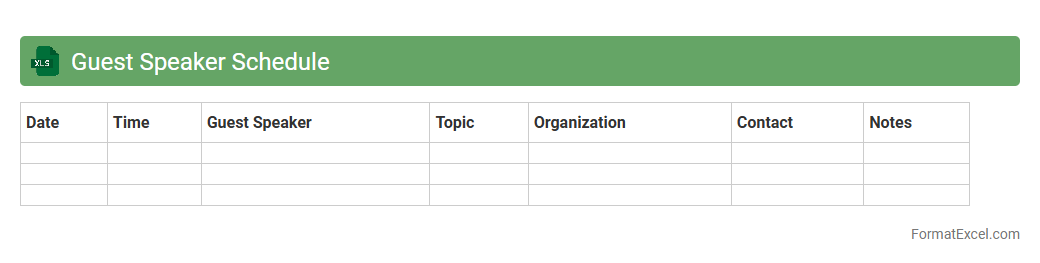
Guest Speaker Schedule
The
Guest Speaker Schedule Excel document is a structured tool used to organize and manage the timing, topics, and contact details of guest speakers for events or educational sessions. It helps streamline communication, ensures all participants are aware of their roles and times, and reduces scheduling conflicts. By providing a clear overview, this document enhances planning efficiency and improves event coordination.
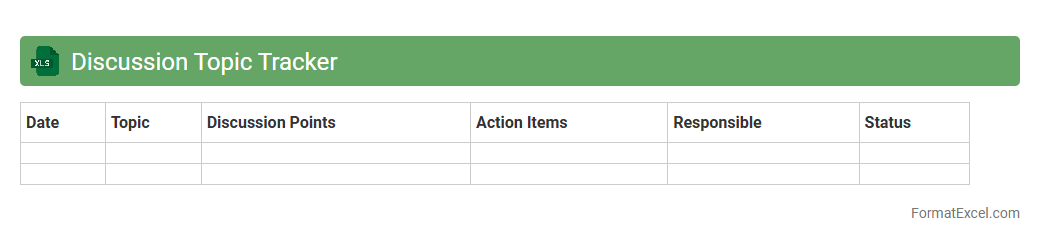
Discussion Topic Tracker
The
Discussion Topic Tracker Excel document is a tool designed to organize and monitor various discussion points across meetings or projects. It helps users efficiently track the status, responsible individuals, and deadlines associated with each topic to ensure follow-up and accountability. This structured approach enhances communication clarity and streamlines collaborative decision-making processes.
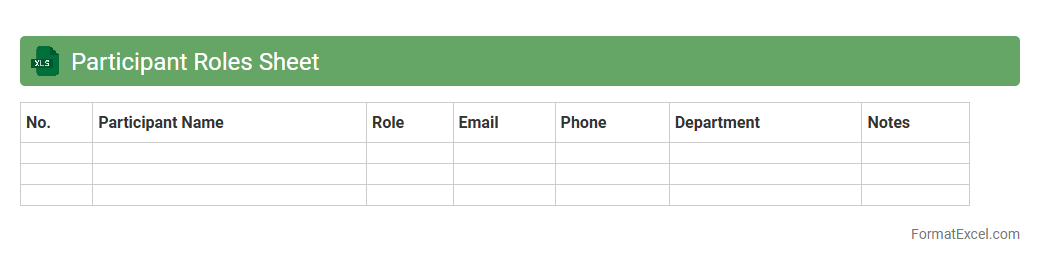
Participant Roles Sheet
The
Participant Roles Sheet in Excel is a structured document that outlines the specific responsibilities and roles of each individual involved in a project or event. It helps clarify accountability, streamline communication, and ensure that all tasks are appropriately assigned to the right team members. This tool is essential for improving project management efficiency and preventing role confusion.
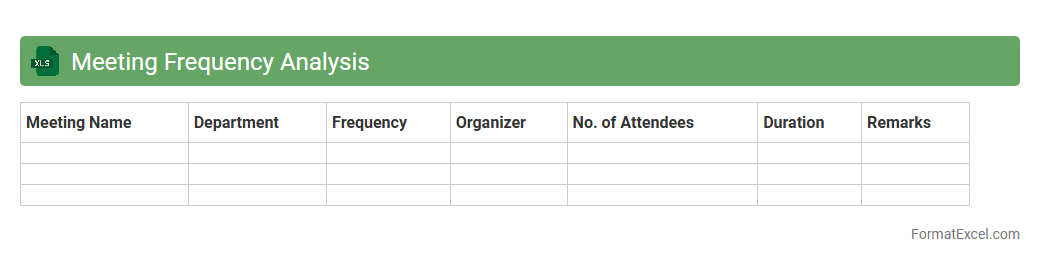
Meeting Frequency Analysis
Meeting Frequency Analysis in Excel is a powerful tool designed to track and evaluate the number and regularity of meetings within an organization. This document
helps identify patterns in meeting schedules, enabling teams to optimize time management and increase productivity by highlighting frequently occurring meetings or potential scheduling conflicts. It serves as a data-driven approach to refine communication practices and ensure efficient allocation of resources.
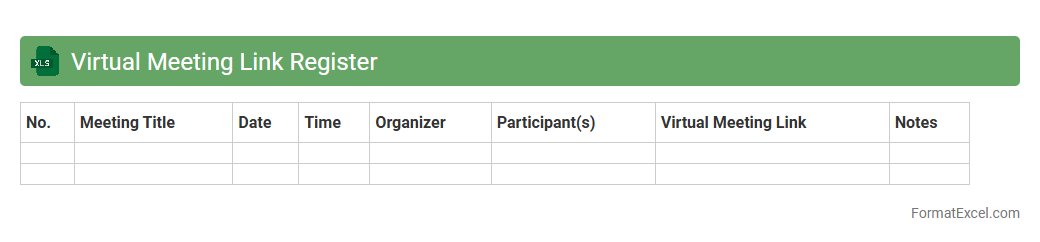
Virtual Meeting Link Register
The
Virtual Meeting Link Register Excel document is a centralized file that records and organizes meeting URLs, participant details, and schedule information for virtual conferences. It streamlines access to online meetings by providing quick reference links, reducing scheduling errors, and improving communication efficiency among team members. This document enhances productivity by ensuring all relevant stakeholders have easy and immediate access to the necessary virtual meeting links.
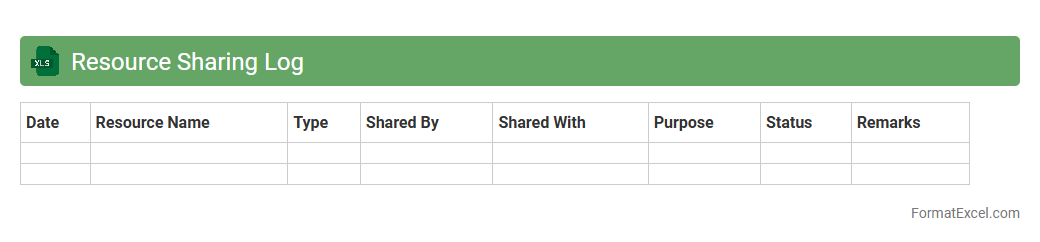
Resource Sharing Log
The
Resource Sharing Log Excel document tracks the allocation and usage of shared resources within a team or organization, ensuring transparency and accountability. It allows users to monitor resource availability, prevent overallocation, and identify bottlenecks for efficient project management. This tool enhances collaboration by providing a centralized record of resource distribution, facilitating timely adjustments and informed decision-making.
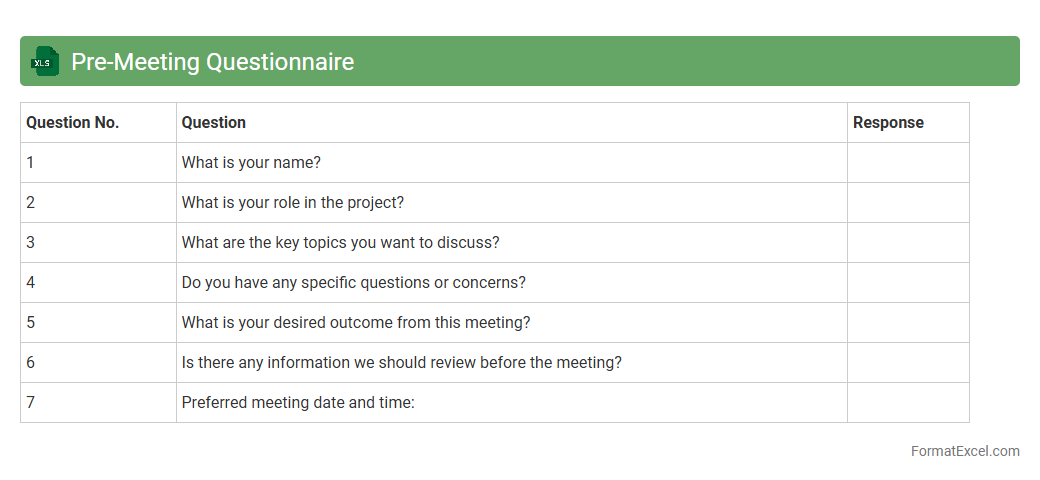
Pre-Meeting Questionnaire
A
Pre-Meeting Questionnaire Excel document is a structured tool designed to collect important information from participants before a meeting. It helps organize responses, streamline agenda planning, and ensure that critical topics and concerns are addressed efficiently. By using this questionnaire, teams can improve meeting productivity, focus discussions, and make informed decisions based on collected insights.
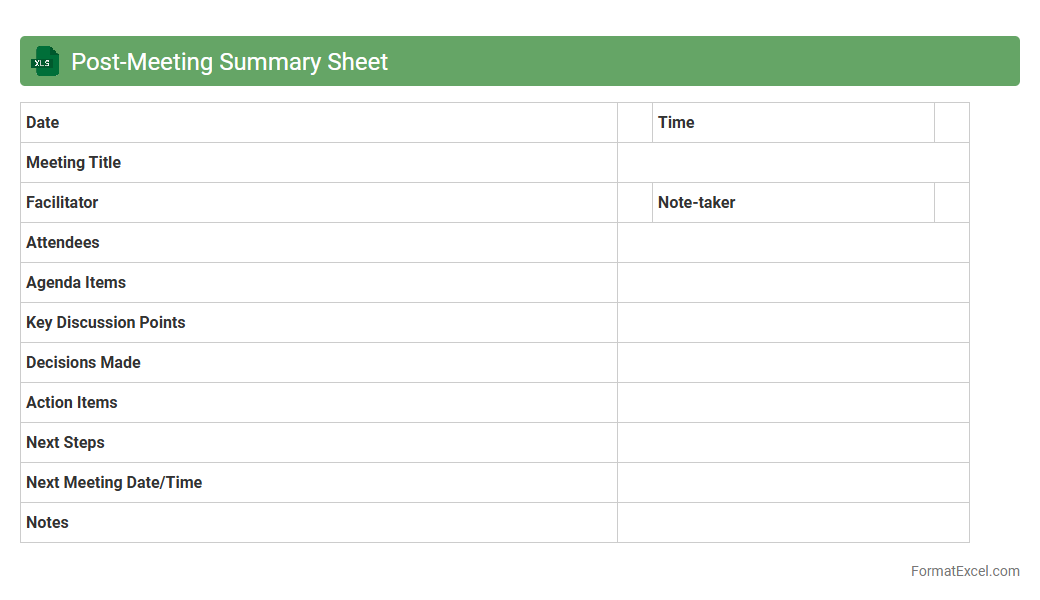
Post-Meeting Summary Sheet
A
Post-Meeting Summary Sheet Excel document is a structured tool designed to capture key discussion points, decisions made, and action items from meetings. It helps streamline communication by providing a clear, organized record that participants can reference, ensuring accountability and follow-through on tasks. Utilizing this document enhances productivity and minimizes misunderstandings by consolidating critical information in one accessible format.
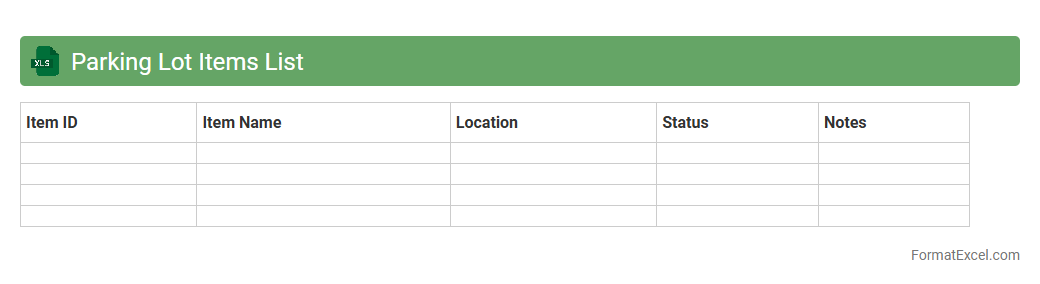
Parking Lot Items List
A
Parking Lot Items List Excel document is a structured spreadsheet used to capture and organize ideas, tasks, or issues that arise during meetings but are not immediately actionable. It helps teams prioritize and track these items for future discussion or resolution, ensuring important points are not forgotten. The document enhances productivity by providing clear visibility and accountability for pending topics, facilitating better project management and decision-making.
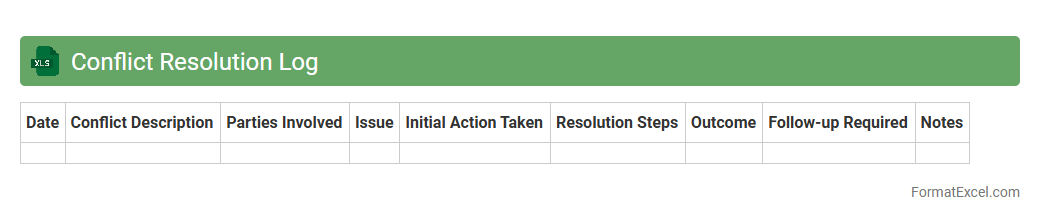
Conflict Resolution Log
A
Conflict Resolution Log Excel document is a structured tool designed to record, track, and manage disputes within organizations or teams systematically. It helps users document incident details, involved parties, resolution steps, and outcomes, ensuring transparency and accountability. This log enhances communication, supports timely conflict resolution, and aids in identifying patterns to prevent future issues.
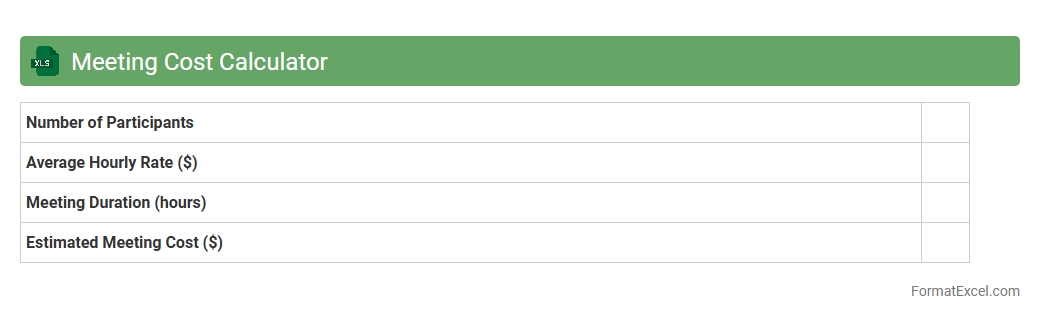
Meeting Cost Calculator
The
Meeting Cost Calculator Excel document is a tool designed to estimate the total expense of business meetings by factoring in attendee salaries, meeting duration, and overhead costs. It helps organizations identify the financial impact of their meetings, enabling better budget management and efficiency improvements. By quantifying meeting expenses, businesses can make informed decisions to optimize meeting frequency and duration, ultimately saving time and resources.
Team Member Contribution Log
The
Team Member Contribution Log Excel document is a structured tool that tracks individual efforts, tasks completed, and hours spent by each team member on various projects. It enables managers to monitor productivity, identify skill utilization, and ensure balanced workload distribution efficiently. Using this log improves transparency, fosters accountability, and supports data-driven decision-making for optimizing team performance.
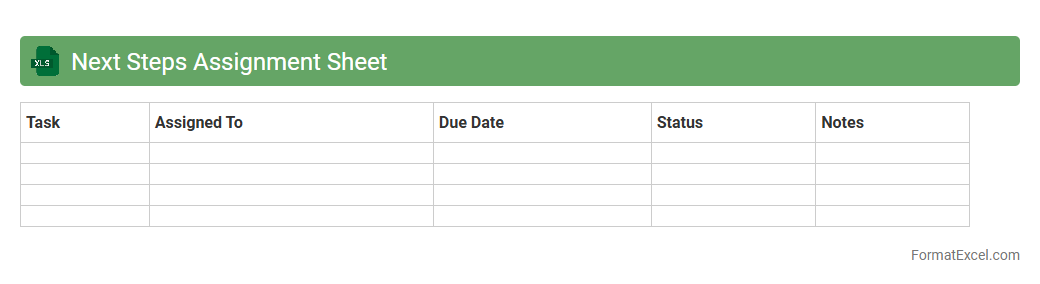
Next Steps Assignment Sheet
The
Next Steps Assignment Sheet Excel document serves as a structured tool for tracking and organizing tasks, ensuring clear delegation and deadlines. It helps teams visualize progress by categorizing assignments, priorities, and responsible parties, which enhances accountability and productivity. Using this sheet simplifies project management by providing a centralized format for action planning and follow-up.
Introduction to Meeting Tracker Formats
A meeting tracker format helps organize and monitor meeting details efficiently. These formats standardize the documentation process, making it easier to refer back to decisions and action items. Utilizing a proper format improves overall communication and accountability within teams.
Benefits of Using Excel for Meeting Tracking
Excel offers a flexible and powerful platform for meeting tracking with its grid layout and calculation features. It allows easy customization, sorting, and filtering of meeting data. Moreover, Excel supports collaboration and integration with other tools, making it ideal for professional use.
Essential Components of a Meeting Tracker
Key components include date, attendees, agenda, decisions, action items, and deadlines. Adding a status column ensures tracking progress over time. Incorporating these elements creates a comprehensive record that enhances follow-up efficiency.
Step-by-Step Guide to Creating a Meeting Tracker in Excel
Start by setting up columns for all essential components, such as date and action items. Use Excel's data validation and dropdowns to maintain consistency. Finally, apply conditional formatting to highlight overdue tasks for better visibility.
Customizable Meeting Tracker Templates
Excel offers numerous templates that can be tailored to specific needs like project management or sales meetings. Customization allows you to align the tracker with team workflows and preferences. This adaptability makes templates a great starting point for creating an effective tracker.
Key Excel Features for Efficient Tracking
Features like filters, formulas, and pivot tables streamline data analysis in meeting trackers. Conditional formatting visually emphasizes important information such as pending tasks. Using these tools enhances the accuracy and usability of your tracker.
Tips for Maintaining Accurate Meeting Records
Ensure meeting details are recorded promptly to maintain accuracy. Regularly update follow-up actions and check for discrepancies. Consistent data entry practices preserve the integrity of your records.
Visualizing Meeting Data with Excel Charts
Charts provide a clear visual summary of meeting outcomes and task status. Use bar, pie, or line charts to track progress and identify bottlenecks. Leveraging Excel's charting capabilities improves data comprehension for stakeholders.
Common Mistakes to Avoid in Meeting Trackers
Avoid clutter by limiting unnecessary fields and redundant data. Do not neglect regular updates, as outdated information reduces tracker effectiveness. Ensuring clarity and consistency prevents common errors in tracking.
Downloadable Excel Meeting Tracker Resources
Many online platforms offer free downloadable Excel meeting tracker templates. These resources save time and provide inspiration for custom layouts. Utilizing reliable templates can jumpstart your meeting documentation process.