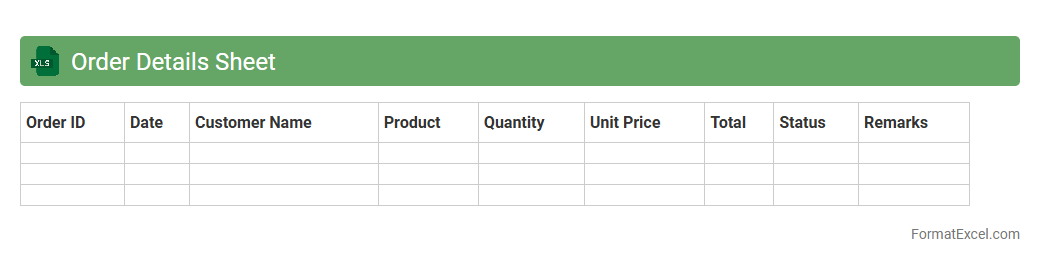
Order Details Sheet
The
Order Details Sheet in Excel is a structured document that captures comprehensive information about customer orders, including product names, quantities, prices, and shipping details. It enables efficient tracking and management of orders, helping businesses monitor sales performance, inventory levels, and fulfillment status. Using this sheet enhances order accuracy, streamlines workflow, and supports timely decision-making for improved operational efficiency.
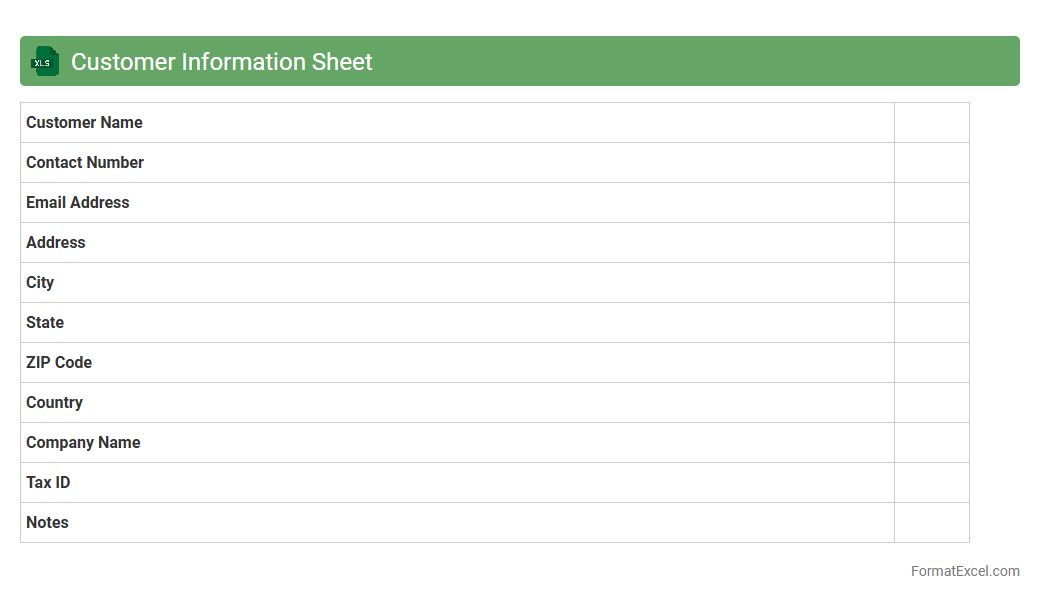
Customer Information Sheet
A
Customer Information Sheet Excel document organizes essential client details such as contact information, purchase history, and preferences in a structured format. This centralized data repository enhances customer relationship management by enabling quick access to accurate information for personalized service and targeted marketing. Utilizing this document improves efficiency in communication and supports data-driven decision-making to boost customer satisfaction and retention.
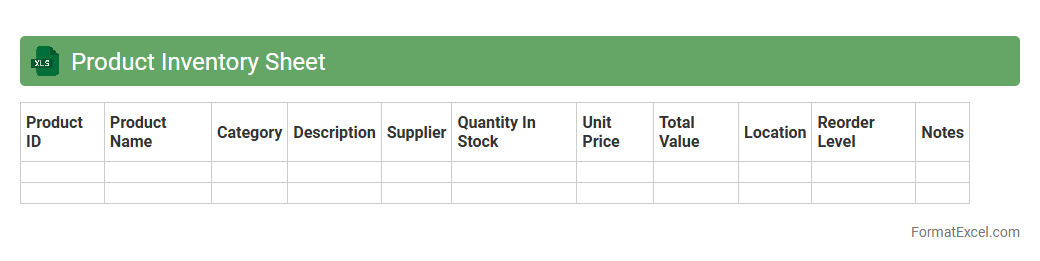
Product Inventory Sheet
A
Product Inventory Sheet in Excel is a structured document used to track and manage stock levels, product details, and sales data efficiently. It helps businesses maintain accurate records of available inventory, monitor reorder points, and analyze product performance to optimize supply chain operations. By using this sheet, companies can reduce stockouts, prevent overstocking, and make informed purchasing decisions.
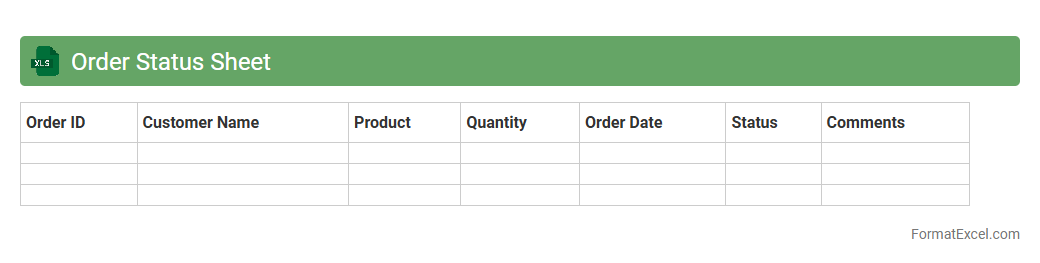
Order Status Sheet
An
Order Status Sheet Excel document is a structured spreadsheet that tracks the progress of customer orders from placement to delivery. It provides real-time visibility into order details, quantities, shipping dates, and fulfillment status, enabling efficient management of inventory and timely communication with clients. By centralizing order information, this tool helps reduce errors, optimize workflow, and improve overall operational efficiency in supply chain management.
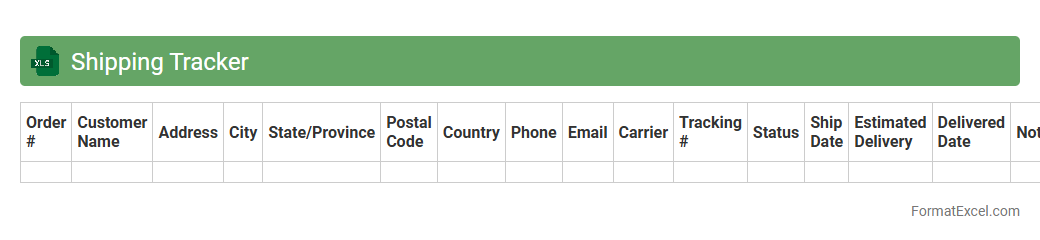
Shipping Tracker
A
Shipping Tracker Excel document is a customizable spreadsheet designed to monitor and manage shipments by recording details such as tracking numbers, shipment dates, carrier information, and delivery status. It helps users efficiently organize logistics data, providing real-time insights into the progress of orders, reducing delays, and enhancing communication between suppliers and customers. Utilizing this tracker streamlines inventory management, improves operational transparency, and supports timely decision-making in supply chain processes.
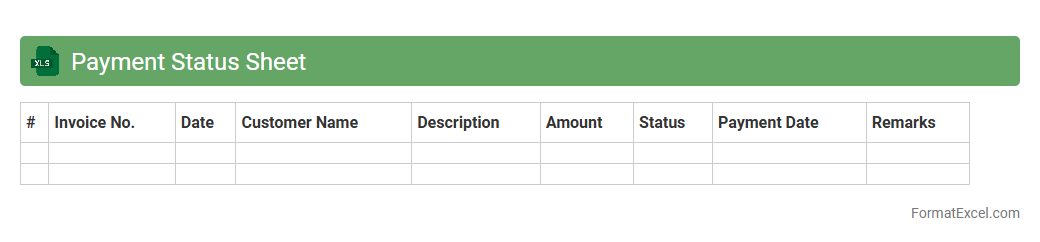
Payment Status Sheet
A
Payment Status Sheet in Excel is a detailed financial document that tracks payment transactions, outstanding balances, and due dates, enabling efficient monitoring of receivables and payables. It helps businesses maintain accurate records of payments made and received, ensuring timely follow-ups and improved cash flow management. By organizing payment statuses in a clear, accessible format, this sheet enhances financial transparency and supports informed decision-making.
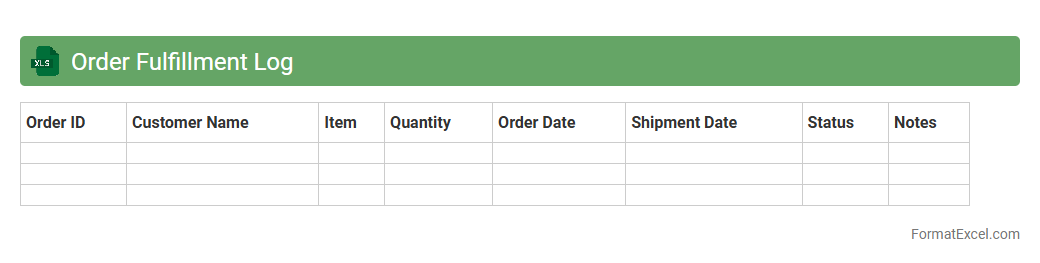
Order Fulfillment Log
An
Order Fulfillment Log Excel document is a detailed record-keeping tool that tracks the status of customer orders from placement to delivery. It helps businesses monitor inventory levels, shipping timelines, and order accuracy to improve efficiency and customer satisfaction. This log also provides valuable insights for identifying bottlenecks and streamlining the supply chain process.
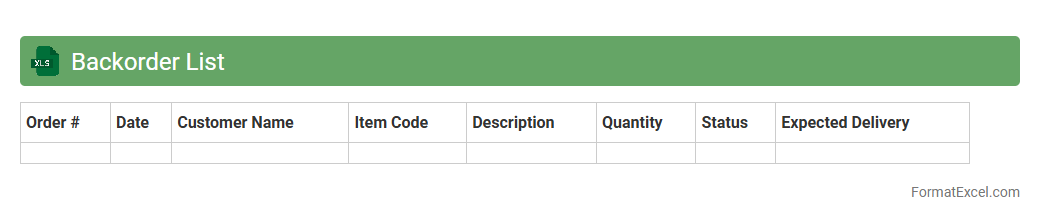
Backorder List
A
Backorder List Excel document is a structured spreadsheet that tracks products or items pending fulfillment due to stock shortages, providing critical visibility into customer demand and supply chain gaps. By organizing backordered items, quantities, and expected restock dates, it helps businesses prioritize order fulfillment, manage inventory effectively, and enhance customer communication. This tool enables better forecasting, reduces delays, and supports strategic decision-making to improve overall operational efficiency.
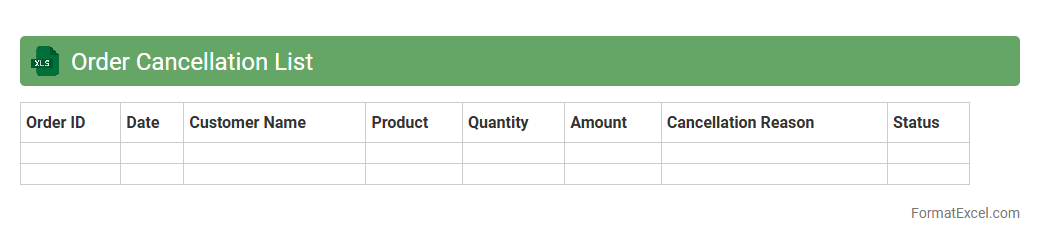
Order Cancellation List
The
Order Cancellation List Excel document is a structured file that records all cancelled orders, including details such as order numbers, cancellation dates, reasons, and customer information. This document helps businesses quickly identify patterns in cancellations, manage inventory adjustments, and improve customer service by addressing issues causing cancellations. It streamlines order management processes and supports data-driven decision-making to reduce future order cancellations.
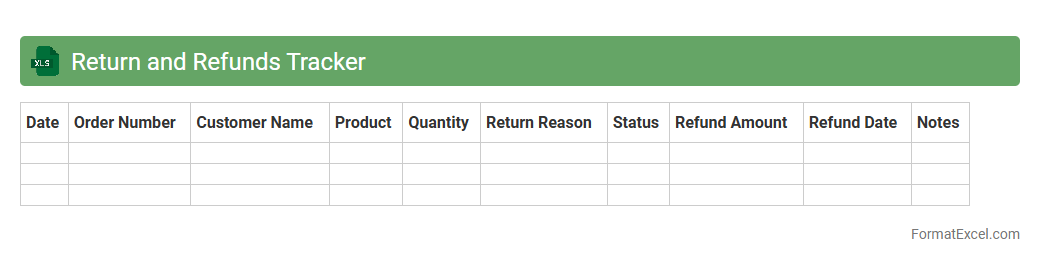
Return and Refunds Tracker
The
Return and Refunds Tracker Excel document is a detailed tool designed to monitor and manage product returns and refund requests efficiently. It helps businesses maintain organized records of customer return reasons, refund statuses, and transaction dates, enabling quicker resolution and improved customer satisfaction. By analyzing this data, companies can identify trends, reduce return rates, and optimize inventory and financial management.
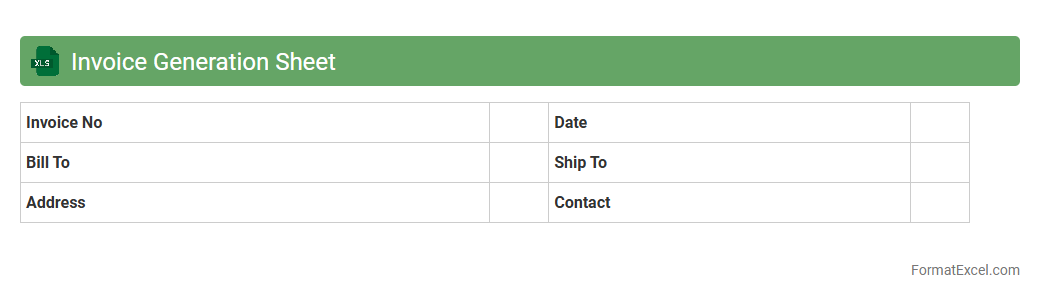
Invoice Generation Sheet
An
Invoice Generation Sheet in Excel is a structured document designed to automate and streamline the creation of invoices by organizing client details, billing items, quantities, prices, and tax calculations in a single spreadsheet. It enhances accuracy, saves time by reducing manual entry, and enables easy tracking of payments and outstanding amounts. Businesses rely on this tool to ensure efficient financial management and maintain clear records for accounting and auditing purposes.
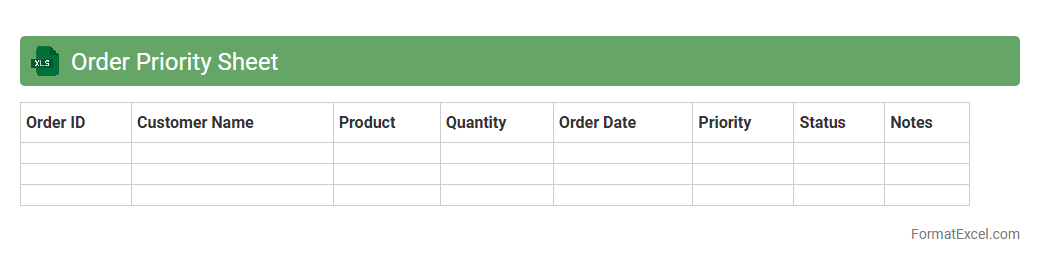
Order Priority Sheet
The
Order Priority Sheet Excel document is a tool designed to organize and rank customer orders based on urgency, value, or delivery deadlines. It enables businesses to streamline order fulfillment by highlighting which orders require immediate attention, thereby optimizing workflow and reducing delays. This document improves inventory management and customer satisfaction by ensuring that critical orders are processed efficiently and accurately.
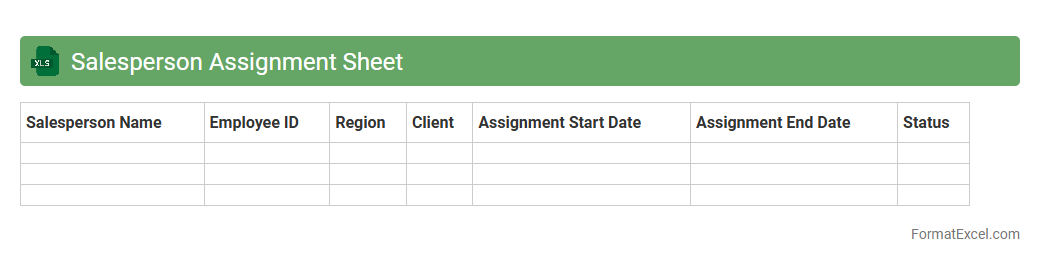
Salesperson Assignment Sheet
A
Salesperson Assignment Sheet Excel document is a structured spreadsheet used to allocate sales territories, clients, or tasks to individual sales team members efficiently. It helps streamline sales management by tracking assignments, monitoring performance, and ensuring balanced workloads across the team. This tool enhances accountability and optimizes resource allocation, leading to better sales organization and improved overall productivity.
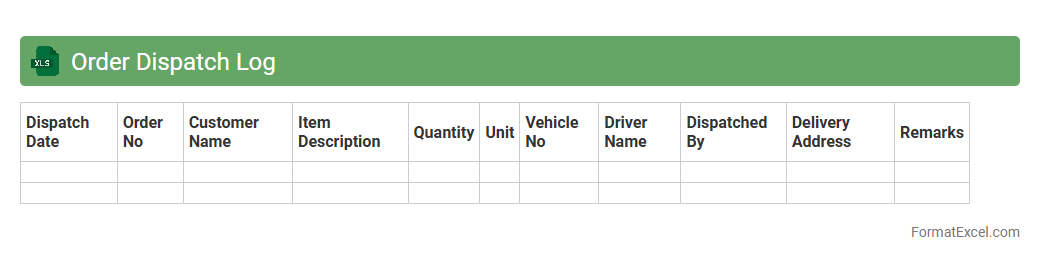
Order Dispatch Log
The
Order Dispatch Log Excel document is a detailed record-keeping tool that tracks the status, date, and details of orders dispatched from a business. It helps streamline logistics by providing real-time visibility into shipment progress, ensuring timely delivery and reducing errors or delays. This document enhances inventory management and customer satisfaction by maintaining accurate dispatch histories and facilitating data-driven decision-making.
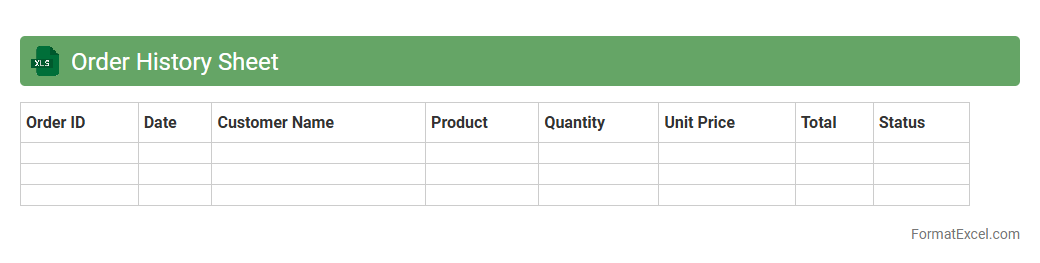
Order History Sheet
An
Order History Sheet Excel document is a comprehensive record that tracks all past orders, including details such as order dates, quantities, prices, and customer information. It enables businesses to analyze purchasing trends, manage inventory effectively, and improve customer service by providing a clear overview of transactions. Utilizing this document enhances decision-making processes by offering accurate data for forecasting and identifying high-demand products.
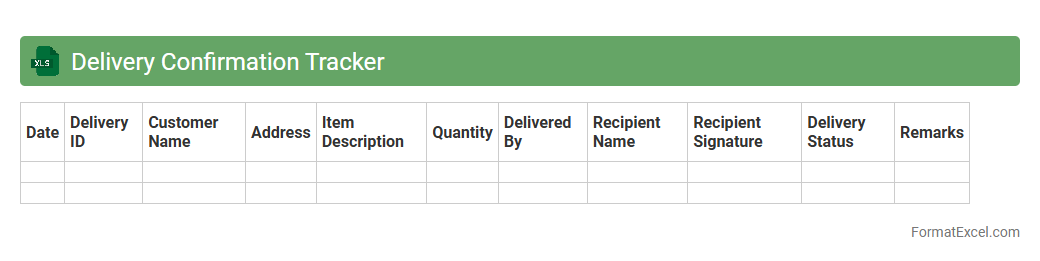
Delivery Confirmation Tracker
The
Delivery Confirmation Tracker Excel document is a tool designed to monitor and record the status of shipments, ensuring timely and accurate delivery updates. It allows users to track packages by recording tracking numbers, delivery dates, and recipient confirmations, which improves accountability and reduces the risk of lost or delayed shipments. This organized approach enhances operational efficiency and customer satisfaction by providing clear visibility into the delivery process.
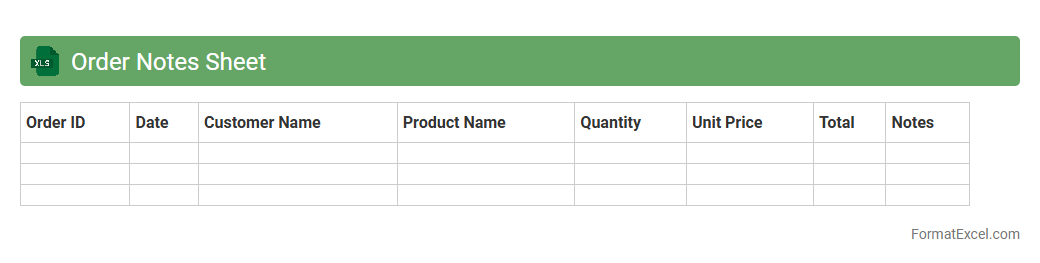
Order Notes Sheet
The
Order Notes Sheet Excel document serves as a centralized tool for tracking and managing customer orders, comments, and special instructions with precision. It enhances organization by consolidating order details, reducing errors, and enabling efficient communication between sales, production, and delivery teams. Using this sheet improves workflow transparency and helps ensure timely and accurate order fulfillment.
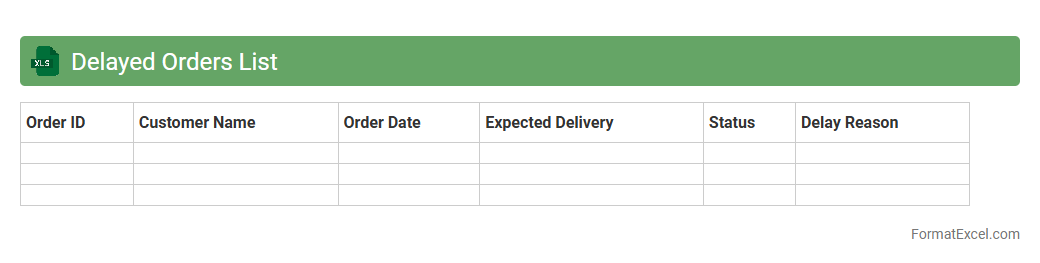
Delayed Orders List
The
Delayed Orders List Excel document systematically tracks orders that have not been delivered by their expected dates, enabling efficient monitoring of supply chain delays. It provides essential data such as order ID, customer details, expected delivery date, current status, and delay duration, which helps in identifying bottlenecks and improving operational efficiency. By using this document, businesses can prioritize follow-ups, enhance customer communication, and implement corrective actions to minimize future delays.
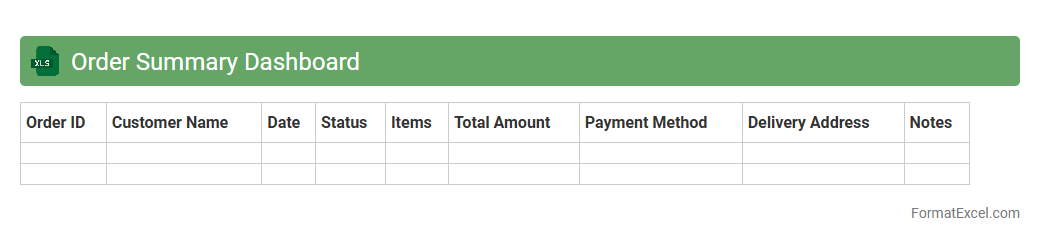
Order Summary Dashboard
The
Order Summary Dashboard Excel document consolidates all order-related data into a comprehensive, easy-to-navigate interface, providing key metrics such as total sales, order status, and customer information. It streamlines the tracking and analysis of orders, allowing businesses to identify trends, monitor performance, and make data-driven decisions efficiently. This tool enhances operational efficiency by offering real-time insights, reducing manual errors, and improving overall order management processes.
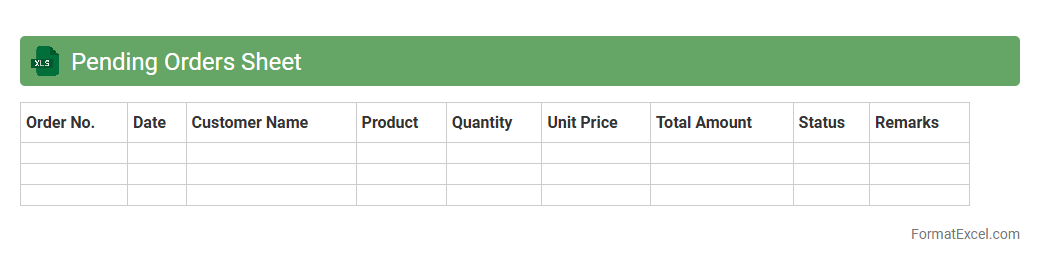
Pending Orders Sheet
The
Pending Orders Sheet Excel document is a comprehensive tool designed to track and manage all outstanding customer orders efficiently. It helps businesses monitor order statuses, prioritize fulfillment, and avoid delays by providing real-time updates on pending shipments. This organized tracking system enhances operational workflow and improves customer satisfaction by ensuring timely order processing.
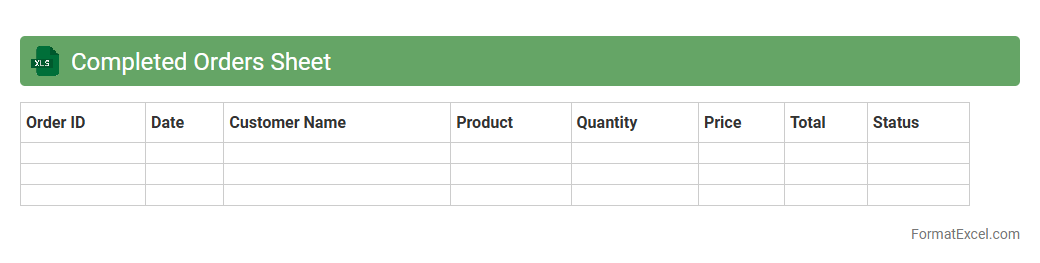
Completed Orders Sheet
The
Completed Orders Sheet in Excel is a detailed record that tracks all finalized sales transactions, including order numbers, dates, customer details, product quantities, and payment status. This document is essential for managing inventory, analyzing sales performance, and ensuring accurate financial reporting. It enhances organization by providing a centralized and easily accessible database that supports decision-making and operational efficiency.
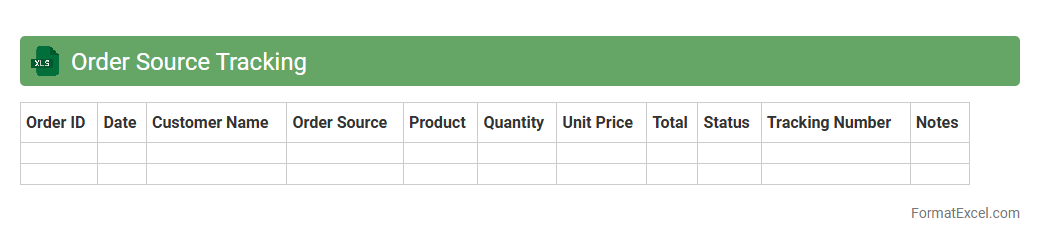
Order Source Tracking
The
Order Source Tracking Excel document is a tool designed to monitor and analyze the origins of customer orders across various sales channels. By organizing and categorizing order data, it enables businesses to identify the most effective marketing platforms and optimize resource allocation. This systematic tracking enhances decision-making processes and drives targeted strategies for increased revenue and customer engagement.
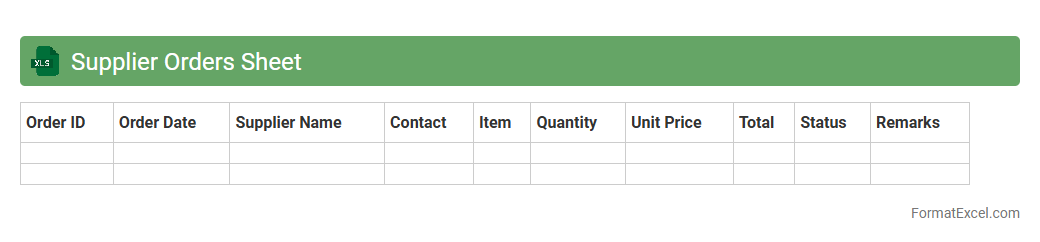
Supplier Orders Sheet
The
Supplier Orders Sheet Excel document is a structured file used to track and manage purchase orders from suppliers, including details like order dates, quantities, prices, and delivery schedules. It helps businesses maintain organized records, streamline inventory control, and ensure timely payments and deliveries. Using this document enhances supplier relationship management and improves procurement efficiency.
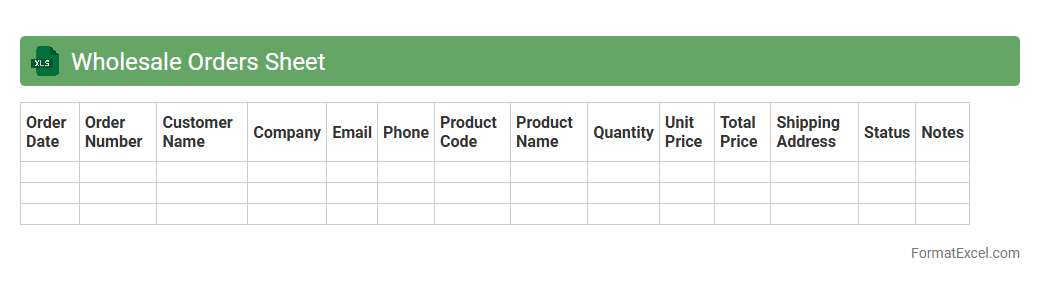
Wholesale Orders Sheet
The
Wholesale Orders Sheet Excel document is a structured spreadsheet designed to manage and track bulk purchase orders efficiently, including product details, quantities, prices, and customer information. It streamlines the order processing workflow by consolidating all order data in one place, enabling quick analysis and inventory monitoring. Businesses use this tool to reduce errors, improve communication with suppliers, and enhance overall operational productivity.
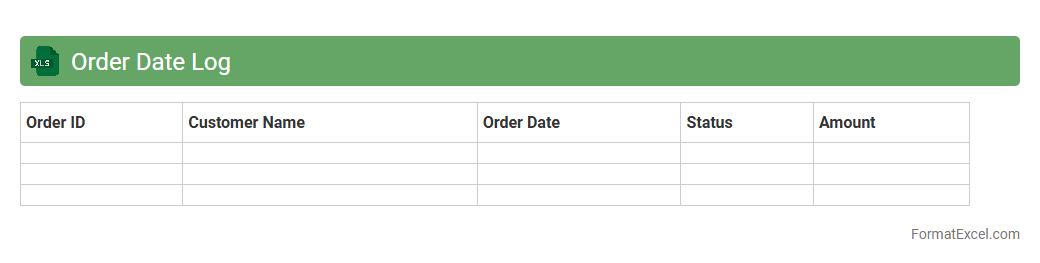
Order Date Log
The
Order Date Log Excel document is a structured spreadsheet that records the dates on which orders are placed, providing a chronological timeline of transactions. This log is useful for tracking order patterns, managing inventory levels, and ensuring timely fulfillment by analyzing order frequency and lead times. Utilizing this document helps businesses optimize supply chain operations and improve customer satisfaction through accurate data management.
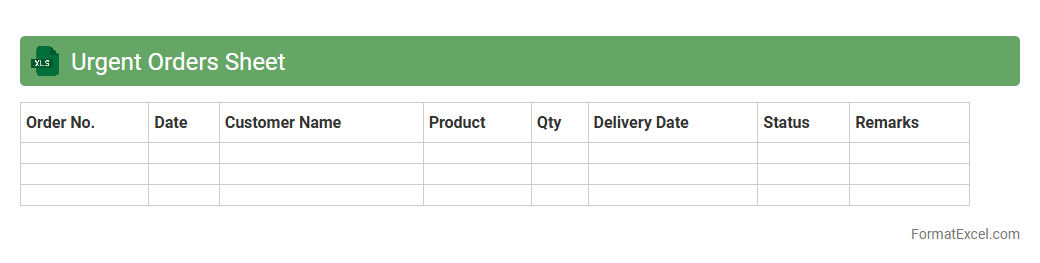
Urgent Orders Sheet
The
Urgent Orders Sheet in Excel is a specialized document designed to track, prioritize, and manage time-sensitive orders efficiently. It helps businesses monitor delivery deadlines, update order statuses in real-time, and allocate resources effectively to meet urgent customer demands. Utilizing this sheet streamlines workflow, reduces delays, and enhances overall order fulfillment accuracy.
Introduction to Order Tracker Formats in Excel
An Order Tracker Format in Excel is a powerful tool to monitor and manage customer orders efficiently. It helps businesses streamline order processing by consolidating all relevant information in one place. Excel's flexibility makes it ideal for creating customizable trackers tailored to specific needs.
Key Features of Effective Excel Order Trackers
Effective order trackers include features like real-time order status, order prioritization, and automatic calculations for totals. Incorporating data validation ensures accuracy and consistency in entry. Such features enhance usability and reduce errors during order management.
Essential Columns for Excel Order Tracking
Common essential columns include Order ID, Customer Name, Product Details, Quantity, Price, Order Date, and Status. The Status column is vital for tracking order progress and completion. These columns provide a comprehensive overview necessary for efficient tracking.
Step-by-Step Guide to Creating an Order Tracker in Excel
Start by outlining the necessary columns, then input sample data to test functionality. Use Excel tools like tables and filters to organize data effectively. Implementing drop-down lists for status updates is a crucial step to simplify tracking.
Customizing Your Excel Order Tracker Template
Tailor your tracker by adding conditional formatting, custom formulas, and relevant charts to visualize order data. Customizing enhances the usability and makes insights more accessible. This ensures the tracker fits specific business processes and requirements.
Automating Order Status Updates in Excel
Automate order updates by using formulas such as IF statements or VBA scripts for dynamic changes. Automation reduces manual input errors and saves time. The automation of status updates streamlines the workflow and improves order accuracy.
Using Conditional Formatting for Order Tracking
Conditional formatting highlights orders based on status or deadlines, making urgent items stand out. Utilizing color-coded rules enhances quick visual inspection of order health. This feature helps prioritize and manage orders effectively.
Best Practices for Managing Orders in Excel
Regularly update the tracker, back up data, and validate entries to maintain accuracy. Keeping an organized structure improves efficiency and reduces the risk of missing orders. Consistency ensures reliable tracking for decision-making.
Common Mistakes to Avoid in Order Tracker Spreadsheets
Avoid cluttered layouts, inconsistent data entry, and lack of backup procedures. Neglecting data validation can lead to inaccurate order information and errors. Proper design prevents these common pitfalls and improves tracker reliability.
Downloadable Excel Order Tracker Templates
Many websites offer free or premium downloadable Excel templates to jumpstart order management. These templates provide pre-built structures, saving time on setup and customization. Choosing a template matching your needs accelerates implementation.