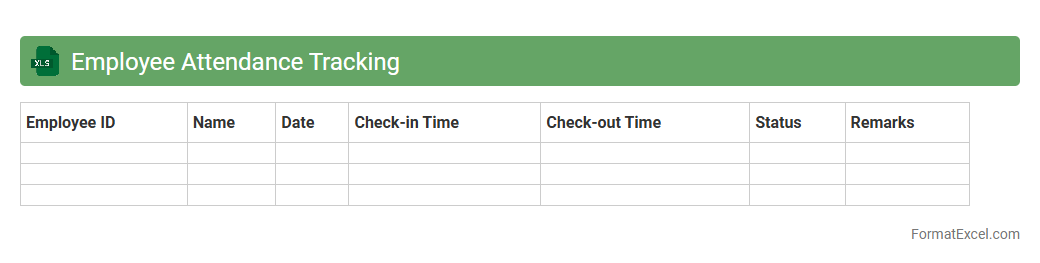
Employee Attendance Tracking
An
Employee Attendance Tracking Excel document is a digital tool designed to record and monitor employee work hours, absences, and punctuality efficiently. It helps businesses maintain accurate attendance records, streamline payroll processing, and identify attendance patterns to improve workforce management. Utilizing this Excel document supports enhanced productivity, compliance with labor regulations, and informed decision-making regarding employee performance.
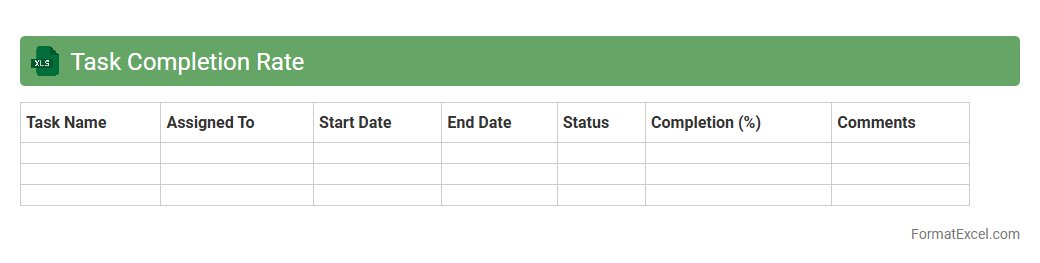
Task Completion Rate
The
Task Completion Rate Excel document is a tool designed to track the percentage of tasks completed within a specific timeframe or project. It helps organizations monitor productivity, identify bottlenecks, and allocate resources effectively to improve project management. Using this Excel sheet enables clear visualization of progress, enhancing decision-making and ensuring deadlines are met.
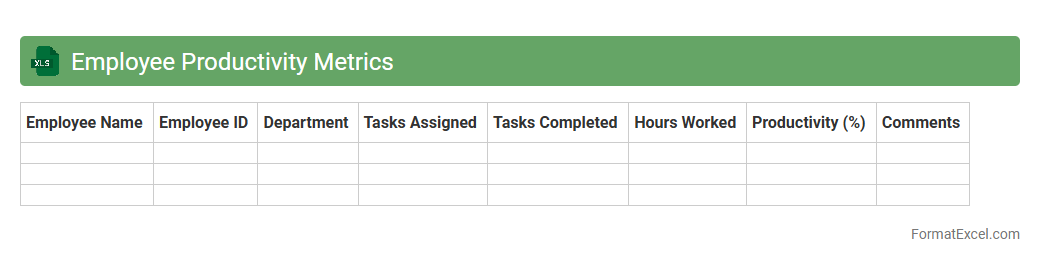
Employee Productivity Metrics
Employee Productivity Metrics Excel document is a structured tool designed to track, analyze, and visualize workforce performance data such as task completion rates, hours worked, and output quality. This document helps organizations identify trends, optimize processes, and make informed decisions to boost efficiency and employee engagement. Utilizing
Employee Productivity Metrics enables businesses to enhance accountability and strategically allocate resources for improved overall performance.
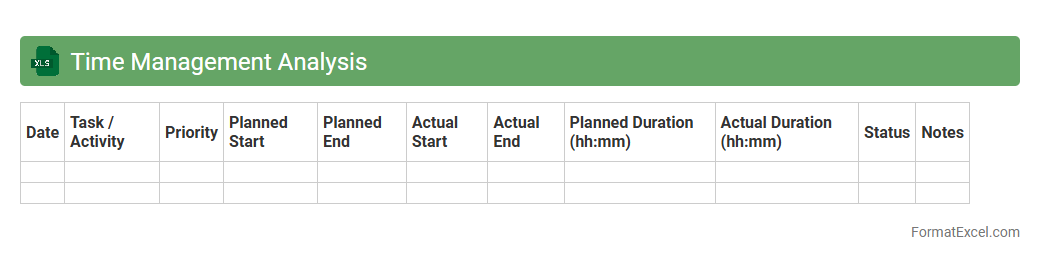
Time Management Analysis
The
Time Management Analysis Excel document is a structured tool designed to track and evaluate how time is allocated across various tasks and activities. It helps identify patterns of productivity, highlight time-wasting habits, and prioritize important duties efficiently. Utilizing this document enables individuals and organizations to optimize workflows, improve time utilization, and enhance overall performance.
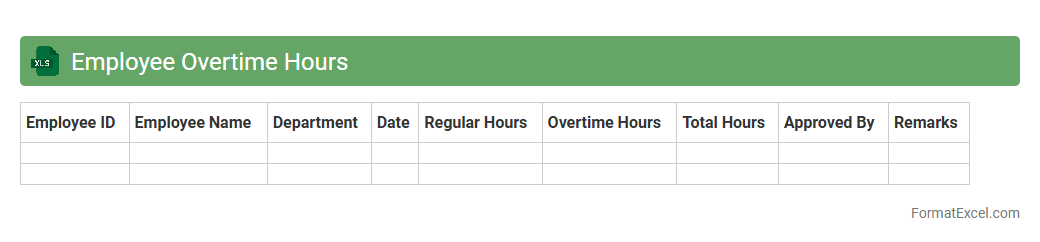
Employee Overtime Hours
The
Employee Overtime Hours Excel document tracks extra hours worked beyond regular schedules, enabling precise calculation of additional pay and labor costs. It helps managers monitor workforce productivity, ensure compliance with labor laws, and identify patterns of overtime that may impact employee well-being. Utilizing this data supports efficient resource allocation and payroll accuracy across departments.
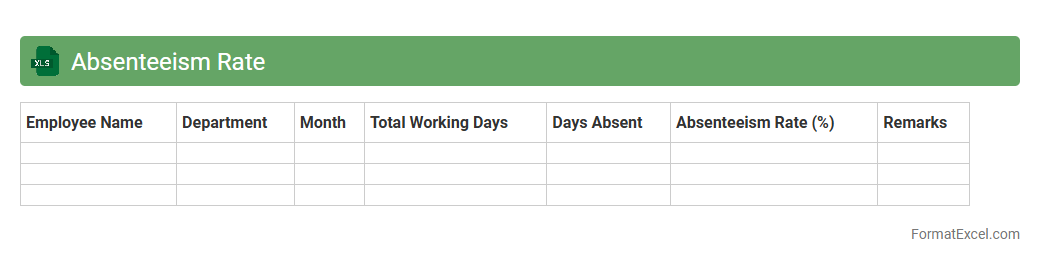
Absenteeism Rate
An
Absenteeism Rate Excel document is a spreadsheet tool designed to track and analyze employee absences within an organization. It helps calculate the percentage of missed workdays compared to total workdays, providing valuable insights into workforce productivity and attendance patterns. This document supports data-driven decisions to improve employee engagement, reduce absenteeism costs, and enhance operational efficiency.
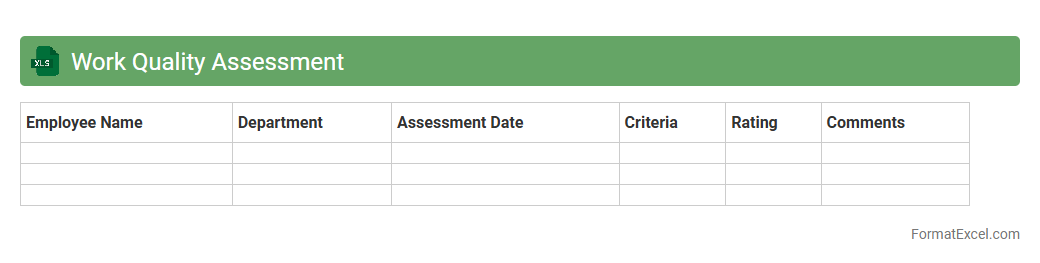
Work Quality Assessment
The
Work Quality Assessment Excel document is a structured tool designed to evaluate and measure the quality of work outputs based on specific criteria such as accuracy, completeness, and timeliness. It allows organizations to systematically track performance, identify areas for improvement, and maintain consistent standards across projects. Using this document enhances decision-making by providing clear, quantitative data that supports quality control and continuous improvement efforts.
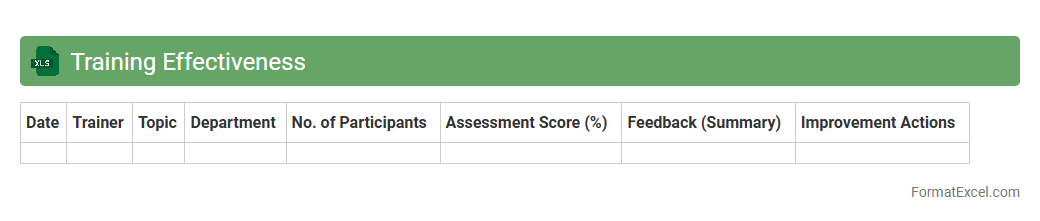
Training Effectiveness
The
Training Effectiveness Excel document is a structured tool designed to measure and analyze the impact of training programs through data collection and performance metrics. It allows organizations to track participant progress, evaluate learning outcomes, and identify areas for improvement by compiling feedback and assessment scores systematically. Utilizing this document enhances decision-making, supports continuous improvement, and ensures alignment between training goals and business objectives.
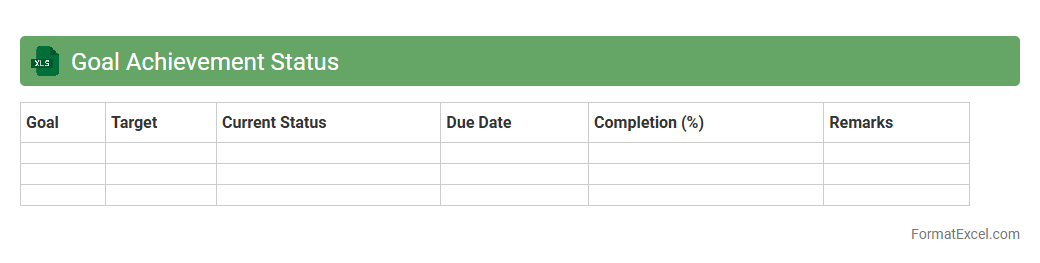
Goal Achievement Status
A
Goal Achievement Status Excel document tracks progress toward specific objectives by organizing tasks, deadlines, and completion percentages in a clear, visual format. It helps individuals and teams monitor milestones, identify obstacles, and stay focused on priorities, enhancing productivity and accountability. The document's data-driven insights enable effective decision-making and promote continuous improvement in goal attainment.
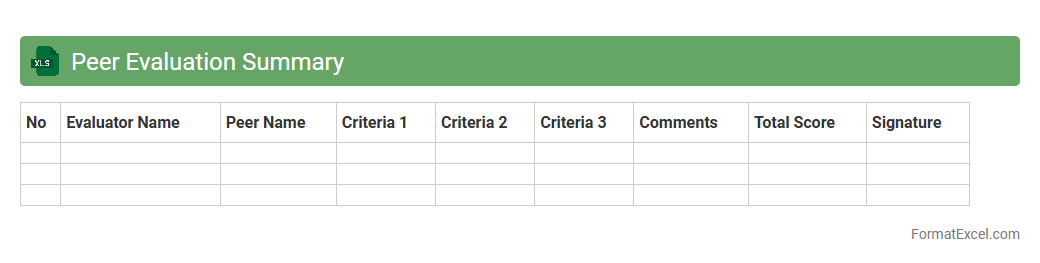
Peer Evaluation Summary
A
Peer Evaluation Summary Excel document consolidates feedback from multiple reviewers into a structured format, making it easier to analyze and compare performance or contributions. This tool enhances transparency by systematically organizing scores, comments, and ratings, which aids in identifying strengths and areas for improvement. It supports informed decision-making in team settings, performance reviews, or academic assessments by providing a clear overview of peer evaluations.
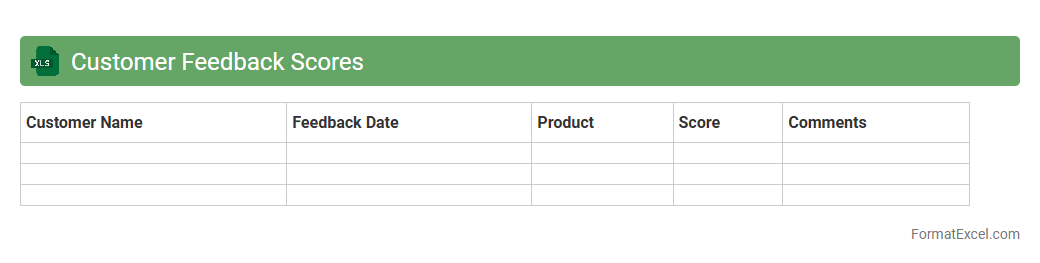
Customer Feedback Scores
The
Customer Feedback Scores Excel document is a structured tool used to compile, analyze, and track customer satisfaction metrics over time. It helps businesses identify patterns in feedback, measure service effectiveness, and prioritize areas for improvement based on quantitative data. Utilizing this document enhances decision-making processes, leading to improved customer experiences and increased retention rates.
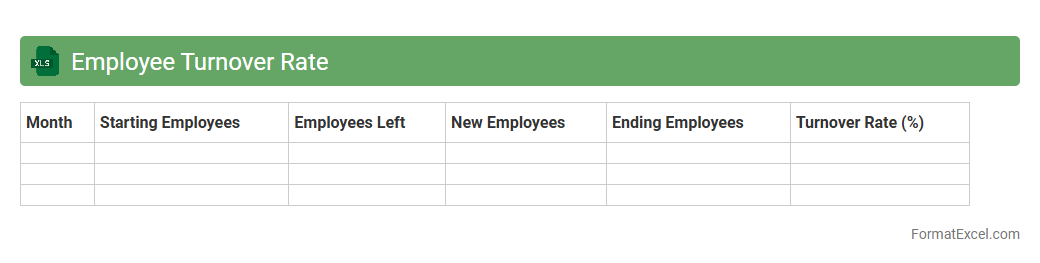
Employee Turnover Rate
An
Employee Turnover Rate Excel document is a spreadsheet tool designed to calculate and analyze the rate at which employees leave an organization over a specific period. It helps HR professionals track turnover patterns, identify underlying issues, and make data-driven decisions to improve retention strategies. Using this document, companies can monitor workforce stability, reduce recruitment costs, and enhance overall organizational performance.
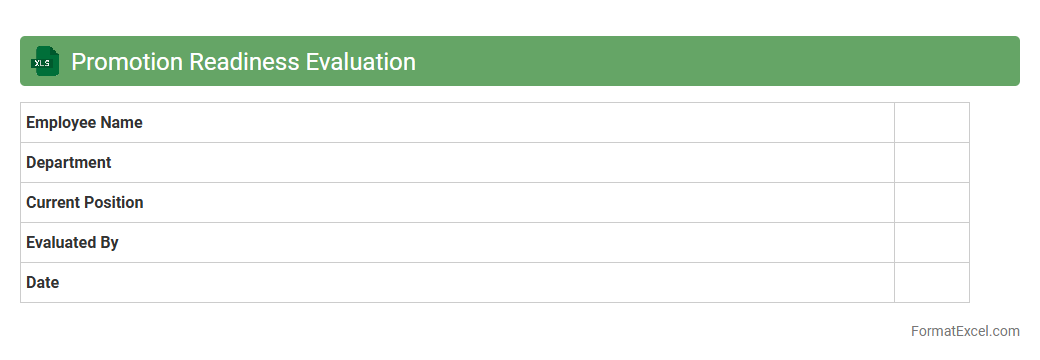
Promotion Readiness Evaluation
The
Promotion Readiness Evaluation Excel document is a structured tool designed to assess an employee's qualifications and preparedness for promotion by systematically tracking performance metrics, skill development, and goal achievements. It consolidates critical data points such as competency ratings, project contributions, and feedback scores, enabling managers to make informed decisions based on quantifiable evidence. Utilizing this document improves transparency, streamlines the review process, and helps identify areas for professional growth to ensure candidates meet organizational standards before advancement.
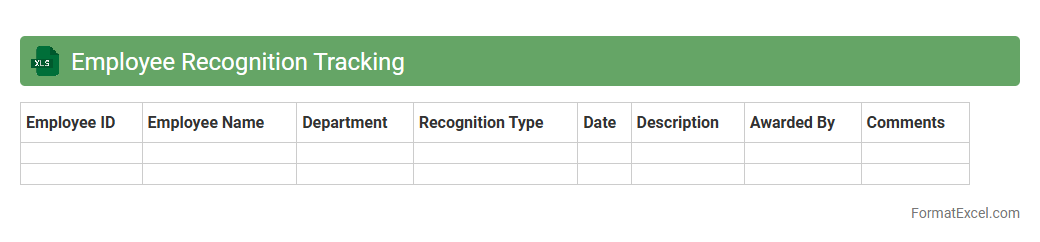
Employee Recognition Tracking
An
Employee Recognition Tracking Excel document systematically records and monitors employee achievements, awards, and commendations, enhancing transparency and motivation in the workplace. It provides managers with easy access to performance data, helping to identify top performers and tailor reward programs effectively. This tool supports a culture of appreciation by ensuring consistent acknowledgment of employee contributions, boosting morale and productivity.
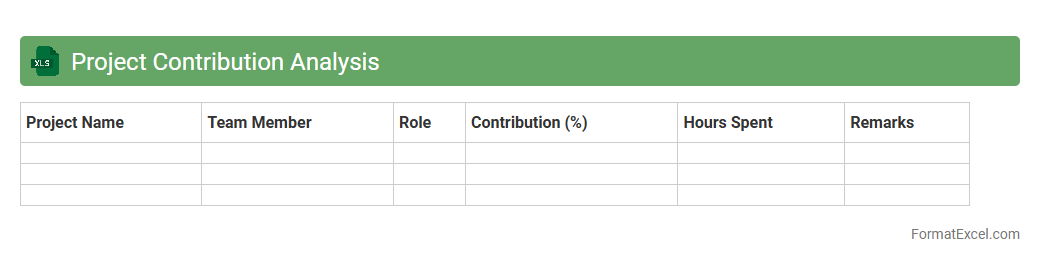
Project Contribution Analysis
The
Project Contribution Analysis Excel document is a tool designed to evaluate and quantify the individual and team inputs toward a project's overall success by tracking tasks, milestones, and resource allocation. It helps identify key contributors, measure productivity, and optimize project workflows for better decision-making and resource management. Using this analysis, organizations can improve accountability, forecast project outcomes more accurately, and enhance collaboration efficiency.
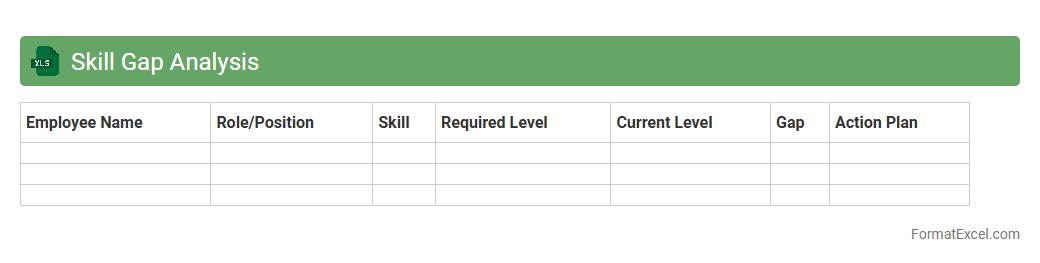
Skill Gap Analysis
A
Skill Gap Analysis Excel document is a structured tool used to identify the difference between existing employee skills and the skills required for specific job roles. It helps organizations pinpoint areas for training and development, ensuring workforce capabilities align with business objectives. Utilizing this analysis improves talent management, boosts productivity, and supports strategic planning for employee growth.
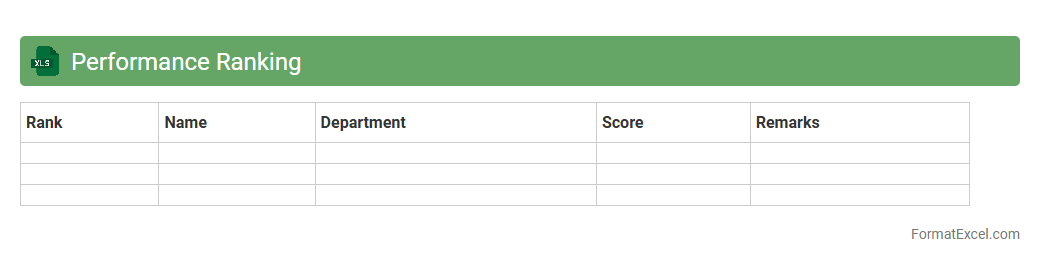
Performance Ranking
The
Performance Ranking Excel document is a structured spreadsheet designed to evaluate and compare the performance metrics of individuals, teams, or projects based on predefined criteria. It helps organizations identify top performers, track progress over time, and make data-driven decisions to improve productivity and allocate resources effectively. By offering clear visualizations and customizable scoring systems, this tool enhances performance management and strategic planning processes.
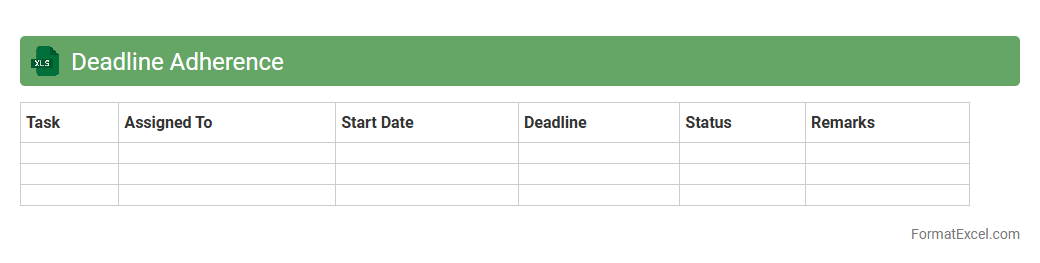
Deadline Adherence
A
Deadline Adherence Excel document tracks project or task completion dates against their deadlines, providing a clear overview of punctuality and delays. It helps teams monitor performance, identify bottlenecks, and improve time management by highlighting adherence rates and overdue tasks. This tool enhances accountability and supports efficient workflow planning in both individual and collaborative work environments.
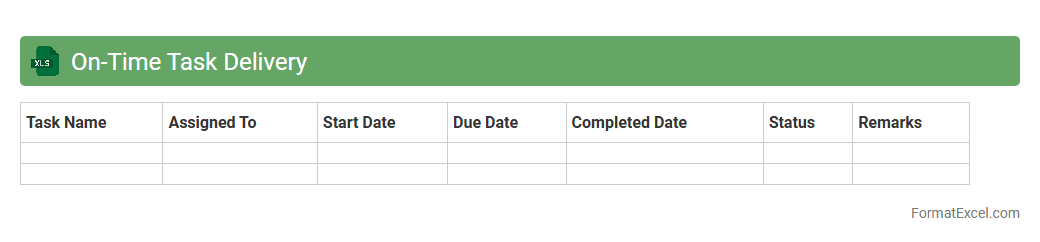
On-Time Task Delivery
The
On-Time Task Delivery Excel document is a spreadsheet tool designed to track and manage task deadlines effectively, ensuring projects are completed punctually. It helps monitor task progress, identify delays, and prioritize actions, enhancing overall productivity and accountability. By providing clear visibility into timelines, it supports efficient project management and timely decision-making.
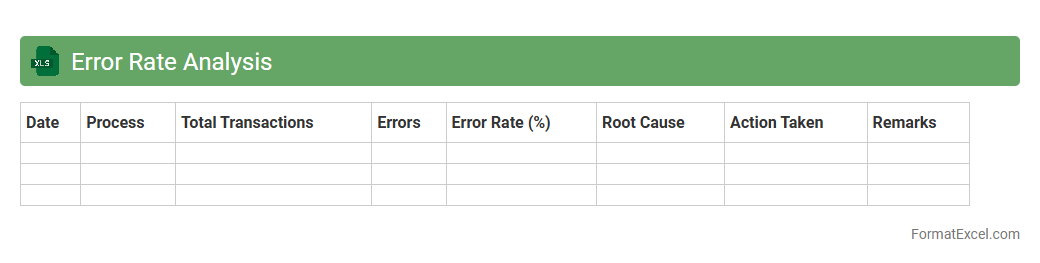
Error Rate Analysis
Error Rate Analysis excel document is a powerful tool designed to track and evaluate the frequency and types of errors occurring within a process or dataset. By systematically organizing error data, it helps identify patterns and root causes, enabling targeted improvements and quality control. Using a
Error Rate Analysis spreadsheet can significantly enhance decision-making and operational efficiency by providing clear insights into error trends.
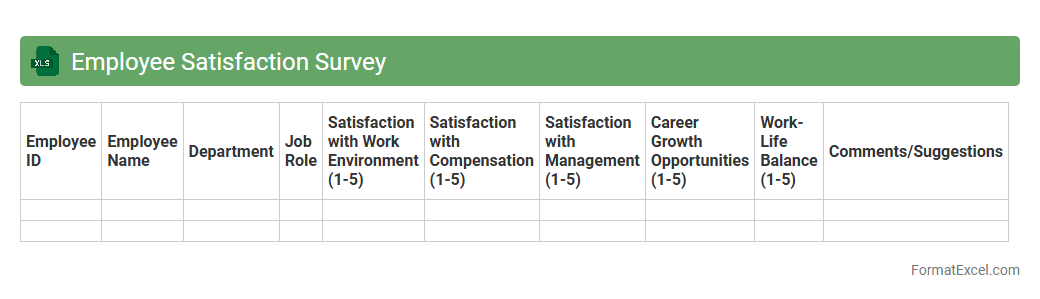
Employee Satisfaction Survey
An
Employee Satisfaction Survey Excel document is a structured tool designed to collect, organize, and analyze employee feedback regarding workplace conditions and job satisfaction. It helps companies identify areas of improvement, monitor employee morale, and implement targeted strategies to enhance productivity and retention. Using this survey in Excel format allows for easy customization, data sorting, and visualization of key metrics to drive informed decision-making.
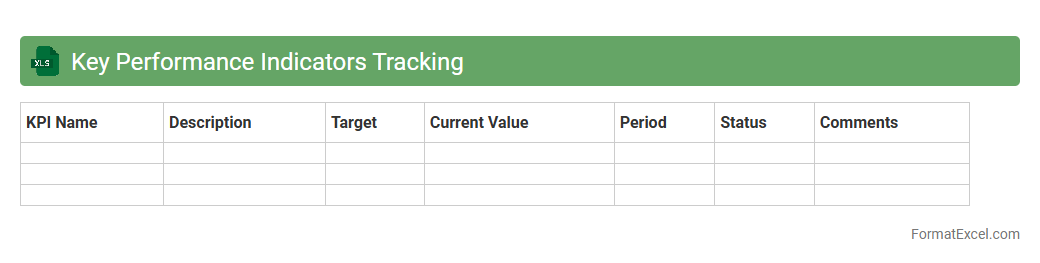
Key Performance Indicators Tracking
A
Key Performance Indicators (KPI) Tracking Excel document is a powerful tool designed to monitor and analyze critical business metrics in real time. It enables organizations to visualize progress against goals, identify trends, and make data-driven decisions by consolidating key data points into customizable spreadsheets. This document enhances accountability and operational efficiency by providing clear insights into performance, helping teams prioritize actions and improve overall outcomes.
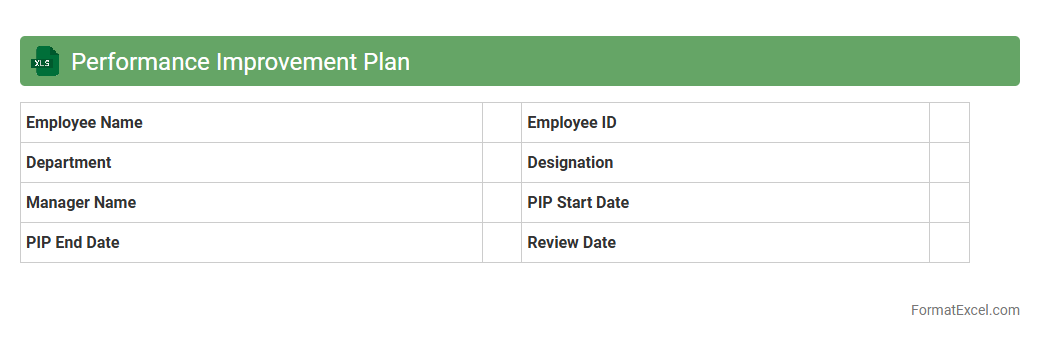
Performance Improvement Plan
A
Performance Improvement Plan (PIP) Excel document is a structured template used to track and manage employee performance issues, outlining specific goals, actions, and timelines for improvement. It helps managers systematically monitor progress and provides clear documentation to support performance reviews and development discussions. This tool enhances accountability and facilitates effective communication between supervisors and employees to ensure targeted performance enhancements.
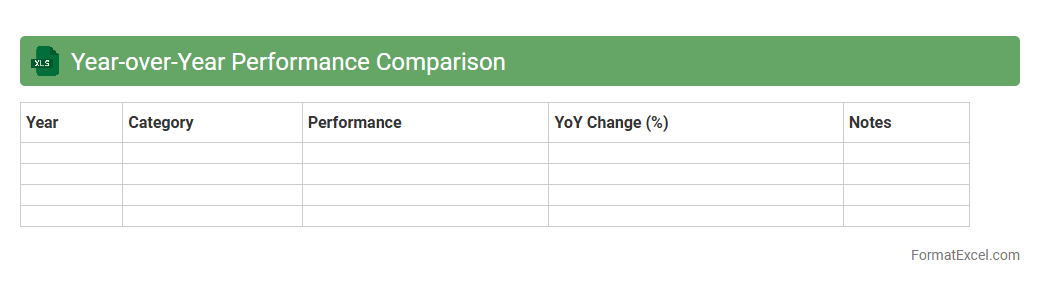
Year-over-Year Performance Comparison
A Year-over-Year Performance Comparison Excel document tracks and analyzes data from the same period across different years, highlighting trends, growth rates, and performance changes. This document is essential for businesses to evaluate their progress, make informed decisions, and identify areas for improvement by comparing key metrics such as revenue, expenses, and customer engagement. Using a
Year-over-Year Performance Comparison Excel sheet simplifies complex data analysis, enabling stakeholders to visualize historical performance and forecast future outcomes effectively.
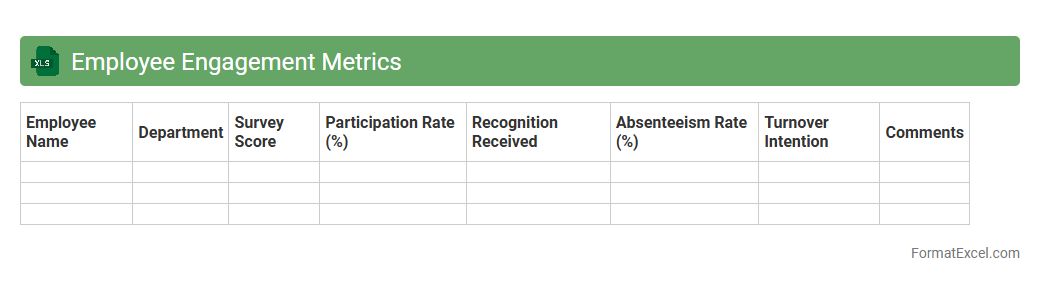
Employee Engagement Metrics
An
Employee Engagement Metrics Excel document systematically tracks key indicators such as job satisfaction, productivity levels, and employee retention rates within an organization. This tool enables HR professionals and managers to analyze workforce sentiment, identify trends, and implement targeted strategies to boost morale and performance. By leveraging this data, companies can optimize employee experience, reduce turnover costs, and enhance overall organizational effectiveness.
Introduction to Employee Performance Analysis
Employee performance analysis is a systematic approach to evaluating workforce productivity and efficiency. It helps in identifying strengths, areas for improvement, and aligning goals with business objectives. Understanding performance analysis is crucial for effective human resource management.
Importance of a Structured Excel Format
A structured Excel format streamlines the process of collecting and interpreting employee data. It ensures consistency, accuracy, and ease of access to critical performance metrics. Utilizing a well-organized Excel format enhances decision-making capabilities for managers.
Key Components of Performance Analysis in Excel
Key components include employee details, performance indicators, quantitative scores, and qualitative feedback. These elements provide a comprehensive overview of individual and team performance. Integrating all components into Excel enables a robust performance analysis framework.
Setting Up the Excel Template
Setting up the Excel template involves creating clear headers, input fields, and formula-driven calculations. Proper formatting and data validation ensure accuracy and user-friendliness. This setup lays the foundation for a reliable performance analysis template.
Essential Metrics to Track Employee Performance
Essential metrics include attendance, task completion rate, quality of work, and goal achievement percentages. Tracking these metrics provides measurable insights into employee effectiveness. Focus on key performance metrics to drive improvement strategies.
Sample Employee Performance Analysis Format
A sample format typically features columns for employee information, monthly performance scores, and feedback comments. It allows for easy comparison across different time periods or departments. Using a sample format simplifies the customization process.
Step-by-Step Guide to Creating the Format
Start by defining objectives, then create tables with relevant columns and input formulas for automatic calculations. Include dropdowns and conditional formatting for user-friendly navigation and visual cues. Follow this step-by-step guide to build an effective Excel template.
Tips for Customizing Excel Performance Tools
Customize your Excel tools by adding conditional formatting, dynamic charts, and pivot tables for real-time insights. Tailor the template to match your organization's specific KPIs and reporting needs. Personalization enhances the usefulness of performance analysis tools.
Common Mistakes to Avoid in Analysis
Avoid inaccuracies by double-checking data entry and not relying solely on quantitative metrics without qualitative input. Ignore bias and ensure consistent evaluation standards across all employees. Preventing these common mistakes improves the reliability of your analysis.
Downloadable Employee Performance Analysis Excel Template
Access a downloadable Excel template to jumpstart your performance evaluation process quickly. These templates come pre-designed with essential features and customizable fields. Utilizing a downloadable template saves time and simplifies employee performance tracking.