Debt-to-Equity Ratio
A
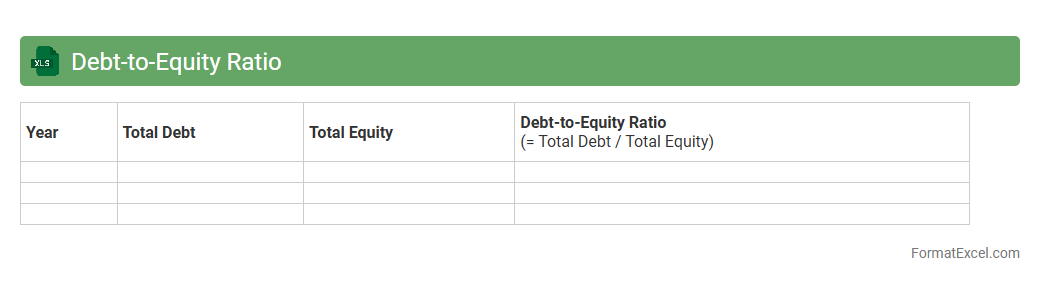
Debt-to-Equity Ratio Excel document is a financial tool that calculates and analyzes the ratio between a company's total liabilities and shareholders' equity using Excel functions. It helps investors and analysts assess the financial leverage and risk level by offering clear, organized, and customizable data presentation. This document is useful for making informed decisions regarding investment, credit evaluation, and financial planning.
Debt Service Coverage Ratio
A
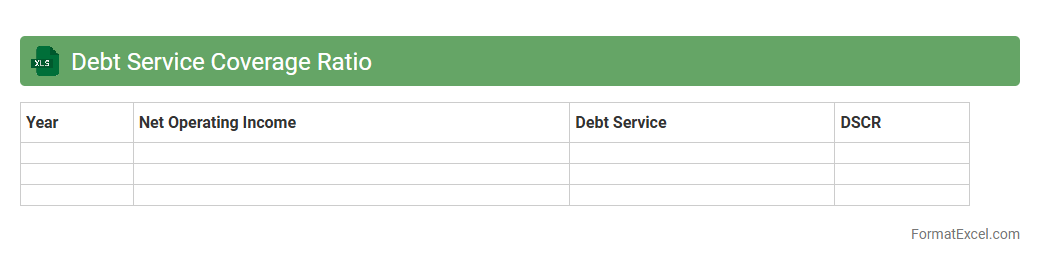
Debt Service Coverage Ratio (DSCR) Excel document is a financial tool used to calculate and analyze the ability of a business or individual to cover debt obligations with operating income. It helps users quickly assess cash flow adequacy by comparing net operating income to total debt service, providing essential insights for lenders and investors. Utilizing this Excel model aids in making informed decisions about loan approvals, financial health evaluations, and risk management strategies.
Interest Coverage Ratio
An
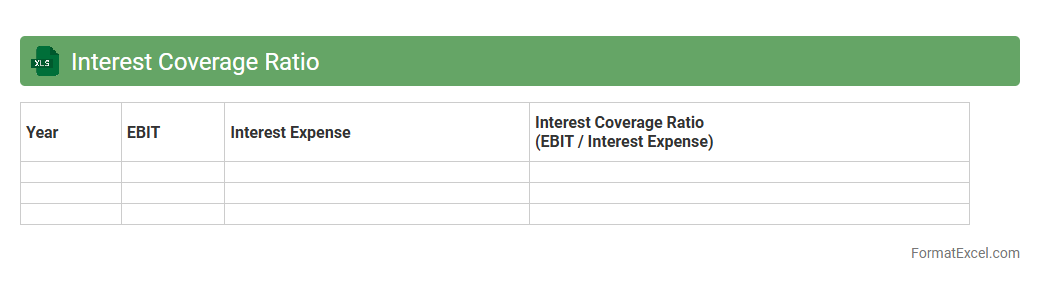
Interest Coverage Ratio Excel document calculates a company's ability to meet its debt obligations by comparing earnings before interest and taxes (EBIT) to interest expenses. This financial metric helps investors and creditors assess the risk of lending and ensures the company generates sufficient earnings to cover interest payments. Using this Excel tool enables quick, accurate analysis and supports informed decision-making in financial management.
Current Debt Outstanding
The
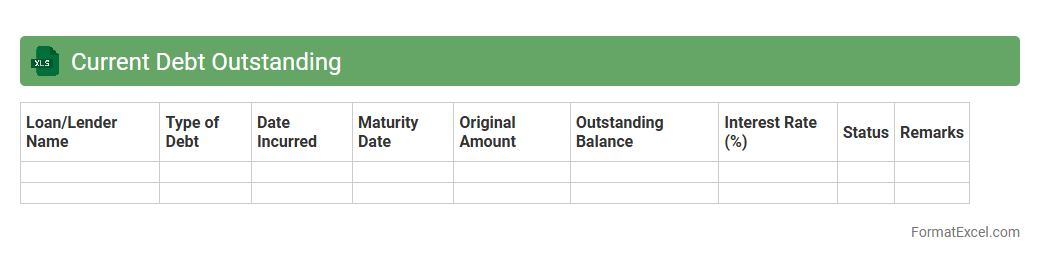
Current Debt Outstanding Excel document tracks the total amount of debt a company or individual currently owes, including principal balances and accrued interest. This file is essential for financial analysis, providing a clear snapshot of obligations that helps in cash flow management, budgeting, and credit assessment. It supports decision-making by allowing users to monitor debt levels over time and plan repayment strategies effectively.
Long-Term Debt Schedule
A
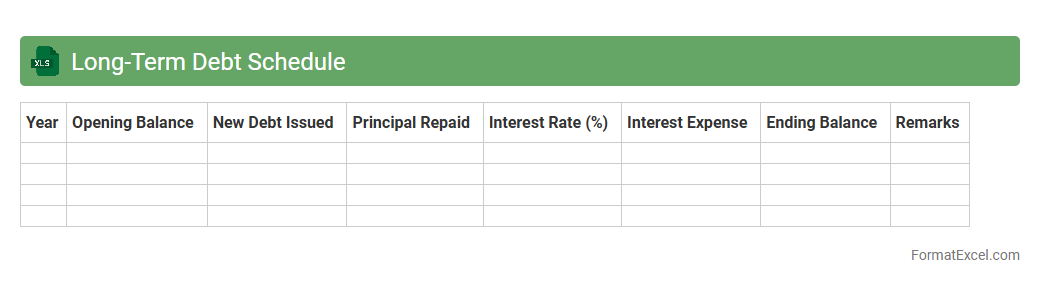
Long-Term Debt Schedule Excel document is a financial tool that organizes and tracks a company's outstanding long-term liabilities, including loans, bonds, and other debt instruments. It provides a detailed breakdown of principal amounts, interest rates, maturities, and repayment schedules, enabling accurate forecasting of cash flows and interest expenses. This schedule is essential for financial planning, budgeting, and ensuring compliance with debt covenants.
Maturity Profile
A
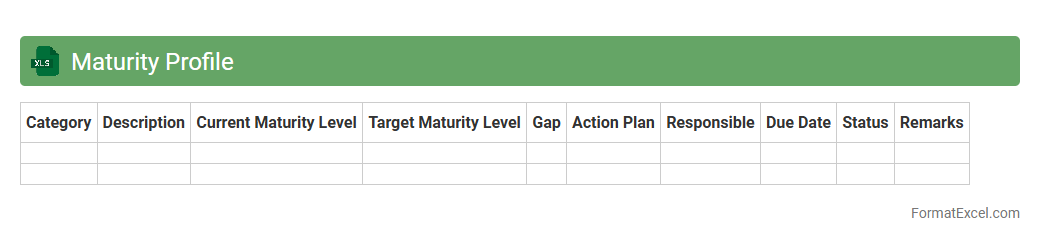
Maturity Profile Excel document evaluates the development stages of processes, systems, or capabilities within an organization, offering a clear visualization of strengths and growth areas. It assists teams in tracking progress, identifying gaps, and prioritizing improvement initiatives based on standardized maturity levels. Leveraging this document supports data-driven decision-making and strategic planning for enhanced operational efficiency.
Debt Repayment Schedule
A
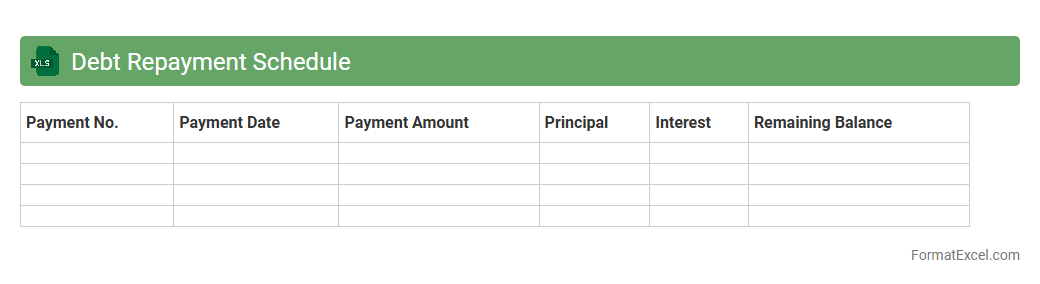
Debt Repayment Schedule Excel document is a financial tool designed to organize and track debt payments over time, detailing amounts, due dates, and remaining balances. It helps individuals and businesses manage their debt obligations efficiently by providing clear visibility into payment plans and progress. Using this spreadsheet improves budgeting accuracy, prevents missed payments, and supports strategic financial planning.
Liability Aging Analysis
A
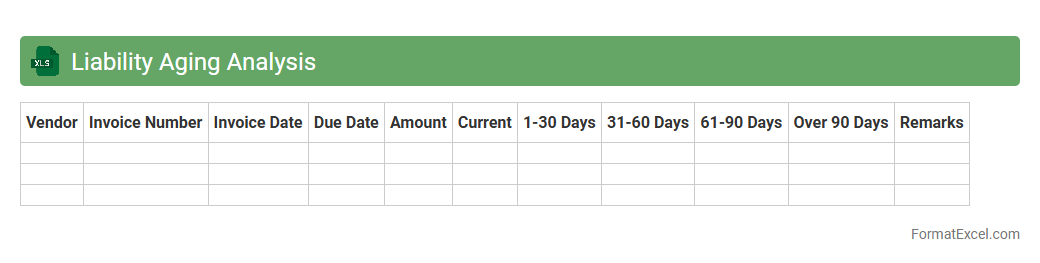
Liability Aging Analysis Excel document categorizes outstanding liabilities by the length of time they have been due, typically grouping them into aging buckets such as current, 30, 60, 90 days, or more. This analysis helps businesses track overdue payments, prioritize settlements, and manage cash flow effectively by highlighting which liabilities require immediate attention. It also supports accurate financial reporting and improves decision-making related to credit risk and vendor relationships.
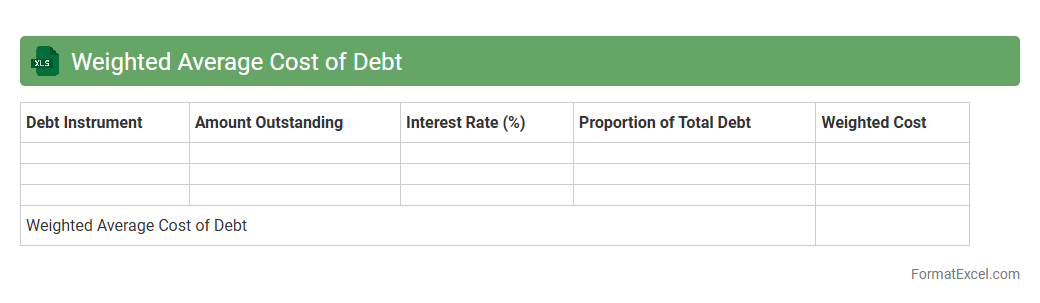
Weighted Average Cost of Debt
A
Weighted Average Cost of Debt (WACD) Excel document calculates a company's average interest rate on its outstanding debt, weighted by the proportion of each debt instrument. This tool helps financial analysts and managers assess the true cost of borrowing and optimize capital structure decisions. It enables precise forecasting of interest expenses, improving budgeting and investment evaluations.
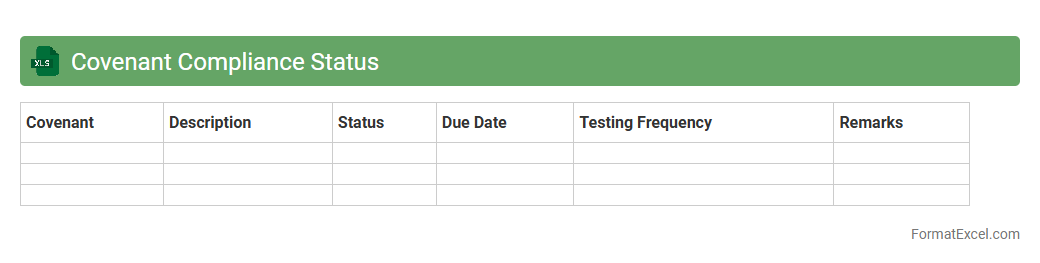
Covenant Compliance Status
The
Covenant Compliance Status Excel document tracks and monitors adherence to financial and legal covenants outlined in loan agreements or contracts. It enables organizations to systematically verify that all obligations are met, ensuring timely identification of compliance breaches to avoid penalties or defaults. This tool enhances decision-making by providing clear, organized visibility into covenant performance and risk management.
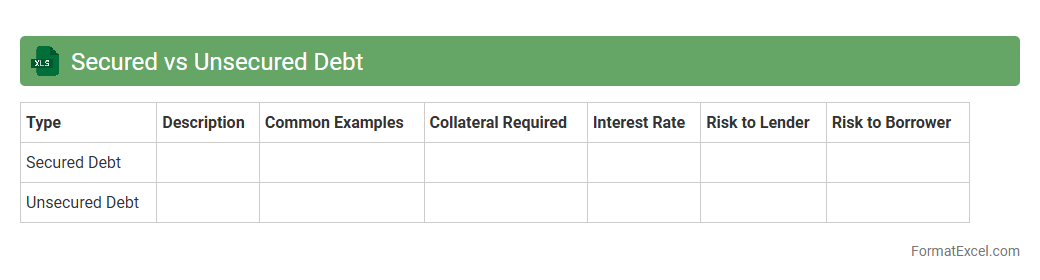
Secured vs Unsecured Debt
The
Secured vs Unsecured Debt Excel document is a financial tool designed to categorize and analyze debts based on collateral requirements, helping users distinguish between liabilities backed by assets and those that are not. This document enables efficient tracking of repayment schedules, interest rates, and risk levels associated with each debt type, facilitating better financial planning and decision-making. By organizing debt data clearly, it assists individuals and businesses in managing debt portfolios, improving budgeting, and enhancing credit management strategies.
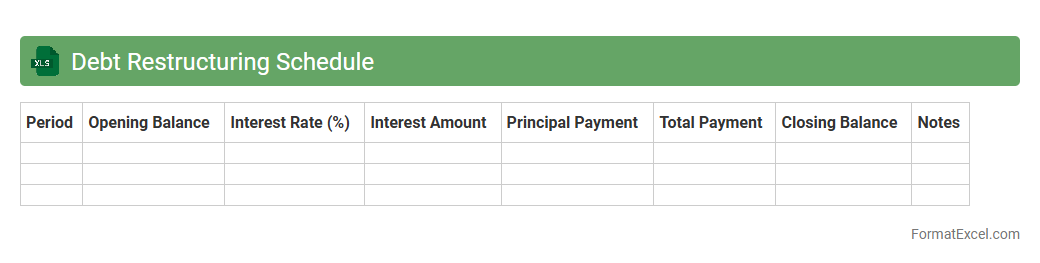
Debt Restructuring Schedule
A
Debt Restructuring Schedule Excel document outlines the revised timeline and terms for repaying existing debts, including changes to interest rates, payment amounts, and deadlines. This tool is essential for managing cash flow effectively, ensuring creditors are paid systematically, and improving financial stability during restructuring processes. It allows businesses or individuals to visualize their debt obligations clearly and make informed decisions to avoid default.
Amortization of Debt
An
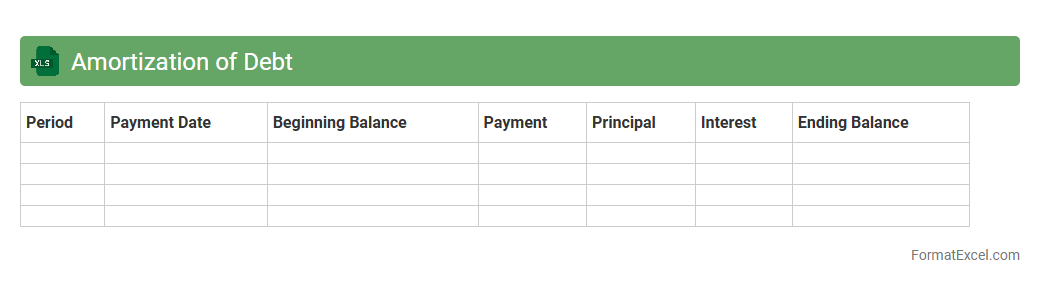
Amortization of Debt Excel document is a financial tool that breaks down loan repayments into scheduled installments, detailing principal and interest over time. It helps users track outstanding balances, forecast payment timelines, and manage cash flow efficiently. This structured overview supports better budgeting decisions and long-term debt management strategies.
Historical Debt Levels
The
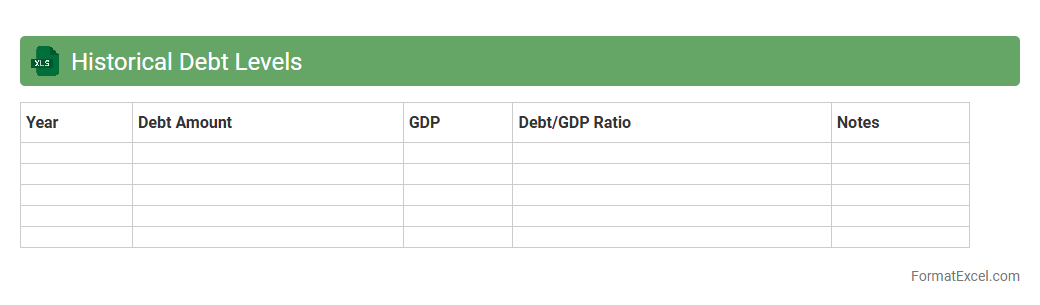
Historical Debt Levels Excel document compiles detailed records of debt amounts over specific periods, providing a clear financial timeline for analysis. This tool helps track debt fluctuations, assess fiscal health, and forecast future borrowing needs based on past trends. By organizing data systematically, it enables informed decision-making for budgeting, risk assessment, and strategic financial planning.
Refinancing Status
The
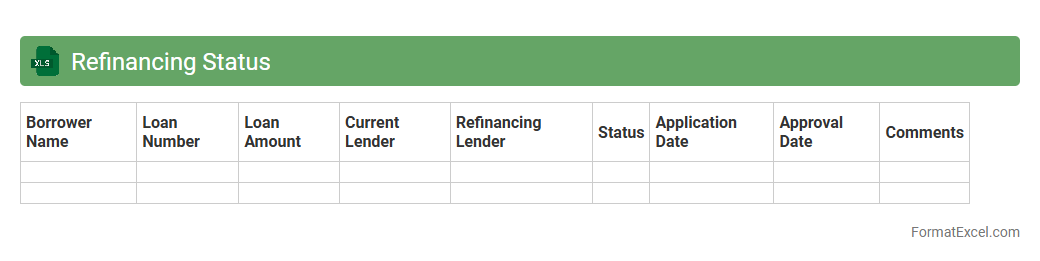
Refinancing Status Excel document tracks loan refinancing applications, payments, and approval stages in a structured format. It helps financial teams monitor current refinancing progress, identify pending actions, and analyze trends to optimize cash flow management. By consolidating real-time data, this tool enhances decision-making efficiency and reduces the risk of missed deadlines or errors in the refinancing process.
Loan Origination Dates
The
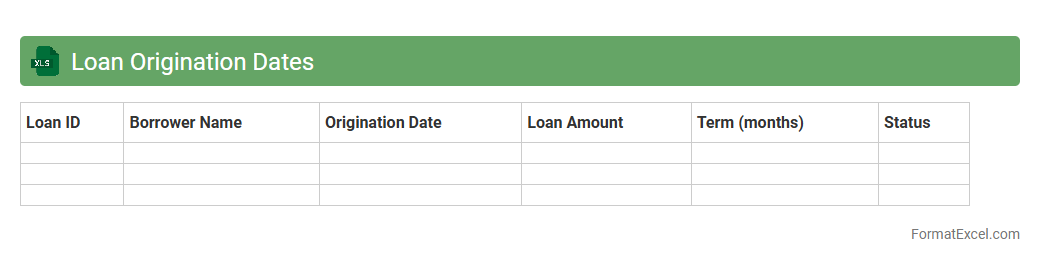
Loan Origination Dates Excel document tracks the exact dates on which loans are initiated, providing a critical timeline for loan processing and management. It helps financial institutions and borrowers monitor payment schedules, assess loan aging, and improve compliance with regulatory requirements. By organizing origination data systematically, this document enhances accuracy in forecasting cash flow and managing loan portfolios effectively.
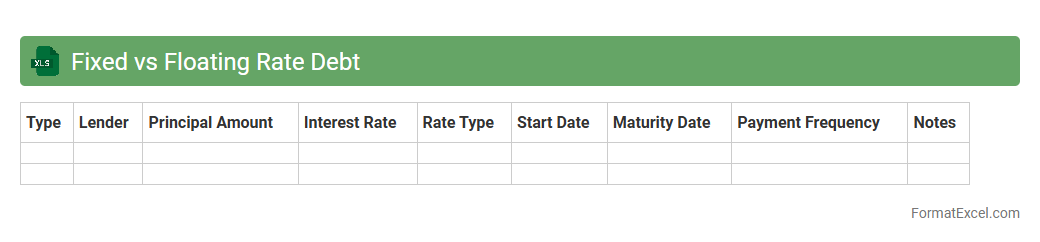
Fixed vs Floating Rate Debt
A
Fixed vs Floating Rate Debt Excel document is a financial tool that compares loan options with fixed interest rates to those with floating or variable rates. It allows users to analyze potential interest cost fluctuations over time, helping to assess risk and forecast debt expenses accurately. This document is useful for making informed decisions on borrowing strategies and managing financial liabilities effectively.
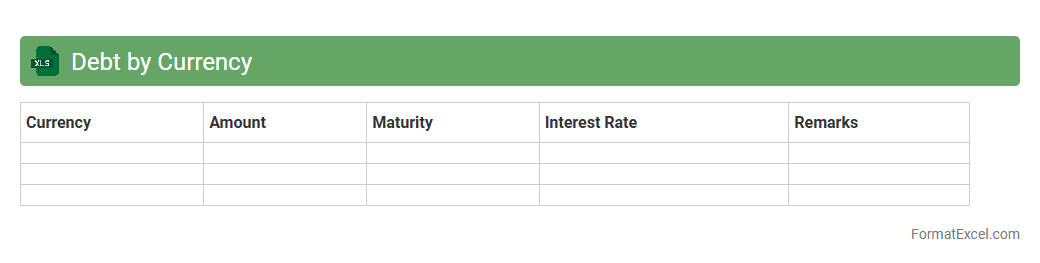
Debt by Currency
The
Debt by Currency Excel document organizes and tracks outstanding debts categorized by different currencies, allowing for precise analysis of foreign exchange exposure and currency risk management. It provides detailed insights into debt distribution across various currencies, facilitating better financial decision-making and budgeting in multinational operations. This tool is essential for identifying currency-specific liabilities and planning effective hedging strategies to optimize debt servicing costs.
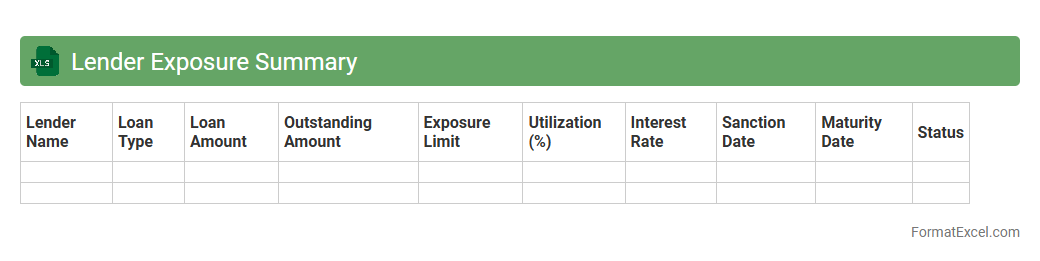
Lender Exposure Summary
The
Lender Exposure Summary Excel document consolidates data on outstanding loans, credit limits, and risk exposure across multiple lenders. It enables financial analysts and risk managers to track and evaluate the exposure levels of each lender, facilitating informed decision-making regarding credit risk and portfolio diversification. This summary improves transparency and supports regulatory compliance by providing a clear snapshot of lender relationships and associated financial commitments.
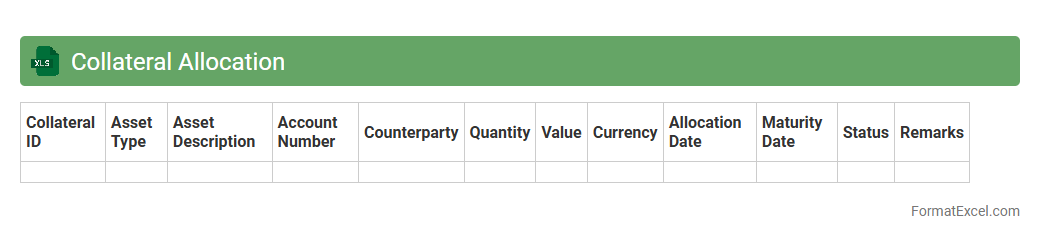
Collateral Allocation
A
Collateral Allocation Excel document is a detailed spreadsheet used to manage and track the distribution of collateral assets in financial transactions. It helps ensure accurate allocation by providing clear visibility of collateral positions, reducing risks, and optimizing asset utilization. This tool is essential for compliance, reporting, and improving operational efficiency in collateral management processes.
Credit Rating Overview
A
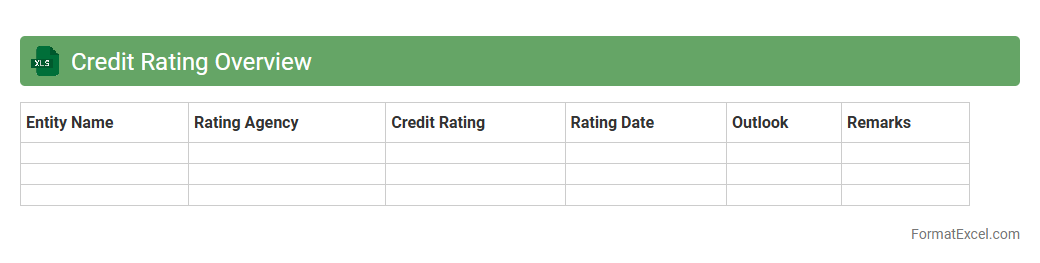
Credit Rating Overview Excel document compiles essential financial metrics and credit scores of individuals or organizations, enabling a clear assessment of creditworthiness. This tool helps businesses and lenders make informed decisions by providing a structured summary of credit risks and repayment capacities. Utilizing this overview enhances risk management and supports strategic financial planning.
Bond Issuance Timeline
The
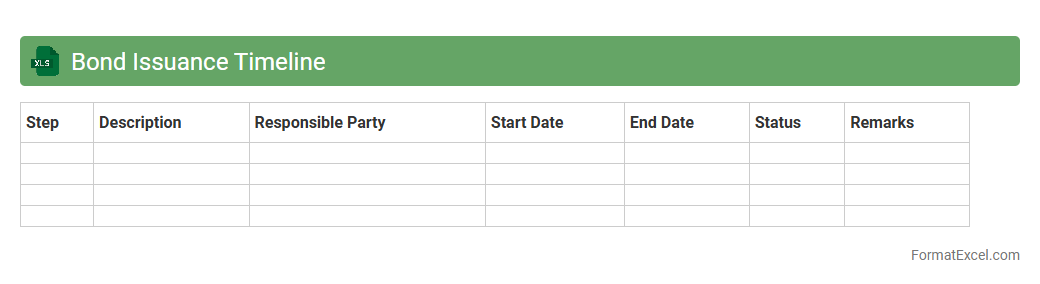
Bond Issuance Timeline Excel document is a detailed spreadsheet that outlines the schedule and key milestones involved in the process of issuing bonds. It helps financial professionals track crucial dates such as regulatory approvals, marketing phases, pricing, and settlement, ensuring adherence to deadlines and smooth coordination among stakeholders. This tool enhances project management efficiency, reduces the risk of delays, and provides a clear visual timeline for all phases of the bond issuance.
Debt by Legal Entity
The
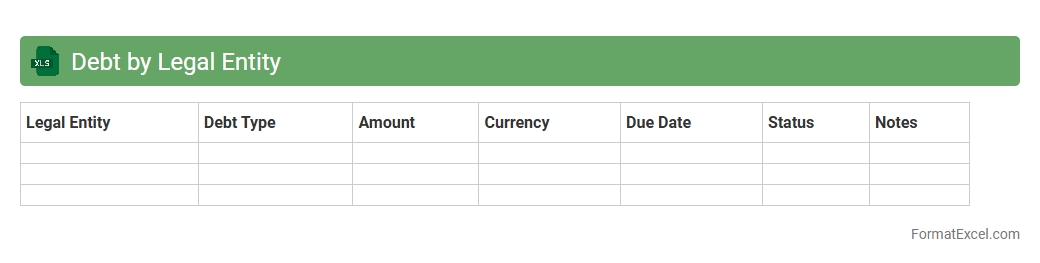
Debt by Legal Entity Excel document organizes and tracks outstanding obligations attributed to individual subsidiaries or divisions within a corporation, enabling precise financial analysis and risk management. It facilitates clear visibility into each entity's leverage, repayment schedules, and credit exposure, supporting effective decision-making for finance teams and stakeholders. This structured approach improves compliance, budgeting, and strategic planning by consolidating debt metrics across the organizational structure.
Contingent Liabilities
A
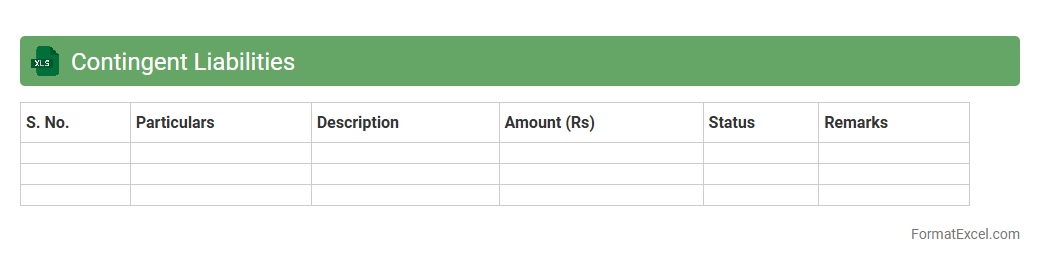
Contingent Liabilities Excel document is a structured spreadsheet used to identify, quantify, and monitor potential financial obligations that depend on future events, such as lawsuits or warranty claims. This tool helps organizations assess risk exposure, enabling better financial planning and compliance with accounting standards like IFRS and GAAP. By maintaining an updated record, businesses can improve decision-making, enhance transparency, and prepare for possible liabilities efficiently.
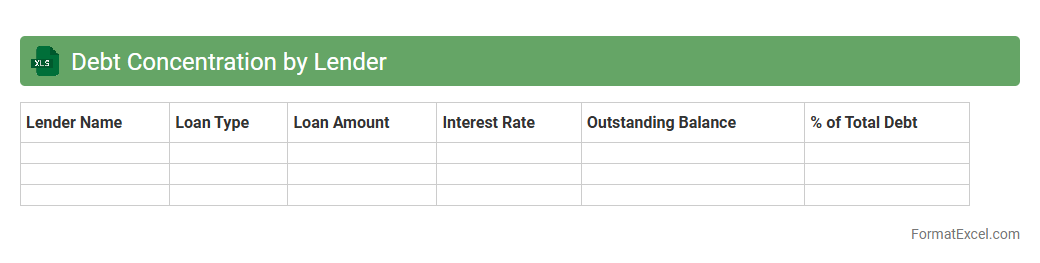
Debt Concentration by Lender
The
Debt Concentration by Lender Excel document organizes and analyzes the distribution of outstanding debt across various lending institutions, helping identify reliance on specific creditors. It enables risk assessment by highlighting potential vulnerabilities due to over-reliance on a single lender or limited group of lenders. This tool assists financial managers in making informed decisions about debt diversification and optimizing capital structure.
Introduction to Debt Analysis in Excel
Debt analysis in Excel enables users to systematically review and manage financial obligations. Excel offers powerful tools for organizing and interpreting complex debt data efficiently. This process assists in decision-making regarding repayments and financial planning.
Importance of a Standardized Debt Analysis Format
A standardized debt analysis format ensures consistency and clarity across all debt records. It facilitates easy comparison and tracking of multiple debt accounts over time. Maintaining uniformity reduces errors and improves overall data reliability.
Essential Components of a Debt Analysis Template
The core components include principal amounts, interest rates, payment schedules, and outstanding balances. These elements provide a comprehensive overview of each debt obligation. A well-structured template helps in accurate monitoring and forecasting.
Key Excel Functions for Debt Data Management
Functions like PMT, IF, VLOOKUP, and SUMIF are crucial in automating debt calculations and summaries. They assist in determining payment amounts, conditional analysis, and data retrieval. Mastery of these functions enhances debt tracking accuracy.
Step-by-Step Guide to Building a Debt Analysis Spreadsheet
Begin by listing all debts with relevant details, then input formulas for interest and payment calculations. Incorporate payment schedules and update balances regularly to reflect changes. This stepwise building ensures a dynamic and up-to-date debt management tool.
Sample Debt Analysis Format Structure
A typical structure includes columns for Debt Name, Principal, Interest Rate, Payment Due, Due Date, and Remaining Balance. Rows represent individual debts or payment periods. This layout supports streamlined debt overview and analysis.
Tips for Accurate Debt Tracking and Reporting
Regularly update payment records and verify data inputs to prevent discrepancies. Use conditional formatting to highlight overdue debts or potential risks. Accurate tracking promotes reliable financial reporting and better control.
Visualizing Debt Data with Excel Charts
Charts like line graphs, bar charts, and pie charts help visualize repayment progress and debt distribution. Visual tools facilitate quicker insights into debt trends and outstanding liabilities. This enhances communication and decision-making.
Common Mistakes in Debt Analysis Formatting
Common errors include inconsistent data entry, missing formulas, and unclear labels. Neglecting to update information can lead to inaccurate results and poor financial decisions. Avoiding these mistakes ensures a reliable debt analysis process.
Downloadable Debt Analysis Excel Template
Accessing a downloadable debt analysis template provides a ready-made, standardized framework. It saves time and ensures best practices are incorporated from the start. Utilize these templates for efficient and effective debt management.