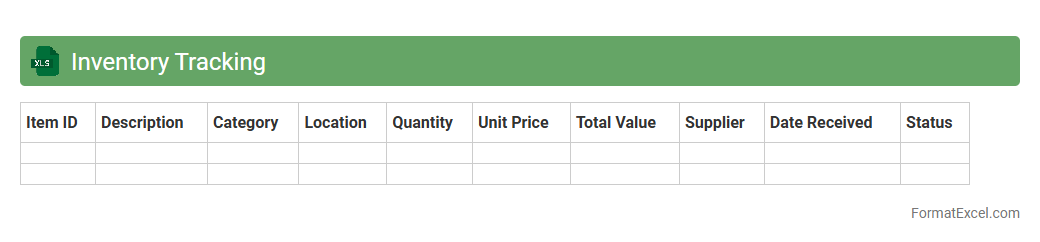
Inventory Tracking
An
Inventory Tracking Excel document is a spreadsheet designed to monitor stock levels, manage product details, and track orders efficiently. It helps businesses maintain accurate records, reduce stockouts, and optimize reordering processes by providing real-time visibility into inventory status. Utilizing this tool improves operational efficiency, enhances decision-making, and supports cost control in inventory management.
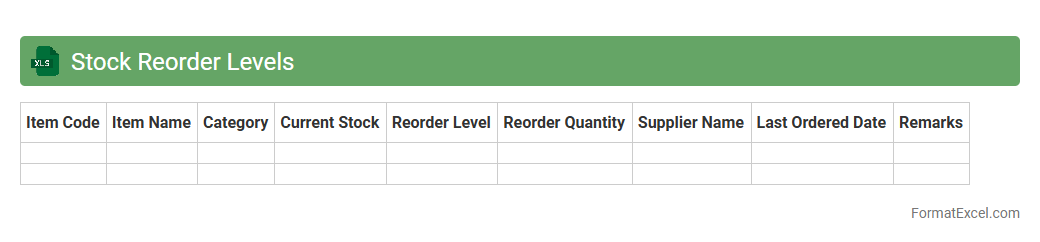
Stock Reorder Levels
A
Stock Reorder Levels Excel document is a tool used to track inventory thresholds that trigger the need to replenish stock. It helps businesses prevent stockouts and overstocking by maintaining optimal inventory levels based on sales data and lead times. This document supports efficient inventory management, reduces carrying costs, and ensures smooth operational flow.
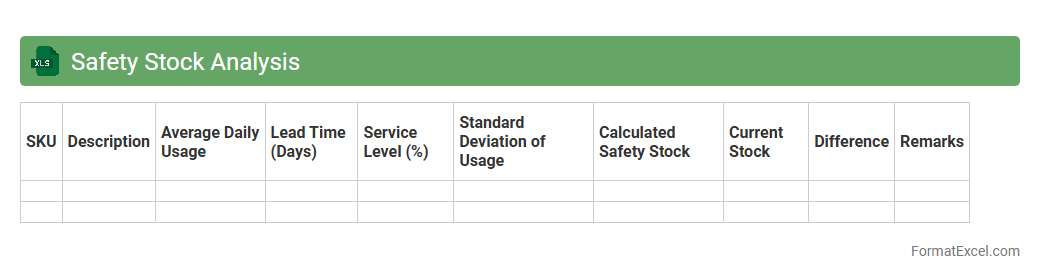
Safety Stock Analysis
Safety Stock Analysis in Excel is a tool designed to calculate and maintain optimal inventory buffers by analyzing demand variability and lead time fluctuations. This
inventory management technique helps prevent stockouts, ensuring continuous production and customer satisfaction while minimizing excess holding costs. Leveraging Excel's functions and formulas makes it easy to adjust parameters and visualize the impact on safety stock levels for better decision-making.
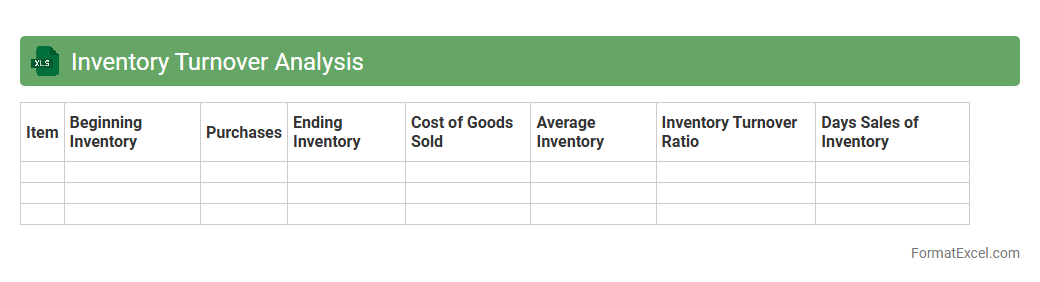
Inventory Turnover Analysis
Inventory Turnover Analysis in an Excel document measures how efficiently a company manages its stock by calculating the ratio of cost of goods sold to average inventory. This analysis helps identify slow-moving or overstocked items, enabling businesses to optimize inventory levels and improve cash flow. Using
Inventory Turnover Analysis in Excel provides a clear, data-driven approach to enhance supply chain management and increase profitability.
ABC Inventory Classification
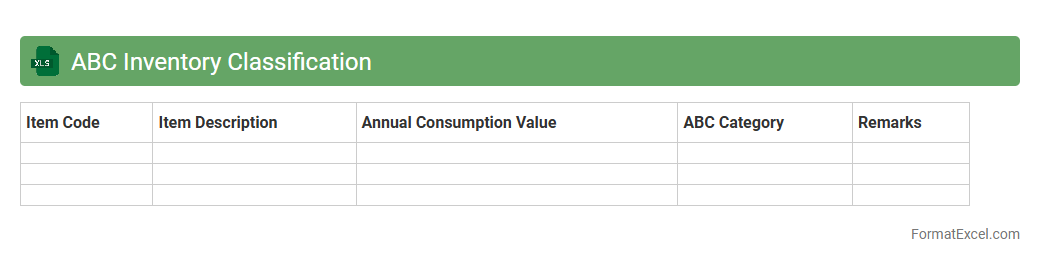
ABC Inventory Classification Excel document is a powerful tool designed to categorize inventory items based on their importance and value, typically into three groups: A, B, and C. It helps businesses prioritize management focus by identifying
high-value (A) items, moderate-value (B) items, and low-value (C) items, optimizing stock control, reducing holding costs, and improving cash flow. This classification enhances decision-making in procurement, inventory turnover, and resource allocation, leading to increased operational efficiency and profitability.
Stock Valuation
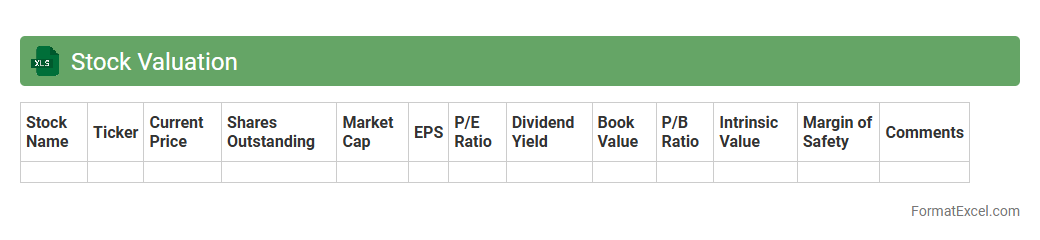
A
Stock Valuation Excel document is a powerful tool designed to analyze and estimate the intrinsic value of stocks using various financial models such as discounted cash flow (DCF), price-to-earnings (P/E) ratios, and dividend discount models. It enables investors and analysts to input financial data, perform calculations automatically, and visualize key metrics for better decision-making. This document is useful for identifying attractive investment opportunities, assessing stock price fairness, and optimizing portfolio management strategies.
Slow-Moving Inventory Report
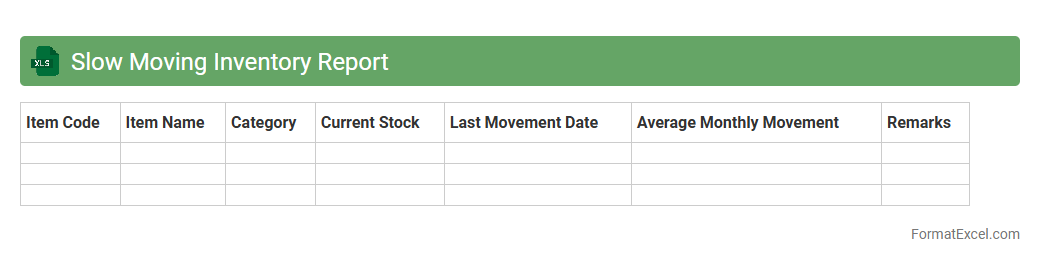
A
Slow-Moving Inventory Report Excel document identifies products with low sales velocity by tracking inventory turnover rates over a specific period. This report helps businesses optimize stock levels, minimize holding costs, and reduce the risk of obsolescence by highlighting items that require strategic review. Utilizing this data-driven tool enhances decision-making for inventory management and improves overall operational efficiency.
Deadstock Identification
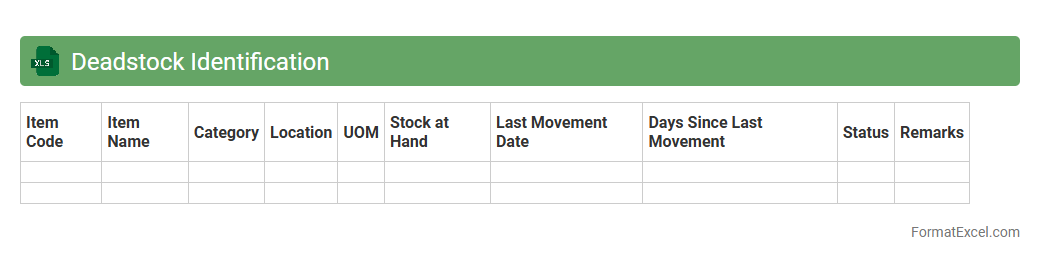
The
Deadstock Identification Excel document is a specialized spreadsheet designed to track and analyze unsold inventory that remains stagnant over a specific period. It helps businesses identify obsolete or slow-moving stock, enabling efficient inventory management and cost reduction. By providing clear visibility into deadstock, it supports strategic decision-making for sales, clearance, and procurement processes.
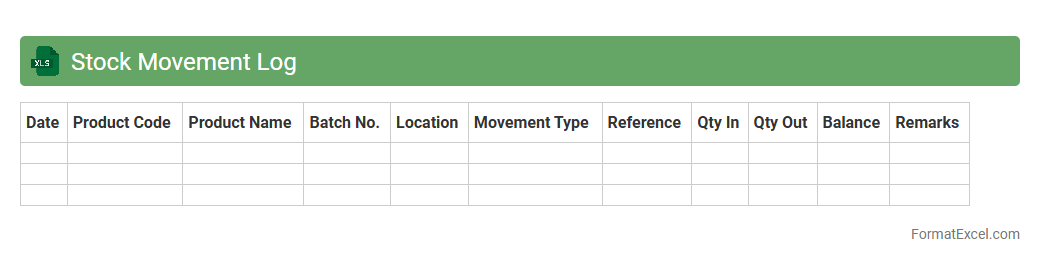
Stock Movement Log
A
Stock Movement Log Excel document records detailed inventory transactions, including stock received, issued, transferred, and returned. It helps businesses maintain accurate inventory levels, identify discrepancies, and streamline stock management processes. By providing real-time insights into product flow, this log enhances decision-making and supports efficient supply chain operations.
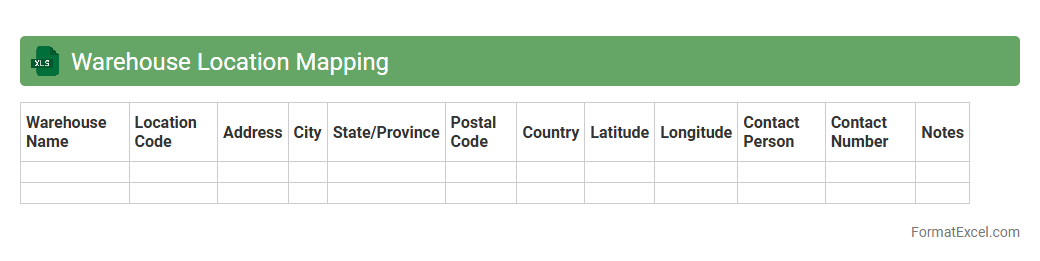
Warehouse Location Mapping
A
Warehouse Location Mapping Excel document organizes and visualizes the precise placement of inventory within a warehouse, facilitating efficient space utilization and streamlined operations. It helps track specific storage locations, enabling faster retrieval times, reducing errors in order fulfillment, and improving overall inventory management. This tool supports data-driven decision-making by providing clear insights into stock distribution and warehouse layout optimization.
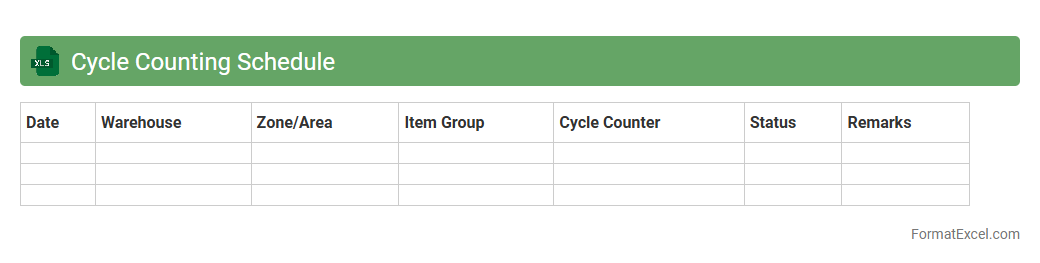
Cycle Counting Schedule
A
Cycle Counting Schedule Excel document systematically organizes inventory counts by setting specific dates and locations for regular audits, ensuring accuracy in stock management. It helps businesses identify discrepancies quickly, maintain inventory accuracy, and reduce stockouts or overstock situations. The document enhances operational efficiency by providing a clear, trackable plan for periodic cycle counts, improving overall inventory control.
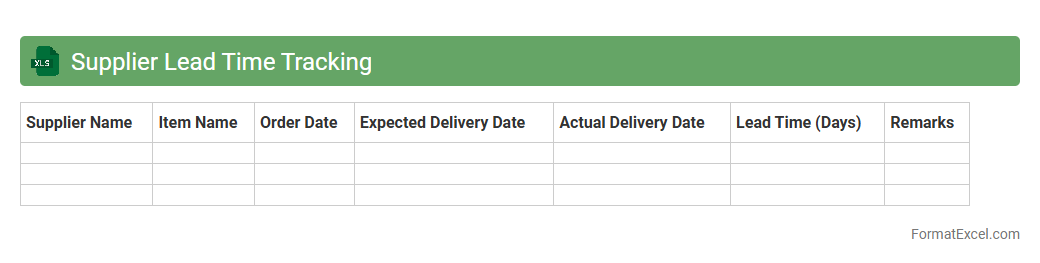
Supplier Lead Time Tracking
Supplier Lead Time Tracking Excel document is a
tool designed to monitor and analyze the time taken by suppliers to fulfill orders, enabling businesses to streamline procurement processes. It helps identify delays, optimize order scheduling, and improve inventory management, ensuring timely production and delivery. Using this document allows companies to enhance supplier performance and reduce operational inefficiencies.
Backorder Analysis
Backorder Analysis Excel documents track and evaluate outstanding customer orders that have not been fulfilled due to inventory shortages, helping businesses identify product demand patterns and supply chain bottlenecks. By analyzing backorder data, companies can optimize inventory management, reduce lead times, and improve customer satisfaction. This tool is essential for maintaining efficient operations and ensuring timely product availability, making
Backorder Analysis a critical component of supply chain management.
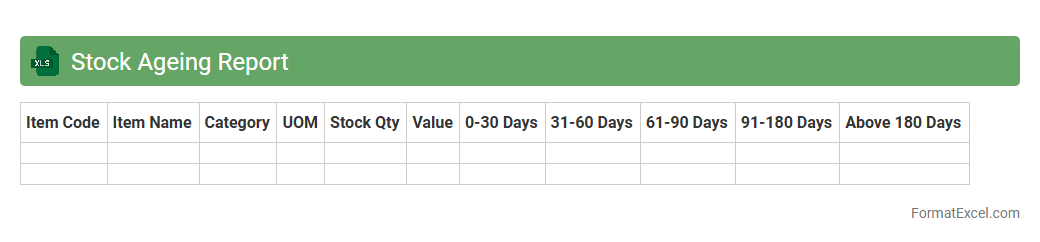
Stock Ageing Report
A
Stock Ageing Report Excel document categorizes inventory based on the length of time items have been in stock, helping businesses track the age of their products efficiently. This report identifies slow-moving, obsolete, or excess inventory, enabling better inventory management and reducing holding costs. By analyzing stock ageing, companies can optimize purchasing decisions, improve cash flow, and enhance overall supply chain efficiency.
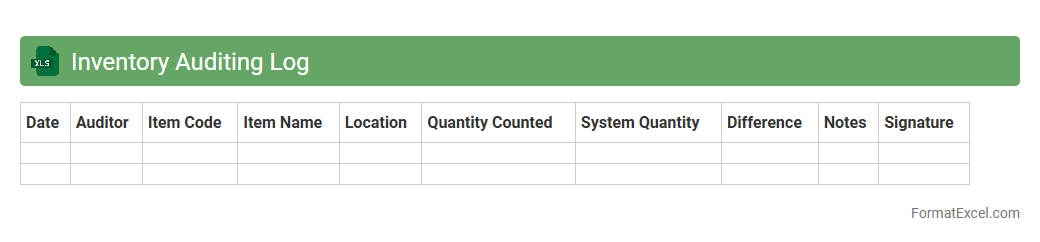
Inventory Auditing Log
An
Inventory Auditing Log Excel document is a structured spreadsheet designed to track and verify stock levels, record discrepancies, and monitor inventory movements systematically. It helps businesses maintain accurate inventory records, ensuring accountability and reducing the risk of stock loss or errors. By providing clear data for auditing purposes, this log enhances inventory control and supports informed decision-making.
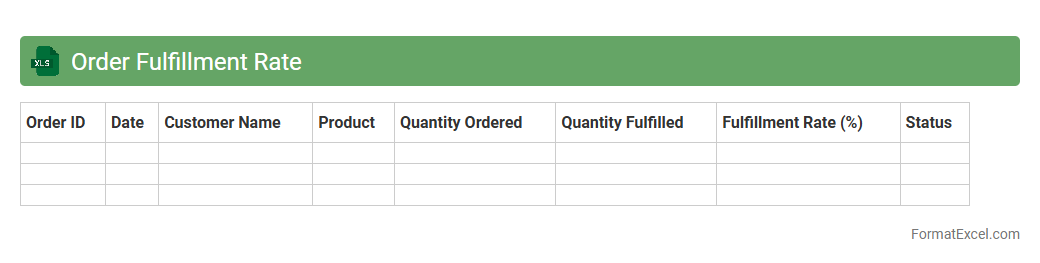
Order Fulfillment Rate
An
Order Fulfillment Rate Excel document tracks the percentage of customer orders successfully completed and shipped within a specific timeframe, providing clear insights into the efficiency of supply chain operations. It helps businesses quickly identify bottlenecks, measure performance against targets, and improve customer satisfaction by ensuring timely delivery. Regular analysis of this document supports inventory management, enhances order accuracy, and drives data-driven decisions for operational improvements.
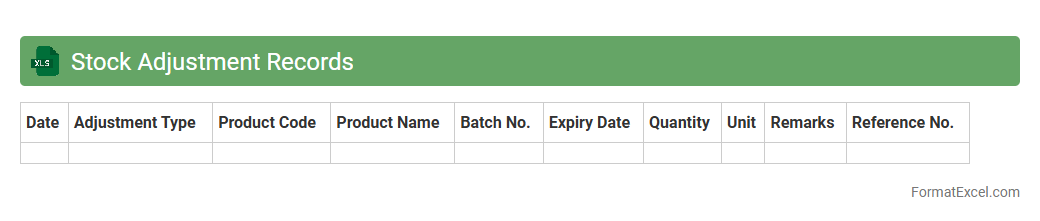
Stock Adjustment Records
The
Stock Adjustment Records Excel document is a structured spreadsheet used to track changes in inventory levels accurately, reflecting additions, removals, or corrections in stock quantities. It helps businesses maintain precise inventory data, minimize discrepancies, and support effective stock management by providing a clear audit trail for adjustments. This document is essential for optimizing supply chain operations, enhancing financial reporting accuracy, and preventing stockouts or overstock situations.
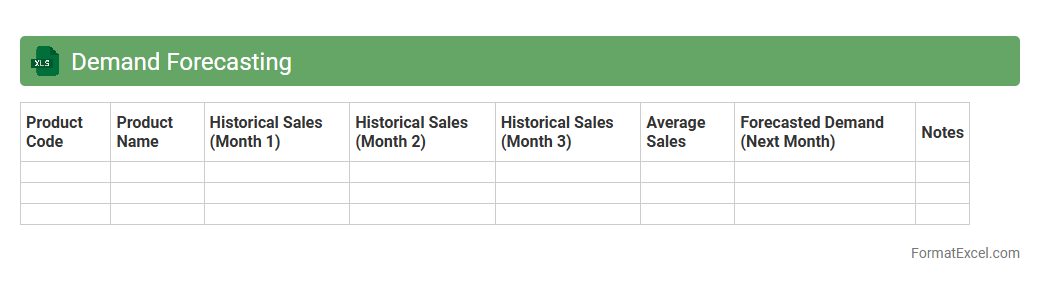
Demand Forecasting
A
Demand Forecasting Excel document is a powerful tool used to predict future customer demand for products or services based on historical sales data, market trends, and seasonal patterns. It helps businesses optimize inventory levels, reduce stockouts, and improve supply chain efficiency by providing accurate and actionable insights. Utilizing this document enables better decision-making in production planning, budgeting, and resource allocation, ultimately enhancing overall operational performance.
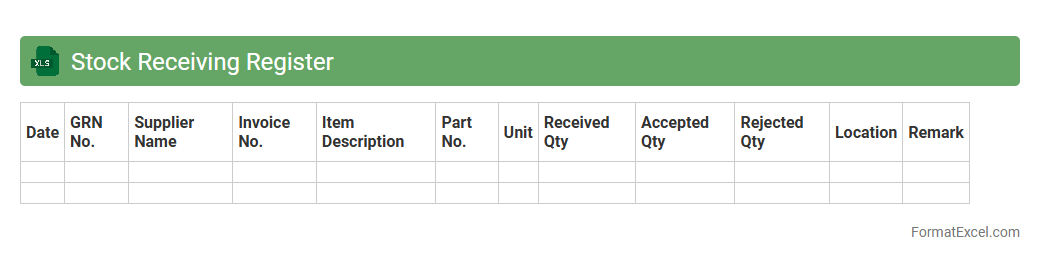
Stock Receiving Register
A
Stock Receiving Register Excel document is a digital tool designed to systematically record details of incoming inventory, including quantities, dates, supplier information, and item descriptions. It enhances inventory management by providing accurate tracking, reducing errors, and enabling efficient stock reconciliation for businesses. Utilizing this register improves accountability and supports timely decision-making regarding stock replenishment and financial audits.
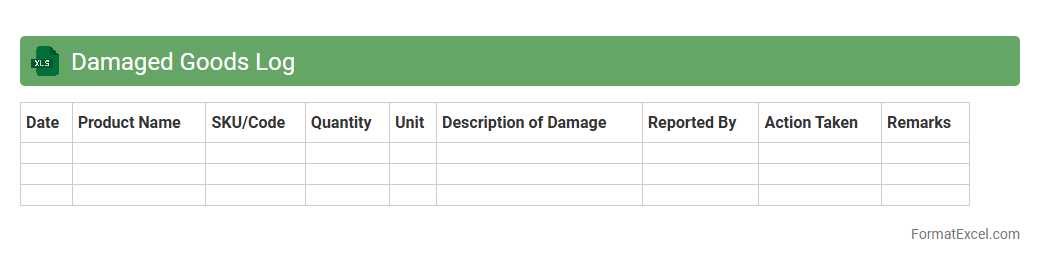
Damaged Goods Log
A
Damaged Goods Log Excel document is a structured spreadsheet used to record and track items that have been damaged during production, shipping, or storage. It enables businesses to maintain accurate inventory data, identify trends in product damage, and streamline the claims or return process. By using this log, companies can reduce losses, improve quality control, and enhance customer satisfaction.
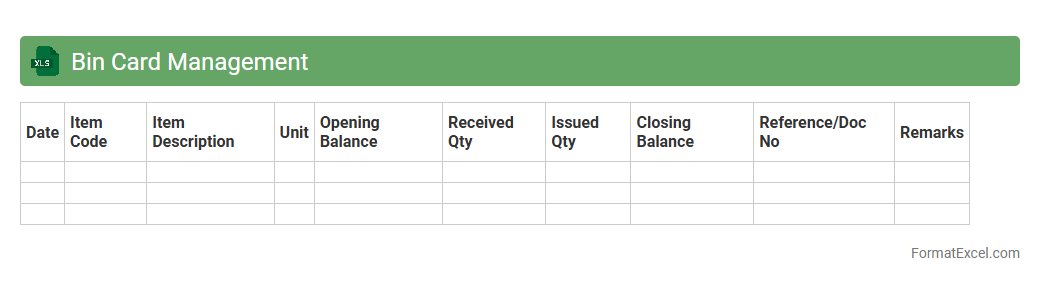
Bin Card Management
A
Bin Card Management Excel document is a digital tool used to track inventory items stored in specific bins or locations within a warehouse or storage facility. It provides real-time updates on stock levels, item movement, and replenishment needs, ensuring accurate inventory control and reducing the risk of stockouts or overstocking. This system enhances operational efficiency by enabling precise monitoring and quick decision-making for inventory management.
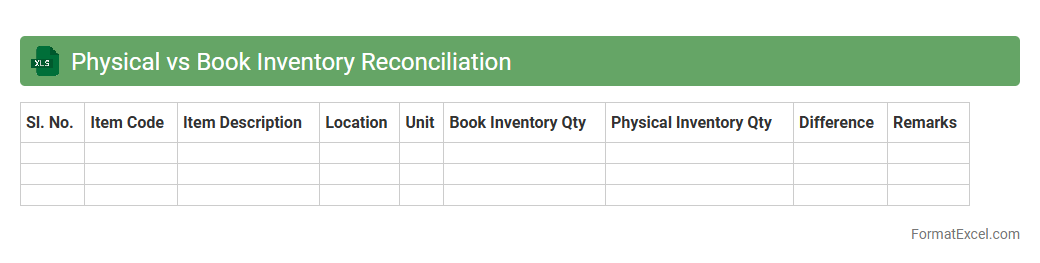
Physical vs Book Inventory Reconciliation
The
Physical vs Book Inventory Reconciliation Excel document is a vital tool for comparing actual stock counts against recorded inventory data, identifying discrepancies to ensure accurate inventory management. It helps businesses detect errors such as theft, damage, or recording mistakes, facilitating timely correction and improved financial accuracy. Using this reconciliation sheet enhances operational efficiency by providing clear insights into inventory status and supporting better decision-making.
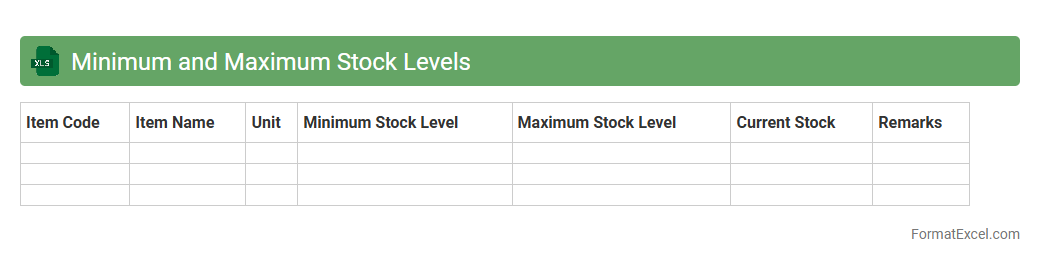
Minimum and Maximum Stock Levels
The
Minimum and Maximum Stock Levels Excel document is a tool designed to track inventory limits, ensuring stock quantities stay within predefined thresholds to prevent overstocking or stockouts. By setting minimum levels, it alerts users when replenishment is needed, while maximum levels help avoid excess inventory and associated holding costs. This tool is essential for maintaining efficient inventory management, optimizing working capital, and improving supply chain responsiveness.
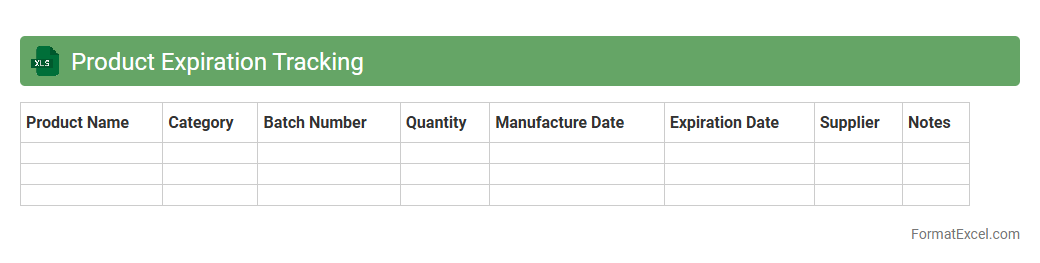
Product Expiration Tracking
A
Product Expiration Tracking Excel document is a spreadsheet tool designed to monitor and manage the expiration dates of various products systematically. It helps businesses reduce waste, ensure compliance with safety regulations, and maintain optimal inventory levels by alerting them to upcoming product expirations. Using this document enhances efficiency in inventory control and supports timely decision-making for product rotation or removal.
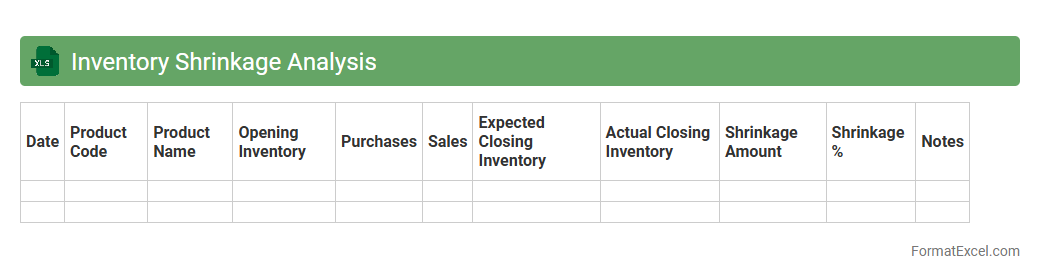
Inventory Shrinkage Analysis
Inventory Shrinkage Analysis Excel document is a powerful tool designed to track and quantify losses in inventory due to theft, damage, or administrative errors. It enables businesses to identify patterns and causes of shrinkage, helping to implement targeted strategies that reduce financial loss and improve inventory accuracy. Using this
analysis tool enhances decision-making by providing clear, data-driven insights into inventory management efficiency.
Introduction to Inventory Management in Excel
Inventory management in Excel allows businesses to track stock levels, orders, and sales efficiently. Excel's flexibility makes it a popular tool for managing small to medium inventories. This method helps improve accuracy and control in stock handling.
Benefits of Using Excel for Inventory Tracking
Excel offers cost-effective inventory tracking with customizable features and ease of use. It supports real-time data updates and visual dashboards through charts. This versatility ensures businesses can scale their inventory processes smoothly.
Key Features of an Effective Inventory Format
An effective format includes clear categorization, automatic calculations, and easy data entry. It should enable quick stock level checks and reorder alerts. Good formats also support data validation to minimize errors.
Essential Columns for Inventory Excel Sheets
Key columns include Item Name, SKU, Quantity, Unit Price, and Supplier Details. Including Reorder Level and Stock Status helps maintain optimal inventory. Date columns track purchase and sale history effectively.
Step-by-Step Guide to Creating an Inventory Template
Start by defining headers for crucial data points and applying table formatting. Use formulas like SUM and IF for automatic calculations and conditional formatting for stock alerts. Finally, protect the sheet to prevent accidental changes.
Sample Inventory Management Excel Format
A typical format displays product details, quantity available, reorder point, and total value columns. It may include drop-down lists for item categories and status updates. Visualization tools like sparklines enhance data interpretation.
Tips for Customizing Your Inventory Spreadsheet
Tailor your spreadsheet to include unique product identifiers and relevant metrics. Use named ranges and dynamic tables for easy data management. Integrate barcode scanning capabilities if applicable to streamline updates.
Common Inventory Management Formulas in Excel
Formulas such as SUM, COUNTIF, and VLOOKUP are essential for calculating totals, filtering data, and referencing inventory. The IF function helps trigger reorder alerts based on stock levels. These formulas automate key inventory tasks efficiently.
Best Practices for Updating and Maintaining Your File
Regular data entry and validation ensure accuracy and reliability of inventory records. Back up your file frequently and document changes to maintain audit trails. Use data protection features to secure sensitive inventory information.
Downloadable Inventory Management Excel Templates
Pre-made templates offer a quick start with built-in formulas and formatted tables. They are customizable to fit various business needs and inventory types. Many templates include visual dashboards to track performance at a glance.