Project Budget Summary
A
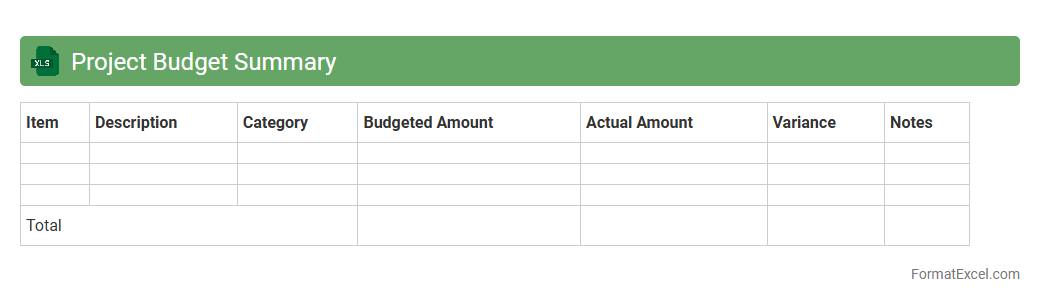
Project Budget Summary Excel document consolidates all financial data related to a project's expenses, revenues, and forecasts into an organized, easy-to-read format. It enables project managers and stakeholders to track budget allocations, monitor spending against planned costs, and identify any variances quickly. This tool is essential for maintaining financial control, ensuring resource efficiency, and supporting informed decision-making throughout the project lifecycle.
Expense Breakdown
An
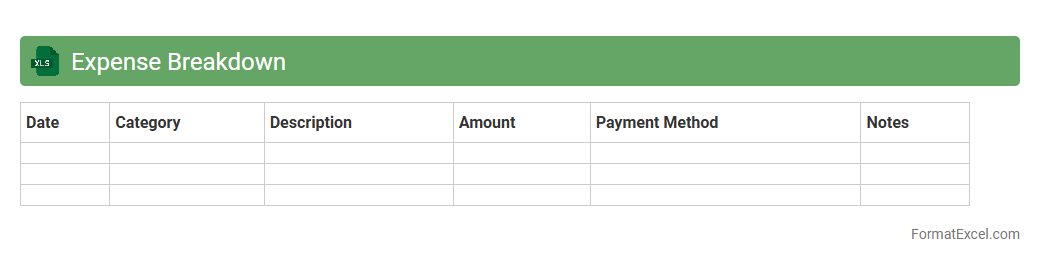
Expense Breakdown Excel document is a detailed spreadsheet that categorizes and tracks individual expenses to provide a clear overview of spending patterns. This tool allows users to analyze costs efficiently, identify areas to reduce expenditures, and improve budget management. By organizing expenses into specific categories, it enhances financial decision-making and supports effective cash flow control.
Resource Allocation
A
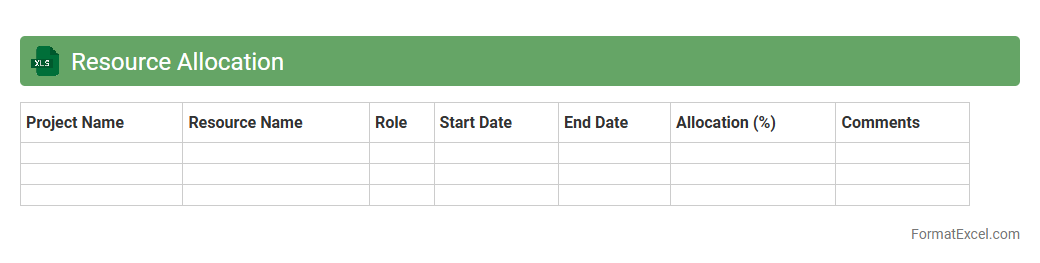
Resource Allocation Excel document is a tool designed to efficiently assign and manage resources such as time, personnel, and equipment across various projects. It helps organizations monitor availability, track task progress, and optimize workload distribution to maximize productivity. Using this document allows for better planning, reduces resource conflicts, and supports informed decision-making in project management.
Cost Estimation
A
Cost Estimation Excel document is a spreadsheet tool used to calculate and forecast the expenses associated with a project or business activity. It provides detailed breakdowns of costs, enabling accurate budget planning and financial analysis. This helps organizations manage resources efficiently, avoid budget overruns, and make informed decisions.
Budget Variance Analysis
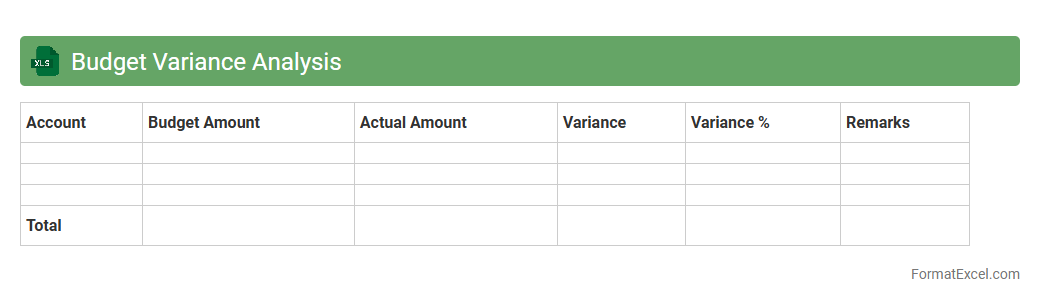
Budget Variance Analysis in an
Excel document is a financial tool that compares actual expenses and revenues against budgeted figures, highlighting discrepancies to help organizations control costs and optimize financial performance. This analysis identifies specific areas where spending deviates from the plan, enabling timely corrective actions and improved forecasting accuracy. Using Excel's data visualization and formula capabilities, it streamlines the review process, making it easier to track financial health and make informed business decisions.
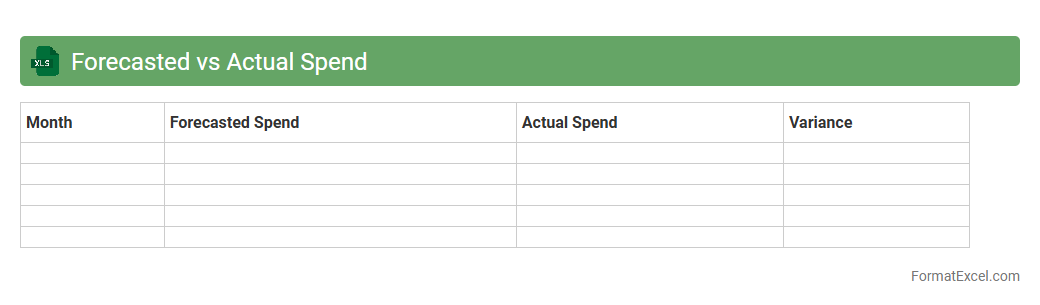
Forecasted vs Actual Spend
The
Forecasted vs Actual Spend Excel document is a financial tool that compares budgeted expenses against real-time expenditures to track spending accuracy. It helps businesses identify variances, control costs, and make informed budget adjustments by providing clear insights into where financial resources are over or underutilized. This document enhances financial planning and decision-making by offering detailed analysis and facilitating proactive management of company funds.
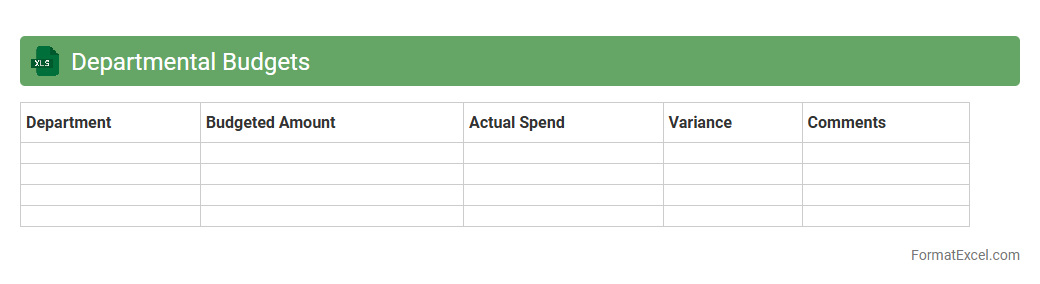
Departmental Budgets
A
Departmental Budgets Excel document is a spreadsheet tool designed to track and manage financial allocations and expenditures across various departments within an organization. It allows users to monitor budget forecasts, actual spending, and variances in a clear, organized format, facilitating proactive financial planning and resource allocation. This document is essential for ensuring departments stay within their financial limits while supporting effective decision-making and cost control.
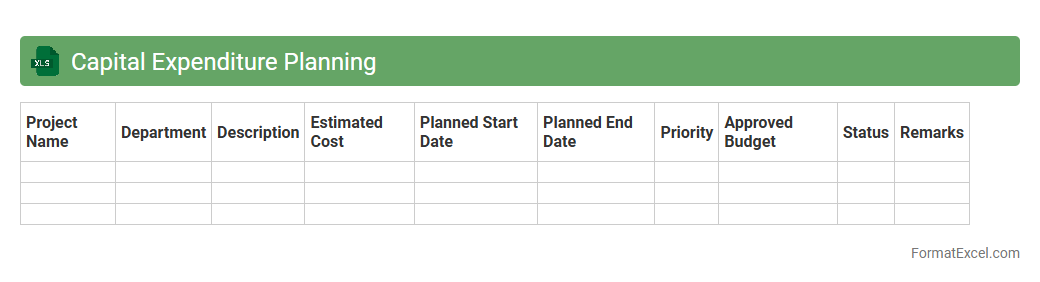
Capital Expenditure Planning
A
Capital Expenditure Planning Excel document is a financial tool used to forecast and manage long-term investments in fixed assets such as equipment, buildings, or infrastructure. It helps organizations allocate budgets efficiently, track spending, and evaluate the return on investment for various projects. By providing a detailed and structured format, this Excel template enhances decision-making and ensures better control over capital budgets.
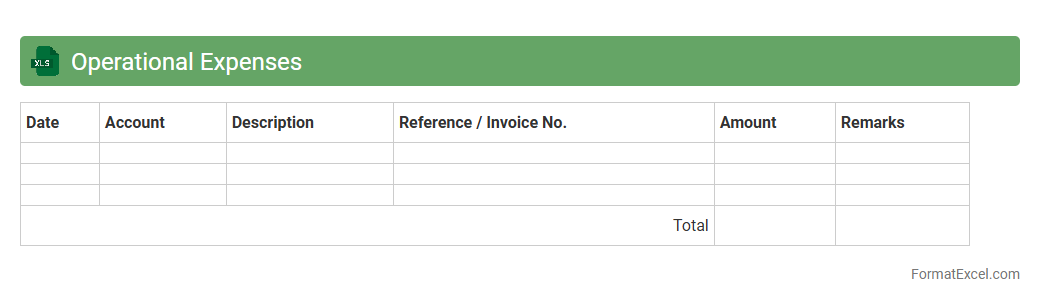
Operational Expenses
An
Operational Expenses Excel document is a structured spreadsheet designed to track, categorize, and analyze the day-to-day costs associated with running a business. It helps organizations monitor expenditures such as rent, utilities, salaries, and supplies, providing clear insights into spending patterns and budget adherence. This tool is essential for financial planning, cost control, and improving overall operational efficiency.
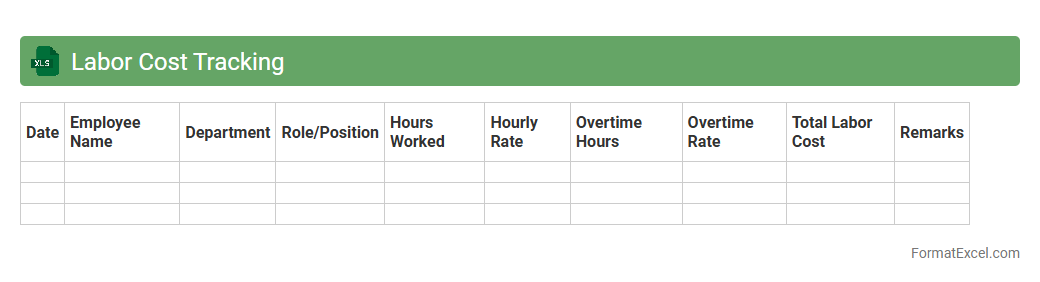
Labor Cost Tracking
A
Labor Cost Tracking Excel document is a spreadsheet tool designed to monitor and manage employee labor expenses by recording hours worked, wage rates, and overtime calculations. It provides real-time insights into labor costs, enabling businesses to optimize payroll budgets, improve financial planning, and identify areas where efficiencies can be increased. This tool is essential for controlling operational expenses and ensuring accurate labor cost reporting.
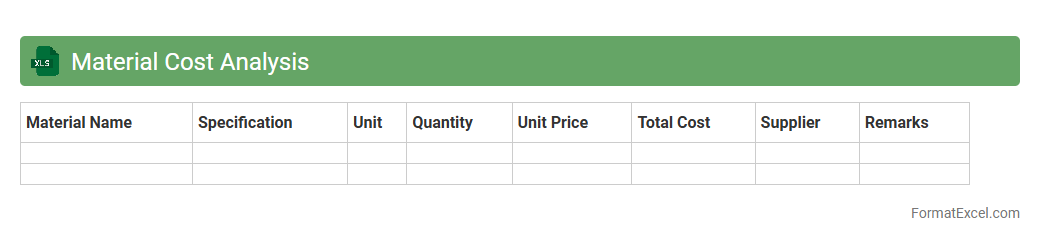
Material Cost Analysis
Material Cost Analysis Excel document is a structured tool designed to track, calculate, and analyze the expenses associated with raw materials in a project or manufacturing process. It enables businesses to identify cost-saving opportunities by comparing actual material costs against budgeted amounts, ensuring efficient resource allocation. Using this
Material Cost Analysis sheet helps improve budgeting accuracy and enhances overall financial decision-making.
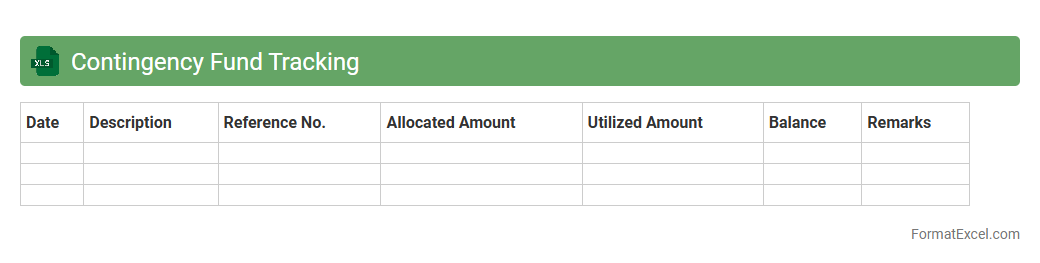
Contingency Fund Tracking
The
Contingency Fund Tracking Excel document is a specialized tool designed to monitor and manage emergency financial reserves efficiently. It helps organizations or individuals track allocated funds, expenditures, and remaining balances to ensure preparedness for unexpected costs. By maintaining detailed records, this document enhances financial transparency and supports strategic budgeting decisions.
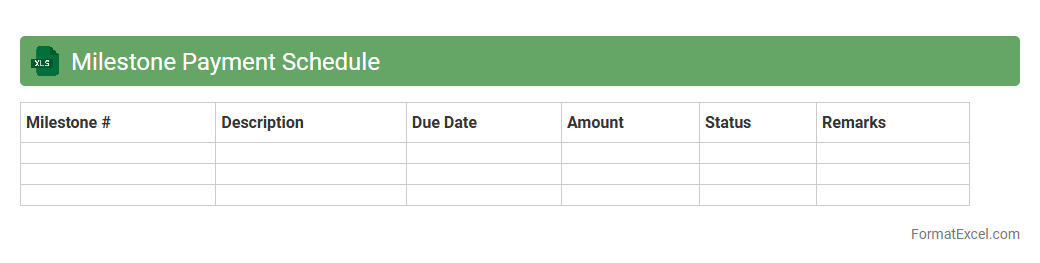
Milestone Payment Schedule
A
Milestone Payment Schedule Excel document organizes project payments according to specific milestones, ensuring clear tracking of financial progress and obligations. It allows project managers and clients to align payments with completed tasks, improving cash flow management and accountability. This tool enhances transparency, reduces payment disputes, and facilitates timely financial planning throughout the project lifecycle.
Vendor Payment Tracking
A
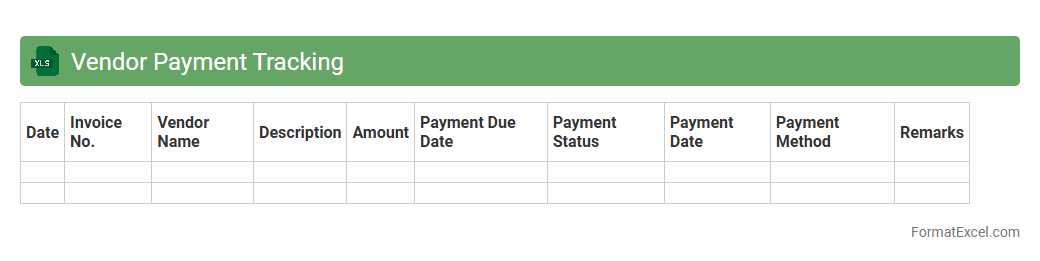
Vendor Payment Tracking Excel document is a spreadsheet designed to record, monitor, and manage payments made to suppliers in a structured format. It helps businesses ensure timely payments, maintain accurate financial records, and avoid discrepancies by tracking invoice dates, payment statuses, and due amounts. This tool improves cash flow management and fosters strong vendor relationships by providing clear visibility into outstanding obligations.
Budget Approval Status
The
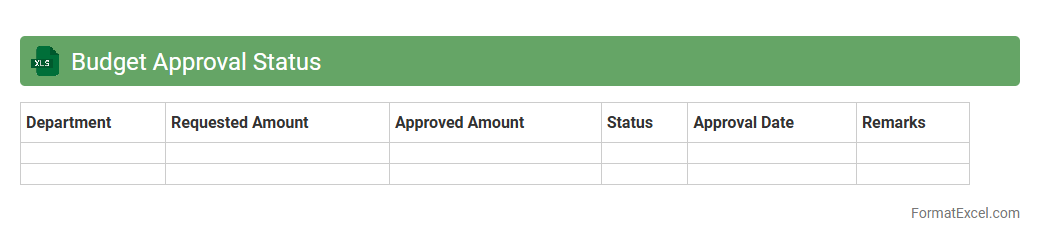
Budget Approval Status Excel document tracks the progress of budget requests within an organization, detailing approval phases from submission to final authorization. It helps streamline financial planning by providing clear visibility into which budget items are approved, pending, or rejected. This ensures efficient resource allocation and aids in preventing overspending or delays in project financing.
Change Order Log
A
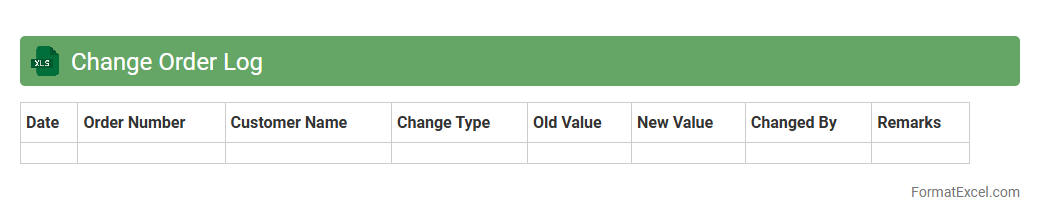
Change Order Log Excel document is a structured record used to track modifications in project scope, cost, or schedule during construction or business projects. It helps project managers monitor and manage all change orders systematically, ensuring transparency and accountability. By consolidating change details, approvals, and statuses, it supports effective decision-making and prevents budget overruns or delays.
Cash Flow Projection
A
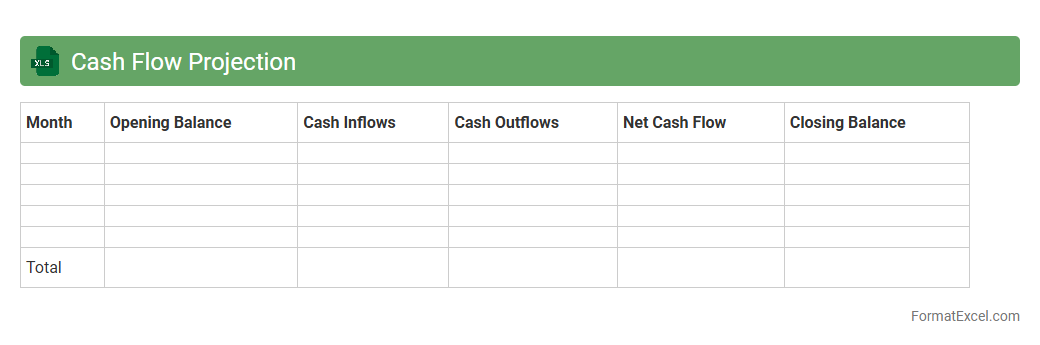
Cash Flow Projection Excel document is a financial tool that estimates the inflow and outflow of cash over a specific period, helping businesses forecast liquidity and manage expenses effectively. By using this projection, companies can anticipate cash shortages, plan for capital needs, and make informed decisions to ensure operational stability. This document is essential for budgeting, financial planning, and maintaining healthy cash management.
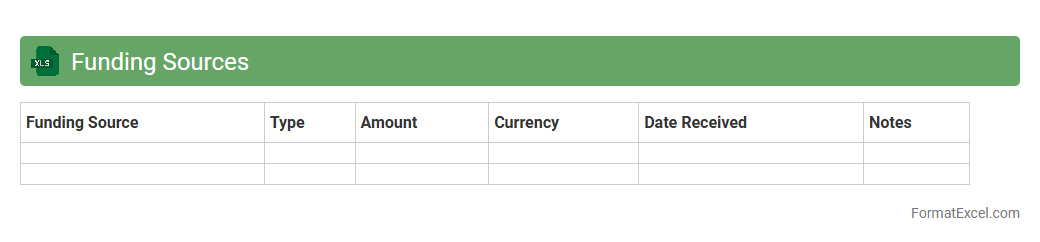
Funding Sources
A
Funding Sources Excel document is a structured spreadsheet that systematically tracks various channels of financial support such as grants, loans, investments, and donations. It allows organizations to monitor funding timelines, amounts, conditions, and reporting requirements effectively, ensuring transparent and efficient financial management. This tool is essential for optimizing budget planning, facilitating donor communication, and securing sustainable funding strategies.
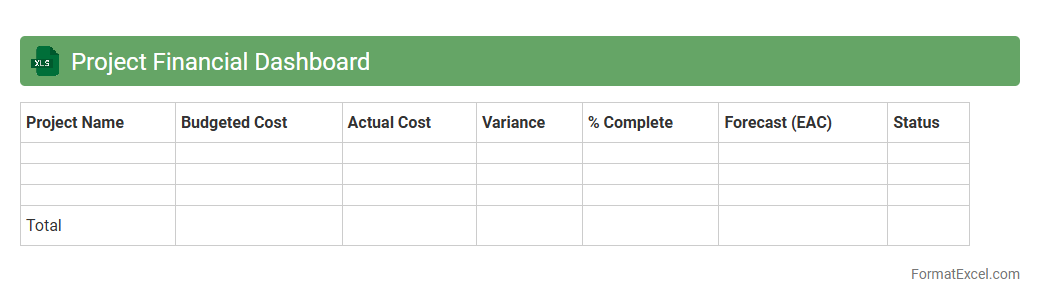
Project Financial Dashboard
A
Project Financial Dashboard in Excel is a powerful tool that consolidates financial data related to a project, providing real-time insights into budgets, expenses, and financial performance. It helps project managers and stakeholders monitor cost variances, forecast cash flows, and ensure projects stay within financial constraints. By visualizing key metrics through charts and graphs, it enhances decision-making and improves financial control throughout the project lifecycle.
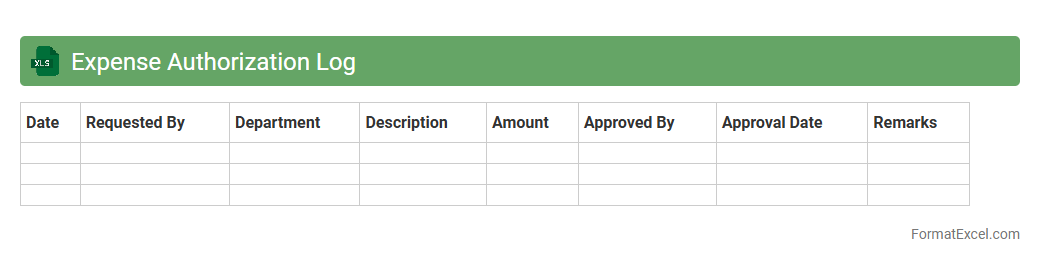
Expense Authorization Log
An
Expense Authorization Log Excel document is a structured tool designed to track and manage all expense approvals within an organization, providing transparency and accountability. It helps streamline the expense authorization process by recording details such as requestor information, approval status, amounts, and dates, ensuring compliance with budget policies. This log enhances financial control and auditing efficiency by offering a centralized reference for expense-related decisions.
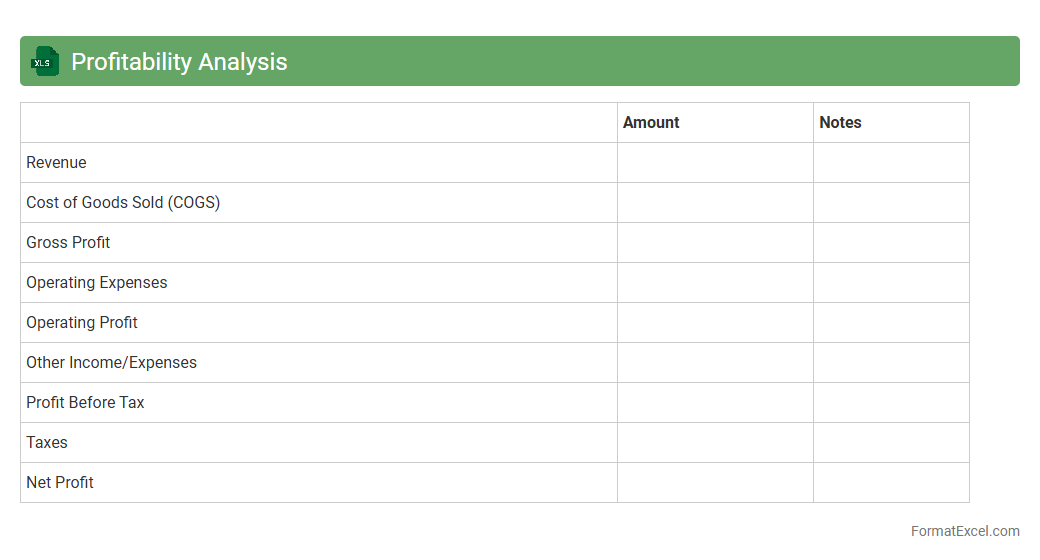
Profitability Analysis
A
Profitability Analysis Excel document is a financial tool designed to evaluate the profitability of different products, services, or business units by organizing and analyzing revenue, costs, and expenses data. It helps businesses identify high-performing areas, optimize resource allocation, and make informed decisions to enhance overall profit margins. By providing clear visualizations and detailed financial insights, this document supports strategic planning and operational efficiency.
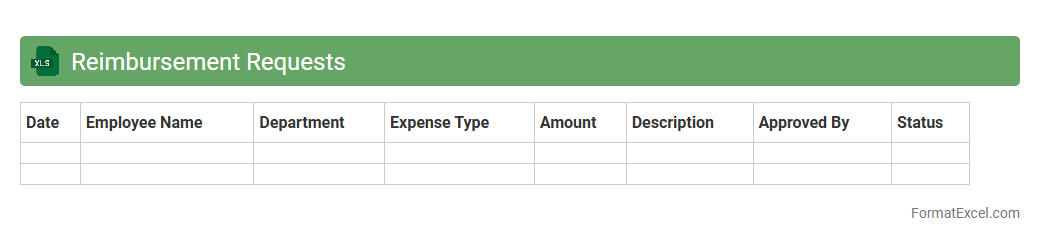
Reimbursement Requests
A
Reimbursement Requests Excel document is a structured spreadsheet used to record and manage expense claims submitted by employees or clients for repayment. It streamlines the tracking of expenses, approval status, and payment processing, ensuring accuracy and efficiency in financial workflows. This document helps organizations maintain clear records, reduce errors, and expedite reimbursement cycles.
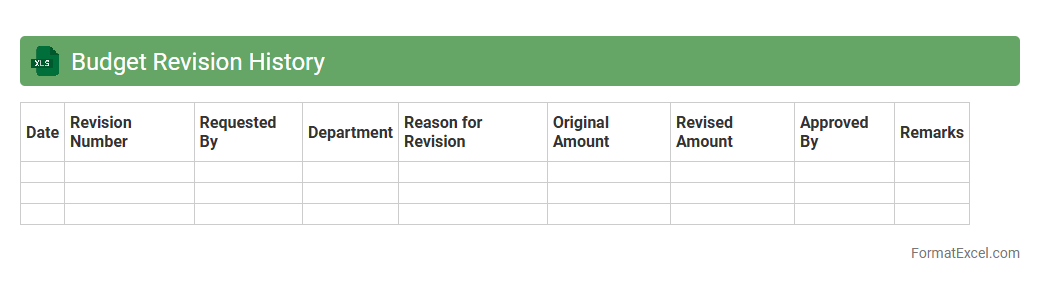
Budget Revision History
A
Budget Revision History Excel document tracks changes made to a project's or organization's budget over time, recording adjustments, approval dates, and responsible personnel. This detailed log helps maintain transparency, ensures accountability, and facilitates accurate forecasting by providing a clear financial evolution record. Using this document enhances decision-making and supports audit compliance by offering a comprehensive overview of all budget modifications.
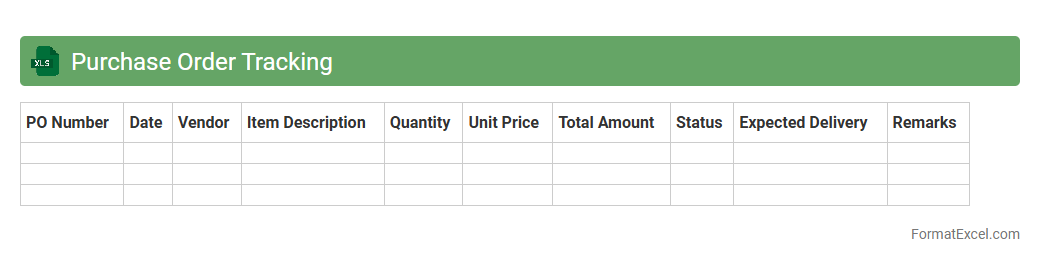
Purchase Order Tracking
A
Purchase Order Tracking Excel document is a spreadsheet tool designed to monitor and manage purchase orders throughout the procurement process. It helps organizations keep detailed records of order status, delivery dates, vendor information, and payment terms, ensuring transparency and accuracy. This tool improves efficiency by enabling quick access to critical purchasing data, reducing errors, and facilitating timely decision-making within supply chain management.
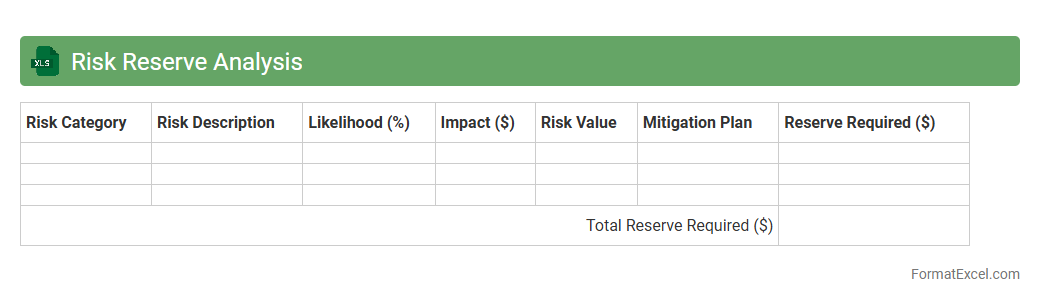
Risk Reserve Analysis
Risk Reserve Analysis Excel document is a tool designed to calculate and manage contingency reserves for project risks, ensuring accurate allocation of funds to mitigate potential issues. It enables project managers to quantify risk impacts using statistical techniques such as Monte Carlo simulations, providing a clear picture of required buffer amounts. By leveraging this document, organizations can maintain financial control, improve decision-making, and enhance project success rates through effective
risk reserve management.
Introduction to Project Budget Formats
Project budget formats are structured layouts that help manage financial resources efficiently. Using a standardized format ensures clarity and consistency in tracking expenses and allocations. It simplifies communication among stakeholders and aids in financial planning.
Benefits of Using Excel for Project Budgets
Excel offers flexibility and powerful calculation tools that simplify project budget management. Its ability to create customizable templates and automated formulas enhances accuracy and efficiency. Moreover, Excel supports data visualization for better financial insight.
Key Elements of a Project Budget
A project budget includes all anticipated costs, such as labor, materials, and overheads. Categorizing expenses into fixed and variable costs provides a clear financial overview. Tracking these key elements ensures effective budget control throughout the project lifecycle.
Setting Up a Project Budget Template in Excel
Creating a template involves defining categories, cost centers, and timelines for the project. Incorporate sections for planned versus actual costs to monitor financial performance. A well-designed template streamlines budgeting processes and enables easier updates.
Essential Columns and Rows for Budget Tracking
Important columns typically include item descriptions, estimated costs, actual costs, variances, and status updates. Rows should represent individual budget items or phases of the project. Organizing data this way facilitates precise budget tracking and analysis.
Step-by-Step Guide to Creating a Budget in Excel
Start by listing all budget items and their estimated costs in separate rows. Use Excel formulas to calculate totals and variances automatically. Finally, format the sheet for clarity and maintain it regularly for the most accurate results.
Common Formulas for Budget Calculation
Formulas like SUM, IF, and AVERAGE help aggregate costs and analyze budget health. Using conditional formulas allows real-time highlighting of budget overruns. Leveraging these formulas enhances automation and financial accuracy.
Best Practices for Project Budget Management in Excel
Maintain consistent data entry, update budgets regularly, and review for deviations. Incorporate contingency funds to manage unexpected expenses effectively. Following these best practices ensures robust financial control and project success.
Sample Project Budget Format in Excel
A sample format includes columns for item description, estimated cost, actual cost, variance, and notes. Rows are organized by project phases or task categories, allowing detailed financial tracking. This structure aids in clear and actionable budget insights.
Tips for Effective Budget Monitoring and Reporting
Regularly compare actual spending against the budget and highlight discrepancies immediately. Utilize charts and pivot tables for visual representation to improve stakeholder communication. Effective monitoring ensures timely decision-making and project control.