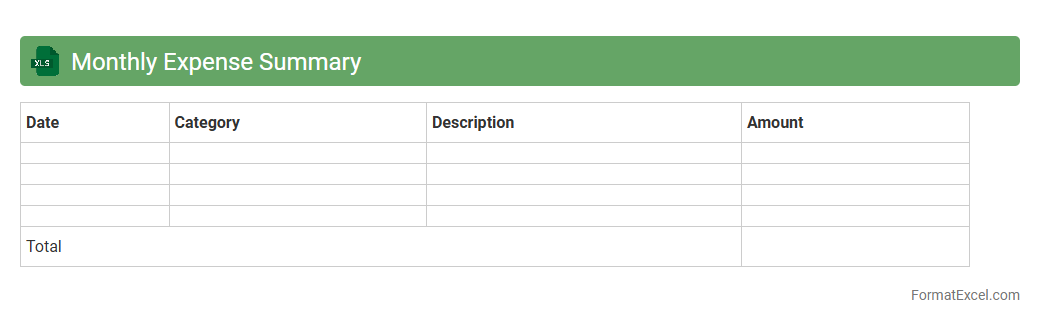
Monthly Expense Summary
A
Monthly Expense Summary Excel document organizes and tracks all personal or business expenditures over a given month, providing a clear overview of spending patterns and budget adherence. Utilizing categorized expense entries and automated calculations, it helps identify cost-saving opportunities and ensures timely financial planning. This tool promotes better money management by offering detailed insights into cash flow and facilitating informed decision-making.
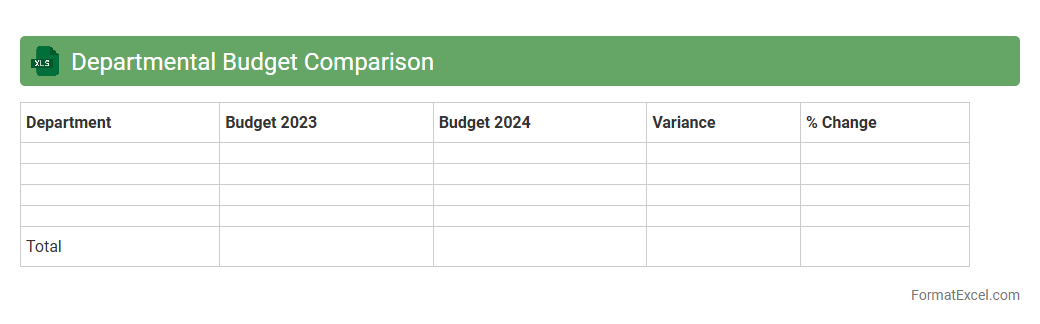
Departmental Budget Comparison
A
Departmental Budget Comparison Excel document is a tool used to analyze and contrast budgeted versus actual expenses across various departments within an organization. It helps identify areas where departments are over or under budget, facilitating more informed financial planning and resource allocation. This comparison enhances accountability and supports strategic decision-making by providing clear insights into departmental spending patterns.
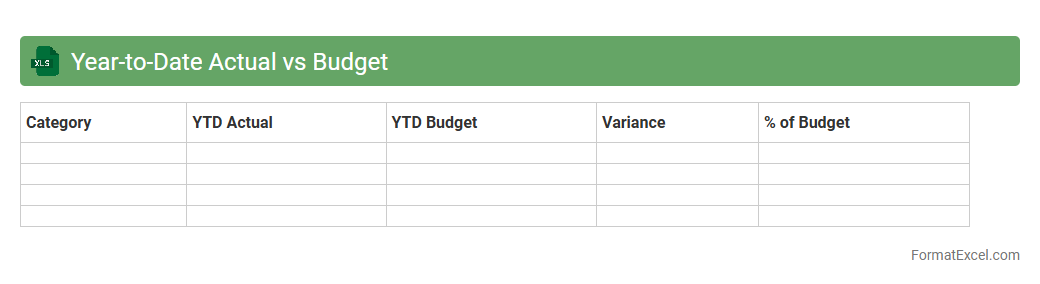
Year-to-Date Actual vs Budget
The
Year-to-Date Actual vs Budget Excel document is a financial tracking tool that compares the actual financial performance against the budgeted figures for a specific period within the current fiscal year. It helps businesses monitor expenses, revenues, and profits in real-time, allowing for quick identification of variances and enabling better financial planning and decision-making. This document is essential for maintaining financial discipline and ensuring that organizations stay on track to meet their annual budgeting goals.
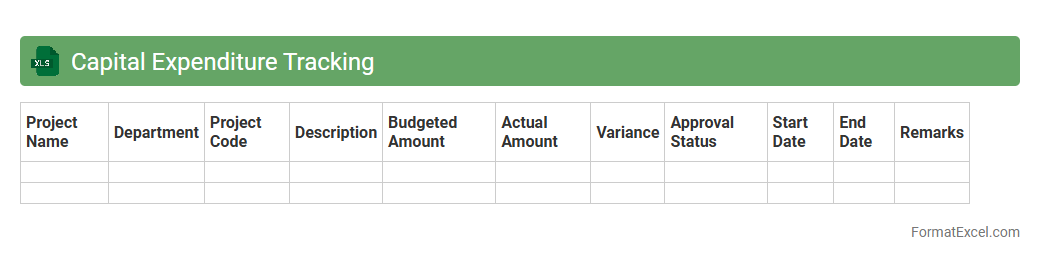
Capital Expenditure Tracking
A
Capital Expenditure Tracking Excel document organizes and monitors spending related to long-term asset investments, such as equipment, buildings, and infrastructure. It helps businesses maintain budget control, forecast cash flow needs, and ensure compliance with financial planning. By providing a clear overview of capital outlays, this tool supports informed decision-making and efficient resource allocation.
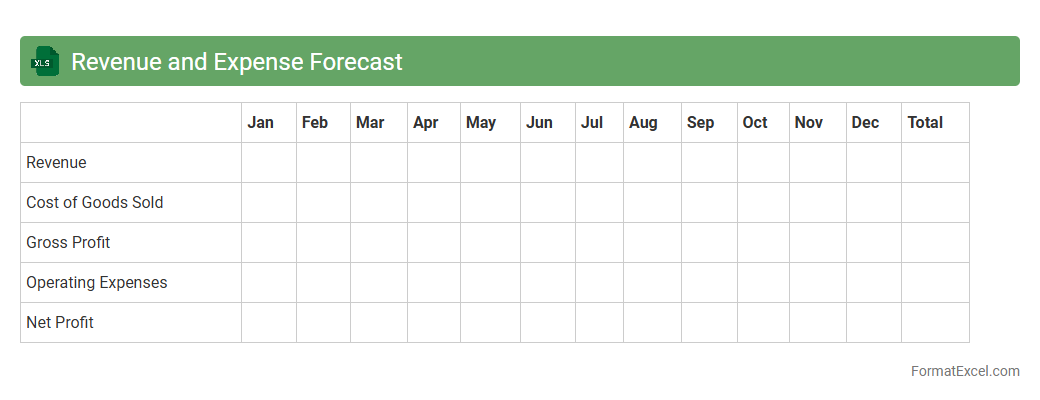
Revenue and Expense Forecast
A
Revenue and Expense Forecast Excel document is a tool that helps businesses project future income and costs based on historical data and market trends. It enables organizations to plan budgets, manage cash flow, and make informed financial decisions by visualizing expected revenues and expenses over specific periods. Using this forecast enhances strategic planning, improves resource allocation, and supports achieving financial goals efficiently.
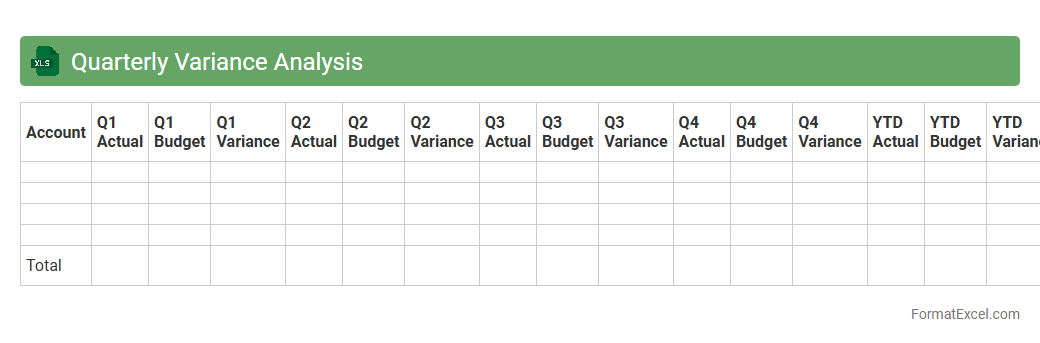
Quarterly Variance Analysis
Quarterly Variance Analysis Excel document is a powerful tool used to compare actual financial performance against budgeted or forecasted figures over a three-month period. This document highlights deviations in revenue, expenses, and profitability, enabling businesses to identify trends, control costs, and make informed decisions. Utilizing
Quarterly Variance Analysis helps improve financial planning accuracy and enhances strategic management by providing clear insights into operational efficiency.
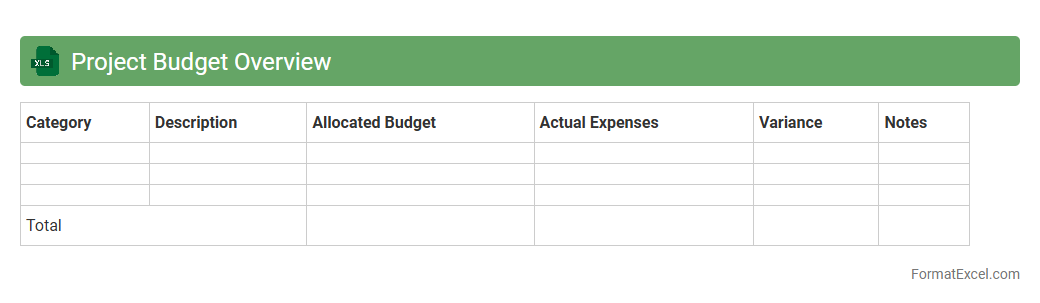
Project Budget Overview
A
Project Budget Overview Excel document provides a detailed summary of all financial aspects related to a project, including costs, expenses, and allocated funds. It enables efficient tracking and management of budget allocation, helping to identify variances and ensure projects stay within financial limits. This document is essential for informed decision-making and maintaining fiscal control throughout the project lifecycle.
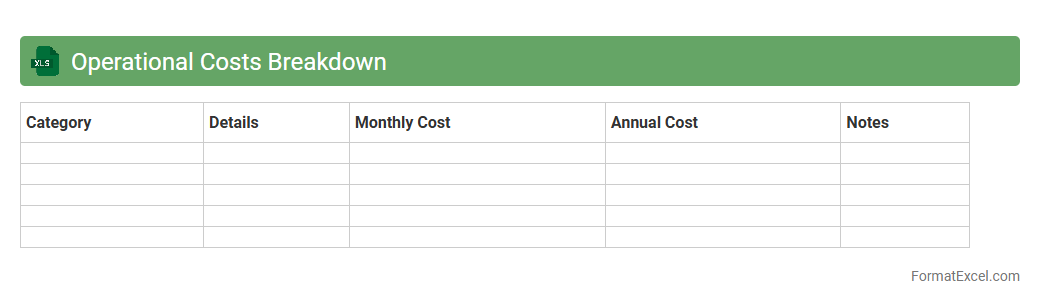
Operational Costs Breakdown
An
Operational Costs Breakdown Excel document itemizes all expenses related to business operations, including fixed costs like rent and salaries, and variable costs such as utilities and raw materials. It provides clear visibility into cost distribution, enabling informed budgeting, cost control, and financial forecasting. This tool is essential for identifying inefficiencies and optimizing resource allocation to improve overall profitability.
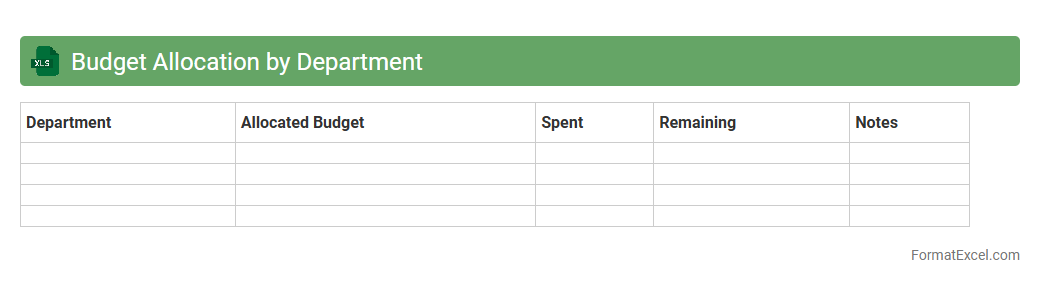
Budget Allocation by Department
A
Budget Allocation by Department Excel document is a detailed financial tool that distributes an organization's total budget across various departments. It enables precise tracking and management of funds, ensuring each department receives adequate resources to meet its operational needs. This document improves financial transparency, aids in cost control, and supports strategic planning by highlighting departmental spending patterns.
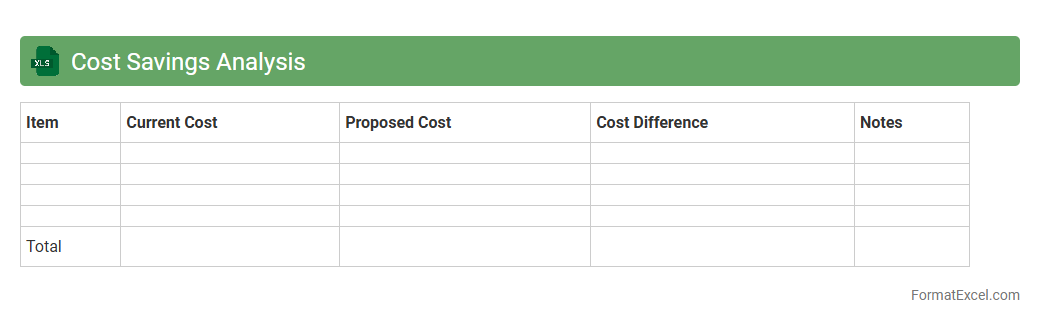
Cost Savings Analysis
A
Cost Savings Analysis Excel document is a structured spreadsheet tool designed to track, calculate, and compare costs before and after implementing a project or process change. It helps businesses identify potential financial benefits by quantifying savings in areas such as labor, materials, and operational expenses. This document is essential for informed decision-making, budget planning, and demonstrating the return on investment for cost-reduction initiatives.
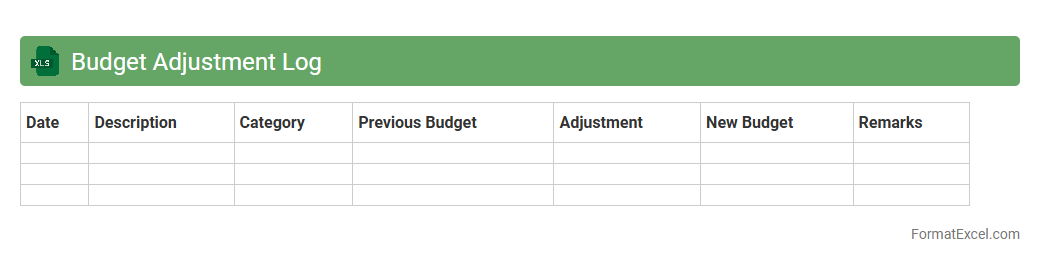
Budget Adjustment Log
A
Budget Adjustment Log Excel document is a detailed record that tracks all changes made to an organization's budget over time, including increases, decreases, and reallocations. It helps maintain financial transparency by providing a clear audit trail of budget modifications, ensuring accurate budget management and accountability. By using this log, organizations can monitor spending against approved budgets, identify trends, and make informed financial decisions for improved budget control.
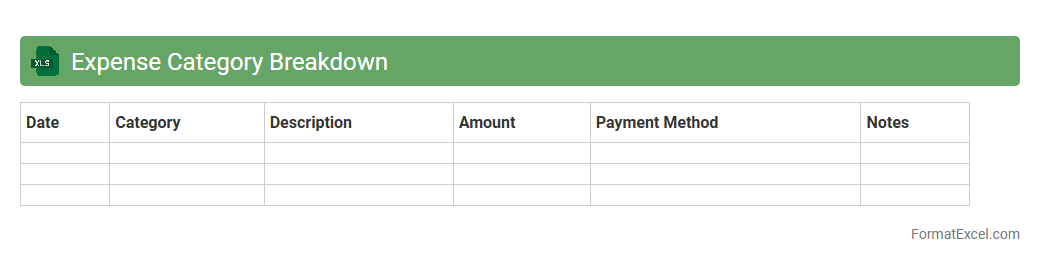
Expense Category Breakdown
An
Expense Category Breakdown Excel document organizes and categorizes financial transactions to provide a clear overview of spending patterns. It helps individuals and businesses track expenses by specific categories, enabling better budgeting and financial planning. Using this tool enhances cost control and supports informed decision-making through detailed expense analysis.
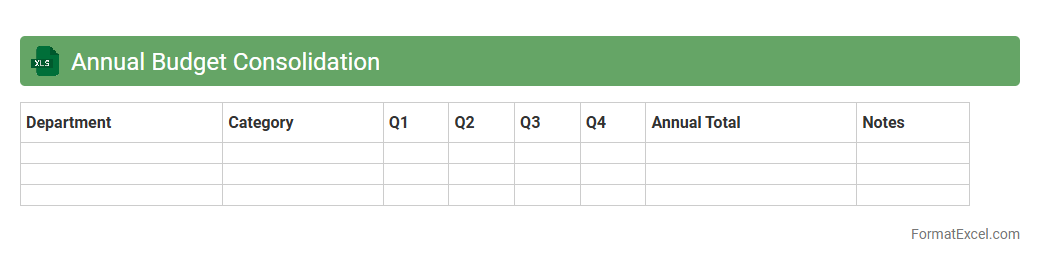
Annual Budget Consolidation
An
Annual Budget Consolidation Excel document aggregates financial data from various departments or projects into a single comprehensive report, enabling organizations to track overall expenditures and income accurately. This tool simplifies the comparison of budgeted versus actual figures, facilitating informed decision-making and efficient resource allocation. By centralizing budget information, it enhances transparency, streamlines financial planning, and supports strategic fiscal management throughout the fiscal year.
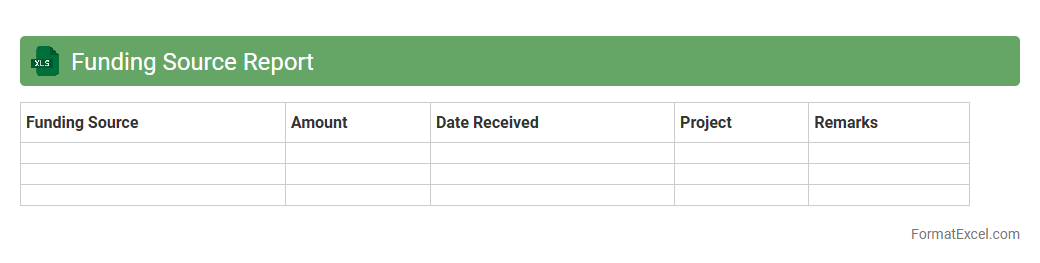
Funding Source Report
The
Funding Source Report Excel document systematically compiles financial data from various funding channels, enabling accurate tracking of budget allocations and expenditures. This report is essential for organizations to monitor the flow of funds, ensure compliance with grant requirements, and make informed decisions for future budgeting and resource planning. By providing a clear overview of funding sources, it improves transparency and accountability in financial management.
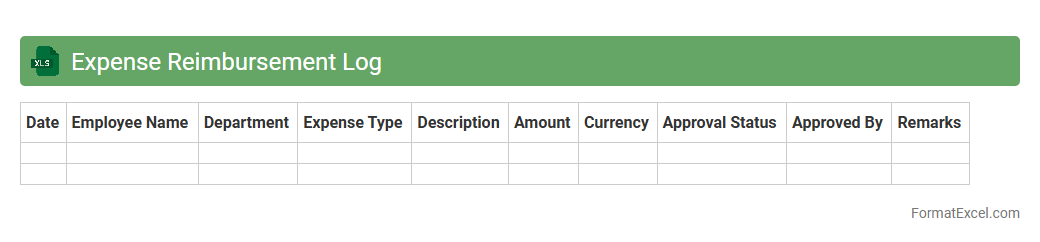
Expense Reimbursement Log
An
Expense Reimbursement Log Excel document is a structured spreadsheet used to track, record, and manage employee expense claims for business-related costs. It simplifies the reimbursement process by providing a clear record of expenses, dates, amounts, and approval statuses, ensuring accuracy and accountability. This log enhances financial transparency and streamlines audit preparations by maintaining organized documentation of all expense transactions.
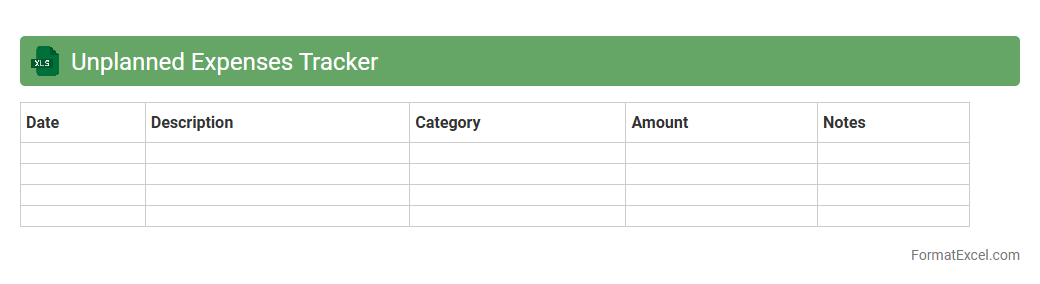
Unplanned Expenses Tracker
The
Unplanned Expenses Tracker Excel document is designed to record and monitor unexpected costs that arise outside of regular budgeting. It helps users quickly identify spending patterns, control financial surprises, and maintain better cash flow management. By organizing unplanned expenses, individuals and businesses can improve financial planning and avoid overspending.
Budget Utilization Rate
A
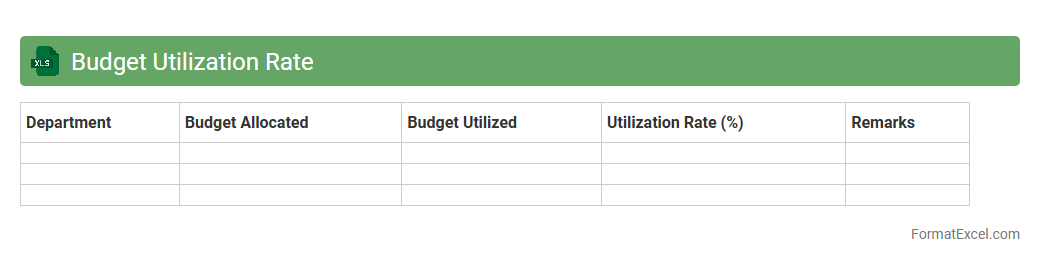
Budget Utilization Rate Excel document tracks the percentage of allocated budget spent within a specific period, helping organizations monitor financial performance effectively. It enables detailed analysis of expenses versus budgeted amounts, ensuring resource allocation aligns with project goals and prevents overspending. Utilizing this document improves financial accountability and supports informed decision-making by highlighting areas requiring budget adjustments or cost-saving measures.
Multi-year Budget Trend
A
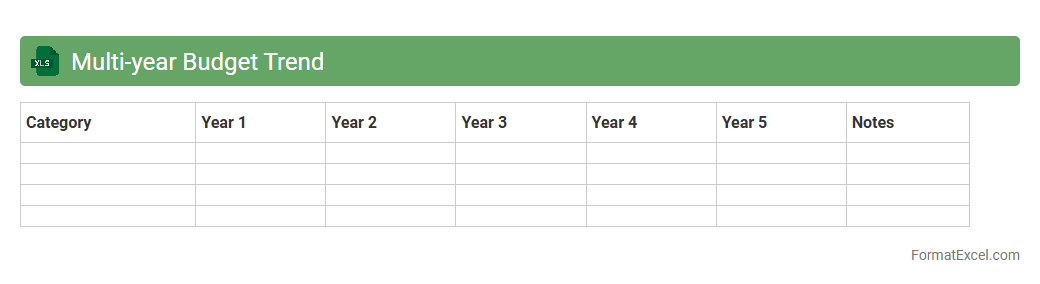
Multi-year Budget Trend Excel document tracks financial data over several years to identify spending patterns, revenue fluctuations, and resource allocation efficiency. It enables informed decision-making by providing a clear visual representation of budget changes and helping to forecast future financial needs. Organizations use this tool to optimize budgeting strategies, control costs, and enhance long-term financial planning.
Discretionary Spending Tracker
The
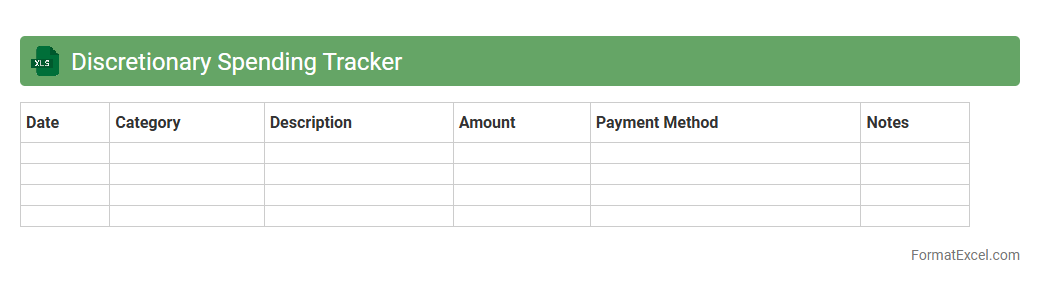
Discretionary Spending Tracker Excel document is a powerful tool designed to monitor and manage non-essential expenses, giving users clear insights into their spending habits. By categorizing and tracking activities like entertainment, dining out, and hobbies, it helps individuals identify areas to cut back and optimize savings. This organized financial overview supports better budgeting decisions and promotes responsible fiscal management.
Grant Budget Management
A
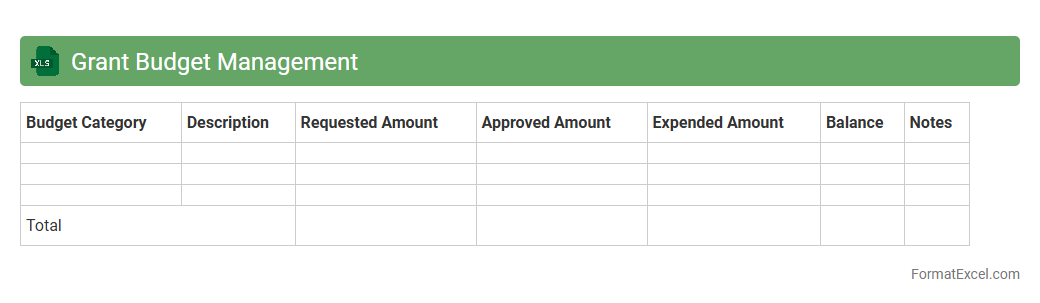
Grant Budget Management Excel document is a structured tool designed to track and allocate funds received from grants efficiently. It helps organizations monitor expenditures against budget categories, ensuring compliance with grant requirements and preventing overspending. This document streamlines financial reporting and enhances transparency, making grant management more accurate and organized.
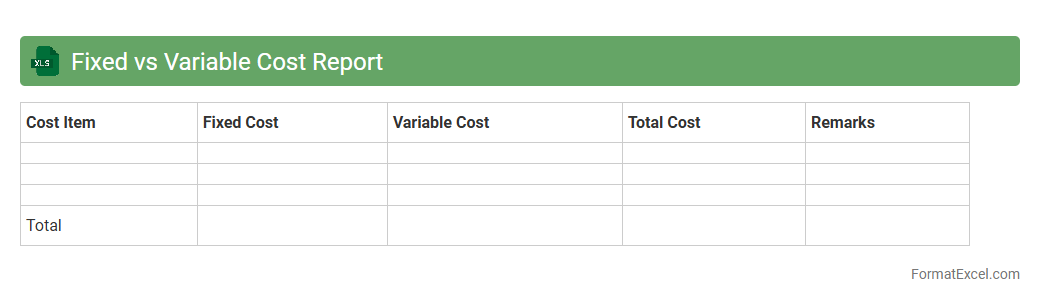
Fixed vs Variable Cost Report
A
Fixed vs Variable Cost Report in Excel is a detailed financial document that categorizes expenses into fixed costs, which remain constant regardless of production levels, and variable costs, which fluctuate with business activity. This report enables businesses to analyze cost behavior, optimize budgeting, and make informed decisions about pricing, profitability, and operational efficiency. By clearly distinguishing between fixed and variable expenses, companies can better forecast profit margins and manage cash flow under different production scenarios.
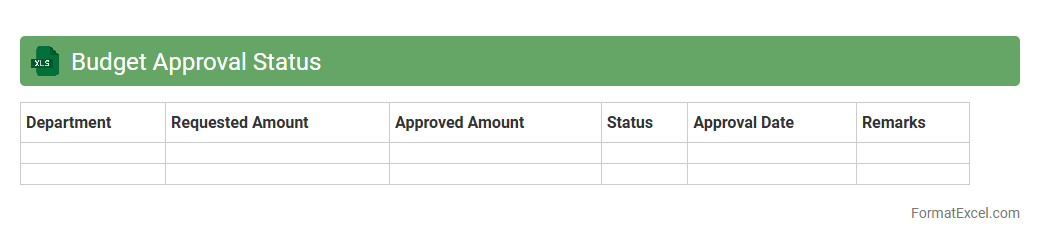
Budget Approval Status
A
Budget Approval Status Excel document tracks the progress of budget requests through various approval stages, providing a clear overview of pending, approved, or rejected budgets. It helps organizations maintain financial control by ensuring transparency and accountability in the budgeting process. This tool streamlines decision-making and enhances communication among departments involved in budget planning.
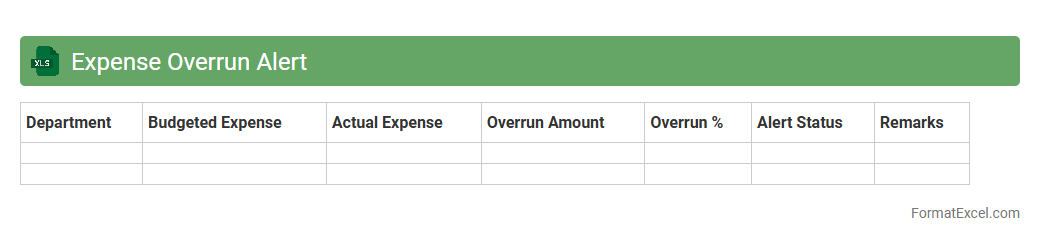
Expense Overrun Alert
The
Expense Overrun Alert Excel document is a financial monitoring tool designed to track and notify users when project or budget expenses exceed predefined limits. It automates the alert process by highlighting overspending, enabling timely corrective actions to manage costs effectively. This tool improves budget accuracy, prevents financial risks, and supports better decision-making in expense management.
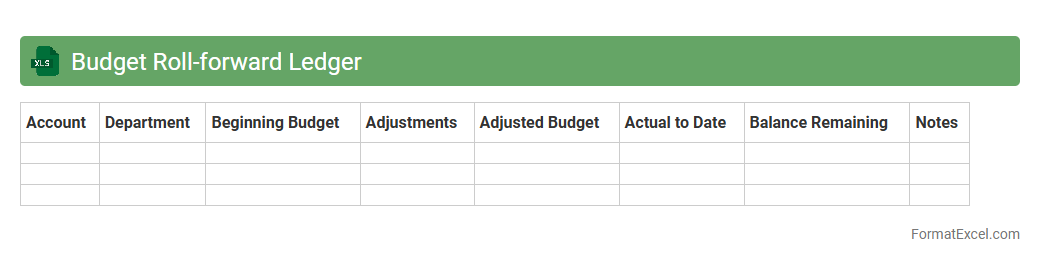
Budget Roll-forward Ledger
A
Budget Roll-forward Ledger Excel document is a financial tool that tracks budget allocations, expenditures, and adjustments over time by carrying forward balances from one period to the next. It allows organizations to maintain accurate budget control, monitor spending against allocated funds, and ensure continuity in financial planning. This ledger enhances transparency and accountability by providing a clear record of how funds have been managed throughout fiscal cycles.
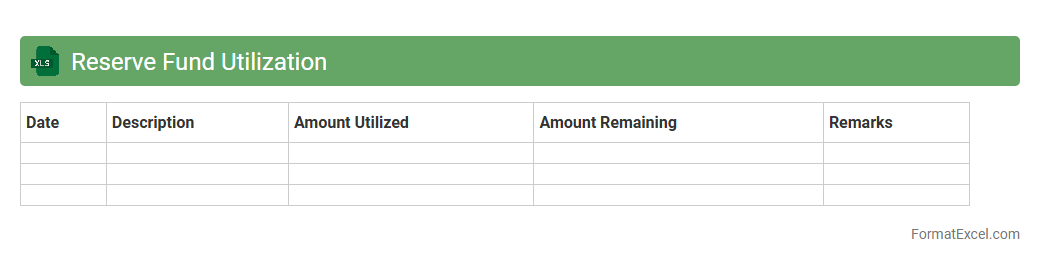
Reserve Fund Utilization
The
Reserve Fund Utilization Excel document tracks the allocation and expenditure of reserved funds, providing clear visibility into financial resource management. It helps organizations monitor budget adherence, forecast future funding needs, and ensure proper use of reserved capital. By analyzing this data, stakeholders can make informed decisions to maintain financial health and optimize fund deployment.
Introduction to Budget Report Formats in Excel
Budget report formats in Excel provide a practical way to organize and visualize financial data. Utilizing Excel's grid structure helps streamline budget tracking and analysis. This format is essential for effective financial planning and decision-making.
Importance of a Structured Budget Report
A structured budget report ensures clarity and accuracy in tracking income and expenses. It enhances financial transparency by presenting data in an organized layout. This structure helps prevent errors and supports better budgeting decisions.
Key Components of an Excel Budget Report
Essential components include income, expenses, budgeted amounts, and actual spending. Additional features like variance calculations improve financial insights. Clear categorization of each element supports comprehensive budget management.
Step-by-Step Guide to Setting Up a Budget Report in Excel
Start by creating columns for categories, budgeted amounts, actual expenses, and variances. Use Excel's formatting tools to enhance the layout, making the report user-friendly. Incorporate formulas for automatic calculations to maintain accuracy.
Essential Excel Formulas for Budget Tracking
Key formulas include SUM for totaling expenses, IF for condition-based calculations, and SUMIF for category-specific sums. These formulas automate computations and reduce manual errors. Mastering these ensures effective budget tracking.
Sample Budget Report Template Layout
A typical layout includes headers for income, fixed expenses, variable expenses, and totals. Each section should have clear labels and separate cells for ease of data entry. A well-structured template improves usability and data analysis.
Customizing Budget Categories and Headings
Personalize the budget report by adjusting categories to fit unique financial needs. Clear, descriptive headings improve readability and help identify spending areas quickly. Customization enhances relevance and user engagement.
Tips for Enhancing Readability and Accuracy
Use consistent formatting, such as bold headers and alternating row colors, to improve visual clarity. Implement data validation to minimize input errors and ensure data accuracy. Regularly update formulas and check for inconsistencies.
Common Mistakes to Avoid in Excel Budget Reports
Avoid missing data entries, incorrect formulas, and neglecting to update the report regularly. Overcomplicated formats can reduce usability, so keep the layout simple yet comprehensive. Frequent reviews help maintain data integrity.
Downloadable Excel Budget Report Templates
Free and premium budget report templates in Excel are widely available online for immediate use. These templates save time by providing pre-built structures optimized for different budgeting needs. Utilizing templates ensures professional budget management.