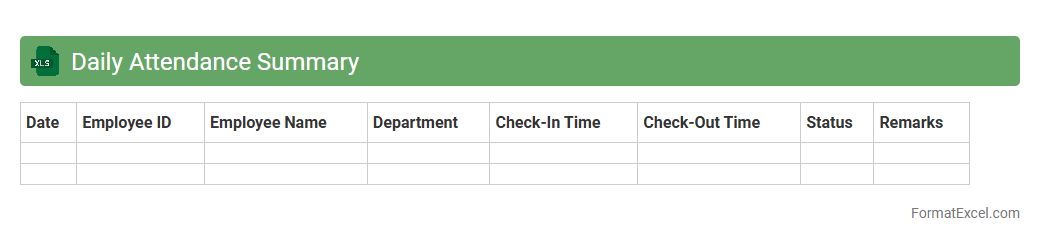
Daily Attendance Summary
The
Daily Attendance Summary Excel document tracks employee or student attendance on a daily basis, allowing for efficient monitoring and record-keeping. It consolidates data such as present, absent, late, and leave statuses into one organized spreadsheet, enabling quick analysis and reporting. This tool helps improve workforce management, ensures accurate payroll processing, and supports compliance with attendance policies.
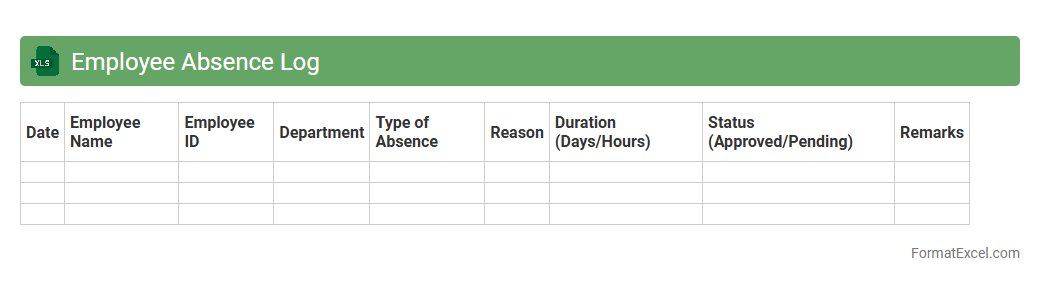
Employee Absence Log
An
Employee Absence Log Excel document is a structured spreadsheet used to record and track employee attendance, including sick leave, vacation days, and unplanned absences. This tool allows HR managers and supervisors to monitor absence patterns, identify frequent absentees, and ensure compliance with company policies. Using this log enhances workforce management by improving payroll accuracy and facilitating strategic staffing decisions.
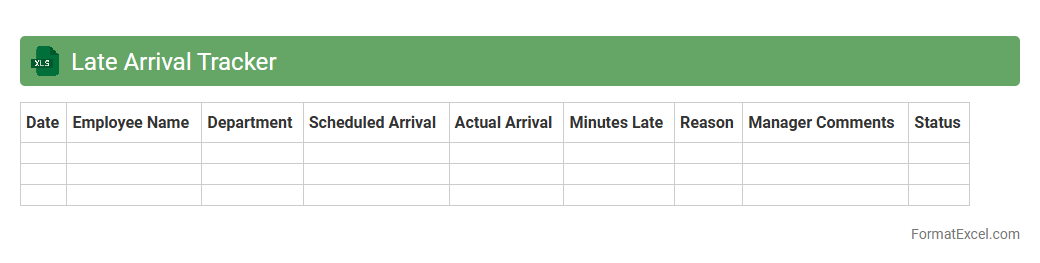
Late Arrival Tracker
The
Late Arrival Tracker Excel document is a tool designed to monitor and record employee arrival times, highlighting instances of tardiness for easy analysis. It allows managers to identify patterns, manage attendance more effectively, and implement timely interventions to improve punctuality. By providing detailed reports and visual summaries, this tracker enhances workforce management and supports maintaining productivity standards.
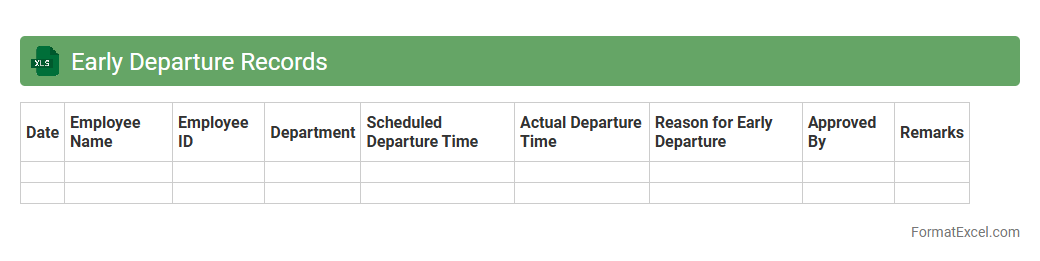
Early Departure Records
The
Early Departure Records Excel document tracks employee or student early leave instances, enabling efficient monitoring of attendance patterns. It helps identify frequent early departures, facilitating timely interventions and improving overall punctuality management. Businesses and educational institutions can use this data to enhance productivity and maintain accurate records for compliance purposes.
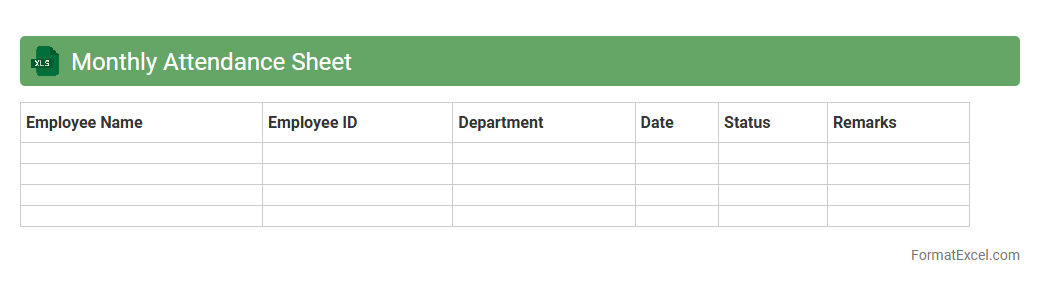
Monthly Attendance Sheet
A
Monthly Attendance Sheet Excel document is a structured spreadsheet used to record and track employee attendance on a daily basis throughout the month. It helps organizations monitor punctuality, absenteeism, and work hours, facilitating accurate payroll processing and performance evaluation. By automating data entry and calculations, it improves efficiency, reduces errors, and ensures compliance with attendance policies.
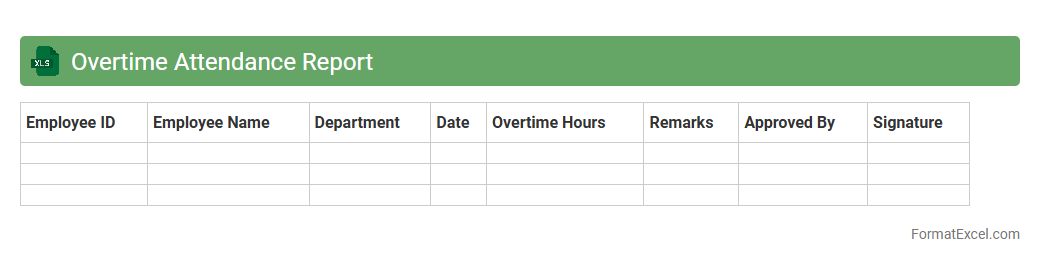
Overtime Attendance Report
An
Overtime Attendance Report Excel document tracks and records employees' extra working hours beyond their standard schedule, providing detailed insights into workforce productivity and labor cost management. It allows managers to analyze patterns, ensure compliance with labor laws, and optimize staffing based on actual overtime data. This report helps improve payroll accuracy, enhance operational efficiency, and supports strategic decision-making in human resource management.
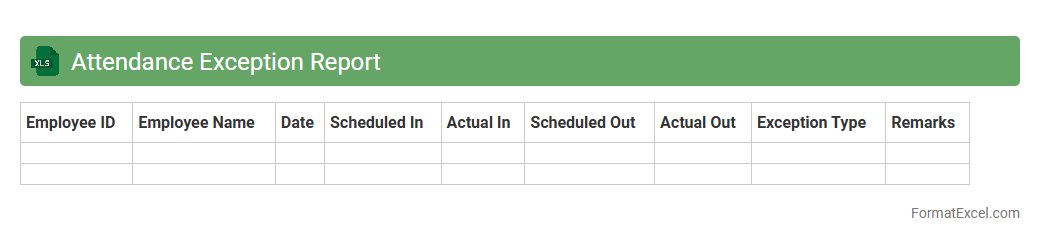
Attendance Exception Report
The
Attendance Exception Report Excel document systematically captures employee attendance irregularities such as late arrivals, early departures, and absences. It enables managers to quickly identify patterns and exceptions, facilitating timely interventions and improved workforce management. This report enhances payroll accuracy and ensures compliance with company attendance policies by providing clear and organized data for review.
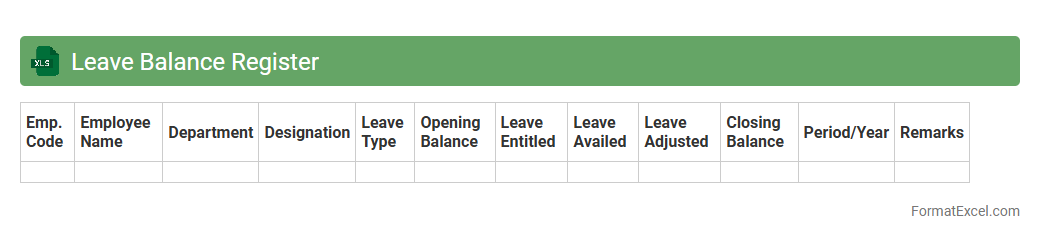
Leave Balance Register
A
Leave Balance Register Excel document systematically tracks employees' leave entitlements, usage, and remaining balances, ensuring accurate leave management. It helps HR departments monitor leave patterns, prevent discrepancies, and maintain compliance with company policies. This register simplifies payroll processing and improves workforce planning by providing real-time insights into employee availability.
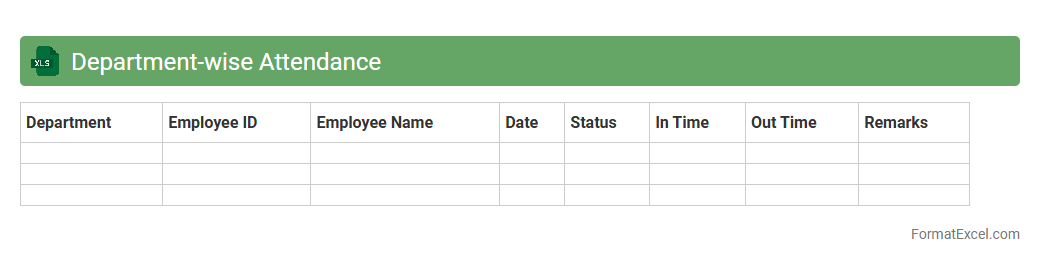
Department-wise Attendance
The
Department-wise Attendance Excel document is a structured spreadsheet designed to track and organize employee attendance data according to different departments within an organization. It enables efficient monitoring of attendance patterns, helping managers identify absenteeism trends and ensure workforce accountability. This document supports streamlined payroll processing and enhances overall operational productivity by providing clear, department-specific attendance insights.
Yearly Attendance Overview
The
Yearly Attendance Overview Excel document provides a comprehensive summary of employee attendance data throughout the entire year, including absences, late arrivals, and total hours worked. It helps organizations monitor workforce productivity, identify patterns of absenteeism, and streamline payroll processing. By analyzing this data, managers can make informed decisions to improve attendance policies and enhance overall operational efficiency.
Shift-wise Attendance Analysis
The
Shift-wise Attendance Analysis Excel document provides a detailed breakdown of employee attendance based on their assigned work shifts, enabling accurate tracking of hours worked and identifying attendance patterns. This analysis helps in optimizing workforce management by highlighting absenteeism, late arrivals, and shift compliance, which are crucial for payroll accuracy and operational efficiency. Using this document enhances decision-making by offering clear visibility into shift-specific attendance trends and supporting effective labor allocation.
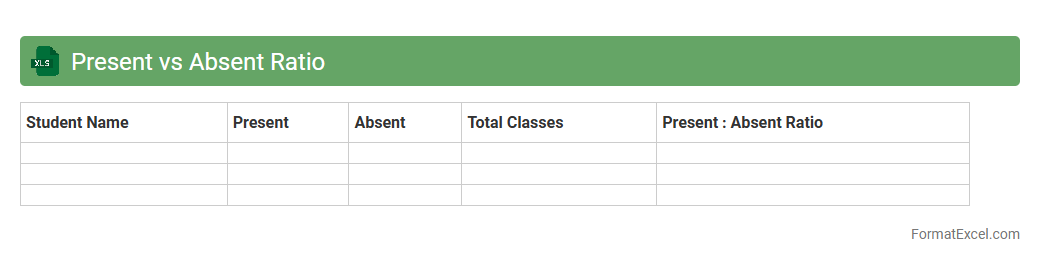
Present vs Absent Ratio
The
Present vs Absent Ratio Excel document is a tool designed to track and analyze attendance data by comparing the number of present days to absent days for individuals or groups. It helps organizations quickly identify attendance patterns, monitor employee or student punctuality, and improve resource planning. This document enhances decision-making by providing clear, quantitative insights into attendance trends.
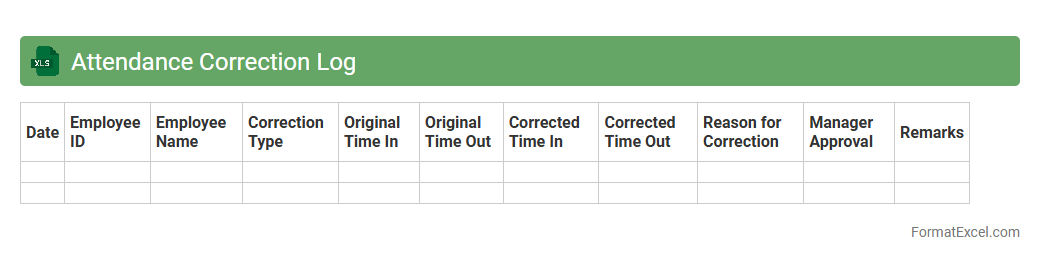
Attendance Correction Log
The
Attendance Correction Log Excel document is a structured tool designed to record and manage adjustments in employee attendance records efficiently. It helps track discrepancies such as missed clock-ins, late arrivals, or early departures, ensuring accurate payroll and compliance with company policies. Using this log enhances transparency and accountability, streamlining the attendance management process.
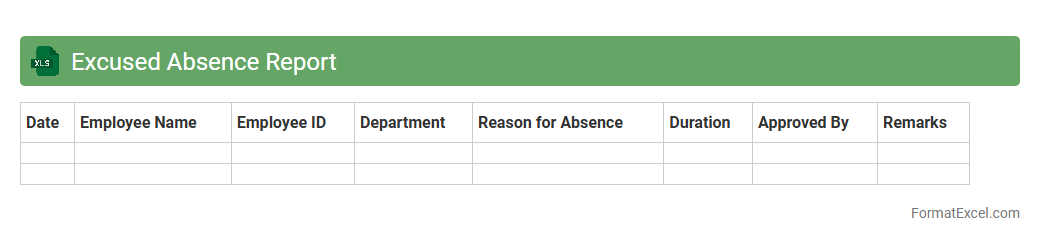
Excused Absence Report
The
Excused Absence Report Excel document systematically tracks employee or student absences that have been officially approved, ensuring accurate record-keeping. It allows organizations to monitor attendance patterns, maintain compliance with attendance policies, and generate data-driven insights for workforce or academic planning. This report improves accountability and supports smooth operational management by clearly documenting justified absences.
Unexcused Absence List
The
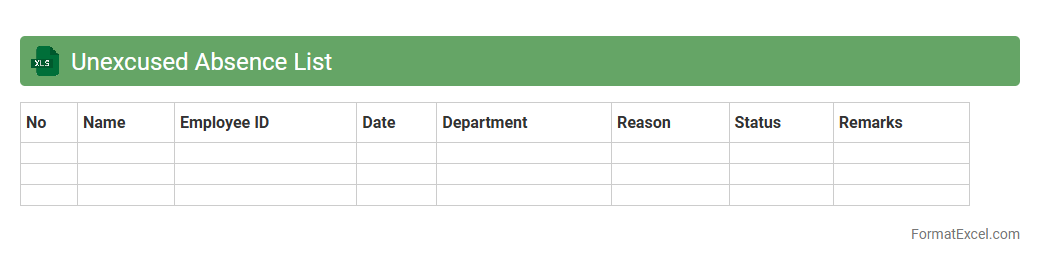
Unexcused Absence List Excel document is a tool used to systematically track and manage instances when individuals miss days without valid reasons. It helps organizations maintain accurate attendance records, identify patterns of absenteeism, and implement corrective measures to improve overall productivity. This document also facilitates transparent reporting and supports compliance with attendance policies, ensuring consistent monitoring across teams or departments.
Remote Work Attendance
The
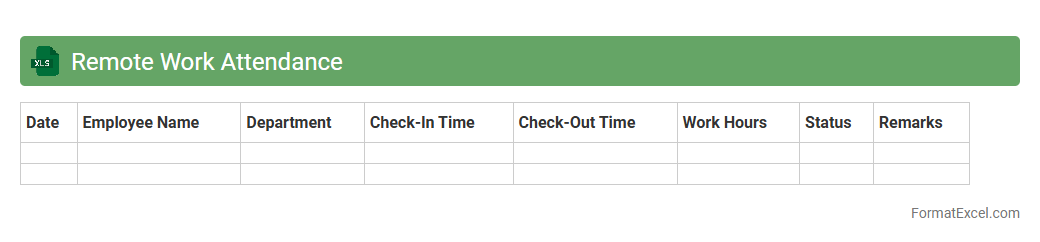
Remote Work Attendance Excel document is a structured digital tool designed to track employee working hours and attendance in a remote setting. It enables managers to monitor punctuality, productivity, and overall work engagement efficiently by consolidating data such as login times, task completion, and breaks. This document helps organizations maintain accountability, streamline payroll processing, and enhance workforce management regardless of physical location.
Sick Leave Record
A
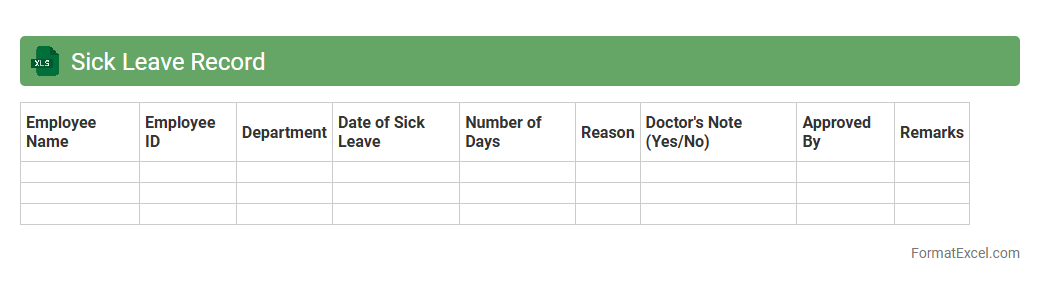
Sick Leave Record Excel document systematically tracks employee absences due to illness, ensuring accurate monitoring of sick leave balances and trends. It enables HR departments to manage workforce availability, comply with labor regulations, and generate reports for attendance analysis. This tool improves organizational efficiency by preventing leave discrepancies and supporting data-driven decisions regarding employee health and productivity.
Vacation Leave Record
A
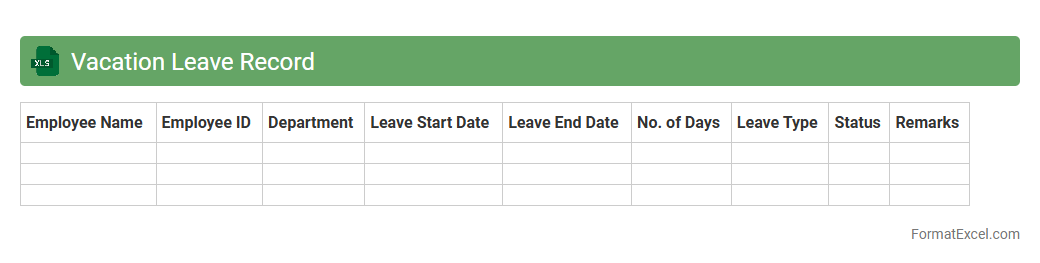
Vacation Leave Record Excel document is a tool designed to track employee leave balances, dates, and types of vacation used. It enables HR managers and employees to monitor leave accruals, approvals, and remaining days efficiently, reducing errors and ensuring compliance with company policies. This organized data management improves payroll processing, workforce planning, and enhances overall operational productivity.
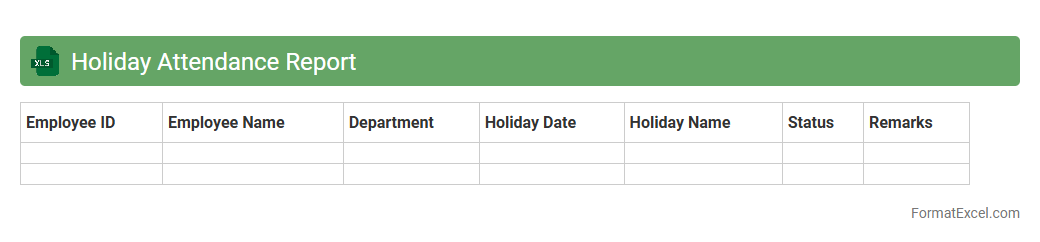
Holiday Attendance Report
The
Holiday Attendance Report Excel document is a comprehensive tool designed to track employee attendance during holiday periods, consolidating data such as dates, attendance status, and leave types. It enables HR teams and managers to efficiently monitor workforce presence, ensuring accurate payroll processing and compliance with company policies. Using this report helps identify patterns of absenteeism and optimize staffing during critical holiday periods.
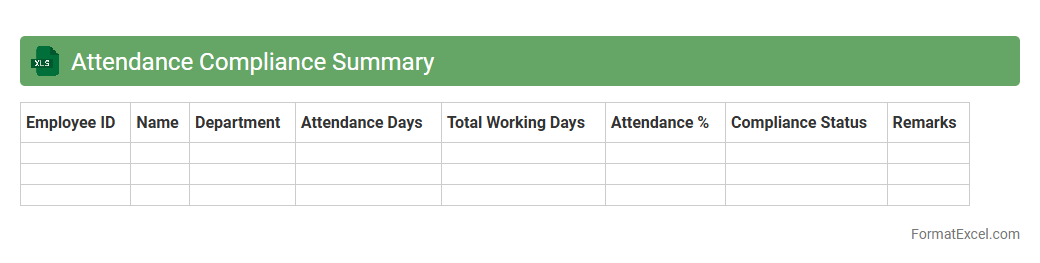
Attendance Compliance Summary
The
Attendance Compliance Summary Excel document is a detailed record that tracks employee attendance against company policies and regulatory requirements. It helps monitor punctuality, leaves, and absences, ensuring all staff comply with attendance standards while providing a clear overview for managers. This tool is essential for streamlining payroll processes, improving workforce management, and maintaining legal compliance in labor reporting.
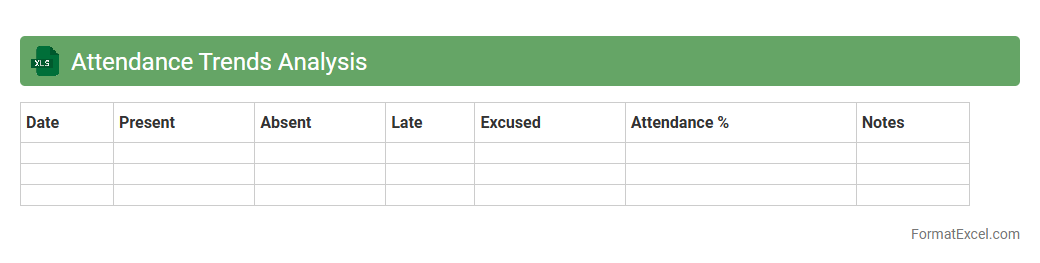
Attendance Trends Analysis
Attendance Trends Analysis Excel document is a powerful tool that tracks and visualizes employee attendance patterns over time, enabling businesses to identify consistent absenteeism, peak attendance periods, and potential staffing issues. By leveraging this data, organizations can implement targeted strategies to improve workforce productivity, reduce absenteeism costs, and enhance operational efficiency. The use of
attendance trends analysis supports data-driven decision-making, helping managers optimize scheduling and resource allocation effectively.
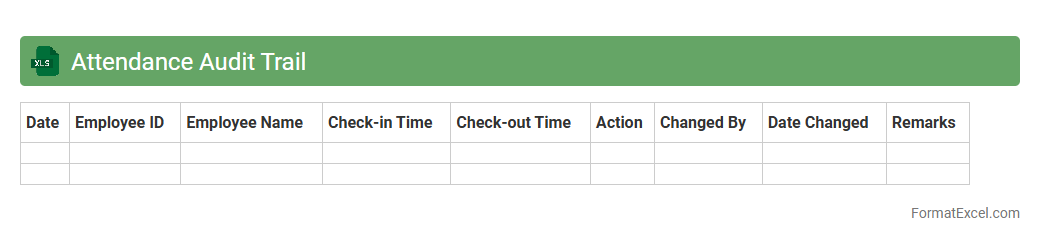
Attendance Audit Trail
The
Attendance Audit Trail Excel document records detailed employee attendance data, including check-in and check-out times, absences, and overtime. It enables organizations to track workforce attendance patterns accurately, ensuring compliance with labor regulations and improving payroll accuracy. This tool also supports data-driven decision-making by providing insights into attendance trends and employee punctuality.
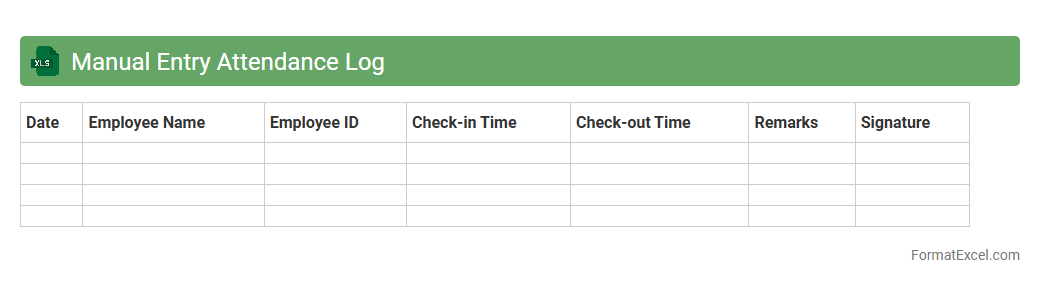
Manual Entry Attendance Log
A
Manual Entry Attendance Log Excel document is a spreadsheet designed for tracking employee or student attendance by manually inputting data such as names, dates, and attendance status. It facilitates accurate record-keeping, easy monitoring of attendance patterns, and quick generation of reports for analysis. This tool is essential for maintaining organized records, ensuring compliance with attendance policies, and streamlining payroll or academic evaluations.
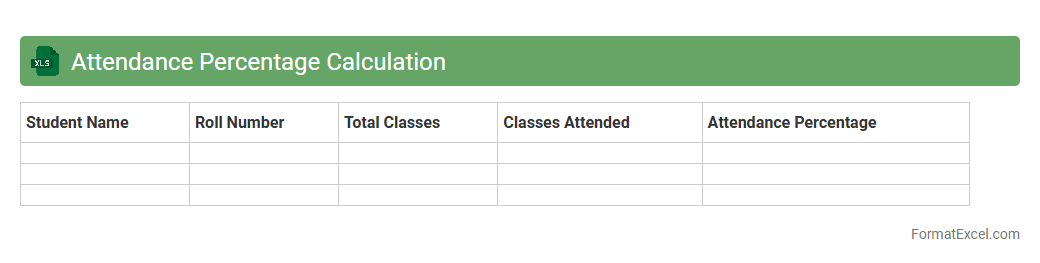
Attendance Percentage Calculation
An
Attendance Percentage Calculation Excel document is a spreadsheet tool designed to track and compute the attendance rate of individuals or groups over a specified period. It automates the process of calculating the percentage of days attended versus total working or school days, providing clear visibility into attendance patterns. This document is useful for educators, HR professionals, and managers to monitor punctuality, identify absenteeism trends, and ensure compliance with attendance policies efficiently.
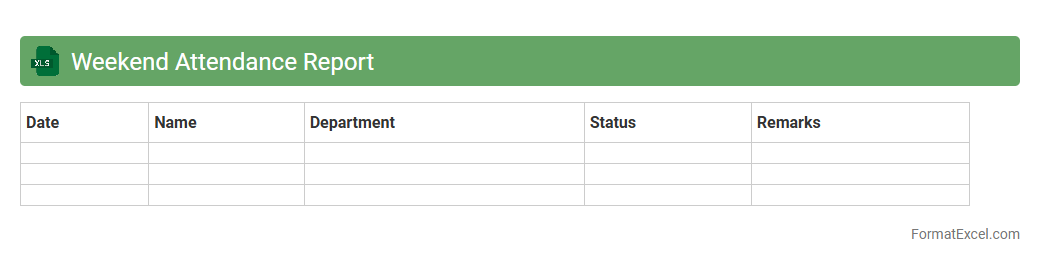
Weekend Attendance Report
The
Weekend Attendance Report Excel document systematically records employee attendance during weekends, enabling precise tracking of work hours beyond regular weekdays. This report helps organizations monitor overtime, ensure compliance with labor laws, and manage payroll accurately. It provides valuable insights into weekend workforce participation, supporting effective resource allocation and operational planning.
Introduction to Attendance Report Format in Excel
An Attendance Report in Excel helps organizations monitor employee presence efficiently. It provides a structured way to record and analyze attendance data. Excel's flexibility makes it ideal for creating detailed and customizable attendance reports.
Importance of Accurate Attendance Tracking
Accurate attendance tracking ensures compliance with labor laws and facilitates payroll processing. It also helps identify attendance patterns that may impact productivity. Maintaining precise records protects both employer and employee rights.
Key Components of an Excel Attendance Report
Essential components include employee names, dates, attendance status, and hours worked. Incorporating attendance codes like present, absent, or leave helps in clear categorization. Summaries and totals provide a quick overview of attendance trends.
Step-by-Step Guide to Creating an Attendance Report in Excel
Start by setting up a sheet with columns for employee details and daily attendance. Use data validation to standardize inputs and prevent errors. Finally, apply formulas to calculate totals and generate summaries automatically.
Essential Excel Functions for Attendance Management
Functions like COUNTIF, SUMIF, and VLOOKUP are vital for tracking attendance data efficiently. These functions help in counting absences, summing work hours, and cross-referencing employee information. Leveraging these ensures accurate and automated report generation.
Sample Layouts for Excel Attendance Reports
A well-designed layout includes a header with company info and a grid for daily attendance entries. Monthly or weekly views offer different levels of detail depending on the organization's needs. Color coding and conditional formatting enhance readability.
Customizing Attendance Reports for Your Organization
Modify columns and categories to fit specific policies like remote work or shift schedules. Tailor formulas and charts to reflect unique organizational requirements. Customization ensures the report remains relevant and actionable.
Tips for Automating Attendance Calculations in Excel
Use named ranges and dynamic formulas to automate data updates and summaries. Implement drop-down lists for consistent data entry and macros for repetitive tasks. Automation minimizes errors and saves time on report generation.
Common Mistakes to Avoid in Excel Attendance Reports
Avoid inconsistent data entry by using validation rules and drop-down menus. Double-check formulas to prevent miscalculations, especially with dates and times. Also, back up your workbook regularly to prevent data loss.
Downloadable Attendance Report Templates in Excel
Templates provide a ready-made structure that can be customized to your needs. Many templates include pre-built formulas and formatting for quick implementation. Using a downloadable template saves time and ensures accuracy.