Travel Expense Report
A
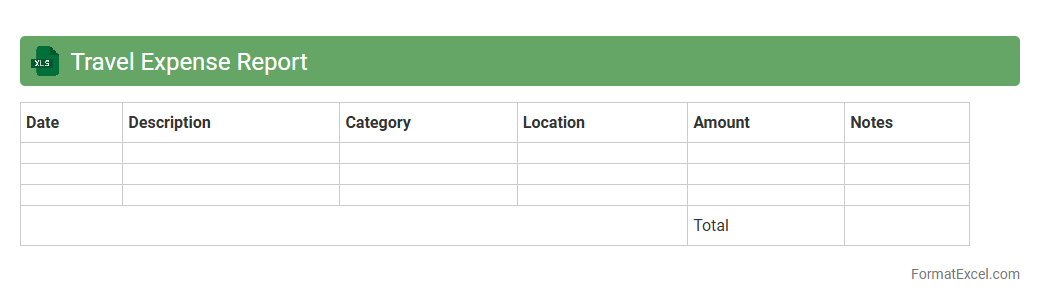
Travel Expense Report Excel document is a structured spreadsheet used to meticulously record and organize travel-related costs such as airfare, accommodation, meals, and transportation. This document streamlines the reimbursement process by providing clear, itemized data that ensures accurate tracking and budgeting of business or personal travel expenses. Utilizing this report enhances financial transparency, simplifies auditing, and aids in monitoring spending patterns for future travel planning.
Employee Expense Report
An
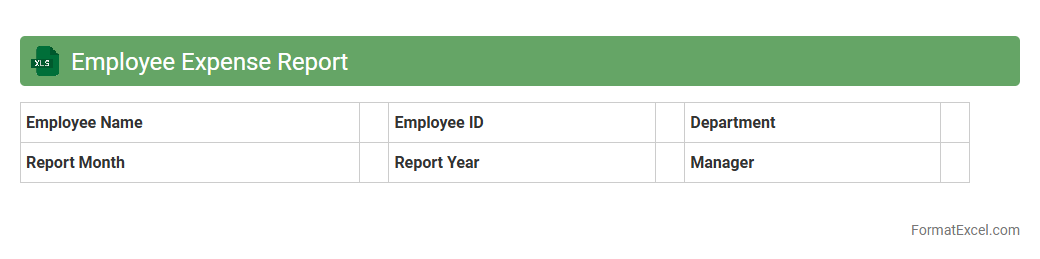
Employee Expense Report Excel document is a structured spreadsheet used to record, track, and manage employee-incurred expenses during business activities. It streamlines reimbursement processes by providing clear documentation of costs such as travel, meals, and supplies, ensuring accuracy and accountability in financial reporting. This tool enhances budget control and facilitates transparent communication between employees and finance departments.
Monthly Expense Report
A
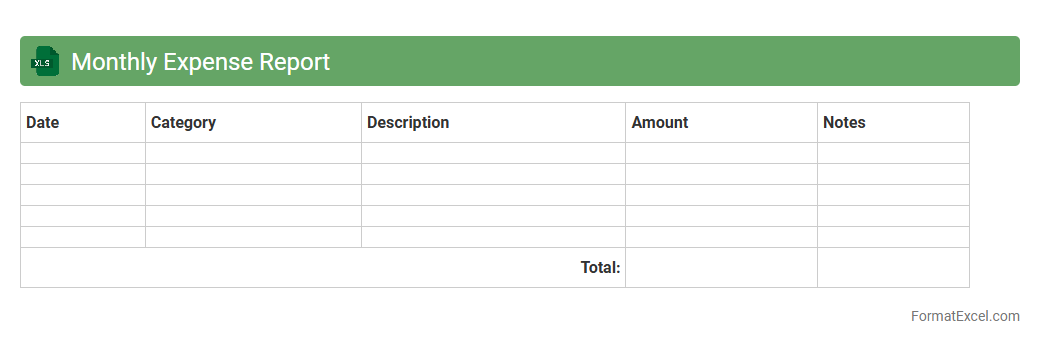
Monthly Expense Report Excel document systematically tracks all expenditures within a month, categorizing costs for clear financial oversight. It helps individuals and businesses monitor spending patterns, control budgets, and identify areas for cost-saving. The report's organized format facilitates accurate financial analysis and informed decision-making.
Project Expense Report
A
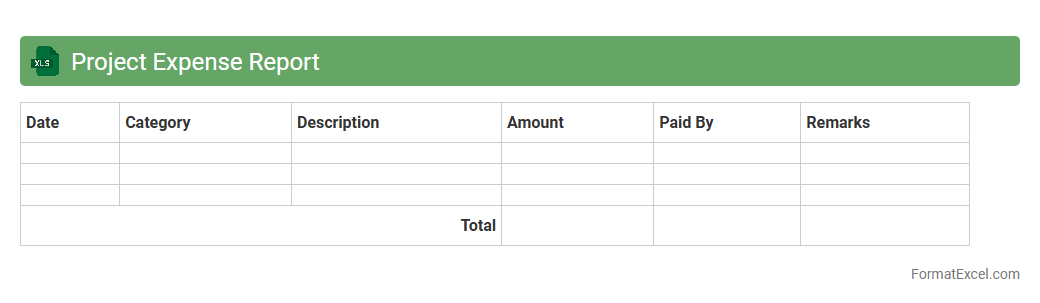
Project Expense Report Excel document is a detailed financial record that tracks all costs associated with a specific project, including materials, labor, and overhead. It is crucial for budget management, enabling project managers to monitor expenditures, identify cost overruns, and ensure accurate financial reporting. Using this report helps maintain fiscal discipline, improve decision-making, and enhance transparency throughout the project lifecycle.
Departmental Expense Report
A
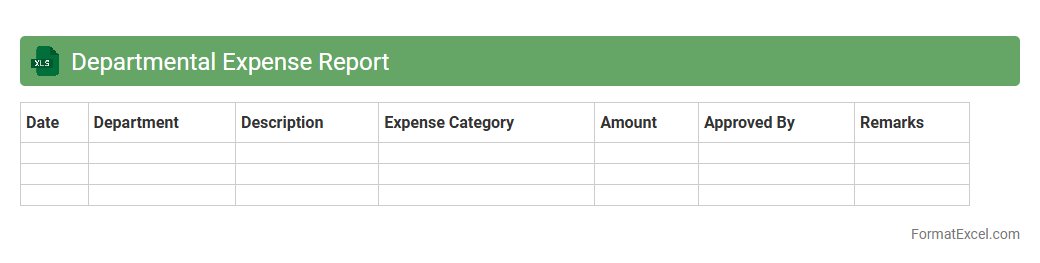
Departmental Expense Report Excel document is a structured spreadsheet used to track and categorize expenses incurred by different departments within an organization. It facilitates accurate budgeting, financial analysis, and accountability by providing detailed insight into departmental spending patterns. This tool is essential for optimizing resource allocation and ensuring compliance with internal financial policies.
Detailed Expense Report
A
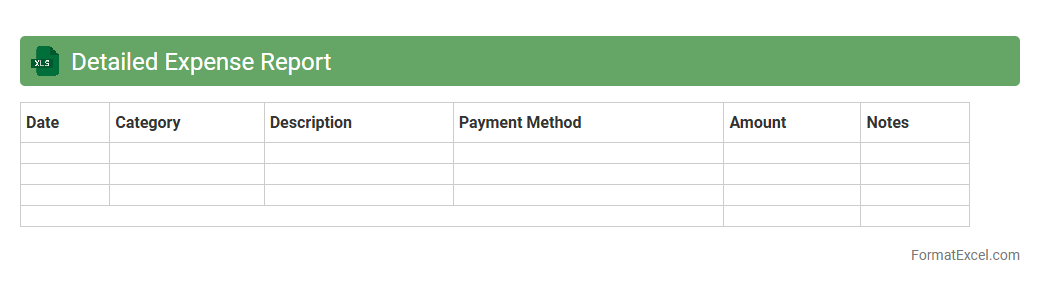
Detailed Expense Report Excel document itemizes all business or personal expenditures, categorizing each transaction by date, type, and amount for precise financial tracking. This report helps individuals and organizations maintain budget control, identify spending patterns, and ensure accurate reimbursement or tax documentation. Using Excel's data organization and calculation features enhances efficiency and clarity in expense management.
Expense Reimbursement Report
An
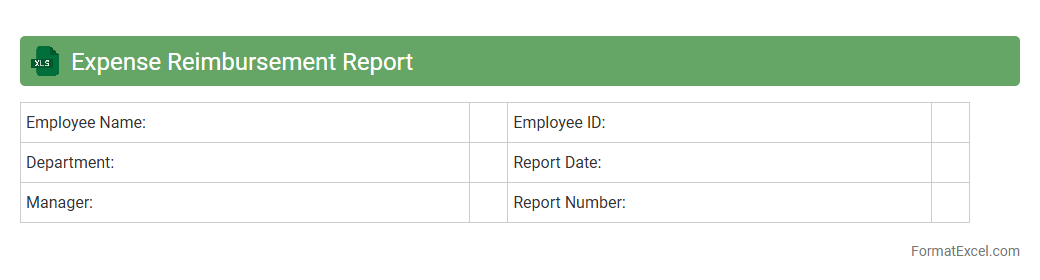
Expense Reimbursement Report Excel document is a structured spreadsheet used to track and document expenses incurred by employees or individuals that require repayment by the organization. It includes detailed information such as date, category, amount, and purpose of each expense, ensuring transparency and accurate financial record-keeping. This tool is essential for simplifying the reimbursement process, enhancing accountability, and supporting efficient budget management within businesses.
Event Expense Report
An
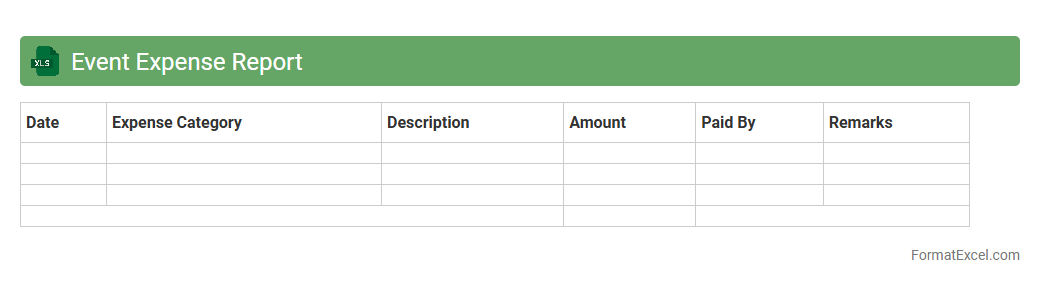
Event Expense Report Excel document is a structured spreadsheet designed to track and categorize all costs associated with organizing an event, such as venue, catering, marketing, and logistics expenses. It enables precise budgeting, real-time expense monitoring, and post-event financial analysis, helping event planners maintain control over spending and identify cost-saving opportunities. This tool enhances transparency and accountability, ensuring accurate financial reporting and informed decision-making for future events.
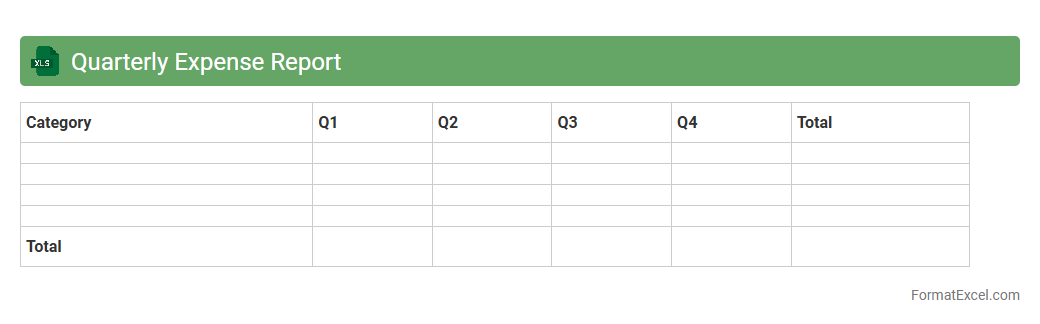
Quarterly Expense Report
A
Quarterly Expense Report Excel document is a spreadsheet used to systematically track, categorize, and analyze expenses over a three-month period. It helps businesses and individuals monitor spending patterns, manage budgets, and forecast future financial needs. Using this report enhances financial transparency and supports informed decision-making for cost control and resource allocation.
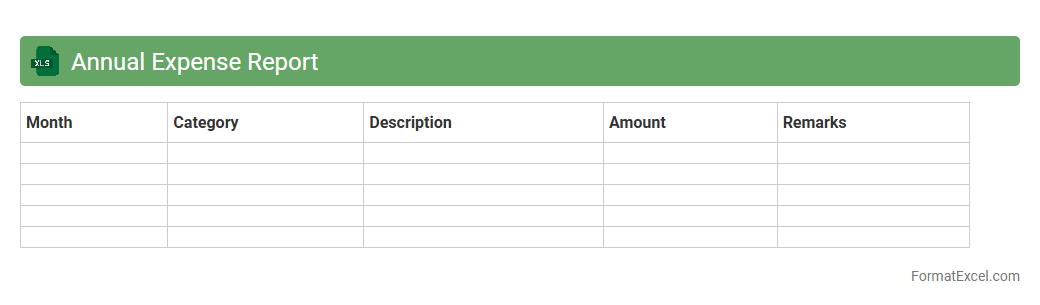
Annual Expense Report
An
Annual Expense Report Excel document is a detailed spreadsheet used to track and categorize yearly financial expenditures, providing a clear overview of where money is spent. It helps individuals and businesses monitor budgets, identify cost-saving opportunities, and ensure accurate financial planning. This tool simplifies data analysis through organized rows and columns, enabling efficient expense management and decision-making.
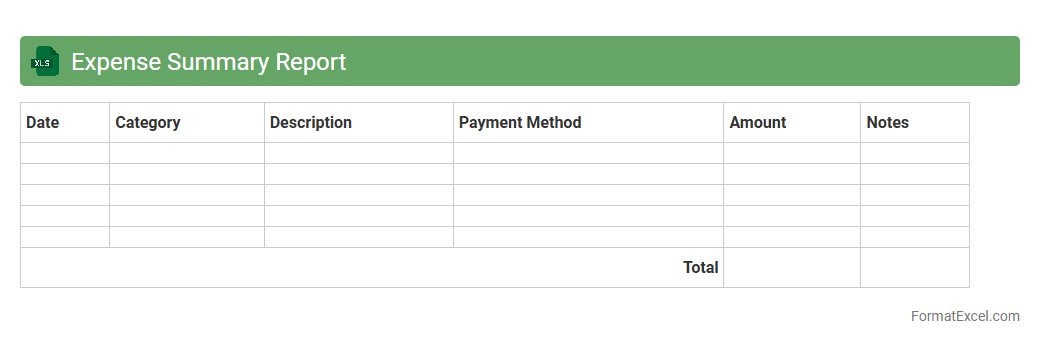
Expense Summary Report
An
Expense Summary Report Excel document organizes and categorizes financial expenditures, providing a clear overview of spending patterns over a specific period. It helps track budgets, identify cost-saving opportunities, and supports informed decision-making by offering detailed insights into where funds are allocated. This report enhances financial management efficiency for individuals and businesses by consolidating data into easy-to-analyze tables and charts.
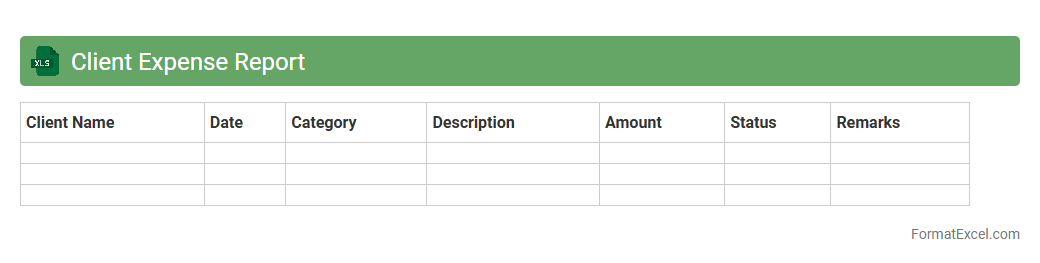
Client Expense Report
A
Client Expense Report Excel document is a structured spreadsheet used to track and organize all expenses related to a specific client or project. It allows businesses to monitor cost allocations, identify spending patterns, and ensure accurate billing by providing detailed records of expenditures. This tool is essential for improving financial transparency, streamlining reimbursement processes, and enhancing overall budget management.
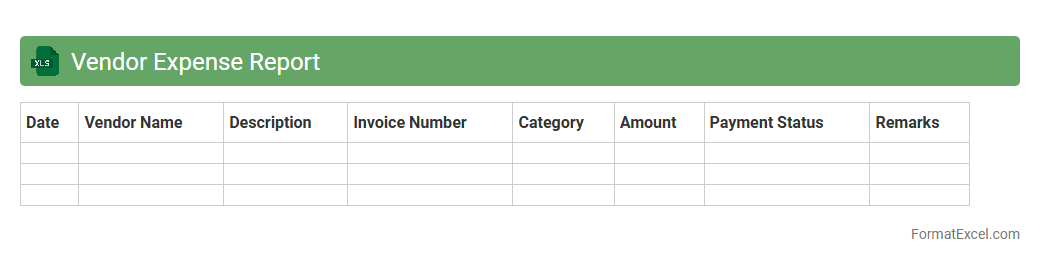
Vendor Expense Report
A
Vendor Expense Report Excel document is a structured spreadsheet designed to track and analyze payments made to vendors, detailing expenses by date, category, and amount. It is useful for businesses to maintain accurate financial records, manage cash flow effectively, and streamline vendor payment processes. This report helps identify spending patterns, ensure budget compliance, and facilitate audit readiness.
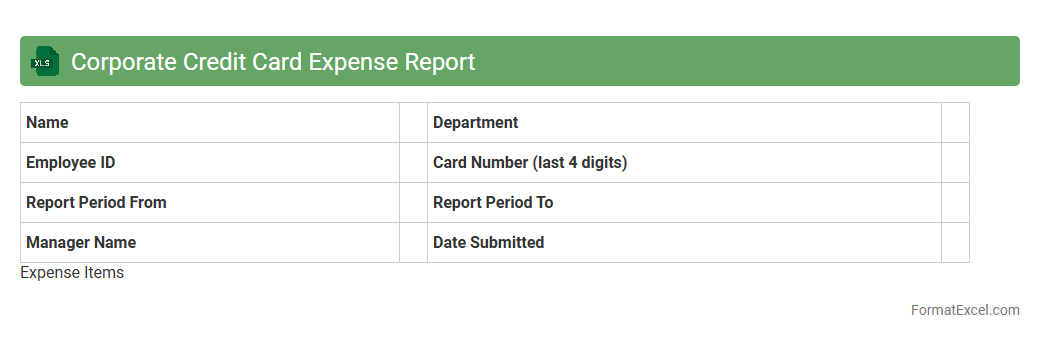
Corporate Credit Card Expense Report
A
Corporate Credit Card Expense Report Excel document is a structured template designed to track and categorize business-related expenses incurred through company credit cards. It facilitates accurate expense management, simplifies reconciliation with monthly statements, and ensures compliance with company policies during audits. Utilizing this report promotes transparency, aids in budgeting, and streamlines the reimbursement process efficiently.
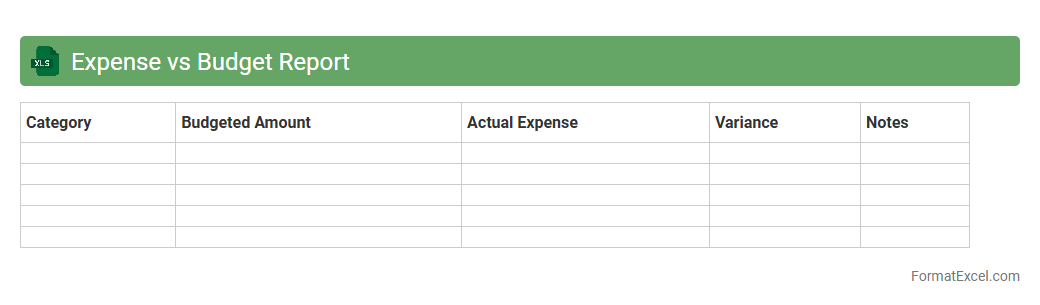
Expense vs Budget Report
An
Expense vs Budget Report Excel document tracks actual spending against planned budget allocations, providing clear visibility into financial performance. It helps identify areas where expenses exceed the budget, enabling proactive cost control and better resource allocation. This report is essential for businesses and individuals to maintain financial discipline and support informed decision-making.
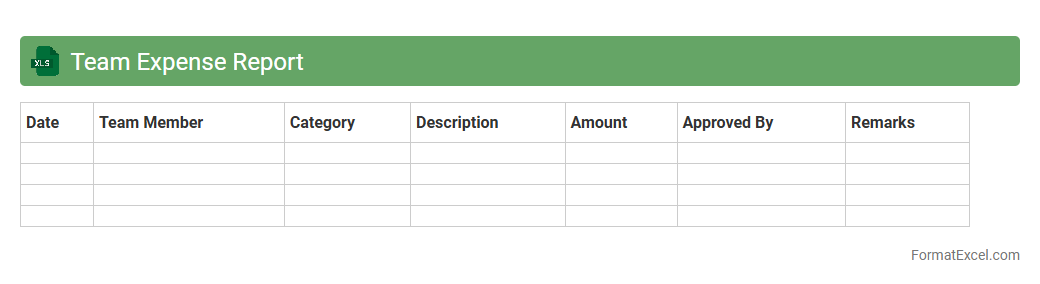
Team Expense Report
A
Team Expense Report Excel document is a structured spreadsheet designed to track, organize, and analyze expenses incurred by team members during projects or business activities. It helps in maintaining transparency, controlling budgets, and simplifying the reimbursement process by providing clear, itemized documentation of costs. This tool enhances financial oversight and enables efficient allocation of resources within an organization.
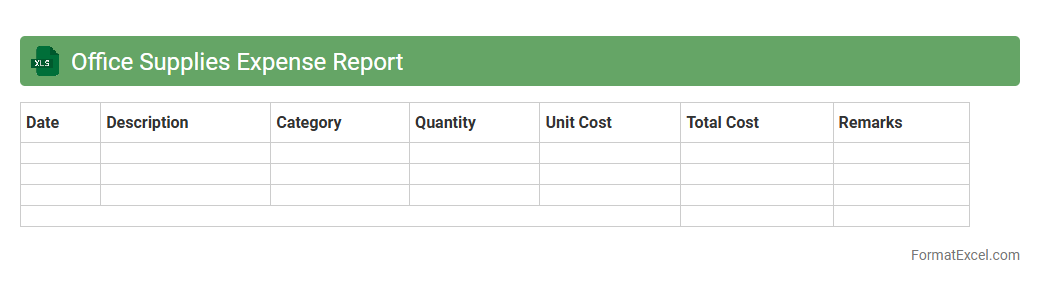
Office Supplies Expense Report
An
Office Supplies Expense Report Excel document systematically tracks and categorizes expenditures related to office supplies, enabling accurate financial monitoring. It helps businesses maintain budget control by providing detailed insights into spending patterns and identifying cost-saving opportunities. This report supports efficient accounting processes and simplifies reimbursement or audit procedures.
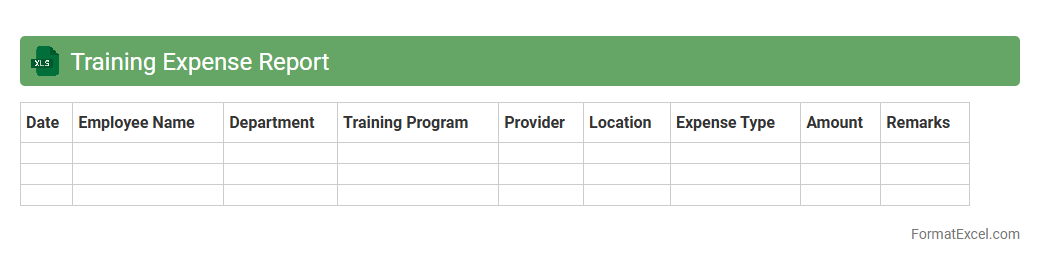
Training Expense Report
A
Training Expense Report Excel document is a structured spreadsheet used to track and manage costs associated with employee training programs, including fees, materials, and travel expenses. It provides a clear overview of training expenditures, helping organizations monitor budgets, identify cost-saving opportunities, and ensure accurate financial reporting. By maintaining organized records, companies can optimize training investments and improve decision-making related to workforce development.
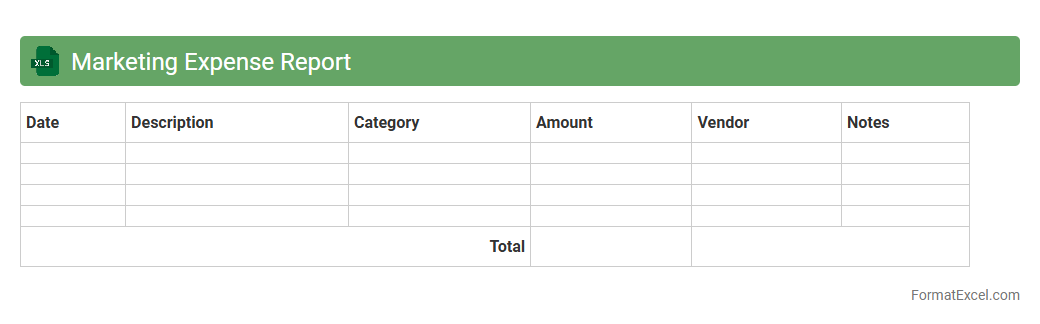
Marketing Expense Report
A
Marketing Expense Report Excel document systematically tracks and categorizes all marketing-related costs, providing clear insights into budget allocation and spending patterns. It enables businesses to monitor campaign expenses, evaluate financial efficiency, and make informed decisions to optimize marketing strategies. This tool enhances transparency and accountability, ensuring marketing efforts align with overall financial goals.
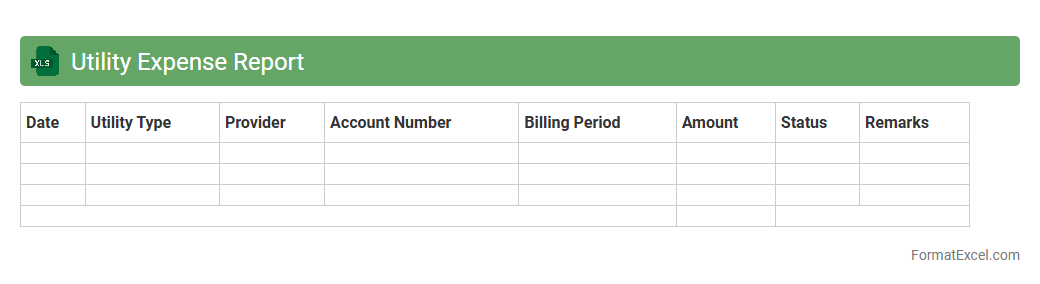
Utility Expense Report
A
Utility Expense Report Excel document is a structured spreadsheet that tracks and organizes monthly utility costs such as electricity, water, gas, and internet expenses. It helps businesses and households monitor spending patterns, identify cost-saving opportunities, and ensure accurate budgeting. By consolidating utility data, this report enhances financial management and supports strategic decision-making.
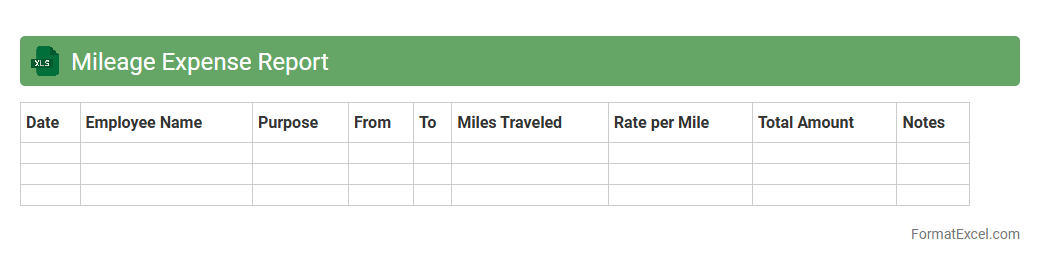
Mileage Expense Report
The
Mileage Expense Report Excel document is a tool designed to track and calculate travel expenses based on the distance traveled for business purposes. It helps in accurately recording mileage, automating expense calculations, and simplifying reimbursement processes. This report enhances financial accountability and ensures compliance with company travel policies, saving time and reducing errors in expense management.
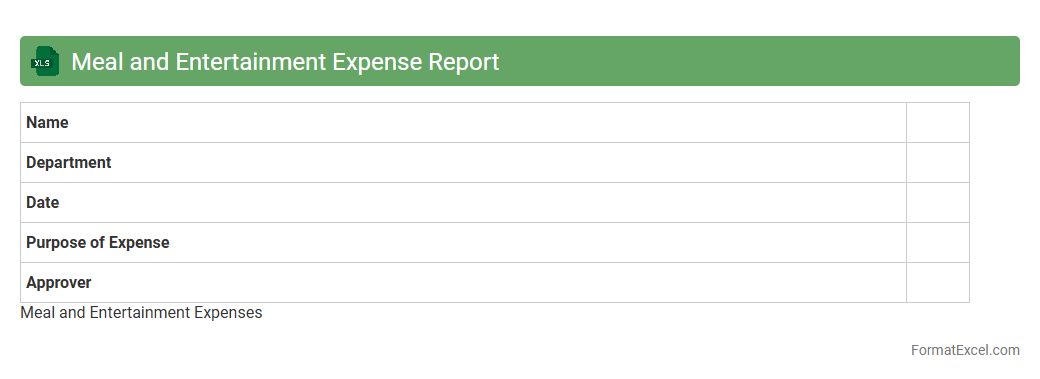
Meal and Entertainment Expense Report
A
Meal and Entertainment Expense Report Excel document is a structured tool designed to record, categorize, and track expenses related to business meals and entertainment activities. It helps organizations maintain accurate financial records, ensure compliance with tax regulations, and streamline reimbursement processes by providing clear documentation of expenditures. Utilizing this report enhances budget management, supports audit readiness, and improves transparency in expense reporting.
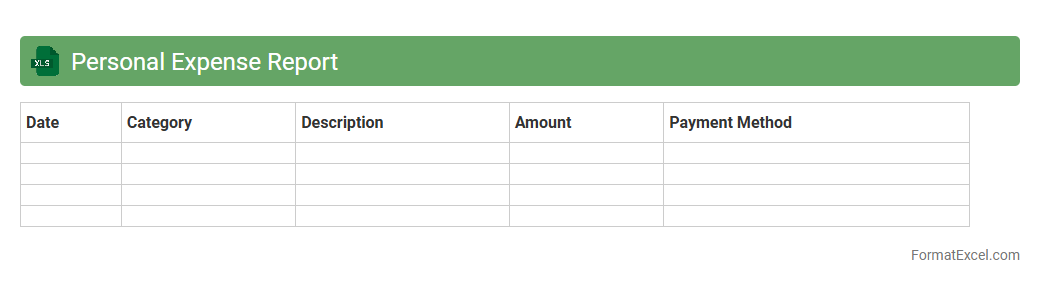
Personal Expense Report
A
Personal Expense Report Excel document is a spreadsheet designed to track and categorize individual spending over a specific period. It helps users monitor their budget, identify spending patterns, and manage finances more efficiently by providing a clear overview of income versus expenses. Utilizing this tool promotes financial discipline and aids in making informed decisions to achieve personal savings goals.
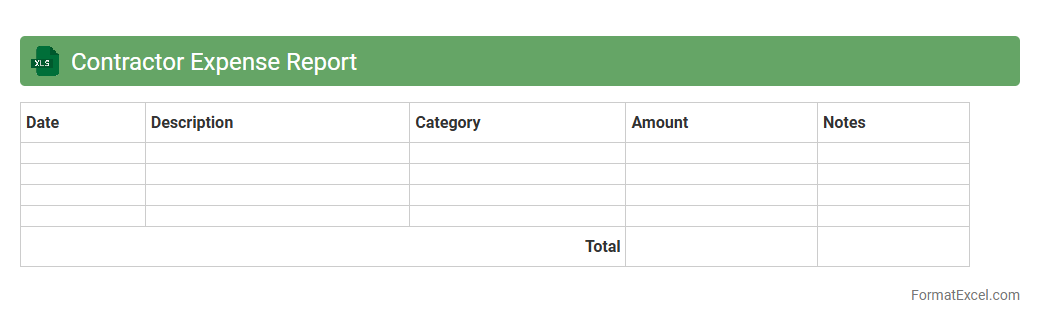
Contractor Expense Report
A
Contractor Expense Report Excel document systematically tracks and organizes all expenses incurred by contractors during a project, including materials, labor, and miscellaneous costs. This tool enhances financial transparency, facilitates accurate budgeting, and simplifies reimbursement processes by providing a detailed and easily accessible record. Using such reports helps businesses maintain control over project costs and ensures timely payment to contractors.
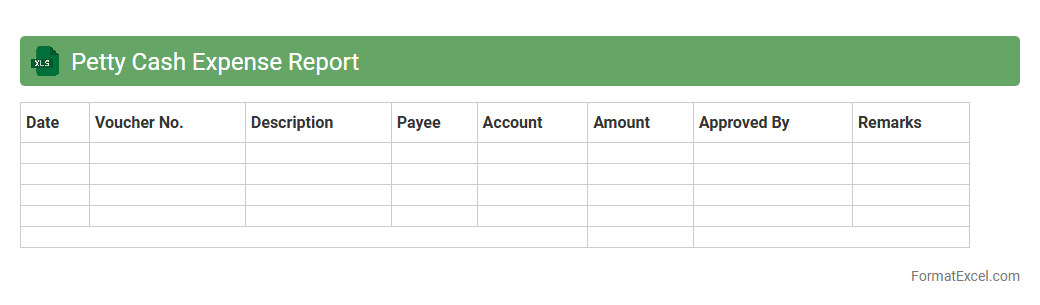
Petty Cash Expense Report
A
Petty Cash Expense Report Excel document is a financial tool used to track and record small, miscellaneous cash expenditures within an organization. It helps maintain accurate records of petty cash disbursements, ensuring transparency and accountability in managing minor expenses such as office supplies or employee reimbursements. This report simplifies auditing processes, improves budget control, and aids in preventing misuse of funds.
Introduction to Expense Report Formats
An expense report format is a structured document used to record and manage business expenses. It ensures transparency and helps in tracking expenditures efficiently. Proper formatting in Excel simplifies expense data analysis for organizations.
Benefits of Using Excel for Expense Reports
Excel offers flexibility and powerful tools to create detailed expense reports. It allows easy input, calculation, and visualization of expense data. Using Excel reduces errors and speeds up the reimbursement process.
Essential Components of an Expense Report
Key elements include the date, expense category, amount, description, and payment method. Including expense categories helps in better organization and reporting. Accurate details ensure compliance and easier auditing.
Step-by-Step Guide to Creating an Expense Report in Excel
Start by setting up columns for date, description, and amount. Use Excel's formatting and formulas for automatic calculations of totals. Validate data to ensure no incorrect entries disrupt report accuracy.
Recommended Excel Templates for Expense Reports
Templates like business travel, mileage, and general expense trackers provide pre-built structures. These templates save time and ensure consistent reporting formats. Many free or paid versions are widely available online.
Customizing Expense Report Formats in Excel
Adjust headers, add company logos, or modify categories to align the report with business needs. Excel's cell formatting and conditional formatting features help highlight critical data points. Tailored reports improve clarity and usability.
Key Formulas and Functions for Accurate Calculations
SUM, IF, and VLOOKUP are essential functions for expense aggregation and analysis. Using these formulas ensures precision and automates calculations, minimizing manual work. They enhance report efficiency and data reliability.
Tips for Streamlining Expense Tracking in Excel
Regularly update the report, use dropdown lists for categories, and protect cells with formulas. Streamlining expense tracking reduces errors and speeds up data entry. Maintain backups to prevent data loss.
Common Mistakes to Avoid in Excel Expense Reports
Avoid missing receipts, inconsistent categories, and manual calculation errors. Neglecting data validation can cause discrepancies and delays. Keeping reports organized ensures smooth audit trails and faster approvals.
Downloadable Sample Expense Report Excel Format
Sample downloadable Excel expense reports provide practical templates for immediate use. These files demonstrate proper formatting and key fields required. Utilize the sample format to jumpstart your expense management process.