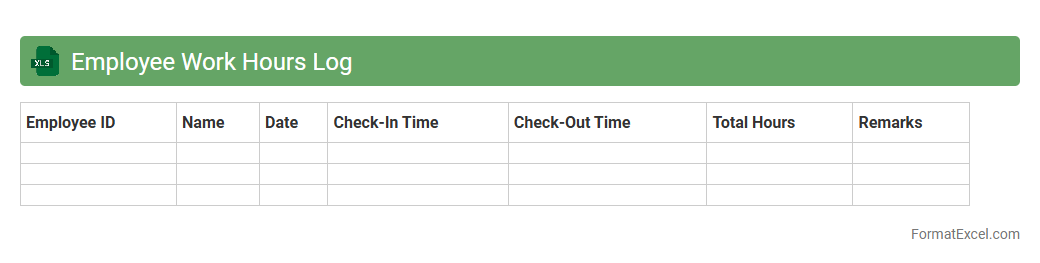
Employee Work Hours Log
The
Employee Work Hours Log Excel document is a structured tool designed to record and track the daily working hours of employees. It helps managers monitor attendance, calculate overtime accurately, and ensure compliance with labor regulations. This log streamlines payroll processing by providing precise time data and improving overall workforce management efficiency.
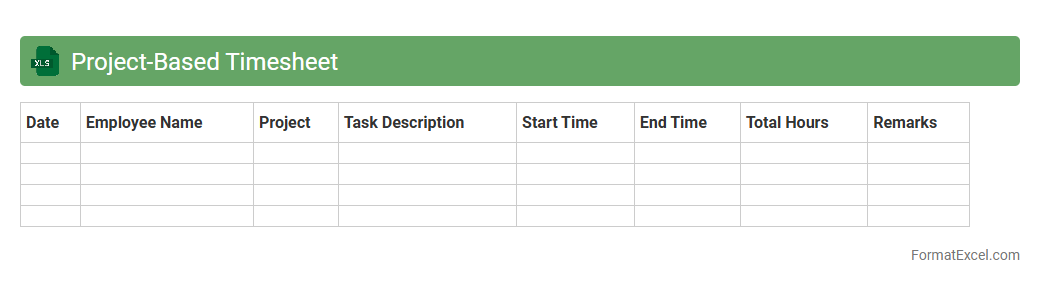
Project-Based Timesheet
A
Project-Based Timesheet Excel document tracks the hours spent on specific projects, enabling precise monitoring of employee productivity and project progress. It helps organizations allocate resources effectively, manage budgets, and generate accurate billing reports. This tool simplifies time management by consolidating data in one place, promoting accountability and operational efficiency.
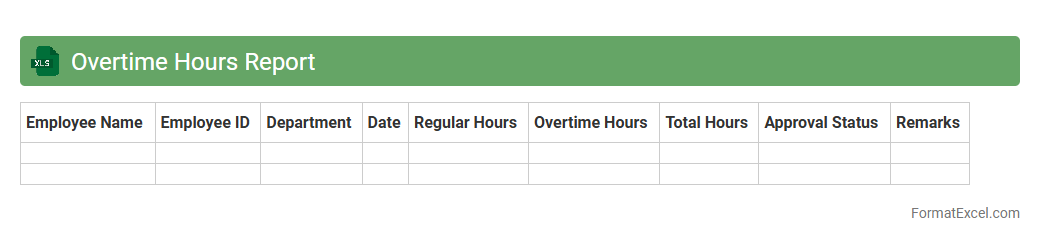
Overtime Hours Report
The
Overtime Hours Report Excel document tracks and summarizes the extra hours employees work beyond regular schedules, enabling accurate calculation of labor costs. By organizing data such as employee names, dates, hours worked, and overtime rates, it helps managers monitor productivity and ensures compliance with labor laws. This report is essential for budgeting, payroll processing, and identifying trends in workforce utilization.
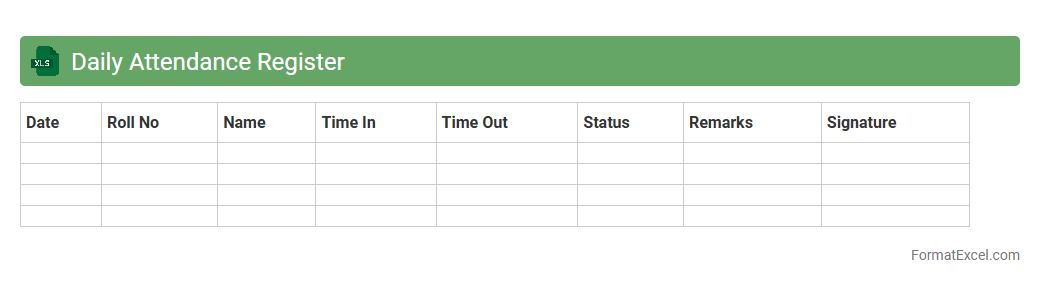
Daily Attendance Register
The
Daily Attendance Register Excel document is a digital tool used to record and track the presence and absence of employees or students on a daily basis. This register helps organizations maintain accurate attendance records, facilitating payroll processing, performance evaluation, and compliance with labor laws. Its automated calculations and easy data management improve efficiency and reduce manual errors in attendance tracking.
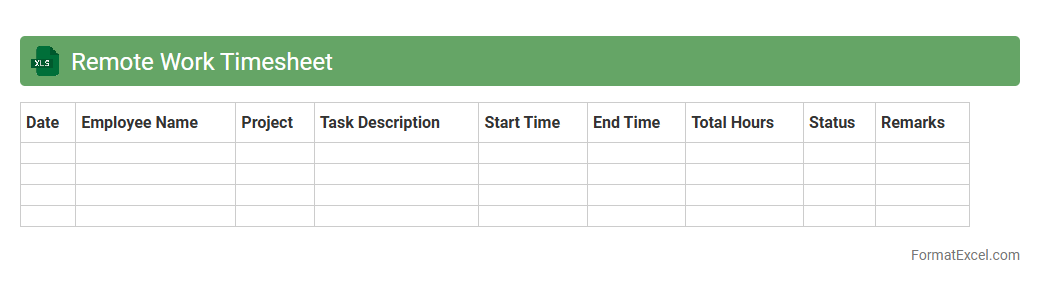
Remote Work Timesheet
A
Remote Work Timesheet Excel document is a digital tool designed to track and record the hours worked by employees outside the traditional office setting. It helps organizations monitor productivity, manage payroll accurately, and ensure compliance with labor regulations by providing detailed data on remote work hours. This timesheet enhances transparency, streamlines time management, and supports efficient workforce management in distributed teams.
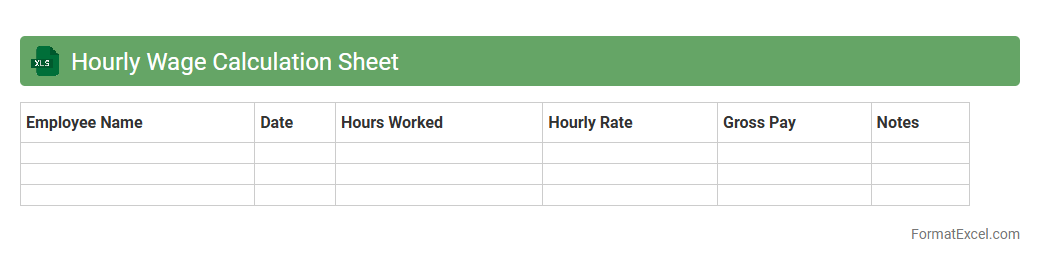
Hourly Wage Calculation Sheet
A
Hourly Wage Calculation Sheet in Excel is a digital tool designed to track and compute employee wages based on hours worked, including regular and overtime hours. It streamlines payroll processing by automatically calculating total earnings, taxes, and deductions, ensuring accurate and efficient wage management. This sheet is essential for businesses and freelancers to maintain precise financial records and optimize labor cost analysis.
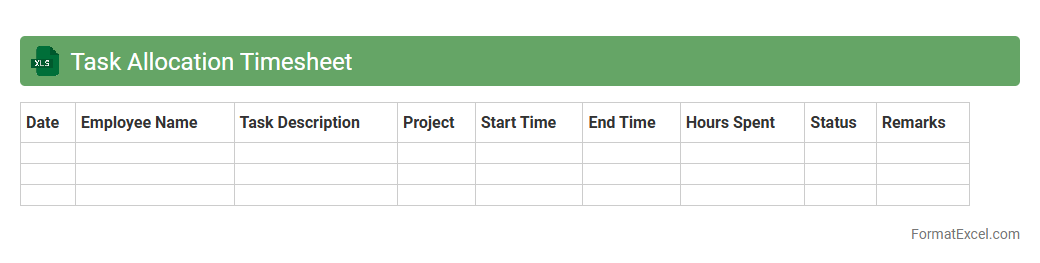
Task Allocation Timesheet
A
Task Allocation Timesheet Excel document is a structured spreadsheet that records and tracks task assignments alongside the specific hours dedicated to each task by team members. It enhances project management efficiency by providing clear visibility into workload distribution, enabling better resource planning and time management. Organizations utilize this tool to increase accountability, streamline productivity tracking, and facilitate accurate reporting for project timelines and employee performance.
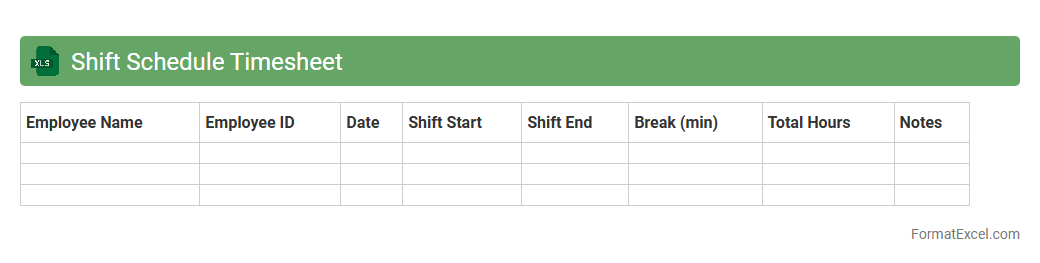
Shift Schedule Timesheet
A
Shift Schedule Timesheet Excel document is a structured tool designed to track employee work hours, shifts, and attendance efficiently. It helps managers organize shifts, monitor labor costs, and ensure compliance with labor laws by maintaining accurate records. This document also facilitates payroll processing and improves workforce productivity by providing clear visibility into scheduled and actual work times.
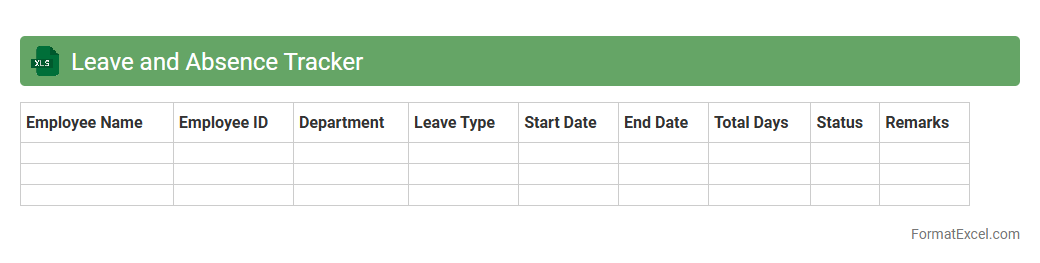
Leave and Absence Tracker
A
Leave and Absence Tracker Excel document is a digital tool designed to record and monitor employee leave, including vacation, sick days, and other absences. It streamlines workforce management by providing clear visibility on time-off patterns, ensuring accurate payroll processing, and improving planning for resource allocation. This tracker enhances organizational efficiency by reducing manual errors and facilitating compliance with attendance policies.
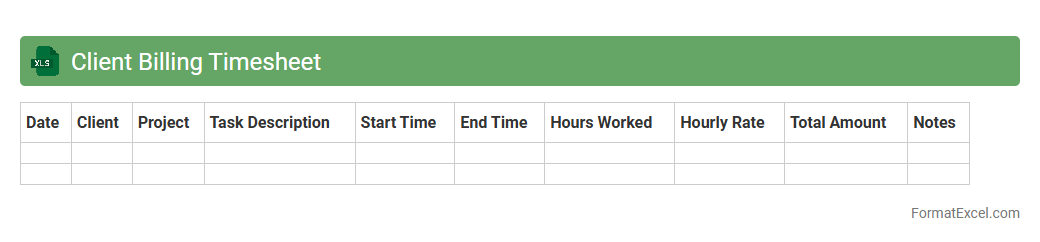
Client Billing Timesheet
A
Client Billing Timesheet Excel document tracks hours worked on specific client projects, linking time entries directly to billing records for accurate invoicing. This tool enhances project cost management by providing clear visibility into labor allocation and ensuring precise client billing. It streamlines financial workflows, reduces billing errors, and supports effective resource management.
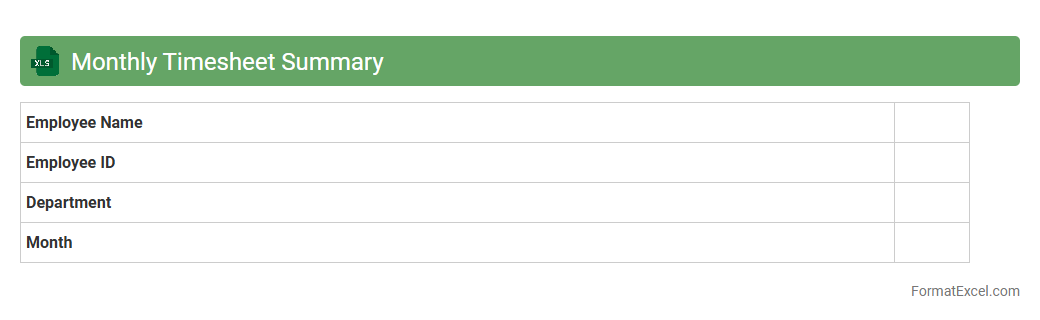
Monthly Timesheet Summary
A
Monthly Timesheet Summary Excel document consolidates employee work hours, project tasks, and overtime data into an organized format for the entire month. It streamlines payroll processing, enhances workforce productivity tracking, and simplifies compliance with labor regulations. Managers and HR teams use it to analyze attendance patterns, allocate resources efficiently, and generate accurate billing reports.
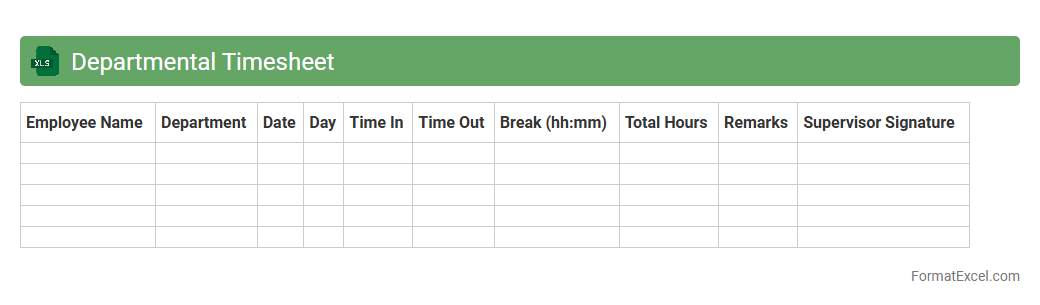
Departmental Timesheet
A
Departmental Timesheet Excel document is a structured spreadsheet designed to record and track employee work hours across different departments within an organization. It simplifies payroll processing, enhances productivity monitoring, and helps ensure accurate labor cost allocation. Using this tool, managers can efficiently analyze departmental time usage and optimize workforce management strategies.
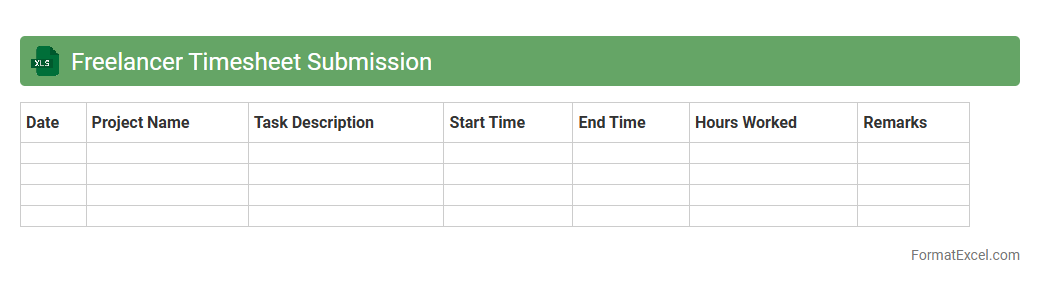
Freelancer Timesheet Submission
A
Freelancer Timesheet Submission Excel document is a structured template designed to accurately track hours worked by freelancers on various projects. It helps in maintaining transparent records for billing, payroll, and project management, ensuring freelancers are compensated correctly and clients have clear visibility of work progress. This tool streamlines time management and enhances accountability in freelance collaborations.
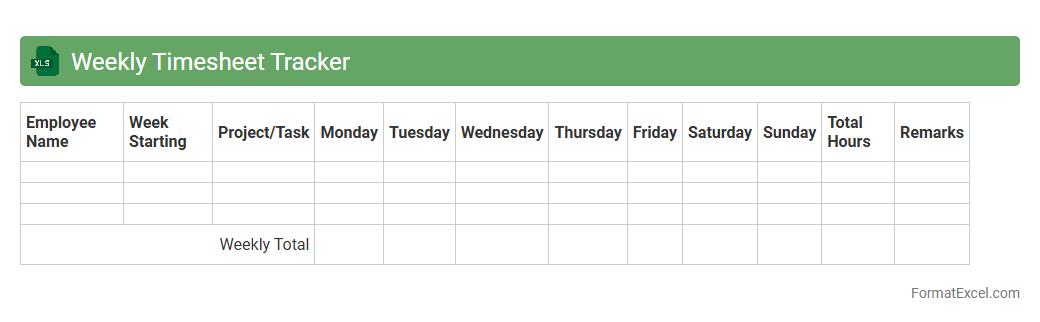
Weekly Timesheet Tracker
A
Weekly Timesheet Tracker Excel document is a tool designed to record and monitor hours worked by employees over a week, allowing for precise tracking of time allocation on various tasks or projects. It facilitates accurate payroll processing, improves productivity analysis, and assists in project management by highlighting time spent on different activities. By maintaining detailed records, businesses can optimize labor costs and ensure compliance with labor regulations.
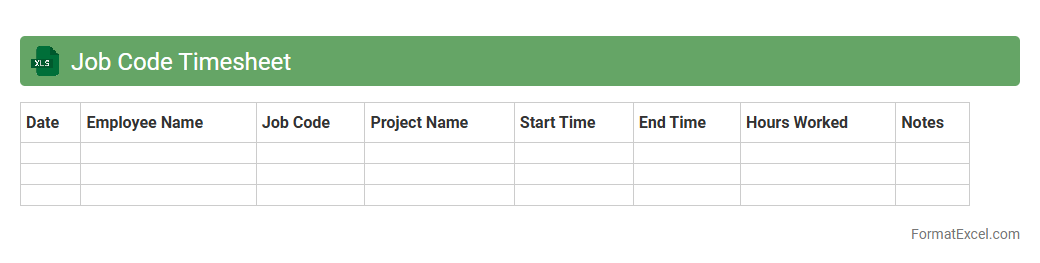
Job Code Timesheet
A
Job Code Timesheet Excel document is a structured spreadsheet designed to track employee work hours associated with specific job codes or projects. It enables precise allocation of labor costs, enhances payroll accuracy, and supports detailed project management by linking time entries directly to corresponding job codes. This tool improves productivity analysis and budgeting by providing clear insights into how resources are utilized across different tasks or departments.
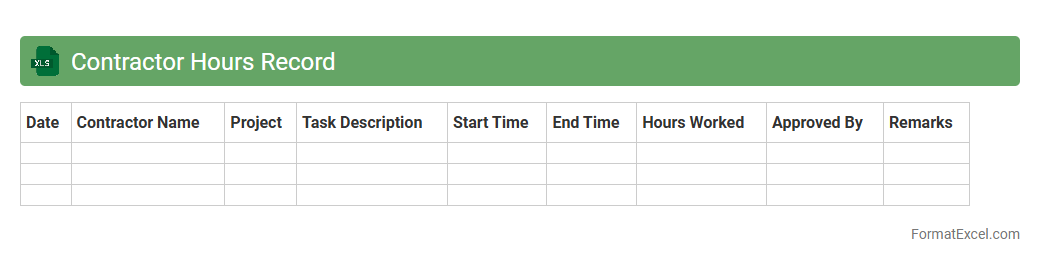
Contractor Hours Record
The
Contractor Hours Record Excel document is a structured template designed to systematically track the number of hours worked by contractors on various projects. This record helps in ensuring accurate payroll processing, monitoring project progress, and managing workforce productivity efficiently. By maintaining detailed contractor hours, businesses can optimize budget allocations and maintain compliance with labor regulations.
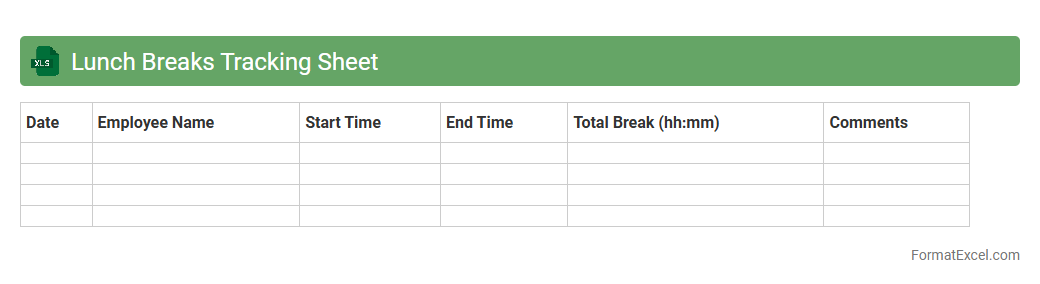
Lunch Breaks Tracking Sheet
A Lunch Breaks Tracking Sheet in Excel is a powerful tool designed to record and monitor employees' meal break durations and schedules accurately. This document helps ensure compliance with labor laws, promotes fair workplace practices, and enhances productivity by preventing extended or missed breaks. Utilizing a
Lunch Breaks Tracking Sheet streamlines payroll processing and supports efficient workforce management through clear, organized data.
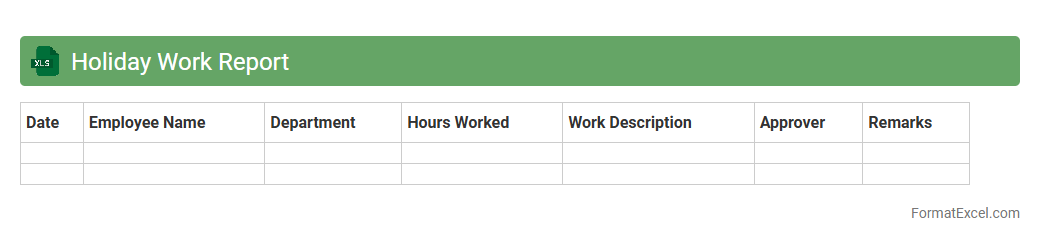
Holiday Work Report
A
Holiday Work Report Excel document is a structured spreadsheet designed to track employees' work hours and activities during holidays. It helps organizations monitor productivity, ensure accurate payroll calculations, and comply with labor regulations regarding holiday work. By providing clear and organized data, this report enhances workforce management and supports transparent record-keeping for auditing purposes.
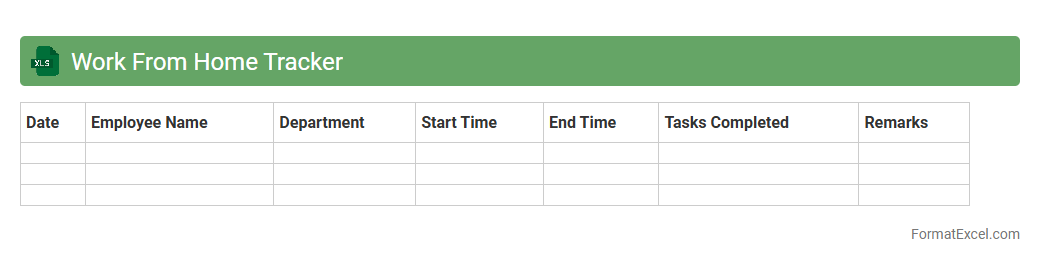
Work From Home Tracker
A
Work From Home Tracker Excel document is a tool designed to monitor and record employees' remote work hours, tasks, and productivity. It helps managers ensure accountability, streamline attendance tracking, and evaluate work performance without physical supervision. By organizing data in an accessible format, it promotes efficiency and improves communication between remote teams.
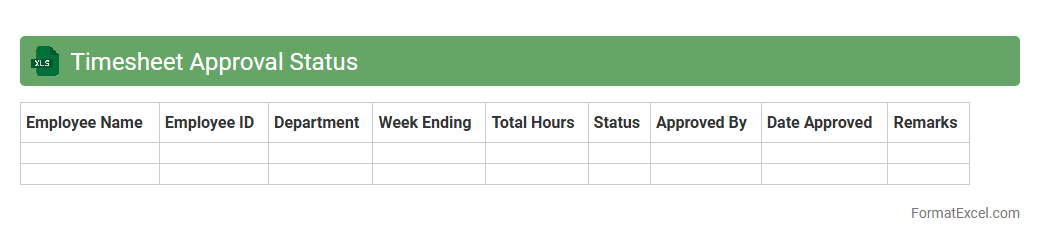
Timesheet Approval Status
The
Timesheet Approval Status Excel document tracks employee work hours alongside their approval progress, streamlining payroll and project management processes. It provides a clear overview of submitted, pending, and approved timesheets, enhancing accountability and reducing errors in time tracking. This organized data helps managers efficiently verify work logs and ensures timely compensation and compliance with labor regulations.
Late Arrival Log
The
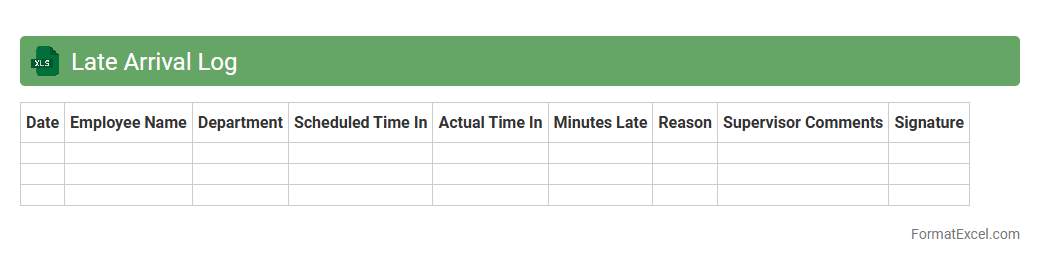
Late Arrival Log Excel document is a tool designed to track and record instances of employees arriving late to work. It helps managers monitor attendance patterns, identify habitual tardiness, and maintain accurate records for performance evaluations. By organizing data efficiently, it supports timely interventions and improves overall workforce productivity.
Manual Time Adjustment Log
The
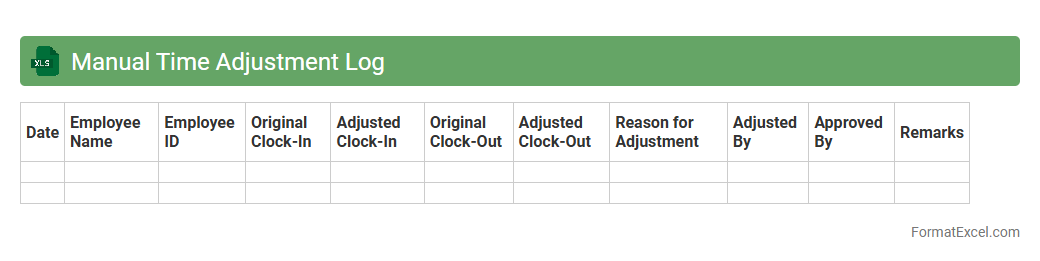
Manual Time Adjustment Log Excel document is a tool designed to record and track changes made to employees' working hours, ensuring accurate payroll and attendance management. It helps organizations maintain transparency and accountability by documenting each manual correction with details such as date, reason, and authorized personnel. This log is essential for identifying discrepancies, preventing errors in salary calculations, and supporting audit compliance.
Weekend Work Timesheet
A
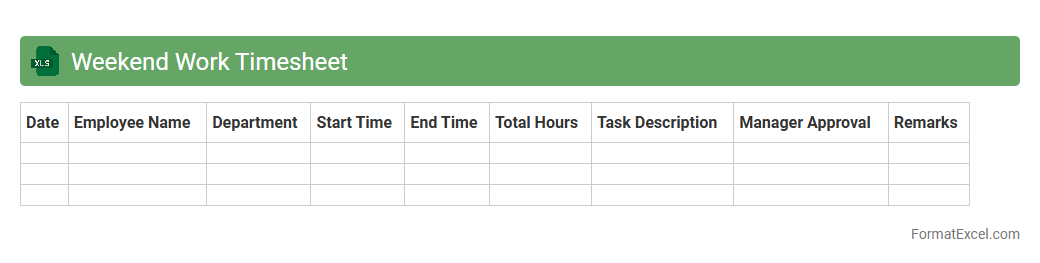
Weekend Work Timesheet Excel document is a specialized spreadsheet designed to track and record employee work hours specifically during weekends. It helps businesses monitor overtime, calculate accurate payroll, and ensure compliance with labor regulations related to weekend shifts. Using this timesheet improves workforce management efficiency and provides clear documentation for both employers and employees.
Timesheet Error Correction Log
The
Timesheet Error Correction Log Excel document is a structured tool designed to track and manage discrepancies or errors found in employee timesheets. By systematically recording issues such as incorrect hours, missing entries, or approval delays, it facilitates efficient error resolution and ensures accurate payroll processing. This log enhances accountability, improves data accuracy, and streamlines the review process for HR and payroll departments.
Pay Period Timesheet
A
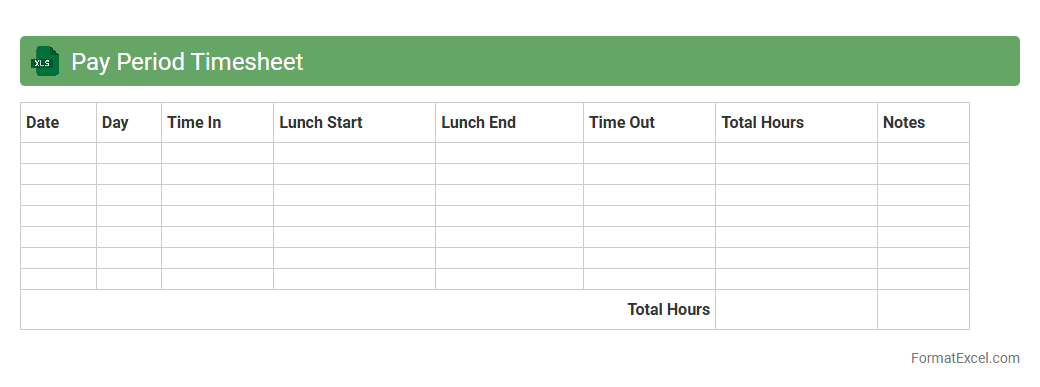
Pay Period Timesheet Excel document is a digital spreadsheet designed to track employee work hours and calculate wages for specific pay cycles. It helps businesses streamline payroll processing by organizing data such as clock-in/out times, overtime, and total hours worked. This tool enhances accuracy, reduces manual errors, and simplifies financial record-keeping for both employers and employees.
Introduction to Timesheet Report Formats
Timesheet report formats in Excel are designed to track employee work hours efficiently. These formats help organize data for payroll, project management, and attendance monitoring. Understanding the timesheet structure is crucial for accurate time tracking.
Importance of Accurate Timesheet Reporting
Accurate timesheet reporting ensures proper employee compensation and resource allocation. It minimizes disputes and supports compliance with labor laws. The reliability of time tracking directly impacts business operations and financial accuracy.
Key Features of a Timesheet Report in Excel
A good Excel timesheet report includes date entries, project codes, start and end times, and total hours worked. It often features built-in formulas for automatic calculations and error checking. These features enhance usability and reduce manual errors.
Essential Columns for Timesheet Reports
Essential columns include Employee Name, Date, Project/Task Description, Start Time, End Time, Break Duration, and Total Hours. Including a column for approvals or comments adds clarity to the report. These columns help maintain detailed and organized records.
Step-by-Step Guide to Creating a Timesheet Report in Excel
Begin by setting up your columns with headers aligned to your tracking needs. Use Excel formulas like SUM and IF to calculate hours worked and flag inconsistencies. This step-by-step process ensures a functional and accurate timesheet.
Customizing Timesheet Templates for Your Needs
Modify templates by adding project-specific fields or adjusting time formats to suit your workflow. Incorporate dropdowns for easier data entry and dropdown lists for consistent inputs. Customization increases the flexibility and relevance of the timesheet report.
Automating Calculations in Excel Timesheets
Use Excel functions like SUMPRODUCT and NETWORKDAYS to automate time calculations and track working days. Conditional formatting can highlight overtime or missing entries automatically. These automation techniques save time and reduce human error.
Tips for Maintaining Timesheet Data Integrity
Protect your sheet with password encryption and use data validation rules to restrict incorrect inputs. Regularly audit timesheets to identify and correct anomalies. Maintaining data integrity ensures reliability in reporting and payroll processing.
Sample Excel Timesheet Report Template
A sample template usually features predefined columns, calculated fields for total hours, and space for employee and supervisor signatures. It serves as a quick start guide for new users and standardizes reporting. Using a template streamlines timesheet management.
Best Practices for Sharing and Storing Timesheet Reports
Store timesheets securely in cloud storage or encrypted folders to protect sensitive information. Share reports in read-only formats to preserve data integrity and prevent unauthorized edits. Following these best practices ensures confidentiality and easy access.