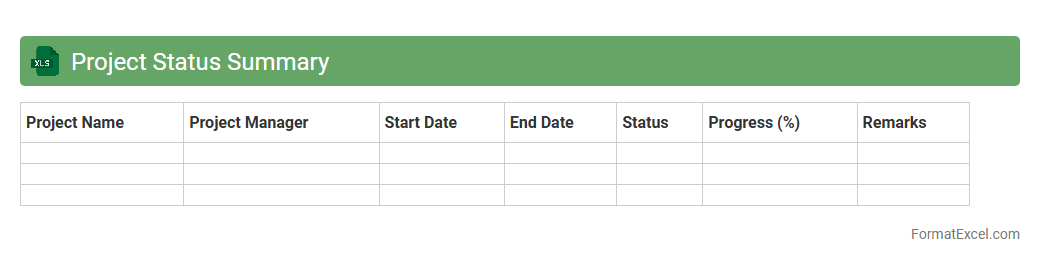
Project Status Summary
A
Project Status Summary Excel document consolidates key project metrics, milestones, and progress indicators into a single, easy-to-read format. It provides stakeholders with an at-a-glance view of project health, timelines, budget adherence, and risk factors, enabling informed decision-making. This tool improves communication efficiency and helps identify potential delays or issues early, ensuring timely interventions.
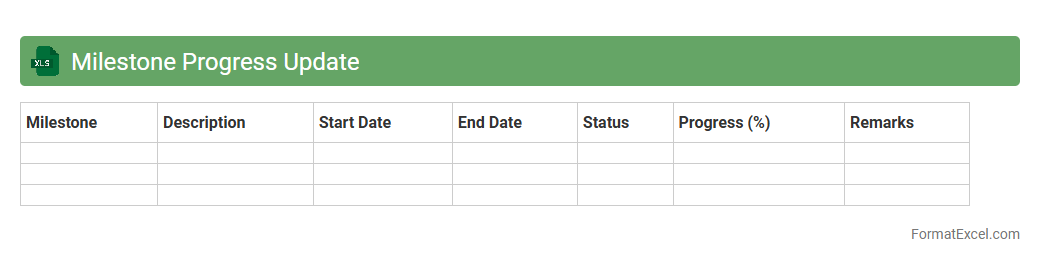
Milestone Progress Update
The
Milestone Progress Update Excel document is a project management tool designed to track and report the completion status of key project milestones efficiently. It helps teams monitor deadlines, allocate resources effectively, and identify potential delays, ensuring timely delivery of project objectives. By providing a clear visual overview of progress, it enhances communication among stakeholders and supports data-driven decision-making.
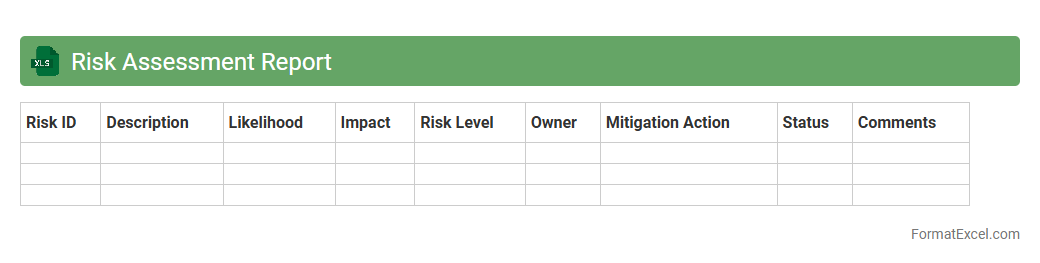
Risk Assessment Report
A
Risk Assessment Report Excel document systematically identifies, evaluates, and records potential risks associated with a project or business operation. It provides a clear overview of risk factors, their likelihood, and impact, enabling informed decision-making and prioritization of risk mitigation strategies. Using this tool enhances organizational resilience by streamlining risk management processes and promoting proactive responses to potential threats.
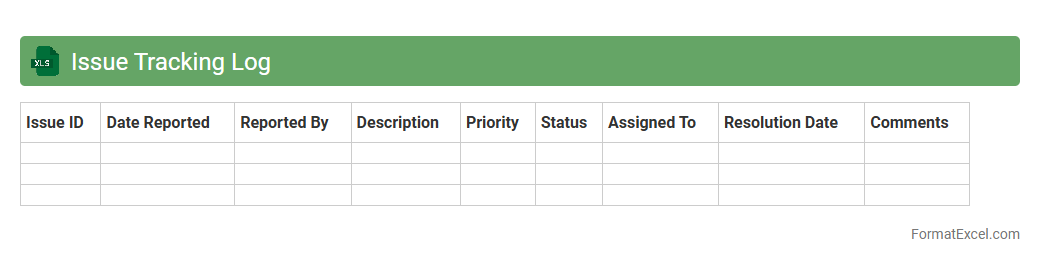
Issue Tracking Log
An
Issue Tracking Log Excel document is a structured spreadsheet designed to record, monitor, and manage project-related problems or bugs systematically. It allows teams to document issue details, assign responsibility, set priorities, and track resolution status, ensuring accountability and transparency. Utilizing this log improves communication, streamlines workflows, and supports timely problem-solving throughout the project lifecycle.
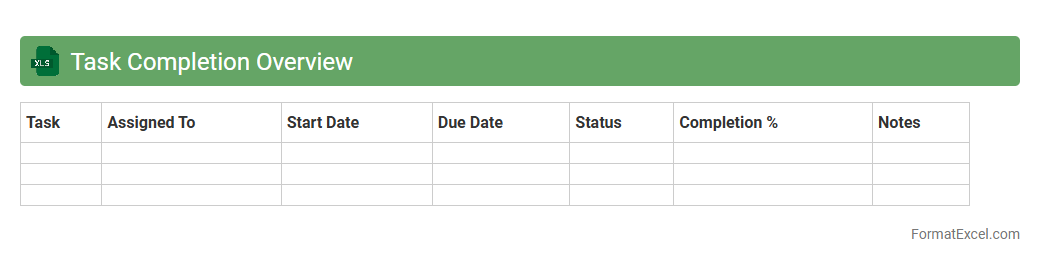
Task Completion Overview
The
Task Completion Overview Excel document provides a detailed summary of project tasks, tracking their status, deadlines, and assigned team members. It helps monitor progress, identify bottlenecks, and ensure timely completion of deliverables. This organized data enhances project management efficiency and supports better decision-making based on up-to-date task information.
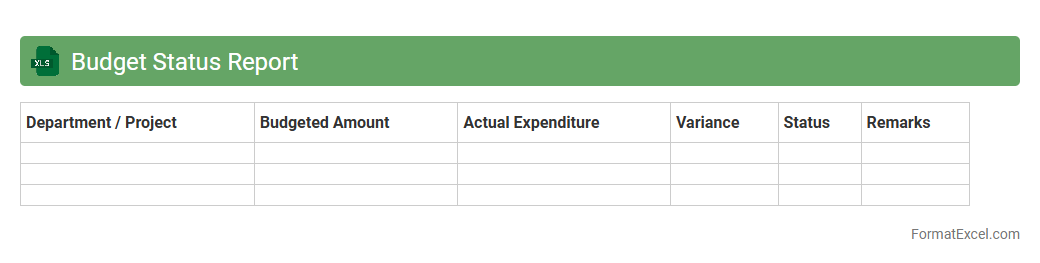
Budget Status Report
A
Budget Status Report Excel document tracks project or organizational expenses against planned budgets, providing real-time insights into financial performance. It helps identify variances, manage costs effectively, and ensures informed decision-making by highlighting areas of overspending or savings. This report supports budget control, enhances transparency, and promotes accountability within financial management processes.
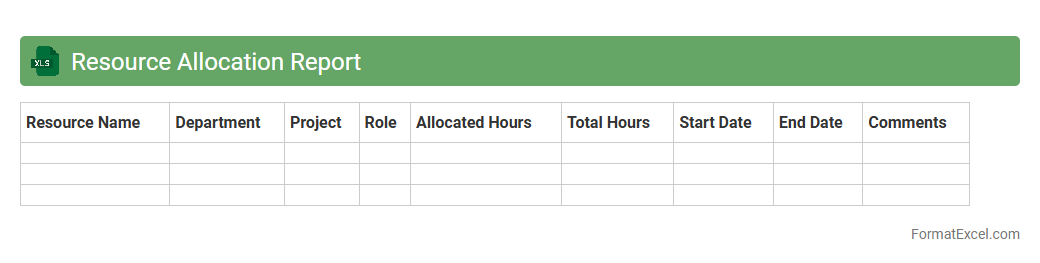
Resource Allocation Report
A
Resource Allocation Report Excel document tracks the distribution of resources such as time, personnel, and budget across various projects or departments. It helps identify over-allocations, underutilized assets, and potential bottlenecks, ensuring efficient use of resources. By providing clear visibility into resource usage, this report supports informed decision-making and project management optimization.
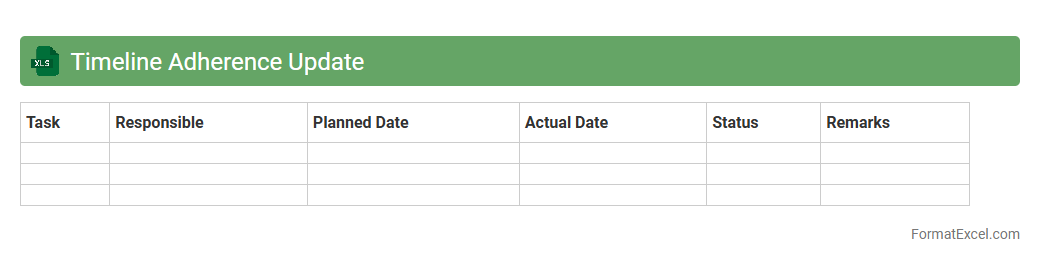
Timeline Adherence Update
The
Timeline Adherence Update Excel document tracks project milestones and deadlines, allowing teams to monitor progress against scheduled timelines efficiently. It provides a clear visual representation of adherence rates and highlights deviations, enabling proactive management of potential delays. This tool enhances accountability and helps ensure projects are completed on time, improving overall workflow and productivity.
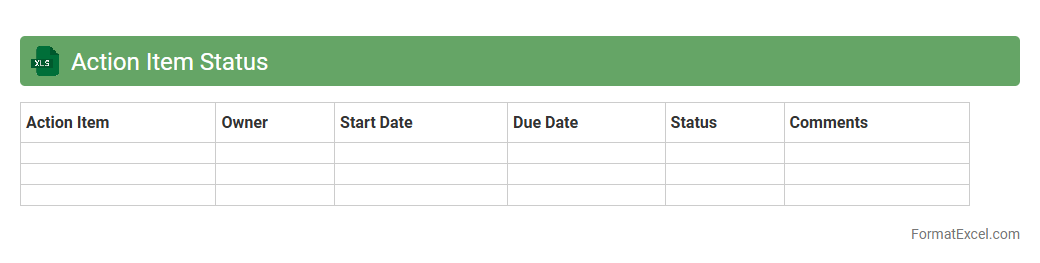
Action Item Status
An
Action Item Status Excel document is a structured spreadsheet designed to track and monitor the progress of specific tasks or action items within a project or organization. It helps teams stay organized by clearly displaying the current status, assigned owners, deadlines, and priority levels, ensuring accountability and timely completion. This tool enhances project management efficiency by providing real-time visibility into task progress and facilitating better communication among team members.
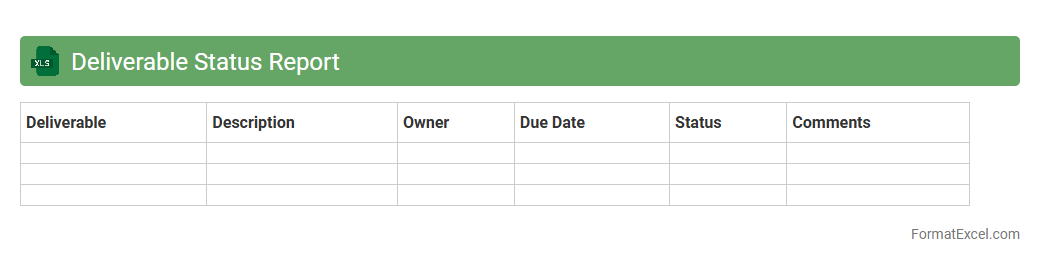
Deliverable Status Report
A
Deliverable Status Report Excel document tracks the progress and completion status of project deliverables, providing a clear overview of task assignments, deadlines, and completion percentages. It helps project managers identify bottlenecks, manage resources efficiently, and maintain accountability by highlighting pending, on-track, or delayed deliverables. This report fosters transparency and ensures timely communication within teams and stakeholders, enhancing overall project management effectiveness.
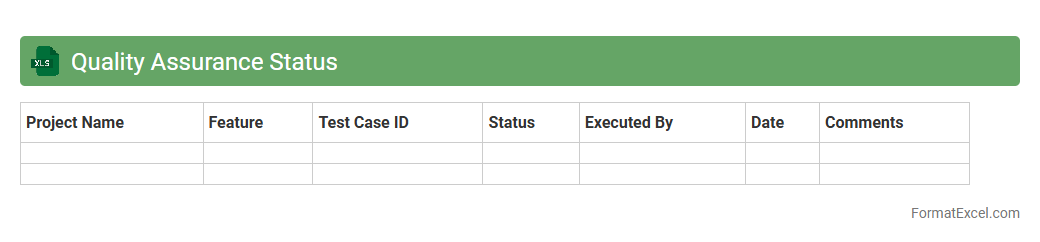
Quality Assurance Status
The
Quality Assurance Status Excel document is a structured tool used to track, monitor, and evaluate the progress of QA activities and testing outcomes throughout a project lifecycle. It provides real-time visibility into defect statuses, test coverage, and compliance with quality standards, enabling teams to identify bottlenecks and ensure deliverables meet predefined criteria. This document enhances collaboration by centralizing quality metrics, facilitating informed decision-making, and promoting continuous improvement in product quality.
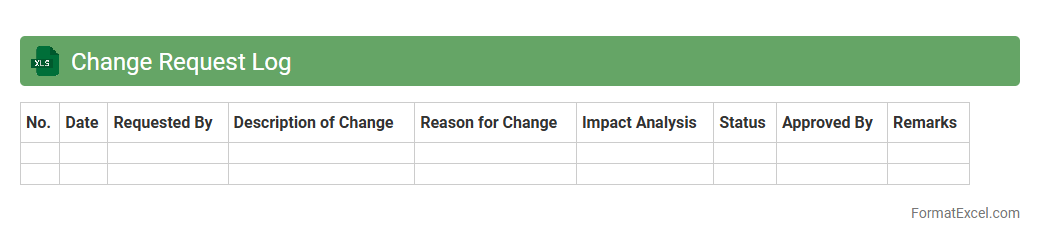
Change Request Log
A
Change Request Log Excel document is a structured spreadsheet used to track and manage changes proposed during a project's lifecycle, capturing details such as request ID, description, priority, status, and responsible party. This log enhances project transparency by providing a centralized repository for all change requests, enabling efficient monitoring, evaluation, and approval processes. Utilizing this document supports better decision-making, minimizes scope creep, and ensures that changes are systematically documented and controlled.
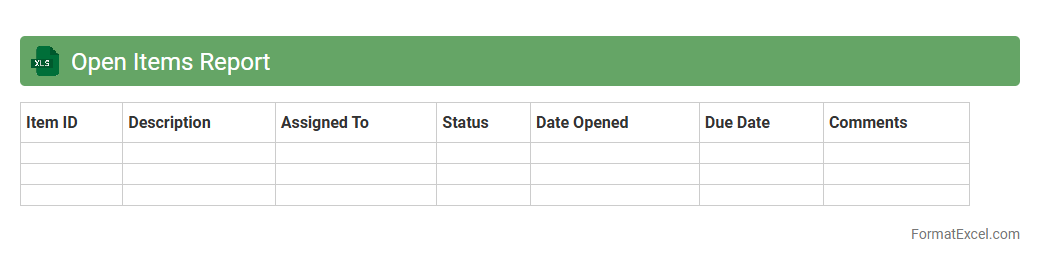
Open Items Report
An
Open Items Report Excel document is a detailed record that tracks outstanding transactions, invoices, or tasks yet to be completed or resolved. It helps businesses monitor pending payments, unpaid invoices, or unfinished projects, enabling better cash flow management and efficient follow-up. This report enhances financial transparency and accountability by clearly highlighting items that require immediate attention.
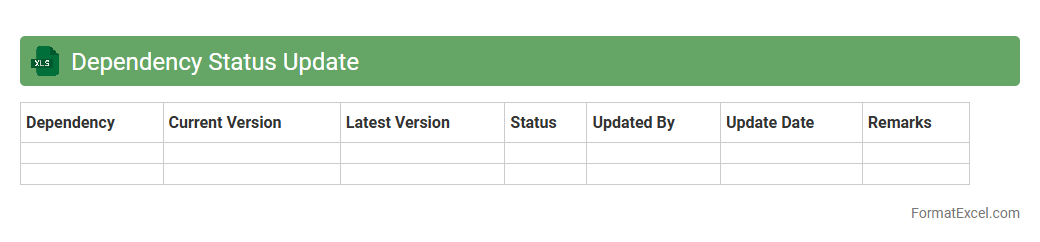
Dependency Status Update
The
Dependency Status Update Excel document tracks and monitors the progress of project dependencies, ensuring all tasks are aligned and completed on schedule. It facilitates clear communication among team members by providing real-time updates on the status, responsible owners, and potential risks associated with each dependency. This tool helps in identifying bottlenecks early, enabling proactive management and timely resolution to avoid project delays.
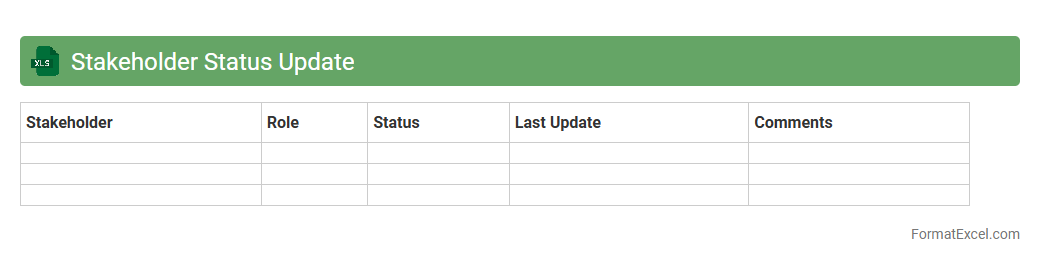
Stakeholder Status Update
A
Stakeholder Status Update Excel document is a structured tool designed to track project progress and communicate updates to key stakeholders effectively. It consolidates important project metrics, timelines, and action items in one accessible format, facilitating transparency and informed decision-making. This document enhances collaboration by ensuring all stakeholders remain aligned on project status and upcoming priorities.
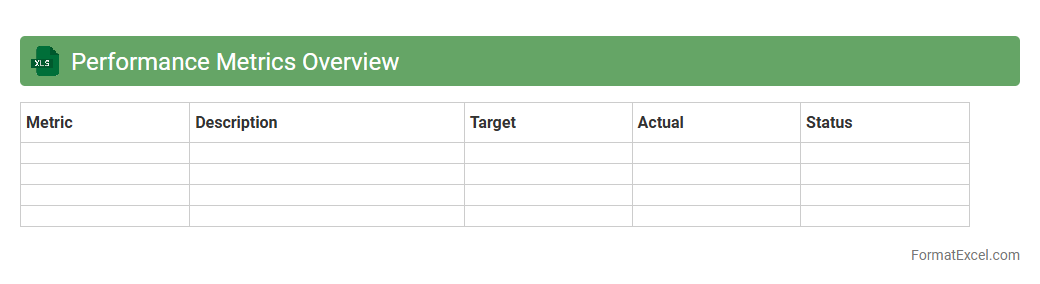
Performance Metrics Overview
The
Performance Metrics Overview Excel document compiles critical data points and key performance indicators (KPIs) to track and analyze business or project outcomes efficiently. By offering a centralized view of performance metrics, it enables decision-makers to identify trends, measure progress against goals, and pinpoint areas needing improvement. This document supports data-driven strategies, enhances accountability, and optimizes resource allocation for better operational results.
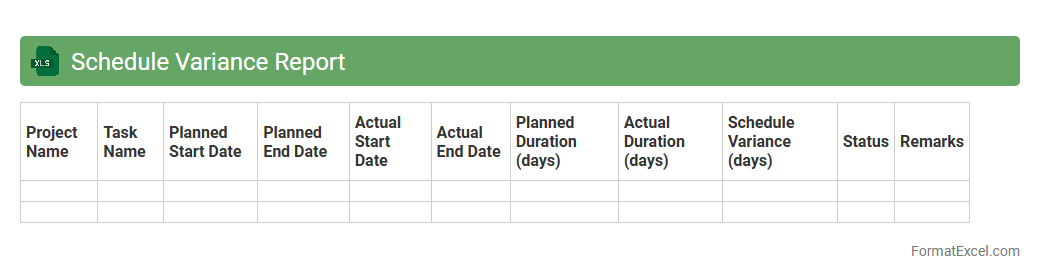
Schedule Variance Report
The
Schedule Variance Report Excel document tracks the difference between planned and actual project timelines, highlighting delays or ahead-of-schedule tasks efficiently. It provides valuable insights for project managers to identify bottlenecks, allocate resources effectively, and maintain control over project delivery. By analyzing these variances, teams can improve time management and enhance overall project performance.
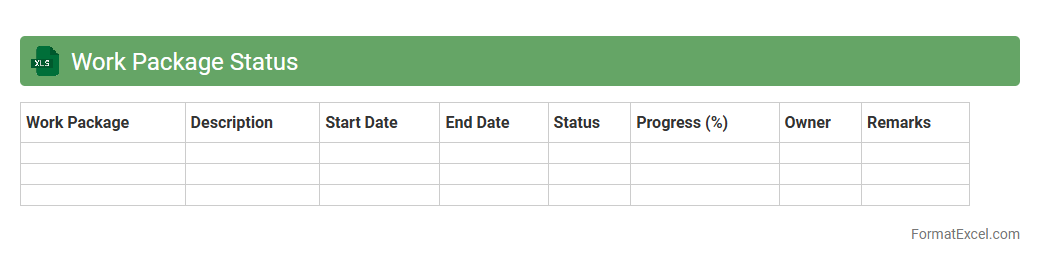
Work Package Status
A
Work Package Status Excel document is a detailed tracking tool that monitors the progress and completion status of designated work packages in a project. It helps project managers and teams identify delays, allocate resources effectively, and ensure timely delivery by providing clear visibility into task progress, responsible personnel, and deadlines. This document is essential for maintaining project transparency and improving communication across stakeholders.
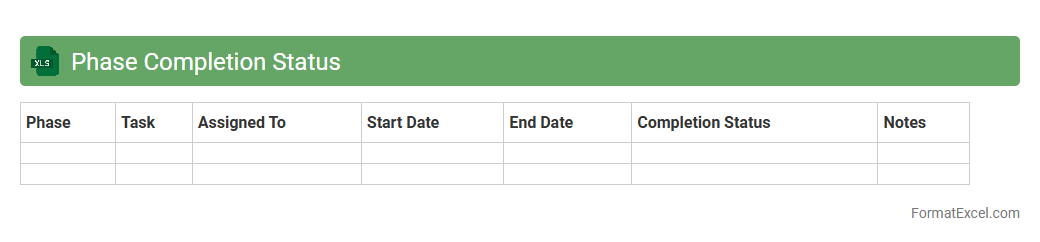
Phase Completion Status
The
Phase Completion Status Excel document tracks the progress of individual project phases by capturing completion percentages, milestones achieved, and pending tasks in a structured format. It enables project managers to monitor timelines, allocate resources effectively, and anticipate potential delays by providing real-time visibility into each phase's status. Using this document improves communication across teams and supports data-driven decision-making to ensure successful project delivery.
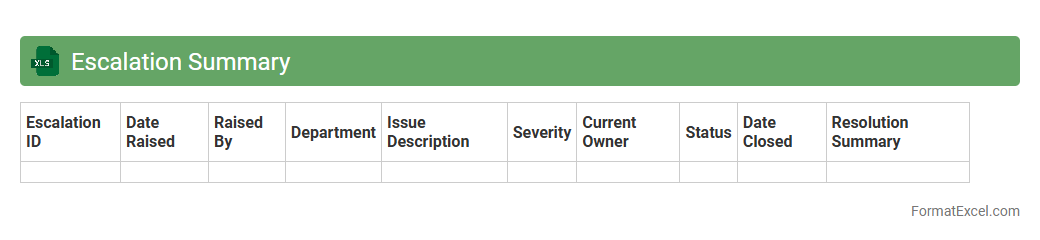
Escalation Summary
An
Escalation Summary Excel document is a structured spreadsheet used to track and manage issues that require higher-level attention within an organization. It consolidates crucial data such as issue descriptions, priority levels, stakeholders involved, resolution status, and timelines, enabling efficient monitoring and accountability. This tool facilitates streamlined communication, quicker decision-making, and effective resolution of critical problems, enhancing overall operational efficiency.
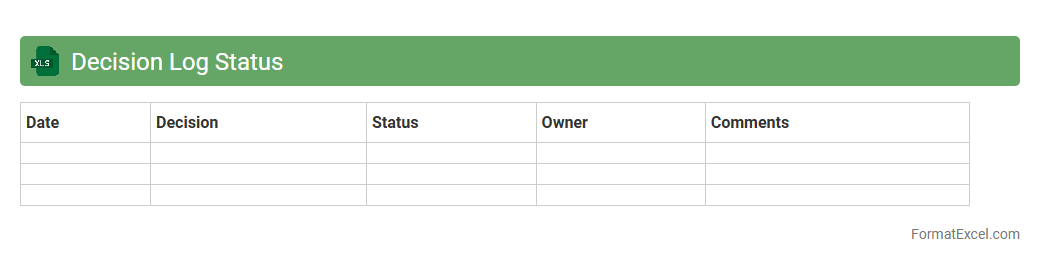
Decision Log Status
A
Decision Log Status Excel document is a structured tool used to track and document decisions made during a project or business process, including details such as decision date, responsible person, status, and implications. It enables teams to maintain transparency, improve accountability, and ensure consistent follow-up on key decisions, reducing miscommunication and enhancing project management efficiency. By providing a centralized record, this document supports better analysis of decision outcomes and facilitates informed future planning.
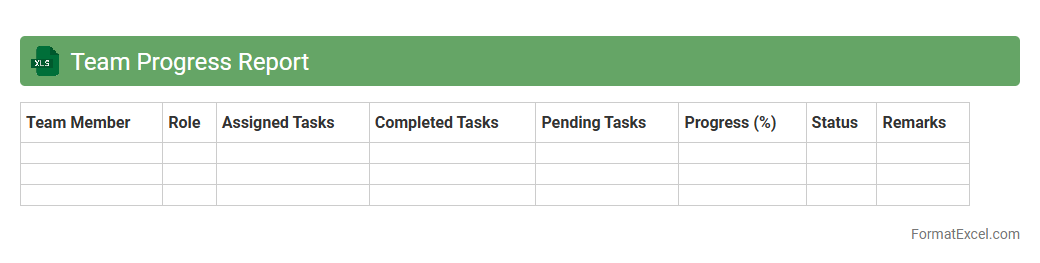
Team Progress Report
A
Team Progress Report Excel document is a structured tool designed to track and visualize the performance, milestones, and tasks of a team over a specific period. By consolidating data such as individual contributions, deadlines, and completion status, it provides clear insights into project advancement and areas needing attention. This document enhances accountability, facilitates informed decision-making, and improves communication across team members and management.
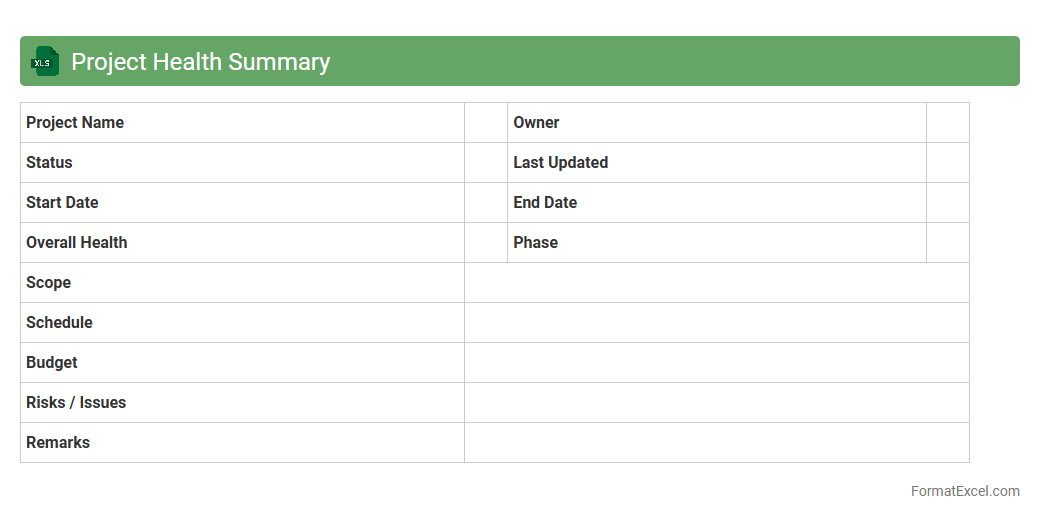
Project Health Summary
A
Project Health Summary Excel document provides a consolidated overview of project status, tracking key performance indicators such as budget, timeline, risks, and resource allocation. It enables project managers to quickly assess overall progress, identify potential issues, and make informed decisions to keep the project on track. This tool enhances transparency and communication among stakeholders by presenting complex data in an easy-to-understand format.
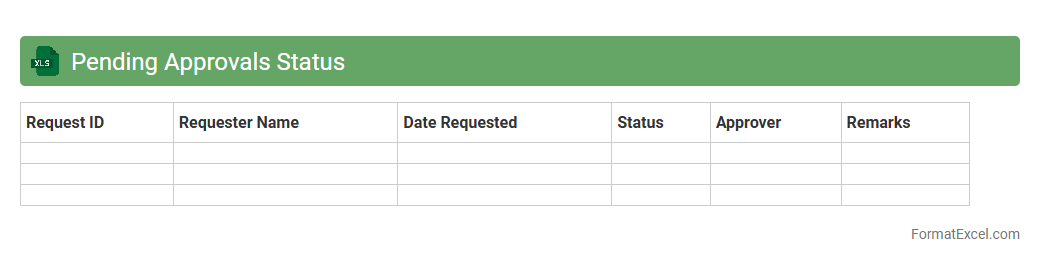
Pending Approvals Status
The
Pending Approvals Status Excel document is a comprehensive tracking tool that consolidates all items awaiting approval within a project or organization, providing clear visibility into their current states. It helps streamline workflow management by identifying bottlenecks, enabling timely follow-ups, and ensuring that no critical approval is overlooked. Utilizing this document enhances decision-making efficiency and maintains accountability across teams.
Key Accomplishments Summary
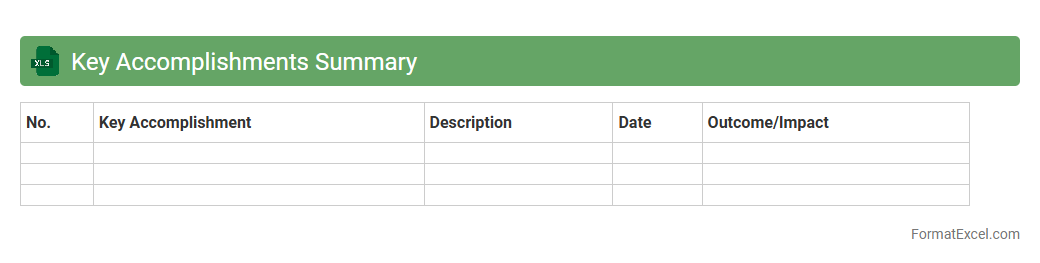
A
Key Accomplishments Summary Excel document organizes and highlights significant achievements in a structured, easy-to-navigate format. It enables professionals to track progress, identify strengths, and showcase accomplishments for performance reviews or job applications. This dynamic tool improves goal setting and strategic planning by providing clear, concise evidence of success over time.
Introduction to Status Report Formats in Excel
Excel provides a versatile platform for creating status report formats that help track project progress efficiently. A well-designed status report in Excel can organize data clearly for easy analysis. This format is widely used across industries for performance updates.
Importance of Structured Status Reporting
Structured status reporting ensures consistent communication of project updates to stakeholders. It enhances transparency and accountability by highlighting key metrics and deadlines. The structured format helps in identifying issues early and keeping the project on track.
Key Elements of an Excel Status Report
Core elements include project milestones, current status, next steps, and risk assessments. Each element should be clearly labeled and easy to update. Emphasizing the key elements ensures comprehensive and useful reporting.
Types of Status Report Templates in Excel
There are various Excel templates such as weekly, monthly, and milestone-based status reports. Each template adapts to specific project needs and reporting frequencies. Selecting the right template type improves report relevance and clarity.
Step-by-Step Guide to Creating a Status Report in Excel
Begin by defining the report's purpose and key performance indicators. Then set up columns and rows to capture relevant data, followed by periodic updates. A clear step-by-step process ensures consistency and completeness.
Essential Columns and Rows for Status Tracking
Include columns for task names, status updates, deadlines, and responsible personnel. Rows should break down tasks or milestones sequentially for clarity. Using essential columns and rows simplifies tracking and enhances usability.
Tips for Customizing Status Report Formats
Customize your report by incorporating color codes, conditional formatting, and charts to visualize progress. Tailoring templates to your project's needs increases readability and engagement. Focus on customization tips that add value without clutter.
Best Practices for Status Reporting in Excel
Keep data clear, concise, and regularly updated to maintain report accuracy. Ensure stakeholder feedback is incorporated to improve the report over time. Following best practices strengthens communication and project management.
Downloadable Excel Status Report Templates
Many websites offer free and premium Excel templates designed for status reporting. These templates can save time and provide professional layouts tailored for different projects. Utilize downloadable templates to jumpstart your reporting process.
Common Mistakes to Avoid in Excel Status Reports
Avoid cluttered data, inconsistent updates, and missing key information that reduce report effectiveness. Overcomplicating the layout can confuse readers and obscure important details. Steering clear of common mistakes ensures your status report remains valuable.