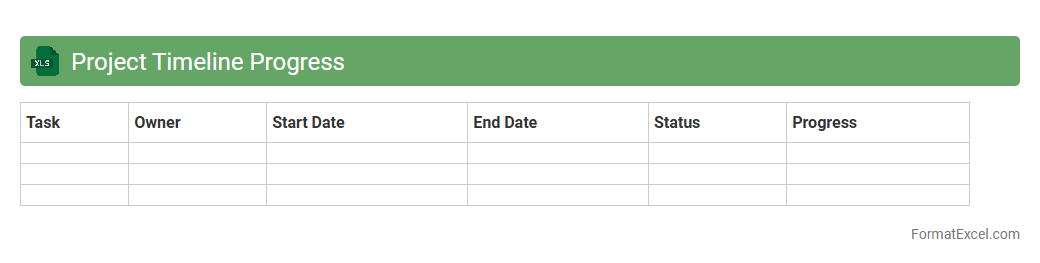
Project Timeline Progress
A
Project Timeline Progress Excel document is a structured tool that tracks key milestones, deadlines, and task completions throughout a project's lifecycle. It enhances project management by providing a clear visual representation of progress, enabling timely adjustments and resource allocation. By consolidating data in one place, this document improves communication among team members and stakeholders, ensuring that project goals are met on schedule.
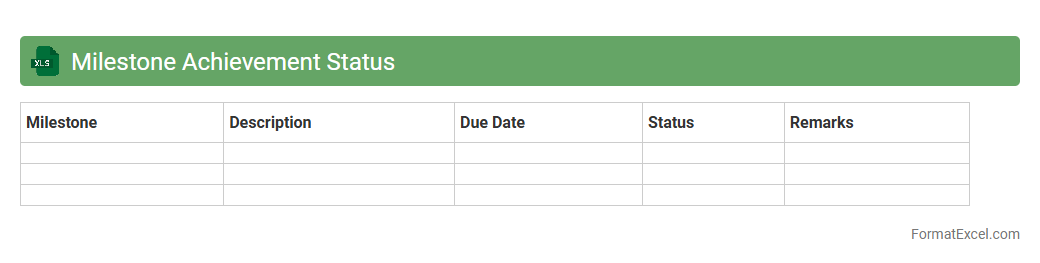
Milestone Achievement Status
The
Milestone Achievement Status Excel document tracks project milestones, deadlines, and completion rates, offering a clear visual overview of progress. It helps teams identify delays, allocate resources effectively, and maintain accountability throughout the project lifecycle. This tool enhances communication by consolidating data into one accessible format, enabling efficient decision-making and goal management.
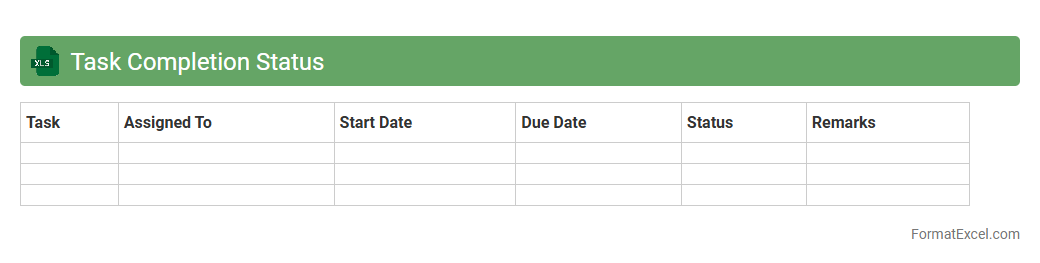
Task Completion Status
The
Task Completion Status Excel document is a tracking tool designed to monitor the progress of individual or team tasks within a project. It provides clear visibility into which tasks are pending, in progress, or completed, facilitating efficient project management and timely decision-making. By organizing data into columns such as task name, assigned person, deadline, and status, this document helps improve accountability and productivity.
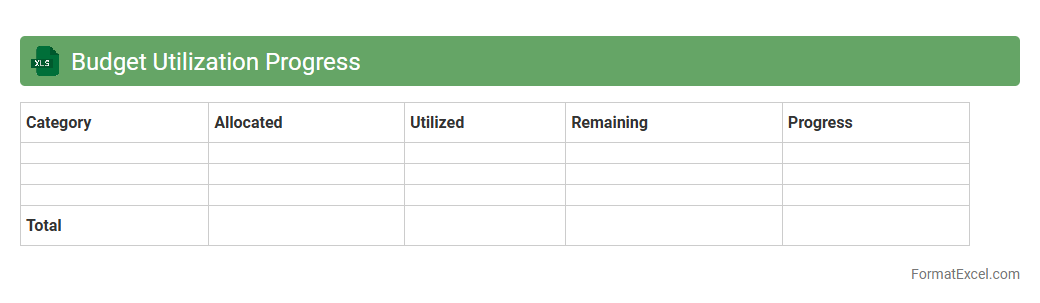
Budget Utilization Progress
The
Budget Utilization Progress Excel document tracks actual spending against allocated budgets in real time, enabling precise financial oversight. It provides visual charts and detailed breakdowns that highlight deviations and spending trends, assisting in informed decision-making. This tool enhances budget control, maximizes resource efficiency, and helps prevent overspending.
Resource Allocation Status
The
Resource Allocation Status Excel document tracks the distribution of personnel, equipment, and finances across projects to ensure optimal usage of available resources. It provides real-time visibility into workload balance, identifying underutilized or overburdened assets for better decision-making. This tool enhances project efficiency by enabling managers to prioritize tasks, forecast resource needs, and avoid bottlenecks.
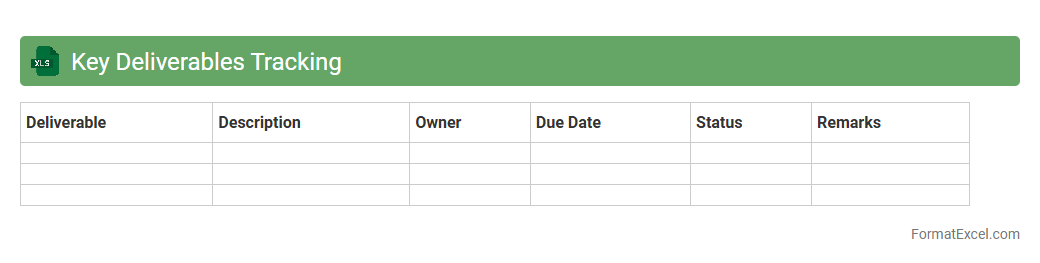
Key Deliverables Tracking
A
Key Deliverables Tracking Excel document is a structured spreadsheet designed to monitor and manage critical project outputs, deadlines, and responsible parties. It enables teams to maintain visibility on progress, ensure accountability, and identify potential delays early, helping to keep projects on schedule. This tool improves communication by centralizing deliverables status, enhancing decision-making and resource allocation.
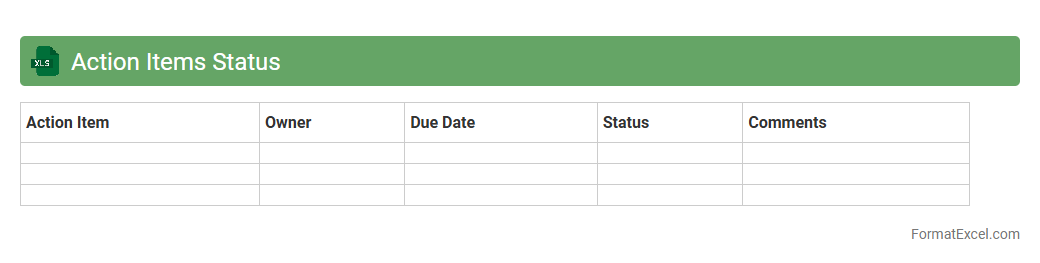
Action Items Status
An
Action Items Status Excel document is a structured spreadsheet designed to track the progress, deadlines, and ownership of specific tasks or action items within a project or organization. It provides clear visibility into which tasks are completed, pending, or overdue, enabling effective project management and accountability. This document enhances communication among team members and supports timely decision-making by consolidating status updates in one accessible location.
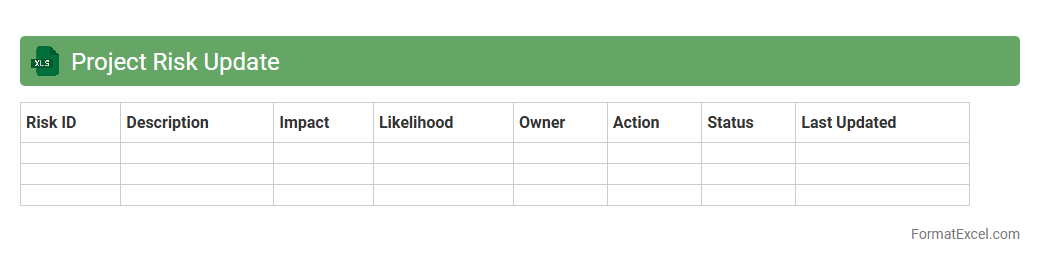
Project Risk Update
A
Project Risk Update Excel document is a tool designed to track, assess, and manage potential risks throughout a project's lifecycle. It centralizes risk identification, probability, impact analysis, and mitigation strategies, enabling project managers to stay informed and make data-driven decisions. By regularly updating this document, teams can proactively address issues, minimize disruptions, and ensure project objectives are met efficiently.
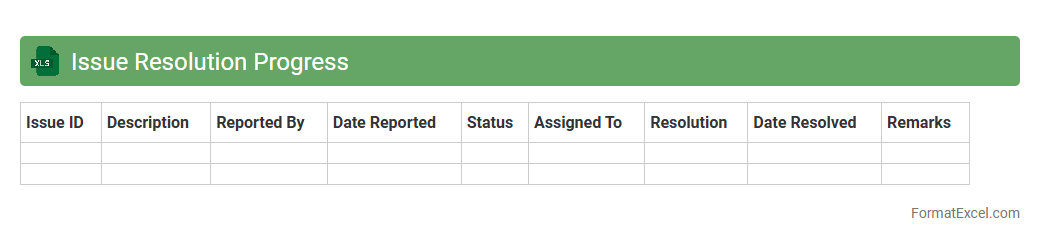
Issue Resolution Progress
The
Issue Resolution Progress Excel document is a structured tool designed to track and monitor the status of ongoing issues within a project or organization. It enables teams to record details such as issue descriptions, assigned personnel, priority levels, and resolution deadlines, facilitating transparent communication and accountability. By providing a centralized overview of issue progress, it helps improve problem-solving efficiency and ensures timely resolution.
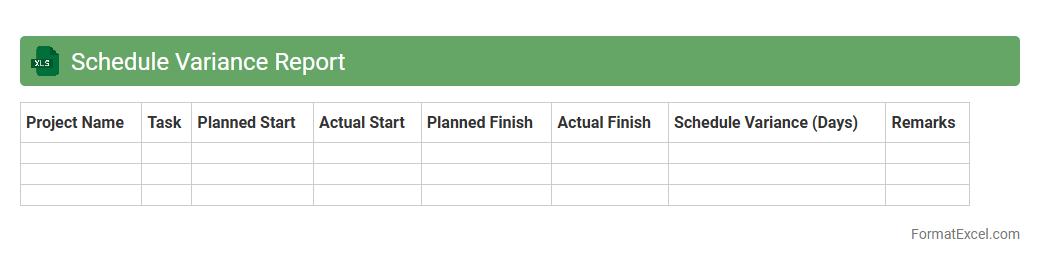
Schedule Variance Report
A
Schedule Variance Report in Excel is a project management tool that compares planned project timelines with actual progress to identify deviations. It helps in tracking project schedule performance by highlighting delays or ahead-of-schedule tasks, enabling proactive adjustments. This report is useful for improving time management, resource allocation, and ensuring timely project delivery.
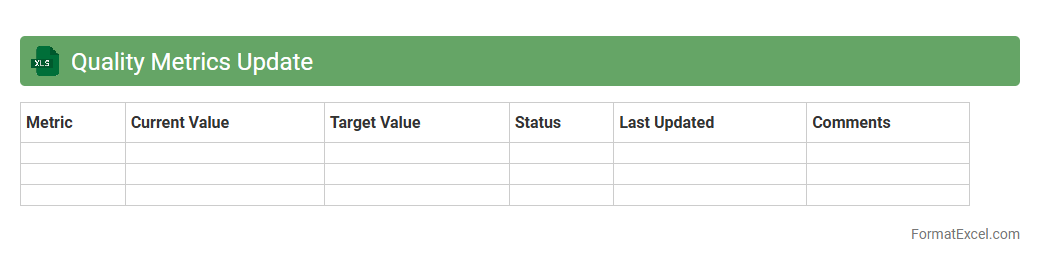
Quality Metrics Update
The
Quality Metrics Update Excel document is a comprehensive tool designed to track and analyze key performance indicators related to product and service quality. It consolidates data from multiple sources, enabling teams to quickly identify trends, pinpoint issues, and measure improvements over time. By maintaining this document, organizations can make informed decisions to enhance quality control processes and drive continuous improvement initiatives.
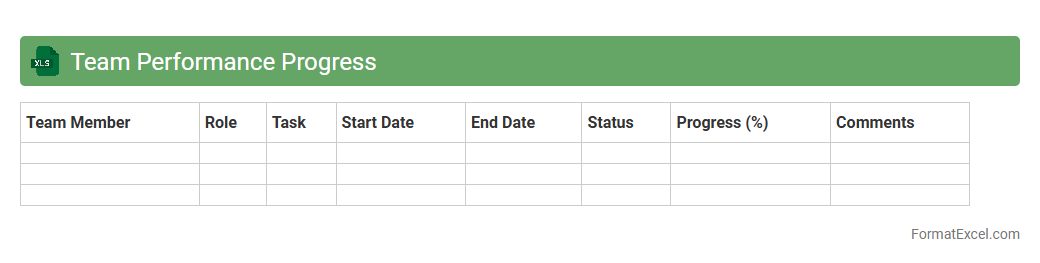
Team Performance Progress
The
Team Performance Progress Excel document is a structured tool designed to track and analyze the productivity and efficiency of team members over time. It allows managers to monitor key performance indicators (KPIs), identify skill gaps, and make data-driven decisions to enhance overall team output. By consolidating performance data in one accessible format, this document improves accountability, fosters continuous improvement, and supports strategic resource allocation.
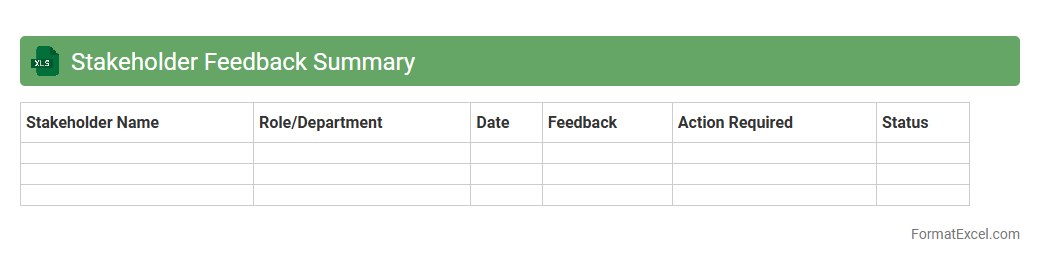
Stakeholder Feedback Summary
The
Stakeholder Feedback Summary Excel document consolidates input from key stakeholders into a structured format, enabling efficient analysis of their perspectives and concerns. This summary facilitates informed decision-making by highlighting common themes and critical issues, ensuring alignment with project goals. By organizing feedback systematically, it enhances communication transparency and supports continuous improvement throughout the project lifecycle.
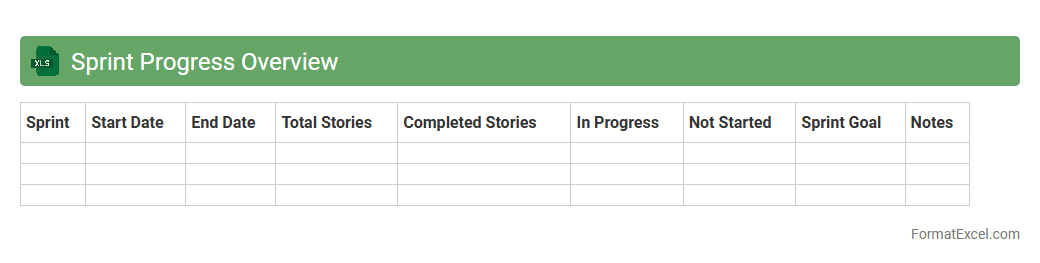
Sprint Progress Overview
The
Sprint Progress Overview Excel document provides a clear and concise summary of the current status of tasks within a sprint, including completed, in-progress, and pending activities. It enables teams to track sprint velocity, identify bottlenecks, and ensure alignment with project timelines. This tool is essential for improving sprint planning accuracy and enhancing overall agile project management efficiency.
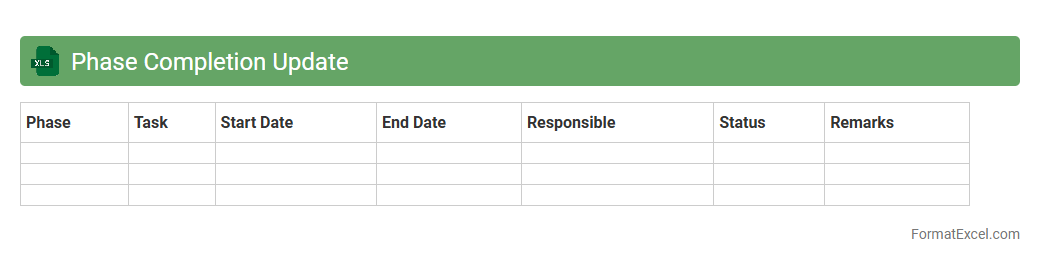
Phase Completion Update
The
Phase Completion Update Excel document is a project management tool designed to track and document the progress of different phases within a project. It helps teams monitor milestones and deadlines, ensuring timely completion of tasks and enabling effective resource allocation. This document provides a clear, organized overview of project status, facilitating better communication and decision-making among stakeholders.
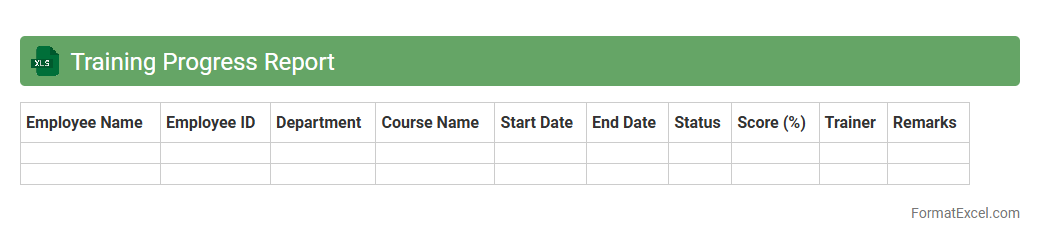
Training Progress Report
A
Training Progress Report Excel document tracks and analyzes employee development by recording attendance, completed modules, and assessment scores. It provides clear visibility into individual and group training performance, enabling targeted improvements and efficient resource allocation. This report supports informed decision-making and helps maintain compliance with organizational training standards.
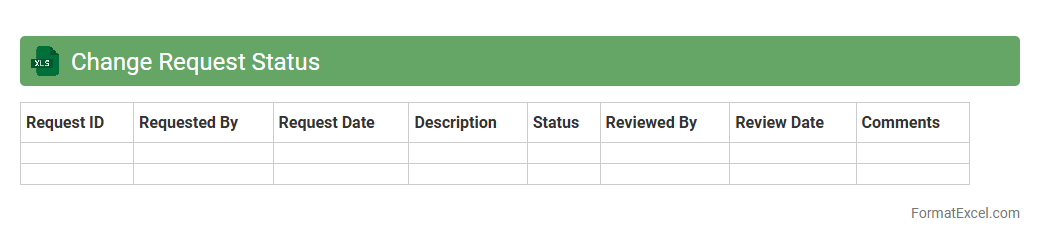
Change Request Status
A
Change Request Status Excel document tracks the progress of modifications requested during a project lifecycle, providing real-time visibility into approval, implementation, and review stages. It helps teams maintain organized records of updates, prioritize tasks effectively, and ensure accountability by assigning clear responsibilities. This tool streamlines communication among stakeholders, reducing delays and enhancing project management efficiency.
Dependency Tracking Report
A
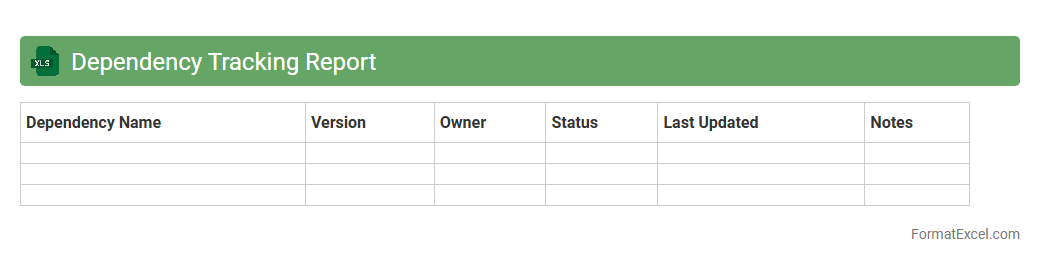
Dependency Tracking Report Excel document is a structured tool designed to monitor and manage project dependencies, ensuring all related tasks and resources are clearly identified and tracked throughout the project lifecycle. It helps teams visualize interdependencies, identify potential bottlenecks, and maintain alignment by updating the status and priority of each dependent element. This report optimizes project planning and execution, reducing risks and improving communication across stakeholders.
Productivity Progress Summary
The
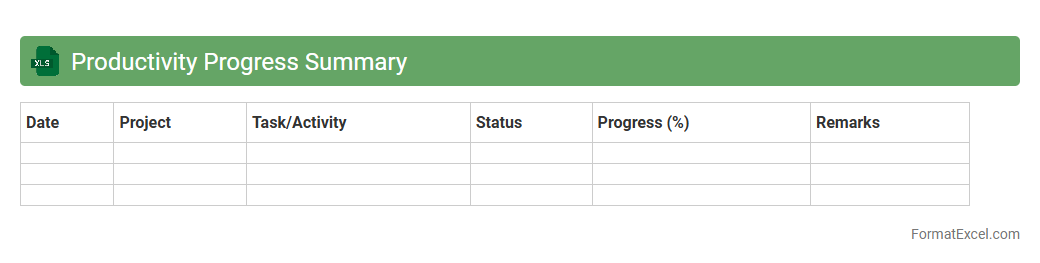
Productivity Progress Summary Excel document is a comprehensive tool designed to track and analyze performance metrics over time, helping users measure efficiency and output effectively. It consolidates data from various sources into clear visual summaries, enabling quick identification of trends and areas for improvement. This document is essential for optimizing workflows, setting actionable goals, and enhancing overall productivity in professional settings.
Goal Achievement Status
A
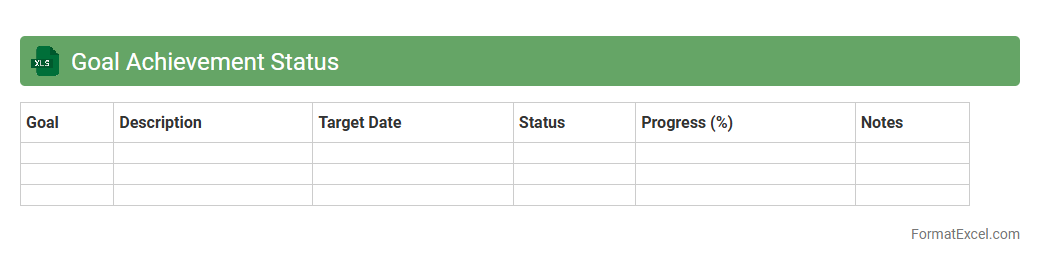
Goal Achievement Status Excel document tracks progress by organizing objectives, milestones, and completion rates in a clear, visual format. It allows individuals and teams to monitor performance, identify areas needing improvement, and adjust strategies efficiently. Using this tool enhances accountability, boosts motivation, and supports data-driven decision-making for successful goal attainment.
Decision Pending Status
The
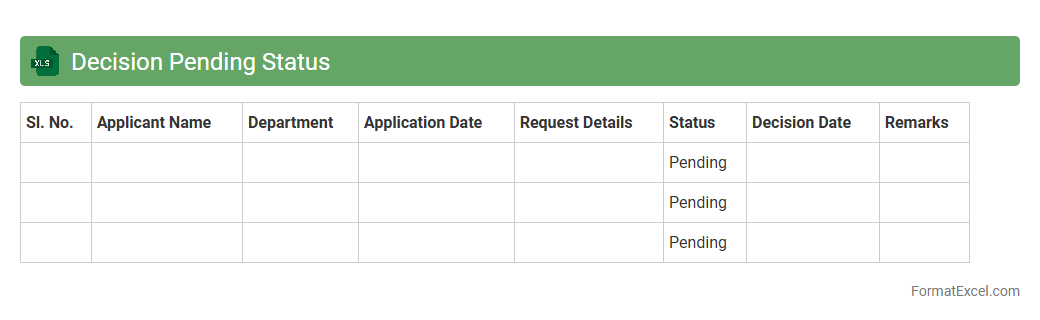
Decision Pending Status Excel document tracks ongoing decisions within a project or organization, clearly highlighting items awaiting final approval or action. It enables teams to monitor the progress of key decisions, prioritize follow-ups, and ensure accountability by providing a centralized view of unresolved issues. This tool improves workflow efficiency and supports timely decision-making by keeping all stakeholders informed about pending tasks.
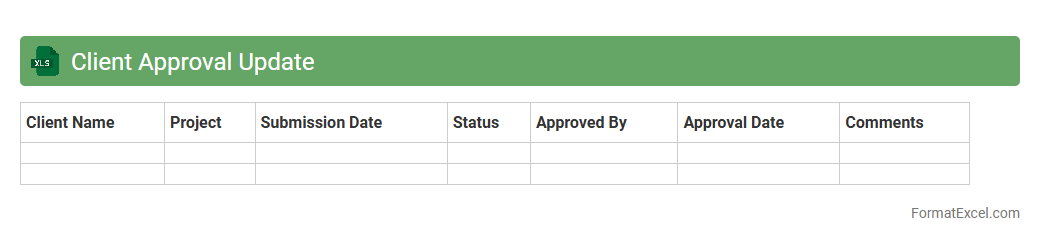
Client Approval Update
The
Client Approval Update Excel document serves as a centralized record tracking client feedback and approval statuses for various projects or deliverables. It streamlines communication by providing real-time updates on client decisions, enabling teams to prioritize tasks and maintain project timelines effectively. This document enhances accountability and minimizes the risk of miscommunication by clearly documenting each approval stage and associated comments.
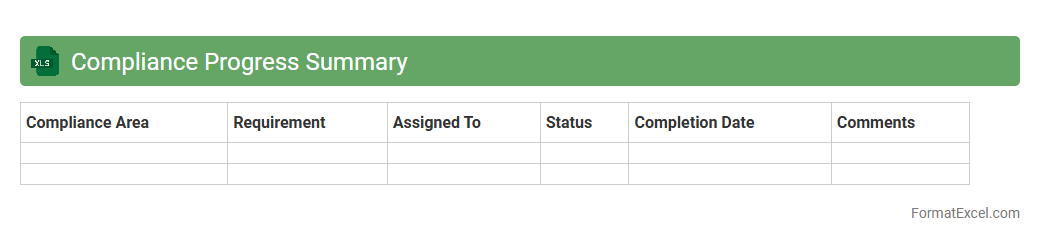
Compliance Progress Summary
The
Compliance Progress Summary Excel document is a structured tool designed to track and monitor an organization's adherence to regulatory requirements and internal policies. It allows users to visualize compliance status, identify gaps, and measure the progress of corrective actions over time. This document streamlines reporting processes and supports data-driven decision-making to ensure continuous compliance management.
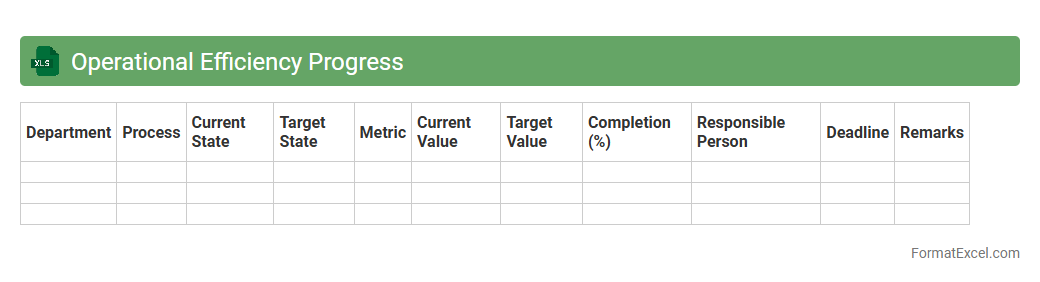
Operational Efficiency Progress
The
Operational Efficiency Progress Excel document is a comprehensive tool designed to track, analyze, and enhance the performance metrics within business operations. It enables organizations to monitor key indicators such as productivity rates, resource utilization, and process turnaround times, facilitating data-driven decision-making. By providing clear visualizations and structured data, this document helps identify bottlenecks, optimize workflows, and improve overall operational effectiveness.
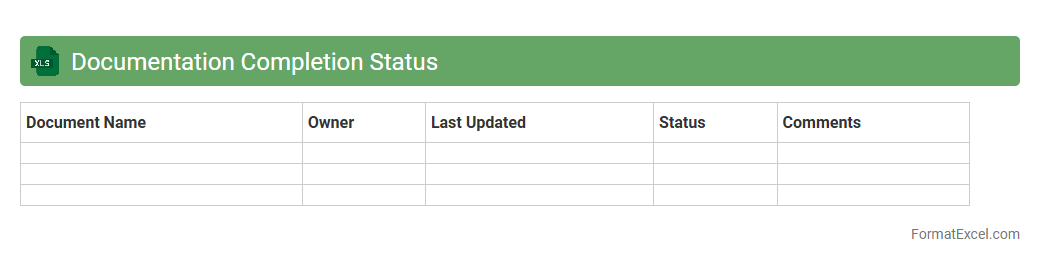
Documentation Completion Status
The
Documentation Completion Status Excel document tracks the progress of required paperwork across projects or departments, providing a clear overview of submission, review, and approval stages. It helps identify pending or overdue documents, enhancing accountability and ensuring compliance with deadlines or regulatory standards. This tool improves workflow efficiency by enabling teams to prioritize tasks and maintain organized records for audits or reporting.
Introduction to Progress Report Formats
A progress report format outlines the structure used to document project or task status efficiently. It provides clarity on completed milestones, ongoing activities, and future plans. Consistent formats help stakeholders stay informed with concise updates.
Importance of Using Excel for Progress Reports
Excel offers a versatile platform for creating detailed progress reports with customizable layouts. Its grid system allows easy organization of data, from task lists to timelines. Additionally, Excel supports formulas and charts for dynamic updates.
Key Components of an Excel Progress Report
Critical elements include a task description, start and end dates, current status, and percentage completion. Including a column for notes or comments enhances communication. These components provide a comprehensive view of project progress at a glance.
Steps to Create a Progress Report in Excel
Start by setting up the necessary columns such as Task Name, Owner, Start Date, End Date, and Status. Input initial data and use Excel's formatting tools to improve readability. Finally, incorporate formulas and charts to automate progress tracking.
Essential Columns and Data Fields
Key fields include Task Name, Assigned To, Start Date, Due Date, Status, and Completion Percentage. Including Priority and Comments can further enhance tracking capabilities. Correct data entry is crucial for accurate report generation.
Tips for Effective Progress Tracking
Regularly update the status and progress percentages to maintain accuracy. Use data validation to restrict entries and reduce errors. Consistent monitoring supports timely adjustments and keeps projects on track.
Sample Progress Report Templates in Excel
Pre-made templates offer a quick start with pre-defined layouts and formulas. Many templates include conditional formatting to highlight overdue tasks and progress thresholds. Customize templates to suit specific project needs effectively.
Automating Progress Calculations with Formulas
Utilize Excel formulas like SUM, AVERAGE, and IF statements to calculate overall progress automatically. Progress percentages can reflect real-time completion rates based on input data. Automation reduces manual errors and saves time.
Visualizing Progress with Charts and Graphs
Charts such as Gantt, bar, and pie charts visually represent status and timelines. Integrating charts in reports enhances understanding and stakeholder engagement. Dynamic graph updates provide instant insight into project health.
Best Practices for Sharing and Maintaining Reports
Keep reports accessible by saving in shared drives or cloud platforms with version control. Regularly update the progress report and notify stakeholders of changes. Secure sensitive data while ensuring transparency for informed decision-making.