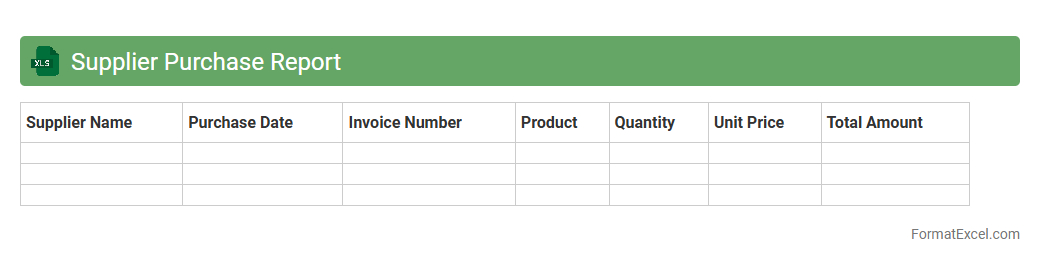
Supplier Purchase Report
The
Supplier Purchase Report Excel document consolidates detailed data on procurement transactions from various suppliers, including quantities, costs, and delivery dates. This report enables efficient tracking of supplier performance, cost analysis, and inventory management, facilitating better decision-making. Access to organized purchase records helps identify spending patterns and negotiate improved terms with suppliers.
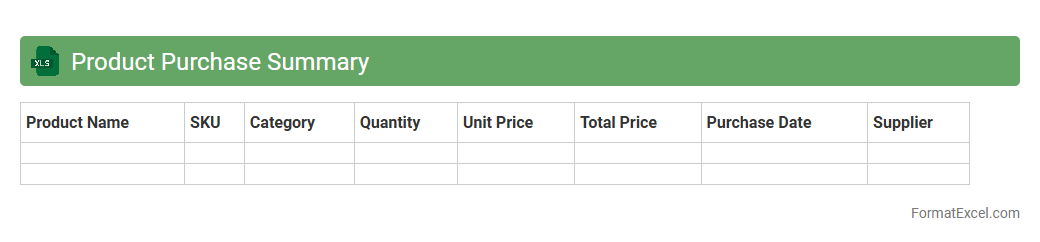
Product Purchase Summary
A
Product Purchase Summary Excel document consolidates detailed data on product acquisitions, including quantities, costs, suppliers, and purchase dates. It enables efficient tracking of inventory expenses, facilitates budget analysis, and supports informed decision-making in procurement processes. By providing a clear overview of purchasing trends, this summary helps optimize stock levels and improve cost management.
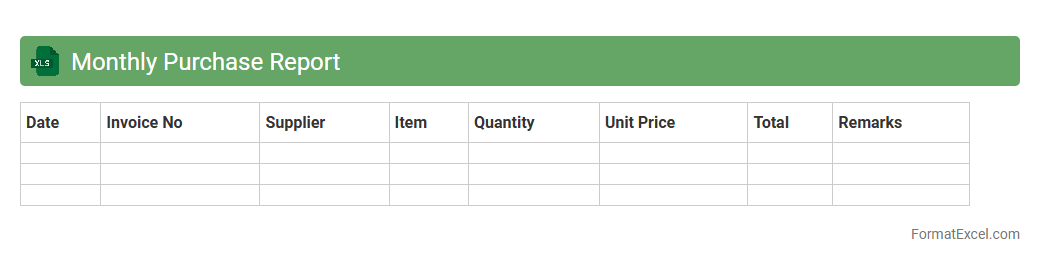
Monthly Purchase Report
A
Monthly Purchase Report Excel document is a spreadsheet that systematically records and analyzes all purchase transactions within a month, including supplier details, quantities, costs, and dates. It helps businesses track spending patterns, manage inventory, and identify cost-saving opportunities by providing clear insights into procurement activities. This report enhances decision-making by offering accurate data to forecast budgets and optimize purchasing strategies.
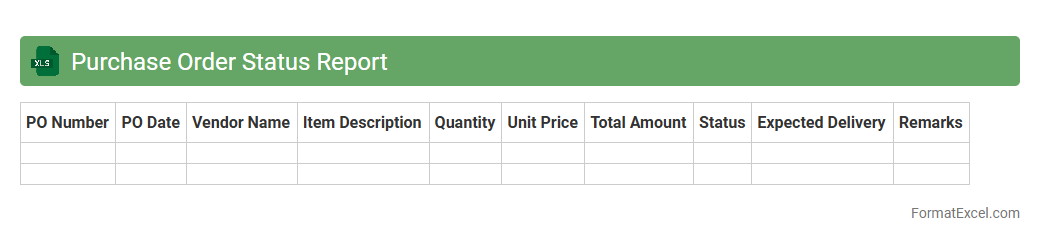
Purchase Order Status Report
A
Purchase Order Status Report Excel document tracks the progress of purchase orders from issuance to fulfillment, providing real-time updates on order quantities, delivery dates, and payment status. This report helps organizations maintain accurate records, identify bottlenecks, and ensure timely procurement by offering clear visibility into supplier performance and order fulfillment stages. Using this tool improves supply chain efficiency, reduces delays, and supports proactive decision-making for inventory management and budgeting.
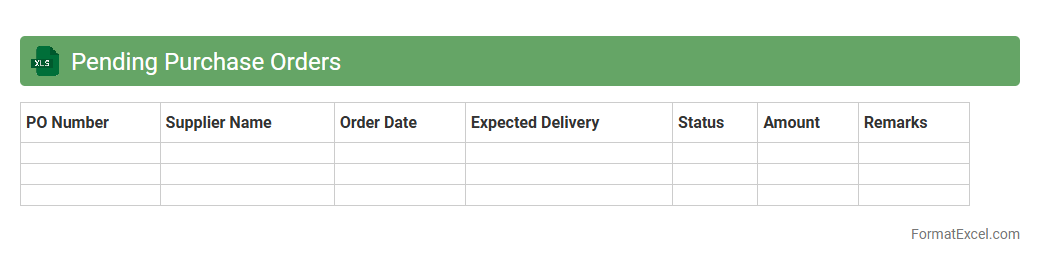
Pending Purchase Orders
A
Pending Purchase Orders Excel document is a detailed spreadsheet that tracks all outstanding purchase orders not yet fulfilled or received. It helps businesses monitor order status, manage inventory effectively, and ensure timely follow-ups with suppliers to avoid delays. This tool enhances procurement transparency and streamlines financial planning by providing clear insights into pending commitments.
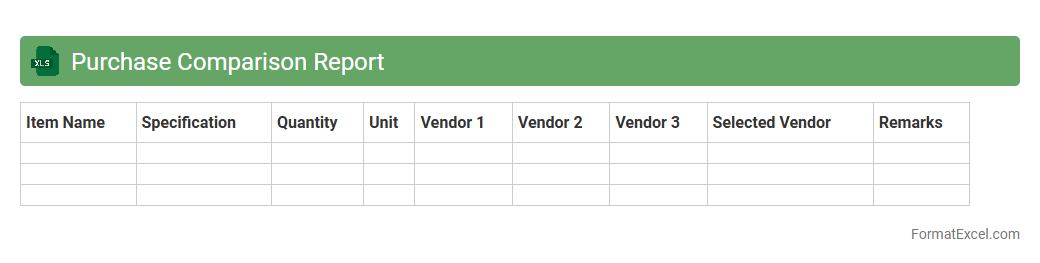
Purchase Comparison Report
A
Purchase Comparison Report Excel document systematically organizes and analyzes procurement options by comparing prices, suppliers, quantities, and product specifications. This tool helps businesses identify the most cost-effective and high-quality purchasing decisions, enhancing budget management and supplier evaluation. By providing clear visual data and detailed comparisons, it improves decision-making efficiency and reduces procurement risks.
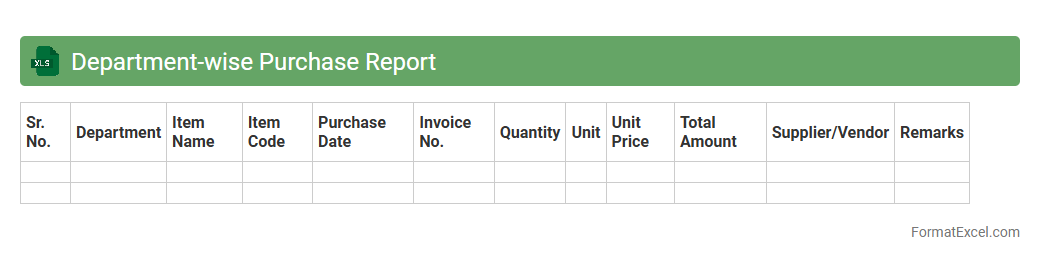
Department-wise Purchase Report
A
Department-wise Purchase Report Excel document organizes and summarizes purchase data by individual departments, providing clear insight into procurement activities across an organization. This report helps track spending patterns, identify budget variances, and ensure accountability in purchasing processes. By analyzing department-specific purchases, businesses can optimize resource allocation, negotiate better supplier terms, and improve financial planning accuracy.
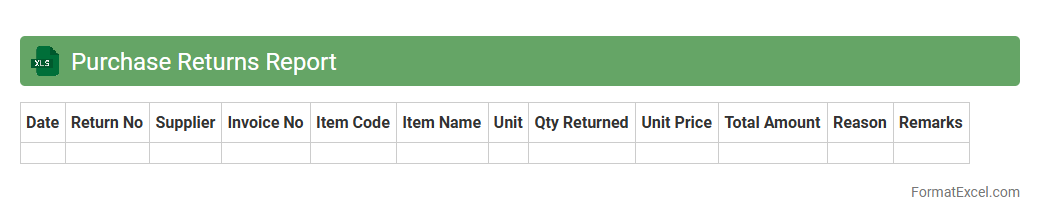
Purchase Returns Report
The
Purchase Returns Report Excel document systematically records details of products returned to suppliers, including dates, quantities, reasons for returns, and supplier information. This report is useful for tracking return patterns, managing inventory accuracy, and ensuring financial accountability by reconciling returned goods with purchase orders and credit notes. It also aids in identifying defective products or supplier issues, helping businesses improve procurement decisions and cost control.
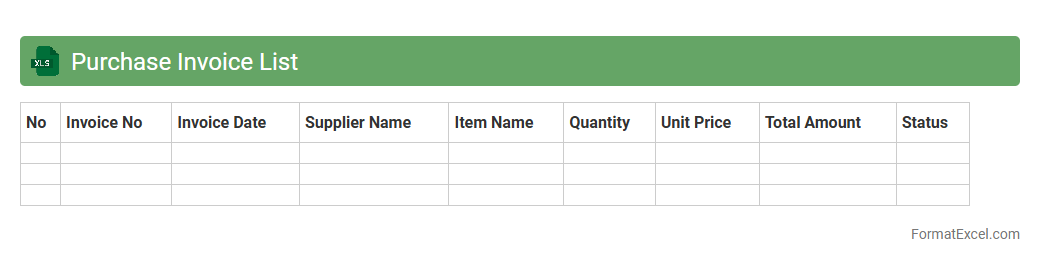
Purchase Invoice List
A
Purchase Invoice List Excel document is a structured spreadsheet that records all purchase invoices, including vendor details, invoice numbers, dates, amounts, and payment statuses. It serves as a vital tool for tracking expenses, managing accounts payable, and ensuring accurate financial reporting. Businesses use this list to streamline procurement processes and maintain organized records for audits and budget analysis.
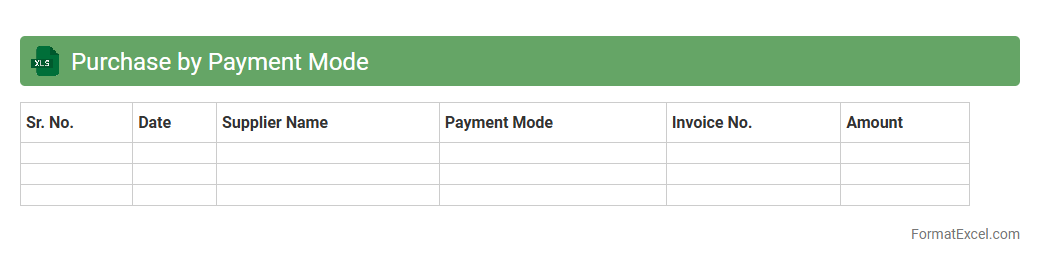
Purchase by Payment Mode
The
Purchase by Payment Mode Excel document organizes procurement data based on various payment methods such as cash, credit card, bank transfer, or digital wallets. It enables businesses to track and analyze spending patterns, ensuring accurate financial management and improved budgeting decisions. This detailed categorization helps identify preferred payment modes, optimize cash flow, and streamline audit processes.
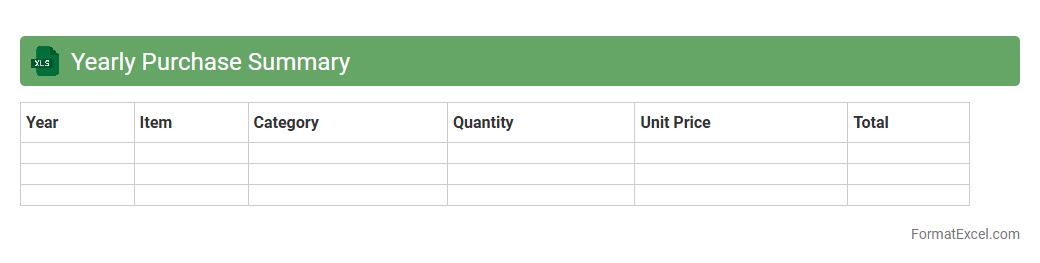
Yearly Purchase Summary
The
Yearly Purchase Summary Excel document consolidates all purchase transactions over the course of a year into a clear, organized format, enabling efficient tracking of expenses and vendor performance. It helps businesses identify spending patterns, manage budgets, and make informed procurement decisions by providing a comprehensive overview of purchase data. This tool streamlines financial analysis and supports strategic planning through detailed summaries and easy-to-read charts.
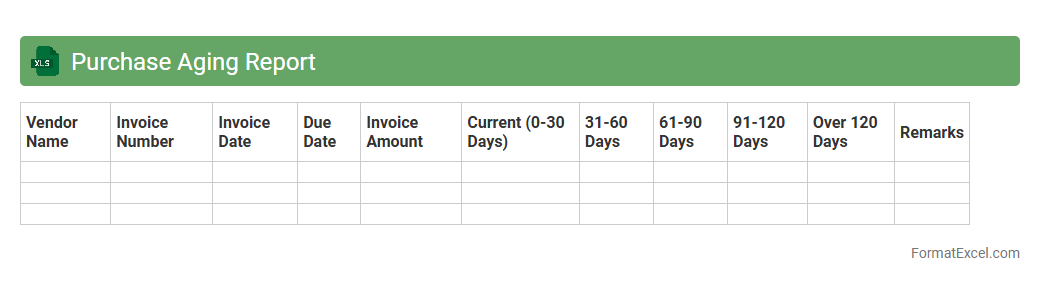
Purchase Aging Report
A
Purchase Aging Report Excel document is a financial tool that categorizes outstanding purchase invoices based on the length of time they have been unpaid, typically segmented into periods like 30, 60, 90 days, and beyond. This report helps businesses monitor their payables, manage cash flow efficiently, and prioritize payments to vendors, reducing the risk of late fees and maintaining strong supplier relationships. By providing a clear overview of aging liabilities, it enhances decision-making for budget planning and financial forecasting.
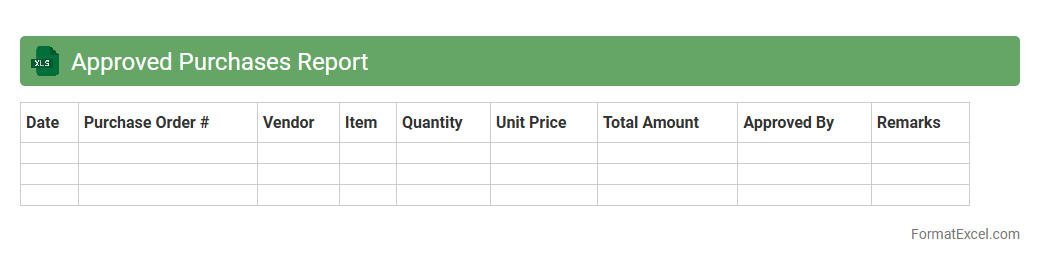
Approved Purchases Report
The
Approved Purchases Report Excel document is a detailed record of all purchase transactions that have received formal authorization within an organization. This report assists in tracking approved expenditures, ensuring budget compliance, and facilitating audit processes by providing transparent and verifiable purchase data. It is essential for financial control, inventory management, and identifying spending patterns to optimize procurement strategies.
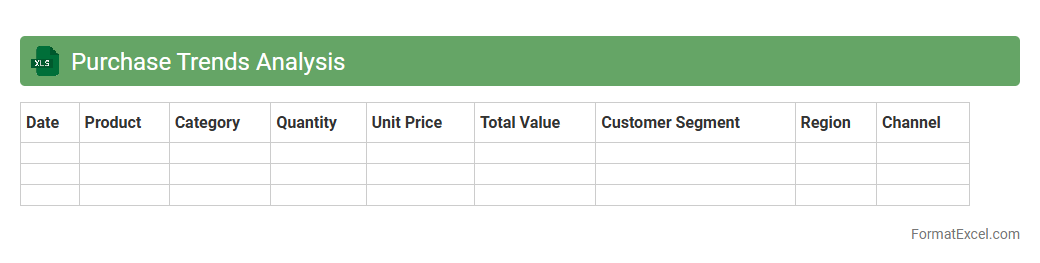
Purchase Trends Analysis
The
Purchase Trends Analysis Excel document tracks and visualizes purchasing behavior over time, enabling businesses to identify patterns in product demand, seasonal fluctuations, and customer preferences. It consolidates data such as purchase frequency, average spend, and supplier performance, facilitating informed decision-making and inventory optimization. This analysis helps reduce costs, improve procurement strategies, and enhance overall supply chain efficiency.
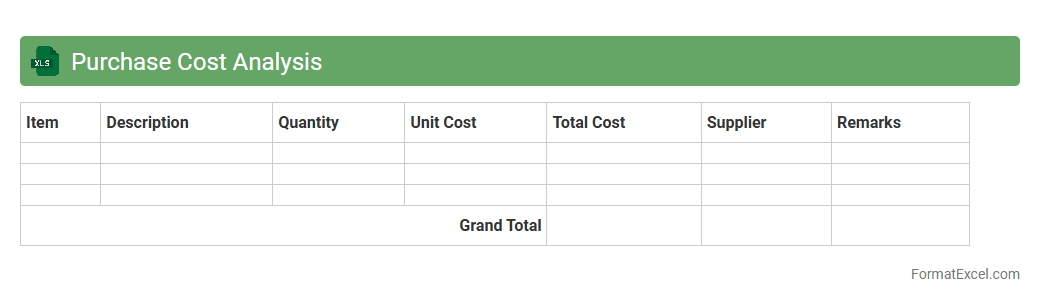
Purchase Cost Analysis
The
Purchase Cost Analysis Excel document systematically organizes and evaluates procurement expenses to identify cost-saving opportunities and optimize budget allocation. It enables businesses to compare vendor prices, track purchase trends, and analyze spending patterns for more informed decision-making. Utilizing this tool enhances financial control, improves supplier negotiations, and supports strategic purchasing strategies.
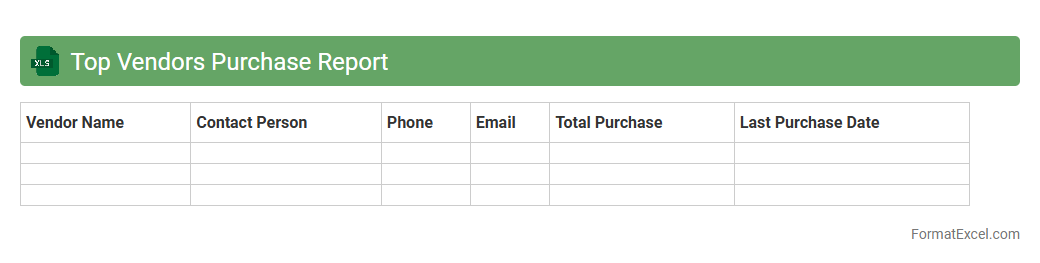
Top Vendors Purchase Report
The
Top Vendors Purchase Report Excel document provides a detailed summary of the highest spending vendors over a specific period, showing important metrics like total purchase amounts, transaction dates, and product categories. This report helps businesses analyze vendor performance, optimize procurement strategies, and identify cost-saving opportunities by highlighting the most significant suppliers. Using this data, companies can negotiate better terms, manage vendor relationships efficiently, and improve budgeting accuracy.
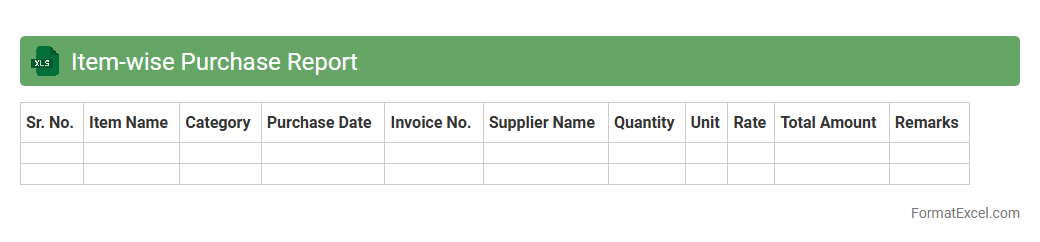
Item-wise Purchase Report
The
Item-wise Purchase Report Excel document provides a detailed overview of purchases categorized by individual items, including quantities, costs, and supplier information. It helps businesses track procurement patterns, manage inventory efficiently, and identify cost-saving opportunities. This report is essential for financial analysis, budgeting, and optimizing supply chain operations.
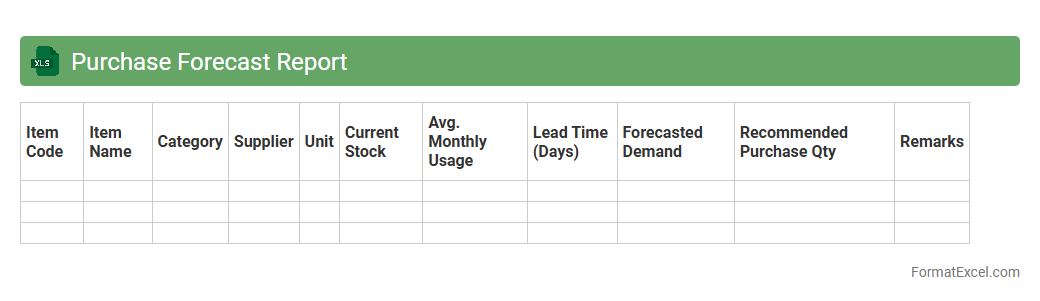
Purchase Forecast Report
The
Purchase Forecast Report Excel document is a powerful tool that analyzes historical purchasing data to predict future product demand, helping businesses plan inventory and procurement efficiently. By leveraging trends, seasonality, and consumption patterns, the report enables companies to optimize stock levels, reduce excess inventory costs, and avoid stockouts. This proactive approach supports better budgeting, supplier negotiations, and streamlines overall supply chain management.
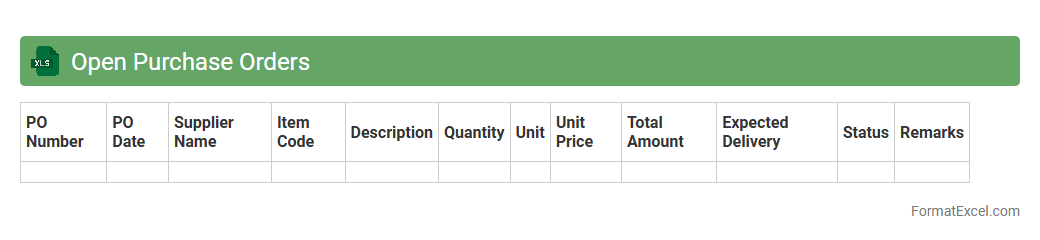
Open Purchase Orders
An
Open Purchase Orders Excel document tracks all pending purchase orders, providing real-time visibility into outstanding supplier commitments and expected deliveries. It helps businesses manage cash flow, monitor order statuses, and ensure timely inventory replenishment by consolidating order details such as quantities, prices, and delivery dates in a single, easily accessible file. This centralized tracking tool improves purchasing efficiency and supports more accurate forecasting and financial planning.
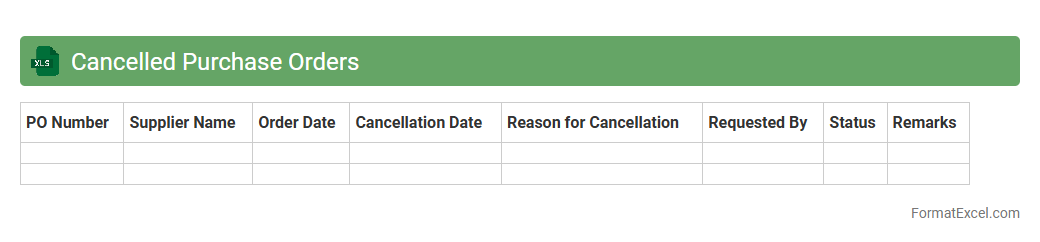
Cancelled Purchase Orders
The
Cancelled Purchase Orders Excel document is a detailed record of all purchase orders that have been voided or terminated before fulfillment, including relevant data such as order numbers, cancellation dates, vendor names, and reasons for cancellation. This document helps businesses track procurement inefficiencies, identify patterns in cancellations, and improve inventory and budget management by preventing unnecessary expenditures. Analyzing cancelled purchase orders enables better supplier negotiations and strengthens financial oversight within the purchasing process.
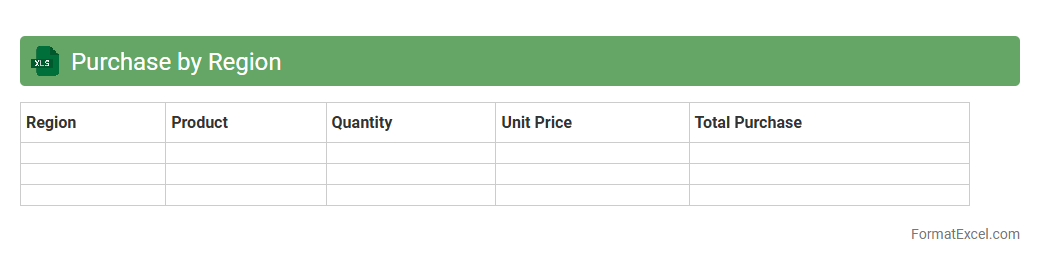
Purchase by Region
The
Purchase by Region Excel document provides a detailed breakdown of purchasing data segmented by geographic areas, enabling businesses to analyze spending patterns across different regions. It helps identify regional trends, optimize inventory management, and tailor marketing strategies to specific local demands. Utilizing this document improves decision-making by highlighting areas of high or low procurement, supporting better resource allocation and cost control.
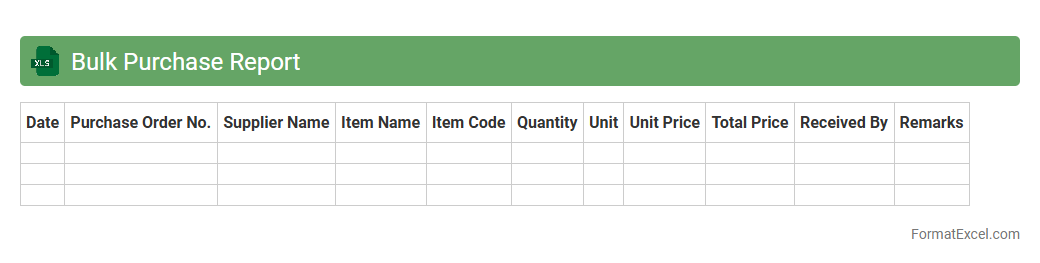
Bulk Purchase Report
A
Bulk Purchase Report Excel document systematically records details of large-quantity transactions, including item names, quantities, prices, suppliers, and purchase dates. This report enhances inventory management by providing clear insights into purchasing patterns, cost trends, and supplier performance. Businesses use it to optimize procurement strategies, control costs, and ensure timely stock replenishment.
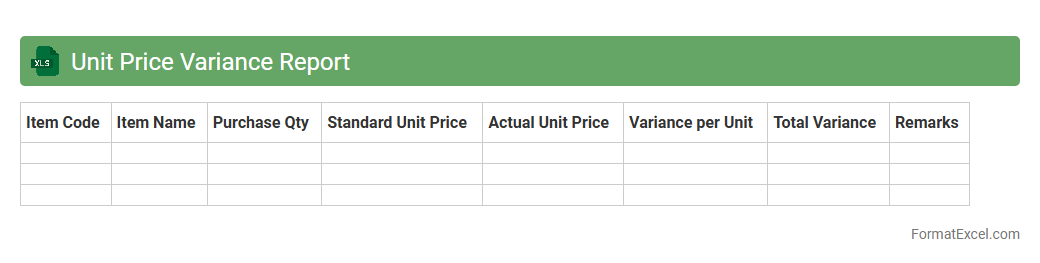
Unit Price Variance Report
The
Unit Price Variance Report Excel document tracks the difference between actual and standard unit prices for materials or products, providing detailed insights into cost fluctuations. This report helps businesses identify pricing discrepancies, control purchasing costs, and enhance budgeting accuracy. By analyzing unit price variances, companies can make informed decisions to optimize procurement strategies and improve overall financial performance.
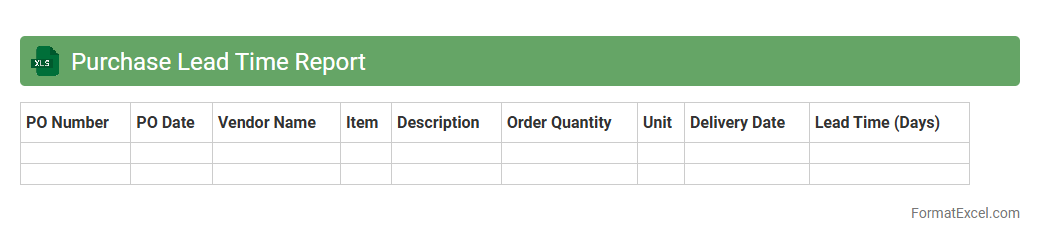
Purchase Lead Time Report
The
Purchase Lead Time Report Excel document tracks the duration between order placement and receipt of goods, providing critical insights into supplier performance and supply chain efficiency. It enables businesses to identify delays, optimize inventory levels, and improve procurement planning by analyzing lead time trends and variances. Utilizing this report supports cost reduction and enhances operational reliability by ensuring timely availability of materials.
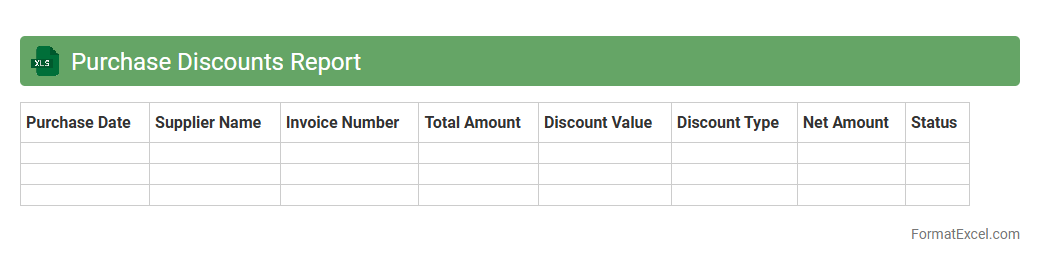
Purchase Discounts Report
The
Purchase Discounts Report Excel document tracks and summarizes all discounts received on purchases, providing detailed data on supplier incentives and payment terms compliance. It is useful for identifying cost-saving opportunities, monitoring vendor performance, and optimizing cash flow management by highlighting timely payment benefits. This report supports informed financial decision-making and enhances budget accuracy by offering clear insights into discount utilization.
Introduction to Purchase Report Format in Excel
A Purchase Report Format in Excel organizes all purchasing data systematically for easy analysis and tracking. It helps businesses monitor expenses and supplier performance effectively. Excel's flexibility makes it an ideal tool for creating customized purchase reports.
Importance of a Structured Purchase Report
A structured purchase report ensures accurate recording of buying transactions and helps identify cost-saving opportunities. It improves transparency and accountability within procurement processes. Maintaining detailed reports enhances financial control and auditing efficiency.
Key Components of a Purchase Report
Essential elements include purchase date, supplier name, item description, quantity, unit price, total cost, and payment status. These components provide a clear overview of purchasing activities. Including purchase order numbers is crucial for tracking specific transactions.
Step-by-Step Guide to Creating a Purchase Report in Excel
Start by setting up columns for all critical data points like date, supplier, and cost. Input sample data and use Excel's table feature to organize the information effectively. Finally, apply formulas to calculate totals and summarize data for better insights.
Essential Excel Functions for Purchase Reporting
Functions like SUM, VLOOKUP, and IF are vital for automating calculations and data retrieval in purchase reports. PivotTables help summarize large datasets efficiently. Mastering these Excel functions boosts accuracy and productivity in reporting.
Sample Purchase Report Template in Excel
A sample template includes pre-defined columns and formulas to track purchases seamlessly. It saves time and ensures consistency across reports. Utilizing a template helps standardize data entry and reporting formats.
Tips for Customizing Purchase Reports
Customize your report by adding company logos, color-coded status indicators, or supplier ratings. Adjust columns based on specific business needs or industry standards. Tailoring the purchase report improves readability and relevance.
Common Mistakes to Avoid in Purchase Reports
Avoid incomplete data entry, inconsistent formatting, and neglecting to update reports regularly. Double-check formulas to prevent calculation errors. Ensuring data accuracy and consistency is critical for a reliable purchase report.
Benefits of Using Excel for Purchase Reports
Excel offers powerful data management, analysis tools, and easy customization for purchase reporting. It reduces manual errors and streamlines procurement tracking. Leveraging Excel enhances overall decision-making and operational efficiency.
Downloadable Excel Purchase Report Format Templates
Many websites offer free downloadable Excel templates tailored for purchase reporting needs. These templates are adaptable and save significant setup time. Using a downloadable template helps quickly implement a professional reporting system.