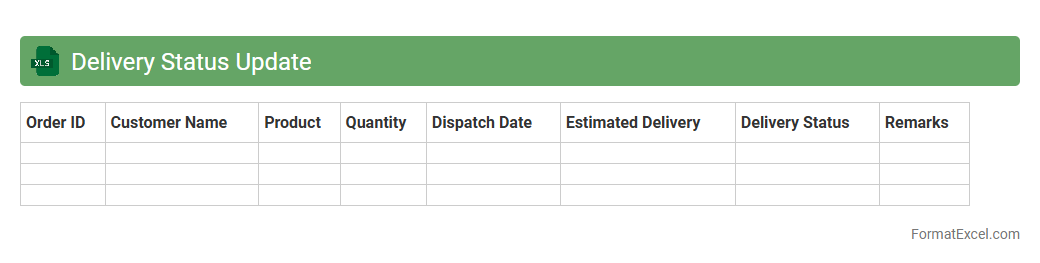
Delivery Status Update
The
Delivery Status Update Excel document is a valuable tool that tracks the progress and current state of shipments or orders in a structured format. It allows businesses to monitor delivery timelines, identify delays, and manage logistics efficiently by providing real-time updates. This document enhances communication among teams by consolidating delivery information, improving customer satisfaction through timely status reporting.
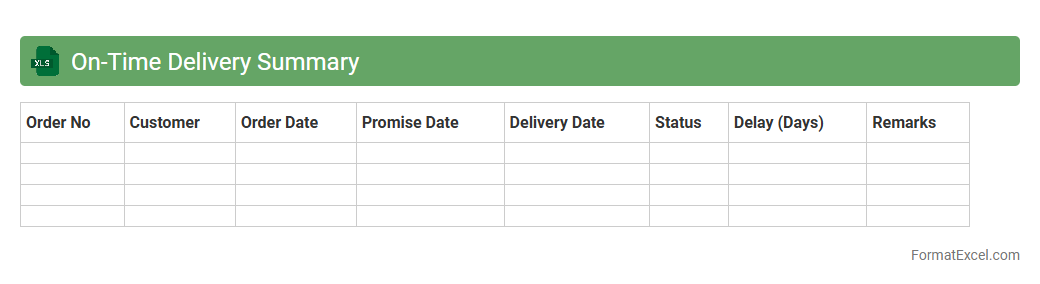
On-Time Delivery Summary
The
On-Time Delivery Summary Excel document tracks the percentage of orders or shipments delivered within the promised time frame, providing a clear overview of supply chain and logistics performance. It consolidates data from various sources to identify trends, delays, and areas for improvement, enabling businesses to enhance customer satisfaction and operational efficiency. Managers and teams rely on this summary to make informed decisions and maintain accountability in delivery processes.
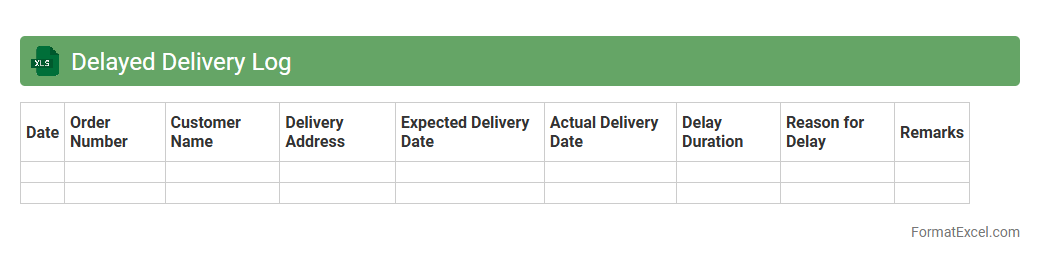
Delayed Delivery Log
The
Delayed Delivery Log Excel document is a tool used to systematically record and track shipments or service deliveries that have not arrived on time. It helps identify patterns or recurring issues by documenting delay reasons, dates, and responsible parties, enabling businesses to pinpoint bottlenecks and improve supply chain efficiency. By maintaining this log, companies can enhance customer satisfaction and optimize operational workflows through timely interventions and data-driven decision making.
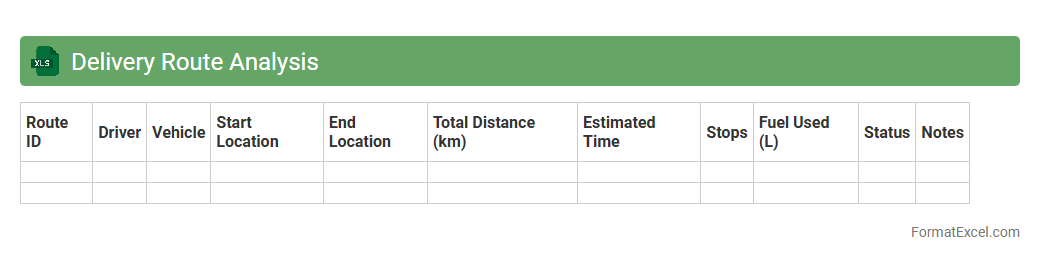
Delivery Route Analysis
The
Delivery Route Analysis Excel document is a structured tool that organizes and evaluates multiple delivery routes based on factors such as distance, time, fuel consumption, and cost efficiency. It allows logistics managers to compare different routes, identify bottlenecks, and optimize delivery schedules to enhance operational efficiency. This document is essential for reducing transportation costs, improving delivery times, and ensuring customer satisfaction in supply chain management.
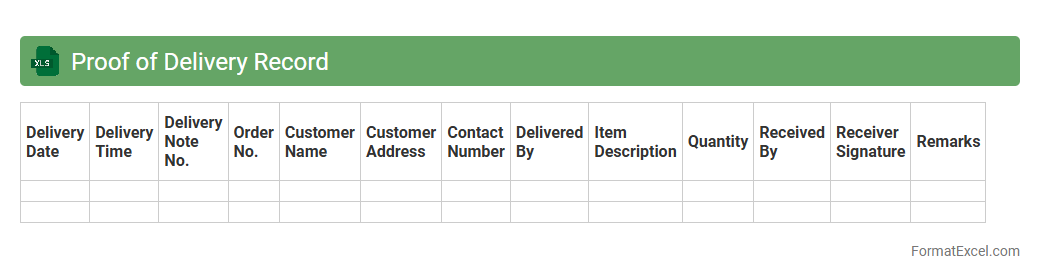
Proof of Delivery Record
A
Proof of Delivery Record Excel document is a detailed file used to track and verify the delivery of goods or services, capturing essential information like delivery dates, recipient signatures, and item descriptions. This document ensures accountability and accurate record-keeping, reducing disputes and improving supply chain transparency. By organizing delivery data efficiently, it facilitates quick audits and enhances customer service management.
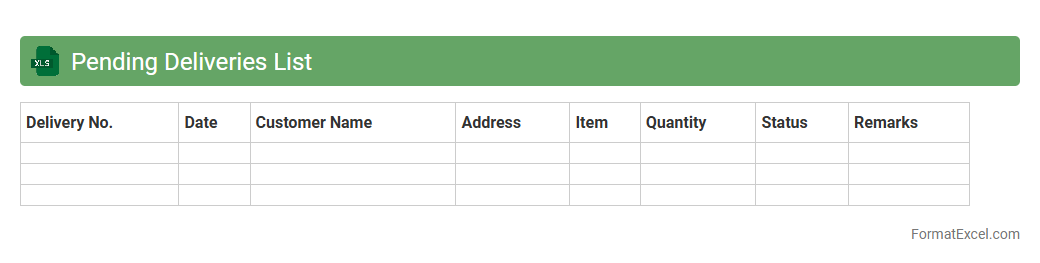
Pending Deliveries List
The
Pending Deliveries List Excel document is a detailed record tracking all shipments or orders that have yet to be delivered to customers. This spreadsheet helps businesses efficiently monitor outstanding deliveries, manage logistics, and prioritize shipping schedules to ensure timely fulfillment. It enhances operational transparency, reduces delays, and improves customer satisfaction by providing a clear overview of delivery statuses.
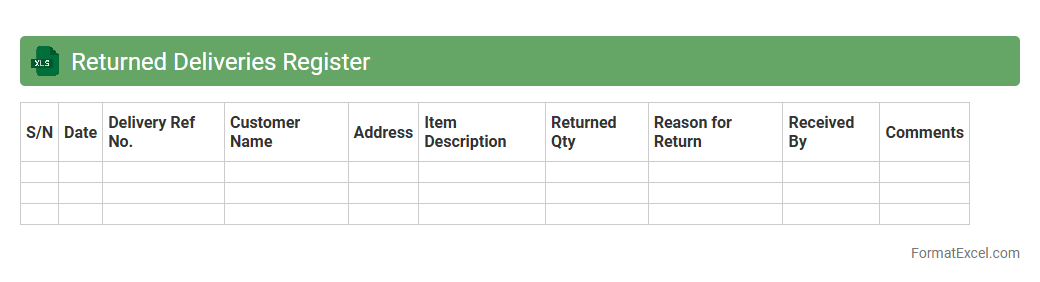
Returned Deliveries Register
The
Returned Deliveries Register Excel document is a structured spreadsheet used to track and manage shipments that have been returned due to failed deliveries. It records essential details such as customer information, reasons for returns, dates, and status updates, enabling efficient monitoring and resolution of delivery issues. This register helps businesses minimize losses, improve customer service, and streamline the return process by providing clear, organized data for analysis and follow-up actions.
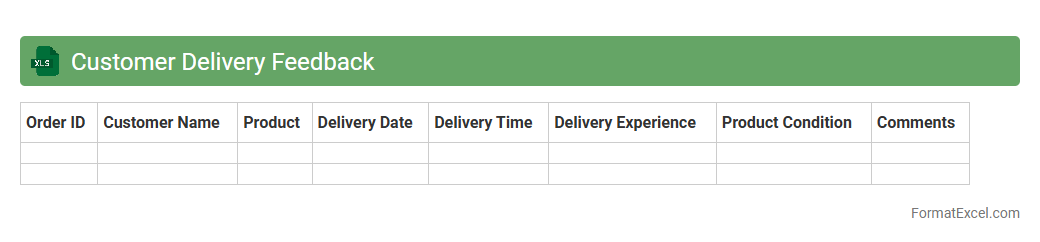
Customer Delivery Feedback
The
Customer Delivery Feedback Excel document systematically records customer responses regarding product delivery experiences, including timeliness, condition, and overall satisfaction. This data allows businesses to identify trends, address delivery issues promptly, and improve their logistics processes. By leveraging detailed feedback, companies can enhance customer satisfaction and optimize supply chain efficiency.
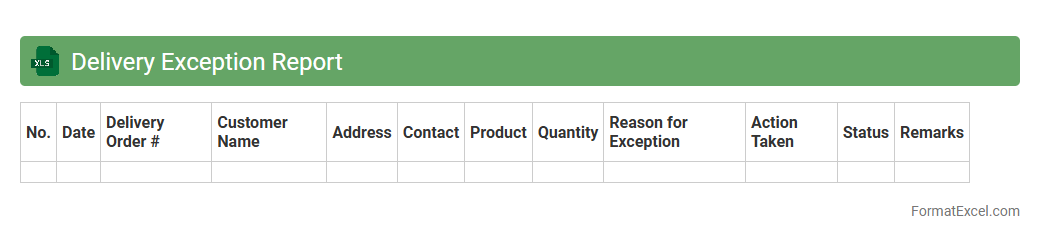
Delivery Exception Report
The
Delivery Exception Report Excel document tracks shipments with delivery issues, such as delays, damages, or incorrect addresses, allowing businesses to identify and address logistical problems promptly. It consolidates detailed data on exceptions, helping to improve supply chain transparency and customer satisfaction by enabling quicker resolution and preventive measures. This report is essential for optimizing delivery performance and maintaining reliable service standards.
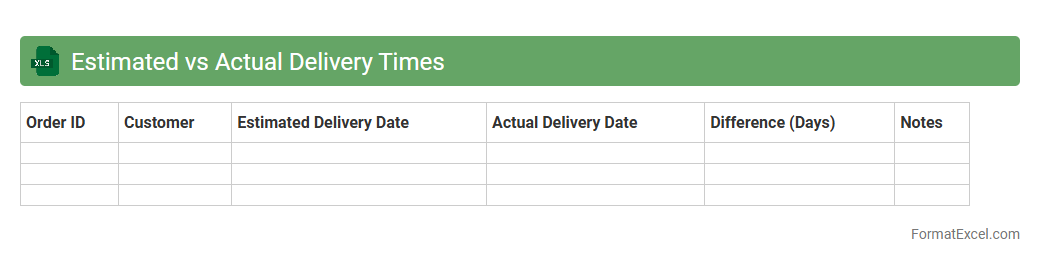
Estimated vs Actual Delivery Times
The
Estimated vs Actual Delivery Times Excel document tracks planned delivery schedules against real delivery dates to identify deviations and improve accuracy. It facilitates performance analysis by highlighting delays and bottlenecks, enabling better logistics planning and customer communication. This tool is essential for optimizing supply chain efficiency and ensuring timely order fulfillment.
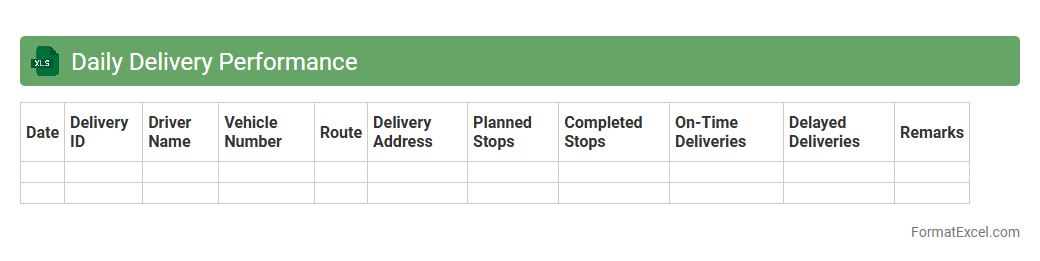
Daily Delivery Performance
The
Daily Delivery Performance Excel document is a detailed tracking tool used to monitor the efficiency and timeliness of daily shipments. It provides real-time data on delivery schedules, delays, and completion rates, enabling teams to identify bottlenecks and optimize logistics processes. By analyzing this document, businesses can improve customer satisfaction through enhanced supply chain management and proactive issue resolution.
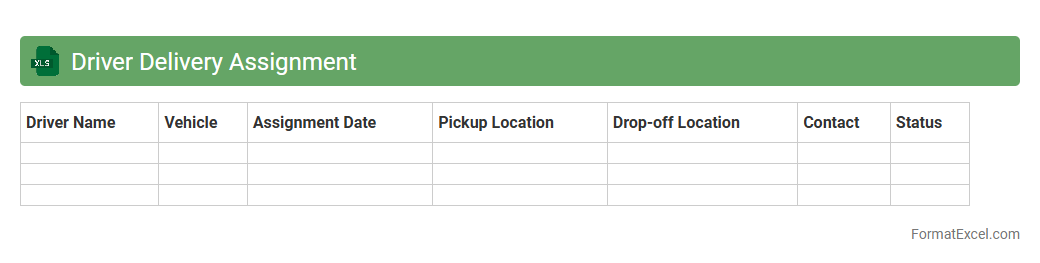
Driver Delivery Assignment
The
Driver Delivery Assignment Excel document is a structured tool designed to allocate delivery tasks efficiently among drivers, ensuring clear communication and streamlined operations. It organizes key information such as driver details, delivery routes, schedules, and package assignments, enabling easy tracking and management. This document enhances operational productivity by minimizing errors, optimizing route planning, and facilitating timely deliveries.
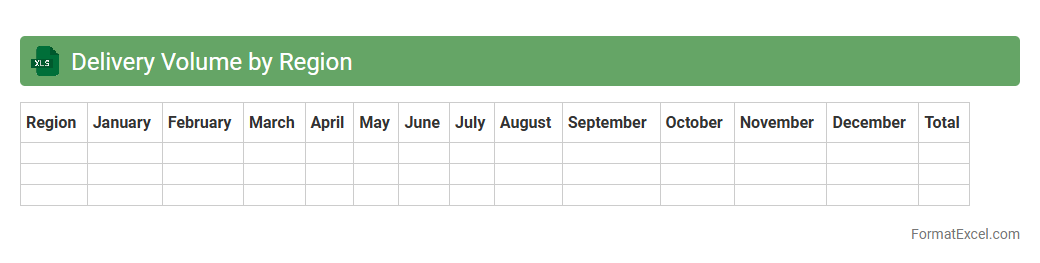
Delivery Volume by Region
The
Delivery Volume by Region Excel document tracks and analyzes the quantity of deliveries across various geographic areas, providing detailed insights into regional performance. It helps identify trends, optimize logistics, and allocate resources efficiently based on delivery demand in each region. This data-driven approach supports strategic planning and enhances overall operational efficiency.
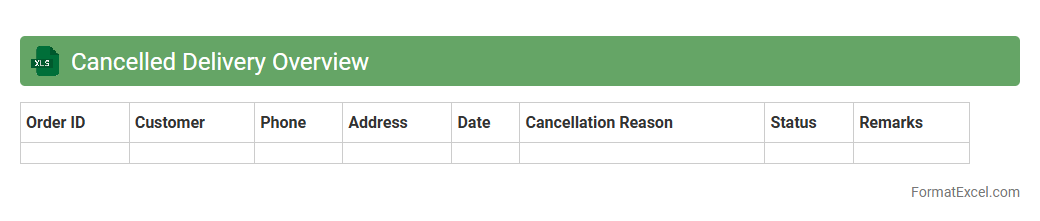
Cancelled Delivery Overview
The
Cancelled Delivery Overview Excel document consolidates detailed data on all orders that were cancelled before delivery, enabling efficient tracking and analysis. This tool helps identify patterns and reasons behind cancellations, supporting improved inventory management and customer satisfaction strategies. By monitoring these cancellations, businesses can reduce operational losses and optimize their supply chain processes.
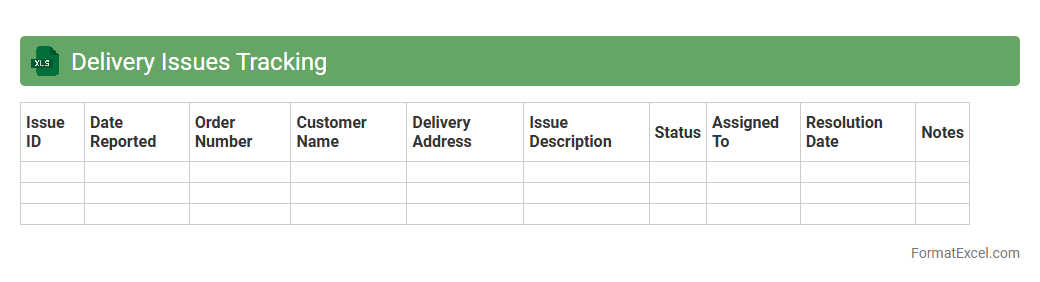
Delivery Issues Tracking
A
Delivery Issues Tracking Excel document is a tool designed to systematically record, monitor, and analyze problems encountered during delivery processes. It enables businesses to identify recurring delivery delays, damages, or misplacements, facilitating timely resolution and improved logistics management. By providing clear insights into delivery performance, this document helps enhance customer satisfaction and operational efficiency.
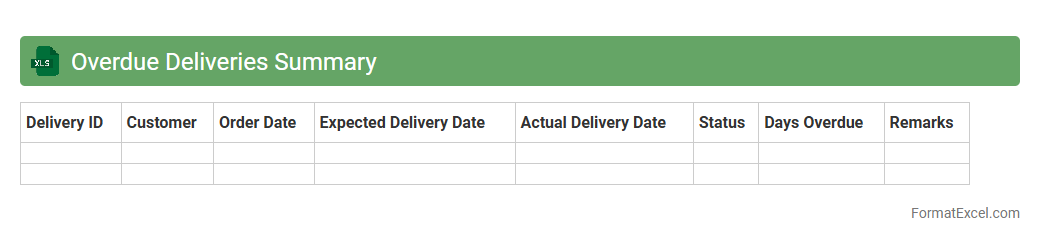
Overdue Deliveries Summary
The
Overdue Deliveries Summary Excel document consolidates all pending shipments that have surpassed their expected delivery dates, enabling efficient tracking and management. It provides critical insights into delayed orders, helping businesses identify bottlenecks, prioritize follow-ups, and improve customer satisfaction. This summary supports operational decision-making by highlighting overdue deliveries, allowing teams to allocate resources effectively and mitigate potential disruptions in the supply chain.
Successful Deliveries Count
The
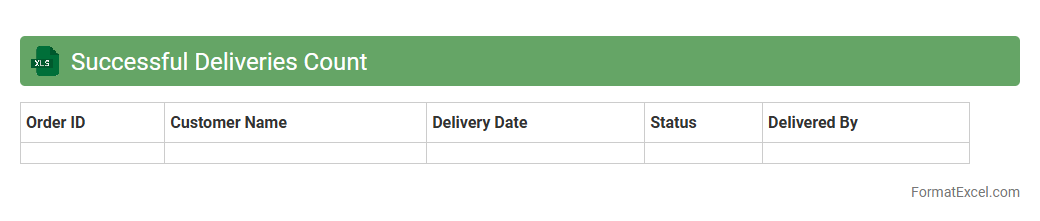
Successful Deliveries Count Excel document tracks and summarizes the number of completed deliveries within a specified period, providing accurate data for performance analysis. It enables businesses to monitor delivery efficiency, identify trends, and make data-driven decisions to improve logistics operations. This tool is essential for optimizing supply chain management and enhancing customer satisfaction by ensuring timely deliveries.
Package Damage Report
A
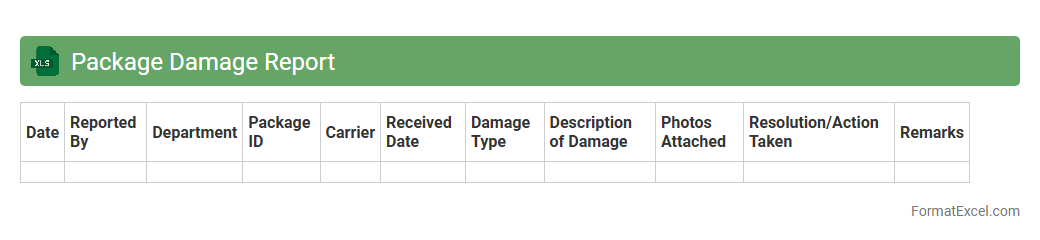
Package Damage Report Excel document is a structured file used to systematically record instances of damaged goods during packaging, shipping, or delivery processes. It helps businesses track the frequency, type, and cause of damages, enabling data-driven decisions to improve packaging methods and reduce loss. This report enhances accountability, supports quality control, and streamlines communication between logistics teams and suppliers.
Urgent Deliveries Tracker
The
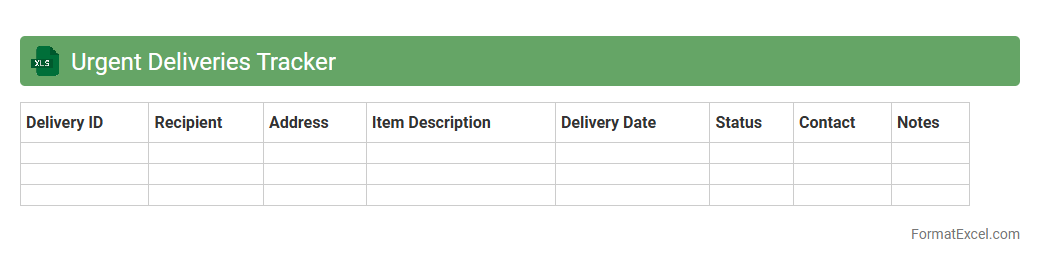
Urgent Deliveries Tracker Excel document is a specialized tool designed to monitor the status and timelines of high-priority shipments efficiently. It allows users to input delivery details, track progress in real-time, and highlight delays, ensuring timely interventions and improved logistics management. This tracker enhances operational efficiency by providing clear visibility into urgent deliveries, reducing errors, and supporting effective communication across supply chain teams.
Delivery Confirmation Record
A
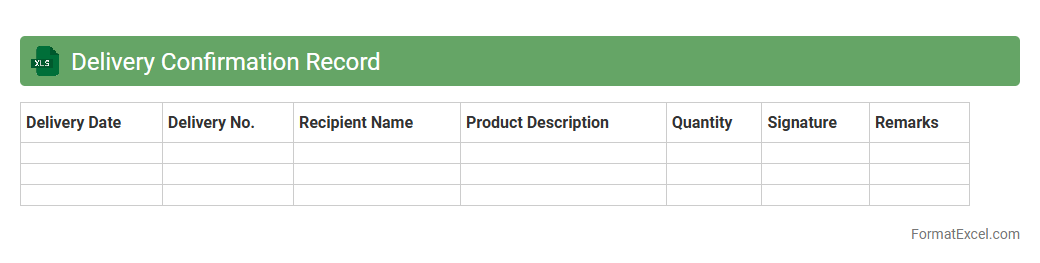
Delivery Confirmation Record Excel document systematically tracks shipment details such as delivery dates, recipient signatures, and order numbers, ensuring accurate proof of delivery. This record enhances accountability and streamlines the reconciliation process between shipments sent and received, significantly reducing disputes and errors. Businesses utilize this document to maintain organized delivery logs that support audit trails and improve customer service response times.
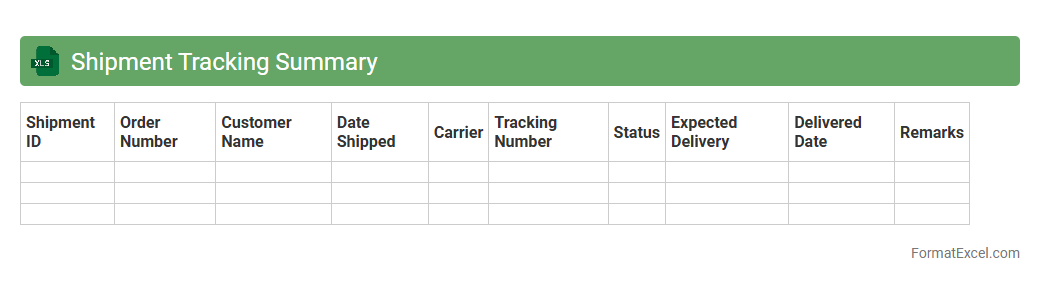
Shipment Tracking Summary
A
Shipment Tracking Summary Excel document consolidates detailed information about shipments, including tracking numbers, delivery status, dates, and carrier details. It helps businesses monitor the progress of multiple shipments in one place, enabling efficient logistics management and timely decision-making. By providing clear visibility into supply chain movements, this document improves accuracy, reduces delays, and enhances overall operational productivity.
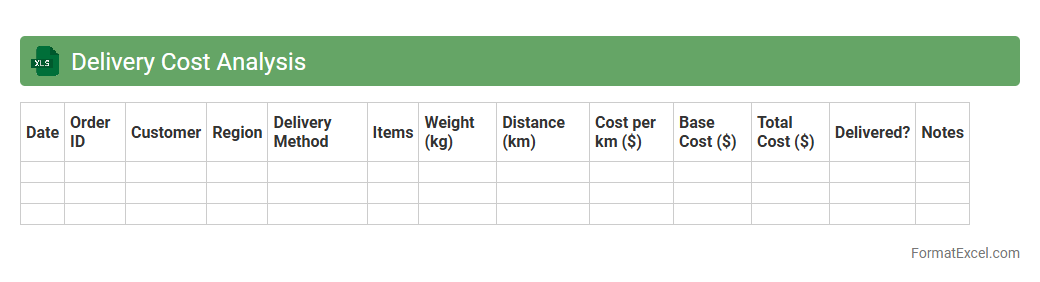
Delivery Cost Analysis
A
Delivery Cost Analysis Excel document systematically breaks down all expenses associated with product delivery, including transportation, packaging, and labor costs. It helps businesses identify cost-saving opportunities, optimize delivery routes, and improve budget accuracy. By visualizing detailed cost components, companies can make informed decisions to enhance operational efficiency and increase profitability.
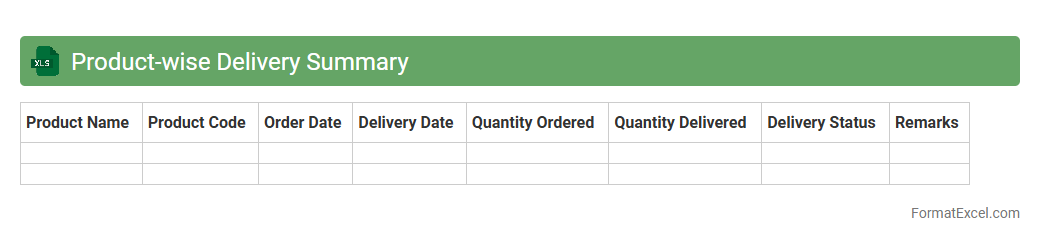
Product-wise Delivery Summary
The
Product-wise Delivery Summary Excel document consolidates detailed data on deliveries categorized by individual products, providing insights into quantities shipped, delivery dates, and customer locations. This summary enables businesses to track fulfillment performance, identify delivery trends, and manage inventory effectively by highlighting product-specific delivery metrics. Utilizing this document aids in optimizing supply chain operations, enhancing customer satisfaction, and supporting informed decision-making for sales and logistics teams.
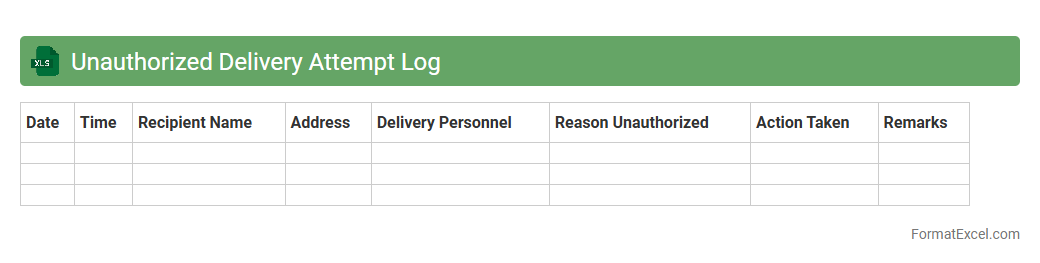
Unauthorized Delivery Attempt Log
The
Unauthorized Delivery Attempt Log Excel document records instances when delivery attempts are made without proper authorization, capturing details such as date, time, location, and recipient status. This log is essential for tracking delivery failures, identifying patterns, and improving logistics management by providing clear evidence for follow-up actions or claims. It enhances accountability and helps reduce delivery errors, ensuring more efficient supply chain operations.
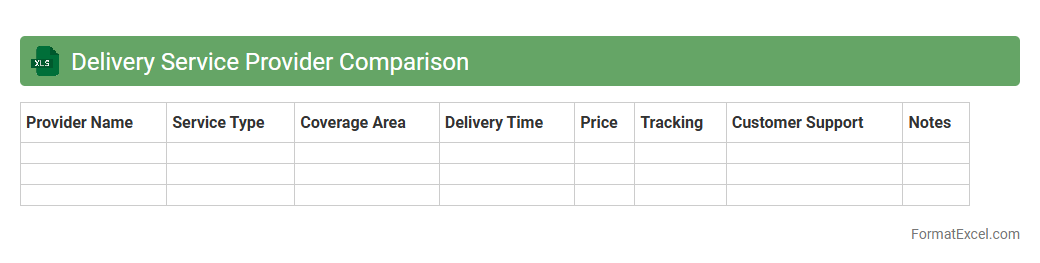
Delivery Service Provider Comparison
The
Delivery Service Provider Comparison Excel document systematically evaluates multiple courier companies based on criteria such as cost, delivery speed, reliability, and service coverage. This tool enables users to make informed decisions by consolidating critical data into an easy-to-read format, enhancing operational efficiency and cost-effectiveness. Businesses and individuals save time and resources by identifying the best delivery partner tailored to their specific shipment needs.
Introduction to Delivery Report Format in Excel
The Delivery Report Format in Excel is a structured template used for tracking the details of product deliveries. It helps organizations maintain accurate records and ensures transparency in the delivery process. Excel's flexibility makes it ideal for designing customizable delivery reports.
Importance of Effective Delivery Reporting
Effective delivery reporting ensures timely updates and accountability in logistics operations. It helps identify delays and improve decision-making by providing real-time delivery data. Accurate delivery reports enhance customer satisfaction and operational efficiency.
Key Components of a Delivery Report
A typical delivery report includes essential details such as delivery date, recipient information, product description, and status. These components provide a comprehensive overview of each delivery transaction. Including a status column helps track whether the delivery is completed or pending.
Setting Up the Delivery Report Template in Excel
Start by creating headers for each data field relevant to your delivery process. Use Excel tables to organize your data for easier management and filtering. A well-set template streamlines the data entry process and enhances report clarity.
Essential Columns and Data Fields
Include columns such as Delivery ID, Date, Customer Name, Address, Item Description, Quantity, and Delivery Status. Accurate data entry is crucial for meaningful reporting and analytics. The Quantity column is vital for tracking shipment volumes precisely.
Step-by-Step Guide to Creating a Delivery Report
Begin by defining your data requirements and layout, then input sample data to test the format. Add formulas and conditional formatting to automate status updates and highlight discrepancies. Follow a structured approach for a user-friendly report design.
Using Excel Functions for Automated Calculations
Leverage functions like SUM, COUNTIF, and IF to calculate total deliveries and categorize statuses automatically. Conditional formatting helps visualize overdue or pending deliveries at a glance. Integrating Excel formulas reduces manual errors and saves time.
Tips for Customizing Your Delivery Report
Customize report colors, fonts, and layouts to match your brand or project needs. Use filters and pivot tables to analyze data dynamically. Incorporating custom views helps different teams extract relevant delivery insights easily.
Best Practices for Sharing and Updating Reports
Ensure reports are shared via cloud platforms like OneDrive for real-time collaboration and updates. Protect sensitive data by setting permissions and using password encryption. Consistent version control prevents data loss and maintains report integrity.
Downloadable Delivery Report Template in Excel
Download pre-built delivery report templates to save time and ensure compliance with best practices. These templates are usually customizable and include formulas and formatting for immediate use. Accessing a downloadable template accelerates report deployment and standardization.