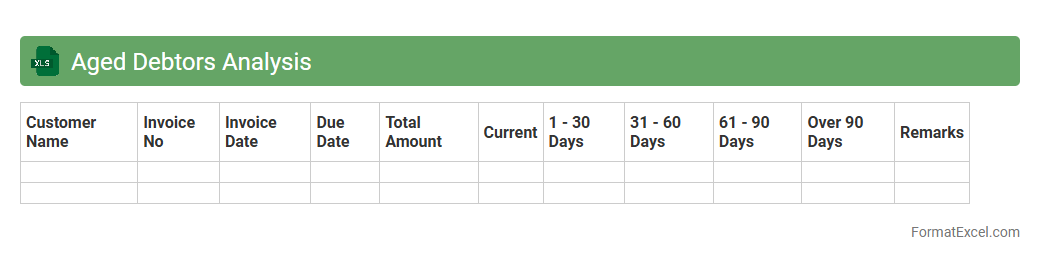
Aged Debtors Analysis
An
Aged Debtors Analysis Excel document categorizes outstanding invoices based on the length of time they have been unpaid, typically grouped into aging buckets such as 0-30, 31-60, 61-90, and over 90 days. This analysis helps businesses identify overdue payments, assess the risk of bad debts, and prioritize collection efforts more effectively. By providing a clear overview of receivables, it aids in improving cash flow management and maintaining financial health.
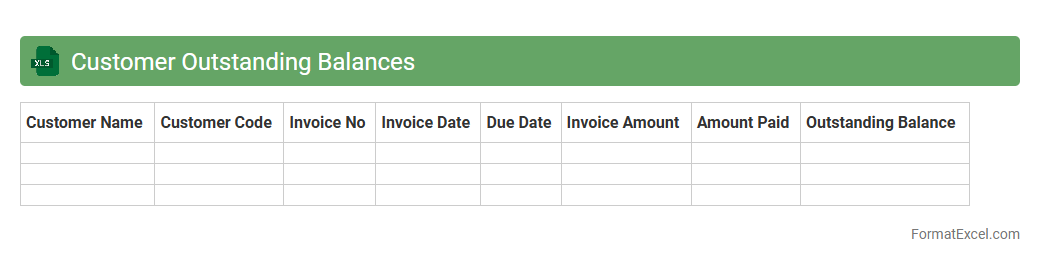
Customer Outstanding Balances
The
Customer Outstanding Balances Excel document tracks pending payments from clients, consolidating amounts owed by each customer in a clear, organized format. It allows businesses to monitor due invoices, prioritize collections, and improve cash flow management. This tool enhances financial oversight, reduces overdue accounts, and supports timely decision-making for accounts receivable.
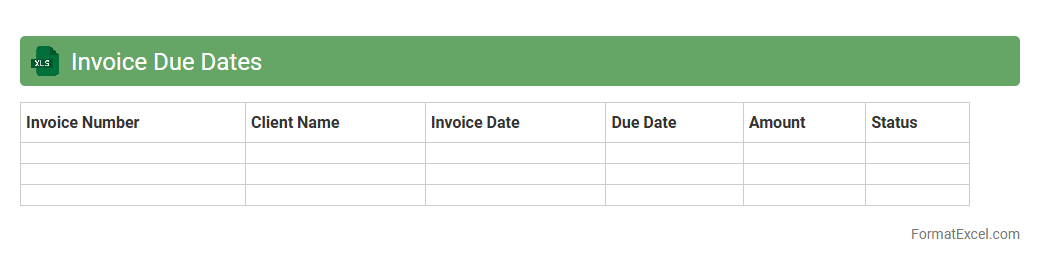
Invoice Due Dates
The
Invoice Due Dates Excel document is a powerful tool designed to track and manage payment deadlines for invoices, ensuring timely settlements and avoiding late fees. It helps businesses maintain accurate cash flow projections by organizing invoice data with due dates, amounts, and client information in a single, accessible spreadsheet. This document enhances financial management efficiency and supports systematic follow-ups on outstanding payments.
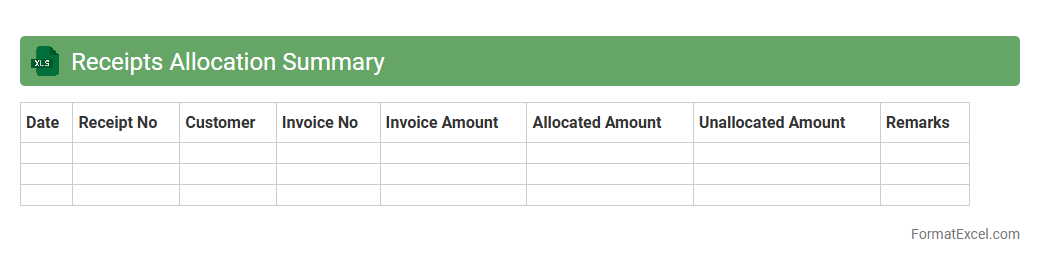
Receipts Allocation Summary
The
Receipts Allocation Summary Excel document provides a detailed overview of financial receipts categorized by source, date, and amount, allowing for efficient tracking and reconciliation of incoming funds. It helps businesses monitor cash flow, identify discrepancies, and ensure accurate allocation of receipts to corresponding accounts or projects. This document streamlines financial reporting and supports better decision-making through clear visualization of receipt patterns and allocation status.
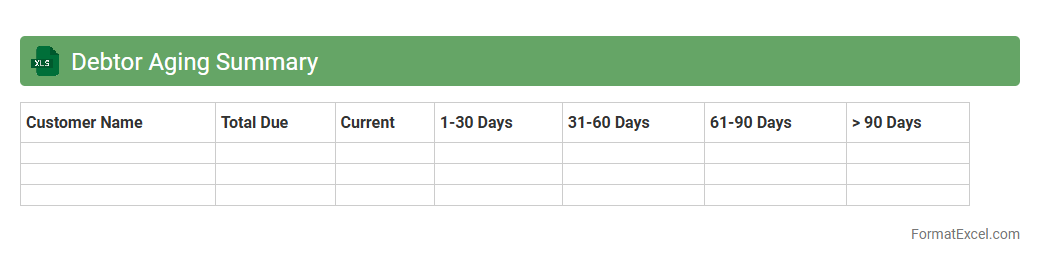
Debtor Aging Summary
The
Debtor Aging Summary Excel document organizes outstanding invoices by age categories, showing how long receivables have been unpaid. It helps businesses monitor cash flow, identify overdue accounts, and prioritize collection efforts effectively. By providing a clear snapshot of customer payment behavior, it supports timely decision-making and reduces credit risk.
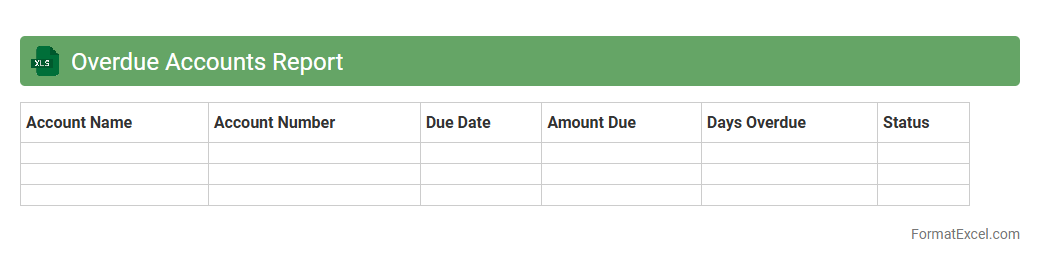
Overdue Accounts Report
An
Overdue Accounts Report Excel document tracks outstanding customer invoices past their due dates, providing a clear overview of unpaid balances and payment delays. It helps businesses identify delinquent accounts promptly, enabling efficient follow-up and credit control to improve cash flow. The report's structured data format supports trend analysis and financial forecasting, ensuring better management of receivables.
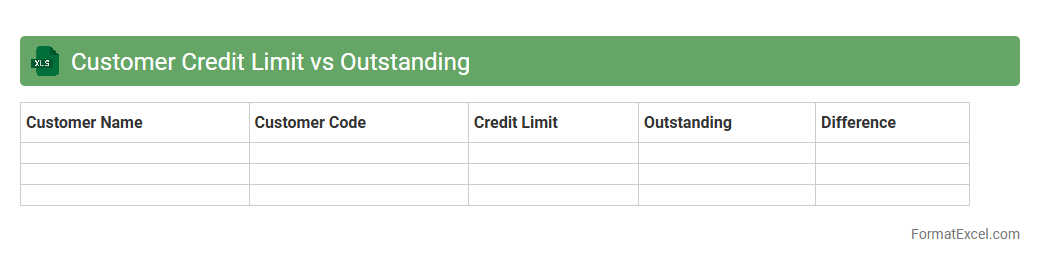
Customer Credit Limit vs Outstanding
The
Customer Credit Limit vs Outstanding Excel document tracks the difference between the maximum credit extended to a customer and their current unpaid balance. This tool helps businesses monitor credit risk by identifying customers nearing or exceeding their credit limits, allowing proactive management of receivables and cash flow. It improves financial control and supports informed credit decisions to minimize bad debt exposure.
Debtor Reconciliation Statement
A
Debtor Reconciliation Statement Excel document is a financial tool used to compare and verify the outstanding balances of debtors in the company's ledger with their individual account statements. It helps identify discrepancies, unrecorded transactions, and errors, ensuring accurate accounts receivable records. This statement facilitates timely follow-up on overdue payments, improving cash flow management and financial transparency.
Customer Payment Terms
A
Customer Payment Terms Excel document is a spreadsheet that outlines the specific payment conditions agreed upon between a business and its customers, including due dates, discounts for early payment, and penalties for late payments. This document helps streamline cash flow management by providing clear visibility into when payments are expected and ensuring compliance with agreed terms. It also aids in reducing disputes over invoicing and enhances financial planning by tracking payment histories efficiently.
Debtor Account Activity
The
Debtor Account Activity Excel document tracks all transactions related to outstanding customer balances, including invoices, payments, and adjustments. It provides detailed insights into payment patterns, aging reports, and outstanding debts, enabling efficient cash flow management and credit control. This document is essential for monitoring receivables, identifying overdue accounts, and improving financial decision-making.
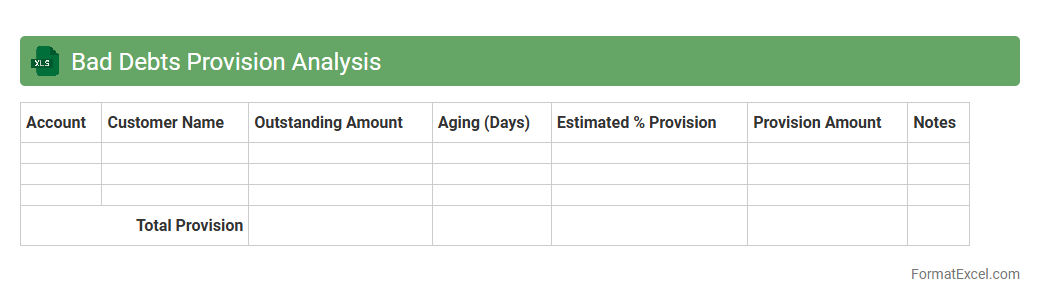
Bad Debts Provision Analysis
Bad Debts Provision Analysis Excel document is a financial tool designed to assess and estimate potential losses from uncollectible accounts receivable. It helps businesses calculate the appropriate
bad debts provision by analyzing historical data and payment trends, ensuring accurate financial reporting and compliance with accounting standards. Utilizing this analysis can improve cash flow management and risk mitigation by proactively identifying doubtful accounts.
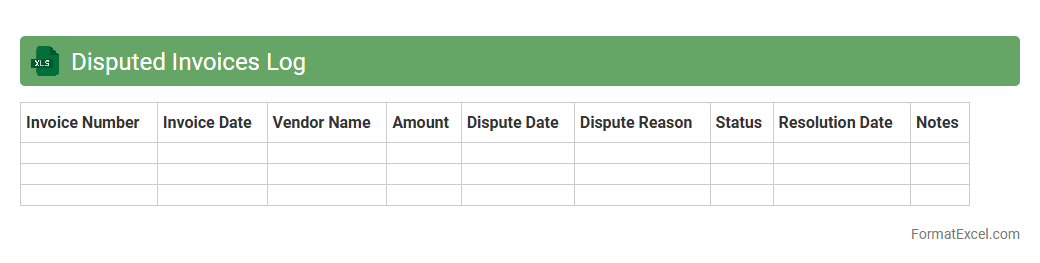
Disputed Invoices Log
The
Disputed Invoices Log Excel document is a comprehensive tool designed to track and manage invoices that have discrepancies or disputes between vendors and clients. It centralizes critical data such as invoice numbers, dispute reasons, resolution status, and communication history, enabling efficient monitoring and resolution of payment issues. This log helps organizations maintain accurate financial records, improve vendor relationships, and streamline the accounts payable process by quickly identifying and addressing outstanding disputes.
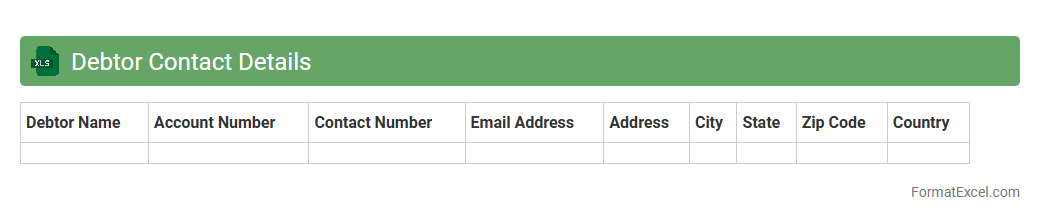
Debtor Contact Details
The
Debtor Contact Details Excel document is a structured spreadsheet containing vital information such as names, phone numbers, email addresses, and payment statuses of individuals or companies owing money. This document enables efficient tracking and management of outstanding debts, allowing for timely communication and follow-ups with debtors. Utilizing this file improves cash flow management and supports accurate financial reporting by organizing all debtor interactions in one centralized location.
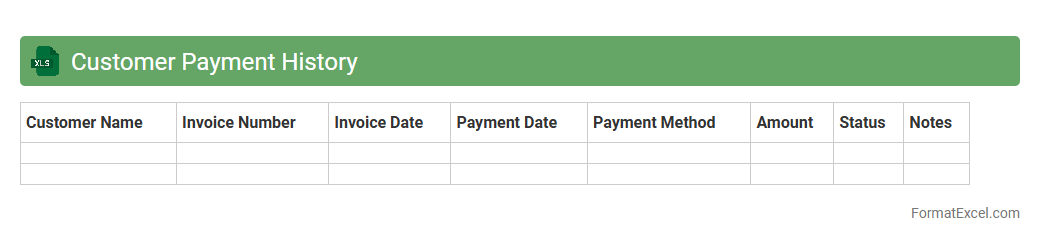
Customer Payment History
A
Customer Payment History Excel document systematically records each transaction made by customers, including payment dates, amounts, and outstanding balances. It enables businesses to track timely payments, identify late or missed payments, and analyze customer credit behavior effectively. This data-driven insight supports improved financial management, enhances cash flow forecasting, and strengthens customer relationship strategies.
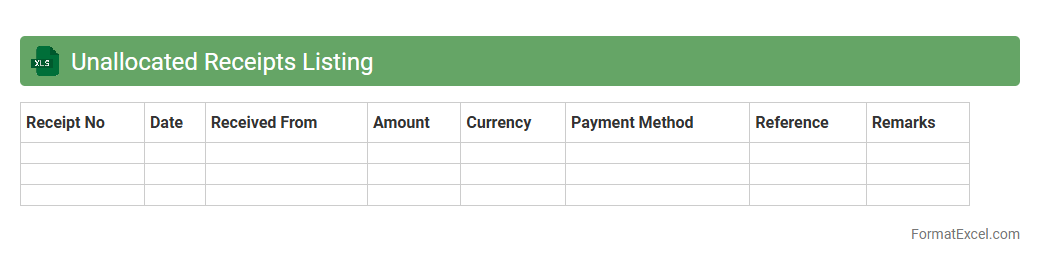
Unallocated Receipts Listing
The
Unallocated Receipts Listing Excel document is a financial report that tracks payments received but not yet matched to specific invoices or accounts. It helps identify and manage unidentified or pending receipts, ensuring accurate reconciliation of accounts and improving cash flow management. By providing clear visibility into unallocated funds, it enables businesses to resolve discrepancies quickly and maintain precise financial records.
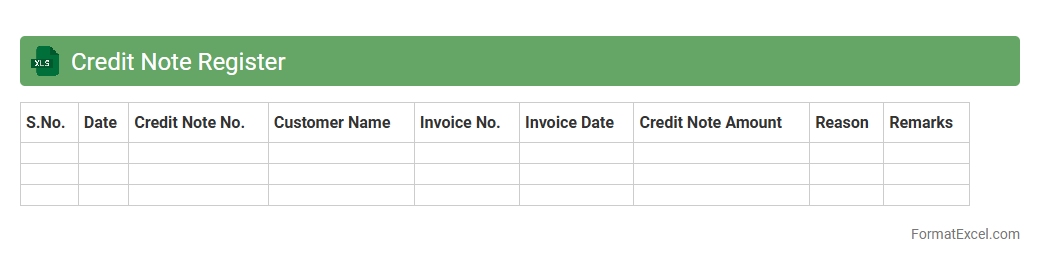
Credit Note Register
A
Credit Note Register Excel document is a detailed record that tracks all credit notes issued by a business, including dates, amounts, customer details, and reasons for issuance. This register helps maintain accurate financial records by systematically organizing credit transactions, facilitating easy reconciliation with sales and accounting data. Using this document improves audit preparedness, enhances transparency, and enables efficient monitoring of outstanding credits and customer accounts.
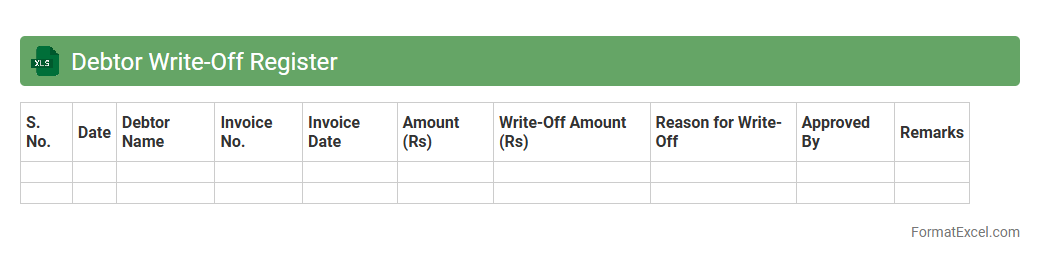
Debtor Write-Off Register
The
Debtor Write-Off Register Excel document is a structured record used to track accounts receivable that have been deemed uncollectible and subsequently written off. It helps businesses monitor and manage bad debts effectively by documenting key details such as debtor names, outstanding amounts, write-off dates, and approval statuses. This register improves financial accuracy, aids in auditing processes, and supports better decision-making related to credit management and financial reporting.
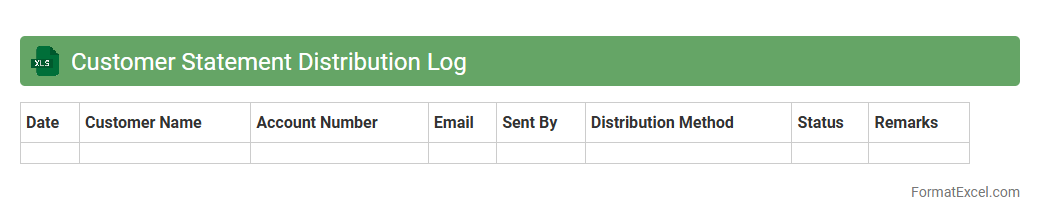
Customer Statement Distribution Log
The
Customer Statement Distribution Log Excel document tracks the delivery of financial statements to customers, recording dates, methods, and confirmation details to ensure accurate communication. This log helps businesses monitor statement dispatch, manage follow-ups, and maintain compliance with financial reporting requirements. Using this document improves transparency and streamlines customer account management by providing a clear audit trail of statement distributions.
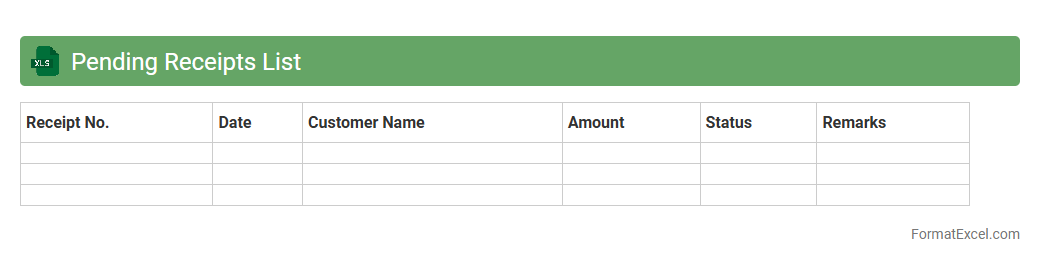
Pending Receipts List
The
Pending Receipts List Excel document records all outstanding payments or deliveries yet to be received, enabling accurate tracking of pending transactions. This spreadsheet helps businesses maintain financial clarity by organizing supplier invoices, payment due dates, and shipment statuses in one place. Utilizing this list streamlines account reconciliation, improves cash flow management, and ensures timely follow-ups with vendors or clients.
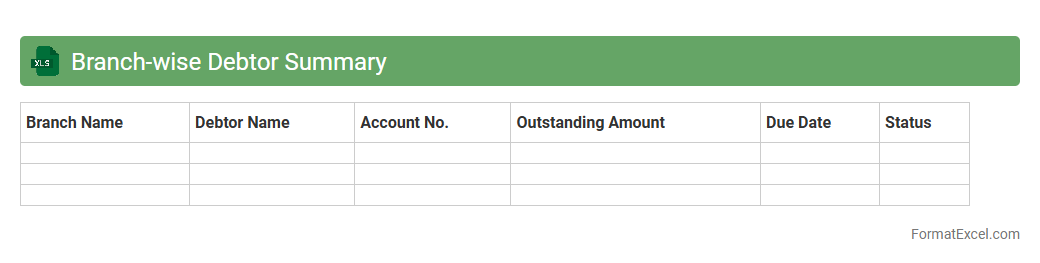
Branch-wise Debtor Summary
The
Branch-wise Debtor Summary Excel document consolidates outstanding receivables across multiple branches, providing a clear snapshot of each branch's debtor position. This summary enables efficient tracking of unpaid invoices, enhances cash flow management, and supports timely decision-making to improve collection strategies. By organizing data branch-wise, it facilitates targeted follow-ups and helps in identifying high-risk accounts promptly.
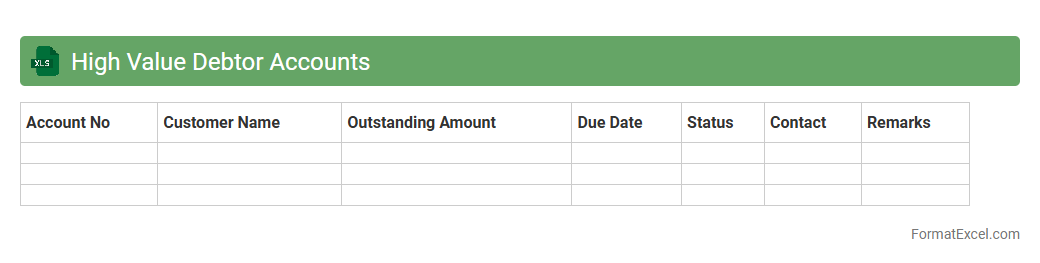
High Value Debtor Accounts
High Value Debtor Accounts excel document is a specialized spreadsheet designed to track and manage debtors with significant outstanding balances, allowing businesses to prioritize collections and improve cash flow. It consolidates key data such as debtor names, invoice amounts, due dates, and payment statuses, providing a clear overview of critical financial obligations. Utilizing this
High Value Debtor Accounts document enhances financial control by enabling targeted follow-ups, reducing late payments, and optimizing accounts receivable management.
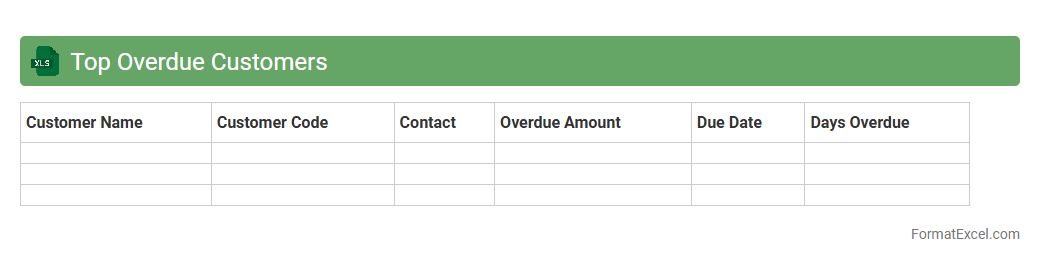
Top Overdue Customers
The
Top Overdue Customers Excel document is a report that identifies clients with outstanding payments beyond the agreed terms, highlighting the highest overdue accounts. It enables businesses to prioritize collection efforts, improve cash flow management, and reduce financial risks by providing clear visibility into delayed receivables. This document supports efficient credit control by facilitating timely follow-ups and strategic decision-making based on customer payment behavior.
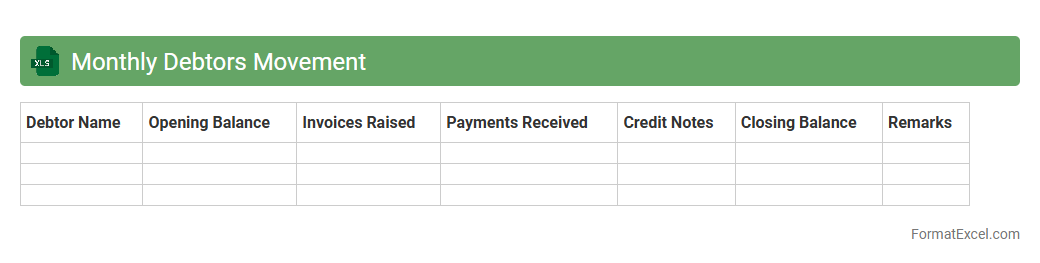
Monthly Debtors Movement
The
Monthly Debtors Movement Excel document tracks changes in accounts receivable, detailing opening balances, invoices raised, payments received, and closing balances for each debtor. It provides clear visibility into customer payment patterns and outstanding amounts, enabling effective credit control and cash flow management. This tool helps businesses monitor debtor performance, identify overdue accounts quickly, and make informed financial decisions.
Customer Overpayment Register
The
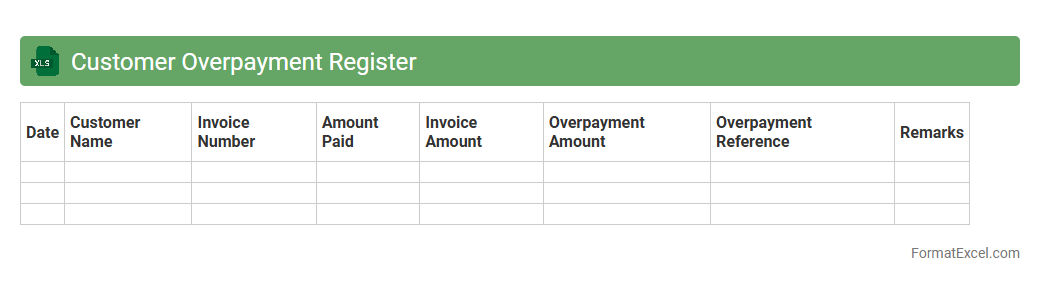
Customer Overpayment Register Excel document is a structured tool used to track and manage payments made by customers that exceed the invoiced amount. It helps businesses identify overpayments quickly, streamline refund processes, and maintain accurate financial records. By analyzing this register, companies can improve cash flow management and enhance customer relationship management through timely resolution of payment discrepancies.
Debtor Ledger Balance
The
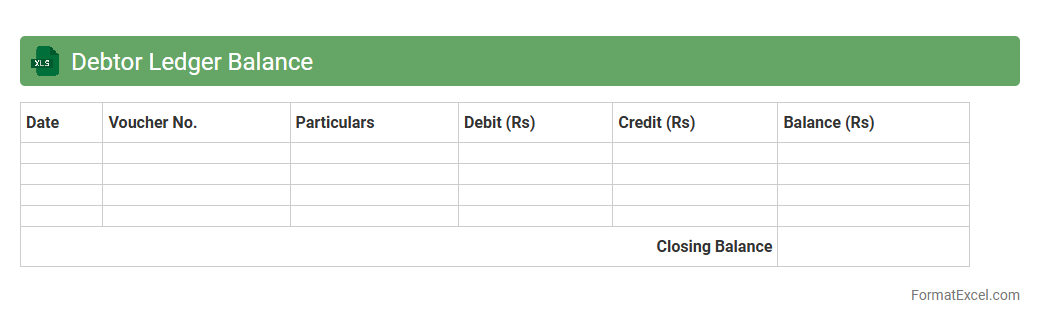
Debtor Ledger Balance excel document is a detailed financial record that tracks outstanding amounts owed by customers, helping businesses manage accounts receivable efficiently. It provides a clear view of individual debtor balances, payment histories, and aging reports, enabling timely follow-ups and informed credit decisions. This document enhances cash flow management by identifying overdue invoices and minimizing bad debts.
Introduction to Debtors Statement in Excel
A debtors statement in Excel is a detailed report that tracks all amounts owed by customers. It helps businesses monitor outstanding invoices and payment statuses. Using Excel allows for easy data management and analysis.
Importance of Accurate Debtors Statements
Accurate debtors statements ensure timely payments and effective cash flow management. They reduce disputes by providing clear transaction records to customers. Reliable statements improve business relationships and financial health.
Key Components of a Debtors Statement
Important components include the customer's name, invoice number, invoice date, due date, and outstanding balance. Summaries of total amounts owed and payment status are also essential. These elements provide a clear snapshot of each debtor's liabilities.
Standard Debtors Statement Format in Excel
A typical format consists of header sections with business and customer details, followed by a tabulated list of invoices. The table includes columns for dates, invoice numbers, amounts, and balance summaries. This structured format ensures clarity and professionalism.
Step-by-Step Guide to Creating a Debtors Statement
Start by listing customer details, followed by entering invoice data in organized columns. Use Excel formulas to calculate totals and outstanding balances. Finally, review and format the sheet for readability before distribution.
Essential Columns for Debtors Statement Templates
Key columns are Invoice Number, Invoice Date, Due Date, Amount Due, Payments Received, and Balance Due. These columns track each transaction's status and help identify overdue accounts. Incorporating these ensures comprehensive reporting.
Tips for Customizing Debtors Statement Formats
Customize by adding branding elements such as logos and color schemes to match your business identity. Automate calculations with formulas to save time and reduce errors. Include notes sections for remarks or special instructions to customers.
Sample Debtors Statement Template in Excel
A sample template includes headers, customer and invoice details, and summary totals at the bottom. It features clear column headings and consistent formatting for easy reading. Using ready-made templates speeds up statement generation.
Common Mistakes in Debtors Statement Preparation
Common errors include incorrect invoice details, missing payments, and inconsistent formatting. Neglecting to update the statement regularly can lead to inaccurate data. Avoiding these mistakes helps maintain reliable financial records.
Best Practices for Managing Debtors Records in Excel
Maintain regular updates and backups of your debtors records to prevent data loss. Use filters and conditional formatting to quickly identify overdue accounts. Consistent review improves accuracy and aids in efficient credit control.