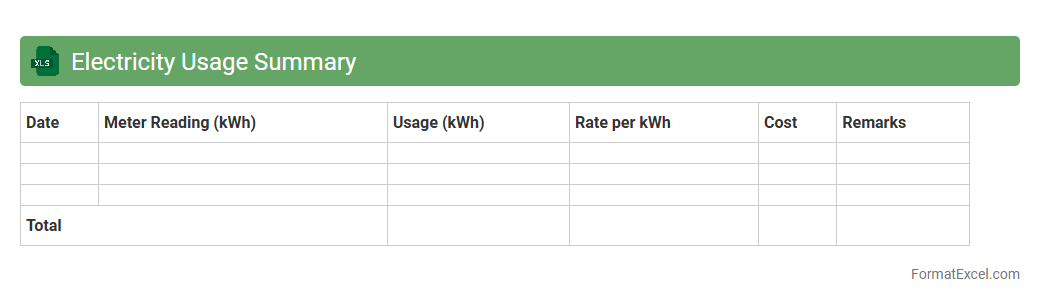
Electricity Usage Summary
The
Electricity Usage Summary Excel document consolidates detailed data on power consumption over specific periods, offering insights into patterns and peak usage times. It helps users monitor energy efficiency, identify potential cost savings, and make informed decisions about electricity management. This tool is essential for homeowners, businesses, and energy auditors aiming to optimize electricity usage and reduce expenses.
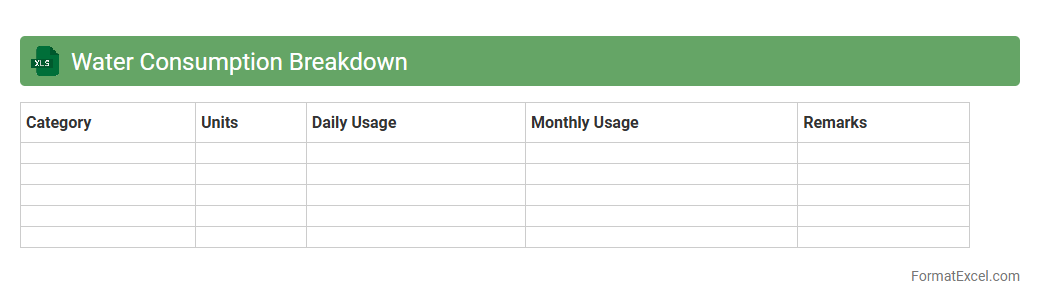
Water Consumption Breakdown
The
Water Consumption Breakdown Excel document provides a detailed analysis of water usage across various sectors or time periods, facilitating precise tracking and management. It allows users to identify patterns, detect inefficiencies, and implement targeted strategies to reduce water waste and optimize consumption. This tool is essential for businesses, households, and environmental agencies aiming to achieve sustainable water management and cost savings.
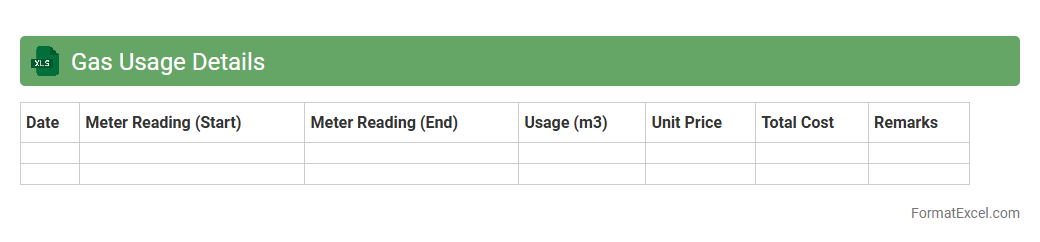
Gas Usage Details
The
Gas Usage Details Excel document is a comprehensive record that tracks the consumption of gas over a specified period, breaking down data by date, usage amount, and cost. This document helps monitor consumption patterns, identify irregular usage, and optimize energy expenses effectively. By analyzing the detailed entries, businesses and households can make informed decisions on energy management and cost-saving strategies.
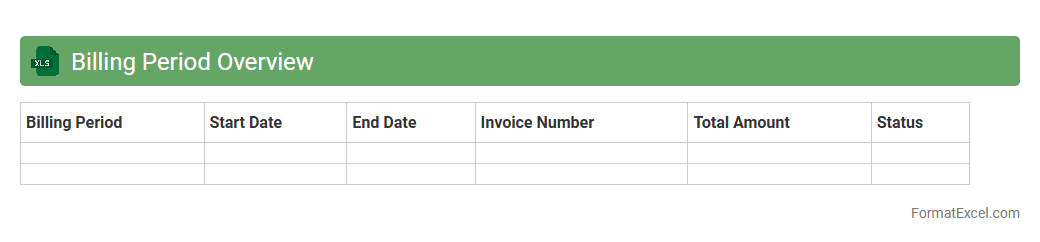
Billing Period Overview
The
Billing Period Overview Excel document provides a detailed summary of billing cycles, tracking invoice dates, payment statuses, and total amounts due within a specific period. It helps businesses maintain accurate financial records, monitor cash flow, and ensure timely payments. By consolidating billing data in one place, this tool streamlines accounting processes and supports better financial decision-making.
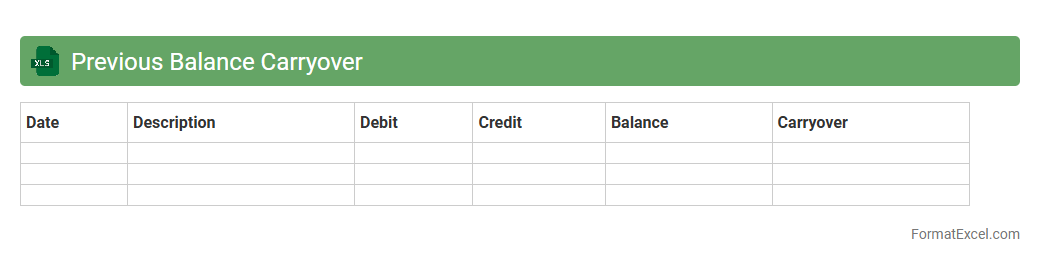
Previous Balance Carryover
The
Previous Balance Carryover Excel document tracks outstanding balances from prior periods, enabling accurate financial management and seamless account reconciliation. It helps businesses maintain continuity in their financial records by automatically transferring unpaid amounts to the current period, reducing errors and saving time. Utilizing this tool enhances budgeting accuracy and provides clear insight into ongoing liabilities or receivables for improved decision-making.
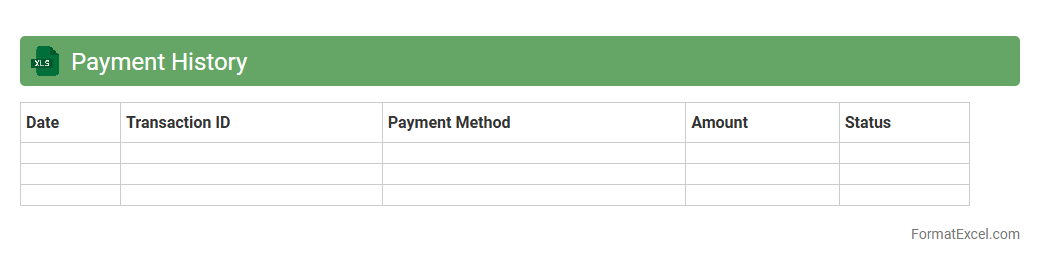
Payment History
A
Payment History Excel document is a structured spreadsheet that records all past transactions, including dates, amounts, and payment methods. It helps track financial activities, monitor outstanding balances, and analyze spending patterns for better budget management. Businesses and individuals benefit from accurate payment histories by ensuring timely payments and maintaining clear financial records.
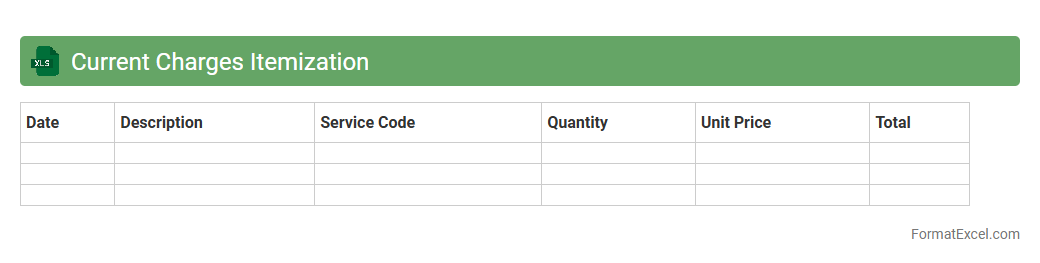
Current Charges Itemization
The
Current Charges Itemization Excel document provides a detailed breakdown of ongoing expenses and transactions, allowing for precise tracking and management of costs. It helps users identify specific charges, allocate budgets effectively, and monitor financial activities in real-time. This document enhances transparency and supports informed decision-making by presenting clear, organized financial data.
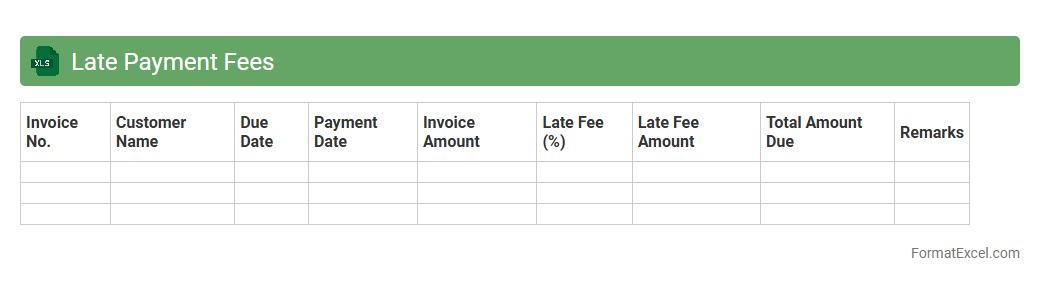
Late Payment Fees
The
Late Payment Fees Excel document is a structured spreadsheet designed to track and calculate overdue payment penalties accurately. It helps businesses manage cash flow by automatically applying fees based on predefined rules linked to invoice due dates, ensuring timely payment enforcement. This tool enhances financial accountability, reduces manual errors, and provides clear records of outstanding fees for improved decision-making.
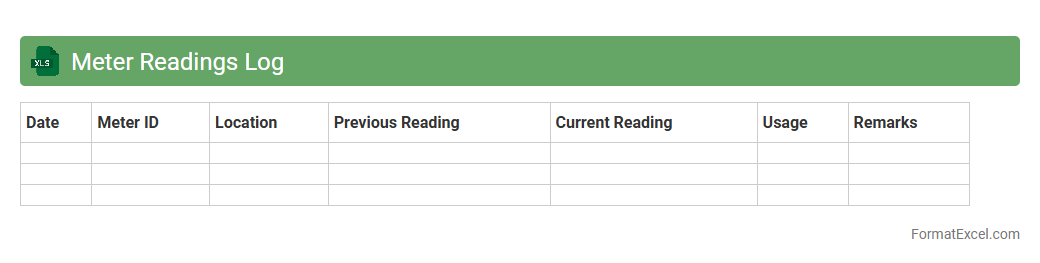
Meter Readings Log
A
Meter Readings Log Excel document is a structured spreadsheet used to record and track utility meter readings such as electricity, water, or gas consumption over time. It helps in monitoring usage patterns, detecting anomalies, and ensuring accurate billing by maintaining a chronological record of meter values. This log serves as an essential tool for businesses and households seeking efficient energy management and cost control.
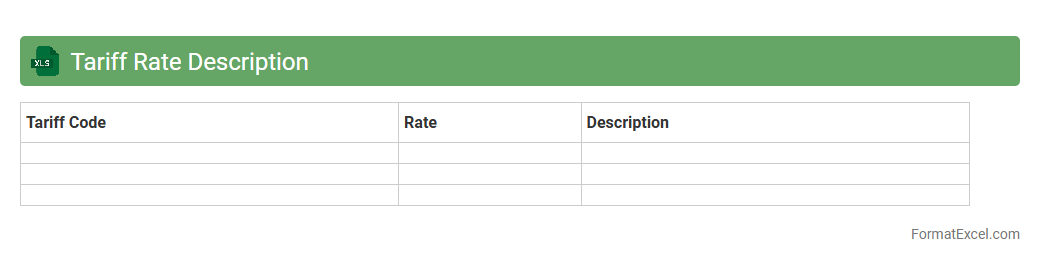
Tariff Rate Description
The
Tariff Rate Description Excel document systematically organizes and details various tariff rates applied to imported and exported goods, facilitating straightforward analysis and reference. This tool is useful for businesses and customs officials to accurately calculate duties, ensure compliance with trade regulations, and optimize cost management in international transactions. Its structured format enhances efficiency by enabling quick updates and easy comparison of tariff data across different product categories and countries.
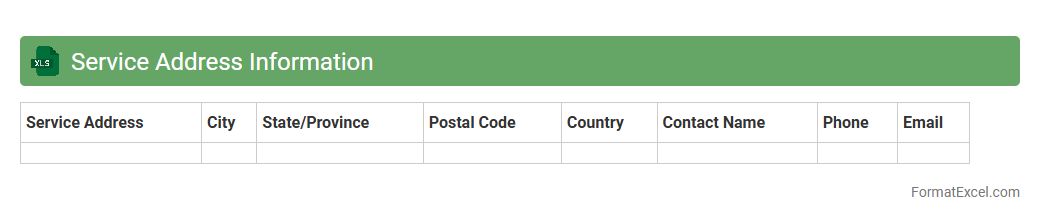
Service Address Information
A
Service Address Information Excel document contains detailed data about locations where services are provided, including addresses, contact details, and service specifics. This document enables efficient management and verification of service points, ensuring accurate delivery and record-keeping. It is useful for operational planning, customer support, and enhancing logistical coordination across multiple service sites.
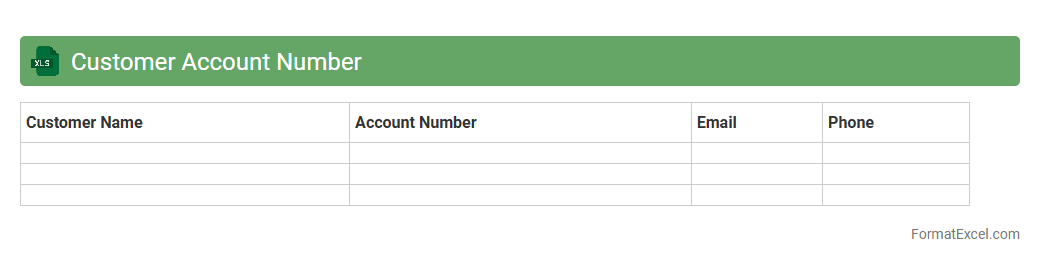
Customer Account Number
A
Customer Account Number Excel document is a spreadsheet used to organize and manage unique identifiers assigned to each customer within a business database. This document streamlines tracking customer transactions, billing information, and communication history, enhancing data accuracy and operational efficiency. It proves invaluable for customer service teams, finance departments, and marketing strategies by enabling quick access to account-specific details and improving overall customer relationship management.
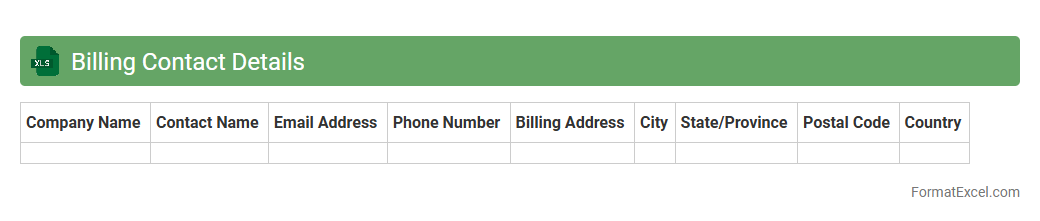
Billing Contact Details
The
Billing Contact Details Excel document organizes essential contact information for invoicing and payment processing, including names, phone numbers, email addresses, and billing addresses. This centralized format enhances communication efficiency by allowing quick access to accurate billing contacts, reducing errors and delays in payment cycles. Maintaining such a document supports better financial management and smoother transaction workflows within organizations.
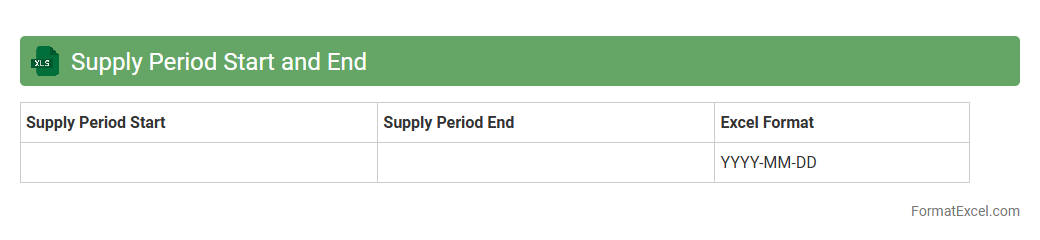
Supply Period Start and End
The
Supply Period Start and End Excel document defines the specific timeframe during which goods or services are expected to be delivered or available, enabling precise tracking and management of supply chain schedules. This document is crucial for coordinating inventory levels, ensuring timely procurement, and avoiding stockouts or overstock situations. By clearly outlining the supply period, businesses can optimize logistics, improve supplier communication, and enhance overall operational efficiency.
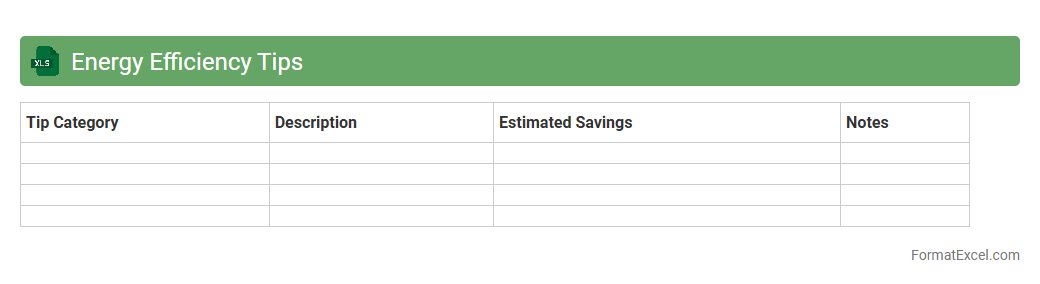
Energy Efficiency Tips
The
Energy Efficiency Tips Excel document is a practical tool designed to organize and track actionable strategies for reducing energy consumption in homes or businesses. It enables users to systematically monitor energy-saving actions, compare their impact, and prioritize cost-effective measures, improving overall energy management. This document enhances decision-making by providing clear, data-driven insights that promote sustainable energy use and reduce utility expenses.
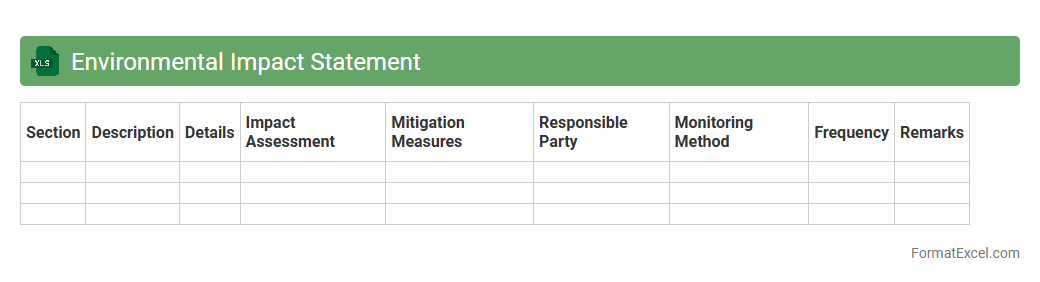
Environmental Impact Statement
An
Environmental Impact Statement (EIS) Excel document organizes and analyzes data related to the environmental effects of a proposed project or development. It allows users to systematically evaluate factors such as air and water quality, wildlife habitats, and land use changes, facilitating informed decision-making. This structured approach enhances compliance with regulatory requirements and supports sustainable planning initiatives.
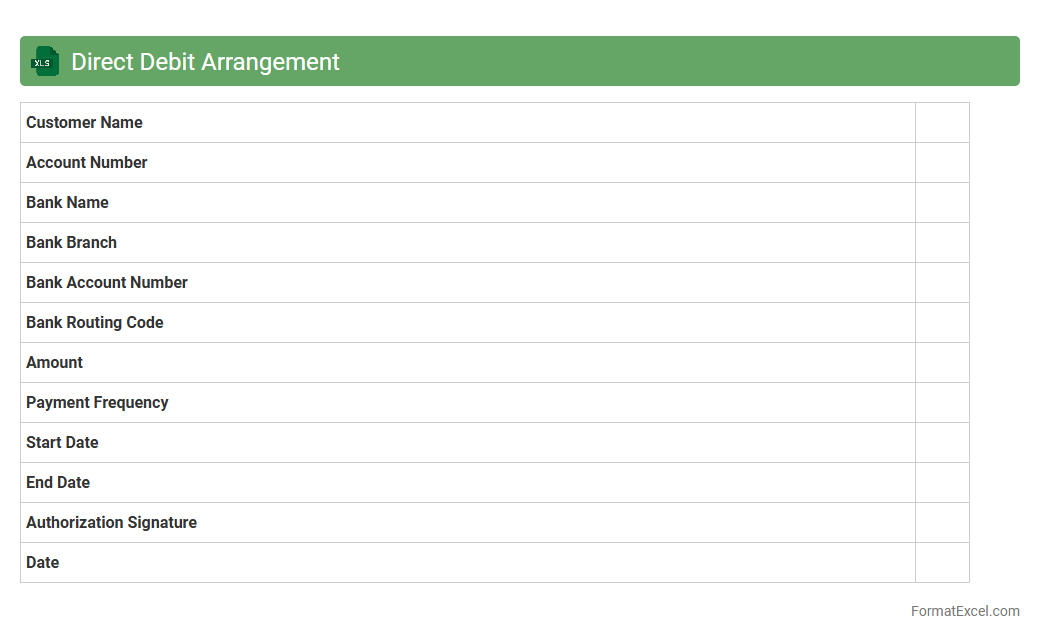
Direct Debit Arrangement
A
Direct Debit Arrangement Excel document is a structured spreadsheet used to organize and manage recurring payment instructions between a payer and a payee. It helps track payment dates, amounts, and authorization details, ensuring timely and accurate financial transactions without manual intervention. This tool enhances cash flow management, reduces errors, and streamlines the reconciliation process for businesses and individuals alike.
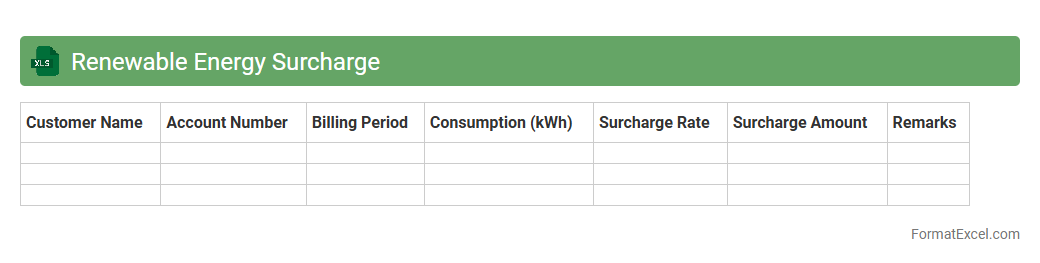
Renewable Energy Surcharge
The
Renewable Energy Surcharge Excel document is a comprehensive spreadsheet designed to track and calculate the additional charges applied to electricity bills for supporting renewable energy initiatives. It helps users accurately monitor surcharge rates, consumption data, and total costs, ensuring transparency and efficient budget management. This tool is essential for households and businesses aiming to optimize energy expenses while contributing to sustainable energy development.
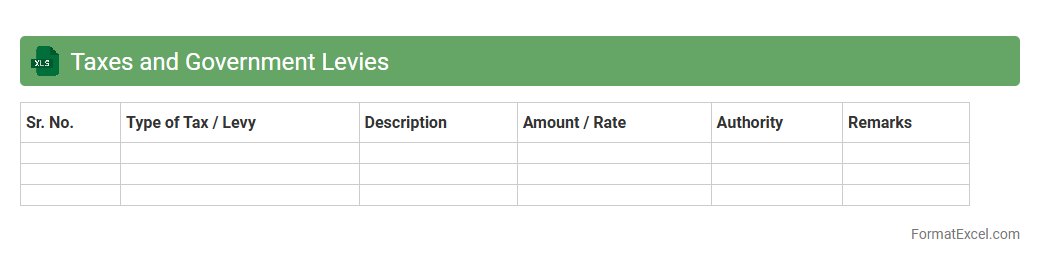
Taxes and Government Levies
The
Taxes and Government Levies Excel document is a structured spreadsheet designed to organize and calculate various tax obligations and mandatory government fees. It helps users efficiently track payments, compute liabilities based on current tax rates, and maintain accurate financial records for compliance purposes. This tool is essential for businesses and individuals to ensure timely filing and avoid penalties while optimizing tax-related decision-making.
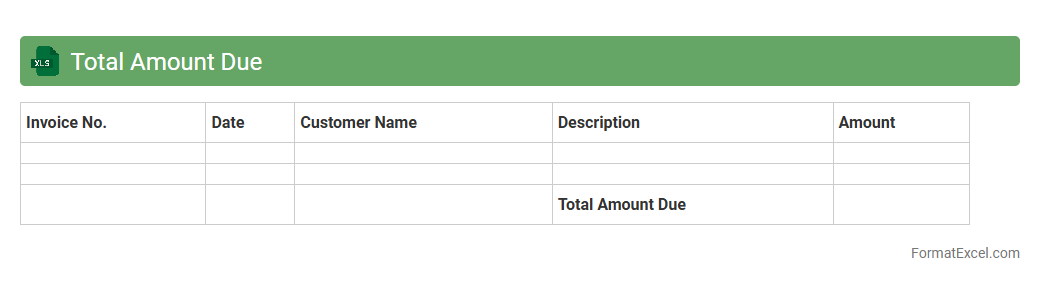
Total Amount Due
The
Total Amount Due Excel document is a financial tool designed to calculate and display the overall payment owed by a customer or client. It consolidates individual charges, taxes, and discounts into a clear summary, enabling efficient tracking of outstanding balances. This document streamlines billing processes and improves accuracy in financial record-keeping.
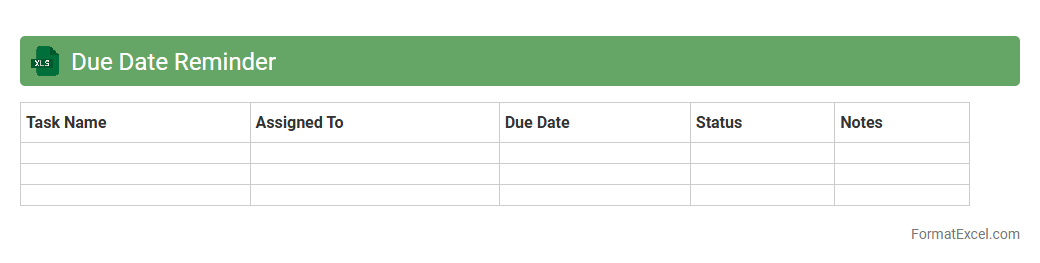
Due Date Reminder
The
Due Date Reminder Excel document is a practical tool designed to track important deadlines and ensure timely completion of tasks. It helps users organize and manage project timelines, bill payments, appointments, or any date-sensitive activities by providing clear visibility of upcoming due dates. Utilizing this spreadsheet reduces the risk of missed deadlines, enhances productivity, and promotes effective time management.
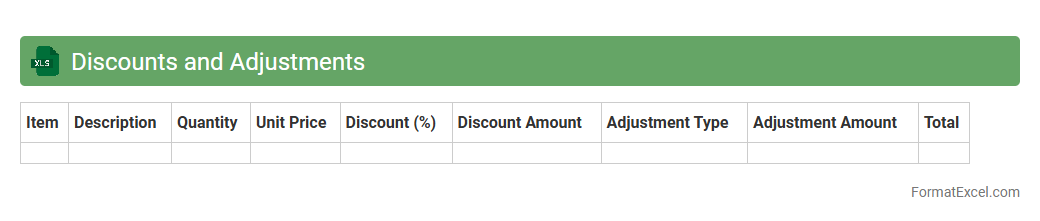
Discounts and Adjustments
The
Discounts and Adjustments Excel document is a structured spreadsheet designed to track and manage price reductions and modifications in financial transactions. It streamlines the process of applying discounts, monitoring adjustments, and ensuring accurate billing and accounting records. This document helps businesses improve financial accuracy, enhance reporting efficiency, and optimize revenue management strategies.
Usage Comparison (Year-over-Year)
Usage Comparison (Year-over-Year) Excel document is a powerful tool that tracks and compares data across different years to identify trends and growth patterns. It helps businesses analyze performance metrics, optimize resource allocation, and make informed decisions based on historical usage data. By highlighting key variances and seasonal fluctuations, this
Year-over-Year analysis enhances strategic planning and operational efficiency.
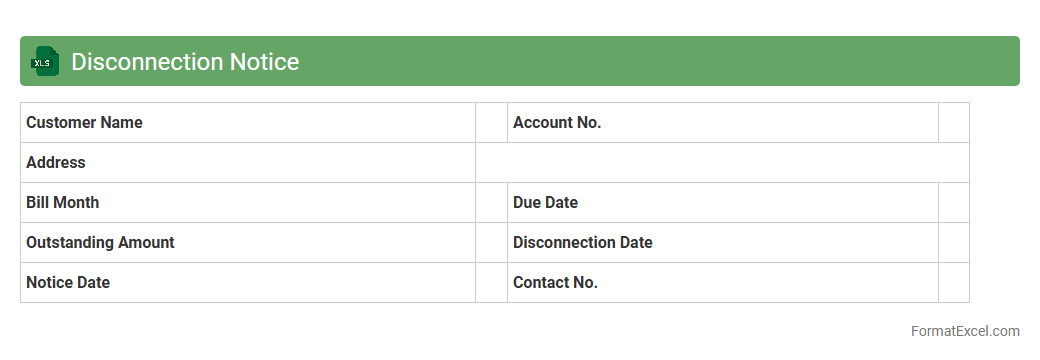
Disconnection Notice
A
Disconnection Notice Excel document serves as a structured template to record and track notices issued for service disconnections, including utilities or subscriptions. It helps organizations monitor payment statuses, schedule follow-ups, and ensure timely communication with clients to prevent service interruptions. Utilizing this tool enhances operational efficiency by centralizing data and facilitating prompt decision-making.
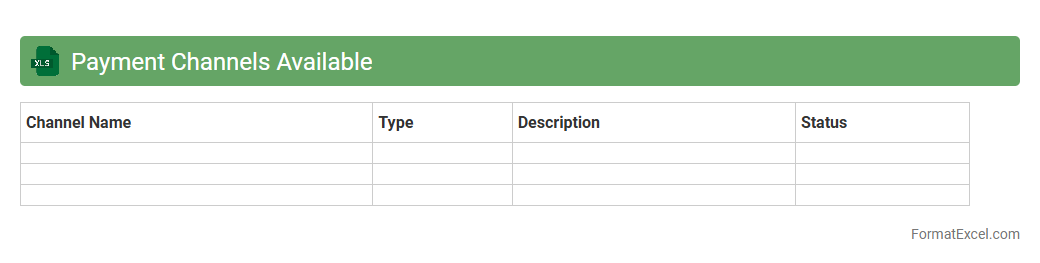
Payment Channels Available
The
Payment Channels Available Excel document provides a comprehensive overview of various payment methods and platforms accessible for transactions. It helps businesses and individuals compare options based on fees, processing times, and geographical coverage, enabling informed decisions for efficient payment handling. This resource streamlines financial operations by clearly presenting critical data for optimizing payment strategies.
Introduction to Utility Bill Statement Formats
Utility bill statements follow a standardized format to ensure clarity and consistency for customers and providers. These statements detail usage, charges, and payment information for utilities like electricity, water, and gas. Using an efficient format simplifies communication and billing processes.
Importance of Standardized Utility Bill Statements
Standardized statements enhance transparency by presenting billing data clearly and comparably across different billing periods or utilities. They reduce misunderstandings and disputes between providers and customers. Consistency aids in quicker payment processing and record keeping.
Key Components of a Utility Bill Statement
A typical utility bill includes essential components like customer information, billing period, usage summary, rates, charges, taxes, and total amount due. It also features payment instructions and due dates for customer convenience. Clear labeling of these components promotes user-friendly statements.
Essential Excel Features for Utility Bill Statements
Excel's features such as cell formatting, formulas, tables, and conditional formatting are crucial for creating efficient utility bill statements. These tools help organize data, calculate totals automatically, and highlight important information. Excel also supports easy customization for different utility providers.
Step-by-Step Guide to Designing the Layout in Excel
Begin by setting up the header with company logo and customer details, then insert tables for usage data and charges. Use Excel's cell merging, borders, and font styles to define sections clearly. Incorporate formulas next to usage data to calculate charges dynamically.
Sample Utility Bill Statement Template in Excel
A sample template includes sections for account details, billing period, usage summary, charge breakdown, and total amount due. The template should be adaptable for electricity, water or gas utilities. Using Excel's built-in table styles enhances the professional appearance.
Customizing Fields for Different Utilities (Electricity, Water, Gas)
Each utility type requires specific usage metrics: electricity uses kilowatt-hours, water uses gallons or liters, and gas uses cubic feet or meters. Modify rate and charge fields accordingly to reflect different billing units and taxes. Custom fields improve statement relevance for each utility.
Tips for Enhancing Readability and Clarity in Excel
Use bold fonts and shading to highlight key information like total due amounts and due dates. Keep cell alignments consistent and avoid overcrowding the statement with excessive data. Utilize Excel's conditional formatting to visually flag overdue or high bills for customer attention.
Automating Calculations and Totals in Excel Statements
Leverage Excel formulas such as SUM, IF, and VLOOKUP to automate billing calculations and populate charges based on usage data. Set cell references to update totals dynamically as input values change. Automation reduces manual errors and improves efficiency.
Exporting, Printing, and Sharing Utility Bill Statements from Excel
Once finalized, export the Excel statement as a PDF for easy sharing and printing. Use page layout settings to ensure the statement fits on standard paper sizes without cutting off content. Digital delivery options include emailing the PDF directly or uploading it to customer portals.