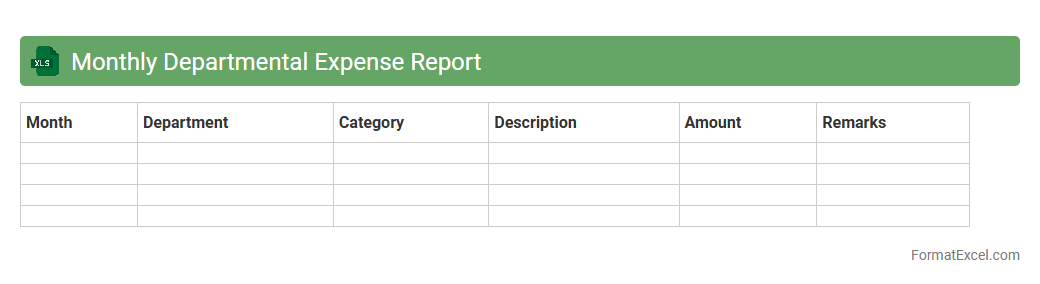
Monthly Departmental Expense Report
The
Monthly Departmental Expense Report Excel document is a detailed financial tracking tool that records and categorizes departmental expenditures on a monthly basis. It enables businesses to monitor spending patterns, control budgets, and identify cost-saving opportunities. This report is essential for informed decision-making, ensuring financial accountability, and facilitating transparent communication between departments and management.
Project-wise Expenditure Statement
The
Project-wise Expenditure Statement Excel document is a detailed financial tool designed to track and manage expenses associated with individual projects. It helps organizations monitor budget allocation, control costs, and analyze spending patterns to ensure projects stay within financial limits. By providing clear visibility of expenditures, this document enhances decision-making and improves overall project financial management.
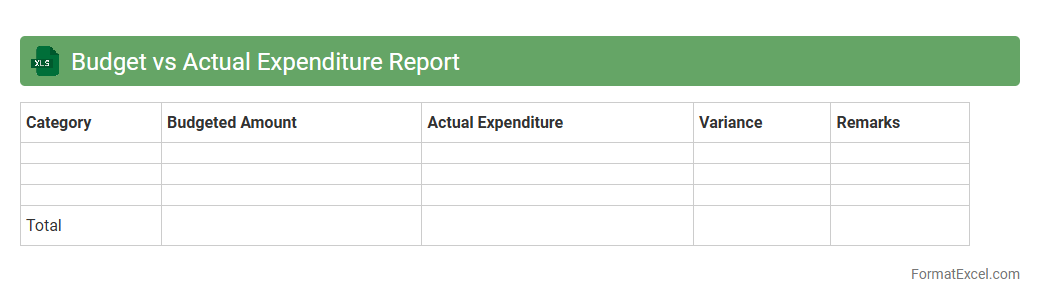
Budget vs Actual Expenditure Report
A
Budget vs Actual Expenditure Report Excel document is a financial tool used to compare planned budget amounts against the actual spending within a specific period. It helps organizations track variances, identify overspending or underspending, and make informed decisions to control costs effectively. By providing clear visibility into financial performance, this report supports better budget management and resource allocation.
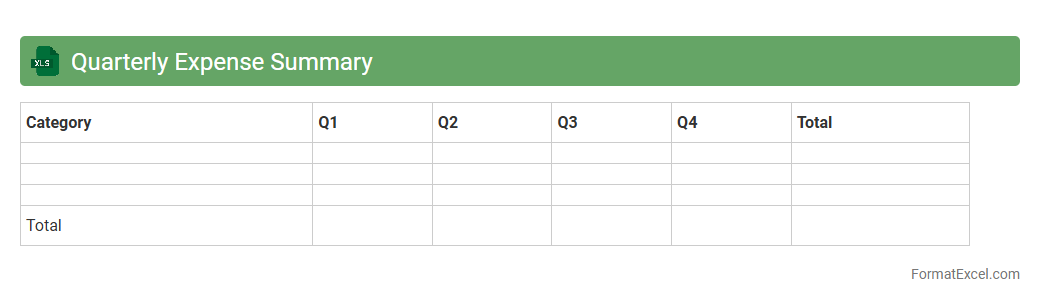
Quarterly Expense Summary
A
Quarterly Expense Summary Excel document consolidates all business expenditures over a three-month period, providing a clear overview of spending patterns and financial commitments. This tool enables efficient tracking of expenses, facilitating budget management and aiding in the identification of cost-saving opportunities. By systematically organizing financial data, it supports informed decision-making and improves overall fiscal accountability.
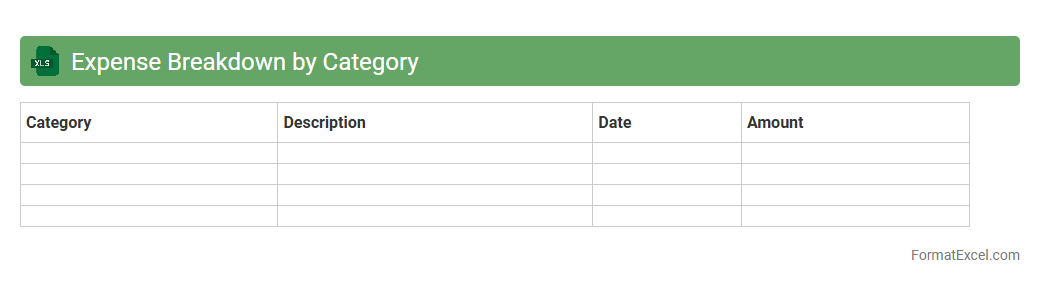
Expense Breakdown by Category
An
Expense Breakdown by Category Excel document organizes financial data by grouping expenses into distinct categories such as rent, utilities, groceries, and entertainment, allowing for clear visualization and analysis of spending patterns. This categorization enhances budget management by highlighting areas of high expenditure, enabling users to identify opportunities for cost savings and better allocation of resources. By providing detailed insights into spending habits, it supports informed financial decision-making and improves overall fiscal discipline.
Year-to-Date Expenditure Statement
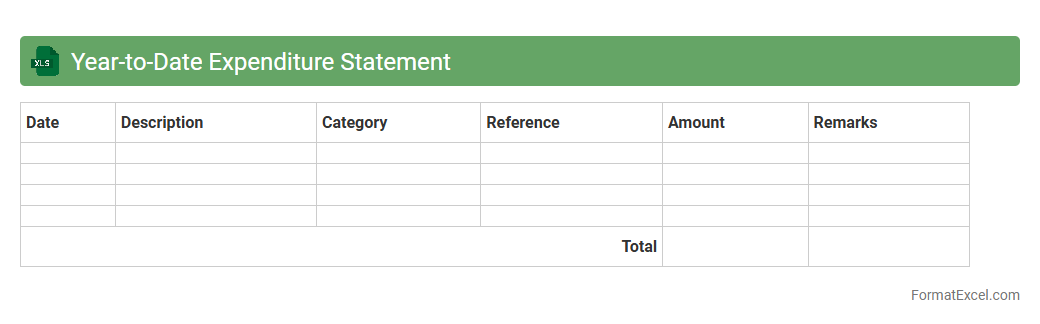
The
Year-to-Date Expenditure Statement Excel document tracks all expenses incurred from the beginning of the fiscal year to the current date, providing a comprehensive overview of spending patterns. It allows users to monitor budget adherence, identify cost overruns, and make informed financial decisions based on real-time data. This tool enhances financial transparency and supports efficient budget management for businesses and individuals alike.
Expense Allocation Sheet
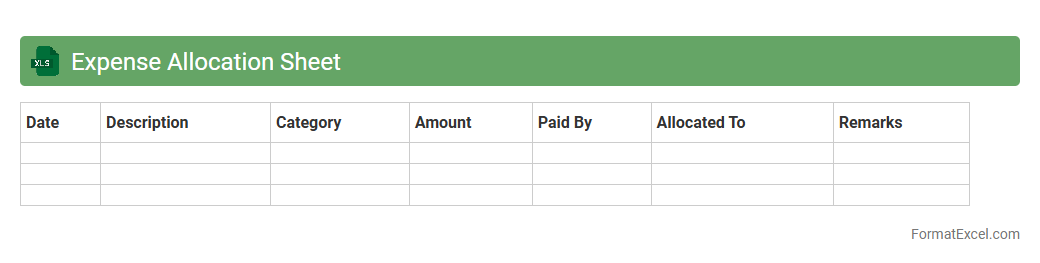
An
Expense Allocation Sheet in Excel is a structured document that categorizes and distributes business expenses across various departments, projects, or cost centers. It helps organizations monitor spending patterns, enhance budgeting accuracy, and ensure transparent financial reporting. Utilizing this sheet improves cost control and supports data-driven decision-making for resource allocation.
Vendor-wise Payment Statement
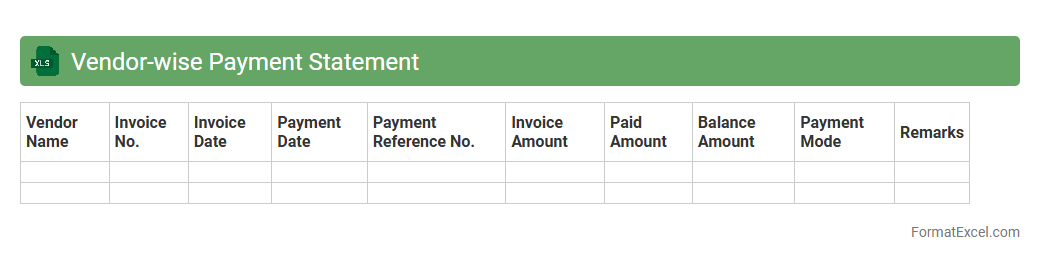
The
Vendor-wise Payment Statement Excel document summarizes all payments made to each vendor, organizing details like invoice numbers, payment dates, and amounts in a structured format. It facilitates accurate tracking of financial transactions and helps ensure timely vendor reconciliations. This document is essential for managing cash flow, maintaining transparent records, and supporting audit requirements.
Travel Expense Statement
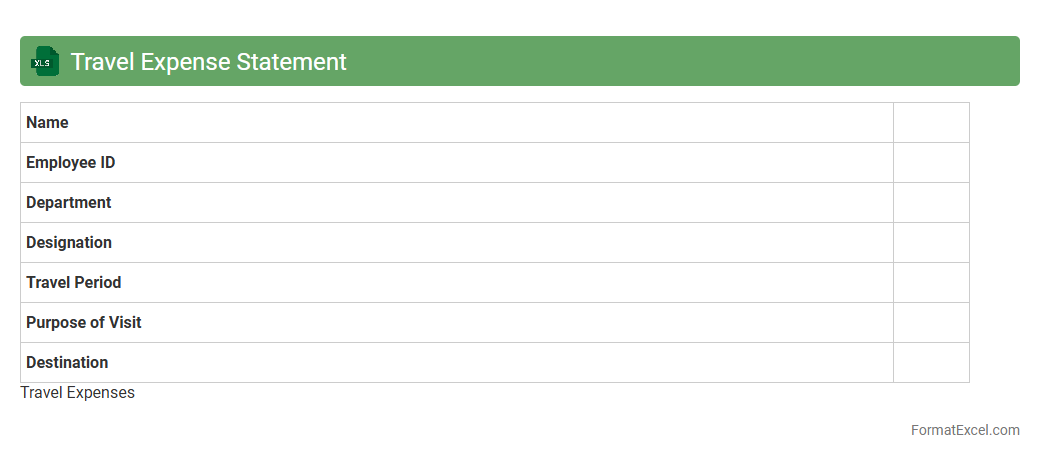
A
Travel Expense Statement Excel document is a structured spreadsheet used to record, organize, and track all costs incurred during business or personal travel, such as transportation, accommodation, meals, and incidentals. It allows users to systematically input expenses, categorize them, and calculate totals, which simplifies reimbursement processes and budget management. This tool enhances financial accuracy, ensures compliance with company policies, and provides clear documentation for accounting and audit purposes.
Expense Reimbursement Register
The
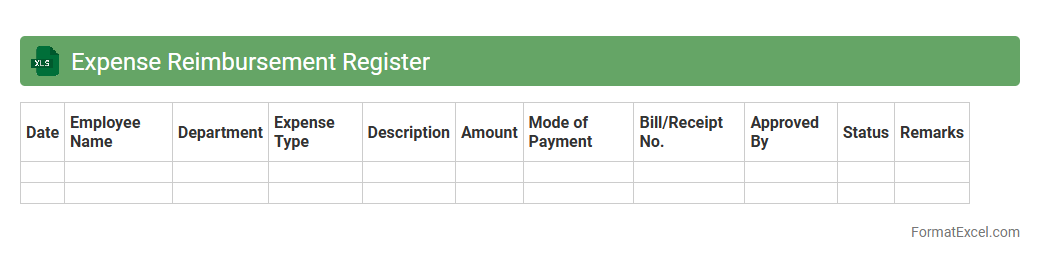
Expense Reimbursement Register Excel document is a structured spreadsheet designed to track and document employee expenses submitted for reimbursement, ensuring accurate record-keeping and timely approvals. It organizes data such as expense dates, amounts, categories, and approval status, which simplifies financial management and auditing processes. This tool enhances transparency and helps businesses maintain budget control by providing a clear overview of all reimbursed expenditures.
Capex vs Opex Statement
The
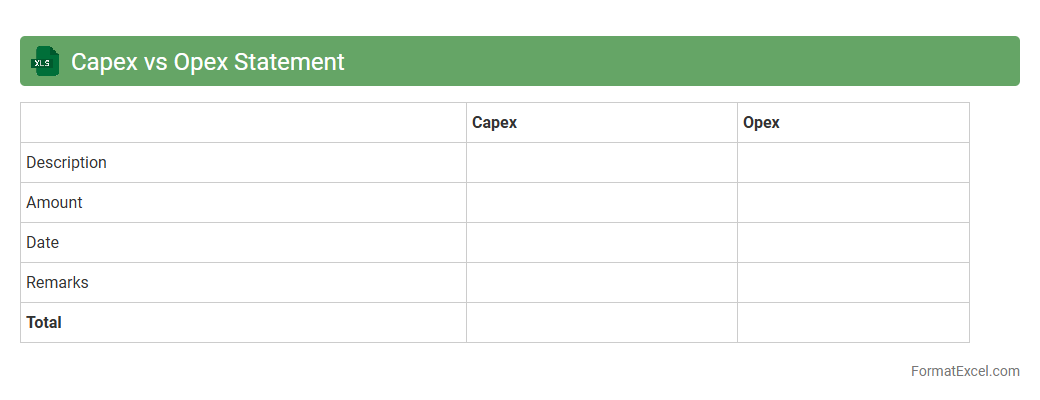
Capex vs Opex Statement excel document is a financial tool used to distinguish and analyze capital expenditures (Capex) and operational expenditures (Opex) within a business. It enables clear tracking of long-term investments versus daily operational costs, providing valuable insights for budgeting and financial planning. This document is essential for optimizing resource allocation, improving cost control, and supporting strategic decision-making.
Cost Center Expenditure Report
The
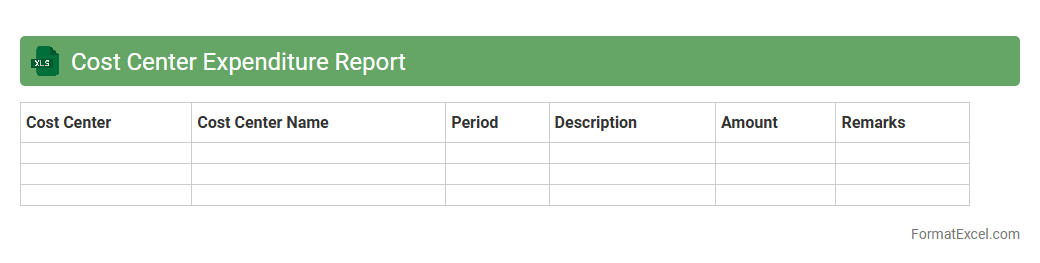
Cost Center Expenditure Report Excel document tracks and consolidates all expenses associated with specific departments or cost centers within an organization. It enables precise budgeting, expense monitoring, and financial analysis by categorizing expenditures, helping managers identify cost-saving opportunities and ensure accountability. Using this report facilitates better financial control and strategic planning, improving overall organizational efficiency.
Detailed Invoice Register
A
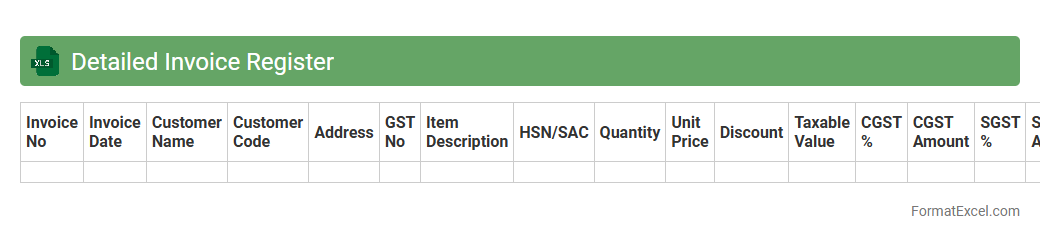
Detailed Invoice Register Excel document is a comprehensive record that tracks invoices issued, including invoice numbers, dates, amounts, client details, and payment status. It helps businesses maintain organized financial data, monitor cash flow, and quickly identify outstanding or overdue payments. This tool streamlines accounting processes, improves accuracy in financial reporting, and supports effective decision-making.
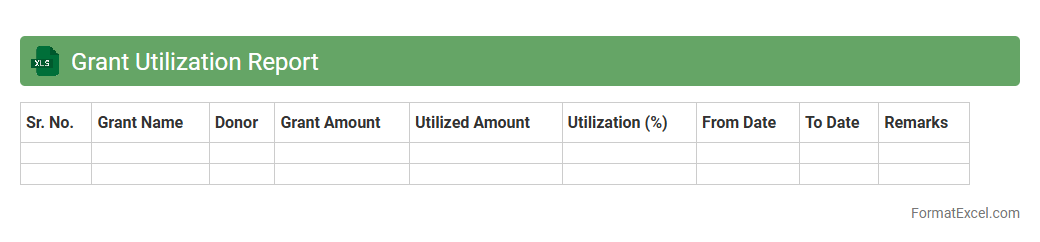
Grant Utilization Report
The
Grant Utilization Report Excel document is a detailed financial tracking tool designed to monitor the allocation and expenditure of grant funds over a specified period. It helps organizations ensure transparency, compliance with grant requirements, and efficient budget management by providing a clear overview of spending against allocated amounts. This report is essential for audit readiness, performance evaluation, and strategic planning to maximize the impact of awarded grants.
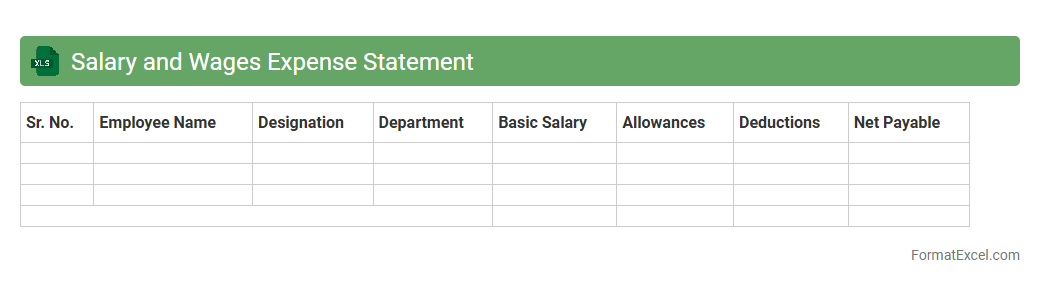
Salary and Wages Expense Statement
The
Salary and Wages Expense Statement Excel document is a financial tool that records and tracks employee compensation, including salaries, wages, bonuses, and deductions. It helps businesses maintain accurate payroll records, monitor labor costs, and ensure compliance with tax regulations. This document is essential for budgeting, financial analysis, and preparing tax filings efficiently.
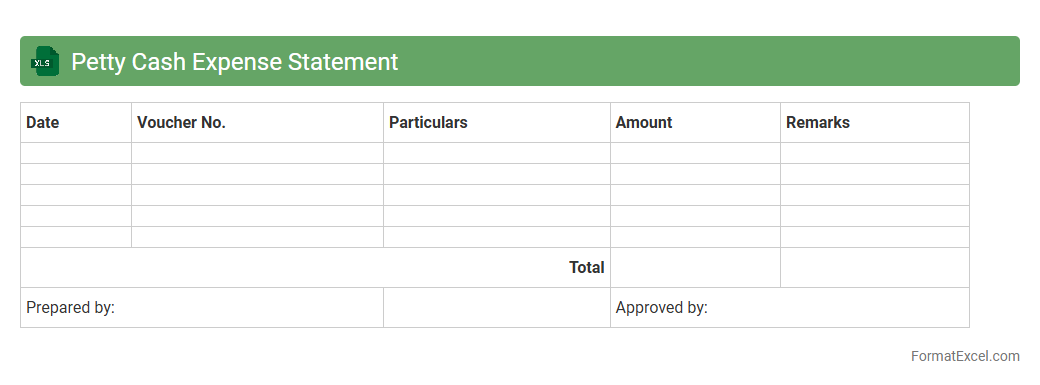
Petty Cash Expense Statement
A
Petty Cash Expense Statement Excel document is a financial tool used to record and track small, everyday expenses paid out of the petty cash fund. It provides a clear, organized summary of transactions, including dates, amounts, and purposes, helping businesses maintain accurate financial records and control cash flow. This document is essential for budget monitoring, expense reconciliation, and ensuring accountability within an organization.
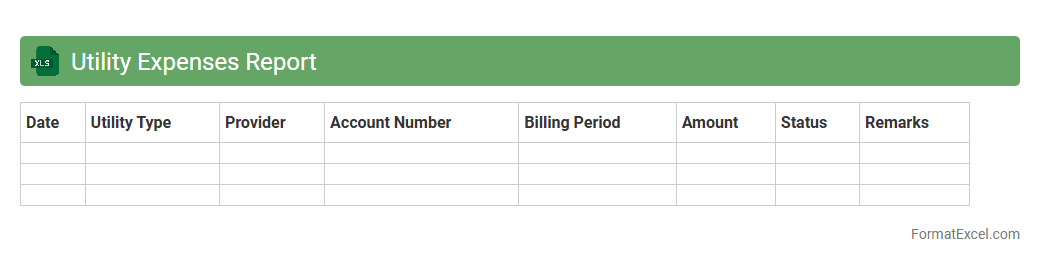
Utility Expenses Report
The
Utility Expenses Report Excel document is a detailed financial record that tracks and categorizes utility costs such as electricity, water, gas, and waste management over a specified period. It enables businesses and households to monitor spending patterns, identify areas for cost reduction, and improve budget forecasting. By analyzing this report, users gain valuable insights into utility consumption efficiency, helping optimize resource usage and reduce overall expenses.
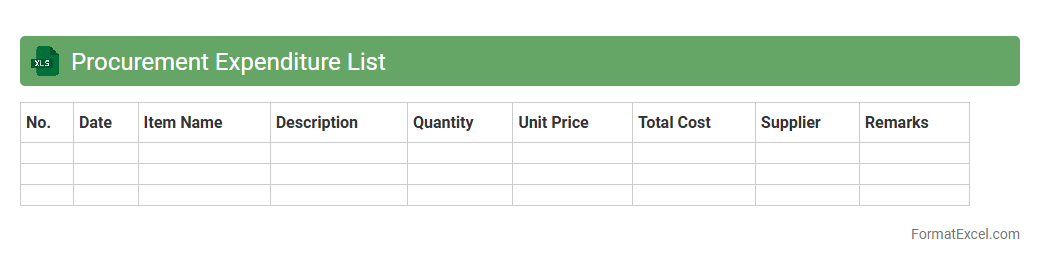
Procurement Expenditure List
The
Procurement Expenditure List Excel document is a detailed record of all purchasing transactions and expenses within an organization, organized for easy tracking and analysis. It helps businesses monitor budget allocation, control spending, and ensure compliance with procurement policies by providing a clear overview of costs associated with suppliers, purchase orders, and payment schedules. Using this document streamlines financial auditing, supports strategic sourcing decisions, and enhances transparency in the procurement process.
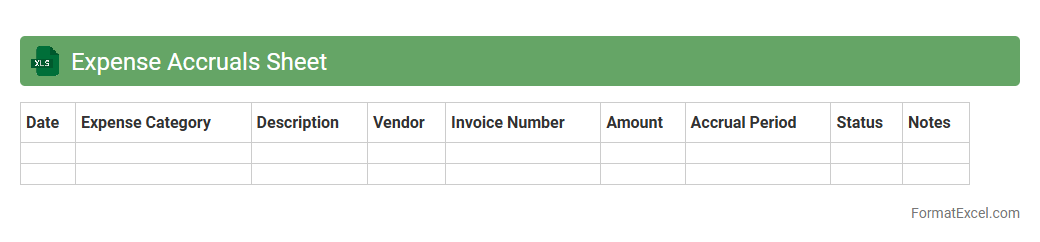
Expense Accruals Sheet
An
Expense Accruals Sheet Excel document is designed to track and record expenses that have been incurred but not yet paid, ensuring accurate financial reporting. It helps businesses match expenses to the period they relate to, improving budgeting and cash flow management. This tool streamlines accounting processes by providing clear visibility into outstanding liabilities and supporting compliance with accrual accounting standards.
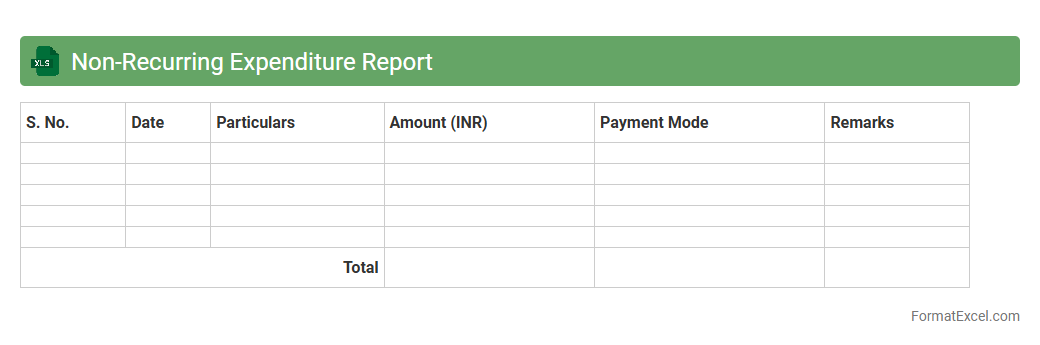
Non-Recurring Expenditure Report
The
Non-Recurring Expenditure Report excel document tracks one-time expenses that are not part of regular operational costs, such as equipment purchases or asset repairs. This report enables businesses to monitor and analyze significant irregular expenses, aiding in accurate budgeting and financial planning. By providing clear visibility of exceptional costs, it supports better decision-making and resource allocation.
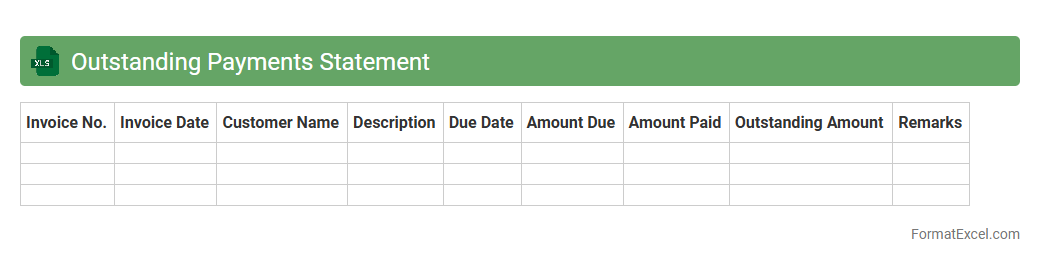
Outstanding Payments Statement
An
Outstanding Payments Statement Excel document tracks all pending invoices and payments, helping businesses monitor their receivables efficiently. It provides clear visibility into overdue amounts, enabling timely follow-ups and better cash flow management. This tool enhances financial organization by consolidating payment data in one easily accessible format for informed decision-making.
Cash Flow Expenditure Sheet
A
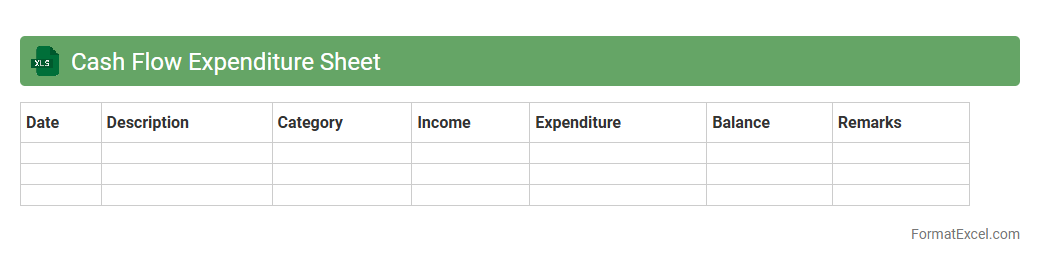
Cash Flow Expenditure Sheet Excel document is a tool designed to track and manage the inflow and outflow of cash within a business or personal budget. It helps users monitor expenses, forecast financial needs, and maintain liquidity by providing a clear overview of cash movements. Utilizing this sheet enables better financial planning, ensuring timely payments and preventing cash shortages.
Contractual Obligation Payments Report
The
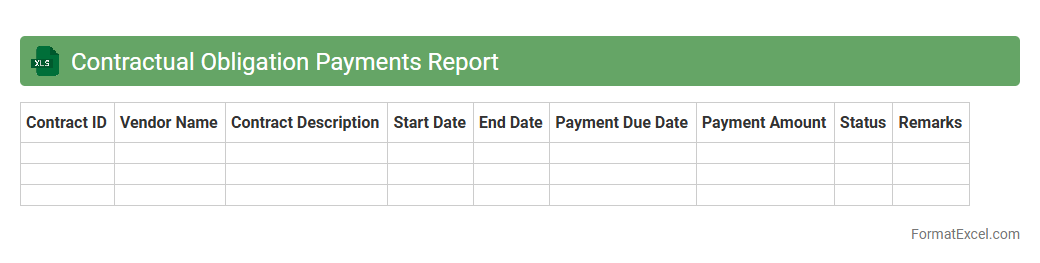
Contractual Obligation Payments Report Excel document tracks scheduled payments owed under contractual agreements, providing detailed insights into payment amounts, due dates, and payment statuses. This report is essential for managing cash flow, ensuring compliance with payment terms, and avoiding missed or late payments that could lead to penalties or damaged vendor relationships. By consolidating all contractual payment obligations in one organized spreadsheet, businesses can streamline financial forecasting and enhance budget accuracy.
Expenditure Forecast Sheet
The
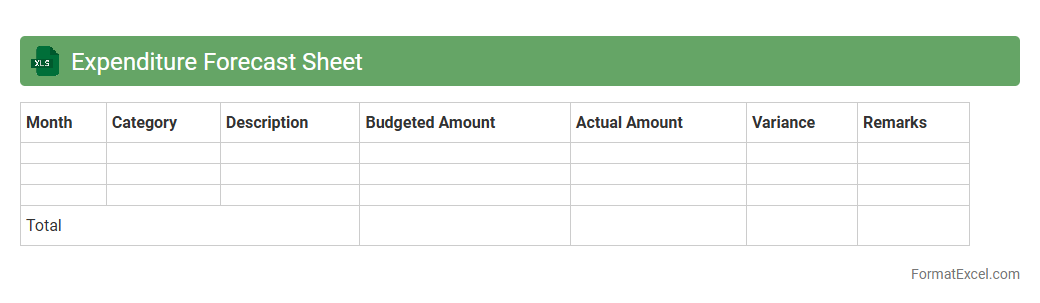
Expenditure Forecast Sheet Excel document is a financial tool designed to project future expenses based on historical data and anticipated costs. It helps individuals and businesses plan budgets more accurately by categorizing spending and identifying trends over specific time periods. This enables users to manage cash flow efficiently, avoid overspending, and make informed decisions about resource allocation.
Revised Estimate Expenditure Statement
The
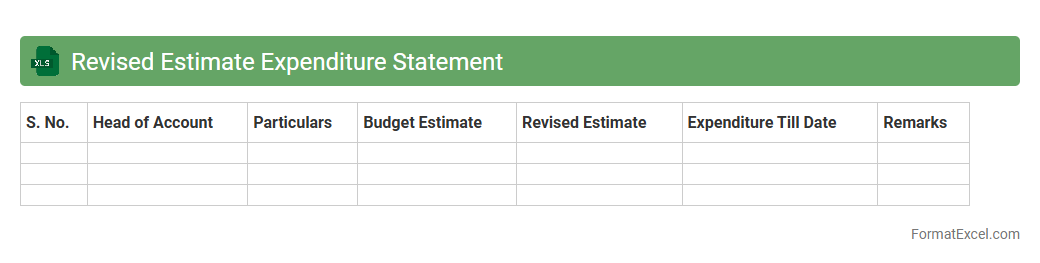
Revised Estimate Expenditure Statement Excel document is a financial tool that tracks and updates the projected spending of a project or organization after initial budgets are set. It allows users to compare original estimates with revised figures, providing a clear overview of adjustments based on actual or anticipated changes. This document is essential for effective budget management, ensuring accurate forecasting and aiding in the identification of cost overruns or savings.
Introduction to Statement of Expenditure
A Statement of Expenditure is a detailed report outlining all incurred expenses within a certain period. It is crucial for maintaining transparency in financial management and tracking project costs effectively. This document aids in budgeting and financial analysis for businesses or personal use.
Importance of Using Excel for Expenditure Reports
Excel offers powerful tools for organizing and analyzing expenditure data with ease. Utilizing Excel enhances accuracy and enables dynamic updates, facilitating real-time financial tracking. Its functions and formulas simplify complex calculations, improving efficiency in report creation.
Key Components of an Expenditure Statement
A comprehensive expenditure statement should include the date, description, amount spent, and payment mode. Incorporating a total expenditure summary helps in quickly assessing overall spending. This transparency supports better financial decision-making and accountability.
Essential Columns in Statement of Expenditure Format
Typical columns include Date, Description, Category, Amount, Payment Method, and Remarks. Each column plays a crucial role in detailing the financial transactions to ensure clarity and traceability. Proper structuring aids in efficient data entry and review.
Step-by-Step Guide: Creating Statement of Expenditure in Excel
Start by setting up columns to capture key information and entering your expenditure data methodically. Use Excel formulas like SUM and FILTER for automatic total calculations and data sorting. Lastly, apply formatting and data validation for enhanced readability and accuracy.
Sample Statement of Expenditure Format in Excel
A sample format typically includes headers such as Date, Activity, Amount, and Payment Mode. This example serves as a template to guide users in documenting their expenses systematically. It acts as a starting point for customization to meet specific reporting needs.
Tips for Customizing Your Expenditure Statement
Customize your expenditure template by adding relevant columns like Project Codes or Vendor Names. Incorporate conditional formatting to highlight overdue payments or budget overruns for better visualization. Tailor the layout to suit the unique requirements of your financial tracking system.
Best Practices for Data Accuracy and Validation
Implement data validation rules in Excel to minimize input errors and maintain data integrity. Regularly cross-check figures against receipts or invoices to ensure the accuracy of the expenditure report. Back up your files to prevent data loss and support audit trails.
Common Mistakes in Excel Expenditure Statements
Avoid common errors such as missing entries, inconsistent date formats, and improper formula usage to ensure reliable reports. Overlooking data validation can lead to inaccuracies and misinterpretations. Regular review and error checking are essential for dependable financial documentation.
Downloadable Statement of Expenditure Excel Template
Many websites offer free downloadable Excel templates designed for expenditure statements to simplify report generation. These templates come preformatted with essential columns and formulas for quick setup. Utilizing a template saves time and promotes standardization in financial reporting.