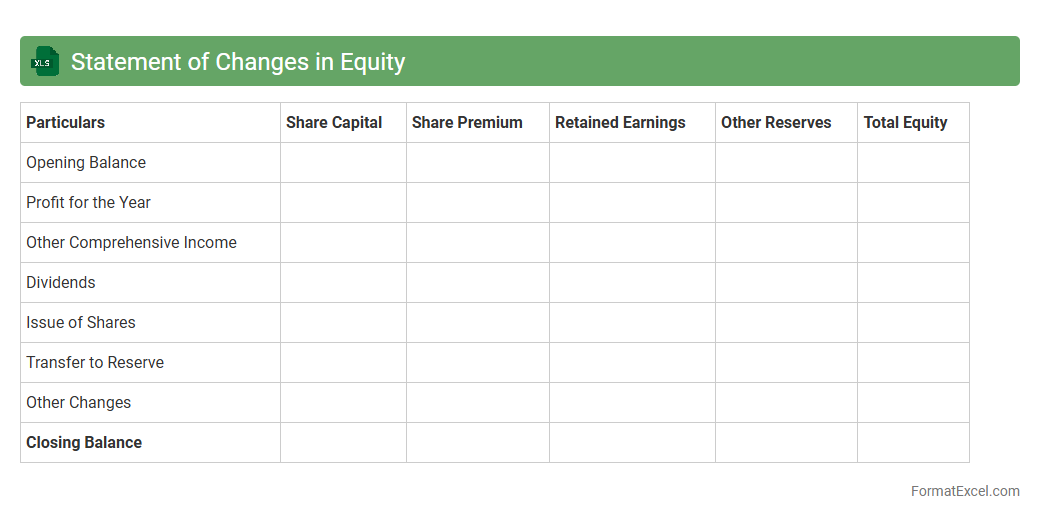
Statement of Changes in Equity
The
Statement of Changes in Equity Excel document records the movement in owners' equity over a specific period, detailing transactions such as retained earnings, dividends, and share capital changes. It helps stakeholders track financial performance and equity adjustments in an organized, transparent manner. Using this document ensures accurate financial reporting and supports better decision-making for investors and management.
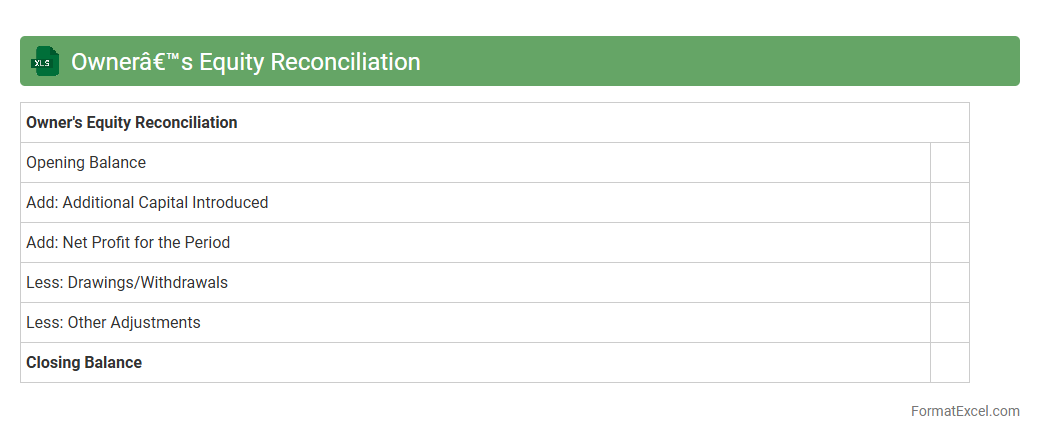
Owner’s Equity Reconciliation
The
Owner's Equity Reconciliation Excel document serves as a detailed record of changes in owner's equity over a specific accounting period, tracking investments, withdrawals, net income, and adjustments. It allows businesses to accurately reflect equity fluctuations, ensuring financial statements are consistent and transparent for stakeholders. Utilizing this document enhances financial analysis, facilitates audit processes, and supports strategic decision-making by providing clear insight into equity movements.
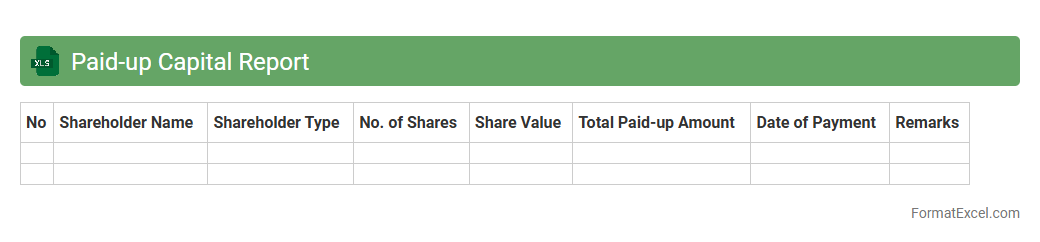
Paid-up Capital Report
A
Paid-up Capital Report in Excel is a detailed financial document that tracks the total equity capital a company has received from shareholders in exchange for shares issued. It provides clarity on the actual amount of capital paid by investors, essential for analyzing company financial health and ensuring regulatory compliance. Businesses use this report to monitor capital structure, support audit processes, and inform strategic funding decisions.
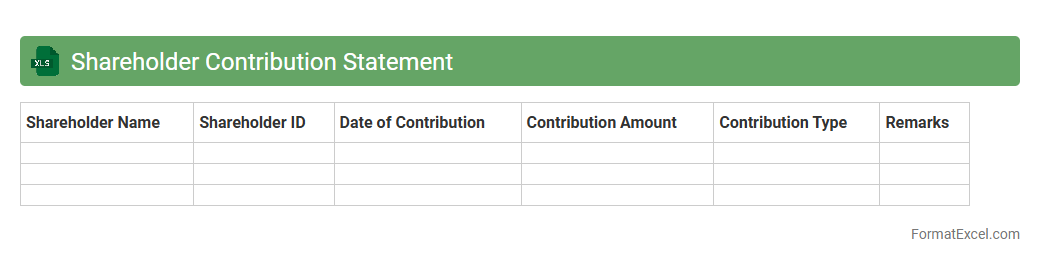
Shareholder Contribution Statement
A
Shareholder Contribution Statement Excel document is a detailed financial record that tracks the capital investments made by shareholders in a company. It helps businesses monitor individual shareholder contributions, calculate ownership percentages, and maintain transparent equity accounting. This document is essential for ensuring accurate financial reporting and facilitating informed decision-making among company stakeholders.
Retained Earnings Analysis
A
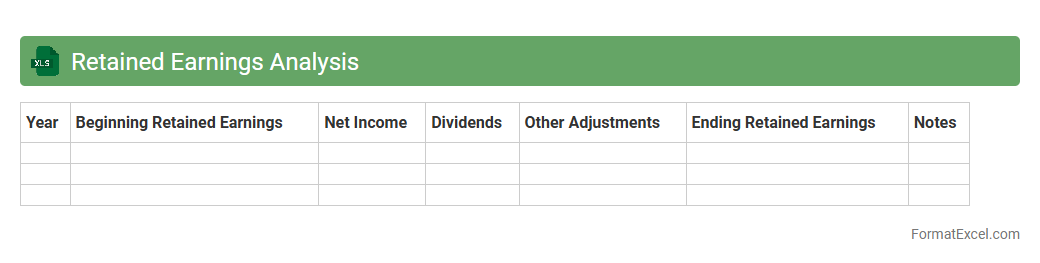
Retained Earnings Analysis Excel document tracks the cumulative net income retained in a company after dividends are paid, providing insight into financial health and growth potential. It helps businesses monitor profit reinvestment, evaluate dividend policies, and make informed strategic decisions. Using this tool enhances accuracy in financial reporting and supports sustainable business planning.
Equity Reserve Movement
The
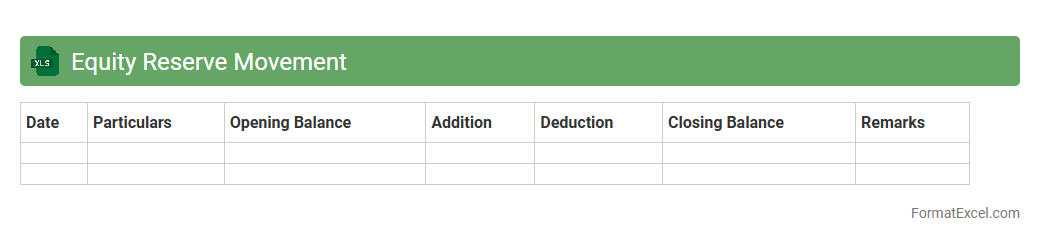
Equity Reserve Movement Excel document tracks changes in a company's equity reserves, providing a detailed record of transactions affecting capital reserves, share premiums, and retained earnings. It is useful for financial analysis, helping stakeholders monitor compliance with regulatory requirements and assess the impact of equity movements on overall financial health. This document enables precise forecasting and supports strategic decision-making by illustrating trends in fund allocation and reserve adjustments.
Dividend Distribution Statement
A
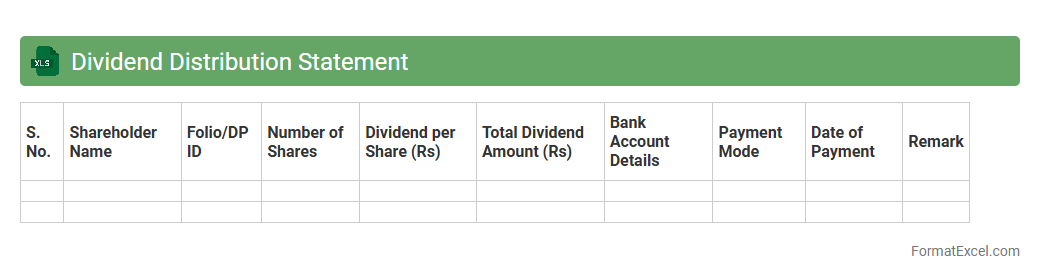
Dividend Distribution Statement Excel document is a structured financial report that records detailed information about dividend payments made to shareholders, including amounts, dates, and recipient details. It helps businesses track and manage dividend disbursements efficiently, ensuring transparency and accuracy in financial reporting. This document is essential for maintaining compliance with corporate governance standards and facilitating smooth communication with investors.
Stock Issuance Report
A
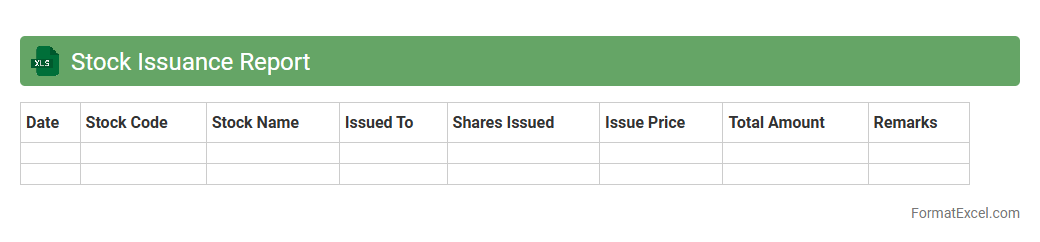
Stock Issuance Report Excel document tracks the distribution of company shares to employees, investors, or other stakeholders, providing a detailed record of stock transactions. This report is essential for maintaining transparency, ensuring accurate financial reporting, and aiding compliance with regulatory requirements. It helps businesses monitor outstanding shares, manage equity compensation plans, and analyze ownership patterns effectively.
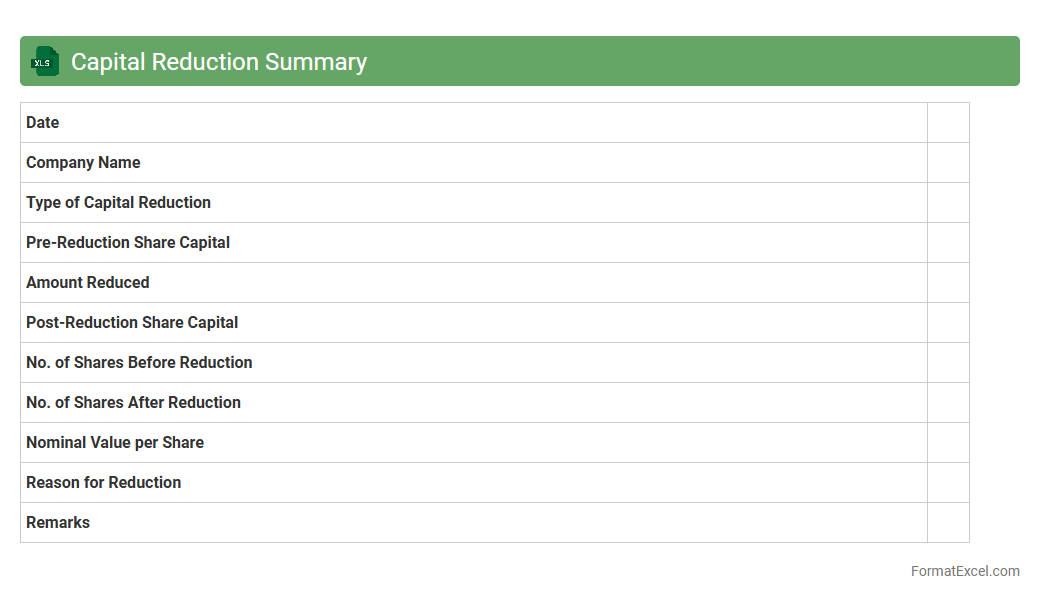
Capital Reduction Summary
A
Capital Reduction Summary Excel document provides a detailed overview of a company's equity reduction process by tracking share cancellations, declines in share capital, and corresponding impacts on shareholder value. This tool enables accurate monitoring of financial restructuring, supports compliance with corporate regulations, and aids in strategic decision-making for management and investors. By consolidating complex capital reduction data into an accessible format, it ensures transparency and efficient analysis of equity changes.
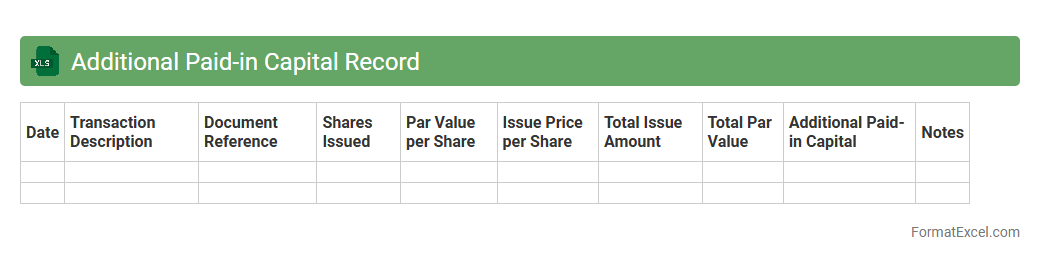
Additional Paid-in Capital Record
The
Additional Paid-in Capital Record Excel document tracks the funds investors contribute above the par value of a company's stock, providing clear visibility into equity financing. This record helps finance teams monitor capital inflows, maintain accurate shareholder equity balances, and support audit compliance. Using this document enhances financial reporting accuracy and aids strategic decision-making related to stock issuance and corporate capital structure.
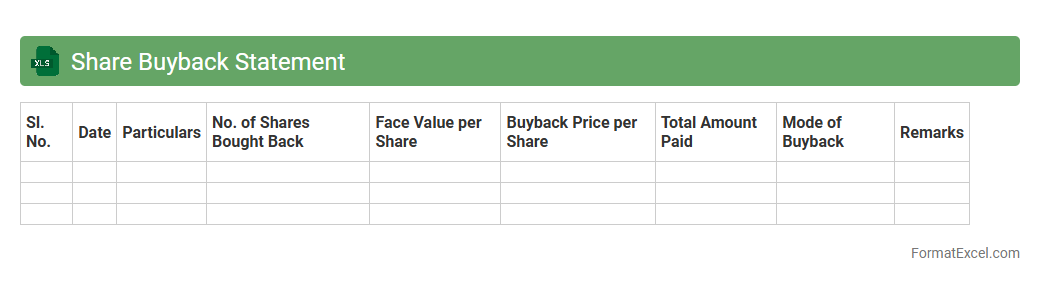
Share Buyback Statement
A
Share Buyback Statement Excel document is a detailed financial spreadsheet that tracks and analyzes company share repurchase activities, including the number of shares bought back, costs, and impact on shareholder equity. It helps investors and management assess the effectiveness of buyback programs in increasing earnings per share and enhancing shareholder value. Utilizing this document improves decision-making by providing clear insights into capital allocation and market performance.
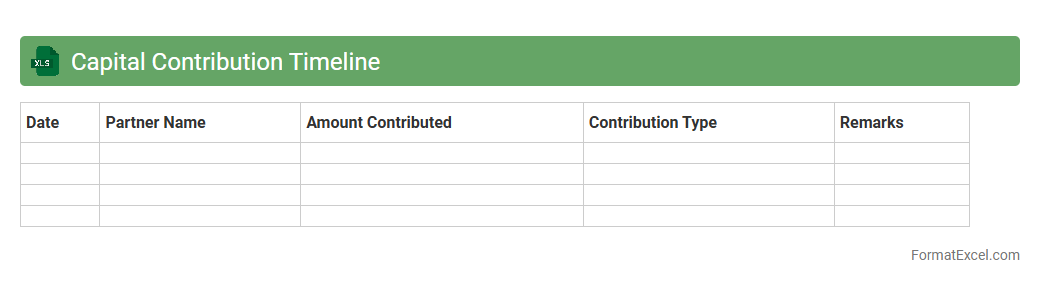
Capital Contribution Timeline
A
Capital Contribution Timeline Excel document tracks the schedule and amounts of investments made by partners or shareholders in a business over time. It enables clear visualization of funding phases, ensuring accurate financial planning and transparency in capital inflows. This tool is essential for monitoring commitments, forecasting cash flow, and supporting strategic decision-making in partnership or corporate finance.
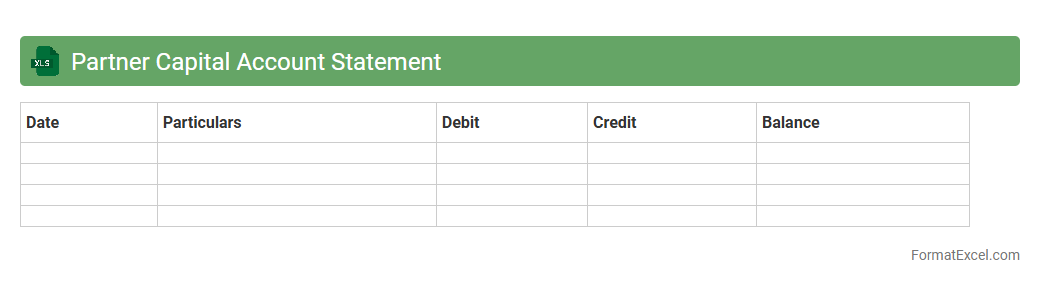
Partner Capital Account Statement
The
Partner Capital Account Statement Excel document tracks individual partner contributions, withdrawals, and share of profits in a partnership, providing a clear financial overview. This file helps maintain transparency by accurately reflecting each partner's equity position over time and simplifying audit processes. Using this statement facilitates informed decision-making and efficient financial management within the partnership.
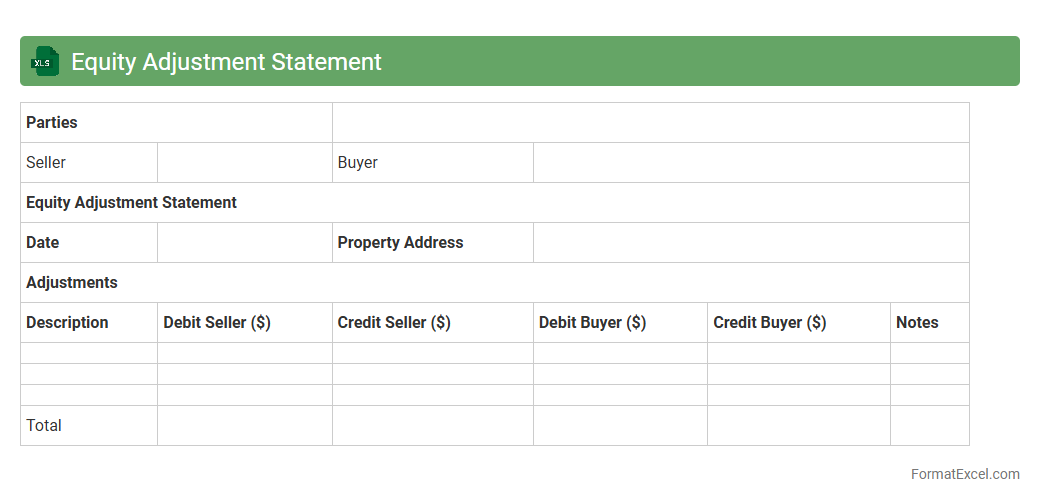
Equity Adjustment Statement
An
Equity Adjustment Statement Excel document is a financial tool used to track changes in equity accounts due to various transactions such as stock issuance, dividends, or ownership changes. It provides a clear, organized record of equity adjustments, facilitating accurate financial reporting and analysis. This document is useful for auditors, accountants, and management to ensure transparency and maintain compliance with accounting standards.
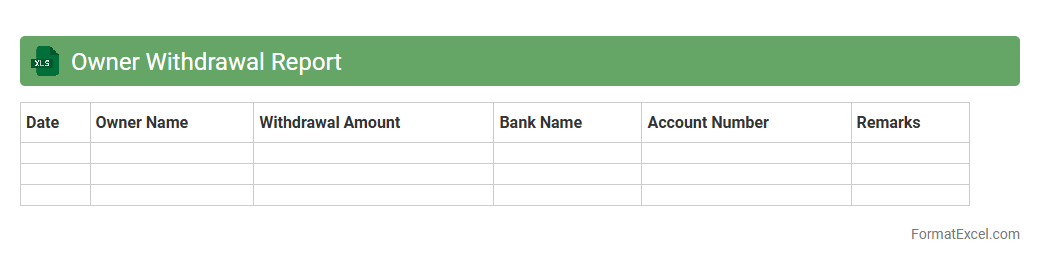
Owner Withdrawal Report
The
Owner Withdrawal Report Excel document tracks all transactions where owners withdraw funds from a business, providing a clear and organized record of these financial activities. This report helps in monitoring the flow of money, ensuring accurate bookkeeping and aiding in financial analysis for decision-making. By maintaining detailed withdrawal data, it supports transparency and accountability in managing owner equity and cash flow.
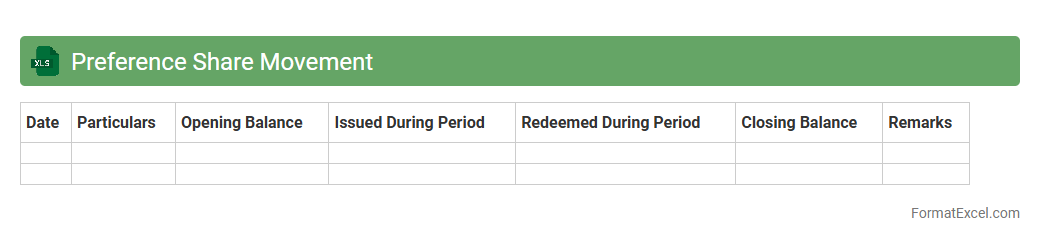
Preference Share Movement
The
Preference Share Movement Excel document tracks the issuance, redemption, and transfer of preference shares within a company, providing a clear record of ownership changes over time. It helps investors and financial analysts monitor dividend entitlements, voting rights, and the overall impact on the company's equity structure. This organized data enhances decision-making by offering transparent insights into shareholder movements and capital allocation.
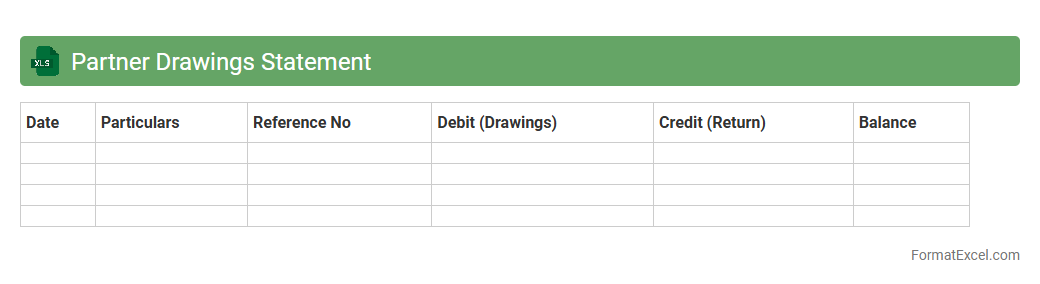
Partner Drawings Statement
The
Partner Drawings Statement Excel document tracks withdrawals made by business partners, providing a clear record of amounts taken against their equity. This tool helps maintain transparency in financial dealings, ensuring accurate calculation of remaining partner balances and facilitating smooth accounting processes. Using this statement, businesses can easily monitor partner contributions and manage profit distribution effectively.
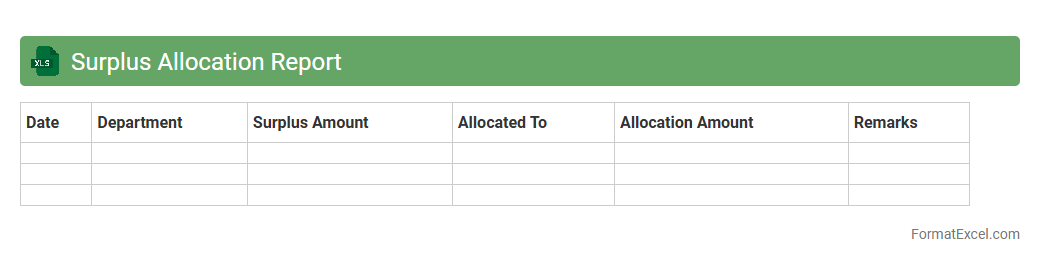
Surplus Allocation Report
The
Surplus Allocation Report Excel document tracks excess inventory or resources, detailing how surplus items are distributed across departments or projects. It helps organizations optimize resource management by identifying where surpluses exist and allocating them effectively to reduce waste and improve operational efficiency. This report also provides transparency and data-driven insights to support strategic decision-making and cost savings.
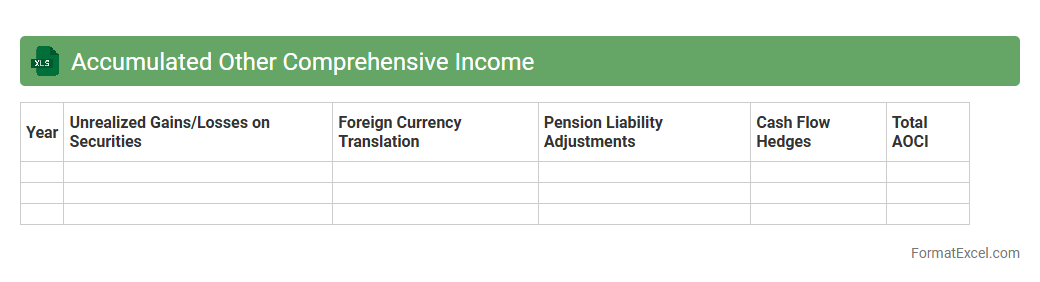
Accumulated Other Comprehensive Income
The
Accumulated Other Comprehensive Income (AOCI) Excel document records unrealized gains and losses not included in net income but reported under shareholders' equity on the balance sheet. This spreadsheet helps track changes in components like foreign currency translation adjustments, pension liabilities, and unrealized gains on securities, providing a clear view of a company's comprehensive income beyond net profit. Using this document enables investors and analysts to assess the total financial performance and risks, leading to more informed investment decisions.
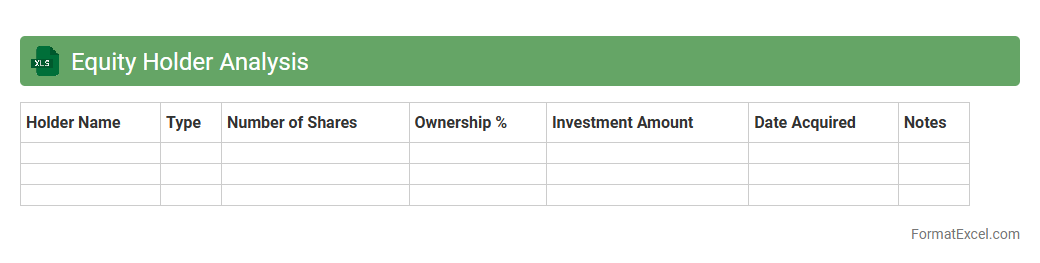
Equity Holder Analysis
An
Equity Holder Analysis Excel document systematically organizes information about shareholders, including their ownership percentages, share classes, and voting rights. It enables investors and company management to track equity distribution, evaluate control dynamics, and make informed decisions related to funding, governance, and strategic planning. This tool is essential for maintaining transparency and ensuring accurate record-keeping during fundraising rounds or mergers and acquisitions.
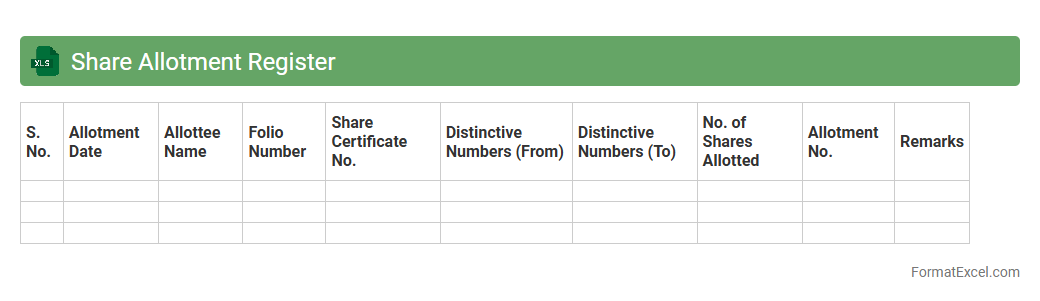
Share Allotment Register
A
Share Allotment Register Excel document is a detailed record that tracks the allocation of shares to shareholders in a company, including dates, share numbers, and shareholder details. It is essential for maintaining transparency and ensuring compliance with regulatory requirements by providing an organized overview of all share transactions. The register aids in efficient shareholder management, facilitates audits, and supports the preparation of financial statements.
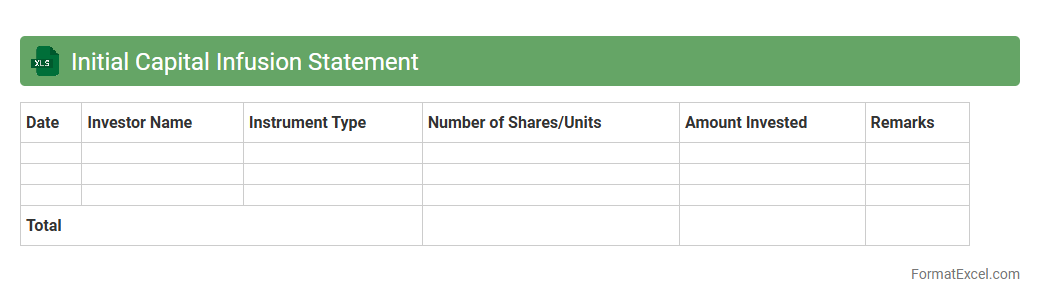
Initial Capital Infusion Statement
The
Initial Capital Infusion Statement Excel document outlines the detailed contributions of funds or assets invested at the start of a business or project, providing a clear financial snapshot for stakeholders. This statement helps track the total capital introduced, ensuring accurate accounting and transparency in ownership equity. Utilizing this document streamlines financial analysis, supports regulatory compliance, and aids strategic planning by clearly displaying the initial funding structure.
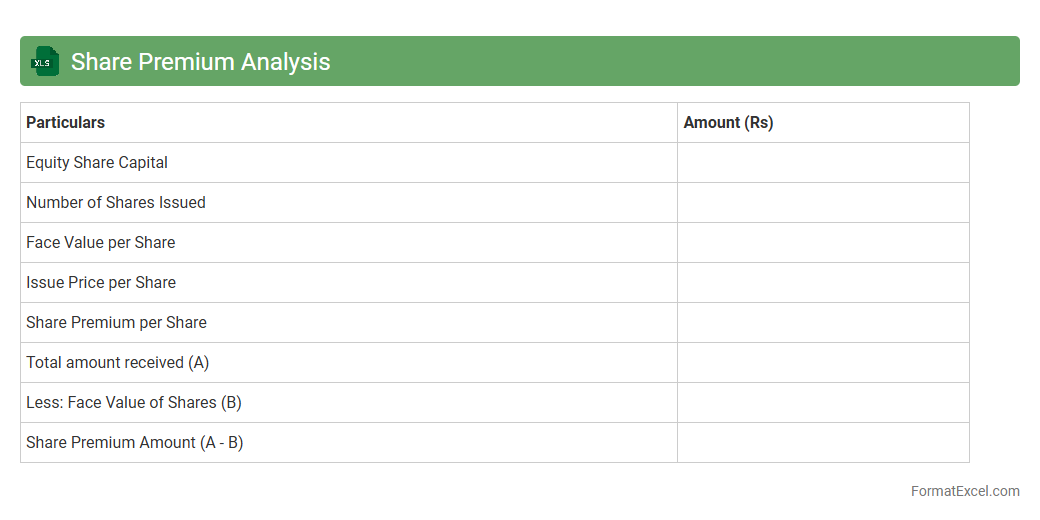
Share Premium Analysis
A
Share Premium Analysis Excel document is a financial tool used to track and analyze the premium amount paid over the nominal value of shares issued by a company. It helps investors and financial analysts assess the additional capital raised and monitor the impact on shareholders' equity. This document streamlines decision-making by providing clear insights into share issuance premiums and their effects on company valuation.
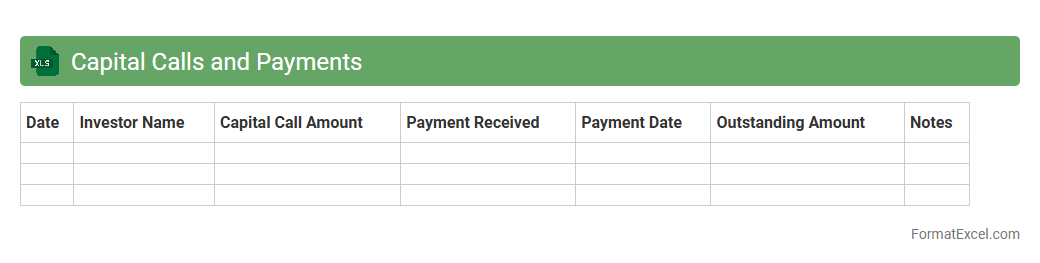
Capital Calls and Payments
The
Capital Calls and Payments Excel document is a specialized financial tool designed to track investor commitments, capital contributions, and distribution schedules in investment funds. It enables precise monitoring of when capital calls are made and payments received, ensuring transparent cash flow management for fund managers and investors. By organizing this data systematically, the document supports accurate reporting, compliance, and forecasting of capital requirements.
Capital Withdrawal Schedule
A
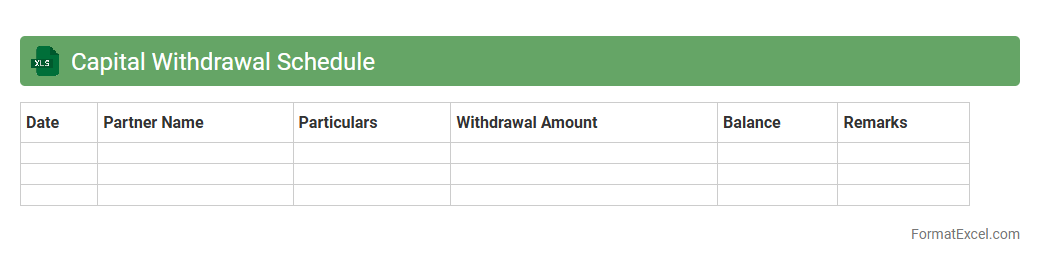
Capital Withdrawal Schedule Excel document is a structured financial tool that tracks and plans the timing and amounts of capital withdrawals from an investment or business fund. It helps investors and business owners manage cash flow efficiently by forecasting available capital and ensuring withdrawals do not compromise financial stability. This schedule optimizes financial planning, supports strategic decision-making, and maintains liquidity control over time.
Introduction to Capital Statement Format
The Capital Statement is a financial document that summarizes a company's equity or owner's capital over a specific period. It highlights changes due to investments, withdrawals, and profits. Using a standardized format ensures clarity in presenting this vital financial information.
Importance of Capital Statement in Accounting
A Capital Statement provides stakeholders with clear insight into the financial health and ownership equity of a business. It is essential for tracking capital movements and ensuring accurate accounting records. This document supports transparent financial reporting and decision-making.
Key Components of a Capital Statement
Typical elements of a Capital Statement include opening capital balance, additional investments, withdrawals, net income or loss, and closing capital balance. Each component reflects changes in equity during the reporting period. Accurately capturing these components is critical for financial accuracy.
Benefits of Using Excel for Capital Statements
Excel offers flexibility and ease in creating and managing Capital Statements. Its powerful formulas and formatting tools automate calculations and enhance presentation. Excel templates streamline the reporting process, saving time and reducing errors.
Step-by-Step Guide to Creating a Capital Statement in Excel
Start by setting up rows and columns for key capital components in Excel. Use formulas to calculate totals and closing balances automatically. Format the sheet clearly to ensure readability and accuracy of the Capital Statement.
Sample Capital Statement Format in Excel
A sample Capital Statement in Excel typically lists the opening balance, additions, deductions, net profit, and closing balance in a tabular format. This visual structure helps users quickly understand changes in owner's equity. Sample templates provide a helpful starting point.
Common Formulas Used in Capital Statement Excel Sheets
Important Excel formulas for Capital Statements include SUM for totals, subtraction for withdrawals, and addition for investments. Using these formulas ensures accuracy in calculating changes in capital balances. Formula automation reduces manual calculation errors.
Tips for Customizing Capital Statement Templates
Customize your Capital Statement Excel template by adjusting headers, adding company logos, and formatting cells for currency. Tailoring the template to fit specific business needs increases its usability. Ensuring proper labeling and layout improves report clarity.
Frequently Made Errors in Capital Statement Excel Formats
Common mistakes in Capital Statement Excel sheets include incorrect formula application, omission of key capital movements, and inconsistent formatting. These errors can lead to misleading financial reports. Regular review and testing formulas help maintain data integrity.
Downloadable Capital Statement Excel Templates
Many websites offer free or paid Capital Statement Excel templates for quick use. These templates come pre-formatted with relevant formulas to ease preparation. Downloading reliable templates saves time and ensures professional presentation.