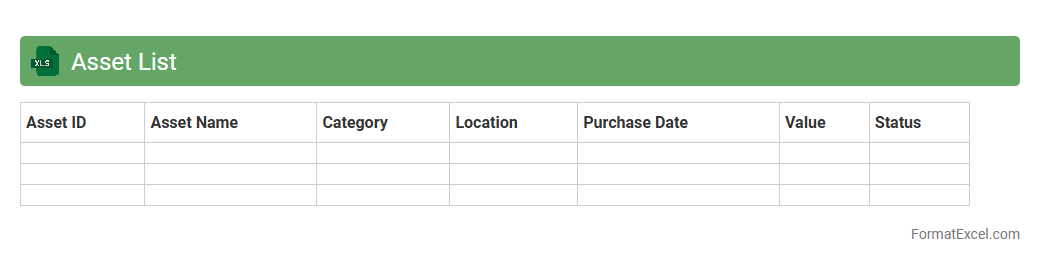
Asset List
An
Asset List Excel document is a structured spreadsheet used to catalog and track an organization's physical and intangible assets, such as equipment, property, software, and inventory. It provides detailed information including asset descriptions, purchase dates, values, locations, and maintenance schedules, facilitating efficient asset management and accountability. This organized data helps optimize resource allocation, streamline audits, and support financial reporting and decision-making processes.
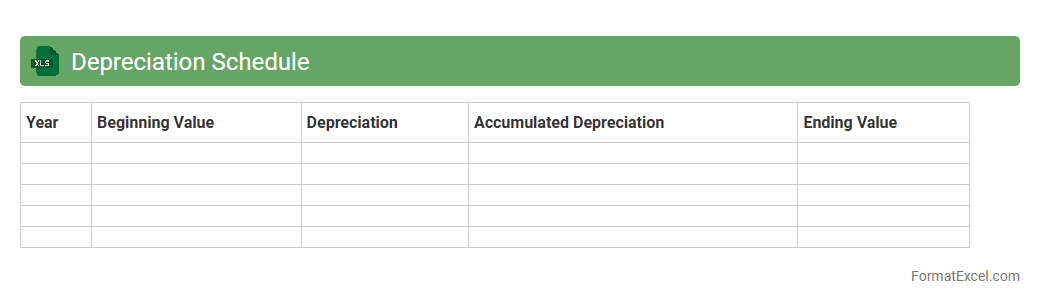
Depreciation Schedule
A
Depreciation Schedule Excel document is a structured template that tracks the reduction in value of assets over time, using methods like straight-line or declining balance depreciation. It helps businesses accurately calculate expense allocation for fixed assets, ensuring compliance with accounting standards and tax regulations. This tool improves financial planning and reporting by providing clear visibility into asset value changes and maintenance of accurate book records.
Fixed Asset Register
A
Fixed Asset Register Excel document is a centralized spreadsheet that records detailed information about a company's fixed assets, such as purchase date, cost, depreciation, and location. It helps in tracking asset lifecycle, managing depreciation schedules, and ensuring accurate financial reporting for audits and tax compliance. Utilizing this register improves asset management efficiency, reduces errors, and supports informed decision-making regarding maintenance and asset replacement.
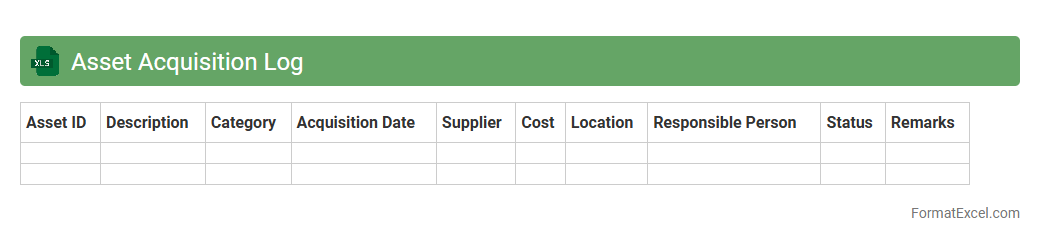
Asset Acquisition Log
An
Asset Acquisition Log Excel document is a comprehensive spreadsheet designed to track and manage the procurement of assets within an organization. It captures critical information such as asset descriptions, purchase dates, costs, vendor details, and depreciation schedules, enabling accurate record-keeping and financial analysis. This tool enhances accountability and streamlines asset management processes, ensuring efficient budgeting and auditing practices.
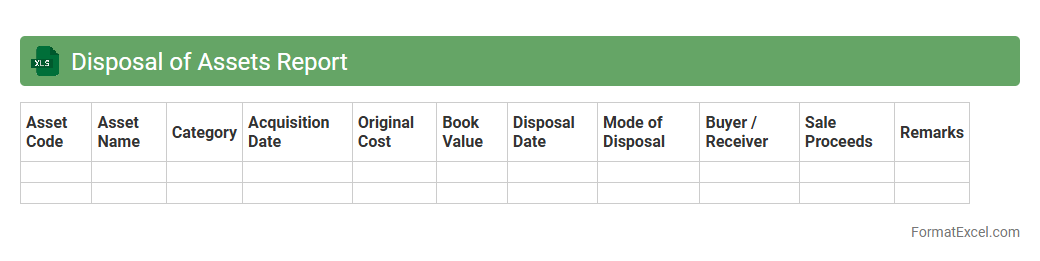
Disposal of Assets Report
The
Disposal of Assets Report Excel document tracks the sale, retirement, or discarding of company assets, providing detailed information such as asset description, disposal date, sale price, and book value. This report helps businesses monitor asset lifecycle, calculate gains or losses from disposals, and ensure accurate financial records and compliance with accounting standards. By maintaining organized records in Excel, organizations improve decision-making and streamline asset management processes.
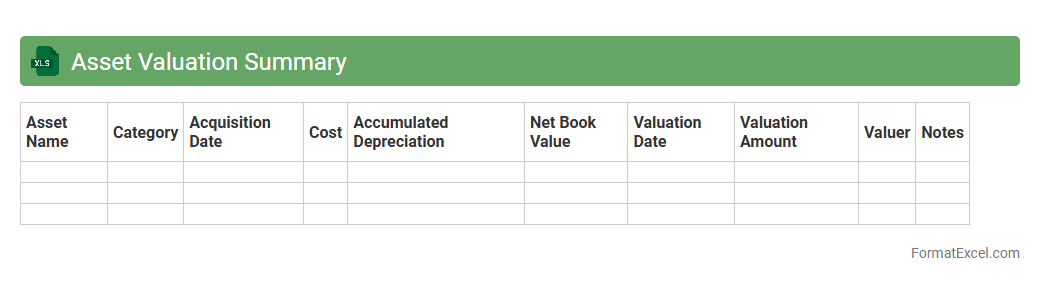
Asset Valuation Summary
An
Asset Valuation Summary Excel document consolidates the financial values of various assets, providing a clear snapshot of their current worth based on market prices, depreciation, or appraisal data. This summary is essential for accurate financial reporting, investment analysis, and strategic decision-making, enabling businesses to assess asset performance and manage resources effectively. By organizing asset data in a structured format, it simplifies tracking, comparison, and forecasting of asset-related financial information.
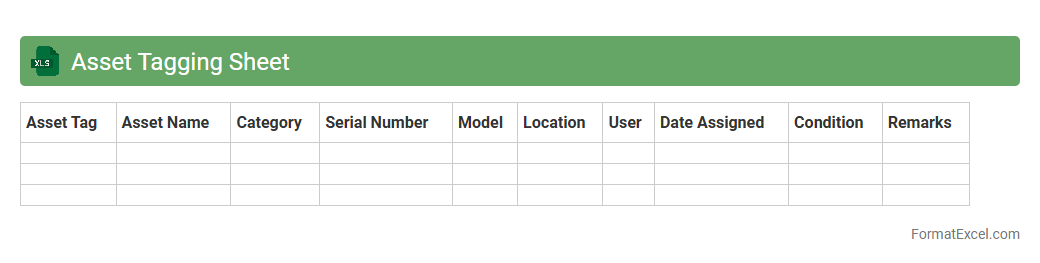
Asset Tagging Sheet
An
Asset Tagging Sheet Excel document is a structured tool used to catalog and manage an organization's physical assets by assigning unique identification tags. It facilitates efficient tracking, maintenance scheduling, and auditing of assets such as equipment, furniture, and technology. This organized approach reduces loss, improves asset lifecycle management, and enhances accountability within the company.
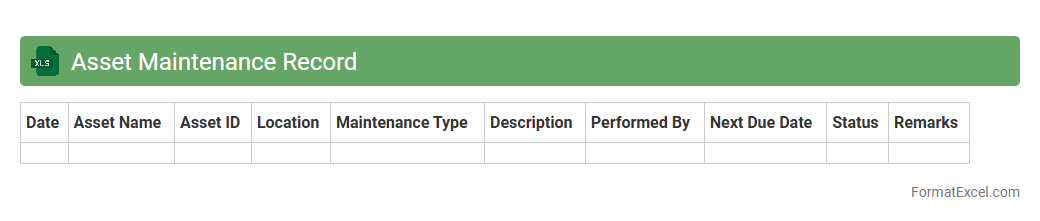
Asset Maintenance Record
An
Asset Maintenance Record Excel document is a structured spreadsheet used to track the maintenance history, schedules, and status of physical assets such as machinery, equipment, or vehicles. It provides detailed insights into repair dates, service costs, and technician notes, enabling efficient management and prolonging asset lifespan. Utilizing this document enhances maintenance planning, reduces downtime, and improves budgeting accuracy for asset-related expenses.
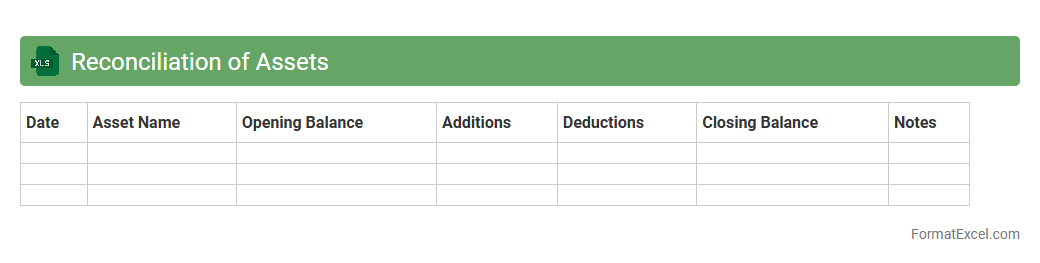
Reconciliation of Assets
The
Reconciliation of Assets Excel document systematically compares recorded asset balances with actual physical counts or other verification methods to identify discrepancies and ensure accuracy in financial records. This tool helps organizations maintain precise asset management, prevent financial misstatements, and support audit compliance by providing clear documentation of asset status. By highlighting inconsistencies, it facilitates timely corrections and enhances overall control over company property.
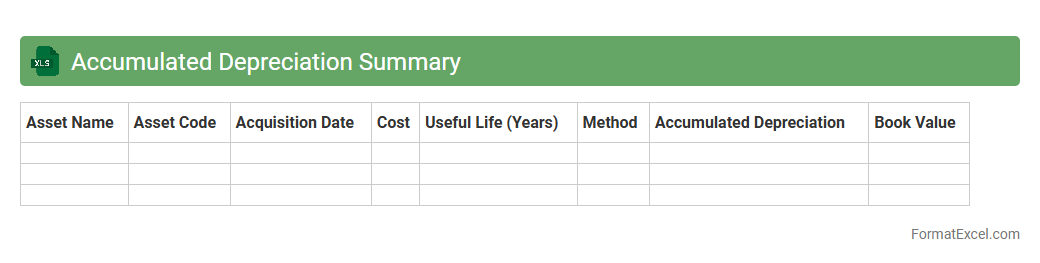
Accumulated Depreciation Summary
An
Accumulated Depreciation Summary Excel document tracks the total depreciation expense recorded on fixed assets over time, providing a clear view of asset value reduction. This summary helps businesses monitor asset lifespans, calculate book value, and ensure accurate financial reporting. It is essential for budgeting, tax preparation, and maintaining compliance with accounting standards.
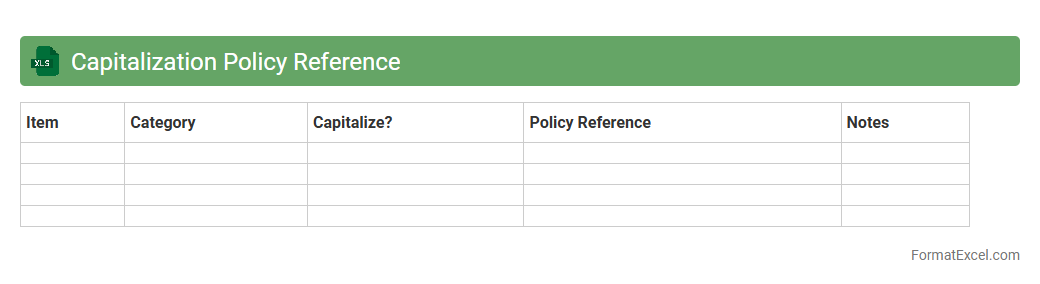
Capitalization Policy Reference
The
Capitalization Policy Reference Excel document serves as a comprehensive guide outlining the criteria and thresholds for capitalizing assets within an organization. It standardizes how fixed assets are recorded, ensuring compliance with accounting standards and facilitating accurate financial reporting. This tool helps streamline asset management, audit processes, and budgeting by providing clear, consistent capitalization guidelines accessible to finance and accounting teams.
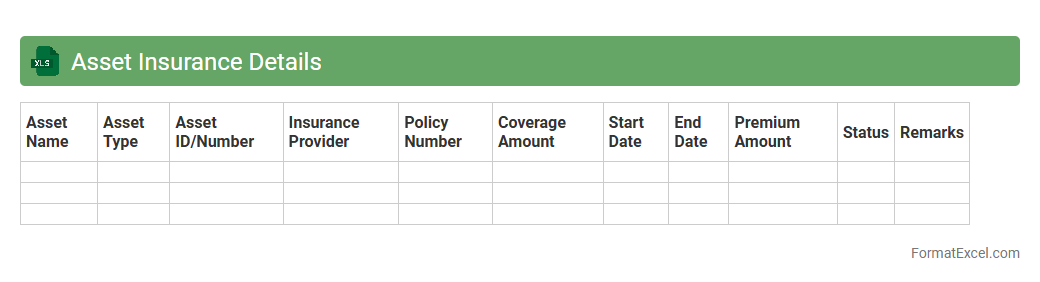
Asset Insurance Details
The
Asset Insurance Details Excel document is a comprehensive record that tracks insurance policies associated with various assets, including policy numbers, coverage amounts, expiry dates, and insurer information. It enables organizations to efficiently monitor and manage insurance coverage, ensuring assets are adequately protected against risks and preventing lapses in policy renewals. This document streamlines risk management processes and supports financial planning by providing clear visibility into insurance status and associated costs.
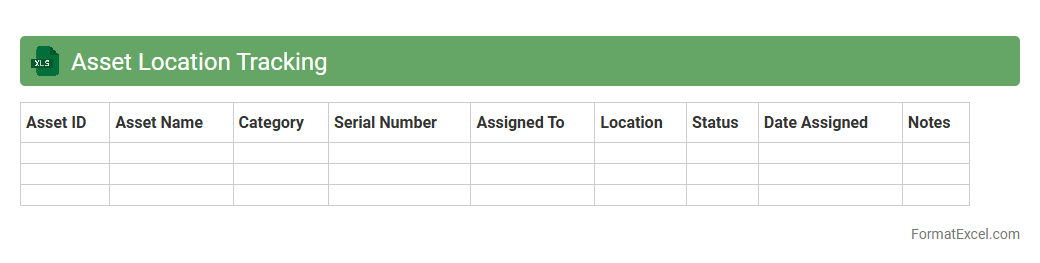
Asset Location Tracking
An
Asset Location Tracking Excel document is a structured tool designed to record and monitor the physical whereabouts of company assets, such as equipment, vehicles, or inventory. It enables organizations to efficiently manage asset allocation, prevent loss or theft, and streamline maintenance schedules by providing real-time location data and usage history. This document enhances accountability and operational efficiency by offering clear visibility into asset distribution and movement across different locations.
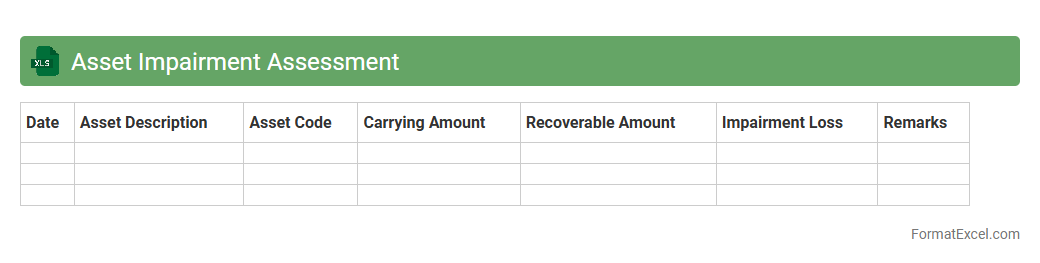
Asset Impairment Assessment
An
Asset Impairment Assessment Excel document is a structured tool designed to evaluate the reduction in value of company assets, ensuring compliance with accounting standards like IFRS and GAAP. It helps organizations systematically analyze asset carrying amounts against recoverable amounts, facilitating accurate financial reporting and informed decision-making. Using this document streamlines the impairment review process, minimizes errors, and supports auditors with clear documentation and transparent calculations.
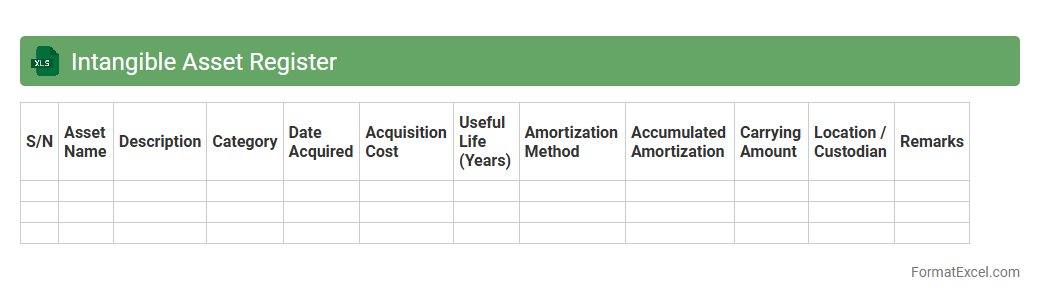
Intangible Asset Register
An
Intangible Asset Register Excel document is a structured spreadsheet designed to record, track, and manage non-physical assets such as patents, trademarks, copyrights, and goodwill. It provides a centralized platform to document acquisition details, valuation, amortization schedules, and legal status, ensuring compliance with accounting standards and facilitating informed financial decision-making. This tool enhances asset visibility, supports audit requirements, and aids in strategic planning by maintaining accurate and up-to-date intangible asset records.
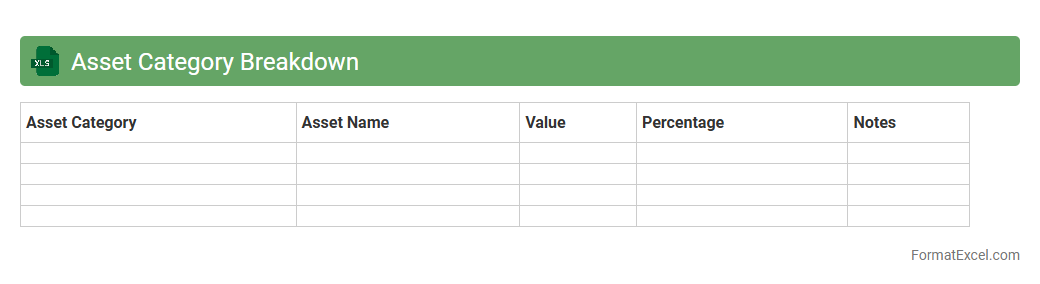
Asset Category Breakdown
An
Asset Category Breakdown Excel document organizes financial assets into distinct categories such as equities, fixed income, real estate, and cash, providing a clear overview of portfolio allocation. This tool enables investors to analyze asset diversification, assess risk exposure, and make informed decisions for optimal investment strategies. By summarizing complex financial data into structured categories, the document enhances clarity and supports efficient portfolio management.
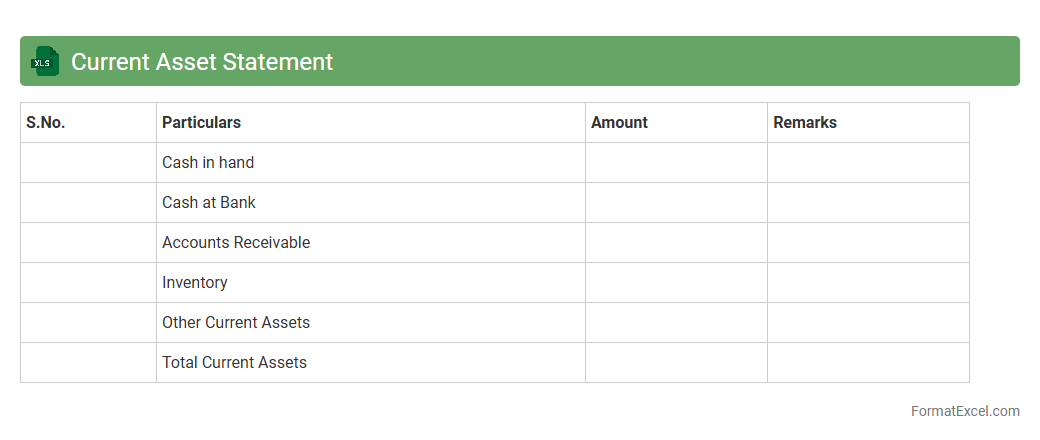
Current Asset Statement
A
Current Asset Statement Excel document is a financial tool used to track and organize a company's short-term assets, such as cash, accounts receivable, and inventory, within a spreadsheet format. It allows for easy updating and real-time analysis of liquidity, helping businesses manage cash flow and make informed financial decisions. By providing a clear overview of current assets, this document supports effective budgeting, financial planning, and ensures compliance with accounting standards.
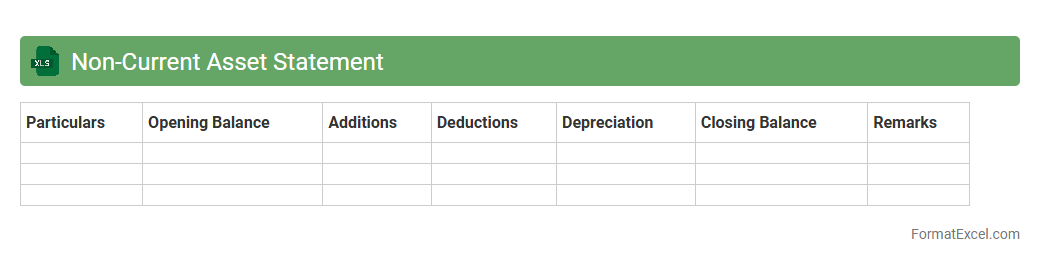
Non-Current Asset Statement
A
Non-Current Asset Statement Excel document is a financial tool used to record, track, and analyze long-term assets such as property, plant, equipment, and intangible assets. It helps businesses monitor depreciation schedules, asset acquisitions, disposals, and carrying values over time, ensuring accurate financial reporting and compliance with accounting standards. This document supports strategic decision-making by providing clear insights into the company's investment in fixed assets and their impact on financial health.
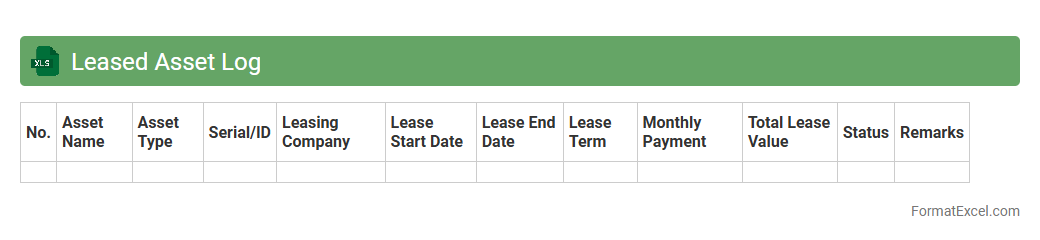
Leased Asset Log
The
Leased Asset Log Excel document is a structured spreadsheet designed to track and manage leased assets, including details like lease start and end dates, payment schedules, asset descriptions, and vendor information. It helps organizations maintain accurate records, ensure compliance with lease agreements, and monitor financial liabilities associated with leased equipment or property. By centralizing lease data, this log improves asset management efficiency and supports informed decision-making for budgeting and auditing purposes.
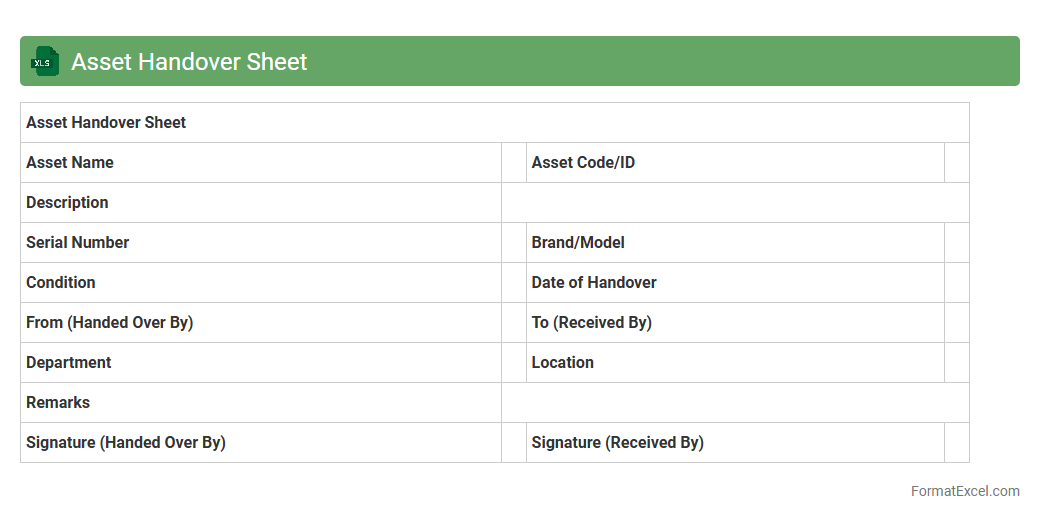
Asset Handover Sheet
An
Asset Handover Sheet Excel document is a structured template used to record the transfer of assets between parties, detailing item descriptions, serial numbers, condition, and handover dates. This document ensures clear accountability and traceability during asset transfer processes, reducing disputes and losses. Using an Asset Handover Sheet streamlines inventory management and supports accurate record-keeping for audits and maintenance schedules.
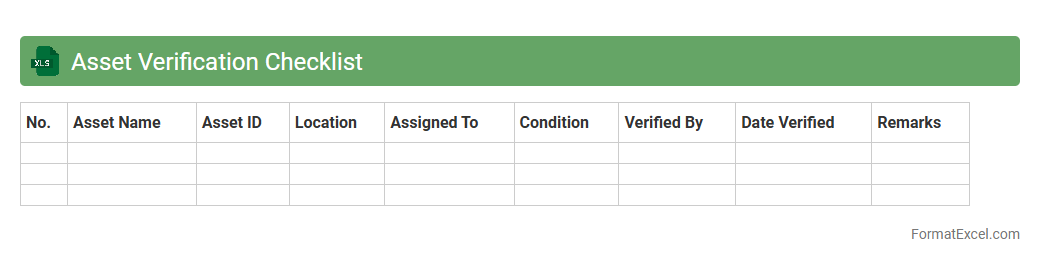
Asset Verification Checklist
An
Asset Verification Checklist Excel document is a structured tool used to systematically verify and track physical and digital assets within an organization. It helps ensure accurate record-keeping, facilitates audits, and supports asset management by providing clear documentation on asset condition, location, and status. This checklist enhances accountability and reduces discrepancies, making asset verification processes more efficient and reliable.
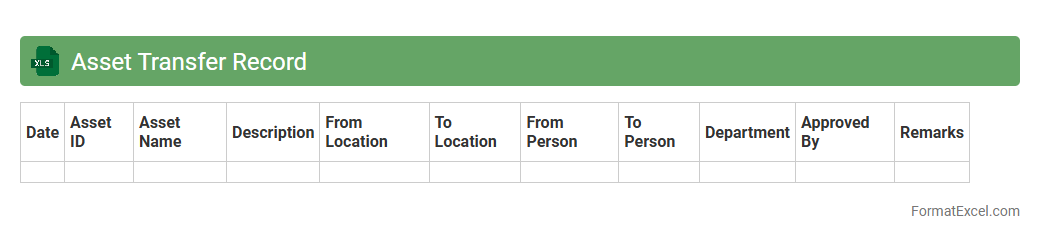
Asset Transfer Record
An
Asset Transfer Record Excel document systematically tracks the movement of assets between departments, locations, or individuals, ensuring accurate and up-to-date inventory management. It provides essential details such as asset ID, transfer date, sender and receiver information, and approval status, which facilitates accountability and transparency in asset handling. Utilizing this document helps organizations maintain compliance, reduce asset loss, and streamline audit processes.
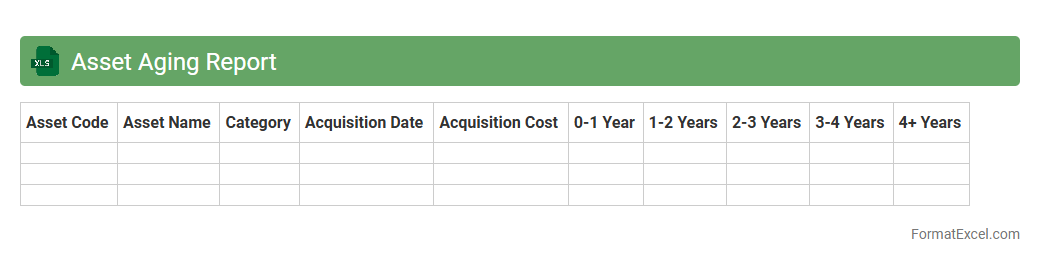
Asset Aging Report
An
Asset Aging Report Excel document tracks the age of fixed assets by categorizing them into specific time intervals, helping organizations monitor asset depreciation and lifecycle. It enables efficient management of asset performance, maintenance scheduling, and financial planning by identifying older assets that may require repair, replacement, or write-off. This report supports accurate accounting practices and improves decision-making related to asset utilization and capital expenditure.
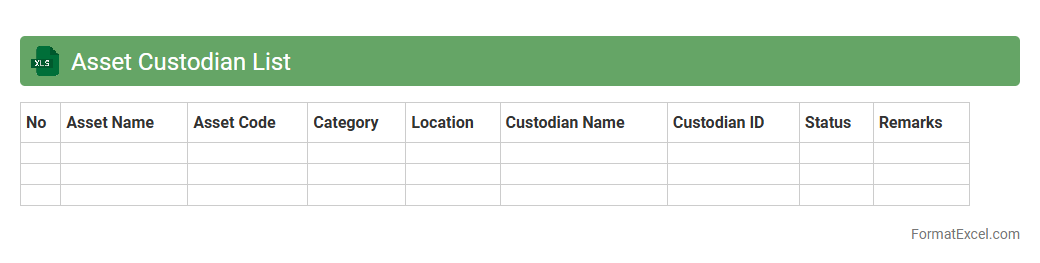
Asset Custodian List
The
Asset Custodian List Excel document is a detailed record that tracks the allocation and responsibility of physical or digital assets within an organization. This spreadsheet provides clear accountability by linking each asset to a designated custodian, helping streamline asset management and reduce loss or misplacement. It serves as a vital tool for audits, maintenance scheduling, and financial reporting by maintaining updated and organized asset information.
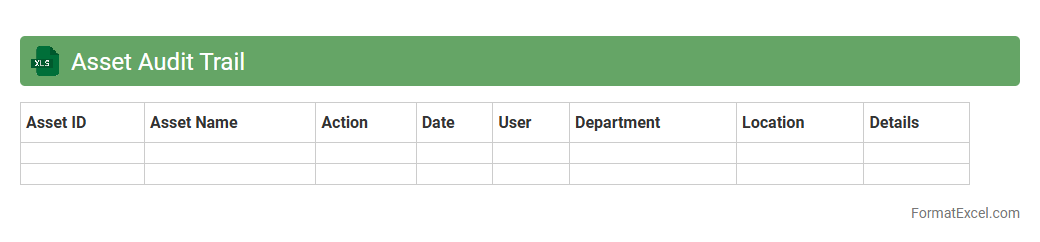
Asset Audit Trail
An
Asset Audit Trail Excel document is a structured record that tracks the history and movement of physical or digital assets within an organization. It provides detailed logs of asset acquisitions, transfers, maintenance, and disposals, ensuring accurate accountability and compliance with financial regulations. This document is useful for streamlining asset management, preventing theft or loss, and facilitating transparent audits and reporting processes.
Understanding Asset Statements in Excel
An asset statement in Excel is a detailed record of an individual or organization's assets, typically organized in a spreadsheet format. It helps in tracking the value, type, and status of assets over time. Using Excel ensures data is easily updated, analyzed, and shared.
Importance of an Asset Statement Format
A well-structured asset statement format provides clarity and accuracy in financial reporting and asset management. It ensures consistency in documenting assets and aids in auditing or valuation processes. Proper formatting enhances readability and protects crucial data integrity.
Key Components of an Asset Statement
Essential elements in an asset statement include an asset description, acquisition date, purchase price, current value, and depreciation. Adding asset location and condition further improves the document's comprehensiveness. Each component contributes to a complete financial overview.
Step-by-Step Guide to Creating an Asset Statement in Excel
Begin by opening Excel and creating headers for all asset details such as description and value. Input your asset data carefully and use formulas to calculate totals and depreciation where applicable. Finally, format the sheet to improve clarity and save your work regularly.
Essential Columns for Asset Documentation
Include columns for Asset Name, Category, Purchase Date, Cost, Current Value, Depreciation, and Location. These columns allow for detailed tracking and easier data manipulation. Adding a Notes column can help record any special information or tags.
Sample Asset Statement Format in Excel
A basic format includes rows for each asset with columns for description, purchase cost, current value, and applicable dates. Adding conditional formatting highlights assets needing review or replacement. Samples often include summary rows for total asset value and depreciation.
Tips for Customizing Your Asset Statement Template
Customize by adding filters, dropdown menus, or color-coded status tags to enhance usability. Tailoring formulas for depreciation methods or value adjustments suits specific asset types. Regularly updating and backing up your template ensures accuracy and security.
Common Mistakes to Avoid in Asset Statements
Avoid incomplete entries, inaccurate valuations, or inconsistent formatting. Forgetting to update asset conditions or failing to back up data are common errors. Maintaining precision in your asset statement prevents financial misstatements and data loss.
Downloadable Asset Statement Excel Templates
Many websites offer free or paid Excel templates designed for asset management. These templates often include pre-set formulas and formats to simplify your process. Choose a template compatible with your asset type and reporting needs.
Frequently Asked Questions on Asset Statements in Excel
Common questions include how to calculate depreciation, best practices for updating values, and how to secure confidential data. Excel functions like SUM and IF are frequently used to automate asset calculations. Understanding these basics streamlines your asset statement management.