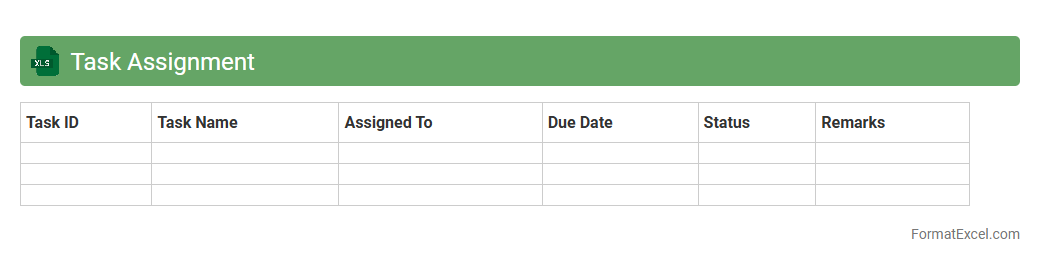
Task Assignment
A
Task Assignment Excel document is a structured spreadsheet designed to allocate tasks among team members, track progress, and set deadlines efficiently. It enhances project management by providing clear visibility of responsibilities and timelines, ensuring accountability and streamlined workflow. This tool is essential for improving communication and productivity in collaborative environments.
Milestone Timeline
A
Milestone Timeline Excel document is a structured spreadsheet that tracks key project milestones and deadlines visually along a timeline. It helps teams monitor progress, manage deadlines, and ensure timely completion of critical tasks by clearly highlighting important events and dependencies. Using this tool improves project organization, enhances communication, and supports efficient resource allocation for successful project delivery.
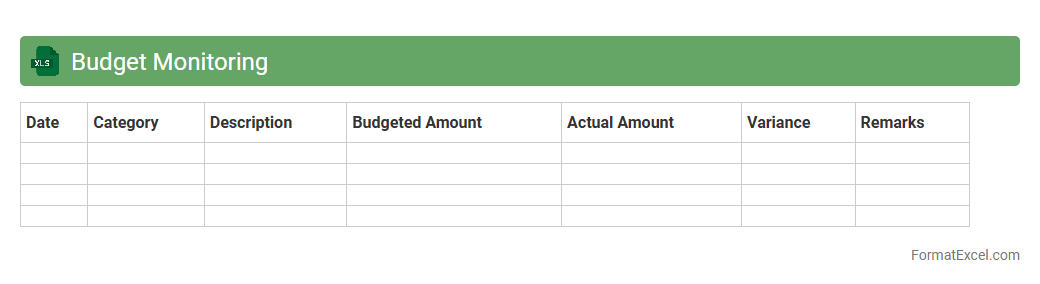
Budget Monitoring
A
Budget Monitoring Excel document is a powerful financial tool designed to track income, expenses, and savings in a structured format. It enables individuals and businesses to compare actual expenditures against planned budgets, facilitating accurate financial analysis and effective cost control. Using this document improves fiscal discipline by highlighting overspending areas and helping to optimize resource allocation for better financial outcomes.
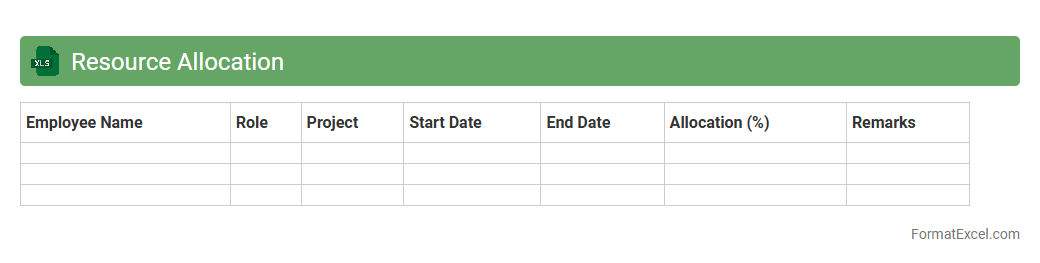
Resource Allocation
A
Resource Allocation Excel document is a spreadsheet tool designed to manage and distribute resources such as time, personnel, and budget across various projects or tasks efficiently. It helps organizations optimize resource utilization, avoid overallocation, and enhance project planning by providing a clear overview of who is assigned to what and when. By tracking resource availability and workload, this document improves decision-making and ensures balanced distribution to meet deadlines effectively.
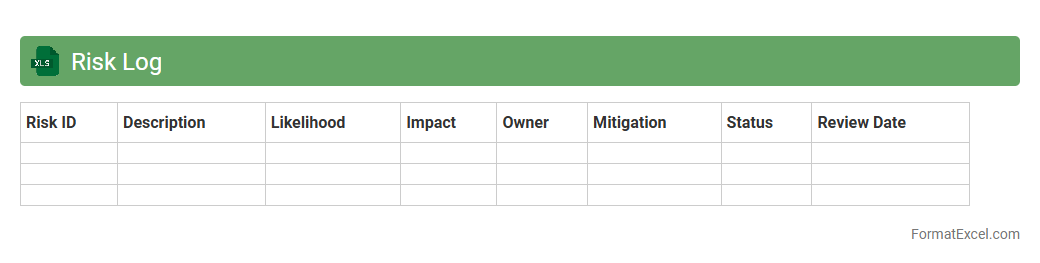
Risk Log
A
Risk Log Excel document is a structured tool designed to identify, assess, and monitor potential risks within a project or organization. It helps track risk descriptions, likelihood, impact, mitigation measures, and status updates, enabling proactive risk management. This document enhances decision-making by providing a clear overview of vulnerabilities, ensuring timely responses and minimizing project disruptions.
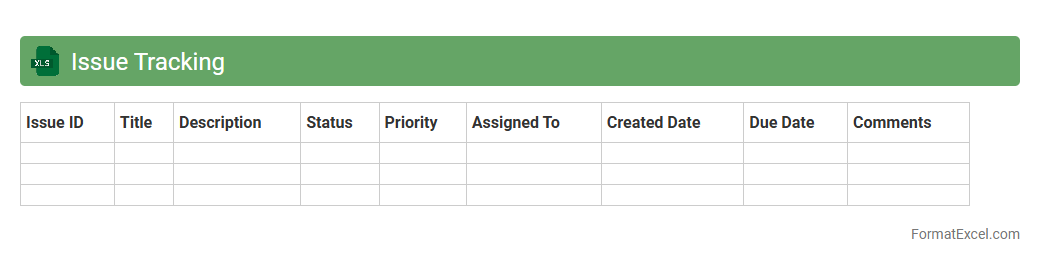
Issue Tracking
An
Issue Tracking Excel document is a structured spreadsheet used to log, monitor, and manage project problems or bugs efficiently. It helps teams prioritize tasks, assign responsibilities, and track the resolution progress in real-time, ensuring accountability and transparency. By centralizing issue data, it enhances communication and accelerates problem-solving within projects.
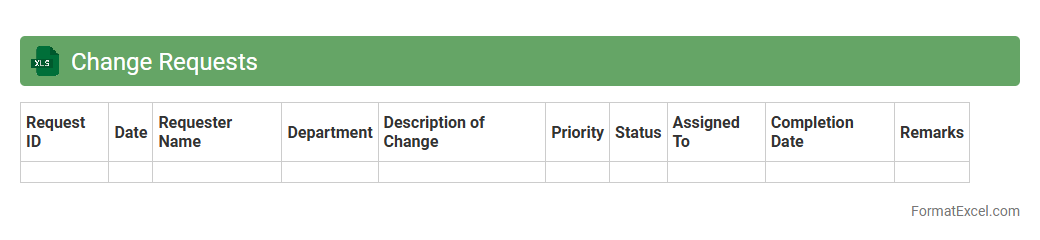
Change Requests
A
Change Requests Excel document is a structured spreadsheet used to track, document, and manage requests for modifications in a project or system. It helps maintain clear communication among stakeholders by organizing details such as request ID, description, priority, status, and impact analysis. This tool ensures efficient monitoring and control of changes, reducing risks and supporting successful project delivery.
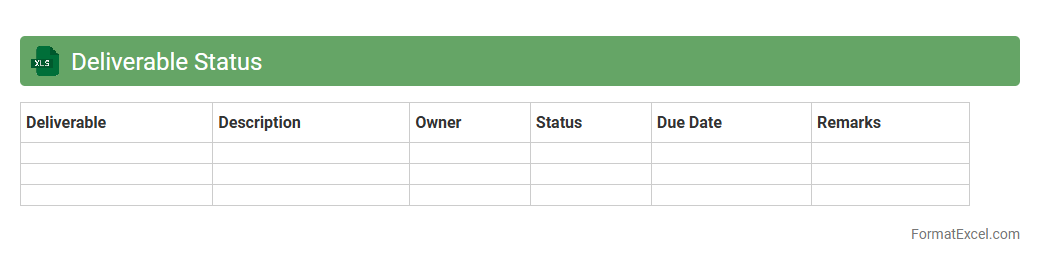
Deliverable Status
A
Deliverable Status Excel document is a structured spreadsheet used to track the progress of project deliverables, including task completion, deadlines, and responsible team members. It provides real-time visibility into project milestones, enabling efficient monitoring and timely identification of potential delays. This tool enhances project management by facilitating clear communication, accountability, and informed decision-making throughout the project lifecycle.
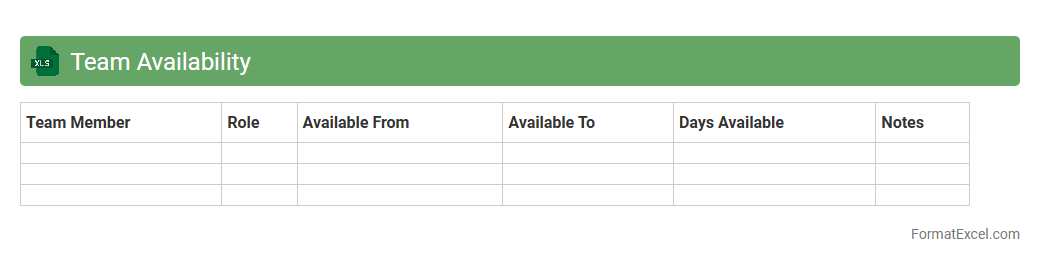
Team Availability
The
Team Availability Excel document is a structured spreadsheet used to track and manage the working hours, leaves, and schedules of team members efficiently. It helps project managers and HR professionals optimize resource allocation, avoid scheduling conflicts, and ensure smooth project execution by providing a clear overview of when each team member is available. This tool improves team productivity by facilitating better planning and timely decision-making based on accurate availability data.
Dependency Mapping
A
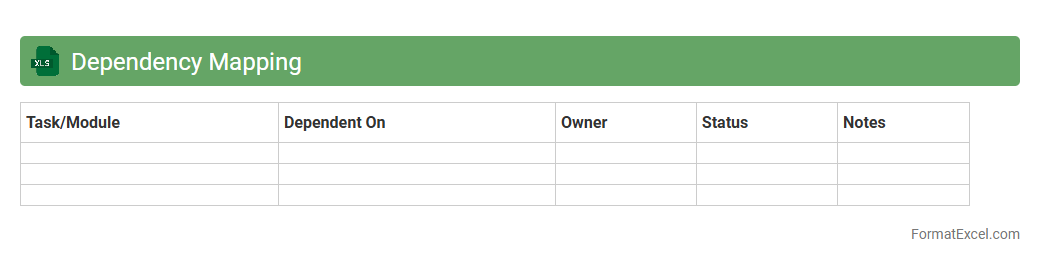
Dependency Mapping Excel document is a structured tool used to identify and record relationships between tasks, systems, or components within a project or organization. It visually represents how dependencies impact timelines, resource allocation, and workflow efficiency, enabling better risk management and decision-making. This document helps teams align efforts, anticipate potential bottlenecks, and optimize communication across interdependent activities.
Stakeholder Register
A
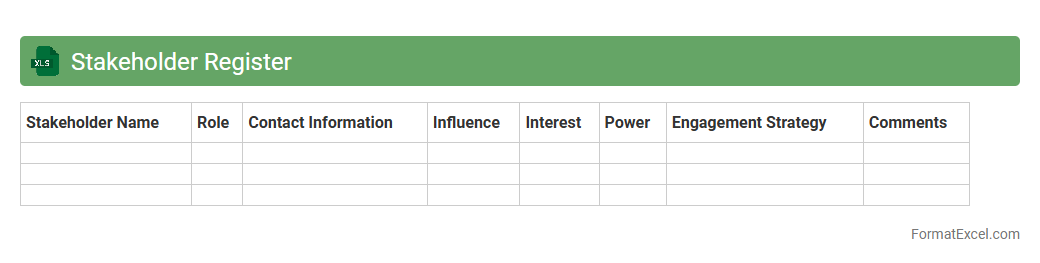
Stakeholder Register Excel document is a structured file used to identify, categorize, and manage project stakeholders by capturing key information such as names, roles, contact details, influence levels, and engagement expectations. It serves as a centralized reference that enhances communication strategies, ensures stakeholder needs are addressed, and improves project alignment and decision-making. By tracking stakeholder data systematically, the register helps mitigate risks related to stakeholder misunderstandings and promotes effective collaboration throughout the project lifecycle.
Communication Log
A
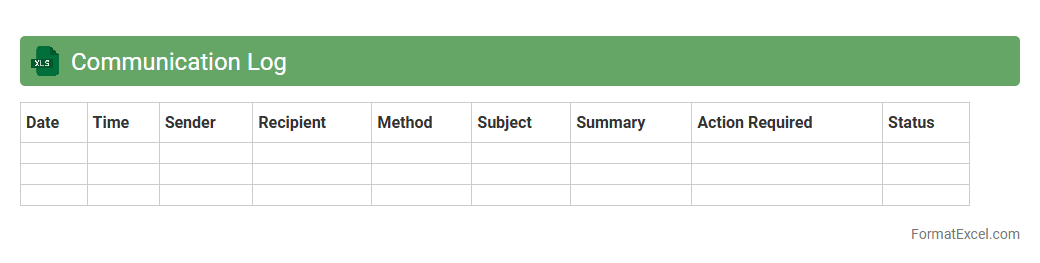
Communication Log Excel document is a structured spreadsheet designed to record and track interactions, messages, and conversations within a project or organization. It helps improve accountability and transparency by providing a detailed history of communication, ensuring important information is documented and easily accessible. This tool enhances collaboration, reduces misunderstandings, and supports efficient follow-up by organizing contact details, dates, topics, and outcomes in one centralized location.
Project Calendar
A
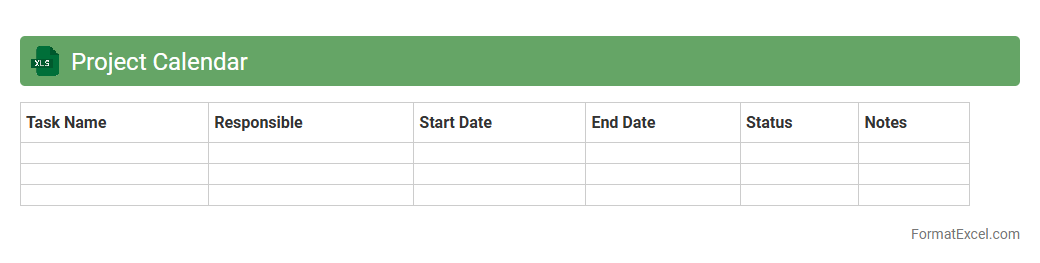
Project Calendar Excel document is a tool designed to schedule and track project tasks, deadlines, and milestones using an organized timeline format within Microsoft Excel. It helps teams visualize project progress, allocate resources efficiently, and manage time-sensitive activities to ensure timely completion. The customizable nature of Excel allows users to tailor the calendar to specific project needs, enhancing collaboration and productivity.
Time Tracking
A
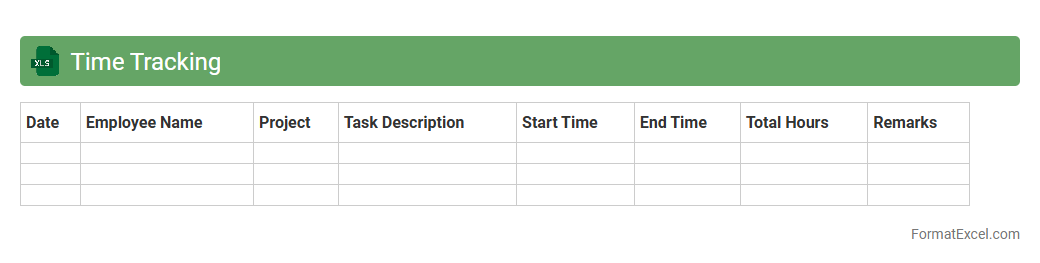
Time Tracking Excel document is a spreadsheet tool designed to record and monitor the hours spent on various tasks or projects. It helps individuals and businesses increase productivity by providing clear insights into time allocation, enabling efficient resource management and accurate billing. Using this document simplifies the process of identifying time-wasting activities and optimizing workflow for better performance.
Action Items
An
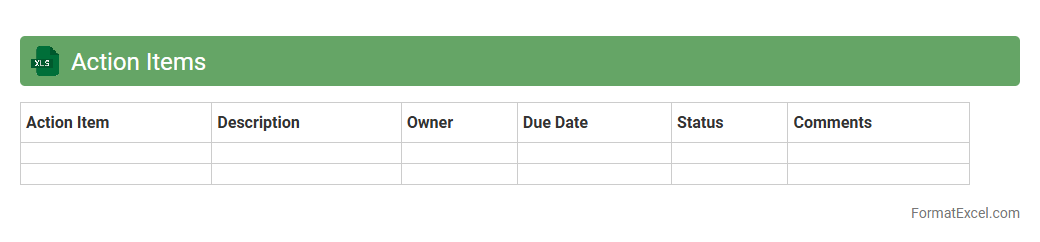
Action Items Excel document is a structured spreadsheet used to track tasks, responsibilities, deadlines, and progress within a project or team environment. It enhances organization by providing clear visibility of assigned duties, enabling efficient follow-up and accountability. Utilizing this tool improves productivity by ensuring all action steps are documented, prioritized, and completed on time.
Meeting Notes
A
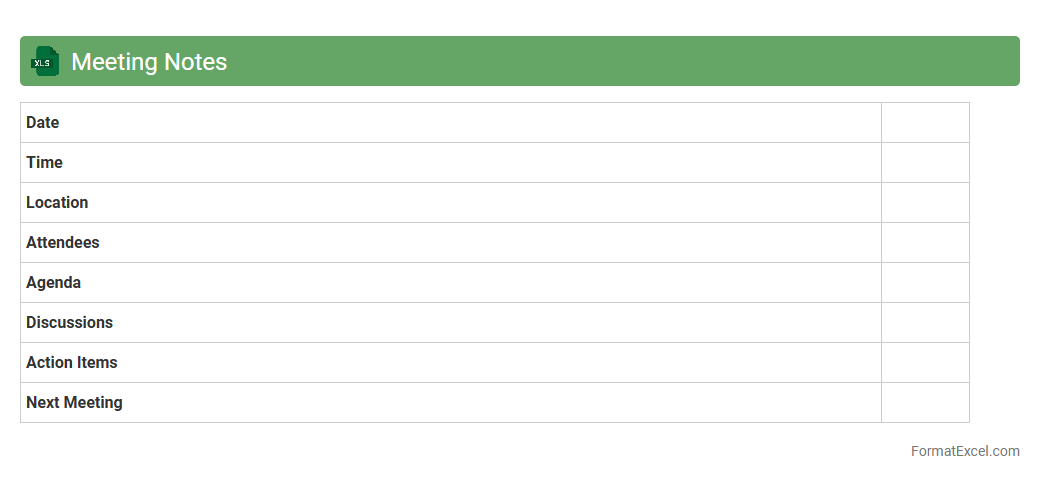
Meeting Notes Excel document is a structured spreadsheet designed to capture and organize key points, decisions, and action items from meetings. It enhances productivity by providing a clear, accessible record that can be easily shared and updated among team members. Using this document ensures accountability and helps track progress on tasks discussed during meetings.
Gantt View
The
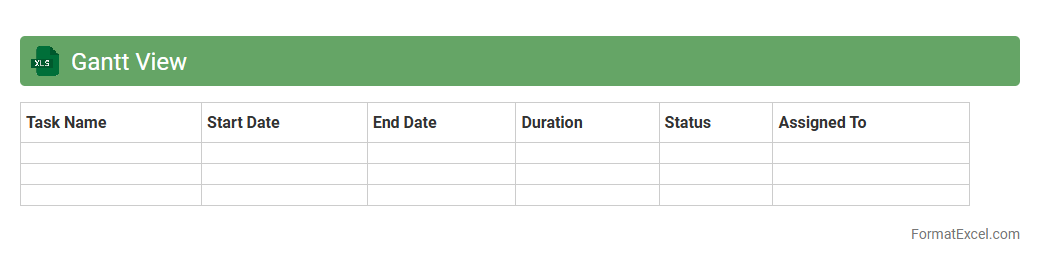
Gantt View in Excel is a visual project management tool that displays tasks and timelines in a bar chart format, making it easier to track progress and deadlines. It helps teams organize workflows efficiently by highlighting task dependencies, milestones, and timeframes within a familiar spreadsheet environment. This format improves planning accuracy, resource allocation, and communication across projects, boosting overall productivity.
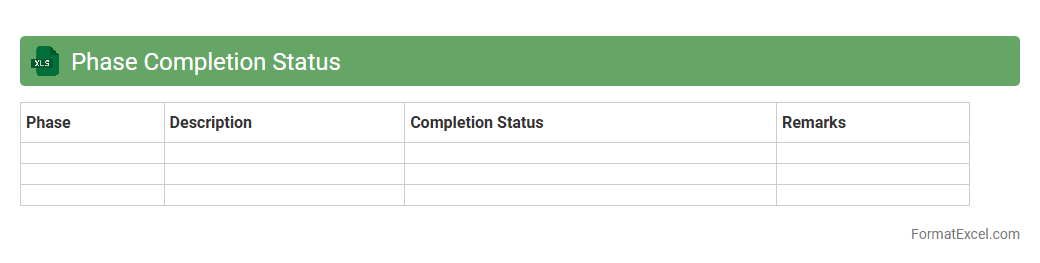
Phase Completion Status
The
Phase Completion Status Excel document is a project management tool used to track the progress of different phases within a project, providing a clear overview of which tasks have been completed and which are pending. It helps teams monitor deadlines, allocate resources efficiently, and identify potential bottlenecks early in the process. This organized visualization of project milestones enhances communication among stakeholders and supports timely decision-making.
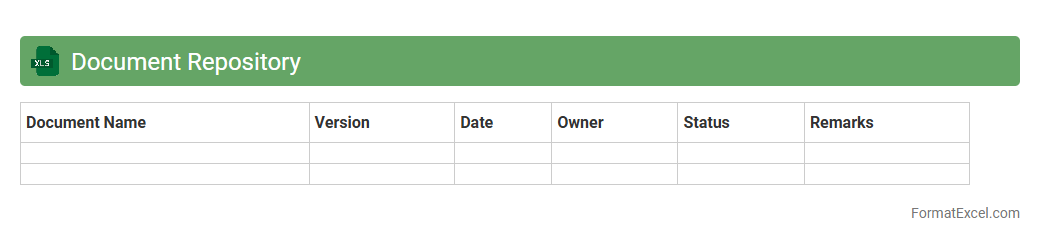
Document Repository
A
Document Repository Excel document is a structured spreadsheet designed to organize, track, and manage various digital files and documents efficiently. It enables users to store metadata such as document names, types, dates, and locations, facilitating quick retrieval and streamlined collaboration. This tool enhances productivity by centralizing document information, reducing time spent searching for files, and improving version control across teams.
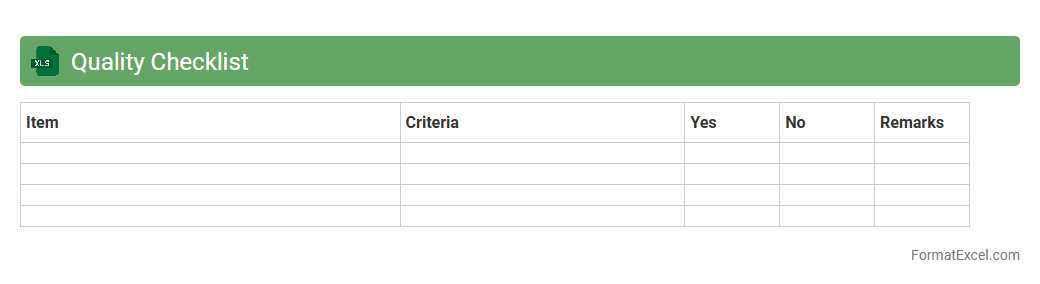
Quality Checklist
A
Quality Checklist Excel document is a structured spreadsheet designed to systematically track and verify quality standards during projects or product development. It helps ensure compliance with specified criteria, reduces errors, and streamlines audits by organizing tasks, inspection points, and status updates in a clear, accessible format. This tool is essential for maintaining consistency, improving productivity, and fostering accountability across teams.
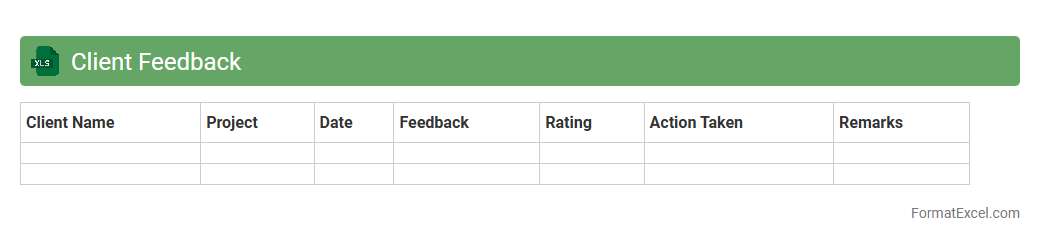
Client Feedback
A
Client Feedback Excel document is a structured tool designed to systematically collect, organize, and analyze customer opinions and responses. It helps businesses track satisfaction levels, identify trends, and prioritize improvements based on quantitative and qualitative data. Utilizing this document enhances decision-making processes and drives customer-centric strategies for better service and product development.
Approval Status
An
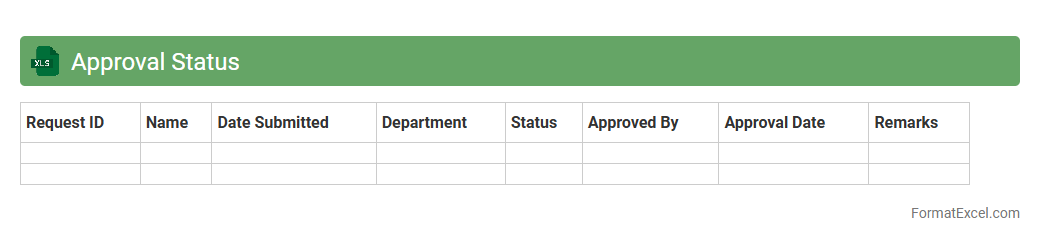
Approval Status Excel document is a structured spreadsheet designed to track and manage the progress of various approval processes within an organization. It provides a clear overview of pending, approved, and rejected requests, helping teams streamline decision-making and ensure accountability. Using this document enhances workflow efficiency by centralizing approval data, reducing errors, and enabling timely follow-up actions.
Project Dashboard
A
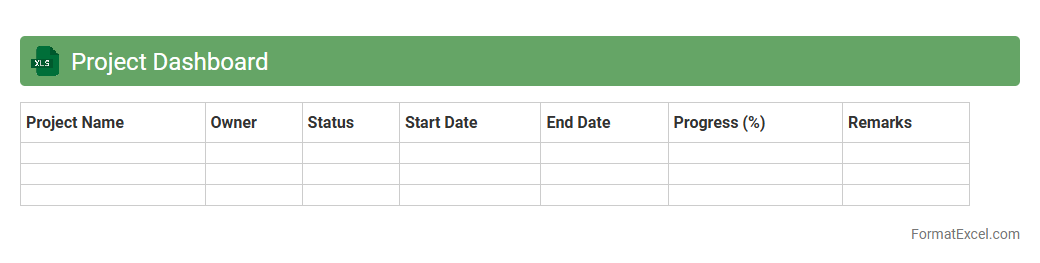
Project Dashboard Excel document is a centralized tool that consolidates key project metrics, timelines, budgets, and resource allocations into a visually intuitive format. It facilitates real-time tracking of project progress and performance indicators, enabling stakeholders to make data-driven decisions efficiently. This document enhances communication, improves project transparency, and helps in identifying risks or bottlenecks early to ensure timely project completion.
Lessons Learned
The
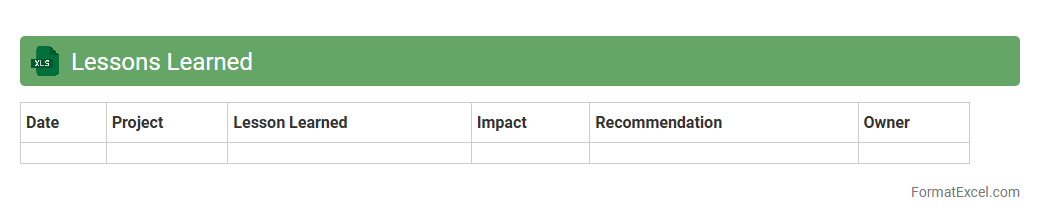
Lessons Learned Excel document is a structured spreadsheet used to capture insights, challenges, and successful strategies from completed projects or tasks. It serves as a valuable knowledge repository that helps teams avoid repeating mistakes and improve future project planning and execution. By systematically organizing feedback and experiences, this document enhances decision-making and promotes continuous improvement within organizations.
Progress Summary
A
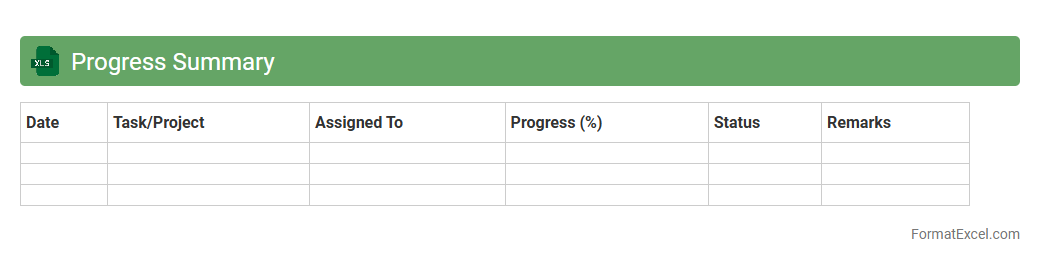
Progress Summary Excel document is a structured tool used to track and visualize the advancement of projects, tasks, or goals over time. It consolidates data such as completion percentages, deadlines, milestones, and key performance indicators (KPIs) into a clear format that supports informed decision-making. This document enhances productivity by providing teams and managers with an ongoing snapshot of performance, enabling timely adjustments and effective resource allocation.
Introduction to Project Tracker Formats in Excel
A Project Tracker Format in Excel is a structured way to monitor tasks, deadlines, and progress in project management. It helps teams organize and update project data efficiently. Utilizing Excel provides flexibility for different project types and sizes.
Benefits of Using Excel for Project Tracking
Excel offers a versatile platform for project tracking, enabling easy customization and data analysis. Its built-in functions support automation and improve accuracy in tracking. The accessibility of Excel across various devices enhances collaboration among team members.
Essential Components of an Excel Project Tracker
Key components include task descriptions, start and end dates, status updates, and assigned personnel. A clear structure with these elements allows for comprehensive project monitoring. Including a priority level helps focus on critical tasks effectively.
Setting Up a Basic Project Tracker Template
Start by defining columns for tasks, deadlines, progress percentage, and responsible persons. Use Excel tables to organize data neatly and enable filtering. A basic template sets the foundation for consistent project tracking.
Customizing Columns and Data Fields
Tailor columns to reflect project-specific requirements such as budget, risk level, or deliverable status. Custom fields provide flexibility for unique project aspects and reporting needs. Incorporating drop-down menus enhances data entry accuracy and consistency.
Best Practices for Project Tracker Formatting
Maintain clarity by using consistent font styles, colors, and alignment. Group related information and freeze panes to keep headers visible. Applying structured formatting improves readability and user experience.
Incorporating Conditional Formatting and Formulas
Conditional formatting highlights overdue tasks or priority changes automatically, improving quick assessment. Use formulas to calculate progress, deadlines, and performance metrics. The power of automation in Excel reduces manual errors and saves time.
Visualizing Project Progress with Charts
Charts such as Gantt charts, progress bars, and pie charts provide a visual summary of project status. Visual aids enhance stakeholder communication and decision-making. Integrating dynamic charts allows real-time updates with data changes.
Common Mistakes to Avoid in Excel Project Trackers
Avoid cluttered layouts, inconsistent data entry, and insufficient update frequency. Neglecting data validation can lead to inaccurate tracking and reporting. Being aware of these mistakes ensures a reliable and effective tracking system.
Downloadable Project Tracker Templates and Resources
There are numerous free and paid Excel templates available online designed for various project needs. Utilizing professionally designed templates saves time and ensures best practices. Resources often include guides to customize and optimize tracking tools.