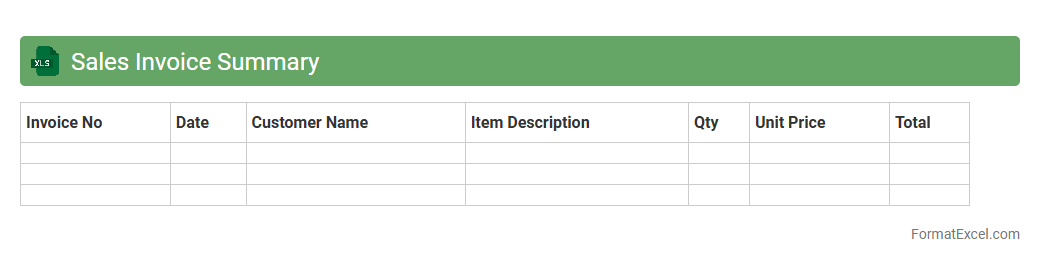
Sales Invoice Summary
A
Sales Invoice Summary Excel document consolidates all sales transactions into a clear, organized format, highlighting key details such as invoice numbers, dates, customer names, and total amounts. This summary allows businesses to quickly analyze sales performance, track outstanding payments, and generate financial reports for decision-making and tax preparation. By maintaining an accurate and accessible record, companies improve cash flow management and streamline their accounting processes.
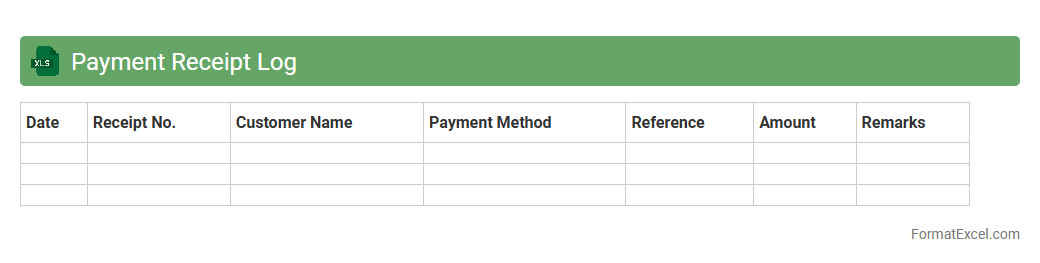
Payment Receipt Log
A
Payment Receipt Log Excel document is a structured spreadsheet used to record and track payment transactions systematically. It helps businesses and individuals maintain accurate financial records by documenting payment dates, amounts, payer details, and transaction references. This organized log improves financial accountability, simplifies reconciliation processes, and supports effective cash flow management.
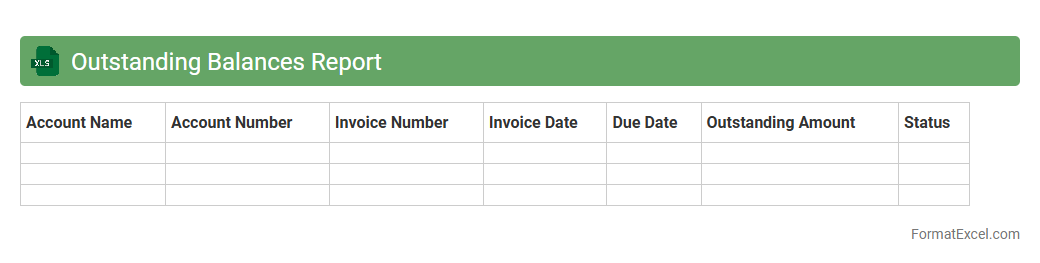
Outstanding Balances Report
The
Outstanding Balances Report Excel document compiles details of unpaid invoices, debts, or financial obligations, enabling businesses to monitor overdue amounts efficiently. This report provides a clear snapshot of customer account statuses, aiding in effective credit management and cash flow forecasting. By regularly reviewing the outstanding balances, companies can reduce payment delays and improve overall financial health.
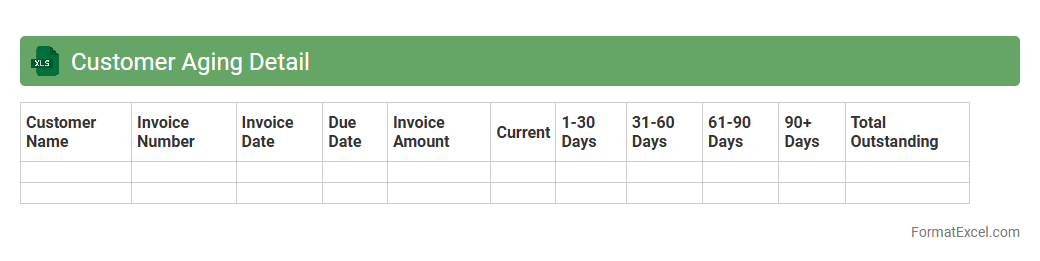
Customer Aging Detail
The
Customer Aging Detail Excel document is a detailed report that categorizes outstanding customer invoices based on the length of time they have been overdue. It helps businesses monitor accounts receivable, identify slow-paying customers, and prioritize collection efforts to improve cash flow management. By providing a clear view of overdue payments, the document supports better financial decision-making and reduces the risk of bad debts.
Credit Note Register
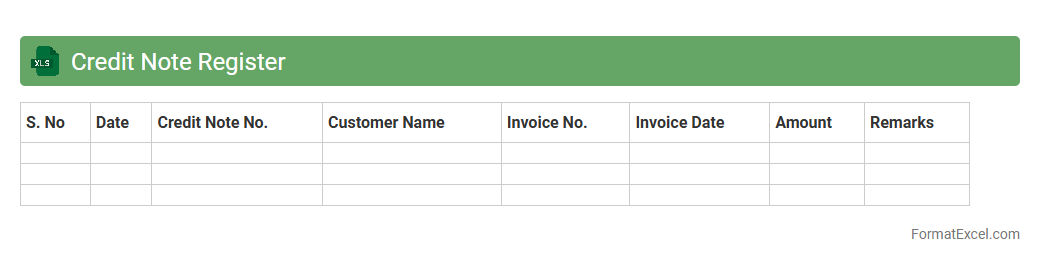
A
Credit Note Register Excel document is a structured record that tracks all issued credit notes within a business, detailing dates, amounts, customer information, and invoice references. It helps maintain accurate financial records, streamline accounts receivable management, and ensures transparency in handling customer returns or refunds. Utilizing this register improves audit readiness and supports effective cash flow monitoring.
Debit Note Register
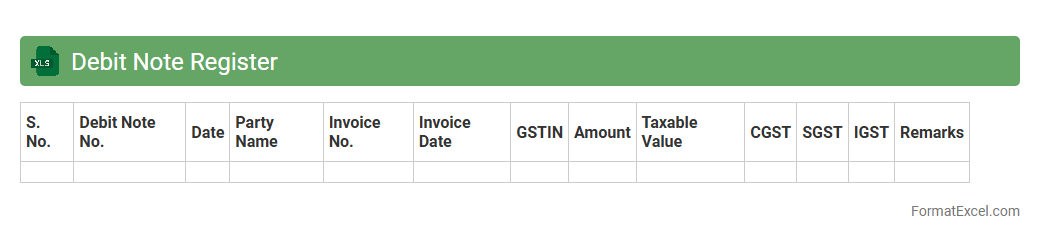
A
Debit Note Register Excel document is a structured spreadsheet used to record and monitor all debit notes issued to vendors or received from suppliers. It helps in maintaining accurate financial records by tracking discrepancies, returns, or additional charges, ensuring transparent and efficient accounting processes. This tool aids businesses in reconciling accounts payable and managing cash flow effectively.
Account Reconciliation Sheet
An
Account Reconciliation Sheet in Excel is a financial document used to match and verify balances between two sets of records, such as bank statements and company accounts. It helps identify discrepancies, errors, or fraudulent activities by providing a clear, organized comparison of transactions. This tool streamlines the auditing process, ensuring accuracy and enhancing financial control in business operations.
Monthly Statement of Account Summary
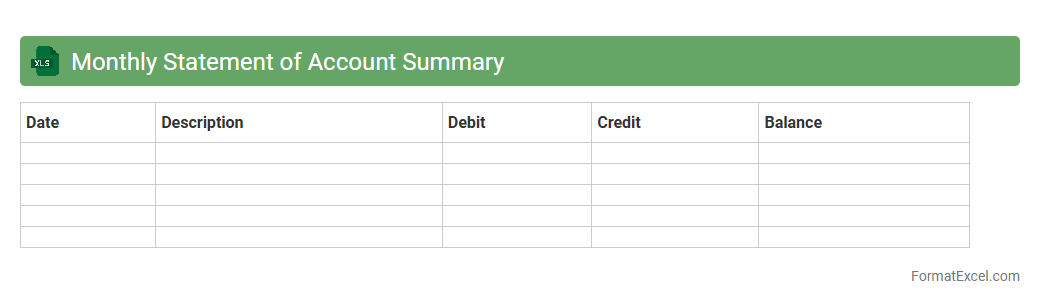
A
Monthly Statement of Account Summary Excel document consolidates all financial transactions within a specific month, providing a clear overview of debits, credits, and account balances. It streamlines financial tracking, enabling accurate budgeting, timely reconciliation, and efficient cash flow management. This document is essential for businesses and individuals to monitor account activity and ensure financial accuracy.
Transaction History List
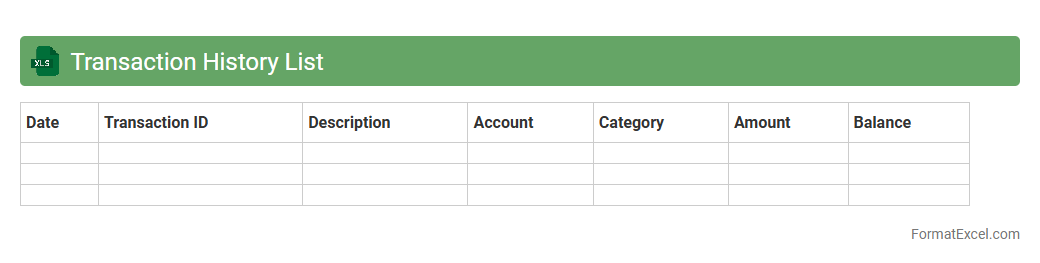
A
Transaction History List Excel document records all financial activities, including dates, amounts, and descriptions of transactions. This detailed log helps individuals and businesses track their spending, reconcile accounts, and analyze cash flow patterns for better financial management. By organizing data systematically, it enables quick access to historical financial information crucial for budgeting and auditing processes.
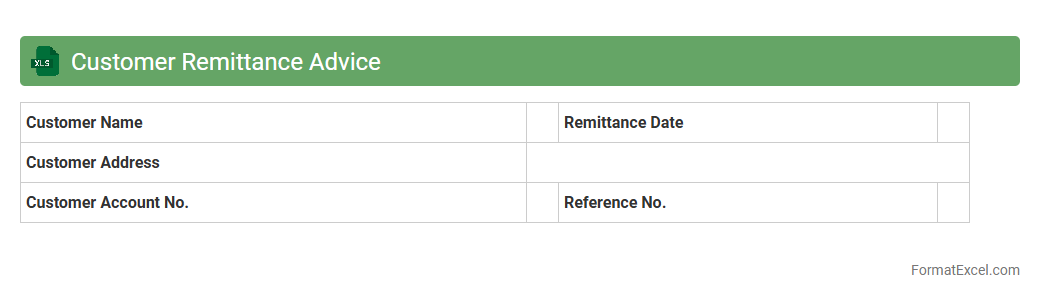
Customer Remittance Advice
A
Customer Remittance Advice Excel document is a detailed spreadsheet that records payments made by customers against invoices, facilitating accurate financial tracking and reconciliation. It helps businesses verify received payments, match them with outstanding invoices, and streamline accounts receivable processes. This document improves cash flow management and reduces errors in payment application.
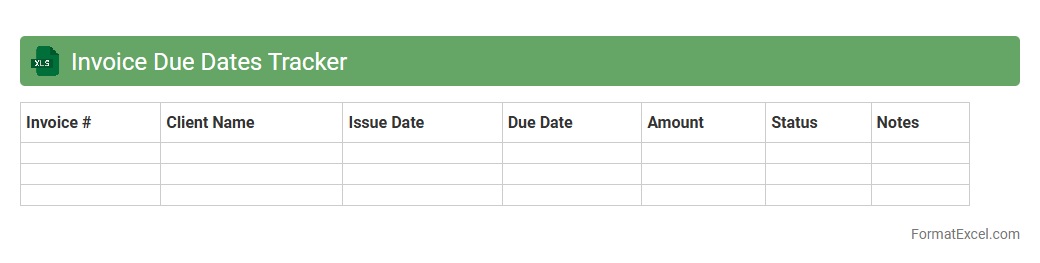
Invoice Due Dates Tracker
An
Invoice Due Dates Tracker Excel document is a tool designed to monitor and manage the payment deadlines of invoices efficiently. It helps businesses maintain cash flow by providing clear visibility into upcoming, overdue, and paid invoices, reducing the risk of missed payments or late fees. Utilizing this tracker simplifies financial management and supports timely communication with clients or vendors.
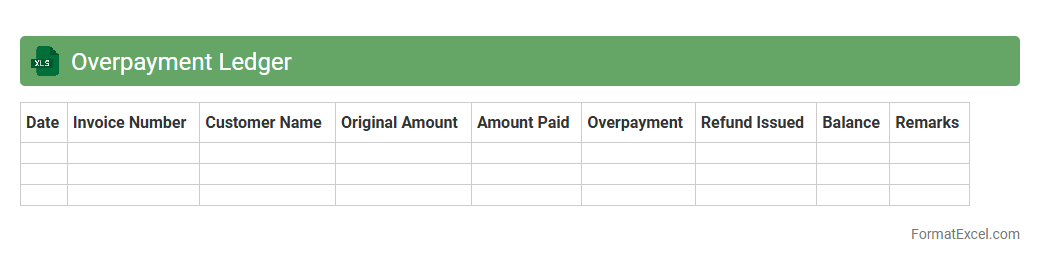
Overpayment Ledger
An
Overpayment Ledger Excel document is a detailed financial record that tracks instances where payments exceed the amount owed, helping businesses identify and reconcile excess funds. It streamlines the process of managing overpayments by providing clear visibility into individual transactions, dates, and payer details. This tool is essential for improving cash flow management, preventing financial discrepancies, and ensuring accurate accounting practices.
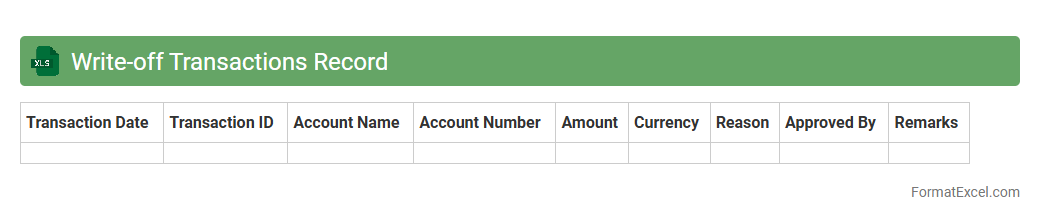
Write-off Transactions Record
The
Write-off Transactions Record Excel document systematically tracks financial entries where debts or receivables are officially declared uncollectible and removed from accounting books. This record enhances accuracy in financial reporting by ensuring that write-offs are documented, facilitating compliance with accounting standards and audit requirements. It also aids businesses in monitoring trends in uncollectible amounts to improve credit policies and manage cash flow effectively.
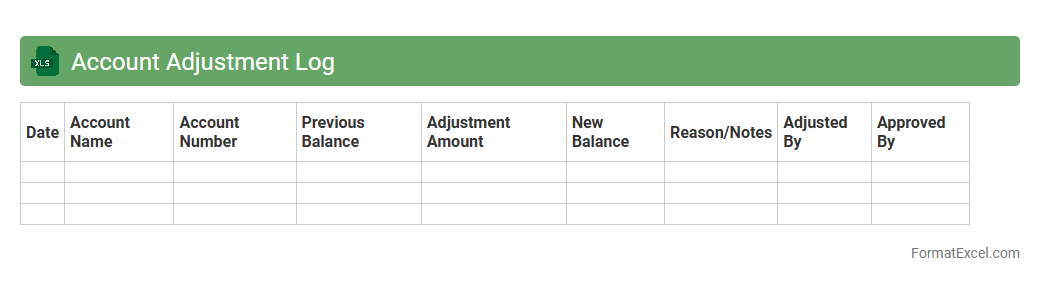
Account Adjustment Log
The
Account Adjustment Log Excel document is a detailed record that tracks all modifications made to financial accounts, including corrections, reallocations, and reconciliations. It provides transparency and accuracy by documenting the date, amount, reason, and responsible party for each adjustment, facilitating audit trails and compliance checks. This log is essential for maintaining accurate financial statements and supports effective financial management by ensuring all account changes are systematically recorded and easily reviewed.
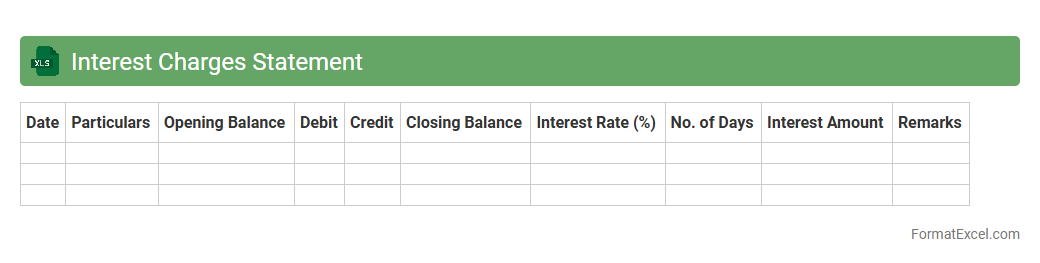
Interest Charges Statement
An
Interest Charges Statement Excel document details the calculation of interest fees over a specified period, breaking down principal amounts, interest rates, and due dates. It is useful for accurately tracking and managing loan or credit card interest expenses, helping users monitor outstanding balances and forecast future payments. The structured format aids in financial planning, budgeting, and ensuring timely payments to avoid penalties.
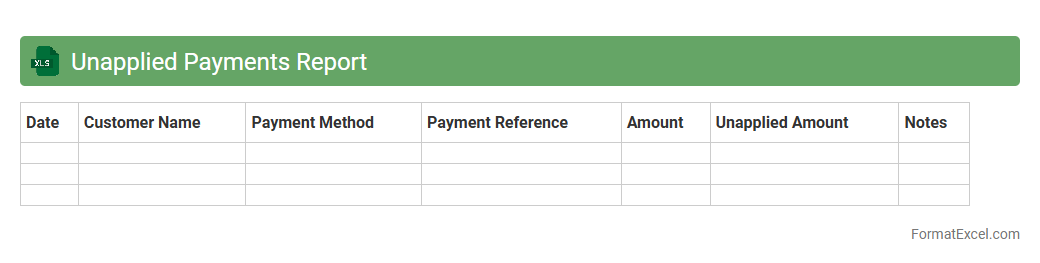
Unapplied Payments Report
The
Unapplied Payments Report Excel document lists customer payments that have not been matched to any invoices, helping businesses identify outstanding unapplied funds. This report enables finance teams to quickly reconcile accounts, improve cash flow management, and reduce discrepancies in accounts receivable. Utilizing this document streamlines the process of resolving payment issues, ensuring accurate financial records and timely customer communication.
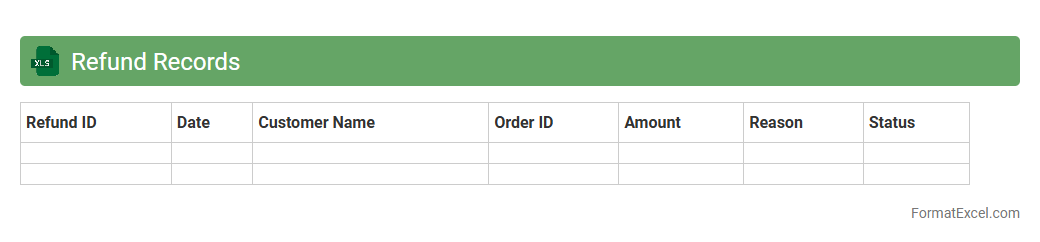
Refund Records
A
Refund Records Excel document is a structured spreadsheet used to track and manage customer refunds efficiently by recording transaction details such as dates, refund amounts, and payment methods. It helps businesses monitor refund trends, identify discrepancies, and maintain accurate financial records for audits and reporting purposes. Utilizing this document improves transparency and streamlines the refund process, enhancing customer satisfaction and operational accuracy.
Partial Payment Tracking Sheet
A
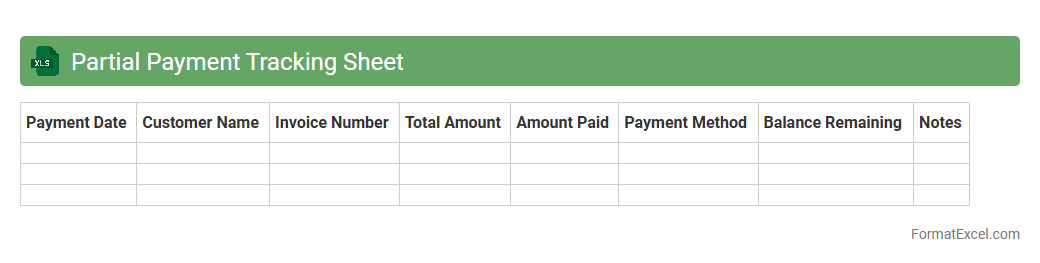
Partial Payment Tracking Sheet in Excel is a specialized document designed to monitor and manage installment payments efficiently. It helps businesses and individuals keep accurate records of outstanding balances, payment dates, and amounts received, ensuring financial transparency and accountability. This tool streamlines the tracking process, reduces errors, and enhances cash flow management by providing clear visibility into payment progress.
Invoice Dispute Register
An
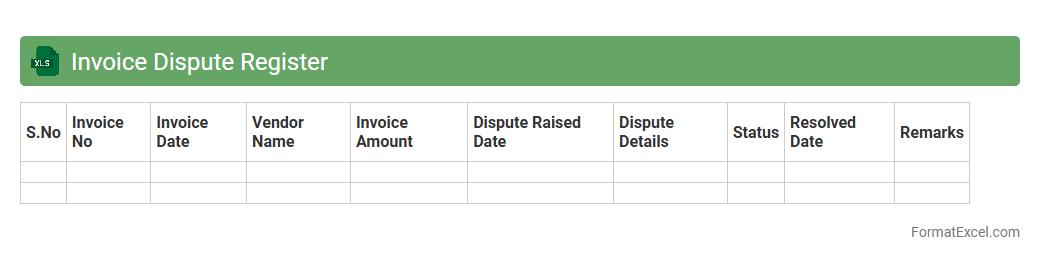
Invoice Dispute Register Excel document is a structured tool used to track and manage discrepancies or disagreements related to invoices between a company and its vendors or clients. It helps maintain a clear record of each dispute's status, including details such as invoice numbers, dispute reasons, involved parties, and resolution timelines. This organized approach improves financial accuracy, accelerates dispute resolution, and enhances communication across departments, leading to better cash flow management and stronger business relationships.
Customer Account Master List
The
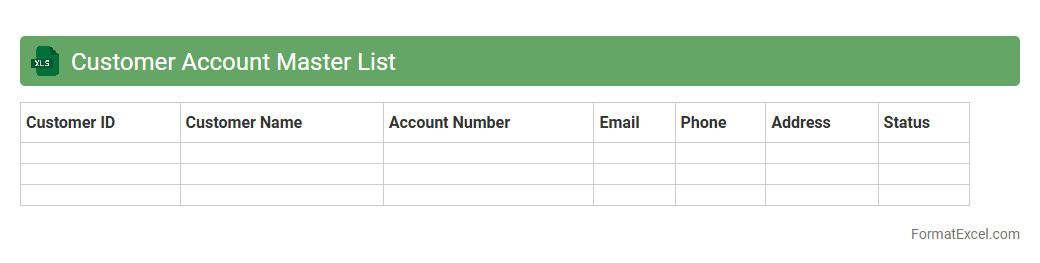
Customer Account Master List Excel document is a comprehensive spreadsheet that consolidates all customer account information in one place. It helps businesses efficiently manage and track customer details, transaction histories, and contact information, enabling better customer relationship management and data accuracy. Using this document streamlines communication, improves decision-making, and supports targeted marketing strategies.
Client-wise Account Summary
The
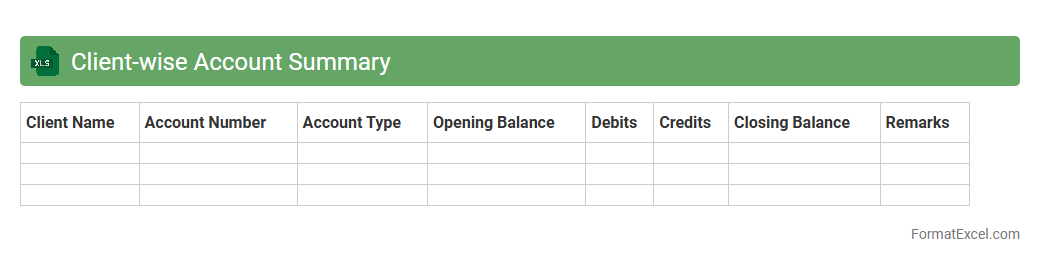
Client-wise Account Summary Excel document organizes financial transactions and balances by individual clients, enabling precise tracking of payments, outstanding dues, and credit limits. It helps businesses streamline account management, improve cash flow monitoring, and enhance client relationship by providing clear visibility into each client's financial status. This document supports informed decision-making and timely follow-ups, reducing errors and enhancing overall financial efficiency.
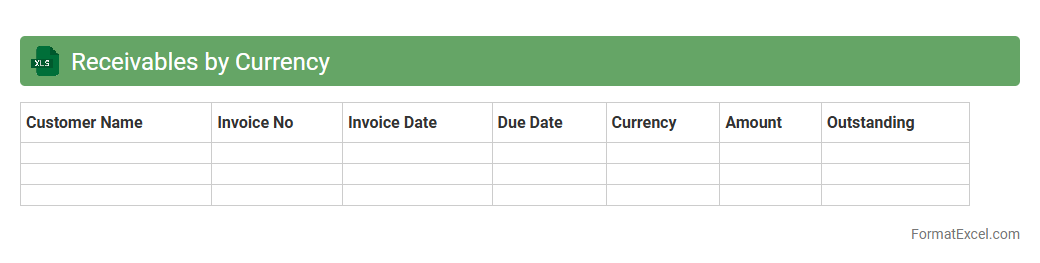
Receivables by Currency
The
Receivables by Currency Excel document organizes outstanding invoices and payments according to different currencies, providing a clear overview of international receivables. This tool enables businesses to monitor exchange rate risks, track payments from global clients efficiently, and improve cash flow forecasting. By consolidating currency-specific receivables data, companies can optimize financial reporting and make informed decisions about currency exposure management.
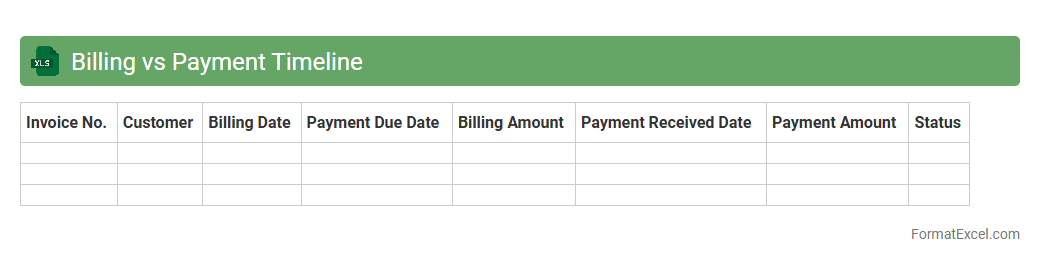
Billing vs Payment Timeline
The
Billing vs Payment Timeline Excel document tracks the chronological order of invoices issued and corresponding payments received, enabling clear visualization of cash flow and outstanding balances. This tool helps organizations monitor payment delays, improve financial forecasting, and enhance account receivables management. By comparing billing dates with payment dates, businesses can identify trends and optimize their credit policies effectively.
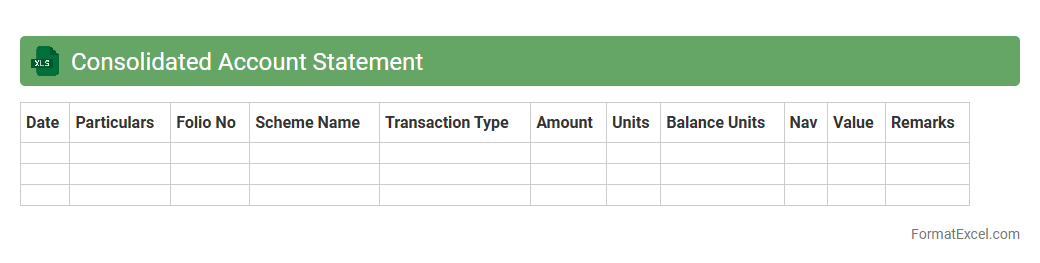
Consolidated Account Statement
A
Consolidated Account Statement Excel document compiles all financial transactions and holdings across multiple investment accounts into a single, organized spreadsheet. This document allows investors to easily track and analyze their portfolio performance, asset allocation, and transaction history without logging into each individual account. It enhances financial planning and decision-making by providing a comprehensive, clear overview of investments in one accessible format.
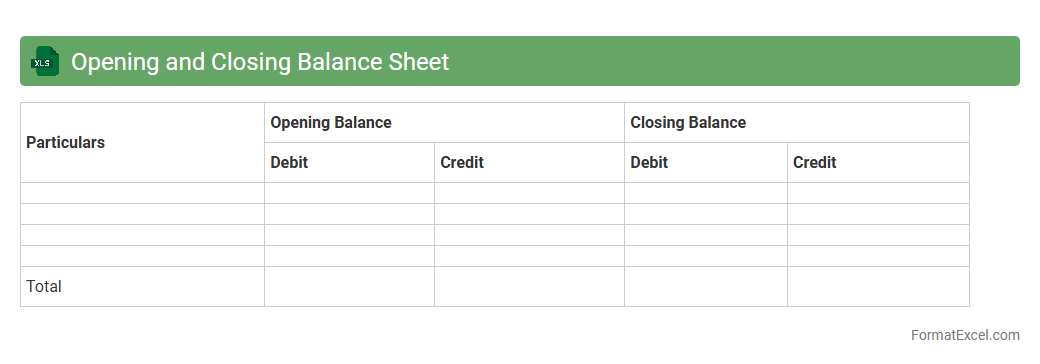
Opening and Closing Balance Sheet
An
Opening and Closing Balance Sheet Excel document is a financial tool that records the company's assets, liabilities, and equity at the beginning and end of an accounting period. This document is useful for tracking financial position changes, ensuring accuracy in accounting records, and aiding in financial analysis and decision making. Businesses rely on it to monitor growth, manage resources efficiently, and comply with regulatory requirements.
Introduction to Statement of Account in Excel
A Statement of Account in Excel is a detailed record showing the transactions between a business and its customer. It helps track invoices, payments, and outstanding balances efficiently. Using Excel provides flexibility and ease in managing financial data accurately.
Key Components of a Statement of Account
The essential components include customer information, transaction dates, invoice numbers, debit and credit entries, and balances. These elements ensure transparency and clarity in financial dealings. Proper organization of these parts is vital for effective account management.
Importance of Standardized Account Statements
Standardized account statements promote consistency and professionalism in financial reporting. They facilitate easier audits and help maintain trust with clients. Uniform formatting also simplifies data comparison across multiple periods.
Essential Columns for Statement of Account Format
Critical columns to include are Date, Description, Invoice Number, Debit, Credit, and Running Balance. Each column provides specific insights necessary for tracking transactions. Accurate column setup enables automated calculations and reporting.
Step-by-Step Guide to Creating the Format in Excel
Begin by setting up headers for each essential column and formatting cells for dates and currency. Next, input sample data to visualize the layout. Use Excel functions such as SUM and IF to automate balance calculations effectively.
Tips for Automating Calculations and Totals
Utilize formulas like SUM, SUMIF, and cell references to automate totals and running balances. Conditional formatting can highlight overdue payments or errors. Automation minimizes manual errors and saves valuable time.
Sample Statement of Account Excel Template
A sample template includes predefined headers, formulas, and formatting styles for instant use. It serves as a practical starting point for customizing your account statements. Templates ensure consistency and reduce setup time.
Best Practices for Data Accuracy and Security
Ensure data accuracy by double-checking inputs and using data validation tools in Excel. Protect sensitive information with password protection and restricted access. Regular backups help prevent data loss or corruption.
Common Mistakes to Avoid in Excel Statement Design
Avoid cluttered layouts, inconsistent formatting, and missing transaction details. Do not rely solely on manual entry without formulas to reduce errors. Regularly review and update your statements to maintain accuracy.
Downloadable Statement of Account Excel Format
Many websites offer downloadable Excel formats that are customizable and user-friendly. These can be adapted to different business needs and help streamline financial processes. Always choose reputable sources for downloadable files to ensure safety.