Fund Flow Statement Overview
A
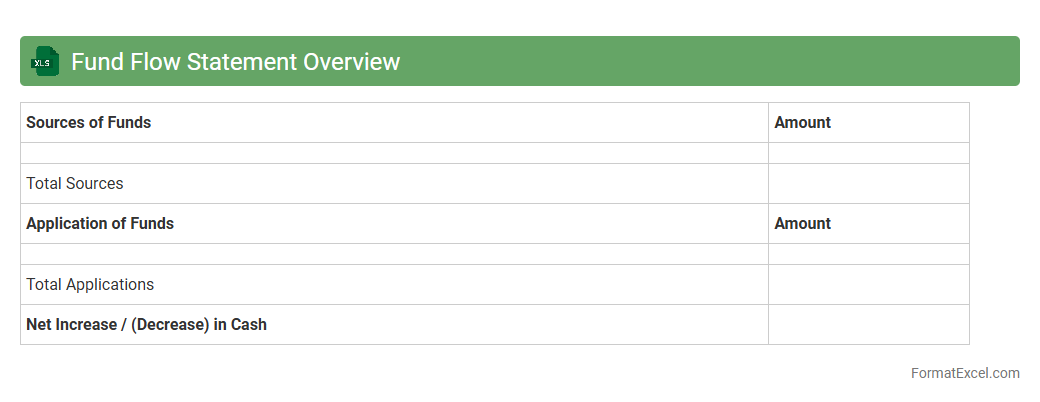
Fund Flow Statement Overview Excel document tracks the movement of funds within a business, highlighting sources and uses of capital over a specific period. It helps managers and investors analyze changes in working capital, assess financial stability, and make informed decisions. This tool simplifies complex financial data, enabling efficient monitoring of liquidity and funding strategies.
Sources of Funds
A
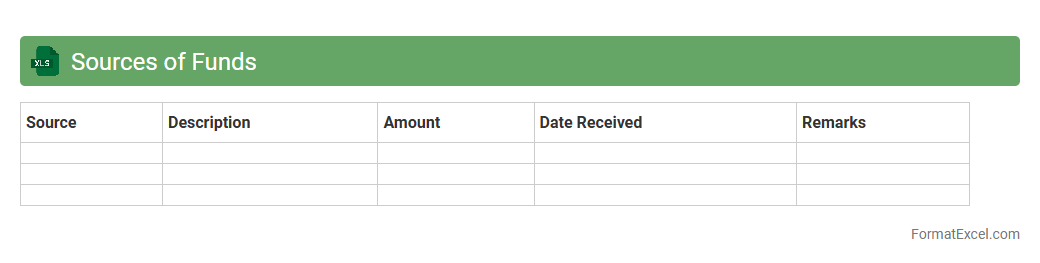
Sources of Funds Excel document organizes and tracks the various origins of funding for a project or organization, detailing contributions from investors, loans, grants, and internal reserves. It helps maintain financial transparency by providing a clear overview of capital inflow, supporting effective budget management and financial planning. This tool is essential for monitoring liquidity, ensuring compliance with funding agreements, and facilitating strategic decision-making.
Application of Funds
An
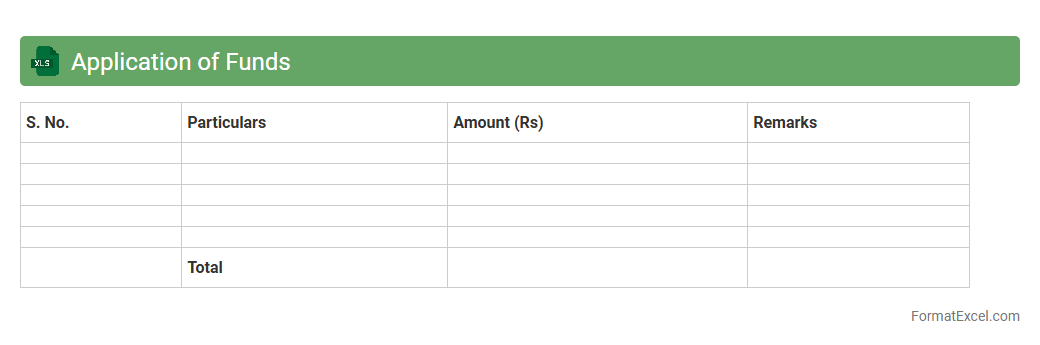
Application of Funds Excel document tracks the allocation and utilization of financial resources within a project or organization, providing detailed insights into where funds are spent. It enables efficient budget management by allowing users to monitor expenses, forecast cash flow needs, and ensure funds are used according to planned objectives. This tool enhances financial transparency and supports informed decision-making for better resource allocation and project success.
Schedule of Changes in Working Capital
A
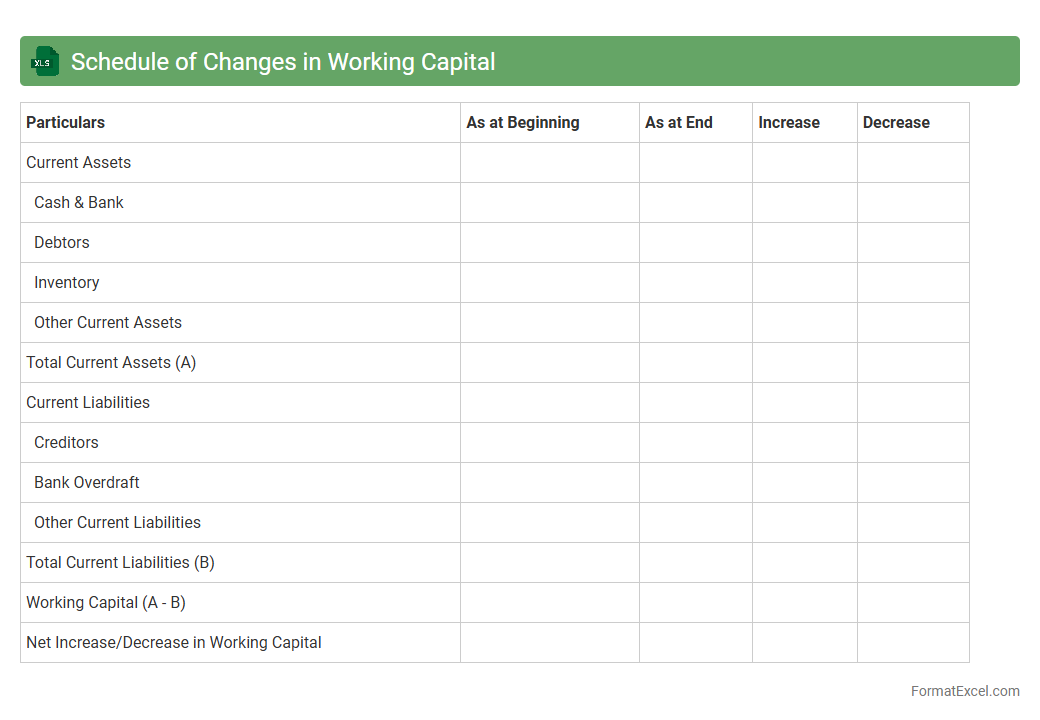
Schedule of Changes in Working Capital Excel document tracks fluctuations in current assets and current liabilities, providing a detailed view of short-term financial health. It helps businesses analyze cash flow patterns by identifying how changes in inventory, receivables, and payables impact available working capital. This schedule is essential for managing liquidity, improving operational efficiency, and supporting accurate cash flow forecasting.
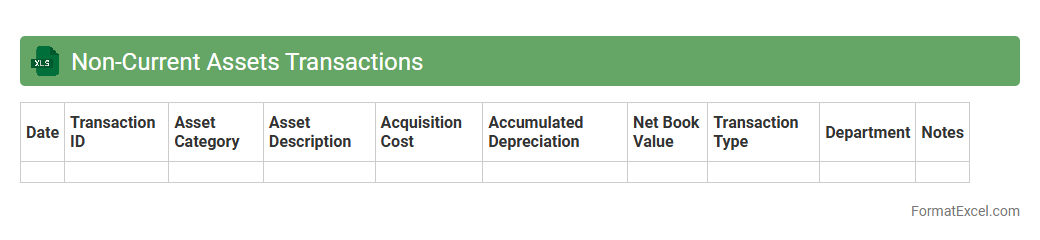
Non-Current Assets Transactions
The
Non-Current Assets Transactions Excel document is a detailed record of all purchases, disposals, and depreciation entries related to long-term assets such as property, plant, and equipment. It helps organizations track the historical cost, accumulated depreciation, and net book value, providing accurate financial insights for asset management and reporting purposes. This document is essential for ensuring compliance with accounting standards and facilitating informed decision-making regarding capital investments and asset lifecycle management.
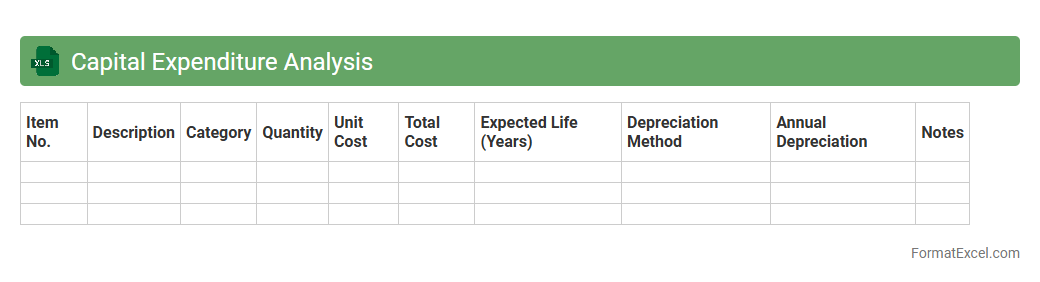
Capital Expenditure Analysis
Capital Expenditure Analysis Excel document is a powerful tool designed to systematically evaluate and manage long-term investment projects by tracking costs, forecasting cash flows, and calculating key financial metrics such as net present value (NPV) and internal rate of return (IRR). Its structured format enables businesses to make informed decisions about asset purchases, infrastructure upgrades, and capacity expansion by providing clear insights into the potential returns and risks associated with capital investments. Using this
Capital Expenditure Analysis tool enhances financial planning accuracy, optimizes resource allocation, and supports strategic growth initiatives.
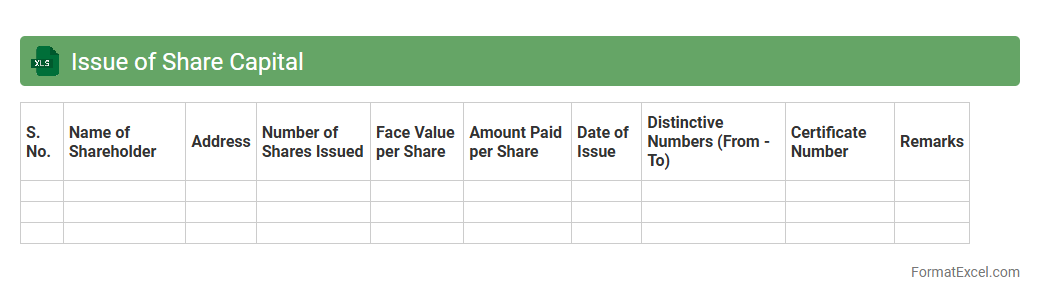
Issue of Share Capital
The
Issue of Share Capital Excel document is a financial tool designed to track and manage the allocation of shares issued by a company to its investors. It helps businesses maintain accurate records of shareholder equity, the number of shares issued, and the corresponding capital raised during financing rounds. This document is essential for transparent financial reporting, facilitating compliance with regulatory requirements, and making informed decisions regarding company ownership and capital structure.
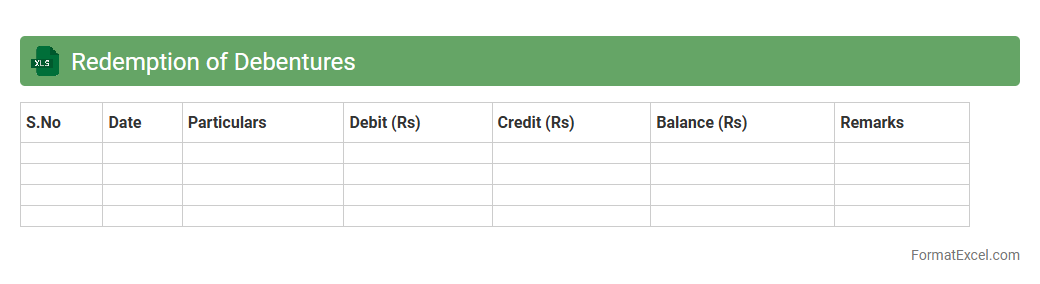
Redemption of Debentures
A
Redemption of Debentures Excel document is a specialized financial tool designed to track and manage the repayment schedule of debentures issued by a company. It helps in calculating interest payments, principal repayments, and due dates, ensuring accurate and timely redemption processes. This document is useful for investors and financial managers to maintain transparency, monitor cash flow requirements, and comply with debt servicing obligations efficiently.
Increase in Long-Term Loans
The
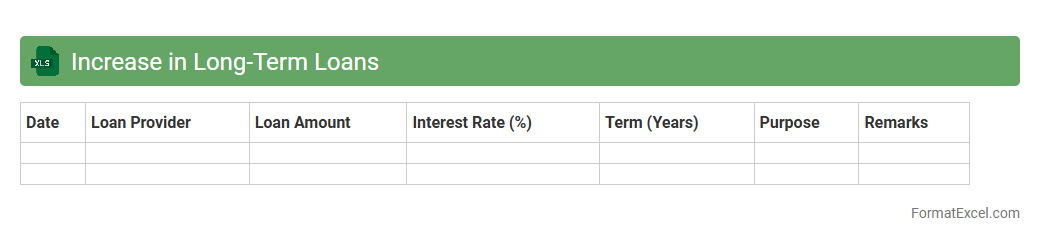
Increase in Long-Term Loans Excel document tracks the rise in borrowed funds with repayment periods extending beyond one year, providing clear visibility into a company's financing structure. It helps businesses analyze loan trends, forecast interest obligations, and assess the impact on cash flow and financial stability. This tool is essential for financial planning, risk management, and informed decision-making regarding debt management strategies.
Decrease in Fixed Assets
A
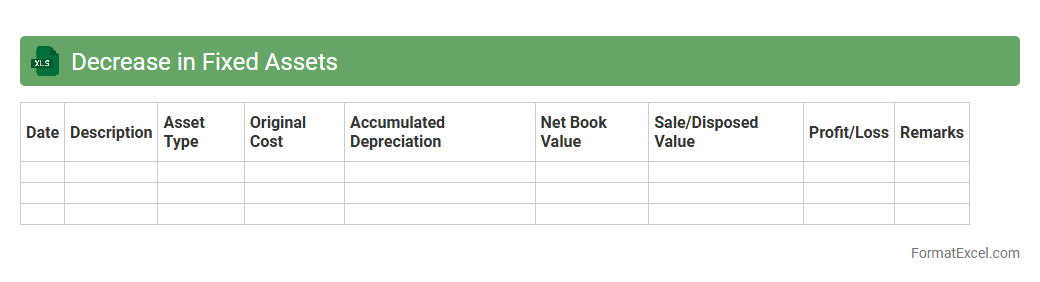
Decrease in Fixed Assets Excel document tracks reductions in a company's long-term tangible assets, such as equipment, buildings, or machinery, due to sales, disposals, or depreciation. This document is essential for accurate financial reporting and helps businesses assess asset management efficiency and update balance sheets accordingly. By analyzing this data, companies can make informed decisions on asset replacement, maintenance budgets, and capital expenditure planning.
Repayment of Long-Term Loans
A
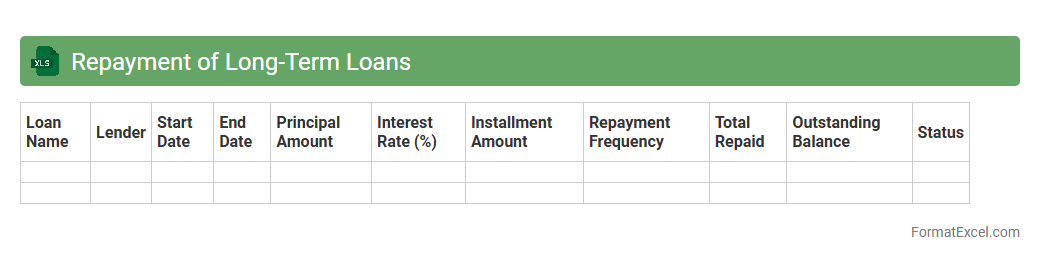
Repayment of Long-Term Loans Excel document is a financial tool designed to track and manage loan repayment schedules by calculating principal and interest payments over time. It helps individuals and businesses maintain accurate records, forecast cash flow, and ensure timely payments, ultimately improving financial planning and avoiding penalties. By providing a clear overview of outstanding balances and payment deadlines, this document supports effective debt management and strategic decision-making.
Acquisition of Investments
The
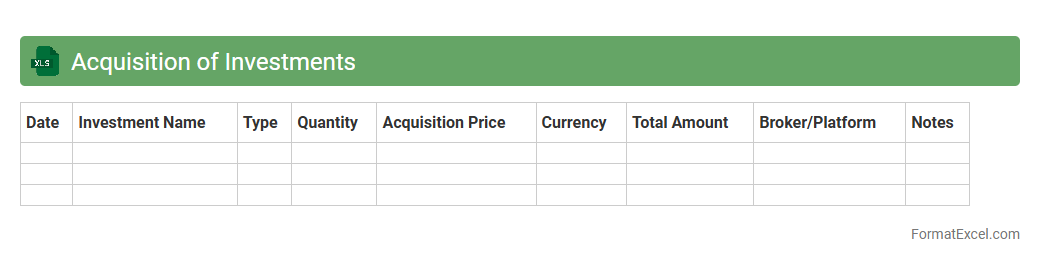
Acquisition of Investments Excel document is a financial tool designed to track and manage the purchase of investment assets, including stocks, bonds, and real estate. It helps users monitor acquisition costs, dates, quantities, and associated fees, providing clear insights into investment performance and portfolio growth. This document streamlines data organization, enhances decision-making, and ensures accurate record-keeping for both individual investors and financial professionals.
Sale of Fixed Assets
A
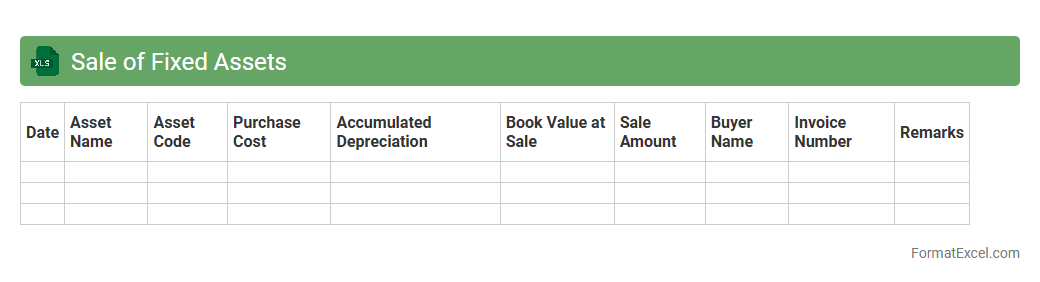
Sale of Fixed Assets Excel document is a spreadsheet designed to track and record the disposal or sale transactions of company-owned fixed assets such as machinery, vehicles, or property. It helps in calculating gains or losses on sales by comparing the sale price with the asset's book value, facilitating accurate financial reporting and tax compliance. This document streamlines asset management, improves decision-making regarding asset disposal, and ensures proper documentation for audits.
Depreciation Adjustments
The
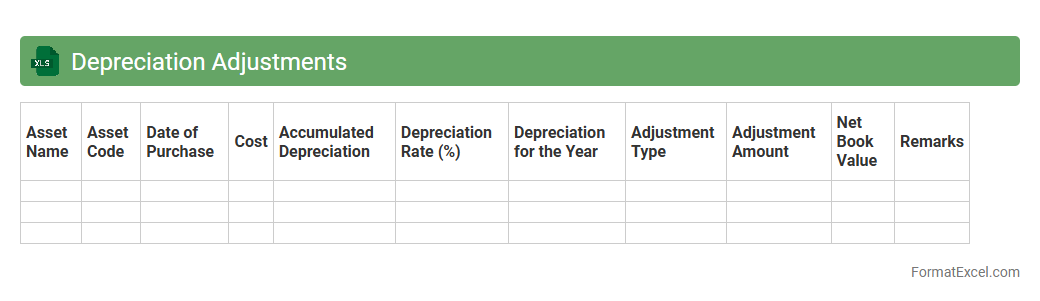
Depreciation Adjustments Excel document is a financial tool designed to track and calculate changes in asset depreciation over time. It helps businesses maintain accurate records of asset values, ensuring compliance with accounting standards and improving financial reporting accuracy. Using this document enables efficient management of asset lifecycles, budgeting for replacements, and optimizing tax deductions.
Dividend Paid
A
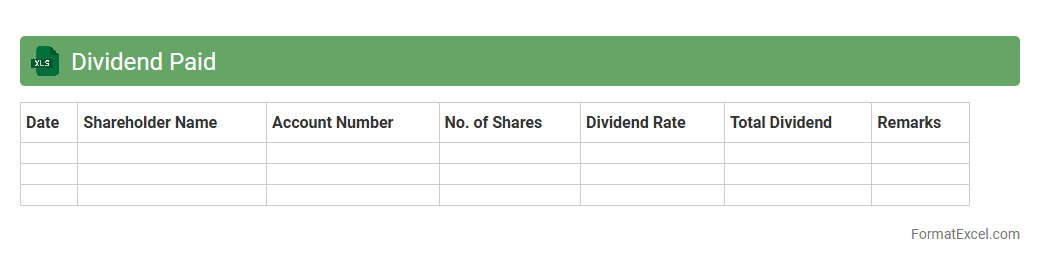
Dividend Paid Excel document tracks the distribution of earnings by a company to its shareholders, detailing payment dates, amounts, and shareholder information. It helps investors monitor their income from investments and analyze dividend trends for better financial planning. Accurate records within this document support tax reporting and portfolio management efficiency.
Provision for Taxation
A
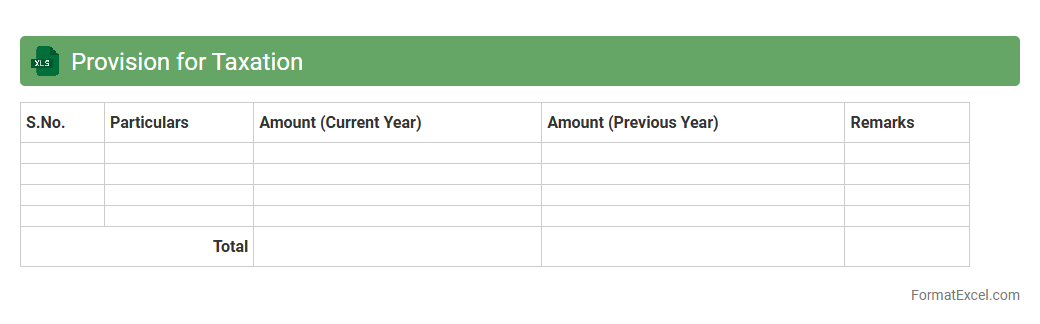
Provision for Taxation Excel document is a structured spreadsheet designed to calculate and record anticipated tax liabilities based on current financial data and tax regulations. It helps businesses accurately estimate their tax expenses, ensuring compliance and aiding in cash flow management by setting aside sufficient funds for future tax payments. This document facilitates better financial planning, risk assessment, and timely tax filing, minimizing errors and potential penalties.
Operating Profits Before Working Capital Changes
An
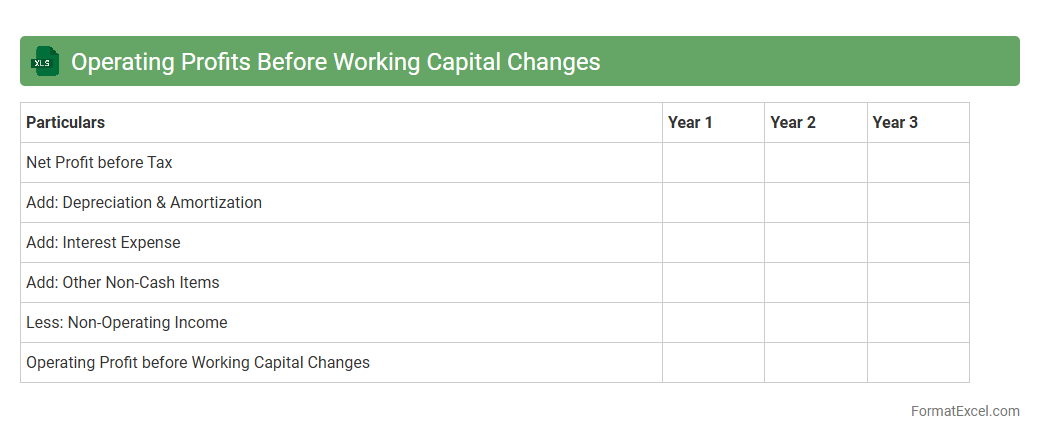
Operating Profits Before Working Capital Changes Excel document calculates a company's earnings from its core business operations before adjustments for changes in current assets and liabilities. This financial metric helps analysts and managers assess operational efficiency by isolating profit from routine activities, excluding the impact of cash flow fluctuations caused by inventory, receivables, or payables. Using this document facilitates more accurate forecasting and decision-making by providing a clear picture of sustainable operating profitability.
Net Profit Adjustment
The
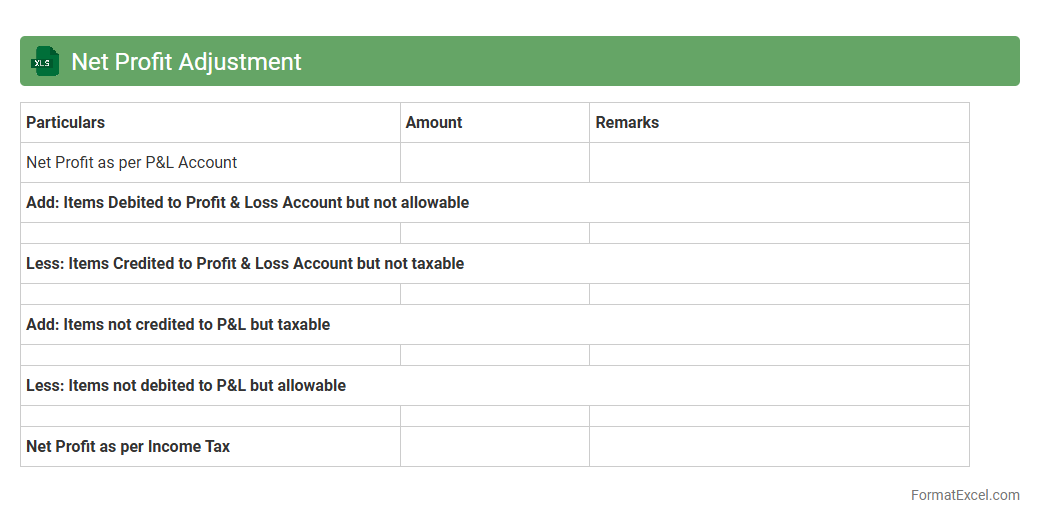
Net Profit Adjustment Excel document is a financial tool designed to reconcile discrepancies between reported net profit and actual cash flow by accounting for non-cash expenses, extraordinary items, and accounting adjustments. It enables businesses to accurately assess their profitability, make informed budgeting decisions, and prepare more precise financial statements. Utilizing this document improves financial transparency and aids in strategic planning by reflecting the true economic performance of the company.
Items Not Affecting Funds
The
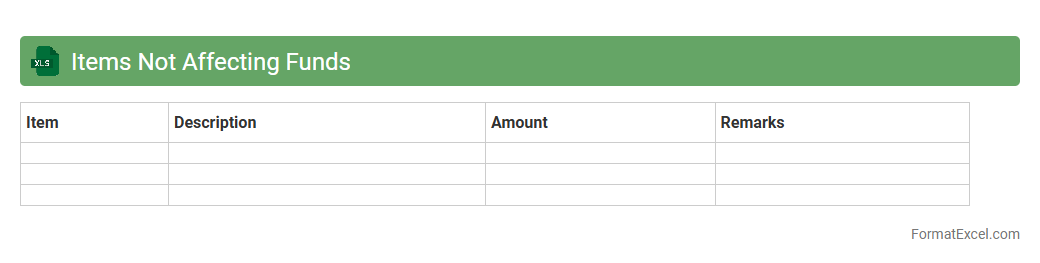
Items Not Affecting Funds Excel document tracks transactions or entries that do not impact the actual cash flow or fund balances, such as accrued expenses, depreciation, or internal transfers. This tool is useful for organizations to maintain accurate financial statements by clearly distinguishing between cash-based activities and non-cash adjustments. By using this document, businesses can enhance transparency, improve budgeting accuracy, and ensure compliance with accounting standards.
Opening and Closing Balance Sheet Comparison
The
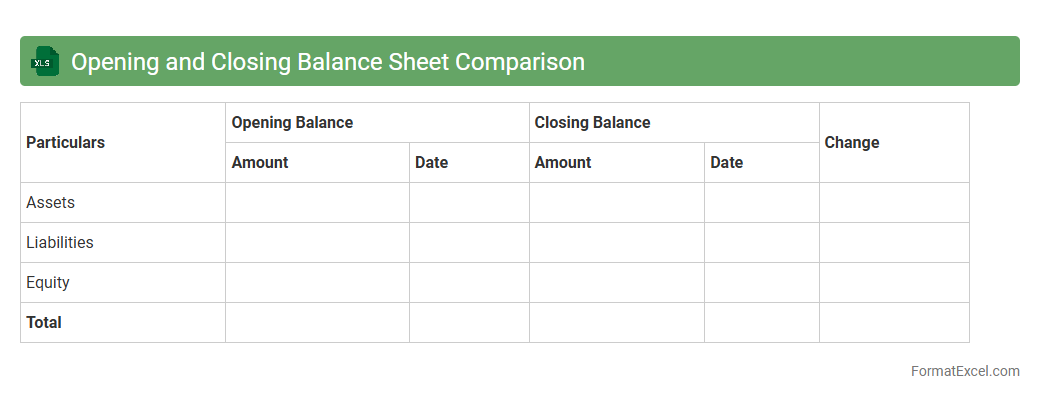
Opening and Closing Balance Sheet Comparison Excel document systematically tracks changes between the beginning and end of a financial period, highlighting variations in assets, liabilities, and equity. This tool aids financial analysts and accountants in identifying trends, discrepancies, and areas requiring attention for better fiscal management. It enhances decision-making by providing a clear, organized view of financial position shifts over time.
Statement of Cash Inflow
A
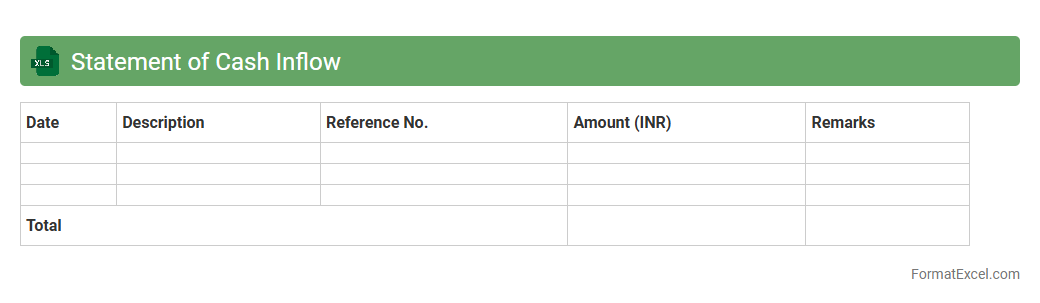
Statement of Cash Inflow Excel document tracks all incoming cash transactions, enabling businesses to monitor liquidity and manage finances effectively. This spreadsheet organizes cash receipts from sales, investments, and financing activities, providing clear insights into cash availability. Utilizing this document enhances financial planning, aids in budgeting, and supports informed decision-making by highlighting cash flow patterns.
Statement of Cash Outflow
A
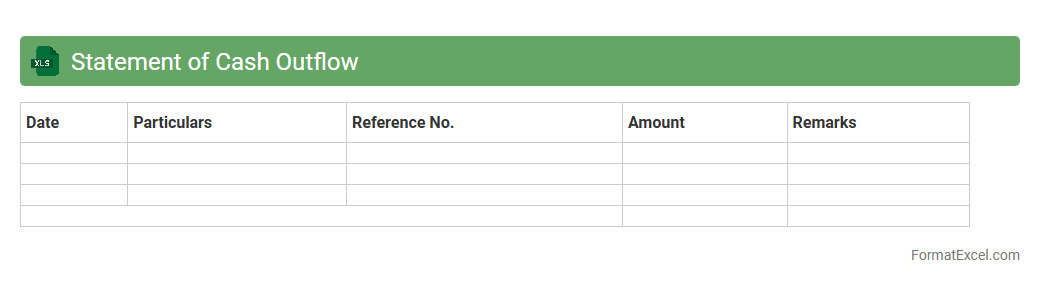
Statement of Cash Outflow Excel document tracks all cash payments made by a business, categorizing expenses such as operating costs, capital expenditures, and debt repayments. This detailed record helps in analyzing cash flow patterns, ensuring liquidity management, and supporting accurate financial forecasting. Using this tool, companies can make informed decisions to optimize spending and maintain financial stability.
Net Increase in Working Capital
The
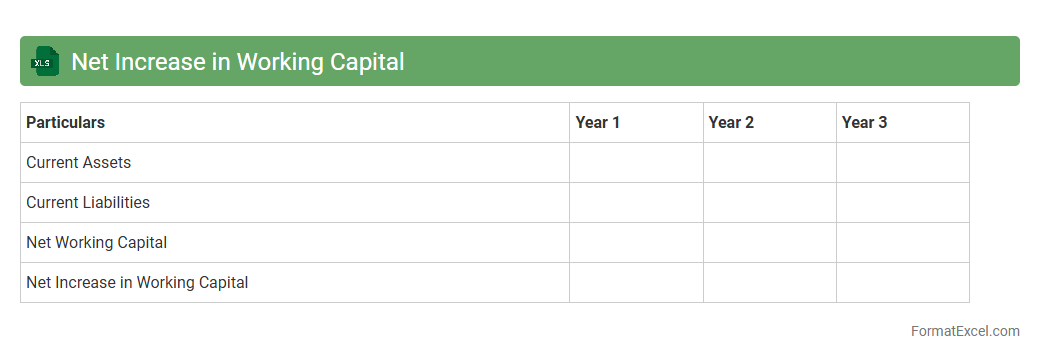
Net Increase in Working Capital Excel document calculates the change in current assets minus current liabilities over a specific period, helping businesses assess liquidity and operational efficiency. By accurately tracking cash flow components like accounts receivable, inventory, and payables, this tool provides crucial insights into how working capital adjustments impact overall financial health. It serves as a foundational element for budgeting, forecasting, and making informed decisions to optimize cash management and sustain business growth.
Funds from Operations
A
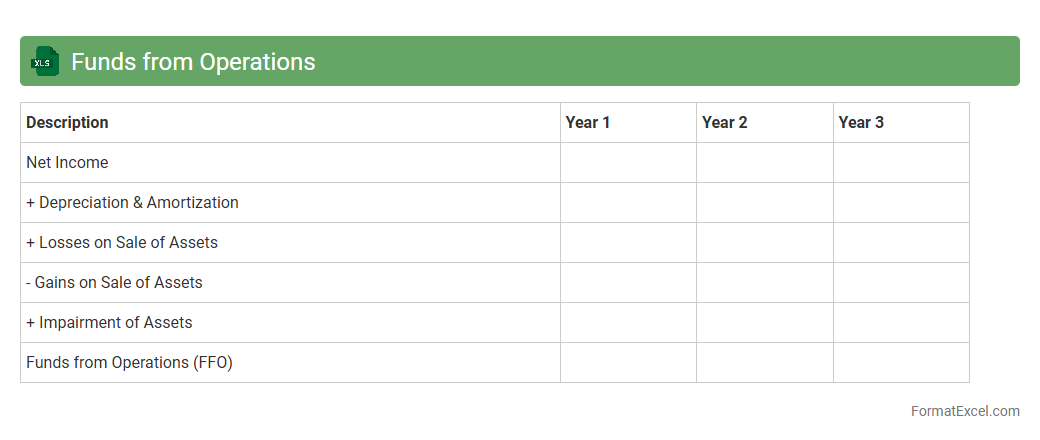
Funds from Operations (FFO) Excel document is a financial tool used to calculate and analyze the cash generated by real estate investment trusts (REITs), excluding depreciation and gains or losses from property sales. It provides investors and analysts with a clear view of operational performance by focusing on recurring income streams, which helps in assessing the sustainability of dividends and overall financial health. This document facilitates accurate forecasting, budgeting, and comparison across different periods or REITs, making it essential for informed investment decisions.
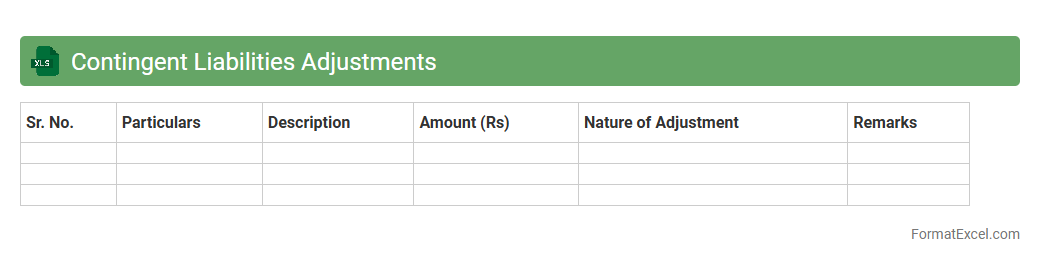
Contingent Liabilities Adjustments
The
Contingent Liabilities Adjustments Excel document serves as a comprehensive tool to identify, track, and adjust potential liabilities that may arise from uncertain future events impacting a company's financial position. It enables accurate forecasting, risk assessment, and compliance with accounting standards by systematically recording changes and updating estimates of contingent obligations. This document is essential for improving financial transparency and supporting strategic decision-making through better risk management.
Introduction to Fund Flow Statement
The Fund Flow Statement is a financial document that shows the movement of funds between various accounts over a specific period. It helps in understanding how the working capital has changed and where funds are sourced and applied. This statement provides valuable insights into the company's financial health.
Importance of Fund Flow Analysis
Fund Flow Analysis aids in assessing the liquidity position and financial stability of a business. It highlights the sources and uses of funds which helps in planning and managing cash effectively. This analysis is crucial for making informed investment and financing decisions.
Key Components of Fund Flow Statement
The main components include the Schedule of Changes in Working Capital, Sources of Funds, and Application of Funds. Each section provides detailed information on how funds have been generated and utilized. Understanding these components is essential for accurate financial reporting.
Step-by-Step Format of Fund Flow Statement in Excel
The format begins with listing changes in working capital, followed by identifying sources and uses of funds. Using Excel's structured rows and columns allows for clear tracking and calculations. This step-by-step approach ensures precision and ease of analysis.
Preparing the Schedule of Changes in Working Capital
This schedule calculates changes in current assets and liabilities, reflecting the net change in working capital. It is the foundation for the fund flow statement and helps in pinpointing areas of fund consumption or generation. Accurate data entry here is critical for the overall statement.
Creating the Sources of Funds Section
The Sources of Funds section lists all financing inflows such as profits, loans, and asset sales. These represent where the company has obtained funds during the period. Clear categorization in Excel improves clarity and usability of data.
Outlining the Application of Funds
This part details the uses or outflows of funds including investments, loan repayments, and expenses. It helps to understand how the company has employed its funds to support operations and growth. Balanced formatting in Excel enhances readability and analysis.
Essential Excel Formulas for Fund Flow Statement
Utilize formulas like SUM, IF, and VLOOKUP for efficient data calculation and referencing. These Excel formulas reduce errors and automate subtotaling in the statement. Mastering these functions streamlines preparation and updates.
Sample Fund Flow Statement Template in Excel
A sample template provides a structured layout with predefined sections for inputting data and automatic calculations. This template saves time and ensures consistency in reporting. Access to a ready-made Excel template simplifies the fund flow statement creation process.
Common Mistakes in Fund Flow Statement Preparation
Avoid errors such as incorrect data input, omission of working capital changes, and improper categorization of sources and applications. These mistakes can distort the financial picture and mislead decision-makers. Attention to detail is crucial for an accurate fund flow statement.